


Hero image 0 of FS3-P USB Foot Pedal Control Keyboard Mouse For Computer PC Games Testing, 0 of 10
FS3-P USB Foot Pedal Control Keyboard Mouse For Computer PC Games Testing
(No ratings yet)
Key item features
- FS3-P USB Foot Pedal Control Keyboard Mouse For Computer PC Games Testing
- FS3-P USB Foot Pedal Control Keyboard Mouse For Computer PC Laptop Multiple Used In Playing Games Factory Testing
- USB Foot Pedal Control Keyboard Mouse For Computer PC Laptop Multiple Foot Pedals Used In Playing Games Factory Testing
- USB Foot
- Control Action Keyboard
Specs
Accs type, Foot Pedal
Works with, Computers, Laptop Computers
Brand, KODASW
Color, Black
Size, 39.8*16*5cm
Model, FS3-P
Accs type
Foot Pedal
Works with, Computers, Laptop Computers
Works with
Computers, Laptop Computers
Brand, KODASW
Brand
KODASW
Color, Black
Color
Black
Size, 39.8*16*5cm
Size
39.8*16*5cm
Model, FS3-P
Model
FS3-P
About this item
Product details
Description:
The USB foot can be used to control your computer by foot. It is used in playing games, factory testing, controlling instruments, helping the disabled and so on. You can use it by hands or feet for efficiency.
It is equivalent to a standard for USB keyboard and mouse , but it is customizable by using the setting software, which can define your foot as any keys, for key combinations or mouse, No other software is required.
The number or style of pedals can be customized according to customer's request.
Multiple foot pedals can be connected to a single computer. You can use different for key definition software according to your for system. After the completion of set up, the can be used on the following operating systems: , Win 2000, Win XP, Win vista, Win 7, Win 8, Win 10, Linux, for
The foot can bear more than 100 kg, which is strong and durable.
Specification:
Material: Plastic
Color: Black
Size: 39.8*16*5cm
Package Includes:
1 Piece USB Foot Pedal Control Triple
1 Piece
Note:
Our software only support for system.
Note: software is only used for modify button function. After configuration sucessfully . you don'for t need running the software when using the device.
a) If you hope change the for key function, you need running the setting software, to setting it.
Please the for key function set box, you can press your PC keyboard, enter your anticipant the for key, then, you need ok,
When you normal use it, you don’for t running the setting software. The software only for setting.
If you hope use it in Linux, it is ok, but if setting the function, you need setting it in for PC.
The USB foot can be used to control your computer by foot. It is used in playing games, factory testing, controlling instruments, helping the disabled and so on. You can use it by hands or feet for efficiency.
It is equivalent to a standard for USB keyboard and mouse , but it is customizable by using the setting software, which can define your foot as any keys, for key combinations or mouse, No other software is required.
The number or style of pedals can be customized according to customer's request.
Multiple foot pedals can be connected to a single computer. You can use different for key definition software according to your for system. After the completion of set up, the can be used on the following operating systems: , Win 2000, Win XP, Win vista, Win 7, Win 8, Win 10, Linux, for
The foot can bear more than 100 kg, which is strong and durable.
Specification:
Material: Plastic
Color: Black
Size: 39.8*16*5cm
Package Includes:
1 Piece USB Foot Pedal Control Triple
1 Piece
Note:
Our software only support for system.
Note: software is only used for modify button function. After configuration sucessfully . you don'for t need running the software when using the device.
a) If you hope change the for key function, you need running the setting software, to setting it.
Please the for key function set box, you can press your PC keyboard, enter your anticipant the for key, then, you need ok,
When you normal use it, you don’for t running the setting software. The software only for setting.
If you hope use it in Linux, it is ok, but if setting the function, you need setting it in for PC.
- FS3-P USB Foot Pedal Control Keyboard Mouse For Computer PC Games Testing
- FS3-P USB Foot Pedal Control Keyboard Mouse For Computer PC Laptop Multiple Used In Playing Games Factory Testing
- USB Foot Pedal Control Keyboard Mouse For Computer PC Laptop Multiple Foot Pedals Used In Playing Games Factory Testing
- USB Foot
- Control Action Keyboard
info:
We aim to show you accurate product information. Manufacturers, suppliers and others provide what you see here, and we have not verified it.
Specifications
Accs type
Foot Pedal
Works with
Computers, Laptop Computers
Brand
KODASW
Color
Black
Warranty
Warranty information
Please be aware that the warranty terms on items offered for sale by third party Marketplace sellers may differ from those displayed in this section (if any). To confirm warranty terms on an item offered for sale by a third party Marketplace seller, please use the 'Contact seller' feature on the third party Marketplace seller's information page and request the item's warranty terms prior to purchase.
Similar items you might like
Based on what customers bought
Solid Wood Controller Holder and Headphone Stand, Controller Stand for Desk | 双游戏控制器收纳架 适用于 XBOX PS4 PS5 游戏手柄 适用于儿子、丈夫、男朋友 $27.99
 $2799current price $27.99
Solid Wood Controller Holder and Headphone Stand, Controller Stand for Desk | 双游戏控制器收纳架 适用于 XBOX PS4 PS5 游戏手柄 适用于儿子、丈夫、男朋友
50+ bought since yesterday, PowerA Solo Charging Station for DualSense Wireless Controllers, White - PS5 $16.09 Was $20.93
50+ bought since yesterday $1609current price $16.09, Was $20.93$20.93
PowerA Solo Charging Station for DualSense Wireless Controllers, White - PS5
4054.7 out of 5 Stars. 405 reviews4.7 out of 5 starsReplacement USB 3.0 Hub Controller Chip Compatible With PlayStation 4 (CUH-1000 CUH-1100) (GL3520) $20.06
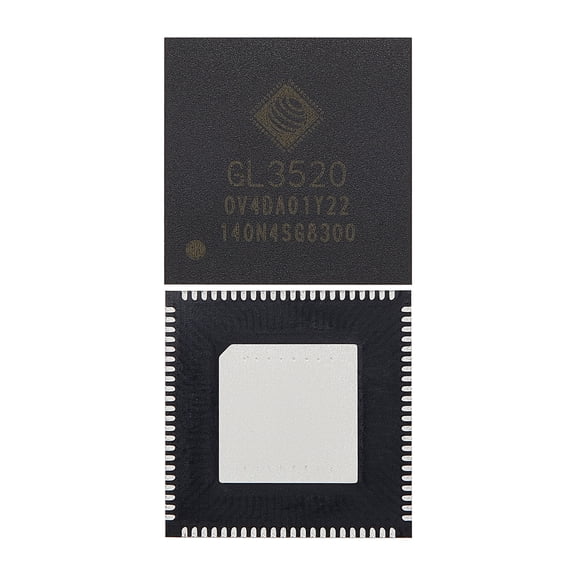 $2006current price $20.06
Replacement USB 3.0 Hub Controller Chip Compatible With PlayStation 4 (CUH-1000 CUH-1100) (GL3520)
In 25+ people's carts, KontrolFreek Aim Boost Kit for PlayStation Controller PS5 and PS4 - Includes Performance Thumbsticks and Precision Rings - Black Galaxy Edition $15.39 Was $21.99
In 25+ people's carts 3 optionsAvailable in additional 3 options$1539current price $15.39, Was $21.99$21.99
KontrolFreek Aim Boost Kit for PlayStation Controller PS5 and PS4 - Includes Performance Thumbsticks and Precision Rings - Black Galaxy Edition
1384.5 out of 5 Stars. 138 reviews4.5 out of 5 stars50+ bought since yesterday, PowerA USB-C Cable for PlayStation 5 $14.59 Was $16.67
50+ bought since yesterday $1459current price $14.59, Was $16.67$16.67
PowerA USB-C Cable for PlayStation 5
5574.7 out of 5 Stars. 557 reviews4.7 out of 5 starsKontrolFreek Call of Duty Modern Warfare 4 AimBoost Kit for PlayStation Controllers, Black $34.99
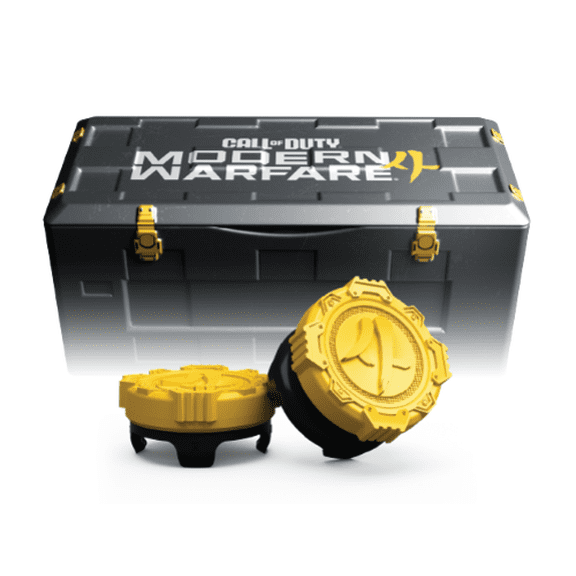 $3499current price $34.99
KontrolFreek Call of Duty Modern Warfare 4 AimBoost Kit for PlayStation Controllers, Black
25 out of 5 Stars. 2 reviews5 out of 5 starsIn 25+ people's carts, SUNDEER Racing Wheel Stand Adjustable & Foldable Compatible with Logitech G920, G25, G27, G29 $53.89
In 25+ people's carts $5389current price $53.89
SUNDEER Racing Wheel Stand Adjustable & Foldable Compatible with Logitech G920, G25, G27, G29
574.5 out of 5 Stars. 57 reviews4.5 out of 5 starsKeyboard for Xbox Series X/S, One/One X/S, Elite One/2 Controller $24.99
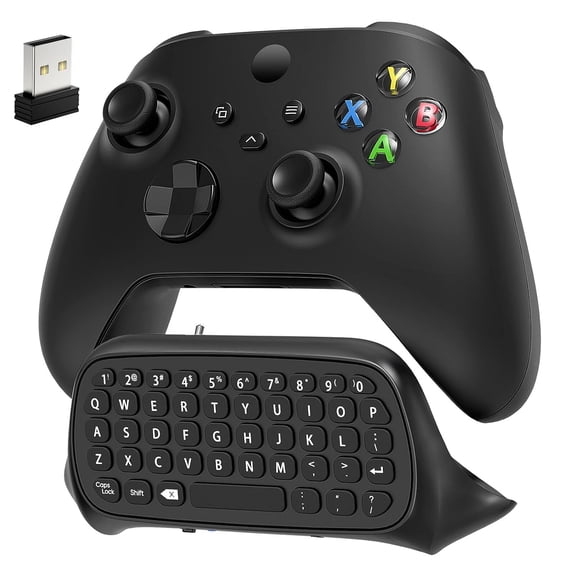 2 optionsAvailable in additional 2 options$2499current price $24.99
Keyboard for Xbox Series X/S, One/One X/S, Elite One/2 Controller
HBMYN Keyboard & Mouse Adapter for PC, Nintendo Switch, Aim Assist Aimbot $47.49
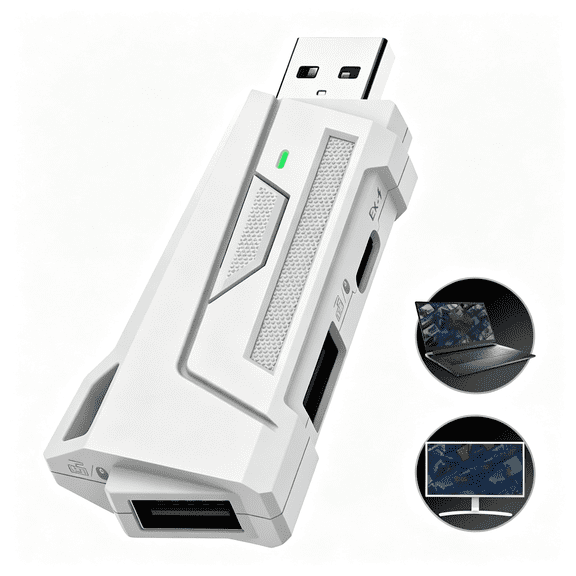 $4749current price $47.49
HBMYN Keyboard & Mouse Adapter for PC, Nintendo Switch, Aim Assist Aimbot
Pecham 17-in-1 Thumbsticks Paddles Accessories Fit for Xbox One Elite Series 2/Elite Series 2 Core Controller, Replacement Parts for Elite Series 2 Core Wireless Controller - Black $19.99
 $1999current price $19.99
Pecham 17-in-1 Thumbsticks Paddles Accessories Fit for Xbox One Elite Series 2/Elite Series 2 Core Controller, Replacement Parts for Elite Series 2 Core Wireless Controller - Black
244.7 out of 5 Stars. 24 reviews4.7 out of 5 starsClearance, T21 Gaming Keyboard Mouse Combo, 104‑Key Colorful Backlit Mechanical‑Feel Game Kit, Wired Gaming Set with Extra Mobile Phone Holder, Desktop Peripheral for PC Gaming and Daily Office Operation $30.69 Was $34.19
Clearance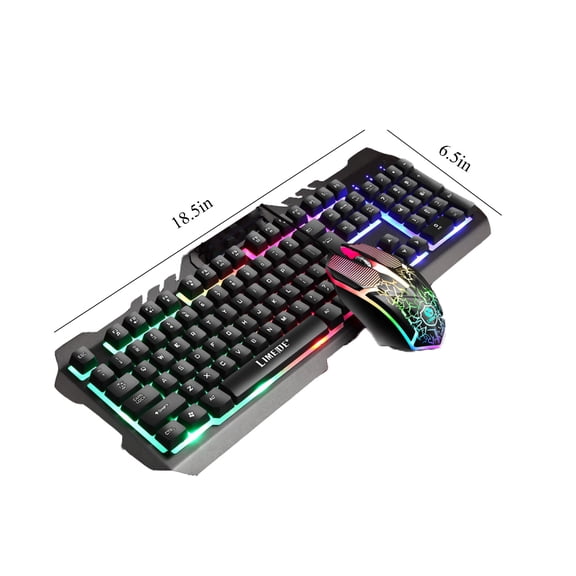 $3069current price $30.69, Was $34.19$34.19
T21 Gaming Keyboard Mouse Combo, 104‑Key Colorful Backlit Mechanical‑Feel Game Kit, Wired Gaming Set with Extra Mobile Phone Holder, Desktop Peripheral for PC Gaming and Daily Office Operation
USB Foot Pedal PC Triple Foot Switch Keyboard Pedal Customized Combination Key PC Game Foot Pedal for PC Laptop Keyboard $35.55
 $3555current price $35.55
USB Foot Pedal PC Triple Foot Switch Keyboard Pedal Customized Combination Key PC Game Foot Pedal for PC Laptop Keyboard
Reduced price, Travel Backpack for PS5, Protective Carrying Case Bag Compatible with Playstation 5 Console Game Storage Bag for PS5 Disc, Controllers and More Gaming Accessories $10.59 Was $16.73
Reduced price 2 optionsAvailable in additional 2 options$1059current price $10.59, Was $16.73$16.73
Travel Backpack for PS5, Protective Carrying Case Bag Compatible with Playstation 5 Console Game Storage Bag for PS5 Disc, Controllers and More Gaming Accessories
433.5 out of 5 Stars. 43 reviews3.5 out of 5 starsTreedix Micro bit Gamepad Gaming Extension Board Simulated Keyboard and Mouse Functions Joystick $15.99
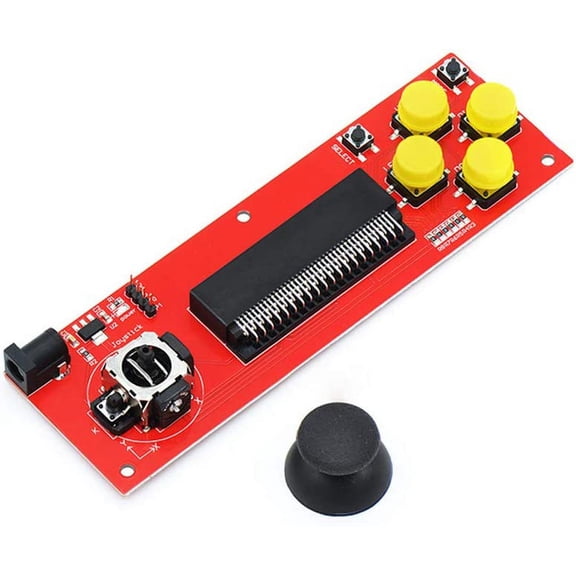 $1599current price $15.99
Treedix Micro bit Gamepad Gaming Extension Board Simulated Keyboard and Mouse Functions Joystick
Keyboard Mouse Adapter Gamepad Controller Gaming Converter for N-Switch/Xbox One 360 Series/ PS4/ PS3 $14.39
 $1439current price $14.39
Keyboard Mouse Adapter Gamepad Controller Gaming Converter for N-Switch/Xbox One 360 Series/ PS4/ PS3
USB Foot Pedal Button for Quick Action in Gaming and Editing Plugs and Play $11.69
 $1169current price $11.69
USB Foot Pedal Button for Quick Action in Gaming and Editing Plugs and Play
11 out of 5 Stars. 1 reviews1 out of 5 starsLerpwige Precisions Control Rings For Game Controller Gamepad Enhancing Gaming Accuracy $9.61 Was $10.71
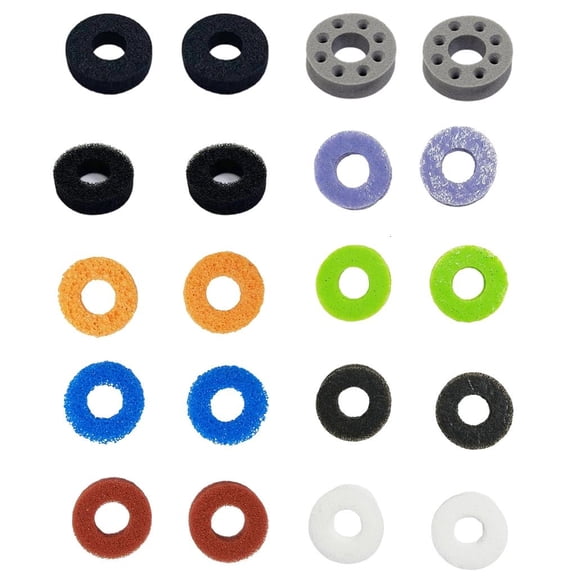 $961current price $9.61, Was $10.71$10.71
Lerpwige Precisions Control Rings For Game Controller Gamepad Enhancing Gaming Accuracy
AlveyTech Keypad for 4-Key VSI Joystick Controllers by PG Drives - Replacement Mobility Power Chair Controller Keypads for ActiveCare, Jazzy, Jet, Merits, & Shoprider (P75736 / RECPART1071 / 503049) $11.84
 $1184current price $11.84
AlveyTech Keypad for 4-Key VSI Joystick Controllers by PG Drives - Replacement Mobility Power Chair Controller Keypads for ActiveCare, Jazzy, Jet, Merits, & Shoprider (P75736 / RECPART1071 / 503049)
394.9 out of 5 Stars. 39 reviews4.9 out of 5 starsLightweight Mouse Side Button Replacement for G502X Game Mouse Repair Quick Response Button Accessories Spare Part $7.93
 2 optionsAvailable in additional 2 options$793current price $7.93
Lightweight Mouse Side Button Replacement for G502X Game Mouse Repair Quick Response Button Accessories Spare Part
Reduced price, Replacement Joystick for Xbox One & Xbox Series X/S Controllers – Analog Stick Repair Parts & Accessories $11.03 Was $12.98
Reduced price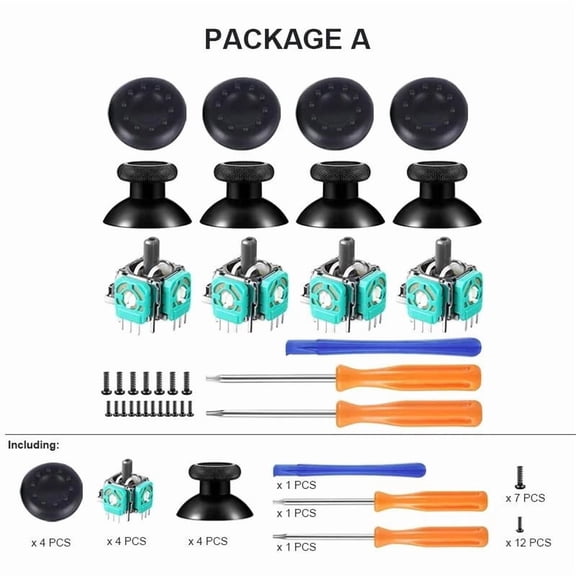 $1103current price $11.03, Was $12.98$12.98
Replacement Joystick for Xbox One & Xbox Series X/S Controllers – Analog Stick Repair Parts & Accessories
Customer ratings & reviews
0 out of 5 stars
This item does not have any reviews yet

Current price is USD$35.58
Price when purchased online
- Free shipping
 Free Holiday returns until Jan 31

Walmart Accident Plan by Allstate
(Only one option can be selected at a time)
How do you want your item?
Ships to
Arrives between Dec 11 - Dec 21
|
Sold and shipped by Hengyifeng
3.95 out of 5 stars

Extended holiday returns
Free Holiday returns until Jan 31Related pages
- Keyboard Mouse Adapter
- Keyboard Mouse Adaptor
- Mouse Keyboard Adapter
- Mechanical Box Mods
- Ps4 Keyboard Mouse Adapter
- Keyboard And Mouse Converter Xbox One
- PC Gaming Keyboards
- PC Gaming Wired Keyboard and Mouse Combo
- PC Gaming Wireless Keyboard and Mouse Combo
- All PC Gaming Keyboard and Mice
- onn Gaming Keyboards
- PC Gaming Accessories