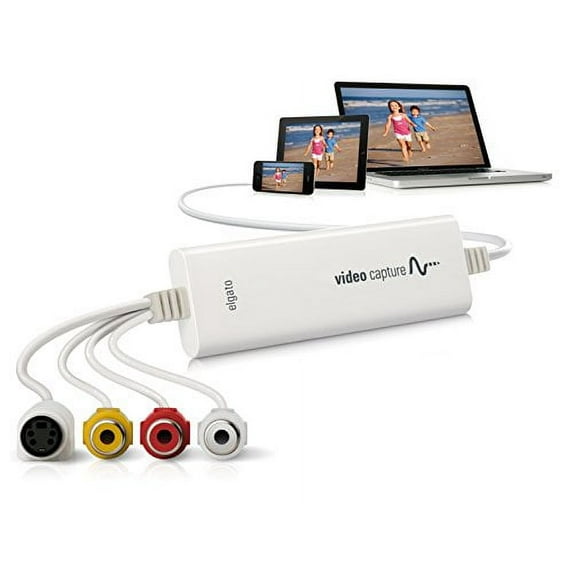
Elgato Video Capture
Hero image 0 of Elgato Video Capture, 0 of 4

Elgato Video Capture

Key item features

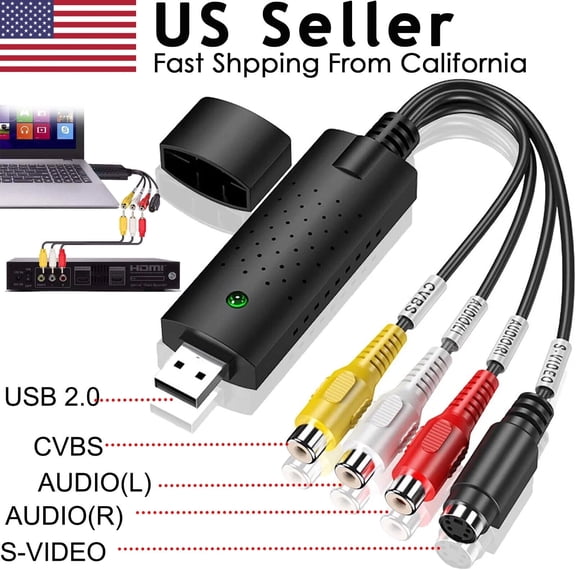
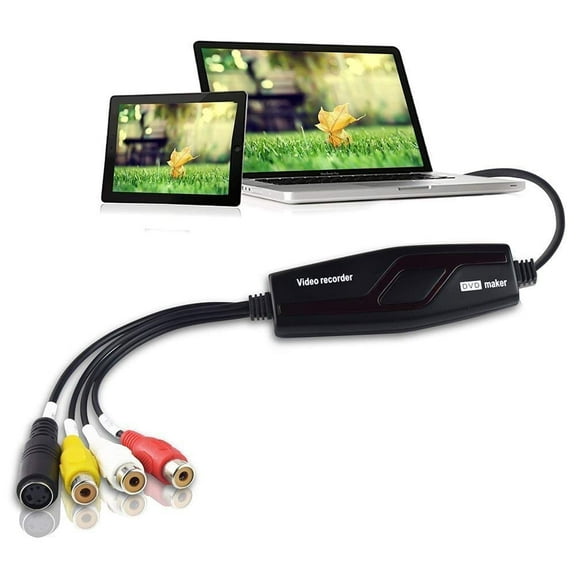
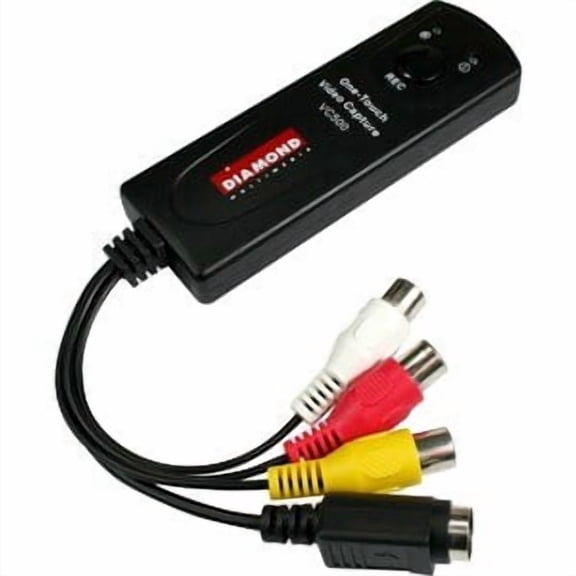
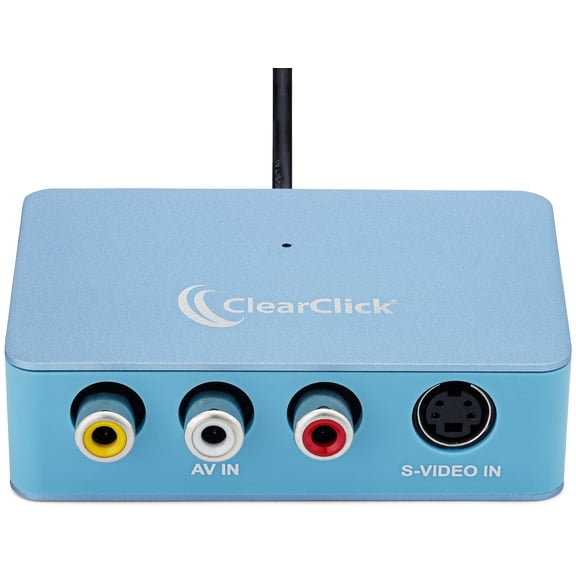
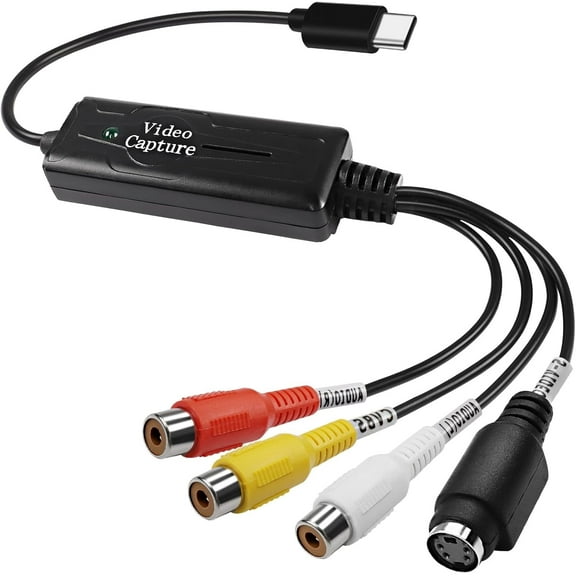
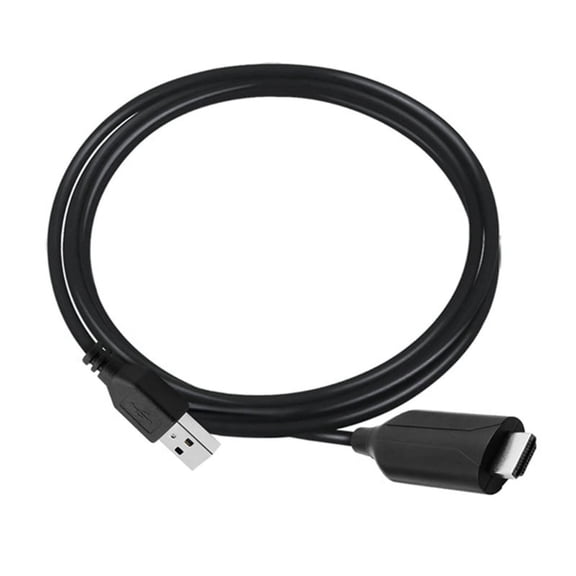
  • Universal Connectivity: Features a standard USB interface for broad compatibility and connects to RCA composite and S-Video sources.
  • Analog Conversion: Designed for digitizing old home movies, VHS recordings, and other analog media into a modern digital format.
  • Signal Compatibility: Supports NTSC, PAL, PAL/60, and SECAM video signals for diverse global use.
  • Included Software: Comes with a free download of Elgato Video Capture software for Mac and Windows, offering basic video editing tools.
  • Digital Export: Exports video in H.264 format, optimized for iTunes, iPod, iPhone, Apple TV, YouTube, and iMovie.
  • System Compatibility: Compatible with both Mac and Windows operating systems, as detailed in the specifications.
Generated by AI
Current price is $110.71
Price when purchased online
  • Free shipping
  • Free 15-day returns

How do you want your item?

How do you want your item?
Ships to
Arrives by Sat, Jul 25
|
Sold and shipped by DealClock
4.216650438169426 stars out of 5, based on 2054 seller reviews(4.2)
Free 15-day returns

About this item
Product details

Specifications

Warranty

Customer ratings & reviews

4.4 out of 5 stars
stars
92 ratings85 reviews
How item rating is calculated

Reviews summary

Pros

  • : Setup and operation are easy to navigate.
  • : Simple installation process with clear instructions.
  • : Provides well-preserved sound with consistent quality.
  • : Offers a cost comparable to similar products.
  • : Provides better than expected audio quality.

Neutral

  • : Can be user-friendly, but also prone to technical issues.
Generated by AI
Filtered and sorted results would be available on the new 'Customer ratings & reviews' page.
Sort by |

Showing 1-3 of 85 reviews

Mar 2, 2013
shazam800
5 out of 5 stars review

Verified Purchase

Great device for transfer of analog videos

My application is on MAC computer. Straight forward to install software. Instructions for use are too brief. But can be figured out with some usage. Very satisfied with transfer of Hi8 analog videos that are now close to 20 years old to my MAC computer. Very good quality of video and sound.

Helpful?27XSGBLAA8FC13920315
Nov 20, 2016
DavidinCalifornia
5 out of 5 stars review

Verified Purchase

Elgato Video Capture for Mac and PC

It was time: I had some important VHS tapes that are more than twenty years old that were deteriorating because of age. Elgato Video Capture is the device to use. It costs less than $100 and I ordered it from Walmart. It arrived in California from Arkansas within a week, a business day earlier than promised. In my garage I found an old stereo Video Cassette Recorder (old school VCR) , made sure the four heads inside were shiny clean, and powered it on. No sparks, so I connected the Elgato Video Capture Device to red, white, and yellow output jacks of the VCR. A s-Video plug is also included, but that is for DVDs. The other end has a USB plug that fit into the USB jack of my Macbook. No need to hook up the VCR to a TV; the laptop suffices. Software is downloaded from the Elgato website. Minimum CPU requirements are specified and after installation, a straight-forward window pops up with easy to follow steps. One can clip the beginning and end, but no advance editing tools are included. An hour-long tape uses about one gigabit of storage space. After transferring, I backed everything up on an external harddrive, Over the holidays, I plan to add titles and subtitles in iMovie and stabilize the video in a couple of places, before sharing the clips with friends and family. Perhaps they will enjoy seeing my old VHS tape as it enters the digital age.

Helpful?27XSGBLAA8FC13920315
Mar 23, 2014
Keager
5 out of 5 stars review

Verified Purchase

Works perfectly

This product met all of my expectations. Simple, quick, worked right out of the box. I went to the website indicated in the instructions to download the driver and software to make sure I had the latest. Within minutes I was capturing video from my VHS player. I am using it to transfer home movies to digital. I am using the "high definition" (default) resolution setting. This gives just over 2Gb per two hour VHS tape. I like the ability to set the software to automatically stop recording after a preselected amount of time. This allows me to start a tape being captured and walk away. I don't need to come back at any particular time since it will stop on its' own.

Helpful?27XSGBLAA8FC13920315