

Sorry, this item is out of stock
Motherboard. cuv4x-d, dual socket 370, atx, 5x pci, 1x agp $595.00
 $59500current price $595.00
Motherboard. cuv4x-d, dual socket 370, atx, 5x pci, 1x agp
Gigabyte MZ33-AR1 Rev. 3.x Server Motherboard, AMD Epyc 9005-9004 - E-atx Up $1,012.62
 $1,01262current price $1,012.62
Gigabyte MZ33-AR1 Rev. 3.x Server Motherboard, AMD Epyc 9005-9004 - E-atx Up
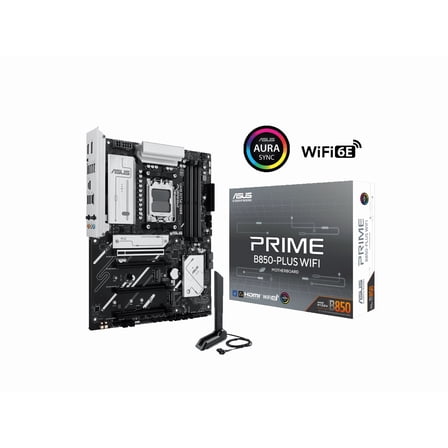
ASUS PRIMEB850PLUSWIFI Prime B850-PLUS WiFi ATX Motherboard $189.98
 $18998current price $189.98
ASUS PRIMEB850PLUSWIFI Prime B850-PLUS WiFi ATX Motherboard
44.8 out of 5 Stars. 4 reviewsGIGABYTE MC62-G40 AMD Ryzen Threadripper PRO Workstation Board with AMD Threadropper Pro 5955WX Bundle Deal,16-core, 32-Thread, Processor Integrated by GIGABYTE $1,069.00 Was $1,323.00
 $1,06900current price $1,069.00, Was $1,323.00$1,323.00
GIGABYTE MC62-G40 AMD Ryzen Threadripper PRO Workstation Board with AMD Threadropper Pro 5955WX Bundle Deal,16-core, 32-Thread, Processor Integrated by GIGABYTE
ASUS ProWSTRX50SAGEWIFIA TRX50 Workstation Motherboard with USB4 PCIe 5.0 10Gb $1,120.18
 $1,12018current price $1,120.18
ASUS ProWSTRX50SAGEWIFIA TRX50 Workstation Motherboard with USB4 PCIe 5.0 10Gb
ASUS Pro WS WRX90E-SAGE SE Socket sTR5 DDR5 EEB Workstation Motherboard $1,249.99
 $1,24999current price $1,249.99
ASUS Pro WS WRX90E-SAGE SE Socket sTR5 DDR5 EEB Workstation Motherboard
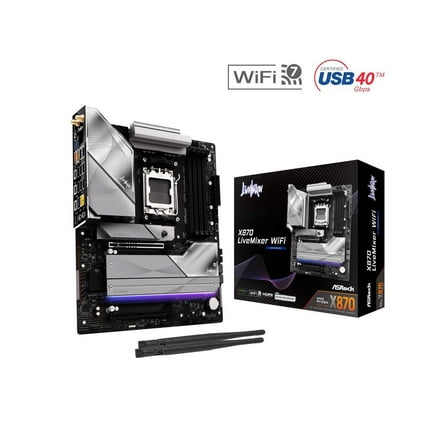
35 out of 5 Stars. 3 reviewsASRock X870 LiveMixer WiFi AM5 AMD X870 ATX Motherboard $199.99 Was $229.99
 $19999current price $199.99, Was $229.99$229.99
ASRock X870 LiveMixer WiFi AM5 AMD X870 ATX Motherboard
15 out of 5 Stars. 1 reviewsAsus PRO WS TRX50-SAGE WIFI AMD TRX50 DDR5 Desktop Motherboard $895.90
 $89590current price $895.90
Asus PRO WS TRX50-SAGE WIFI AMD TRX50 DDR5 Desktop Motherboard
35 out of 5 Stars. 3 reviewsMotherboard, asus cusi-fx rev.1.05 or 1.03, cusi-fx/533/wa/2p-uay $175.00
 $17500current price $175.00+$15.00 shipping
Motherboard, asus cusi-fx rev.1.05 or 1.03, cusi-fx/533/wa/2p-uay

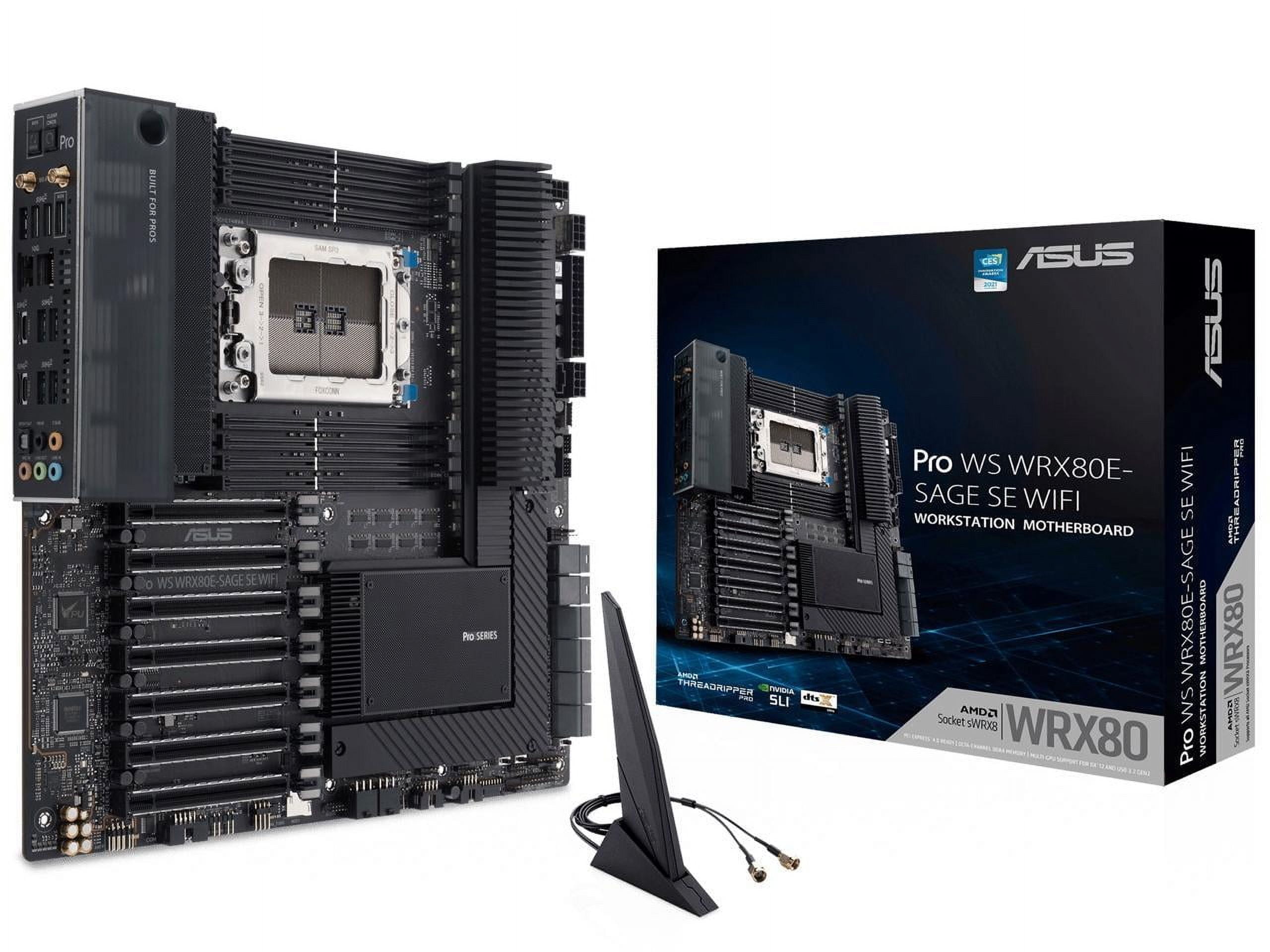
ASUS Pro WS WRX80E-SAGE SE WIFI - motherboard - extended ATX - Socket sWRX8 - AMD WRX80
Key item features
- Processor Compatibility: Designed for AMD Ryzen Threadripper PRO Series processors, utilizing the AMD sWRX8 socket for professional creative workloads.
- Extensive Connectivity: Features USB 3.2 Gen 2x2 Type-C, ten USB 3.2 Gen 2 ports, three M.2 PCIe 4.0 slots, a HYPER M.2 x16 Gen 4 card, and Intel X550-AT2 dual 10Gb Ethernet.
- Enhanced Management: Includes a BMC chip for IPMI architecture, enabling out-of-band management and improved hardware-level control for IT efficiency.
- Robust Performance: Equipped with 16 power stages, multi-GPU support, and R-DIMM memory support to handle demanding tasks like video editing and 3D rendering.
- Proven Stability: Tested for 24/7 dependability, validated for solid compatibility, and incorporates SafeSlot for ultimate security and seven PCIe 4.0 slots.
Specs
- Cpu socket typesWRX8
- Motherboard form factoreATX
- Proc. brandIntel
- Max RAM2 TB
- Inputs/OutputsUSB, HDMI
- Number of ports2
How do you want your item?
About this item
Product details
ASUS Pro WS WRX80E-SAGE SE WIFI is engineered to unleash the incredible power of the AMD Ryzen Threadripper Pro series processor and is a reliable foundation for professional creative workloads that benefit from multi-core CPUs, such as video editing and 3D rendering. Additionally, seven PCIe 4.0 slots with SafeSlot fortification deliver exceptional performance with the latest high-power graphics cards. ,
- AMD sWRX8 socket: ready for AMD Ryzen Threadripper PRO Series processors
- Ultra-fast connectivity: USB 3.2 Gen 2x2 Type-C port, 10 x USB 3.2 Gen 2 ports, 3 x M.2 PCIe 4.0, HYPER M.2 x16 Gen 4 card and Intel X550-AT2 dual 10Gb Ethernet
- BMC chip to provide intelligence for its IPMI architecture for out-of-band management to enhance hardware-level control for improved IT efficiency
- Powerful performance: 16 power stages, multi-GPU support and R-DIMM memory support
- Trusted stability: tested for 24/7 dependability, validated for solid compatibility and equipped with SafeSlot for ultimate security
Specifications
Cpu socket type
Motherboard form factor
Proc. brand
Max RAM
Warranty
Warranty information
Please be aware that the warranty terms on items offered for sale by third party Marketplace sellers may differ from those displayed in this section (if any). To confirm warranty terms on an item offered for sale by a third party Marketplace seller, please use the 'Contact seller' feature on the third party Marketplace seller's information page and request the item's warranty terms prior to purchase.
Warranty url
Warnings
 WARNING: WARNING: This product may expose you to chemicals including which is [are] known to the State of California to cause cancer or birth defects or other reproductive harm. For more information go to www.p1340warningsca.gov/furniture.
Popular items in this category
Best selling items that customers love
ASRock X870E NOVA WIFI AM5 AMD X870E SATA 6Gb/s ATX Motherboard $259.99
 Sponsored$25999current price $259.99
ASRock X870E NOVA WIFI AM5 AMD X870E SATA 6Gb/s ATX Motherboard
15 out of 5 Stars. 1 reviewsShipping, arrives in 3+ daysAsus TUF GAMINGZ890-PLUS WIFI GAMING WIFI Z890 LGA 1851 ATX Motherboard $249.99
 Sponsored$24999current price $249.99
Asus TUF GAMINGZ890-PLUS WIFI GAMING WIFI Z890 LGA 1851 ATX Motherboard
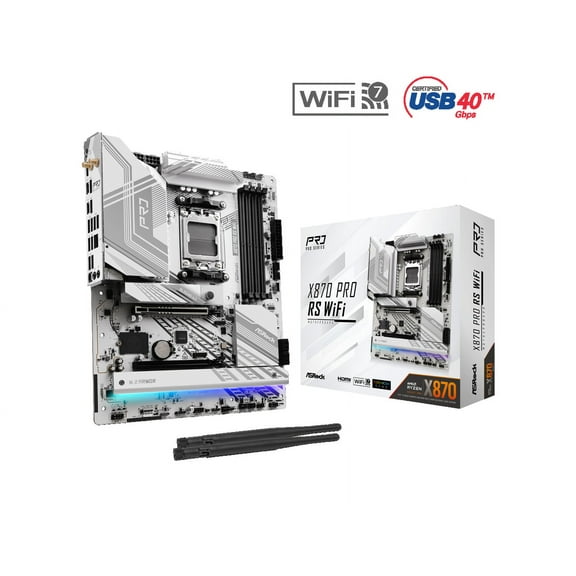
224.1 out of 5 Stars. 22 reviewsShipping, arrives in 3+ daysASRock X870 PRO RS WiFi AM5 AMD X870 ATX Motherboard $184.99
 $18499current price $184.99
ASRock X870 PRO RS WiFi AM5 AMD X870 ATX Motherboard
54.2 out of 5 Stars. 5 reviewsShipping, arrives in 3+ daysASRock Z790PRORSWIFI ATX Motherboard $139.99
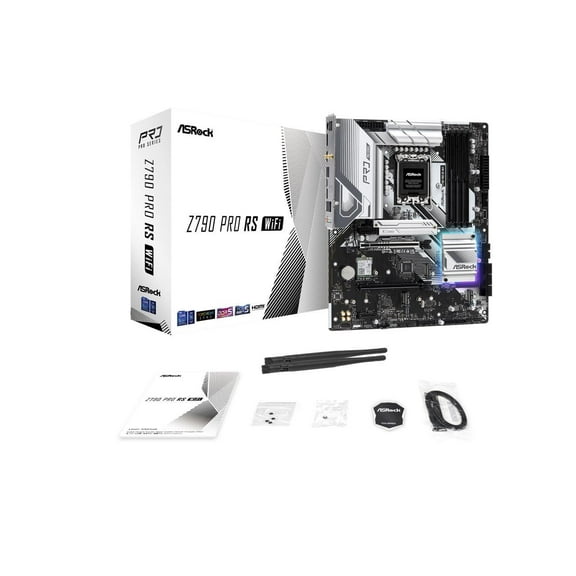 $13999current price $139.99
ASRock Z790PRORSWIFI ATX Motherboard
44 out of 5 Stars. 4 reviewsShipping, arrives in 3+ daysAsus Prime B860-PLUS WIFI-CSM Desktop Motherboard - Intel B860 Chipset - Socket LGA-1851 - ATX (298663) $179.99
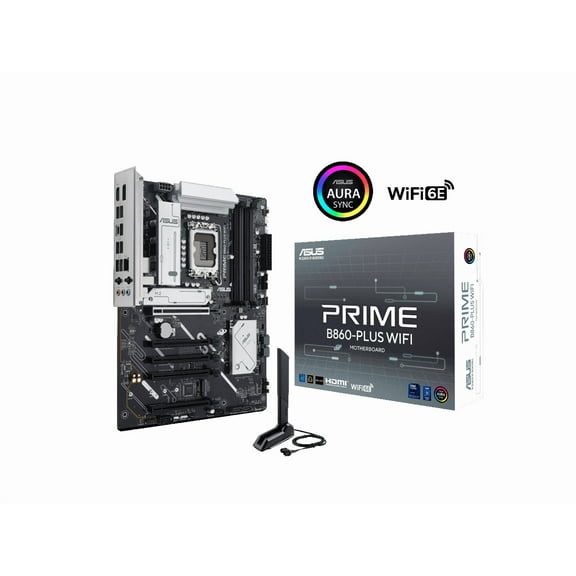 $17999current price $179.99
Asus Prime B860-PLUS WIFI-CSM Desktop Motherboard - Intel B860 Chipset - Socket LGA-1851 - ATX (298663)
25 out of 5 Stars. 2 reviewsShipping, arrives in 3+ daysAsus ROG Strix B860-I GAMING WIFI Gaming Desktop Motherboard - Intel B860 Chipset - Socket LGA-1851 - Mini ITX (rogstrixb860-igamingwifi) $260.70
 $26070current price $260.70
Asus ROG Strix B860-I GAMING WIFI Gaming Desktop Motherboard - Intel B860 Chipset - Socket LGA-1851 - Mini ITX (rogstrixb860-igamingwifi)
54 out of 5 Stars. 5 reviewsShipping, arrives in 3+ daysAsus Pro WS Z890-ACE SE Workstation Motherboard - Intel Z890 Chipset - Socket LGA-1851 - ATX (prowsz890-acese) $479.99
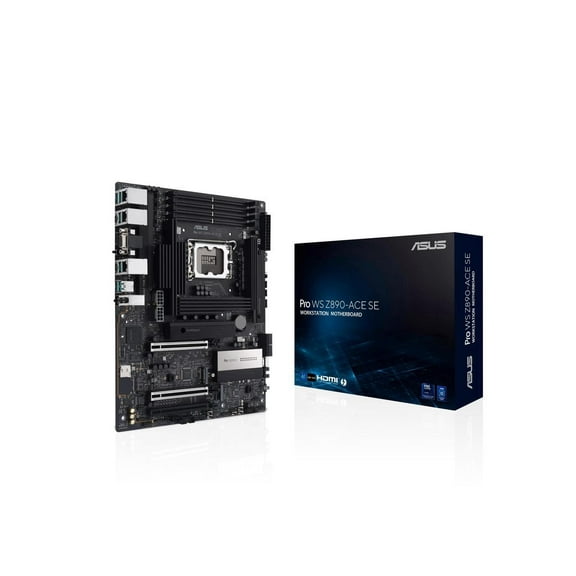 $47999current price $479.99
Asus Pro WS Z890-ACE SE Workstation Motherboard - Intel Z890 Chipset - Socket LGA-1851 - ATX (prowsz890-acese)
Shipping, arrives in 3+ daysASRock B850 PRO RS WIFI AM5 AMD B850 ATX Motherboard $159.99 Was $189.00
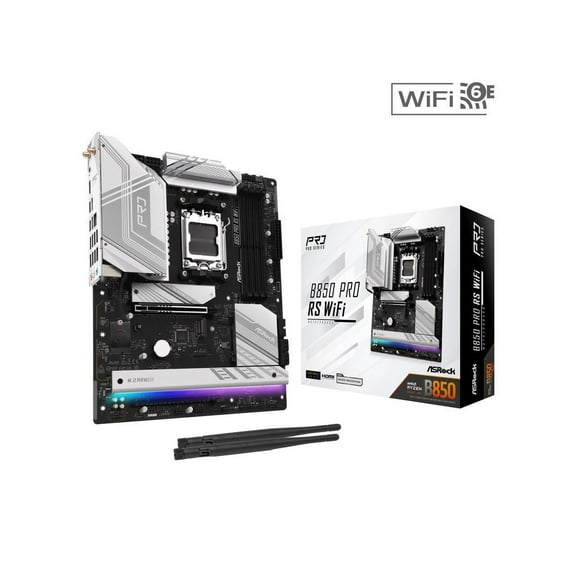 Now$15999current price Now $159.99, Was $189.00$189.00You save $29.01You save$29.01
ASRock B850 PRO RS WIFI AM5 AMD B850 ATX Motherboard
15 out of 5 Stars. 1 reviewsShipping, arrives in 3+ daysAsus PRO WS W680M-ACE SE Desktop Motherboard - Intel W680 Chipset - Socket LGA-1700 - Intel Optane Memory Ready - Micro ATX (prowsw680m-acese) $432.55
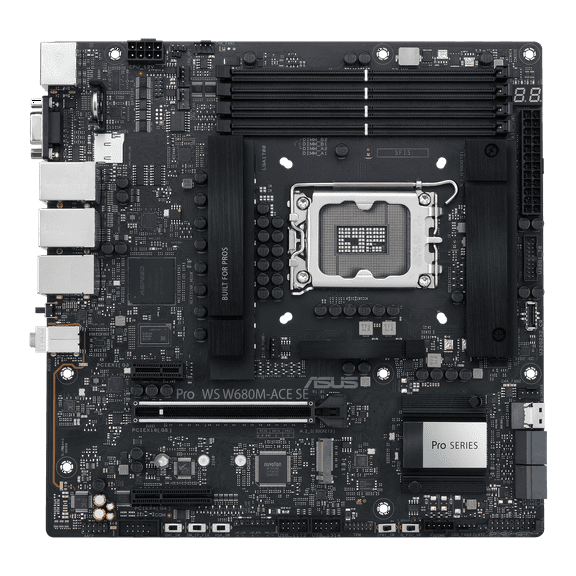 $43255current price $432.55
Asus PRO WS W680M-ACE SE Desktop Motherboard - Intel W680 Chipset - Socket LGA-1700 - Intel Optane Memory Ready - Micro ATX (prowsw680m-acese)
Shipping, arrives in 3+ daysAsus ROG Strix X670E-A Gaming WiFi AMD Ryzen 7000 Motherboard, DDR5, PCIe 5.0 $248.99 Was $299.99
 Now$24899current price Now $248.99, Was $299.99$299.99You save $51.00You save$51.00
Asus ROG Strix X670E-A Gaming WiFi AMD Ryzen 7000 Motherboard, DDR5, PCIe 5.0
364.2 out of 5 Stars. 36 reviewsShipping, arrives in 3+ daysMSI MPG X670E CARBON WIFI AMD AM5 DDR5 ATX Gaming Desktop Motherboard $466.99
 $46699current price $466.99
MSI MPG X670E CARBON WIFI AMD AM5 DDR5 ATX Gaming Desktop Motherboard
44.8 out of 5 Stars. 4 reviewsShipping, arrives in 3+ daysAsus ROG Strix Z890-A GAMING WIFI LGA-1851 DDR5 ATX Gaming Desktop Motherboard $292.99
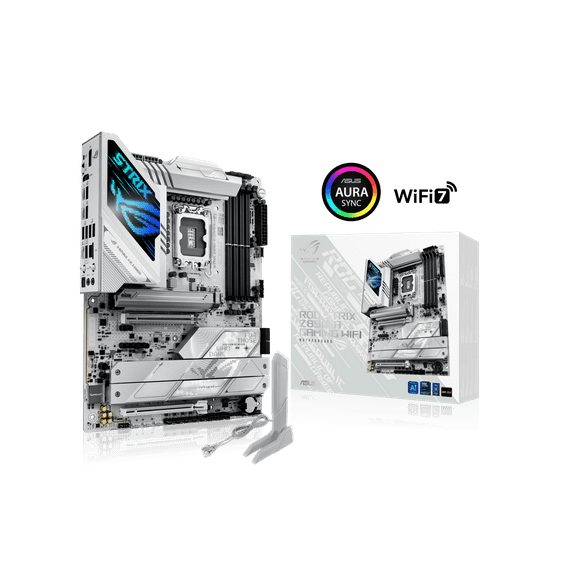 $29299current price $292.99
Asus ROG Strix Z890-A GAMING WIFI LGA-1851 DDR5 ATX Gaming Desktop Motherboard
84.9 out of 5 Stars. 8 reviewsShipping, arrives in 3+ daysASRock B850M Pro RS WiFi White Micro ATX Motherboard $139.99
 $13999current price $139.99
ASRock B850M Pro RS WiFi White Micro ATX Motherboard
Shipping, arrives in 3+ daysAsus ROG Strix B650E-F GAMING WIFI AMD AM5 DDR5 ATX Motherboard $209.00 Was $229.00
 Now$20900current price Now $209.00, Was $229.00$229.00You save $20.00You save$20.00
Asus ROG Strix B650E-F GAMING WIFI AMD AM5 DDR5 ATX Motherboard
1194.2 out of 5 Stars. 119 reviewsShipping, arrives in 3+ daysMSI PRO B650M-A WIFI AM5 AMD B650 SATA 6Gb/s DDR5 Ryzen 7000 Micro ATX Motherboard $156.99
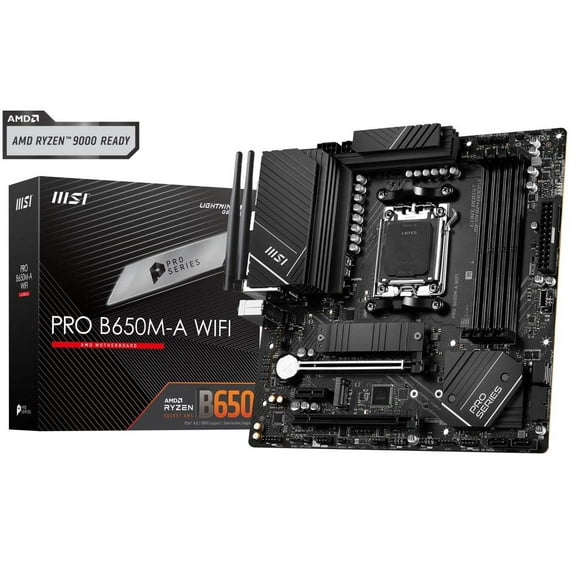 $15699current price $156.99
MSI PRO B650M-A WIFI AM5 AMD B650 SATA 6Gb/s DDR5 Ryzen 7000 Micro ATX Motherboard
144.9 out of 5 Stars. 14 reviewsSave with Shipping, arrives in 2 days
MSI B650-P WIFI Desktop Motherboard - AMD B650 Chipset - Socket AM5 - ATX (b650pwifi) $174.99
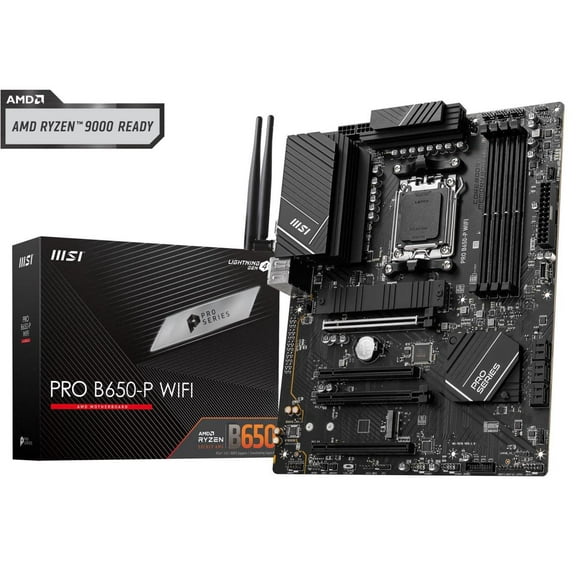 $17499current price $174.99
MSI B650-P WIFI Desktop Motherboard - AMD B650 Chipset - Socket AM5 - ATX (b650pwifi)
73.9 out of 5 Stars. 7 reviewsShipping, arrives in 3+ daysASRock Z890 Pro RS LGA 1851 Intel Z890 SATA 6Gb/s ATX Motherboard $169.99 Was $219.00
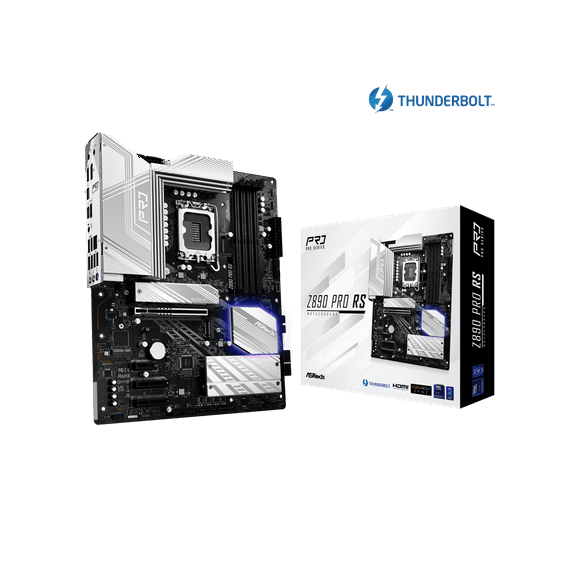 Now$16999current price Now $169.99, Was $219.00$219.00You save $49.01You save$49.01
ASRock Z890 Pro RS LGA 1851 Intel Z890 SATA 6Gb/s ATX Motherboard
15 out of 5 Stars. 1 reviewsShipping, arrives in 3+ daysASRock B650I LIGHTNING WIFI AM5 Ryzen 7000 AMD B650 SATA 6Gb/s Mini-ITX s DDR5 7200 (OC) 2.5G LAN x WiFi 6E Bluetooth Motherboards - AMD $169.99
 $16999current price $169.99
ASRock B650I LIGHTNING WIFI AM5 Ryzen 7000 AMD B650 SATA 6Gb/s Mini-ITX s DDR5 7200 (OC) 2.5G LAN x WiFi 6E Bluetooth Motherboards - AMD
23 out of 5 Stars. 2 reviewsShipping, arrives in 3+ daysASRock B650M Pro RS WiFi AM5 AMD B650 SATA 6Gb/s Micro ATX Motherboard $129.99 Was $149.00
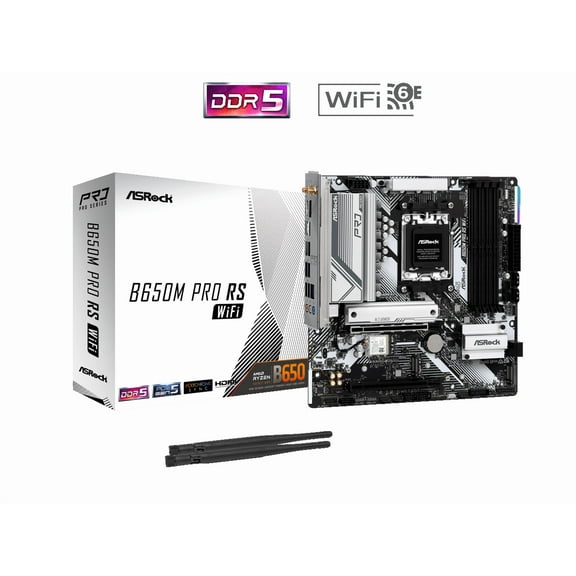 Now$12999current price Now $129.99, Was $149.00$149.00You save $19.01You save$19.01
ASRock B650M Pro RS WiFi AM5 AMD B650 SATA 6Gb/s Micro ATX Motherboard
314.4 out of 5 Stars. 31 reviewsShipping, arrives in 3+ daysASRock B850M PRO RS WIFI AM5 AMD B850 SATA 6Gb/s Micro ATX Motherboard $139.99 Was $159.00
 Now$13999current price Now $139.99, Was $159.00$159.00You save $19.01You save$19.01
ASRock B850M PRO RS WIFI AM5 AMD B850 SATA 6Gb/s Micro ATX Motherboard
14 out of 5 Stars. 1 reviewsShipping, arrives in 3+ days

Customer ratings & reviews
Customer images



Showing 1-3 of 7 reviews
Seller Verified Purchase
Seriously High End Workstation Board
This board has the capability to be a serious workstation MB. Its a high end product and is not for the everyday consumer user. Put it together with premium parts for your professional needs and it wi not disappoint.
Seller Verified Purchase
great product
awesome ! works as anticipated, a real work horse, perfect in server application
Dear customer, Thank you for your great feedback! We're thrilled to hear that your ASUS device is performing as expected and handling your server application needs like a true workhorse. It's always rewarding to know our products are making a difference in demanding environments. We appreciate your trust in ASUS!
Seller Verified Purchase
Review of ASUS Pro WRX80E-SAGE SE WIFI Motherboard
This is a nice board. My only complaints about it are that it is huge, heavy, and expensive. It is listed as an eATX board, but it wouldn't fit into a BeQuiet Dark Base Pro case, even though that case said it was eATX compatible. This motherboard must be an eeATX -- fortunately it did fit into a Fractal Design Define 7 XL case. The final build weighs a ton, so don't build this if you have a bad back. For a AMD Threadripper 5975WX build, there aren't too many choices in compatible motherboards. This all being said it works well with my AMD Threadripper 5975WX CPU and has plenty of room for the Noctua NH-U14S TR4-SP3 cooler, which I put two fans on. Unfotunately, the cooler blows upwards while the case blows from front to back. It would have been nicer if the CPU socket had been rotated to allow the cooler to also blow from front to back. Only one other minor problem with the board, which might be a BIOS version issue: on bootup, you can't enter setup using a wireless keyboard (e.g., Logitech with unifying receiver) -- the keyboard is ignored until after boot up. So this means that to get into the BIOS Setup, you need to plug in a wired USB keyboard and hit F2. Once you are in setup, or in the OS, the wireless keyboard works again.
