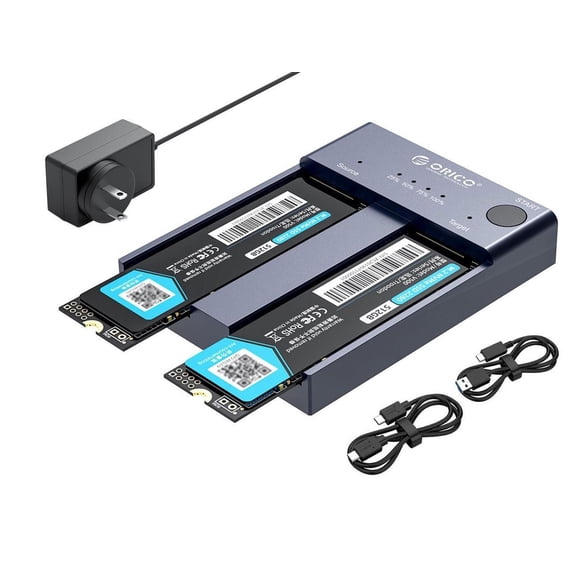
ORICO Dual Bay M.2 SSD Enclosure M.2 NVMe Cloner NVMe Enclosure Adapter 10Gbps USB C M-Key Aluminum External Hard Drive Enclosure Max to 8TB Tool Free(No Drive)
Key item features
- Portable Storage: This M.2 NVMe cloner is designed for M Key NVMe PCIe SSDs, supporting two disks simultaneously for expanded storage on various devices.
- Offline Cloning: Features one-key offline cloning for easy data backup without a PC, with LED indicators to monitor progress.
- High-Speed Transfer: Equipped with USB 3.2 Gen2, offering up to 10Gbps transfer speeds and UASP protocol support for faster performance.
- Tool-Free Design: Easy to use with plug & play and hot swap support, no drivers needed, and includes necessary accessories like data cables and power adapter.
- Wide Compatibility: Compatible with Windows, Mac, and Linux, and works with devices like PCs, laptops, smart TVs, PS4, and XBOX.
- Heat Dissipation: Made from aluminum alloy for efficient heat dissipation during high-speed data transfers.
- Package Contents: Includes M.2 cloner enclosure, power adapter, USB-C to USB-C cable, USB-C to USB-A cable, and user manual.
Specs
HD type, None
Brand, ORICO
Internal/external, External
Interface type, USB 3.1, USB 3.2
Hard drive form factor, 2280
About this item
Product details
Note:
1. We send the US standard by default, if you need other specifications can contact us to send you other specifications.
2. Please contact us if you have any questions. We will provide you with customer support as soon as possible within 48 hours
3. This m2 ssd enclosure is only a hard drive case and does not contain a hard drive
4. Ensure that the capacity of the target SSD is greater than that of the source SSD.
ORICO M.2 NVME SSD Enclosure Aluminum Dual Bay with Offline Clone Function USB C 3.1 Gen2 10Gbps for M Key & M/B Key NVME PCIe SSD
ORICO 2 Bay M.2 NVMe ssd enclosure (No Drive)is a versatile external storage clone solution designed for M Key NVMe PCIe SSDs. When not using the clone function, the M.2 enclosure is an external M.2 SSD reader,expand storage capacity by connecting devices such as PC, laptop, smart TV, PS4, XBOX, etc.can recognize and operate with two SSDs simultaneously, supporting capacities up to 4TB per disk(22110/2280/ 2260/ 2242). Utilizes USB 3.1 Gen 2 standard (USB-C port) for ultra-fast data transmission speeds up to 10Gbps, supporting the UASP protocol for 1GB file transfer in one second. Aluminum Alloy Construction allows you to dissipate heat faster during high-speed transmission. One-key offline cloning, allowing direct data transfer between two SSDs without the need for a computer, simplifying data copying tasks. Widely compatible with Windows/Mac/Linux, and without requiring additional drivers or software installation
Package Contents:
1 x M.2 Cloner Enclosure
1 x 5V/4A Adapter (Power Supply)
1 x USB-C to USB-C Cable
1 x USB-C to USB-A Cable
1 x User Manual
Offline Cloning Operating Instructions:
Insert SSDs: Begin by inserting two M.2 NVMe SSDs into the designated "target" and "source" slots on the enclosure. Ensure that the capacity of the target SSD is greater than that of the source SSD.
Connect Power: Connect the included power adapter to the tool-free dual NVMe dock.
Initiate Clone Process: Press and hold the clone button located on the enclosure for approximately 10-15 seconds until the LED indicator begins to show progress.
Monitor Progress: The LED indicator lights will display the progress of the cloning process (25% - 50% - 75% - 100%). Once the cloning is complete, all four LED lights will remain lit.
Completion: Once the cloning process is finished, the SSDs can be removed from the enclosure for use as desired.
❗Attention:
1. Do not use a USB cable to connect to the computer during the cloning process.
2. If there are bad sectors in the SSD, copying may stop. Before copying, scan the SSD to make sure there are no bad sectors.
3. Please back up the data on the target disk before copying to avoid losing important data.
4. Make sure the computer recognizes both SSD disks when plugged into our nvme enclosure. If not, you cannot clone
- PORTABLE EXTERNAL STORAGE: this M.2 NVMe cloner is specially designed for M Key NVMe PCIe SSD(22110/2280/ 2260/ 2242), Supports 2 M.2 NVMe hard disk reads and writes at the same time. Compatible with Windows/Mac/Linux, can be used to offline clone or to expand storage capacity by connecting PC , Laptop computers, smart TVs, PS4, XBOX and other devices.
- ONE-KEY OFFLINE CLONE: This dual-slot m.2 NVMe duplicator can not only be used as an external NVME SSD to expand your storage capacity, but also can be used for offline backup. No need to connect to a PC, just plug in and press the start button then you can back up your important data. LED indicator can monitor the SSDs' clone progress at any time. Note: please back up the data on the target disk before cloning to avoid losing important data.
- 10GBP/S HIGH-SPEED: ORICO USB 3.2 Gen2 m.2 cloner docking station is equipped with C to C cable and C to A cable, giving you more choices. The fastest transmission speed can reach about 1000MB/S with C to C cable and about 500MB/S with C to A cable. At the same time, it supports UASP acceleration protocol which can make your NVME SSDs run more quickly and stably.
- EASY TO USE: ORICO Tool-Free nvme dock are very easy to use, no need any tools. They all support plug & play and hot swap, no drivers required. Except the SSDs, you do not need to prepare anything else, because the package contains all the accessories you need: two 0.5m data cables (A to C and C to C) and a 5V/4A power adapter.
- 12-MONTH-WORRY-FREE WARRANTY: ORICO M.2 external drive docking station will automatically go to sleep after 10 minutes of inactivity; the hard disk is not inclued in the package; ORICO offers 12-month warranty and lifetime email technical support. If you have any problems, please contact us, we will give you a satisfactory solution within 24 hours. NOTE: it is a normal phenomenon that all SSDs will overheat due to high speed. Please touch it carefully to avoid burns.
Specifications
HD capacity
HD type
Brand
Internal/external
Warranty
Warranty information
Please be aware that the warranty terms on items offered for sale by third party Marketplace sellers may differ from those displayed in this section (if any). To confirm warranty terms on an item offered for sale by a third party Marketplace seller, please use the 'Contact seller' feature on the third party Marketplace seller's information page and request the item's warranty terms prior to purchase.
Similar items you might like
Based on what customers bought
KOOTION 250G External SSD USB-C 3.1Mini Portable SSD Solid State Drive Hard Drive $45.99
 Sponsored$4599current price $45.99
KOOTION 250G External SSD USB-C 3.1Mini Portable SSD Solid State Drive Hard Drive
14 out of 5 Stars. 1 reviews4 out of 5 starsShipping, arrives in 3+ daysM.2 NVMe 2230 SSD Enclosure USB C Adapter 10Gbps USB3.2 Gen2 External Case Box for M2 2230 NVMe SN740/SN530 520/PM991A A $15.98
 $1598current price $15.98
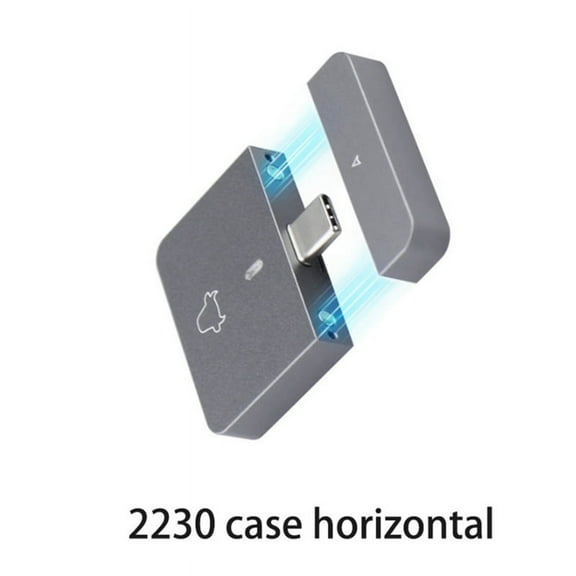
M.2 NVMe 2230 SSD Enclosure USB C Adapter 10Gbps USB3.2 Gen2 External Case Box for M2 2230 NVMe SN740/SN530 520/PM991A A
ACASIS 40Gbps M.2 NVMe SSD Enclosure, USB4 External SSD Case, Tool-Free Installation, Compatible with Thunderbolt 4/3, USB4/3.2, Supports up to 8TB, 2280/2260/2242/2230 $59.00
 $5900current price $59.00
ACASIS 40Gbps M.2 NVMe SSD Enclosure, USB4 External SSD Case, Tool-Free Installation, Compatible with Thunderbolt 4/3, USB4/3.2, Supports up to 8TB, 2280/2260/2242/2230
ORICO M.2 Enclosure External SATA NVMe M.2 Enclosure with Dual-Bay M.2 SSD Docking Station Offline Clone USB C to NVMe SSD Enclosure for M Key 2242 2260 2280 22110 M.2 SSDs $109.99
 3 optionsAvailable in additional 3 options$10999current price $109.99
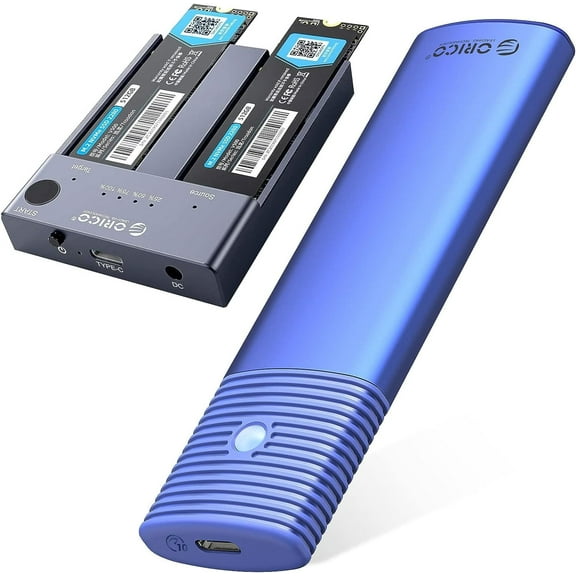
ORICO M.2 Enclosure External SATA NVMe M.2 Enclosure with Dual-Bay M.2 SSD Docking Station Offline Clone USB C to NVMe SSD Enclosure for M Key 2242 2260 2280 22110 M.2 SSDs
25 out of 5 Stars. 2 reviews5 out of 5 starsM.2 2230 NVME/SATA SSD Enclosure USB3.2 Type C 10Gbps Solid State Drive Case Double Protocol External Hard Drive Case $25.22
 $2522current price $25.22
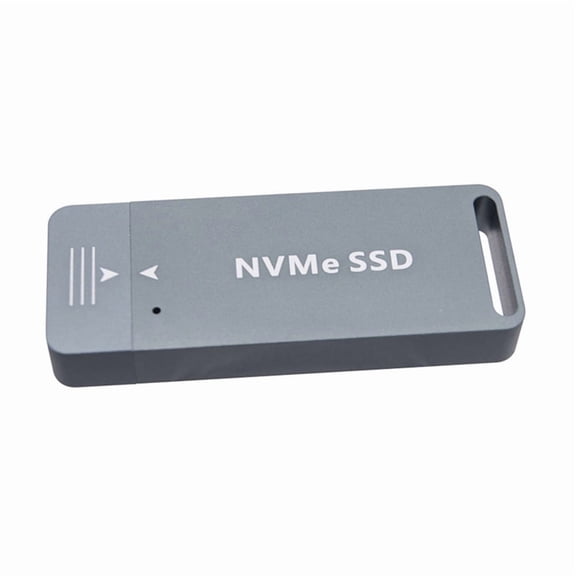
M.2 2230 NVME/SATA SSD Enclosure USB3.2 Type C 10Gbps Solid State Drive Case Double Protocol External Hard Drive Case
FIDECO M.2 NVMe SATA SSD Cloner Dock, USB 3.2 Gen 2 X 2, 20Gbps Dual NVMe SATA SSD Enclosure, M.2 Duplicator Cloner, Support Offline Clone, UASP and Trim, Aluminum Design $44.99
 $4499current price $44.99
FIDECO M.2 NVMe SATA SSD Cloner Dock, USB 3.2 Gen 2 X 2, 20Gbps Dual NVMe SATA SSD Enclosure, M.2 Duplicator Cloner, Support Offline Clone, UASP and Trim, Aluminum Design
35 out of 5 Stars. 3 reviews5 out of 5 starsWavlink Intel Certified M.2 Enclosure for PCIe NVMe SSD, Thunderbolt 3 40Gbps USBC to M/B M Key 2280 Aluminum External Hard Drive Case $39.00
 $3900current price $39.00
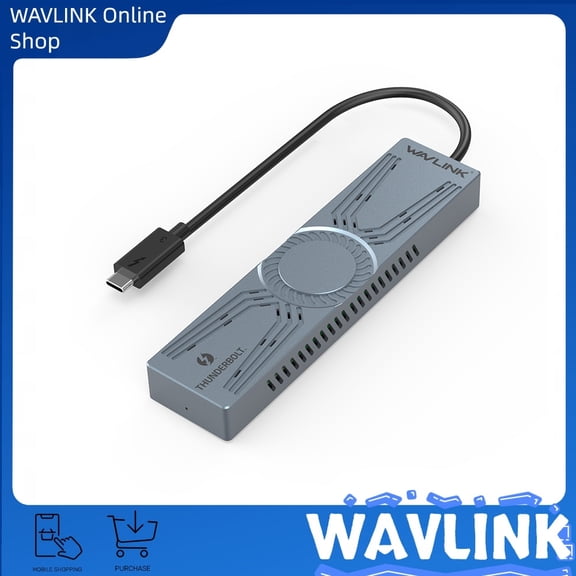
Wavlink Intel Certified M.2 Enclosure for PCIe NVMe SSD, Thunderbolt 3 40Gbps USBC to M/B M Key 2280 Aluminum External Hard Drive Case
ORICO M.2 NVMe SSD Enclosure, USB 3.1 Gen 2 10Gbps PCIe External Adapter for 2230/2242/2260/2280 M.2 SSD up to 8TB, UASP Supported - M2PV $24.76
 $2476current price $24.76
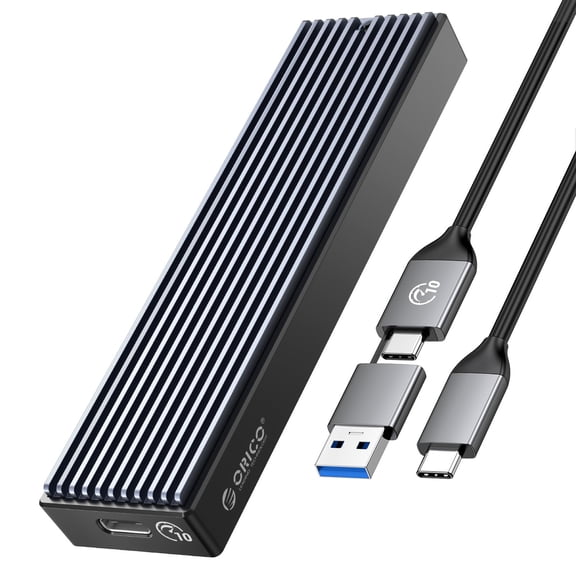
ORICO M.2 NVMe SSD Enclosure, USB 3.1 Gen 2 10Gbps PCIe External Adapter for 2230/2242/2260/2280 M.2 SSD up to 8TB, UASP Supported - M2PV
LigoWave USB 3.0 2.5Inch SATA3 5gbps Hard Drive Enclosure Caddy Case For External HDD/SSD,Transparent $22.50
 $2250current price $22.50
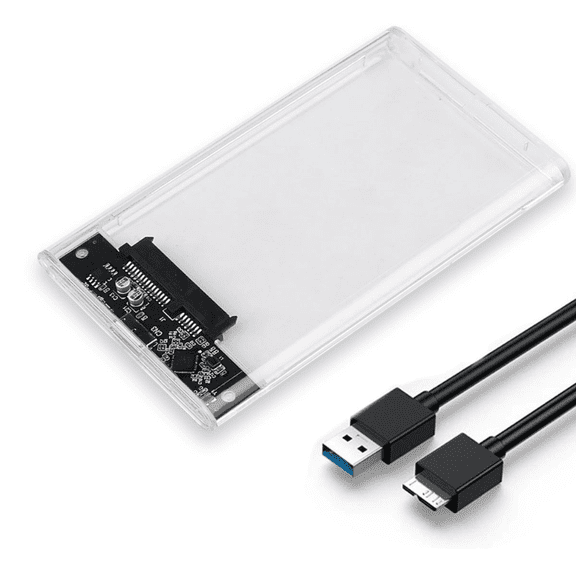
LigoWave USB 3.0 2.5Inch SATA3 5gbps Hard Drive Enclosure Caddy Case For External HDD/SSD,Transparent
Zeiwohndc 40Gbps M.2 NVMe SSD Enclosure,PCIe to USB-C External Hard Drive Enclosure $86.36
 $8636current price $86.36
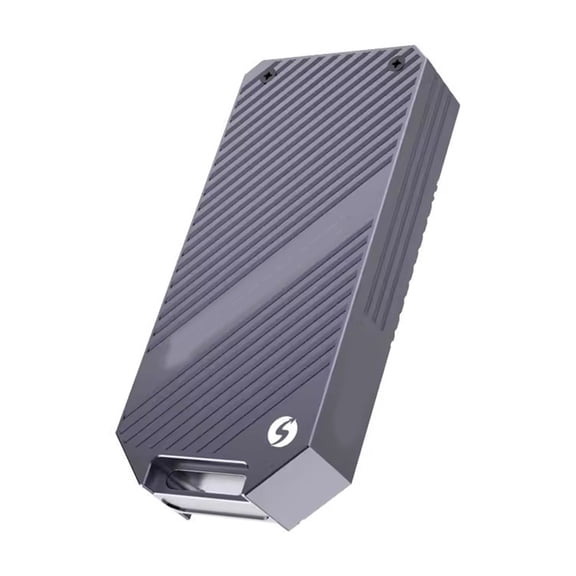
Zeiwohndc 40Gbps M.2 NVMe SSD Enclosure,PCIe to USB-C External Hard Drive Enclosure
ACASIS 10Gbps Magnetic M.2 NVMe SSD Enclosure & USB C 6-in1 Docking Station Dual HDMI with Cooling Fan for iPhone 17/16/15 Pro/Pro Max/Plus $45.59
 2 optionsAvailable in additional 2 options$4559current price $45.59
ACASIS 10Gbps Magnetic M.2 NVMe SSD Enclosure & USB C 6-in1 Docking Station Dual HDMI with Cooling Fan for iPhone 17/16/15 Pro/Pro Max/Plus
74.4 out of 5 Stars. 7 reviews4.4 out of 5 starsWAVLINK Dual Bay External Hard Drive Docking Station, USB 3.0 to SATA I/II/III for 2.5 or 3.5in HDD, SSD with Offline Clone Function, supports UASP SATA 5Gbps [ 2x16TB Support] $36.98
![WAVLINK Dual Bay External Hard Drive Docking Station, USB 3.0 to SATA I/II/III for 2.5 or 3.5in HDD, SSD with Offline Clone Function, supports UASP SATA 5Gbps [ 2x16TB Support]](https://i5.walmartimages.com/asr/322dd975-f655-40b3-9973-df50a95f9a9c.7c9690be971d3bcd8c140b6128c93f27.jpeg?odnHeight=576&odnWidth=576&odnBg=FFFFFF) $3698current price $36.98
$3698current price $36.98WAVLINK Dual Bay External Hard Drive Docking Station, USB 3.0 to SATA I/II/III for 2.5 or 3.5in HDD, SSD with Offline Clone Function, supports UASP SATA 5Gbps [ 2x16TB Support]
Clearance, Necvior M.2 NVMe SSD Enclosure, Tool-Free USB C External NVMe SSD Enclosure, 10Gbps M.2 NVMe to USB Adapter, USB 3.2 M.2 NVMe $21.97 Was $24.43
Clearance $2197current price $21.97, Was $24.43$24.43
Necvior M.2 NVMe SSD Enclosure, Tool-Free USB C External NVMe SSD Enclosure, 10Gbps M.2 NVMe to USB Adapter, USB 3.2 M.2 NVMe
AOOOWER Aluminum M.2 NVME SSDs Enclosure Adapter 40Gbps NVME Solid States Drive External Enclosure Case for 2230 2242 2280 22110 $59.78
 $5978current price $59.78
AOOOWER Aluminum M.2 NVME SSDs Enclosure Adapter 40Gbps NVME Solid States Drive External Enclosure Case for 2230 2242 2280 22110
Best seller, KingSpec 512GB 2.5" SATA3 SSD 3D NAND Flash Internal Solid State Drive Compatible with PS4 Laptop Desktop $24.99
Best seller 7 optionsAvailable in additional 7 options$2499current price $24.99
KingSpec 512GB 2.5" SATA3 SSD 3D NAND Flash Internal Solid State Drive Compatible with PS4 Laptop Desktop
1354.5 out of 5 Stars. 135 reviews4.5 out of 5 starsORICO 5 Bay Hard Drive Enclosure for 3.5 in SATA SSD/HDD External Hard Drive Docking Station USB 3.0 to SATA 5Gbps,with 12V/6.5A Max 90TB $108.99
 $10899current price $108.99
ORICO 5 Bay Hard Drive Enclosure for 3.5 in SATA SSD/HDD External Hard Drive Docking Station USB 3.0 to SATA 5Gbps,with 12V/6.5A Max 90TB
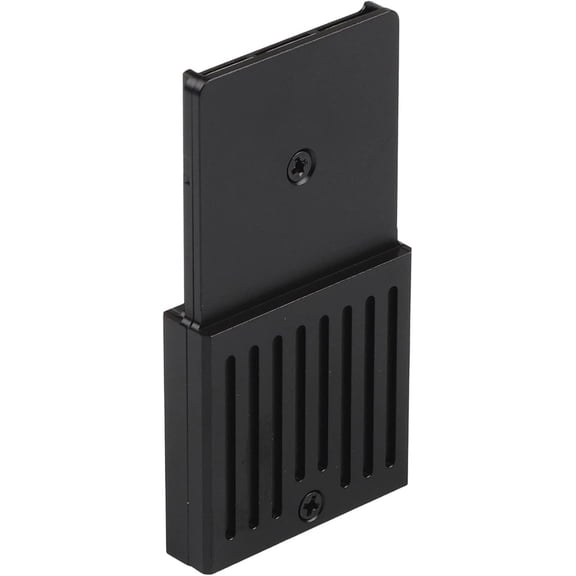
274.7 out of 5 Stars. 27 reviews4.7 out of 5 starsExternal Hard Drive Enclosure Compatible with Xbox Series X/S, M.2 NVMe 2230 SSD, Aluminum Alloy, Compatible with CH SN530 XA1 512G 1TB $35.95
 $3595current price $35.95
External Hard Drive Enclosure Compatible with Xbox Series X/S, M.2 NVMe 2230 SSD, Aluminum Alloy, Compatible with CH SN530 XA1 512G 1TB
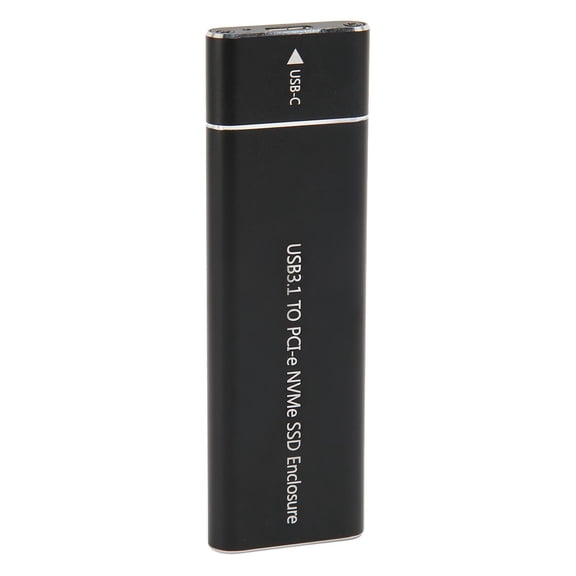
M.2 NVMe SSD Enclosure 10Gbps Type C Portable Drive External Box Adapter for 2230 2242 2260 2280 Solid State Drive / 10 inches / 25.4 cm Aluminum Alloy Black Case with Type A to C Cable $15.60
 2 optionsAvailable in additional 2 options$1560current price $15.60
M.2 NVMe SSD Enclosure 10Gbps Type C Portable Drive External Box Adapter for 2230 2242 2260 2280 Solid State Drive / 10 inches / 25.4 cm Aluminum Alloy Black Case with Type A to C Cable
FOR High Speed SSD Case 20Gbps M2 NVMe Enclosure External USB3.2 GEN2*2 20Gbps Solid State Drive M.2 Case Box MAX 4TB for book PC $47.89
 $4789current price $47.89
FOR High Speed SSD Case 20Gbps M2 NVMe Enclosure External USB3.2 GEN2*2 20Gbps Solid State Drive M.2 Case Box MAX 4TB for book PC
Hagibis Aluminum M.2 NVMe SSD Enclosure, USB C 10Gbps External Hard Drive Case for 2280 SSD $71.72
 4 optionsAvailable in additional 4 options$7172current price $71.72
Hagibis Aluminum M.2 NVMe SSD Enclosure, USB C 10Gbps External Hard Drive Case for 2280 SSD
Customer ratings & reviews
Filtered and sorted results would be available on the new 'Customer ratings & reviews' page.
Showing 1-3 of 7 reviews
Verified Purchase
Nice cloning dock
This worked flawlessly. Just be warned - the drives get hot! But it transfers data very quickly.
Verified Purchase
Read the Orico official instructions,
I read the instructions that came with the product and failed. They were written by a non-tech person who probably doesn't speak English well. Then I went to Orico's site and read their instructions and succeeded. 1. After inserting both units, connecting power, DO NOT power to ON state. 2. Press the big start button and hold it down. 3. Then, tap the power-on button while still holding down the start button for 20 seconds. 4. Wait for the lights to be blinking, then release the start button. 5. Wait until all progress lights are on. 6. Turn off the power and take out your memory drives. PS. I bought some thermal tape and an inexpensive heat sink because of the reviews about the device becoming hot. So before copying, I stuck the device to the heat sink. It did not get hot while copying. I was just playing it safe because I did not want to damage the source drive. For sure they made it hard to not accidentally start a copy operation that could destroy good data.
Verified Purchase
Orico duplicator is fast
This thing is fast. If you are going to the same size M2 drive this thing is perfect for duplicating. Unfortunately I was upgrading to a larger drive and wanted my C position to grow. I still was able to use Samsung's software and a USB3 cable or USB2 to 3 cable to copy to the new drive in 20 or 30 minutes (128gb) and have a much larger C drive. There were some problems getting the Orico recognized. I had to turn the device on and off a couple of times but once it connected everything was rock solid. Never understood why the reboot. Definitely use the cables included with the Orico. They work well.

- Free shipping
 Free Holiday returns until Jan 31

(Only one option can be selected at a time)
How do you want your item?