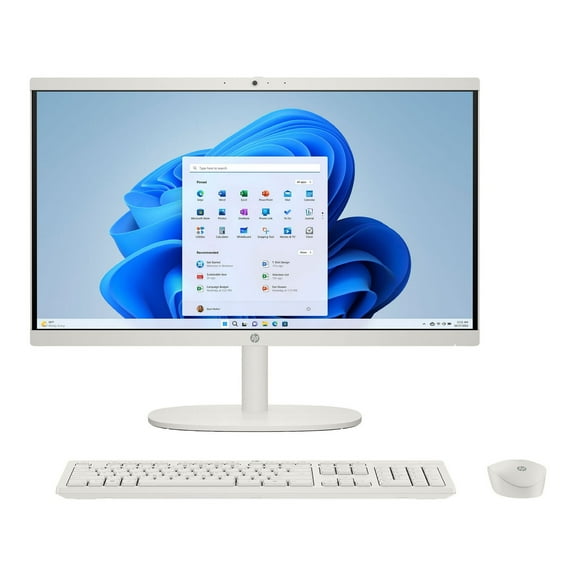
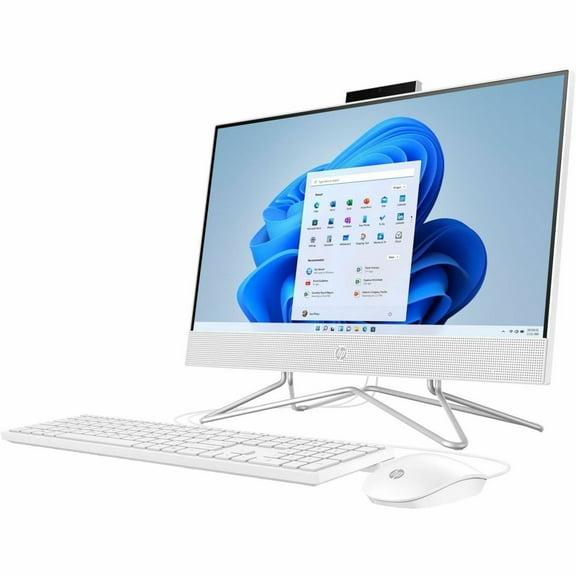
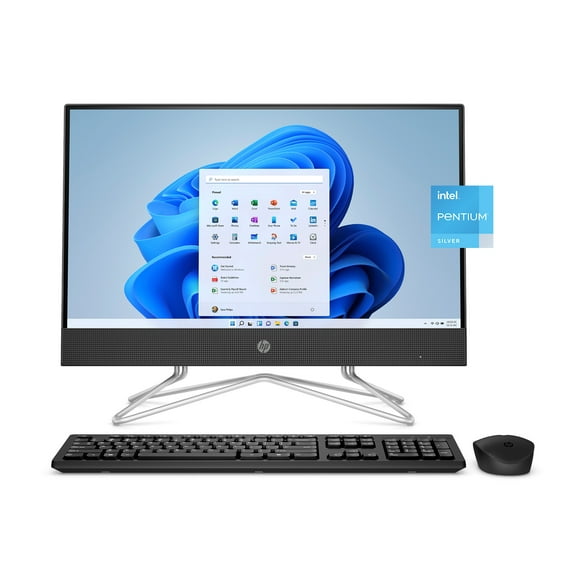
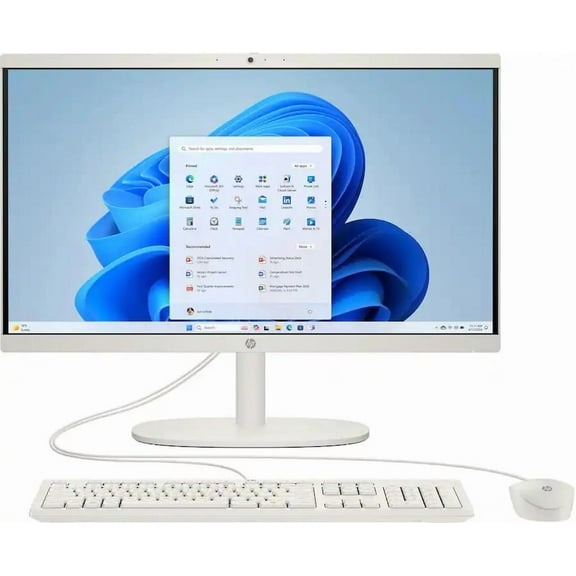
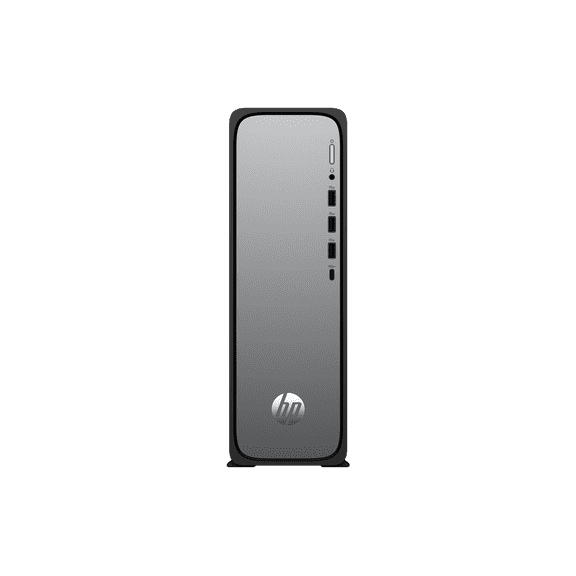
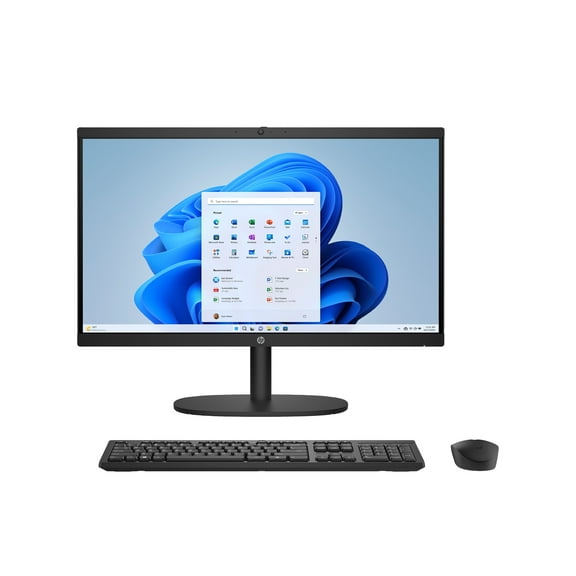
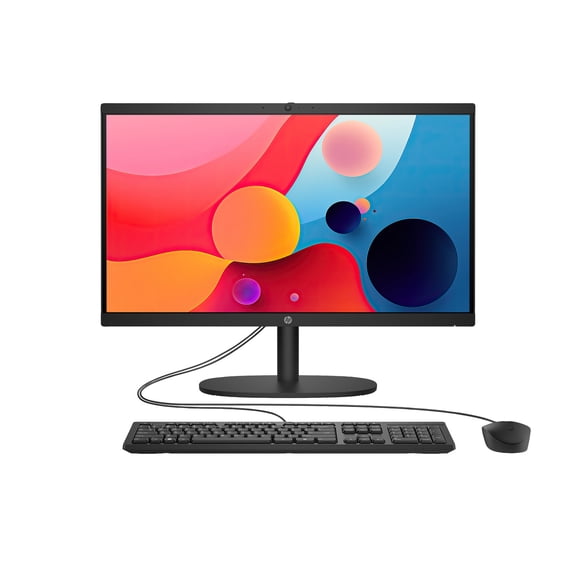
HP 22-df0003w 21.5" FHD Celeron G5900T 3.2GHz Intel UHD Graphics 610 4GB RAM 256GB SSD Win 10 Home or higher White
Hero image 0 of HP 22-df0003w 21.5" FHD Celeron G5900T 3.2GHz Intel UHD Graphics 610 4GB RAM 256GB SSD Win 10 Home or higher White, 0 of 10

HP 22-df0003w 21.5" FHD Celeron G5900T 3.2GHz Intel UHD Graphics 610 4GB RAM 256GB SSD Win 10 Home or higher White

Key item features

  • Compact Design: Features an All-in-One design, optimizing space with its integrated components and a sleek white finish.
  • Vibrant Display: Equipped with a 21.5-inch Full HD screen, delivering clear and vibrant visuals for various tasks.
  • Efficient Performance: Powered by an Intel Celeron G5900T processor running at 3.2GHz, ensuring efficient operation for daily computing needs.
  • Responsive Storage: Includes a 256GB Solid State Drive (SSD) for rapid boot-up times and quick application loading.
  • Integrated Graphics: Utilizes Intel UHD Graphics 610, suitable for casual gaming and general multimedia consumption.
  • Multitasking Capability: Comes with 4GB of RAM, providing sufficient memory for effective multitasking.
  • Modern OS: Pre-installed with Windows 10 Home or a higher version, offering a familiar and updated operating system experience.
Generated by AI
Current price is $467.00
Price when purchased online
5 free offers, including Apple TV up to 3 months free
Selected option out of stock
More options available

How do you want your item?

How do you want your item?
Out of stock

About this item

Product details

Specifications

Warranty

Warnings

Customer ratings & reviews

4.4 out of 5 stars
stars524 ratings352 reviews
How item rating is calculated

Reviews summary

Pros

  • : Setup takes around 10 minutes and is straightforward.
  • : Monitor has a compact design for convenient use.
  • : Offers great features and performance at this price point.
  • : Has a sleek and compact build that fits any decor.

Neutral

  • : Can handle casual games smoothly, but may struggle with demanding titles.
Generated by AI

Customer photos

  • +55 images
Filtered and sorted results would be available on the new 'Customer ratings & reviews' page.
Sort by |

Showing 1-3 of 352 reviews

Oct 17, 2020
CH52
5 out of 5 stars review

Nice home desktop

Overall, this is a nice desktop for my casual home use (work, emails, general browsing, etc.). The keyboard and mouse that came with it did not seem very high of quality (in contrast to the desktop itself). However, it will be easy to hook up another laptop/mouse so it's not a huge issue. I'm glad it came with something though. For assembly, I was concerned it would be difficult since I'm not super tech savvy. However, the directions were SUPER easy to follow and assemble. It took under 10 minutes to set up and then the computer walked through how to set up the computer part. In about 15 minutes (including the 10 min assembly time) it was up and functional! The screen brightness was super high when I started but easy to adjust and figure out. I liked how you can adjust lots of things visually like the mouse size and color. I have been using a MacBook laptop for the last 8 years, but easily was able to maneuver and use this. It works great! I also LOVE that the webcam can come up or slide down for privacy. I usually tape the camera and then take the tape off if/when I want to use the camera—so this saves all that hassle. Overall, I am very pleased with this. I likely will be replacing the keyboard and mouse for a wireless option and will use the ones they provided as a “back up”. Desktop images are clear, sound and microphone work well, everything is on par with product description. Easy to set up and use and great for my home office!

Incentivized Review
Helpful?4E55A34VYKOP730657746
Oct 20, 2020
mom4the4
5 out of 5 stars review

Great Family Computer

I have not owned a Desktop computer in many years. And this one peaked my interest. At first it seemed strange having a monitor, keyboard and mouse without having a tower to run everything. I really appreciated how easy it was to set this computer up. The HP All-in-One-22-df0013w can be set up anywhere. This unit is great in the kitchen for recipe viewing. And it is easily moved to other rooms so it can be used by every member of the family. My kids also took this unit to Grandma's to finish some schoolwork so maybe HP should offer a carrying case for the unit. I have found the processing speed to be satisfactory. We are not gamers and mostly using the computer for school and personal use. It is fast enough for our family needs. Also, the pop-up camera is only enabled when in use, securing your privacy. We didn't like the wired keyboard and mouse so we have a wireless keyboard and mouse that work perfectly with this unit using one port instead of two. Also, it would be nice if the USB ports were on the front of the unit. We use a dongle that allows us to access the internet and other devices that need a USB port, so it would be easier to have them in the front for "plug and play" use. I would recommend it to anyone who is an average person and uses your computer on a daily basis for shopping, bill pay, social media, school work and very simple gaming. For the price, it is a good, reliable computer.

Incentivized Review
Helpful?4E55A34VYKOP730657746
Aug 9, 2020
Timinorlando
5 out of 5 stars review

Simply Blown away

This is my first all in one computer. I am basing my review coming from an Acer Swift 1 laptop and 4 year old 3ghz dual core Pentium with a standard HHD desktop . I have to tell you, I am blown away by this computer. I figured a 3.2ghz dual core Celeron with only 4gb of ram was going to be an entry level model. But I was wrong. This thing is speedy in so many areas. It's speedy in starting up. It's speedy in downloading and installing updates. It's speedy in browsing. It's speedy in doing more than one or two things at the same time. I had 20 tabs open in Chrome and the thing didn't miss a beat. It lets you do things just as fast when it's installing updates you'd never know it was installing them. I think most of it has to do with the SSD drive. And whatever they are doing with computers these days to make them so fast is beyond me. I installed MS flight simulator 2004 and while yes it's an old game, it use to take quite a while to install this game on other computers I've had as it's a 7gb game. But this installed in about 10 minutes. Amazing!! I was able to run the game with all settings turned up to 10. I am also using this as a Plex media server. Usually when you install it and have it scan your libraries you pretty much can't do anything else. But on this one I was able to browse and do other things with no problem at all. It will serve videos and won't bog down your computer for other things. I'm in love with this thing. The screen is huge. 21.5 inch IPS display. Full 1080p. 4k would have been nice but hey, you'll have to spend more for that. Colors are great. Viewing angles are good, maybe not as great as TVs these days but still great. The screen is matte not glossy, thank you HP. There is a pop up webcam at the top which is great for privacy. I find it a little difficult to pop up. It would have been better to have it spring loaded to pop up easier. DVD writer? Seriously do we need a DVD drive at all? Why waste space and money for this? It's a dinosaur, just another thing to break. That being said I did try it and it does work. HP included DVD software for it. The speakers are loud. Almost too loud. Could use a bit more bass. Way better than laptop top speakers which surprised me because the specs said 2 watts. You have 2 USB 2.0 and 2 USB 3.1 ports on the back. Why no USB-C port? It is 2020. No matter I did try a a WD 3.1 drive with it and a portable USB 3.1 SSD drive and it's super fast. Also on the back is the power insert, HDMI out, LAN and headphone jack. Underneath is a card slot. They keyboard and mouse work fine. I like the red glow of the mouse while it sleeps. Not a fan of the keyboard buttons but maybe I just have to get use to them coming from a laptop. It actually works quite well as I type this. Nice having a dedicated number pad again and volume and sleep buttons are logically placed. It comes with HPs usual bloatware of Wild Tangent games and Mcaffe trial antivirus. But it's easy enough to uninstall. Other Hp software is installed such as HP jump starts and HP audio center and diagnostic software, but I've decided to keep them as they don't get it the way and some you will even need. You can do a clean install if you truly want a bloatware free computer. I received this computer free in exchange for writing a review. That being said, if I was in the market for an all in one I wouldn't hesitate recommending this computer. If it was junk I would straight up tell you that. But it's not. It's decent and well worth the money. This would be great for a student learning from home or someone working from home remotely. Zoom works great. Maybe if you are doing hard core video editing or the like do you need something faster. In the end what this has shown me is that I need a new laptop now :)

Incentivized Review
Helpful?4E55A34VYKOP730657746