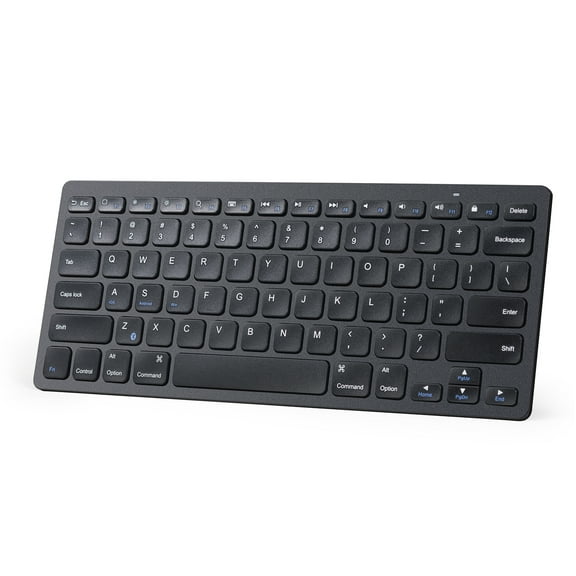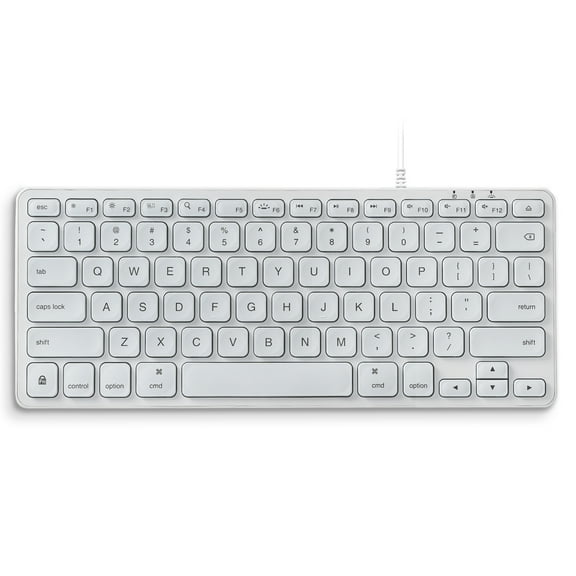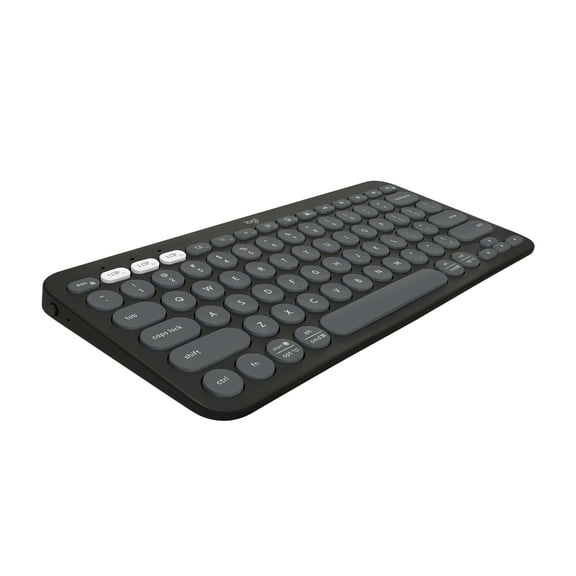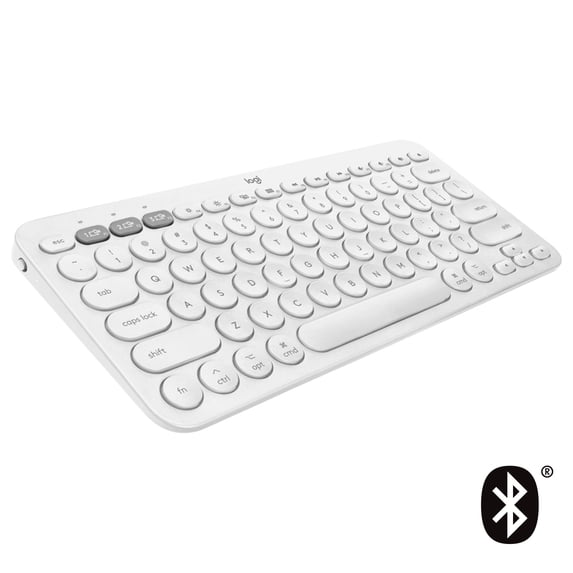
Logitech Multi-Device Bluetooth Keyboard for Mac with Compact Slim Profile, Easy-Switch up to 3 Devices, Scissor Keys, 2 Year Battery, Compatible with macOS, iOS, iPadOS, Off White
Hero image 0 of Logitech Multi-Device Bluetooth Keyboard for Mac with Compact Slim Profile, Easy-Switch up to 3 Devices, Scissor Keys, 2 Year Battery, Compatible with macOS, iOS, iPadOS, Off White, 0 of 8

Logitech Multi-Device Bluetooth Keyboard for Mac with Compact Slim Profile, Easy-Switch up to 3 Devices, Scissor Keys, 2 Year Battery, Compatible with macOS, iOS, iPadOS, Off White

Key item features

  • Universal Compatibility: This slim Bluetooth keyboard is designed for Mac, iPad, and iPhone, offering an Apple-specific layout for macOS, iOS, and iPadOS devices.
  • Multi-Device Switching: Easily pair and switch between up to three Bluetooth wireless devices with a simple tap, allowing seamless transitions between typing on different devices.
  • Comfortable Typing: Featuring a compact footprint and low-profile scissor keys, this keyboard provides a fluid, quiet, laptop-like typing experience with improved body posture.
  • Extended Battery: Enjoy a worry-free 2-year battery life with pre-installed AAA alkaline batteries, automated power-saving technology, and an on/off button.
  • Portable Design: The lightweight, minimalist design allows for multitasking at home or on the go, making any space modern and multi-device.
Generated by AI
Current price is Now $36.99
You save $13.00
was $49.99
Price when purchased online
  • Free shipping
  • Free 30-day returns
Walmart Accident Plan by Allstate

(Only one option can be selected at a time)

How do you want your item?

Try 30 days of Free Shipping with Walmart+! Choose plan at checkout.
How do you want your item?
Columbus, 43215
Arrives by Tue, Apr 28
.
Order within 14 hr 20 min
Sold by DealPro99Pro Seller
Fulfilled by Walmart
4.583333333333333 stars out of 5, based on 12 seller reviews(4.6)
Report an issue with this seller
Free 30-day returns - in store or online

More seller options (1)

Starting from $37.99
walmart plus

Get free delivery, shipping and more*

*Restrictions apply

About this item

Product details

Specifications

Warranty

Warnings

Customer ratings & reviews

4.4 out of 5 stars
stars12 ratings8 reviews
How item rating is calculated

Customer photos

Filtered and sorted results would be available on the new 'Customer ratings & reviews' page.
Sort by |

Showing 1-3 of 8 reviews

Dec 18, 2025
Jenny
Sold byDealPro99Delivered byWalmart
5 out of 5 stars review

Verified Purchase

Incredibly easy to setup the Bluetooth connection. I think it might've taken all of 5 seconds. Looks great at my workstation and there's no lag at all.

Incentivized Review
Helpful?0VUJI2Z4DRPK632715197
reply from Logitech

We’re grateful for your kind words. It’s great to know our product is meeting your expectations. Thanks for being with Logitech.

Mar 25, 2026
Sathwik
Sold byAmoldarDelivered byWalmart
5 out of 5 stars review

Verified Purchase

Easy to use

Incentivized Review
Helpful?0VUJI2Z4DRPK632715197
reply from Logitech

Thanks for the great feedback! We're thrilled you're loving your Logitech device. Your support means a lot to us.

Jul 23, 2022
Elena
5 out of 5 stars review

Verified Purchase

Great keyboard but difficult to use for PC users

Great keyboard that also works with PCs. Super quiet typing, and comfortable key action. HOWEVER, if you use "delete", CTRL ALT DEL, or the copy/paste/delete keyboard shortcuts, you may be frustrated with this keyboard. Although it has a key named "DELETE", it functions as a backspace key. So, in order to delete anything, you need to arrow to the right of the text, then backspace through the text you want to delete. It also doesn't have an "alt" button, but the "opt" button acts like "alt". And the "ctrl" button is not in the same place as a PC keyboard, so if you use that a lot, you need to alter where your hands go, which can slow you down. I use all of these keys A LOT, so I ended up getting the version of this keyboard that's intended for PCs. I'll keep this Mac version in case that one ever dies!

Helpful?0VUJI2Z4DRPK632715197