

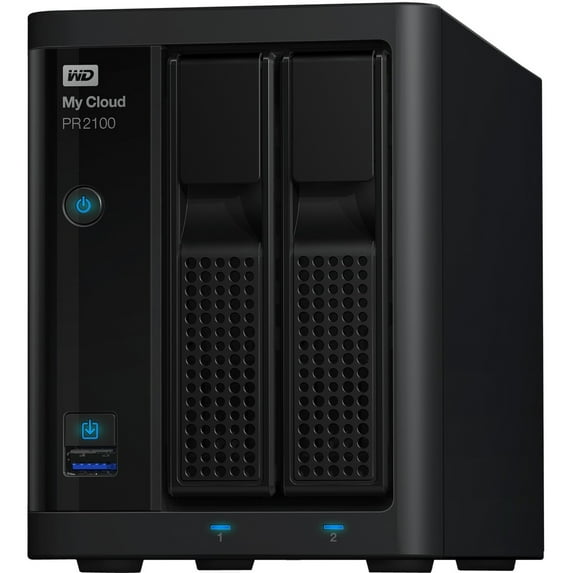
WD 16TB My Cloud PR2100 Pro Series Media Server with Transcoding, NAS, Network Attached Storage
Key item features
- Space To Organize Everything: With high capacity network storage, you get the space you need to back up content from all your computers in one place, on your own private network, and without monthly subscriptions. Combined with a quad core Intel Pentium N3710 processor and 4GB of RAM, you can seamlessly stream HD videos or share content with multiple users. Keep your project files, important documents, .RAW photos, or final mixes in a single place and ready for access with the My Cloud PR2100.
- Access Anywhere: Access, edit and share your content with clients and colleagues using MyCloud.com and the My Cloud mobile app anywhere you have an internet connection.
- Simple to Setup, Easy to Use: The My Cloud PR2100 can be quickly found on your network and installed over the web, making the setup process simple and intuitive. And with tool-less, tray-less drive bays, you're able to easily add or replace hard drives in a matter of moments.
- Robust Data Protection: The available Acronis True Image for Western Digital software delivers easy, efficient, secure cyber protection, integrating award-winning backup with an AI-based defense against ransomware and cryptojacking attacks. The Acronis True Image for Western Digital software backs up everything from operating systems and applications to settings and individual files, with support for both PC and Mac machines.
- Beautiful Streaming: Built-in hardware transcoding prepares media for streaming in the right format and quality, and with the Plex Media Server installed on your My Cloud PR2100, you can beautifully stream to any device with an internet connection.
- My Cloud OS 5: My Cloud OS 5 features our latest security updates, enhanced data privacy, improved connectivity reliability, a modern mobile and web app experience, and improved photo/video viewing and sharing capabilities. Use the mobile or web app to remotely access and share files, photos and videos you save on your My Cloud NAS from anywhere with an Internet connection. Learn More
- One-Touch Copying: Using an integrated copy button, the My Cloud PR2100 can back up and preserve everything in a single move. The My Cloud PR2100 is also exFAT compatible, so you can plug in a camera or an external hard drive like the My Passport drive and automatically offload everything as soon as you're back from a shoot.
- Options to Help Safeguard Your Data: Multiple RAID options help you protect your digital library however you need, while password protection and 256-bit AES volume encryption helps safeguard your files from prying eyes. Along with two power ports in case of a power supply failure, the My Cloud PR2100 helps keep your data safe.
- Multiple Backup Options: Help ensure your data is always protected with remote off-site backup to another My Cloud network attached storage device or with an integrated cloud backup solution. My Cloud Pro Series also provide LAN/WAN backup options with centrally managed backup, or basic file backup.
- Disaster Recovery Backup: Remote off-site backup to another My Cloud NAS device will help ensure that your critical data is always protected and available in the instance that one NAS fails or is destroyed by a catastrophic event. Back up the My Cloud NAS in your office to another My Cloud NAS in your home or with an integrated cloud backup solution. It's a safe and affordable way protect your all-important data.
Specs
- Data storage16 TB
- Number of drive bays2
- Raid levelRAID 0, 1, JBOD
- BrandWD
- Form factorDesktop
- Inputs/OutputsInputs - RJ-45
How do you want your item?
About this item
Product details
Equipped with an Intel Pentium N3710 quad-core 1.6GHz processor, My Cloud Pro Series NAS provides you with the power you need to transcode your media on-the-fly. Along with 4GB of DDR3L RAM, you get the power and efficiency to stream in high definition, access photos quickly and share content seamlessly.
Smooth video streaming
My Cloud PR2100 comes with built-in hardware transcoding, so your video is prepared for streaming through the Plex media server whenever you need it. With Plex, your media is enhanced with the appropriate descriptions, artwork, and metadata through an easy interface, so you can find and stream your favorite content to your PC, Mac, smart TV, or a supported mobile device.
Centralized Storage
Improve your workflow and organize your files, photos and entire media collection in a single location with My Cloud PR2100. By centralizing your content on this high-capacity NAS, you're able to keep everything you need ready for access whenever you need it, and with MyCloud.com or the My Cloud mobile app, you can access or stream media anywhere with a supported device.
Quick and easy setup
Featuring My Cloud OS 3, My Cloud PR2100 makes device setup simple and intuitive. Using a web-based installation process, My Cloud PR2100 is automatically found and installed through a robust device manager, so you're able to control and monitor your storage at home or from the road.
Comprehensive data protection
My Cloud PR2100 supports RAID 0, 1, as well as JBOD and spanning configurations, for added performance or data mirroring options. Password protection and AES 256 bit volume encryption help make sure your content is kept away from prying eyes. Combined with dual power ports that include an auto failover mode for continuous performance, your data is safe.
Back up your way
My Cloud PR2100 offers several backup alternatives, so you always have a solution for your exact requirements. With WD SmartWare��� Pro software, you're able to create a continuous, automatic backup system for your PC. Apple Time Machine is fully supported as well, so you're able to easily back up all your Mac computers. You can even use a separate My Cloud device to create an offsite copy of your data.
Synchronized content
Make sure all your favorite content is accessible from anywhere with WD Sync. This WD software synchronizes your content across all your computers, so you have a quick and effective solution to both access and save across multiple computers.
Creative collaboration
My Cloud PR2100 lets you easily share individual photos and videos, or entire folders, from anywhere. Stream content for quick feedback from a client, or create a shared folder with user permissions to let your entire team access, edit and save content from the office or in the field.
Tailored to you
Customize My Cloud PR2100 with a variety of downloadable apps and create a unique cloud experience that meets your specific needs. Create a streaming HD media server with Plex, edit and share projects with Dropbox.
- Space To Organize Everything: With high capacity network storage, you get the space you need to back up content from all your computers in one place, on your own private network, and without monthly subscriptions. Combined with a quad core Intel Pentium N3710 processor and 4GB of RAM, you can seamlessly stream HD videos or share content with multiple users. Keep your project files, important documents, .RAW photos, or final mixes in a single place and ready for access with the My Cloud PR2100.
- Access Anywhere: Access, edit and share your content with clients and colleagues using MyCloud.com and the My Cloud mobile app anywhere you have an internet connection.
- Simple to Setup, Easy to Use: The My Cloud PR2100 can be quickly found on your network and installed over the web, making the setup process simple and intuitive. And with tool-less, tray-less drive bays, you're able to easily add or replace hard drives in a matter of moments.
- Robust Data Protection: The available Acronis True Image for Western Digital software delivers easy, efficient, secure cyber protection, integrating award-winning backup with an AI-based defense against ransomware and cryptojacking attacks. The Acronis True Image for Western Digital software backs up everything from operating systems and applications to settings and individual files, with support for both PC and Mac machines.
- Beautiful Streaming: Built-in hardware transcoding prepares media for streaming in the right format and quality, and with the Plex Media Server installed on your My Cloud PR2100, you can beautifully stream to any device with an internet connection.
- My Cloud OS 5: My Cloud OS 5 features our latest security updates, enhanced data privacy, improved connectivity reliability, a modern mobile and web app experience, and improved photo/video viewing and sharing capabilities. Use the mobile or web app to remotely access and share files, photos and videos you save on your My Cloud NAS from anywhere with an Internet connection. Learn More
- One-Touch Copying: Using an integrated copy button, the My Cloud PR2100 can back up and preserve everything in a single move. The My Cloud PR2100 is also exFAT compatible, so you can plug in a camera or an external hard drive like the My Passport drive and automatically offload everything as soon as you're back from a shoot.
- Options to Help Safeguard Your Data: Multiple RAID options help you protect your digital library however you need, while password protection and 256-bit AES volume encryption helps safeguard your files from prying eyes. Along with two power ports in case of a power supply failure, the My Cloud PR2100 helps keep your data safe.
- Multiple Backup Options: Help ensure your data is always protected with remote off-site backup to another My Cloud network attached storage device or with an integrated cloud backup solution. My Cloud Pro Series also provide LAN/WAN backup options with centrally managed backup, or basic file backup.
- Disaster Recovery Backup: Remote off-site backup to another My Cloud NAS device will help ensure that your critical data is always protected and available in the instance that one NAS fails or is destroyed by a catastrophic event. Back up the My Cloud NAS in your office to another My Cloud NAS in your home or with an integrated cloud backup solution. It's a safe and affordable way protect your all-important data.
Specifications
Data storage
Number of drive bays
Raid level
Brand
Warranty
Warranty information
Please be aware that the warranty terms on items offered for sale by third party Marketplace sellers may differ from those displayed in this section (if any). To confirm warranty terms on an item offered for sale by a third party Marketplace seller, please use the 'Contact seller' feature on the third party Marketplace seller's information page and request the item's warranty terms prior to purchase.
Warnings
Warning Text
Similar items you might like
Based on what customers bought
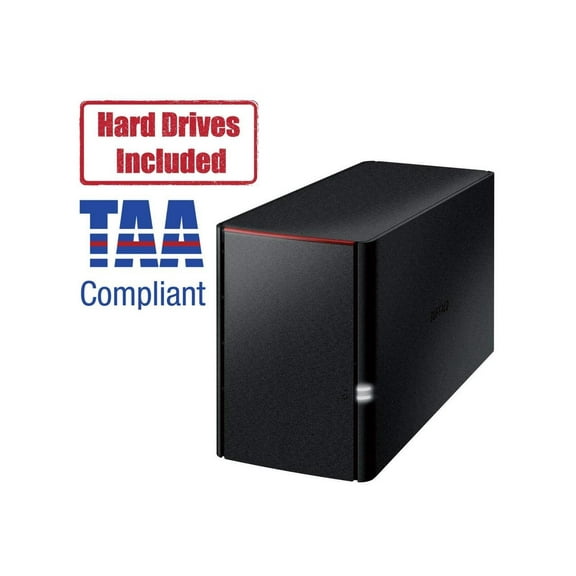
BUFFALO LinkStation 220 2-Bay Personal Cloud Network Storage 8TB (2x4TB) with Hard Drives Included $484.32
 $48432current price $484.32
BUFFALO LinkStation 220 2-Bay Personal Cloud Network Storage 8TB (2x4TB) with Hard Drives Included
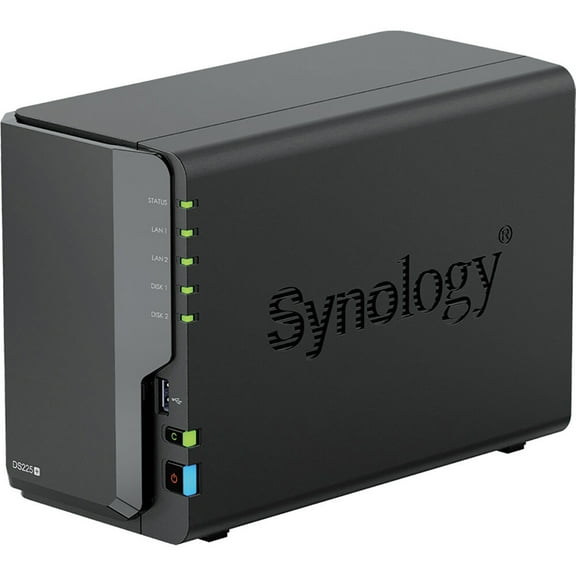
Synology DiskStation DS225 SAN/NAS Storage System - 1 x Intel Celeron J4125 Quad-core (4 Core) 2 GHz - 2 x HDD Supported - 0 x HDD Installed - 2 x SSD Supported - 0 x SSD Installed - 2 GB RAM DDR4... $339.99
 $33999current price $339.99
Synology DiskStation DS225 SAN/NAS Storage System - 1 x Intel Celeron J4125 Quad-core (4 Core) 2 GHz - 2 x HDD Supported - 0 x HDD Installed - 2 x SSD Supported - 0 x SSD Installed - 2 GB RAM DDR4...
94.8 out of 5 Stars. 9 reviewsSynology DiskStation DS725 SAN/NAS Storage System - 1 x AMD R-Series R1600 Dual-core (2 Core) 2.60 GHz - 2 x HDD Supported - 2 x SSD Supported - 4 GB RAM DDR4 SDRAM - Serial ATA Controller - RAID ... $519.99
 $51999current price $519.99
Synology DiskStation DS725 SAN/NAS Storage System - 1 x AMD R-Series R1600 Dual-core (2 Core) 2.60 GHz - 2 x HDD Supported - 2 x SSD Supported - 4 GB RAM DDR4 SDRAM - Serial ATA Controller - RAID ...
15 out of 5 Stars. 1 reviewsTERRAMASTER F2-425 2-Bay NAS Storage - Intel x86 Quad-Core CPU, 4GB RAM, 2.5GbE LAN, Network Attached Storage Multimedia Server for Home Users (Diskless) $254.99 Was $269.99
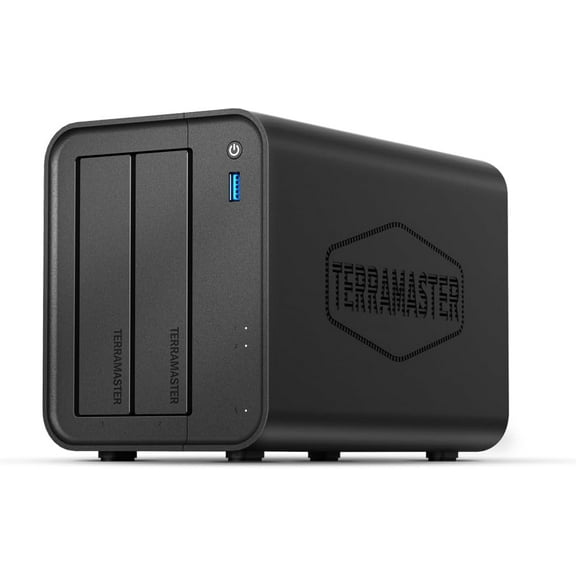 $25499current price $254.99, Was $269.99$269.99
TERRAMASTER F2-425 2-Bay NAS Storage - Intel x86 Quad-Core CPU, 4GB RAM, 2.5GbE LAN, Network Attached Storage Multimedia Server for Home Users (Diskless)
15 out of 5 Stars. 1 reviewsSynology 4-bay DiskStation DS925 $639.99
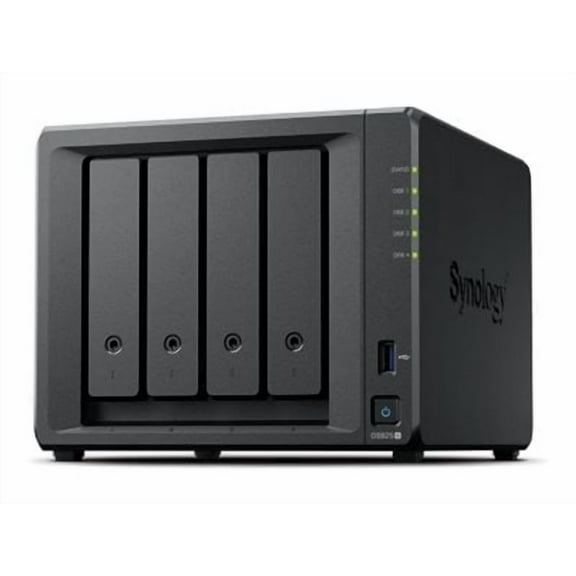 $63999current price $639.99
Synology 4-bay DiskStation DS925
23 out of 5 Stars. 2 reviewsTERRAMASTER F4-425 4-Bay NAS Storage – Intel x86 Quad-Core CPU, 4GB RAM, 2.5GbE LAN, Network Attached Storage Multimedia Server for Home Users (Diskless) $365.49 Was $429.99
 $36549current price $365.49, Was $429.99$429.99
TERRAMASTER F4-425 4-Bay NAS Storage – Intel x86 Quad-Core CPU, 4GB RAM, 2.5GbE LAN, Network Attached Storage Multimedia Server for Home Users (Diskless)
33.3 out of 5 Stars. 3 reviewsTERRAMASTER F4-425 Plus NAS Storage - 4Bay Intel N150 Quad-Core CPU, 16GB RAM DDR5, 5GbE LAN x 2, M.2 Slot x 3, Network Attached Storage for Teamwork, Multimedia Server (Diskless) $552.49 Was $584.99
 $55249current price $552.49, Was $584.99$584.99
TERRAMASTER F4-425 Plus NAS Storage - 4Bay Intel N150 Quad-Core CPU, 16GB RAM DDR5, 5GbE LAN x 2, M.2 Slot x 3, Network Attached Storage for Teamwork, Multimedia Server (Diskless)
BUFFALO TeraStation 3230DN 2-Bay Secure SMB Desktop NAS 8TB (2x4TB) with Hard Drives Included - Annapurna Labs Alpine AL524 Quad-core (4 Core) 2 GHz - 2 x HDD Supported - 2 x HDD Installed - 8 TB I... $671.99
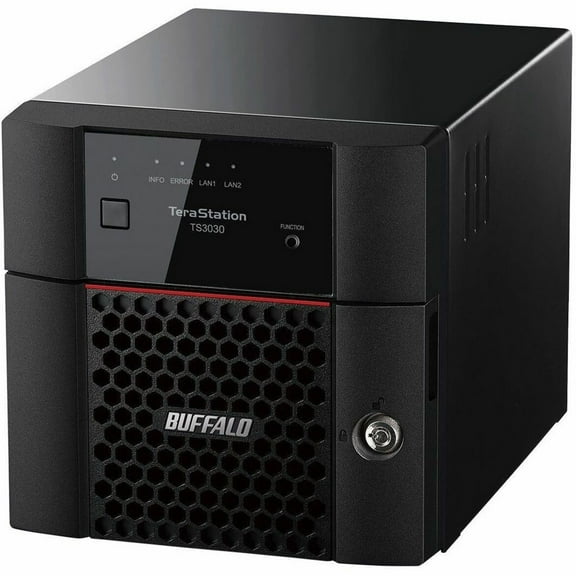 $67199current price $671.99
BUFFALO TeraStation 3230DN 2-Bay Secure SMB Desktop NAS 8TB (2x4TB) with Hard Drives Included - Annapurna Labs Alpine AL524 Quad-core (4 Core) 2 GHz - 2 x HDD Supported - 2 x HDD Installed - 8 TB I...
BUFFALO TeraStation 3230DN 2-Bay Secure SMB Desktop NAS 16TB (2x8TB) with Hard Drives Included - Annapurna Labs Alpine AL524 Quad-core (4 Core) 2 GHz - 2 x HDD Supported - 2 x HDD Installed - 16 TB... $828.99
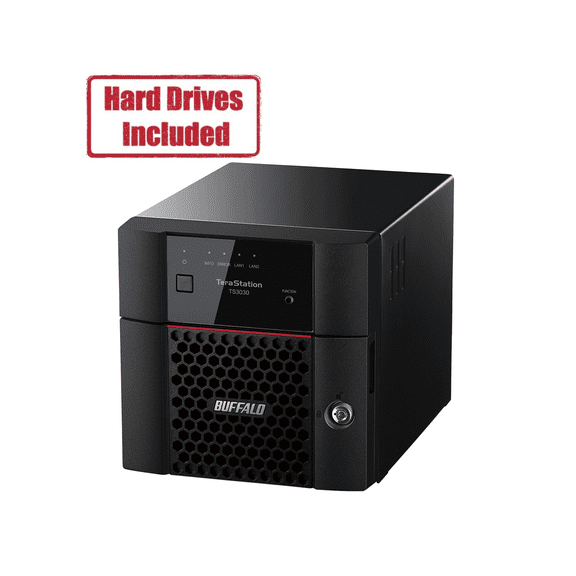 $82899current price $828.99
BUFFALO TeraStation 3230DN 2-Bay Secure SMB Desktop NAS 16TB (2x8TB) with Hard Drives Included - Annapurna Labs Alpine AL524 Quad-core (4 Core) 2 GHz - 2 x HDD Supported - 2 x HDD Installed - 16 TB...
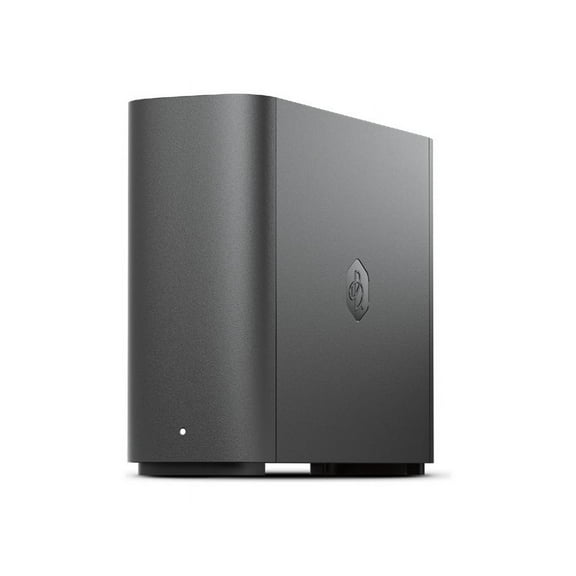
Synology BeeStation Plus 8TB Personal Cloud Storage Device BST170-8T $575.15
 $57515current price $575.15
Synology BeeStation Plus 8TB Personal Cloud Storage Device BST170-8T
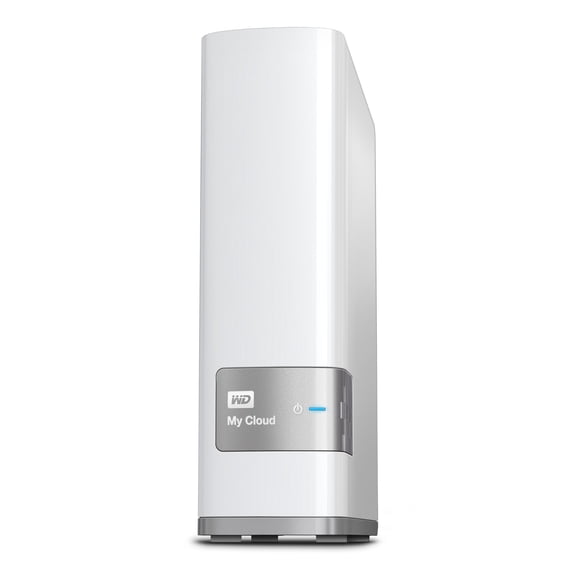
WD 2TB My Cloud Personal Network Attached Storage - NAS - $249.99
 $24999current price $249.99
WD 2TB My Cloud Personal Network Attached Storage - NAS -
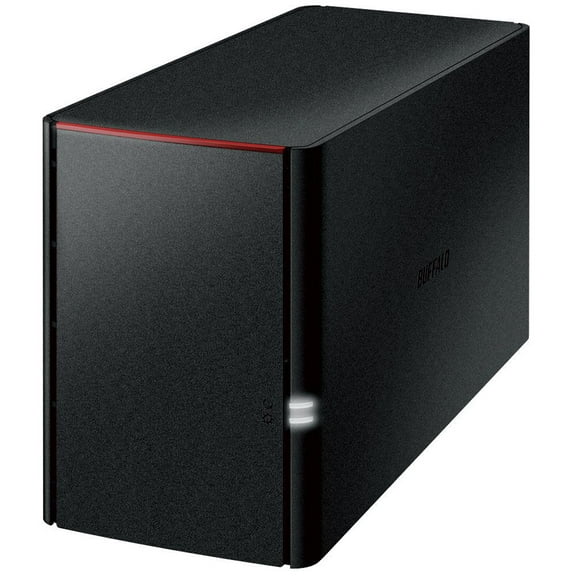
BUFFALO LinkStation SoHo 220 2-Bay Personal Cloud Office NAS 12TB (2x6TB) with Hard Drives Included - 2 x HDD Installed - (2 x 6TB) 12TB Installed HDD Capacity - Serial ATA/300 - Serial ATA/300 Con... $546.06
 $54606current price $546.06
BUFFALO LinkStation SoHo 220 2-Bay Personal Cloud Office NAS 12TB (2x6TB) with Hard Drives Included - 2 x HDD Installed - (2 x 6TB) 12TB Installed HDD Capacity - Serial ATA/300 - Serial ATA/300 Con...
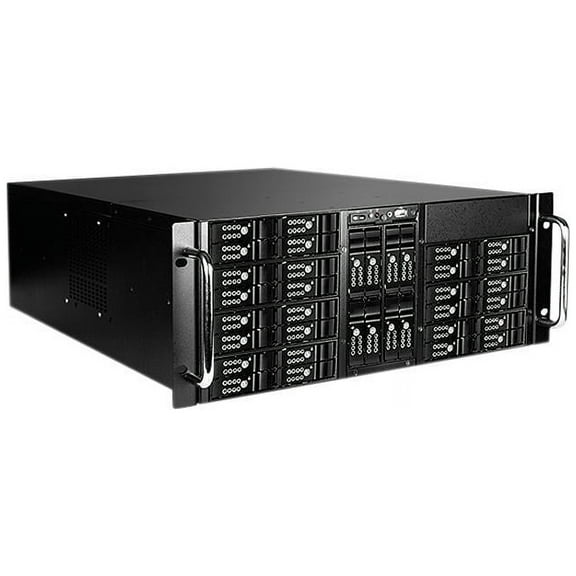
iStarUSA D-410-DE36 Steel 4U Rackmount 36-Bay Hotswap 2.5" HDD SSD Storage Server Rackmount $749.99
 $74999current price $749.99
iStarUSA D-410-DE36 Steel 4U Rackmount 36-Bay Hotswap 2.5" HDD SSD Storage Server Rackmount
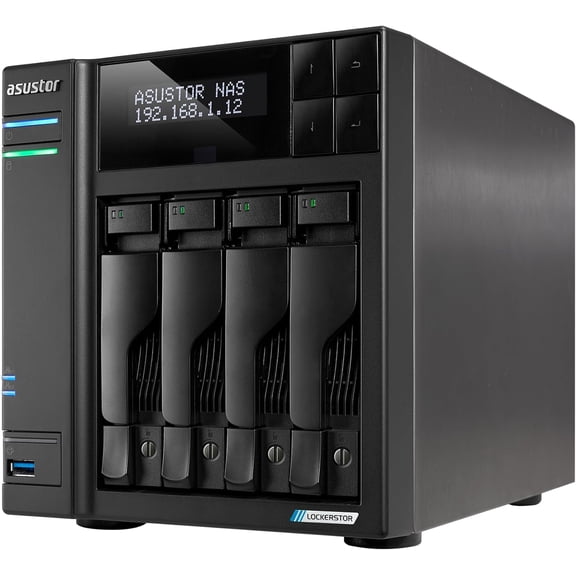
Asustor AS6704T v2 Lockerstor 4 Gen2 4 Bay NAS, Quad-Core 2.0GHz CPU, 2x5GbE ,4GB RAM DDR4, 4x M.2 SSD Slots (Diskless) $681.99
 $68199current price $681.99
Asustor AS6704T v2 Lockerstor 4 Gen2 4 Bay NAS, Quad-Core 2.0GHz CPU, 2x5GbE ,4GB RAM DDR4, 4x M.2 SSD Slots (Diskless)
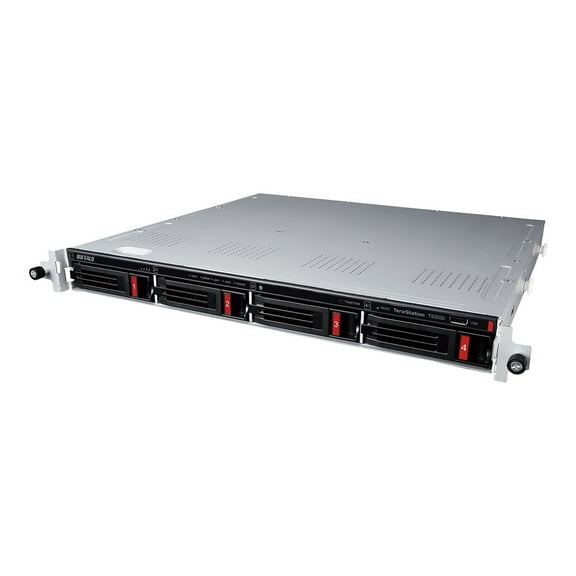
BUFFALO TeraStation 3430RN 4-Bay Secure SMB Rackmount NAS 8TB (2x4TB) with Hard Drives Included $974.99
 $97499current price $974.99
BUFFALO TeraStation 3430RN 4-Bay Secure SMB Rackmount NAS 8TB (2x4TB) with Hard Drives Included
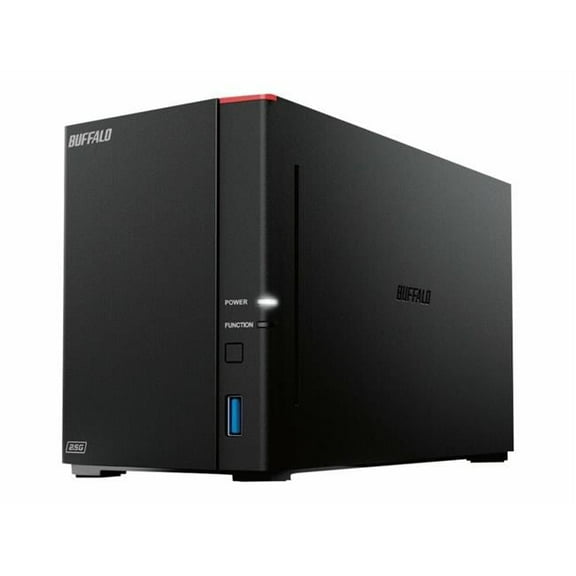
16TB 720D Series LinkStation NAS Server $741.31
 $74131current price $741.31
16TB 720D Series LinkStation NAS Server
12U Wall Mount Server Cabinet, 15.5” Deep Network Rack Enclosure, 200lbs Capacity, Locking Glass Door, IT & A/V Equipment Storage $165.32
 $16532current price $165.32
12U Wall Mount Server Cabinet, 15.5” Deep Network Rack Enclosure, 200lbs Capacity, Locking Glass Door, IT & A/V Equipment Storage
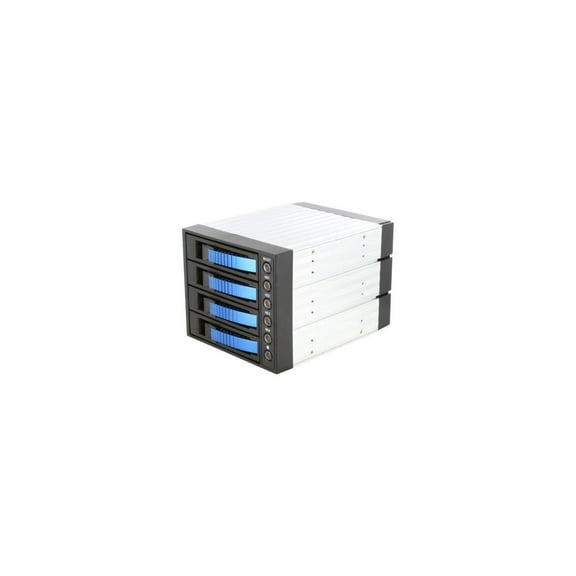
iStarUSA BPU-340SATA-BLUE 3x5.25" to 4x3.5" SAS/SATA 6.0 Gb/s Hot-Swap Cage $128.61
 $12861current price $128.61
iStarUSA BPU-340SATA-BLUE 3x5.25" to 4x3.5" SAS/SATA 6.0 Gb/s Hot-Swap Cage
Customer ratings & reviews
Filtered and sorted results would be available on the new 'Customer ratings & reviews' page.
Showing 1-3 of 4 reviews
Seller Verified Purchase
Great storage option.
I reallly like the convenience and ease of use. Was mainly looking for a external drive to store my photos that was accessible on my home network. Being able to access via the internet is a bonus without the monthly expense of paying for cloud storage service
Seller Verified Purchase
Worth the investment
Steps above my previous mycloud device. This unit is flawlessly simple to set up and use. Surprisingly easy to use remotely, which includes an iOS device.
Good drive - horrible support
My drive failed after 5 years so a good run I guess but sorting the issue was horrifying!
Hello, We're sorry to hear about your user experience with the WD My Cloud PR2100 and appreciate your time for providing this review. We were unable to locate you in our system with the information provided in the review. We want an opportunity to make this right and assist you directly to get your concern addressed by our next level of support. All our products must pass our stringent quality standards before leaving our factory to be free from defects in materials and craftsmanship. We stand behind our products throughout the device's factory warranty period. Please contact us via the phone with reference to the review to ensure an overall good experience with Western Digital. Need Help? Please see our "'Contact Us" page for information.
