












Apple iPhone Collection(1000+)
Verizon iPhone 18 Pro 256GB Burgundy


T-Mobile iPhone 18 Pro Max 256GB Glacier


T-Mobile iPhone 18 Pro 256GB Burgundy

AT&T iPhone 18 Pro 256GB Burgundy

Cricket Wireless Apple iPhone 16e 8GB RAM (Prepaid), Midnight

Best seller, Straight Talk Apple iPhone 16, 128GB, Teal - Prepaid Smartphone [Locked to Straight Talk]
![Straight Talk Apple iPhone 16, 128GB, Teal - Prepaid Smartphone [Locked to Straight Talk]](https://i5.walmartimages.com/seo/Straight-Talk-Apple-iPhone-16-128GB-Teal-Prepaid-Smartphone-Locked-to-Straight-Talk_e9b7de26-ce53-4879-993b-895b949a8173.903d6e44343ddd8fc424a095bfe82c94.jpeg?odnHeight=576&odnWidth=576&odnBg=FFFFFF)
In 200+ people's carts, Straight Talk Apple iPhone 15, 128GB, 5G, Black - Prepaid Smartphone [Locked to Straight Talk]
![Straight Talk Apple iPhone 15, 128GB, 5G, Black - Prepaid Smartphone [Locked to Straight Talk]](https://i5.walmartimages.com/seo/STRAIGHT-TALK-APPLE-IPHONE-15-128GB-5G-BLACK-PREPAID-SMARTPHONE-LOCKED-TO-STRAIGHT-TALK_5659a421-b10d-47b4-95c7-ae3fccfd9281.442117a5107e575e3b8041de819365ca.jpeg?odnHeight=576&odnWidth=576&odnBg=FFFFFF)
Best seller, Straight Talk Apple iPhone 17e, 256GB, 5G, White - Prepaid Smartphone [Locked to Straight Talk]
![Straight Talk Apple iPhone 17e, 256GB, 5G, White - Prepaid Smartphone [Locked to Straight Talk]](https://i5.walmartimages.com/seo/Straight-Talk-Apple-iPhone-17e-256GB-5G-White-Prepaid-Smartphone-Locked-to-Straight-Talk_cbbd548e-c8c6-4a13-8f5e-fa17deb64314.de5ede6fb30ad0d7593c3e87811d5b98.jpeg?odnHeight=576&odnWidth=576&odnBg=FFFFFF)
Verizon iPhone 18 Pro Max 256GB Glacier

AT&T iPhone 18 Pro Max 256GB Glacier

Verizon iPhone 17 Pro Max 2TB Deep Blue
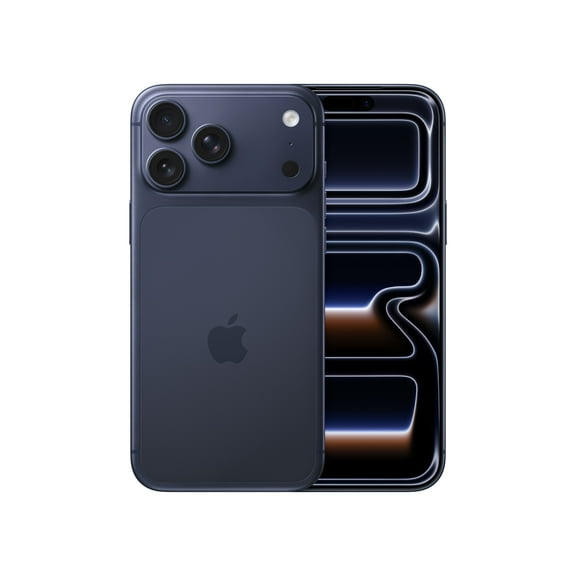
In 500+ people's carts, Straight Talk Apple iPhone 16e, 5G, 128GB, Black - Prepaid Smartphone [Locked to Straight Talk]
![Straight Talk Apple iPhone 16e, 5G, 128GB, Black - Prepaid Smartphone [Locked to Straight Talk]](https://i5.walmartimages.com/seo/Straight-Talk-Apple-iPhone-16e-5G-128GB-Black-Prepaid-Smartphone-Locked-to-Straight-Talk_d14b46ad-b4c0-4f4d-ba72-1885f37044f4.2dfc1bcb05137a5c9f69cd1af51b1b08.jpeg?odnHeight=576&odnWidth=576&odnBg=FFFFFF)
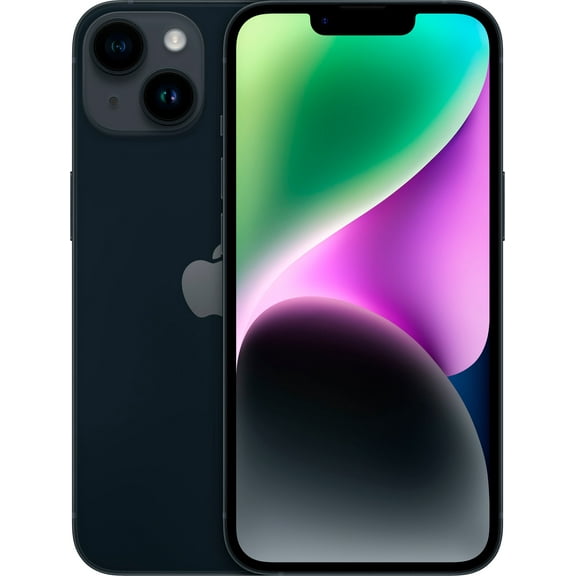
Restored Apple iPhone 16 Plus - Carrier Unlocked - 128GB Black
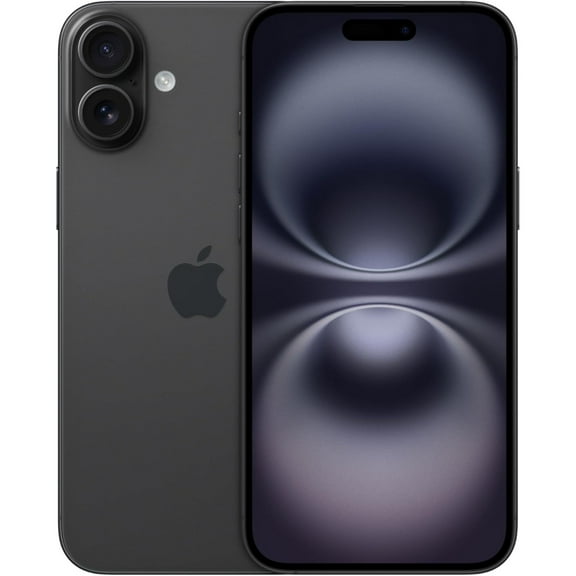


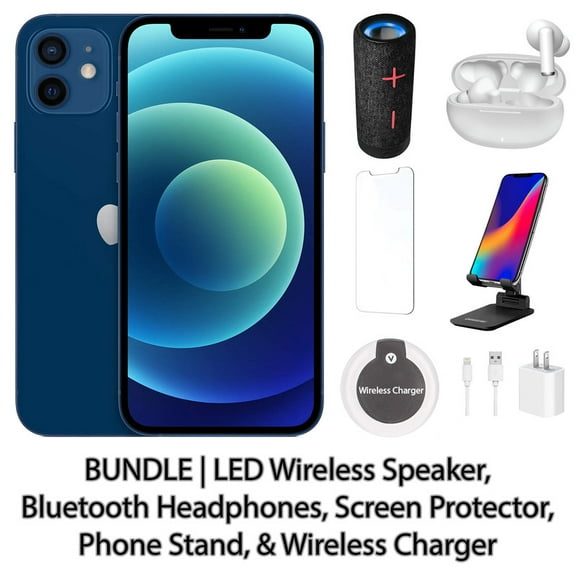
Restored Apple iPhone 12 128GB Blue Fully Unlocked with LED Wireless Speaker, Bluetooth Headphones, Screen Protector, Wireless Charger, & Phone Stand


Restored Apple iPhone 16 - Carrier Unlocked - 128GB Black


Restored Apple iPhone 16 Pro - Carrier Unlocked - 128GB Black Titanium


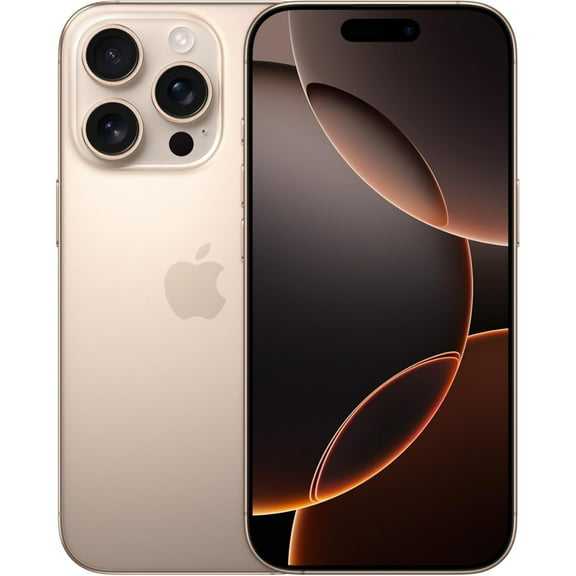
Restored Apple iPhone 16 Pro Max - Carrier Unlocked - 256GB Desert Titanium


Pre-Owned Apple iPhone 11 64GB Black Fully Unlocked Smartphone (Good)

Restored Apple iPhone 11 - Straight Talk/Tracfone - 64GB Yellow


Restored Apple iPhone 11 - Carrier Unlocked - 128GB Green


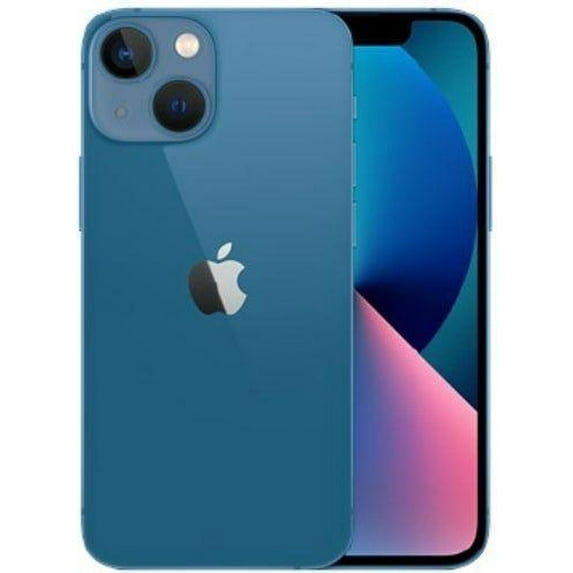
Pre-Owned Apple iPhone 13 mini 128GB – Fully Unlocked – Blue (Fair)


Restored Apple iPhone 15 Plus - Carrier Unlocked - 128GB Black


50+ bought since yesterday, Restored Apple iPhone 11 64GB Factory Unlocked 4G LTE Smartphone (Refurbished)

 5 free offers from Apple
Restored Apple iPhone 15 Pro Max 256GB - US Spectrum Mobile – Blue Titanium (Refurbished)


In 200+ people's carts, Straight Talk Apple iPhone 15, 128GB, 5G, Black - Prepaid Smartphone [Locked to Straight Talk]
5 free offers from Apple(Open Box) Apple iPhone 15 - Carrier Unlocked - 128GB Black


In 500+ people's carts, Straight Talk Apple iPhone 16e, 5G, 128GB, Black - Prepaid Smartphone [Locked to Straight Talk]
5 free offers from AppleRestored Apple iPhone 14 - T-Mobile - 128GB Midnight


Deal , Restored Apple iPhone 13 128GB Blue LTE Cellular US Cellular MLMT3LL/A - US (Refurbished)


Restored Apple iPhone 15 Pro Max - Carrier Unlocked - 1TB White Titanium
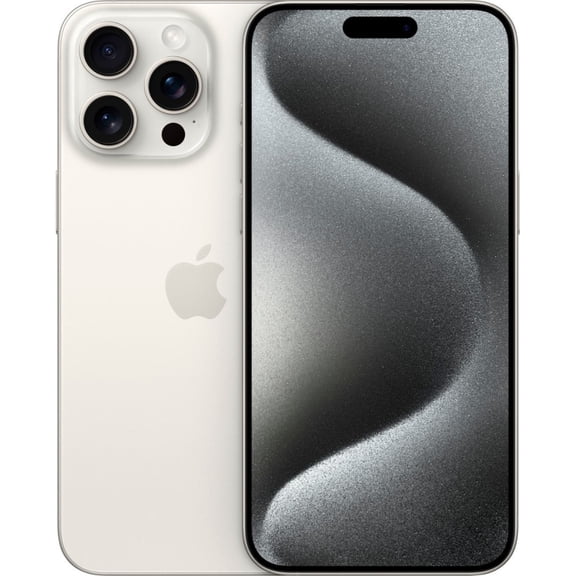


In 100+ people's carts, Walmart Family Mobile Apple iPhone 16e, 5G, 128GB, Black - Prepaid Smartphone [Locked to Walmart Family Mobile]
![Walmart Family Mobile Apple iPhone 16e, 5G, 128GB, Black - Prepaid Smartphone [Locked to Walmart Family Mobile]](https://i5.walmartimages.com/seo/FM-APPLE-IPHONE-16E-128GB-CDMA-LTE-BLACK-ESIM-ONLY-WALMART-POSA_42ae7fc8-2fe3-45d1-974f-afc4d077b9c2.51c5db8cc7434275b2598111373e4b28.jpeg?odnHeight=576&odnWidth=576&odnBg=FFFFFF) 5 free offers from Apple
5 free offers from ApplePre-Owned Apple iPhone 15 128GB Unlocked (Fair)
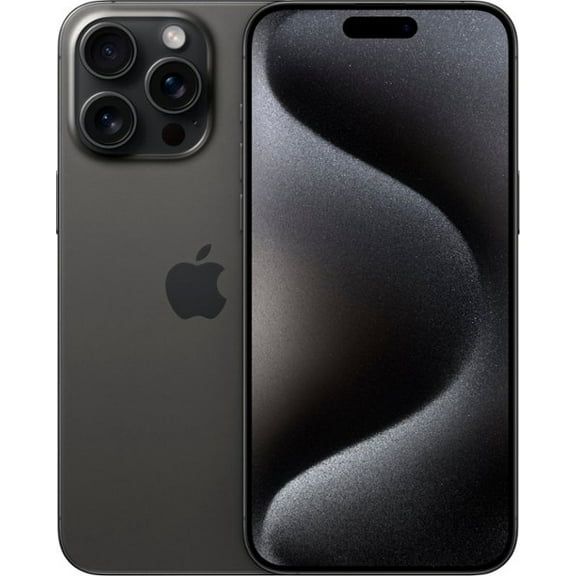


Restored Apple iPhone 14 Pro - T-Mobile - 512GB Space Black
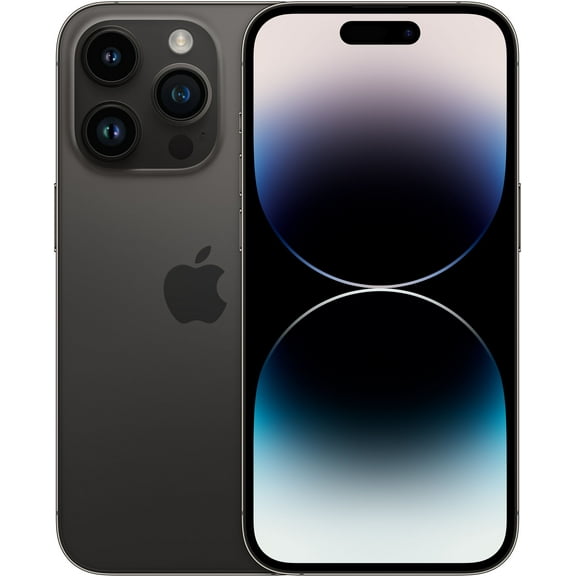


Pre-Owned Apple iPhone SE (2nd Gen) - Carrier Unlocked - 64GB Black
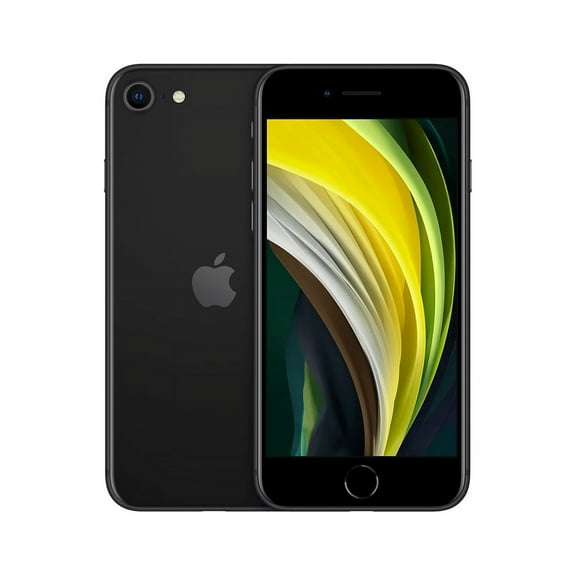 5 free offers from Apple
Restored Apple iPhone 15 - T-Mobile - 128GB Black


Restored Apple iPhone 17 Pro 5G 1TB - Unlocked - Silver
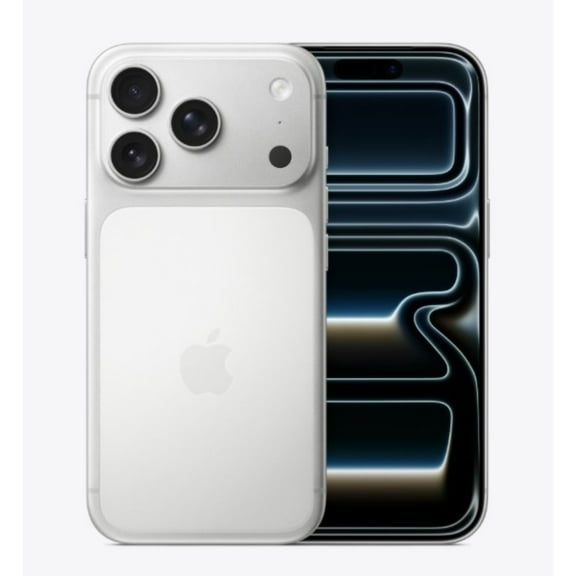


Restored Apple iPhone XS - Carrier Unlocked - 512GB Space Gray


Restored Apple iPhone 12 128GB Blue Fully Unlocked with Bluetooth Headphones, Screen Protector, & Wall Charger


Pre-Owned Apple iPhone 13 128GB Starlight Fully Unlocked with Bluetooth Headphones, Screen Protector, & Wall Charger


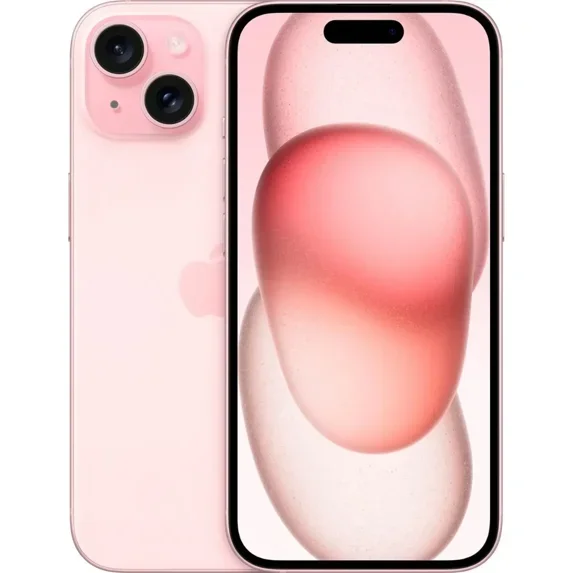
Pre-Owned Apple iPhone 15 - Cricket Wireless - 512GB Pink

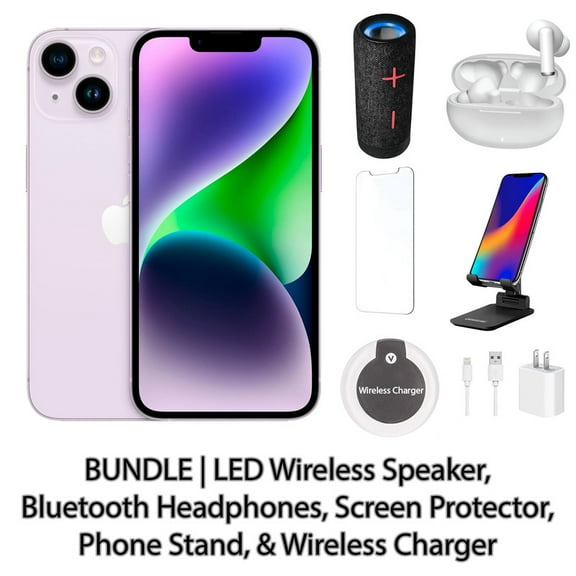
Restored Apple iPhone 14 128GB Purple Fully Unlocked Bundle with LED Wireless Speaker, Bluetooth Headphones, Screen Protector, Wireless Charger, & Phone Stand


Pre-Owned Unlocked Apple iPhone 12 Cell Phone 64GB 4GB RAM Green


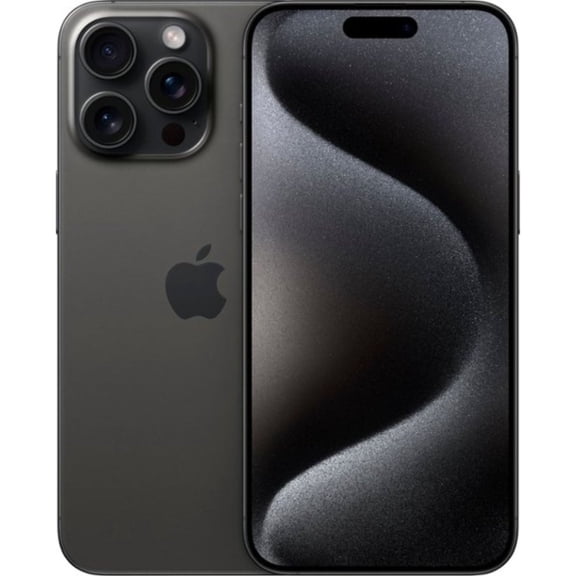
Restored Apple iPhone 15 Pro Max - Verizon - 512GB Black Titanium


Cricket Wireless Apple iPhone 16e 8GB RAM (Prepaid), Midnight
5 free offers from ApplePre-Owned No Plan-Unlocked Device Apple iPhone 16 Plus Cell Phone 128GB 8GB RAM Pink

Restored Apple iPhone 15 Pro - Verizon - 256GB White Titanium


About Apple iPhone Collection - Walmart.com
Explore the power, style, and versatility of the latest smartphones from one of the world's leading technology brands. Whether you're searching for advanced camera capabilities, impressive performance, or options to fit your budget, Walmart offers a diverse selection of devices—brand new, pre-owned, or refurbished—to match your needs and preferences.
- Find Your Fit: From the newest releases to reliable, restored models, discover options tailored to your carrier, storage requirements, and favorite color finishes.
- Upgrade With Confidence: Each device undergoes quality checks, and select restored phones offer the essentials, like accessories, screen protectors, or wireless chargers, for a seamless transition.
- Flexible Buying Choices: Choose from prepaid, unlocked, or carrier-specific models to easily switch networks or stay with your current provider—no long-term commitments needed.
- Everyday Value: Shop refurbished and pre-owned devices to enjoy premium features at a more accessible price, while still receiving the assurance of Walmart's support and customer care.
- Convenient Shopping Experience: Enjoy a streamlined browsing process, helpful product details, and the option for home delivery or free in-store pickup at a Walmart location near you.
With options designed for every user, Walmart makes it easy to find the smartphone that's right for you—giving you the confidence to connect, create, and stay productive wherever life takes you.
Popular in Apple iPhone Collection - Walmart.com
FAQ
How do I pick the right iPhone model?
Choosing the right iPhone depends on your needs and preferences. Consider
- Storage: If you take lots of photos or download apps, a higher storage option may be helpful.
- Carrier: Decide if you want an unlocked phone or one tied to a specific carrier.
- Features: Look for features like camera quality, screen size, and battery life.
- Condition: Options include new, refurbished, or pre-owned models.
What’s the difference between unlocked and carrier phones?
Unlocked iPhones can be used with most carriers, giving you flexibility if you switch providers or travel. Carrier phones are tied to a specific network, which may offer special deals but limits your options.
- Unlocked models are ideal if you want freedom to choose or change carriers.
- Carrier phones often come with prepaid plans or contracts.
Can I use a refurbished iPhone like a new one?
Refurbished iPhones at Walmart are tested and restored to function properly. They typically include essential accessories and may come unlocked or carrier-specific.
- They work much like new devices, supporting the latest apps and updates.
- Refurbished models can be a cost-effective way to enjoy popular features.
How do I transfer data to my new iPhone?
Transferring data is simple with Apple’s built-in tools.
- Back up your old iPhone using iCloud or a computer.
- When setting up your new device, follow the prompts to restore from your backup.
- Wi-Fi is recommended for a smooth transfer.
What accessories should I get for my iPhone?
Accessories can enhance your iPhone experience. Popular options include
- Cases: Protect your phone from drops and scratches.
- Screen protectors: Help prevent damage to your display.
- Chargers: Consider wireless or fast-charging options.
- Headphones: Choose wired or wireless for music and calls.