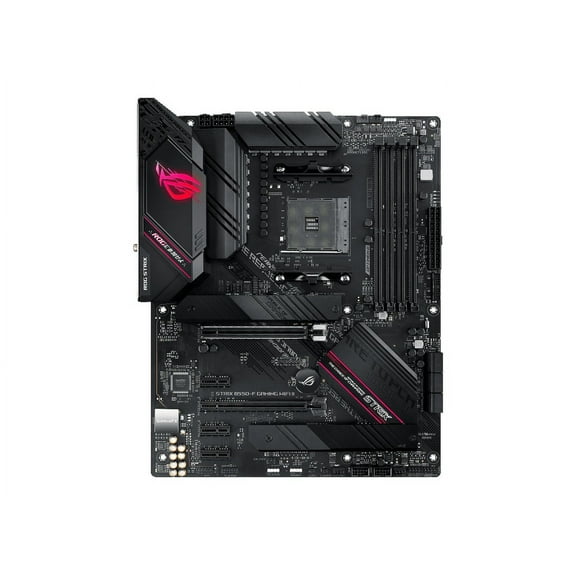
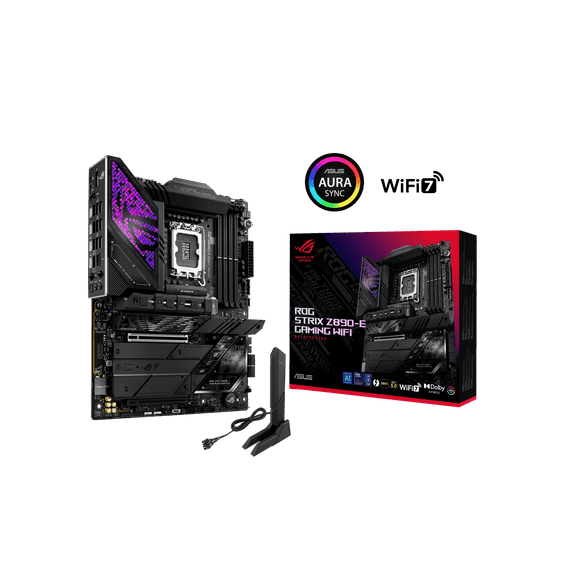
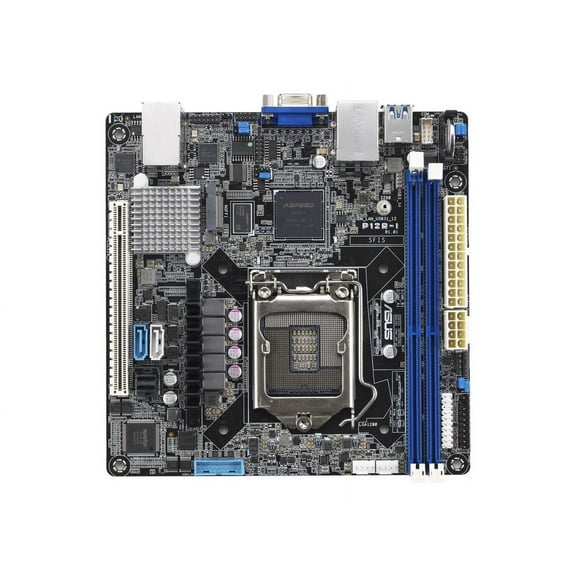
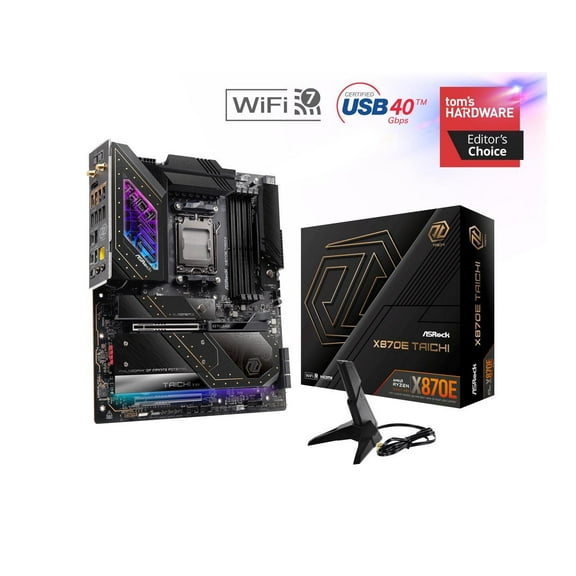
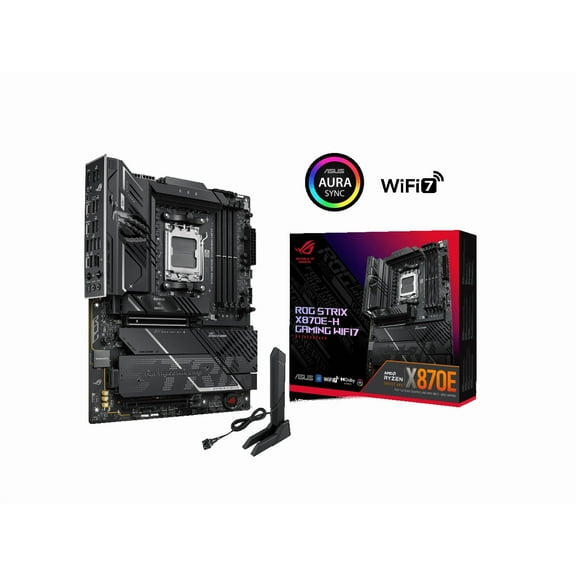
ASUS ROG Strix X570-F Gaming - Motherboard - ATX - Socket AM4 - AMD X570 Chipset - USB-C Gen2, USB 3.2 Gen 1, USB 3.2 Gen 2 - Gigabit LAN - onboard graphics (CPU required) - HD Audio (8-channel)
Hero image 0 of ASUS ROG Strix X570-F Gaming - Motherboard - ATX - Socket AM4 - AMD X570 Chipset - USB-C Gen2, USB 3.2 Gen 1, USB 3.2 Gen 2 - Gigabit LAN - onboard graphics (CPU required) - HD Audio (8-channel), 0 of 8

ASUS ROG Strix X570-F Gaming - Motherboard - ATX - Socket AM4 - AMD X570 Chipset - USB-C Gen2, USB 3.2 Gen 1, USB 3.2 Gen 2 - Gigabit LAN - onboard graphics (CPU required) - HD Audio (8-channel)

Key item features

Key Features and Benefits:

  • Solid hardware specs
    With comprehensive cooling options and upgraded power delivery to fuel Ryzen CPUs with more cores, plus faster storage and networking, ROG Strix X570-F Gaming provides all the essentials you need to harness the full potential of components in your build for top-tier gaming performance.
  • Design & customization
    The arrival of ROG Strix X570-F Gaming brings a brand-new design that features unique rainfall and cyber-text patterns. Together with the most diverse ecosystem of components in the industry, ROG Strix X570-F Gaming makes creating and customizing a gaming rig that reflects your personal style wonderfully easy.
  • The ROG Strix ecosystem awaits
    Gear up with ROG Strix components, from graphics and sound cards, to mice and keyboards, and up your game with complementary aesthetics, control and compatibility - and enjoy more choice than any competing brand.
  • Tune your rig you want
    The ROG Strix X570-F Gaming motherboard features firmware controls and software utilities designed for all skill levels, making setup, tuning and system maintenance simple. With options from overclocking and cooling to managing network performance and audio characteristics, you can configure your ROG Strix gaming build to perform the way you want.
Current price is $419.88
Price when purchased online
Out of stock

How do you want your item?

How do you want your item?
Out of stock
Report an issue with this seller

About this item

Product details

Specifications

Warranty

Customer ratings & reviews

4.6 out of 5 stars
stars56 ratings56 reviews
How item rating is calculated

Customer photos

  • +12 images
Filtered and sorted results would be available on the new 'Customer ratings & reviews' page.
Sort by |

Showing 1-3 of 56 reviews

Sep 24, 2022
Major Look
5 out of 5 stars review

Seller Verified Purchase

Great Motherboard

This motherboard has all you need to get started with a RYZEN 5000 processor. It is very easy to upgrade the BIOS without needing a processor. Just need to download the latest version and put on a USB drive and plug in to the motherboard BIOS FLASHBACK SOCKET Connect the power supply and press the BIOS update button and it does it automatically. I did this with no problems. The lay out is good. Only problem I had was the case connections were had to get to being way at the bottom right corner of the board and the SATA connections being difficult to connect to.

International review
Review from https://www.asus.com
Helpful?6N4THLD3ZW15434638847
May 14, 2021
Josiah J.
2 out of 5 stars review

Seller Verified Purchase

im sure its a great board, mine however went back.

i was beyond excited to use this board!. sad though cause i had to send it back and put my old 470 back in cause it crashed over and over. that really sucked too cause i have bought 15 or more ASUS boards cause i build pc's for a living so i always recommended ASUS every time till now.

Review from ASUS
Helpful?6N4THLD3ZW15434638847
Sep 10, 2021
Fatzdomingo
4 out of 5 stars review

Seller Verified Purchase

Good Decent Board that doesn't cost an arm and a g

Decent entry level board with plenty of features. NB. When fitting Corsair AIOs to Spec, the Bios howls at post because you've nothing connected to CPU_FAN, I put my exhaust fan cable there and the Board was quite happy. ASUS, you need to think of a way around this dilemma..

International review
Review from https://www.asus.com
Helpful?6N4THLD3ZW15434638847