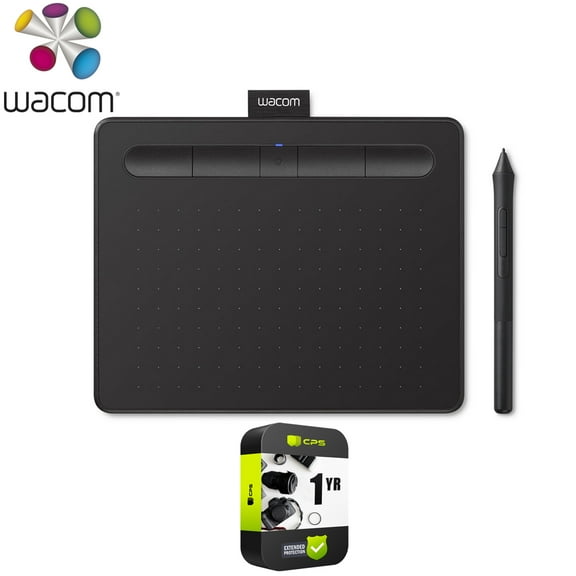
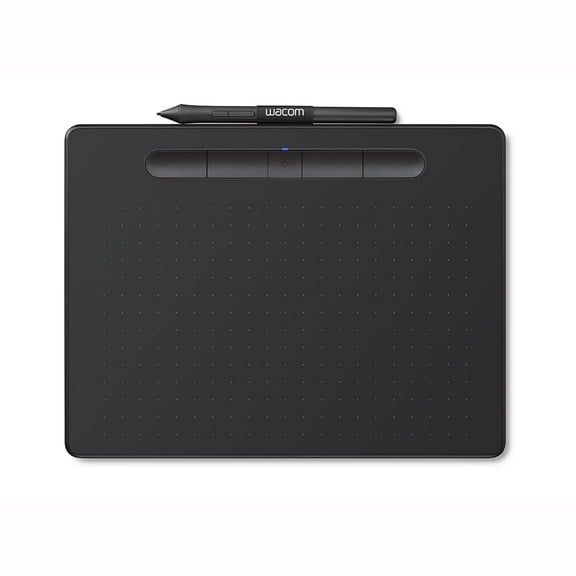
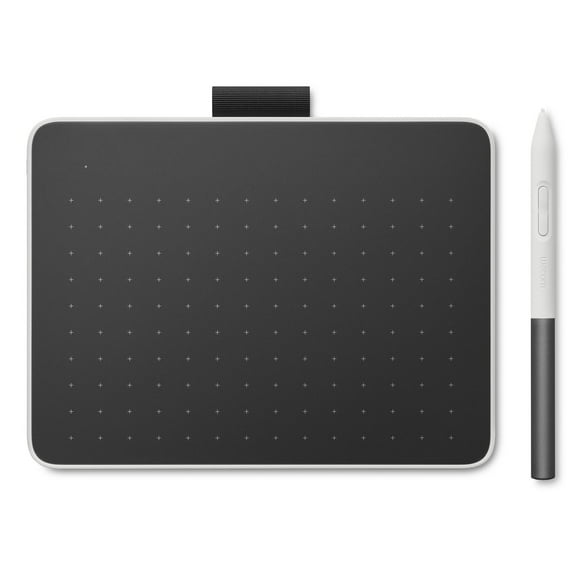
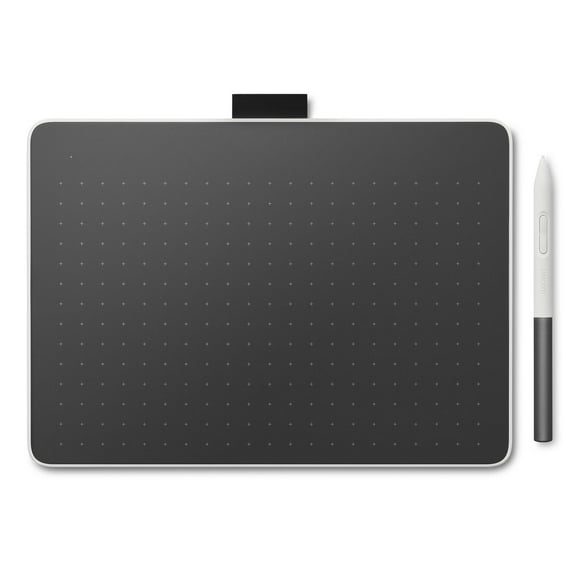
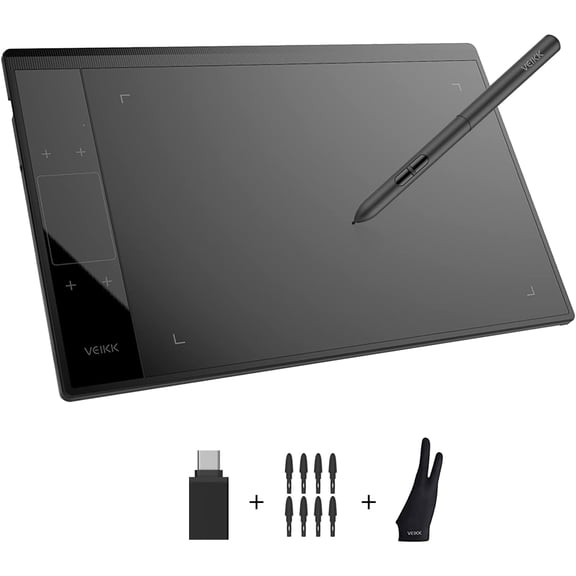
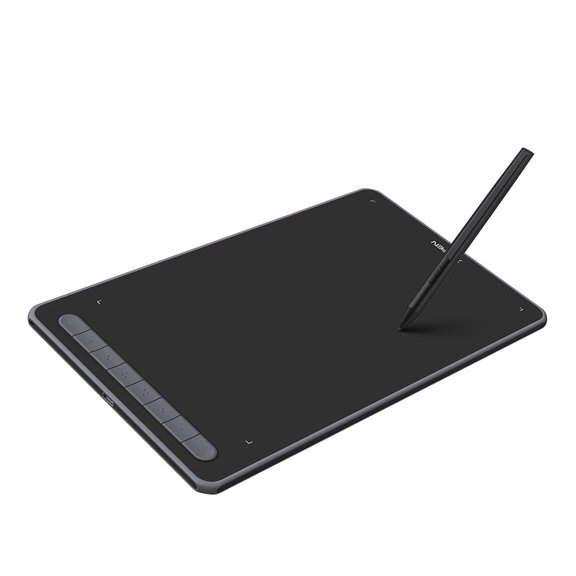
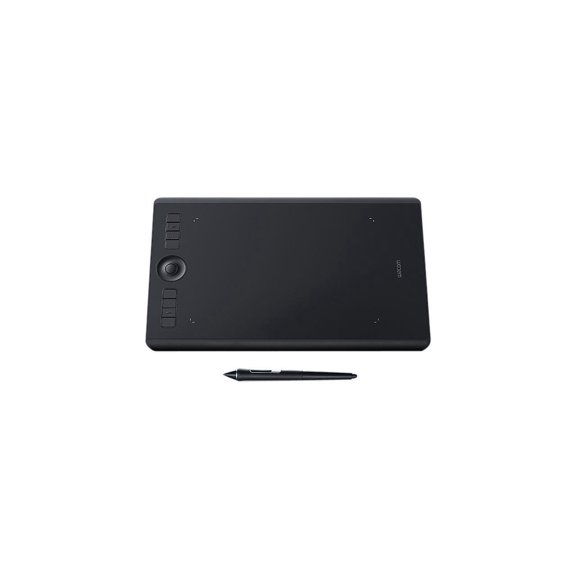
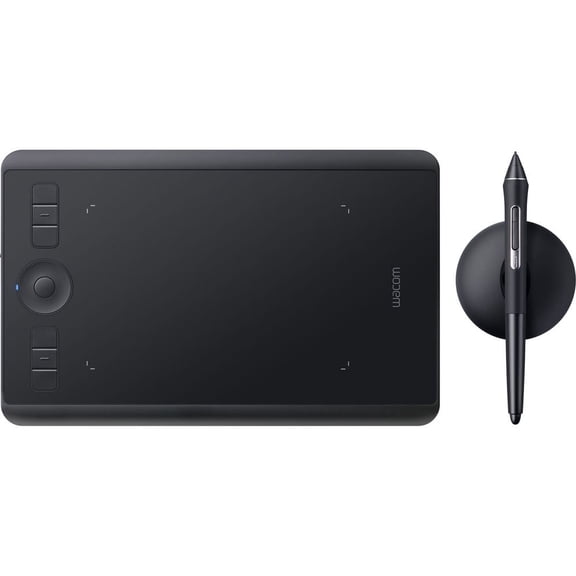
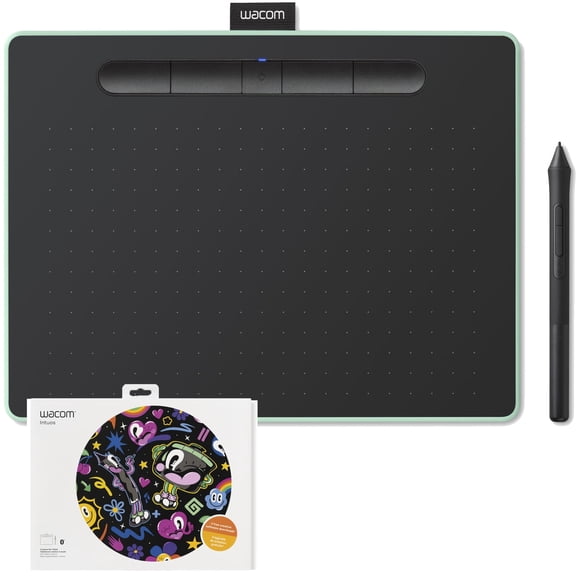
Wacom Intuos Wireless Graphics Drawing Tablet for Mac, PC, Chromebook & Android (small) with Software Included - Black with Pistachio accent (CTL6100WLE0)
Hero image 0 of Wacom Intuos Wireless Graphics Drawing Tablet for Mac, PC, Chromebook & Android (small) with Software Included - Black with Pistachio accent (CTL6100WLE0), 0 of 7

Wacom Intuos Wireless Graphics Drawing Tablet for Mac, PC, Chromebook & Android (small) with Software Included - Black with Pistachio accent (CTL6100WLE0)

Key item features

  • Graphic drawing tablet with 4096 Levels of pressure sensitivity – gives you control and precision when drawing, painting and photo-editing in nearly any software program
  • Compatibility: Mac (OS X 10.10 and above), PC (Windows 7 and above), Chromebook (devices running the latest Chrome OS), and Android smartphones/ tablets (OS version 6.0 or later). Connect to your computer via Bluetooth or USB-A; some devices require USB-C or OTG adapters
  • Creative Software: Register your Intuos on your Mac/PC to receive Clip Studio Paint Pro (2-years) and try out Corel Painter Essentials 8 & Corel AfterShot Pro 3 for 90 days; Register with your Chromebook and receive Clip Studio Paint Pro (3-months)
Current price is $199.95
Price when purchased online
Selected option out of stock
More options available

How do you want your item?

How do you want your item?
Out of stock

About this item

Product details

Specifications

Warranty

Warnings

Customer ratings & reviews

4 out of 5 stars
stars51 ratings40 reviews
How item rating is calculated

Reviews summary

Pros

  • : Setup process is simple and easy to follow.
  • : Designed for easy carrying and handling.
  • : Often given to students and artists of different age groups.

Neutral

  • : Can be straightforward, but instructions can be unclear.

Cons

  • : Instructions are only available on the website, requiring sign-up.
Generated by AI

Customer photos

  • +21 images
Filtered and sorted results would be available on the new 'Customer ratings & reviews' page.
Sort by |

Showing 1-3 of 40 reviews

Jun 18, 2018
randomaccess
5 out of 5 stars review

Learning...

I am new to digital art... I had always wanted to attempt it. This is an awesome starter tablet! And I would imagine even expert artists would find this an excellent tablet... It offers 2 excellent software programs to download and use! There are so many options! I was a bit overwhelmed at first... Shading, coloring, shadowing, blending... But... Wacom offers videos to help along with hundreds of other videos online to help with every aspect and questions you have! The Corel Software is incredible! The tablet is extremely responsive! I have read some opinions that the small tablet does not give you enough space to ' elaborate ' your drawings... Myself... If I wanted to draw on a large canvas, buy a large canvas!!! The tablet is excellent size for carrying with you or sitting alone at home. I find it very convenient to grab and go and take it everywhere with me! I have not connected to a larger monitor, but it is simple to do... I highly recommend this tablet for anyone wanting to learn digital art!!!

Incentivized Review
Helpful?2X60TO7O3WDG216078626
May 31, 2018
riviesmom
5 out of 5 stars review

Amazing tool!

I was a tad overwhelmed with this at first. I'm not an overly artistic person but I love to create and learn so I was excited to try. Set up was much easier than I anticipated. Very simple usb connection and download, step by step software instructions. Couldn't have been easier. The programs you get to chose from are all interesting just depends on what you are looking to do and try first. Admittedly this will be a learning process learning how to use different tool to create and at this point I'm very inspired, the possibilities seem endless! I tried my hand at freehand drawing and it didn't turn out as lovely as I had hoped lol so I will continue and practice. The coloring I did on the hair in this pic was so fun to do! Can't wait to do more! Maybe most exciting for me is seeing how excited my 11 year old son was when he saw it. He has expressed his desire to create video games as a profession and when he saw this he instantly thought of characters he could design! If you like to create or just have kids that have a creative mind, this is amazing! It's a little on the small side but this is the smallest of the group, excellent starting point though! Oh and I almost forgot to mention that the pistachio color is very pretty!

Incentivized Review
Helpful?2X60TO7O3WDG216078626
Jun 2, 2018
CaliCutie
4 out of 5 stars review

For the artists

This comes with a USB cable, booklet, pressure sensitive pen and spare nubs. You have the option to use the USB or go wireless with Bluetooth on this tablet. The device is about the size of a sheet of paper and has four express keys so you can assign functions to them like saving your project. The pen is smaller than others I've used and I found it wasn't as comfortable to hold for long periods of time as a result. You receive two free downloads with it and can choose from three options Painter Essential 6, Clip Studio Paint Pro or Corel Aftershot 3. The installation is extremely simple just plug the unit into your computer using the included USB cable and the installation window pops up on your screen. The only real negative is that the Bluetooth wasn't 100% reliable but it's not a big deal seeing I prefer to have the tablet on my desk when I draw and the cable is long enough to move the tablet into a position that's comfortable to use. Overall it's a cute peripheral that works well and it makes it easier to bring out the budding artist or assist a seasoned one.

Incentivized Review
Helpful?2X60TO7O3WDG216078626