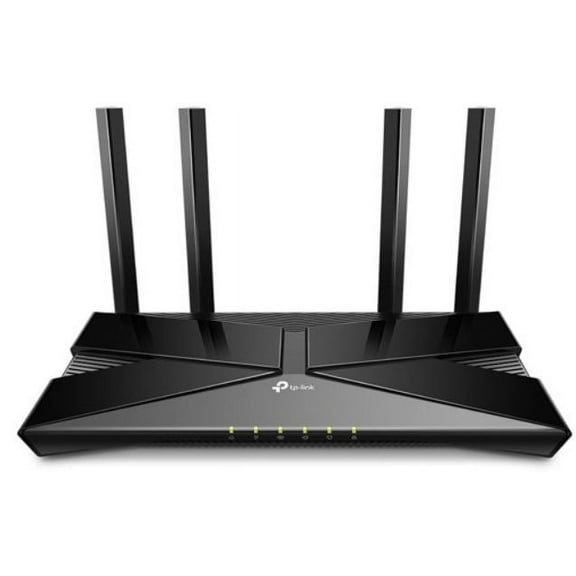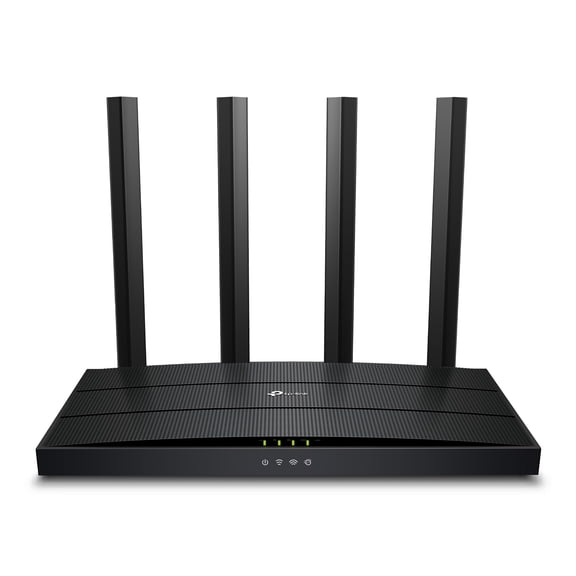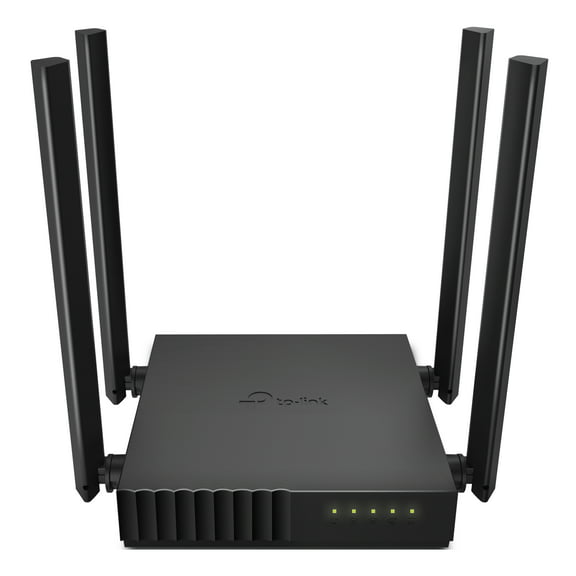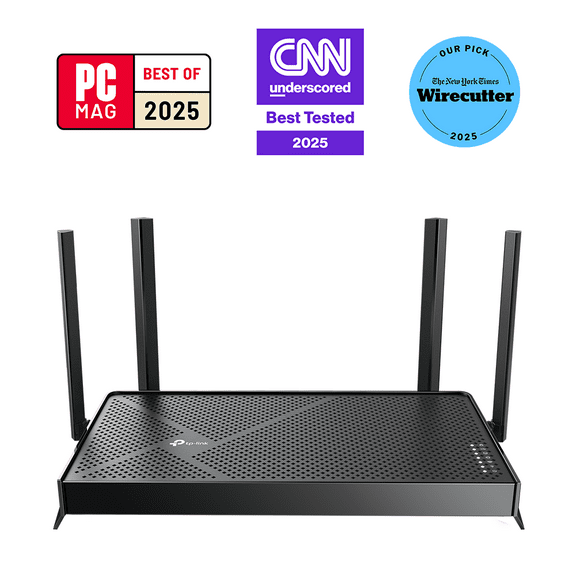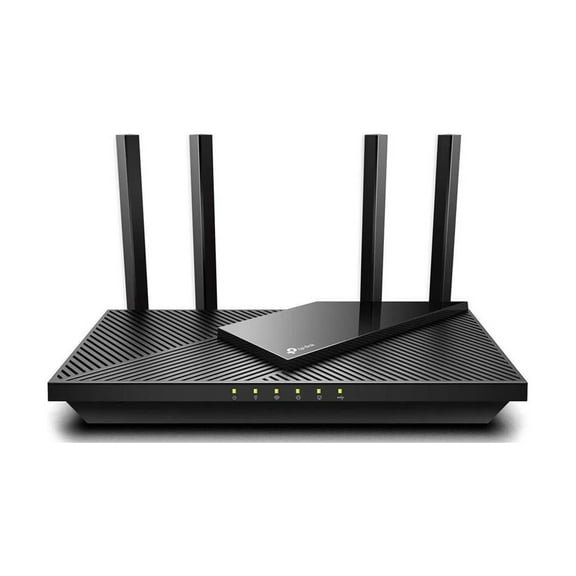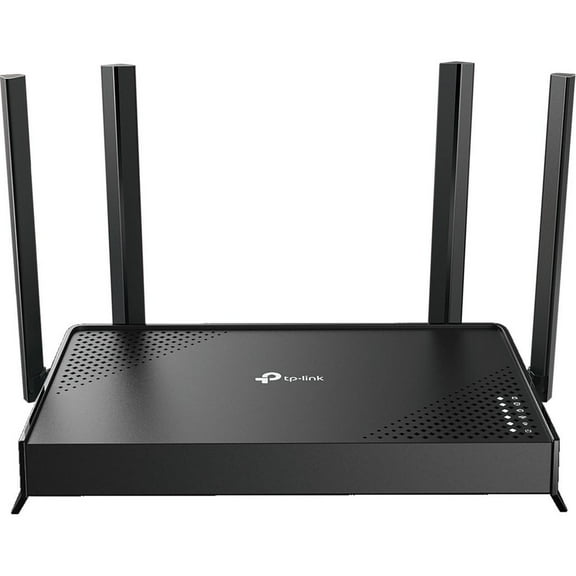
TP-Link Archer AX1800 | 4 Stream Dual-Band Wi-Fi 6 Wireless Router | Up to 1.8 Gbps Speeds | 1.5 GHz Quad-Core CPU
Hero image 0 of TP-Link Archer AX1800 | 4 Stream Dual-Band Wi-Fi 6 Wireless Router | Up to 1.8 Gbps Speeds | 1.5 GHz Quad-Core CPU, 0 of 6

TP-Link Archer AX1800 | 4 Stream Dual-Band Wi-Fi 6 Wireless Router | Up to 1.8 Gbps Speeds | 1.5 GHz Quad-Core CPU

Key item features

  • Universal Compatibility: Supports all previous 802.11 standards and all existing Wi-Fi devices for seamless integration.
  • Next-Gen Speeds: Achieves up to 1.8 Gbps Wi-Fi 6 speeds (1200 Mbps on 5 GHz and 574 Mbps on 2.4 GHz) for smoother streaming and gaming.
  • Enhanced Connectivity: Utilizes OFDMA technology to connect more devices simultaneously, reducing lag for responsive entertainment.
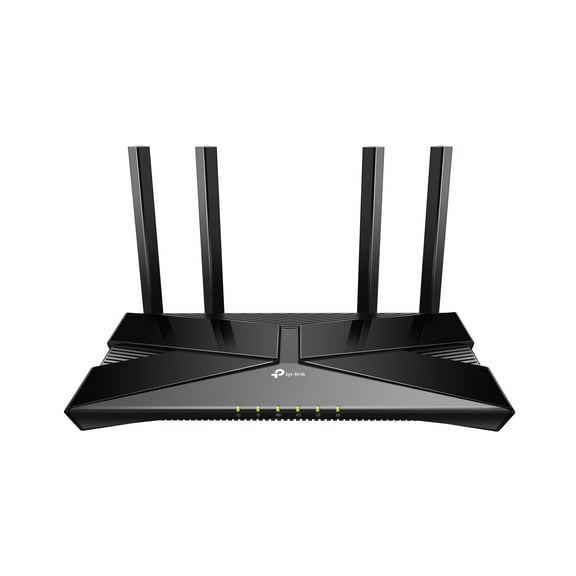
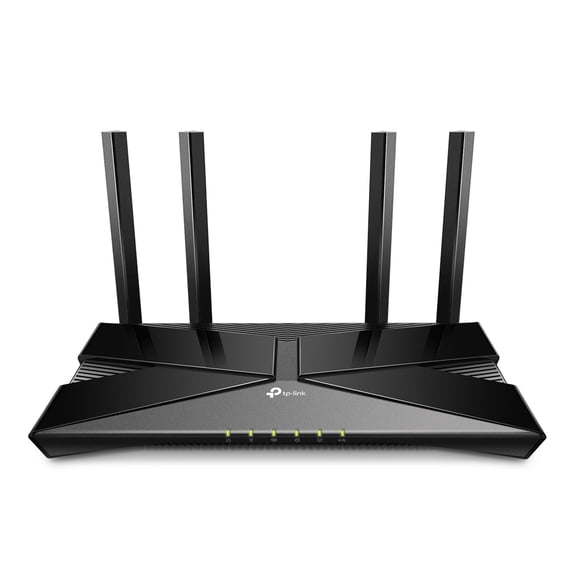
  • Extensive Coverage: Features Beamforming technology and 4 antennas to deliver strong, reliable Wi-Fi signals to distant devices.
  • Optimized Battery: Incorporates Target Wake Time technology to reduce device power consumption and extend battery life.
  • Effortless Setup: Facilitates quick and easy router setup in minutes using the intuitive TP-Link Tether App.
  • Powerful Processing: Equipped with a 1.5 GHz Quad-Core CPU for superior performance, ensuring an immersive streaming and gaming experience.
Generated by AI
Current price is Now $59.99
You save $19.01
was $79.00
Price when purchased online
  • Free shipping
  • Free 30-day returns
Walmart Protection Plan by Allstate

(Only one option can be selected at a time)

How do you want your item?

Try 30 days for just $1! Choose a plan at checkout.
How do you want your item?
Ships to
Arrives by Thu, Jun 11
.
Order within 11 hr 29 min
Fulfilled by Walmart
3.7857142857142856 stars out of 5, based on 14 seller reviews(3.8)
Free 30-day returns

More seller options (4)

Starting from $75.99
walmart plus

Try 30 days of Walmart+ for just $1!

T&C apply.

About this item

Product details

Specifications

Warranty

Customer ratings & reviews

4.3 out of 5 stars
stars544 ratings336 reviews
How item rating is calculated

Reviews summary

Pros

  • : Offers wi-fi 6 capabilities at a lower cost.
  • : Provides speeds of up to 1.8 gbps for wired connections.
  • : Provides reliable coverage throughout the house.
  • : Setup takes around 10 minutes and is straightforward.
  • : Provides consistent internet with minimal drops.

Neutral

  • : Can be sturdy, but also feels lightweight.
Generated by AI

Customer photos

  • +77 images
Filtered and sorted results would be available on the new 'Customer ratings & reviews' page.
Sort by |

Showing 1-3 of 336 reviews

Apr 22, 2020
CaliforniaDonald
5 out of 5 stars review

WIFI Coverage is Unbelievably Good

Initial setup of the AX1800 is well explained in the Startup Instructions provided in the box. These instructions are accurate, concise and very easy to understand and follow. I tried both methods described in these instructions and found that both worked equally well and were easy to accomplish. The AX1800 almost did its own setup, it was that easy. WIFI Security is as good as it can be with today's technology. The physical appearance of the AX1800 is attractive and functional. The AX1800 is sturdy and of high quality. I expect to receive years of trouble-free use of this Wireless Router. To test the AX1800 I set my lap to stream a video. I also at the same time set my tablet to stream a video. Then I walked with the streaming tablet from room to room looking for video breakup or other artifacts. None occurred. In the room furthest from the Wireless Router I turned off the tablet WIFI connection. Then I re-acquired internet connection on the tablet. Then I again started video streaming with no issues. The results that I obtained using the Archer AX1800 Wireless Router far exceeds the results obtained by any of my previous Wireless Routers.

Incentivized Review
Helpful?1FQU6MLU39GJ210201077
Apr 25, 2020
TechEck
5 out of 5 stars review

Great performance - price ratio

This is my second acquisition of a TP-Link router. My current router is an Archer C9, which is still in use after many years. I have had no problems with this router over that time. I find that these TP-Link routers are the best of affordability and performance. Sure, you may not get the performance of a router costing twice the price, but I find that the performance is quite adequate for a typical home. I thought about using this as a second router to provide a second network for security purposes. By having a second network, I can have friends who are in my house wanting to connect to the network use the second router. That way they don't have access to my main network. Or, if I need to check out a person's computer and I do not know if there might be malware on the computer, I can connect it to the Internet without worrying about any access by the malware to my main network. But then I saw an option in the router software to use something called access mode. This allows you to add wireless capability at a remote location. You still need to hook this router to your main router via an Ethernet cable, however. Then you can use guest mode for friends or when you want to prevent access to the main network. For the price, this seems to be an impressive router. It sports a 1.5GHz quad-core CPU and four fixed Omni-directional antennas, which support beamforming technology to focus signal strength for your devices. Beamforming is a technique that focuses the wireless signal toward a specific receiving device. It also supports the latest Wi-Fi 6 technology, which uses something called OFDMA technology to communicate more data to more devices at the same time. OFDMA allows one transmission to deliver data to multiple devices at one time. Of course, your devices must support the standard. If not, hey you're future proof. This standard becomes important as you connect more devices to the network. You also can set up the router using the Tether app for smartphones. I did not try out this option as I did not need this feature. The theoretical claimed speeds are 1200 Mbps on 5GHz and 574 Mbps on the 2.4 GHz band. Your actual throughput will, of course, be less and will depend on obstacles between you and the router, and on the distance from the router.

Incentivized Review
Helpful?1FQU6MLU39GJ210201077
Apr 27, 2020
SeramaMama13
5 out of 5 stars review

Easy and Fast To Setup!

Pros: easy to set up, fast setup, two networks, app setup, fast internet, four ports, USB option Cons: none The TP-Link AX1800 WiFi-6 Router is really great! It's very easy to set up, and it works well. This router comes with everything you need to get started. The instructions are very clear and easy to understand. The quick start guide walks you through connecting the hardware to your existing modem and powering it up. The network setup was extremely easy using the TP-Link Tether App on my phone. It was easy to find and very user friendly and helpful. It walked me though the entire setup, including naming the network and setting up passwords for both 2.4 and 5G networks. The whole process took about 10 minutes from connecting the hardware to setting up the networks via the app. I did not run into any issues along the way, everything worked seamlessly with my old router. The router itself functions great. My internet connection has been seamless and uninterrupted. There hasn't been any lag or any other weird issues with connecting or dropping the internet. It's also very easy to connect to both networks wirelessly as well as hard wiring devices directly to the router using the password I created. All in all, this is a really great router! This router is fast and easy to set up. It works really well. There isn't any lag or disconnections. I'm so happy with the quality of this router and how well it works. I would absolutely recommend it.

Incentivized Review
Helpful?1FQU6MLU39GJ210201077