

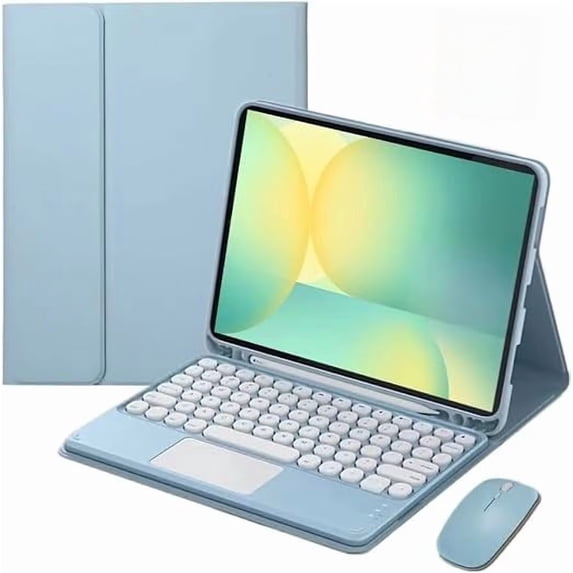
Hero image 0 of Keyboard Case for Lenovo Tab M11 / Idea Tab 11 / K11 LTE, Magnetic Detachable Touch Keyboard + Mouse,Blue,iPad Not Included, 0 of 6
Keyboard Case for Lenovo Tab M11 / Idea Tab 11 / K11 LTE, Magnetic Detachable Touch Keyboard + Mouse,Blue,iPad Not Included
(No ratings yet)
Keyboard Case for Lenovo Tab M11 / Idea Tab 11 / K11 LTE, Magnetic Detachable Touch Keyboard + Mouse,Blue,iPad Not IncludedKeyboard Case for Lenovo Tab M11 Idea Tab 11 K11 LTE Magnetic Detachable Touch Keyboard Mouse 2 Screen Protectors BlueKeyboard Case for Lenovo Tab M11 Idea Tab 11 K11 LTE Magnetic Detachable Touch Keyboard Mouse 2 Screen Protectors Black
Actual Color:Blue
Black, $52.99
$52.99
Blue, $52.99
$52.99
Key item features
- Compatibility: Specially designed for Lenovo Tab M11 11‑inch (2024), Lenovo Idea Tab 11‑inch (2025) and K11 LTE (2024). Will NOT fit any other device models.Note: The product does not include a tablet computer.
- Detachable Bluetooth Keyboard with Trackpad: Integrated touchpad enables your tablet to instantly convert into a laptop‑style working device in seconds.
- Multi‑Angle Stand: 3 built‑in slots offer 3 adjustable comfortable viewing positions. Suitable for typing, watching videos and drawing to support ergonomic creative workflows.
- Bottom Pencil Holder: Dedicated bottom pen slot prevents stylus loss. You can quickly access your pen and carry it together with your tablet.Note: Stylus pencil is not included.
- Long‑Lasting Battery Performance: Premium built‑in lithium‑ion battery equipped with power‑saving mode. Full charge takes 2‑3 hours; standby time up to 30 days and minimum 80‑hours working time.Note: Tablet is not included in the package.
- If you encounter any issues with your order, please avoid filing complaints or initiating returns directly. Instead, feel free to contact our customer service team—they will wholeheartedly assist you in resolving the problem and provide a solution that meets your satisfaction.We value your experience and are committed to addressing any concerns you may have promptly and properly.Note: Tablets are not included in the product.
Specs
Compatibility, Lenovo Tab M11 11" 2024/ Lenovo Idea Tab 11" 2025/ K11 LTE 2024
Screen size, 11 in
Size, 11
Material, Acrylonitrile Butadiene Styrene
Brand, Timoom
Color, Blue
Compatibility
Lenovo Tab M11 11" 2024/ Lenovo Idea Tab 11" 2025/ K11 LTE 2024
Screen size, 11 in
Screen size
11 in
Size, 11
Size
11
Material, Acrylonitrile Butadiene Styrene
Material
Acrylonitrile Butadiene Styrene
Brand, Timoom
Brand
Timoom
Color, Blue
Color
Blue
About this item
Product details
Bluetooth Keyboard Connection Steps 1. Slide the power switch to the ON position. The power indicator will light up for 3 seconds. Press **Fn+C** to enter pairing mode, the Bluetooth indicator starts flashing, and the keyboard enters pairing mode automatically. 2. Unlock your tablet and tap the **Settings** icon. 3. In the Settings menu, select the **Bluetooth** option. 4. Turn on the Bluetooth switch on your device; the tablet will automatically search for available Bluetooth keyboard devices. 5. Locate the device named **Bluetooth Keyboard *** in the device list, tap on it, and the keyboard will connect automatically. 6. After successful Bluetooth connection, the pairing indicator turns off, and "Connected" will be displayed next to the device in the Bluetooth list. --- Attention 1. To extend battery life, turn off the keyboard if it will not be used for a long time. 2. For longer battery life, charge the keyboard when the power indicator flashes. Charging time should be no less than 2 hours. Energy‑saving Sleep Mode The keyboard will automatically enter sleep mode after 15 minutes of inactivity, and its indicator will turn off. Press any key for about 5 seconds to wake the keyboard for reuse; the indicator will light up again. Troubleshooting 1. Confirm that the keyboard power is switched ON. 2. Keep the keyboard within its effective operating distance. 3. Make sure the keyboard has sufficient battery power. 4. Verify that your device’s Bluetooth function is enabled. 5. Check that the wireless keyboard has been selected in your device’s Bluetooth list. 6. Confirm that the wireless keyboard has completed pairing successfully. Cleaning Do not wash the keyboard with water. Do not use alcohol or similar chemical cleaning agents to disinfect the keyboard. Charging When battery power is low, the power indicator will blink, which means the keyboard needs charging. 1. Plug the Type‑C end of a genuine USB‑C cable into the keyboard charging port. 2. Plug the other end of the USB‑C cable into a power adapter or a computer USB port. 3. The charging indicator will blink while charging. The indicator will automatically turn off once charging is complete.
- Compatibility: Specially designed for Lenovo Tab M11 11‑inch (2024), Lenovo Idea Tab 11‑inch (2025) and K11 LTE (2024). Will NOT fit any other device models.Note: The product does not include a tablet computer.
- Detachable Bluetooth Keyboard with Trackpad: Integrated touchpad enables your tablet to instantly convert into a laptop‑style working device in seconds.
- Multi‑Angle Stand: 3 built‑in slots offer 3 adjustable comfortable viewing positions. Suitable for typing, watching videos and drawing to support ergonomic creative workflows.
- Bottom Pencil Holder: Dedicated bottom pen slot prevents stylus loss. You can quickly access your pen and carry it together with your tablet.Note: Stylus pencil is not included.
- Long‑Lasting Battery Performance: Premium built‑in lithium‑ion battery equipped with power‑saving mode. Full charge takes 2‑3 hours; standby time up to 30 days and minimum 80‑hours working time.Note: Tablet is not included in the package.
- If you encounter any issues with your order, please avoid filing complaints or initiating returns directly. Instead, feel free to contact our customer service team—they will wholeheartedly assist you in resolving the problem and provide a solution that meets your satisfaction.We value your experience and are committed to addressing any concerns you may have promptly and properly.Note: Tablets are not included in the product.
info:
We aim to show you accurate product information. Manufacturers, suppliers and others provide what you see here, and we have not verified it.
Specifications
Compatibility
Lenovo Tab M11 11" 2024/ Lenovo Idea Tab 11" 2025/ K11 LTE 2024
Screen size
11 in
Size
11
Material
Acrylonitrile Butadiene Styrene
Warranty
Warranty information
Please be aware that the warranty terms on items offered for sale by third party Marketplace sellers may differ from those displayed in this section (if any). To confirm warranty terms on an item offered for sale by a third party Marketplace seller, please use the 'Contact seller' feature on the third party Marketplace seller's information page and request the item's warranty terms prior to purchase.
Similar items you might like
Based on what customers bought
Keyboard Case for Lenovo Idea Tab M11 11" TB-336ZU/TB-336FU, Black Leather Detachable Folio, Backlit Trackpad Keyboard, Tablet Not Included $50.59
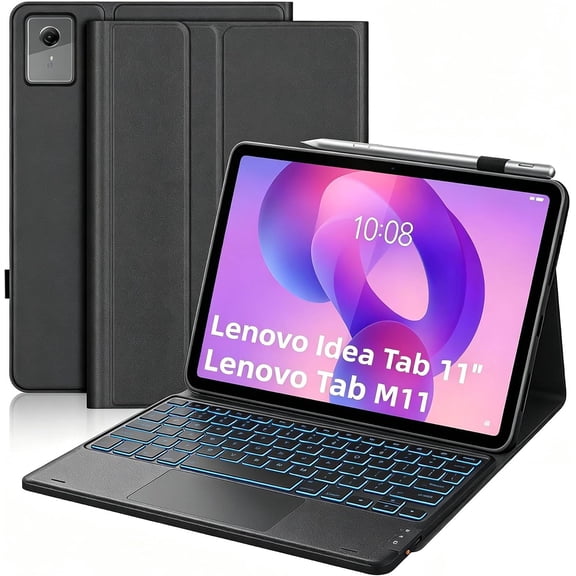 $5059current price $50.59
Keyboard Case for Lenovo Idea Tab M11 11" TB-336ZU/TB-336FU, Black Leather Detachable Folio, Backlit Trackpad Keyboard, Tablet Not Included
7-Color Backlit Keyboard Case w/Trackpad for Lenovo Tab 10.1" 2025 TB311FU/TB311XU, Black, Magnetic, Pen Slot & Adjustable Stand $47.99
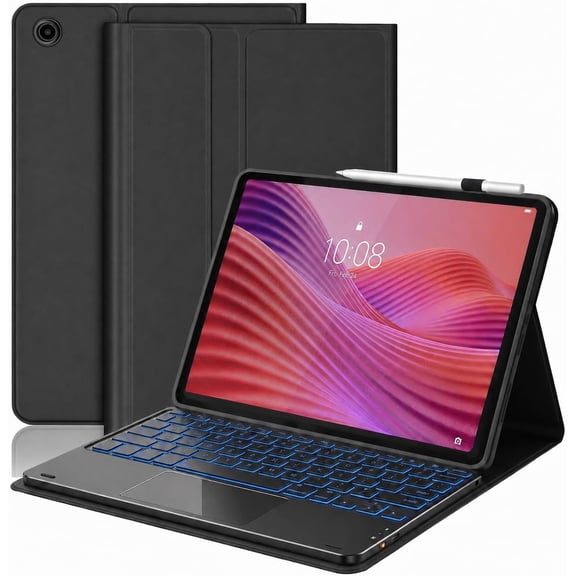 $4799current price $47.99
7-Color Backlit Keyboard Case w/Trackpad for Lenovo Tab 10.1" 2025 TB311FU/TB311XU, Black, Magnetic, Pen Slot & Adjustable Stand
ProCase Detachable Wireless Touchpad Keyboard Case for Lenovo Idea Tab Plus/K12 12.1" -Black $43.99
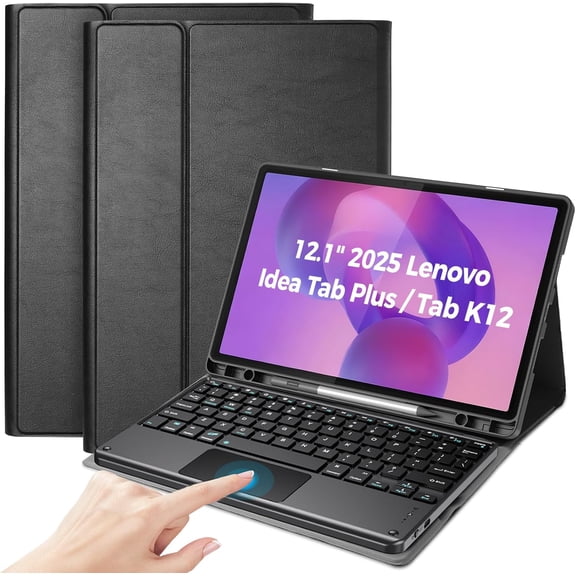 $4399current price $43.99
ProCase Detachable Wireless Touchpad Keyboard Case for Lenovo Idea Tab Plus/K12 12.1" -Black
Keyboard Case & Wireless Mouse Set for Samsung Tab S10 FE 10.9" 2025 (Black) $53.29
 $5329current price $53.29
Keyboard Case & Wireless Mouse Set for Samsung Tab S10 FE 10.9" 2025 (Black)
Samsung Tab A8 10.5" Backlit Keyboard Case with Detachable BT Keyboard, Mint $39.89
 $3989current price $39.89
Samsung Tab A8 10.5" Backlit Keyboard Case with Detachable BT Keyboard, Mint
In 25+ people's carts, onn Keyboard Folio Tablet Case for onn 11" Tablet (2026 Model) – Not for Other 11" Tablets, Black $29.88
In 25+ people's carts $2988current price $29.88
onn Keyboard Folio Tablet Case for onn 11" Tablet (2026 Model) – Not for Other 11" Tablets, Black
894.2 out of 5 Stars. 89 reviews4.2 out of 5 starsIn 50+ people's carts, GEAK Compatible with Apple iPad A16 11th 10th Generation Case with Keyboard 7 Color Backlight Detachable Keyboard Case Cover with Touchpad for iPad 11th Gen 11 inch 2025 & 10th Gen 10.9 inch $31.99 Was $44.99
In 50+ people's carts


 $3199current price $31.99, Was $44.99$44.99
GEAK Compatible with Apple iPad A16 11th 10th Generation Case with Keyboard 7 Color Backlight Detachable Keyboard Case Cover with Touchpad for iPad 11th Gen 11 inch 2025 & 10th Gen 10.9 inch
6114.4 out of 5 Stars. 611 reviews4.4 out of 5 starsWireless Keyboard Cover with Trackpad & Mouse for Lenovo Idea Tab Pro 12.7 Inch 2025,Black $54.39


 $5439current price $54.39
Wireless Keyboard Cover with Trackpad & Mouse for Lenovo Idea Tab Pro 12.7 Inch 2025,Black
Xiaomi Redmi Pad Pro 12.1" 2024 Detachable Keyboard Case (Purple) $52.89
 2 optionsAvailable in additional 2 options$5289current price $52.89
Xiaomi Redmi Pad Pro 12.1" 2024 Detachable Keyboard Case (Purple)
Best seller, GEAK for iPad A16 11th 10th Generation Case with Keyboard, 7 Colors Backlit Detachable Folio Keyboard Cover with Pencil Holder for iPad 10th Gen 10.9 Inch/11th Gen 11 Inch, Blue $32.99 Was $47.99
Best seller


 $3299current price $32.99, Was $47.99$47.99
GEAK for iPad A16 11th 10th Generation Case with Keyboard, 7 Colors Backlit Detachable Folio Keyboard Cover with Pencil Holder for iPad 10th Gen 10.9 Inch/11th Gen 11 Inch, Blue
2284.4 out of 5 Stars. 228 reviews4.4 out of 5 starsMagnetic Keyboard Mouse Combo Case with RGB Backlight Keypad & Pen Slot for Samsung Tab S9 11", S9 FE 10.9", S10 Lite, S10 FE 5G,Black $57.19


 $5719current price $57.19
Magnetic Keyboard Mouse Combo Case with RGB Backlight Keypad & Pen Slot for Samsung Tab S9 11", S9 FE 10.9", S10 Lite, S10 FE 5G,Black
33.7 out of 5 Stars. 3 reviews3.7 out of 5 starsMagnetic Protective Case with 7 Color Backlight Keyboard Wireless Mouse & Stylus Holder for Samsung Tab A9 Plus / Tab A11 Plus 11" 5G,Black $49.99
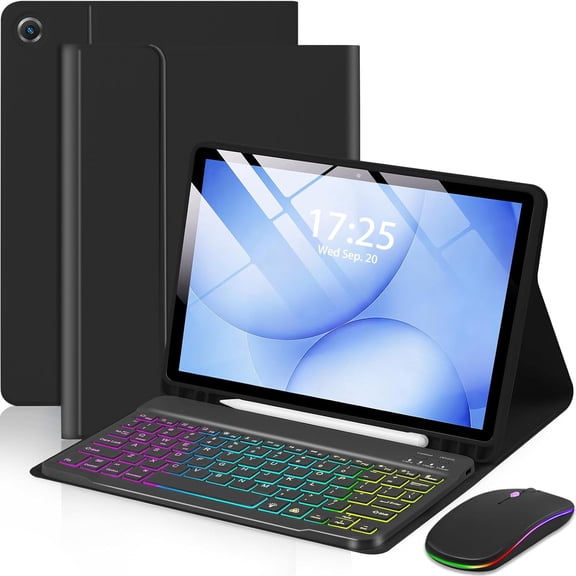


 $4999current price $49.99
Magnetic Protective Case with 7 Color Backlight Keyboard Wireless Mouse & Stylus Holder for Samsung Tab A9 Plus / Tab A11 Plus 11" 5G,Black
Black Tab S10 FE 13.1" Keyboard Case with Backlit Keyboard & Mouse $53.89
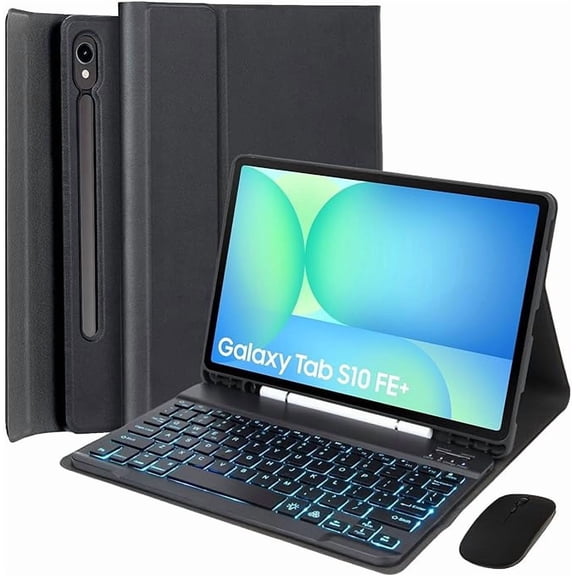 $5389current price $53.89
Black Tab S10 FE 13.1" Keyboard Case with Backlit Keyboard & Mouse
Keyboard Mouse Case for Lenovo Tab M11 K11 LTE 11" 2024 Mint $49.89
 $4989current price $49.89
Keyboard Mouse Case for Lenovo Tab M11 K11 LTE 11" 2024 Mint
7-Color Backlit Keyboard Case with S Pen Holder, Green, Samsung Tab S9/S10 Series $51.99
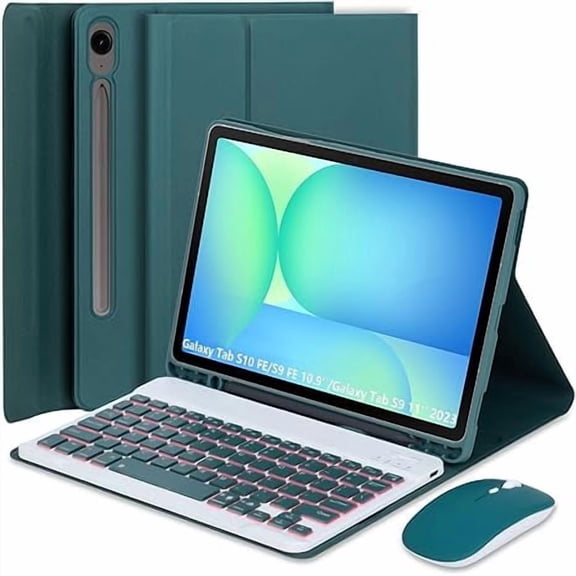 4 optionsAvailable in additional 4 options$5199current price $51.99
7-Color Backlit Keyboard Case with S Pen Holder, Green, Samsung Tab S9/S10 Series
13 out of 5 Stars. 1 reviews3 out of 5 starsBlack Touch Bluetooth Keyboard Case for Tab A9 Plus 11" Tablet, Protective Folio with Built-in Pen Holder,Tablet Not Included $39.99 Was $49.99
 5 optionsAvailable in additional 5 options$3999current price $39.99, Was $49.99$49.99
Black Touch Bluetooth Keyboard Case for Tab A9 Plus 11" Tablet, Protective Folio with Built-in Pen Holder,Tablet Not Included
193.6 out of 5 Stars. 19 reviews3.6 out of 5 starsDark Green Auto Sleep Keyboard Case with Trackpad, Round Keys & 2.4G Mouse for Lenovo Tab M11/K11 LTE 11" 2024 $55.99
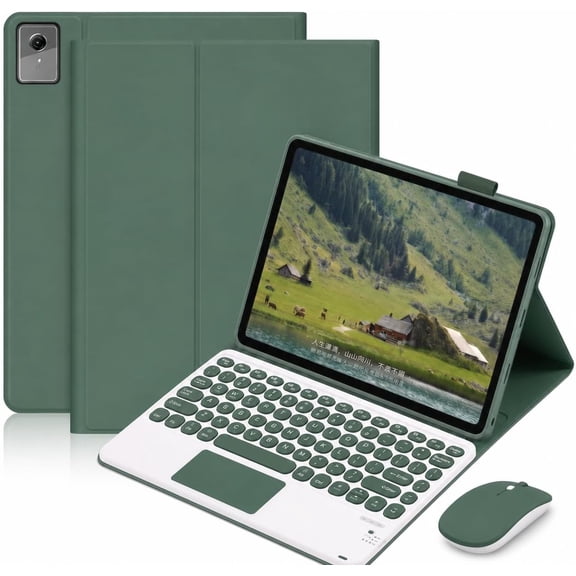 $5599current price $55.99
Dark Green Auto Sleep Keyboard Case with Trackpad, Round Keys & 2.4G Mouse for Lenovo Tab M11/K11 LTE 11" 2024
Touchpad Keyboard Case with Mouse for Lenovo Tab M11 2024, Idea Tab 11 2025, K11 LTE 2024, 2 Screen Protectors,Purple $55.99
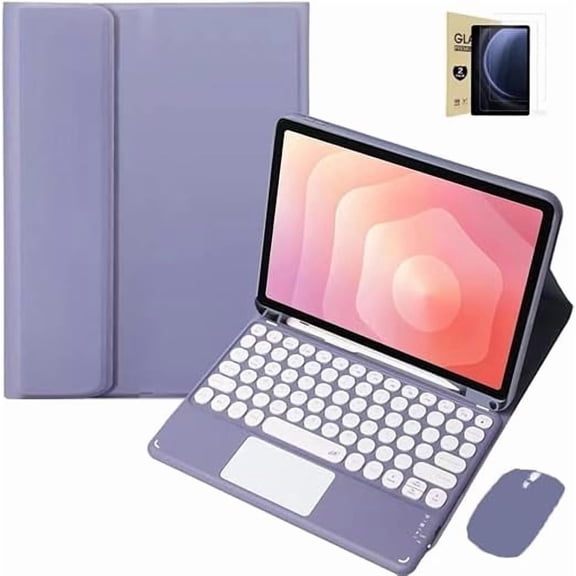 $5599current price $55.99
Touchpad Keyboard Case with Mouse for Lenovo Tab M11 2024, Idea Tab 11 2025, K11 LTE 2024, 2 Screen Protectors,Purple
Magnetic Detachable 7-Color Backlit Keyboard Folio Case for Samsung Galaxy Tab S10 / S9 FE 12.4", Built-in Trackpad & S Pen Slot,Tablet Not Included $54.99
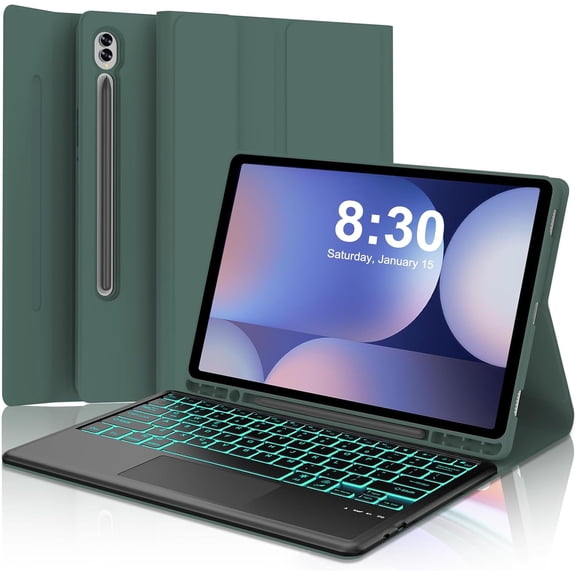


 $5499current price $54.99
Magnetic Detachable 7-Color Backlit Keyboard Folio Case for Samsung Galaxy Tab S10 / S9 FE 12.4", Built-in Trackpad & S Pen Slot,Tablet Not Included



Customer ratings & reviews
0 out of 5 stars
This item does not have any reviews yet

Current price is USD$52.99
Price when purchased online
- Free shipping
 Free Holiday returns until Jan 31

Walmart Protection Plan by Allstate
(Only one option can be selected at a time)
How do you want your item?
Ships to
Arrives between Nov 28 - Dec 4
|
Sold and shipped by Top tech Store
3.6115107913669062 out of 5 stars

Extended holiday returns
Free Holiday returns until Jan 31Related pages
- Lenovo Tab 4 Keyboard Case Cases
- Lenovo Tab P11 Keyboard Pack
- Lenovo Tab Keyboard Case
- Lenovo Keyboard Cover
- Lenovo Moto Tab Keyboard
- Lenovo Tablet Keyboard
- All Lenovo Tablets
- Microsoft Surface Type Covers and Keyboards
- 10 Inch Windows Tablets
- Electronics Value Bundles
- 10 Inch Android Tablets
- 8 Inch Windows Tablets