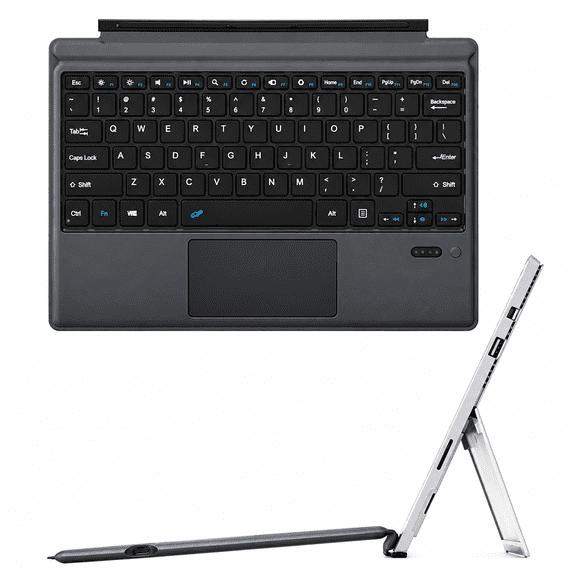
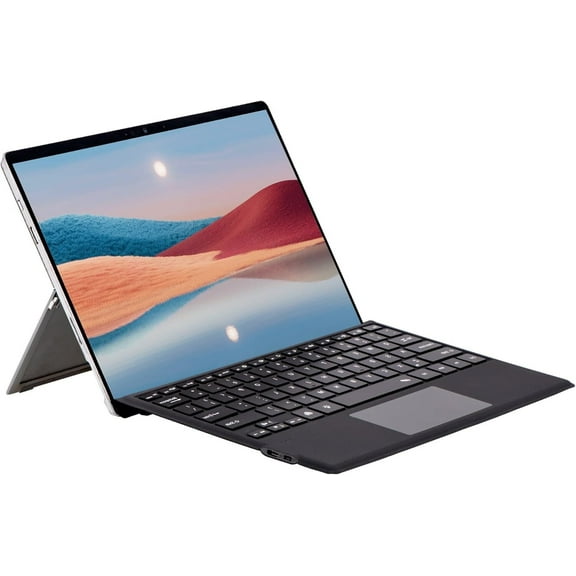
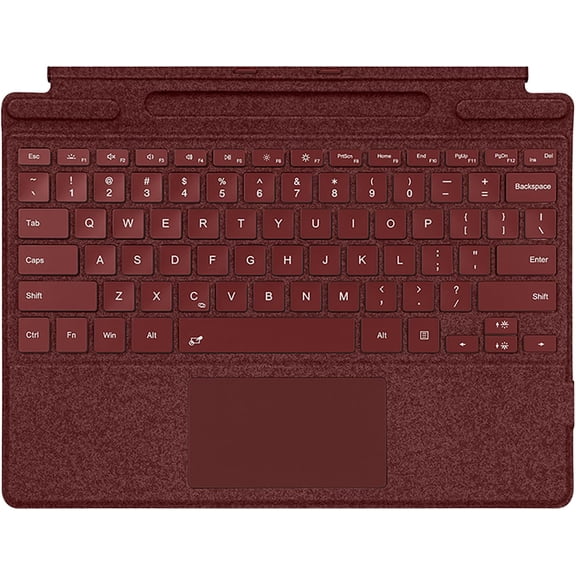
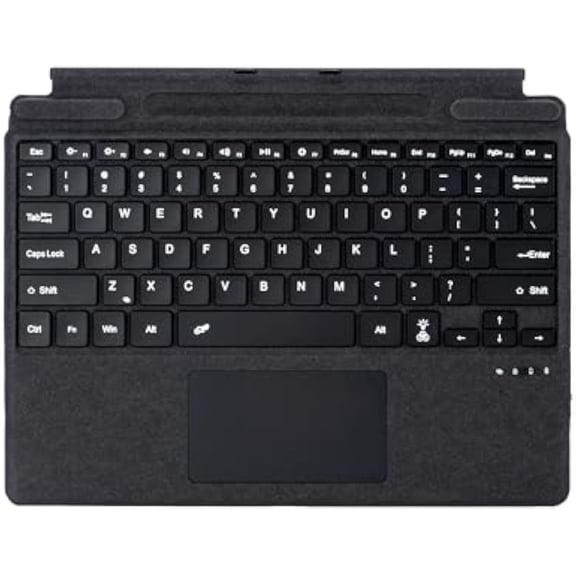
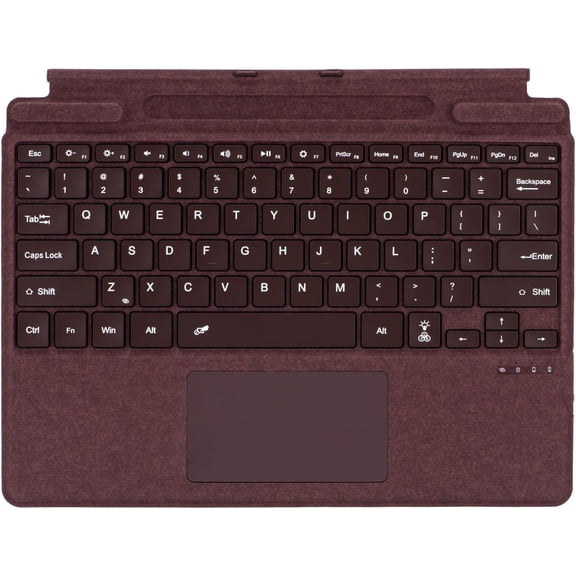
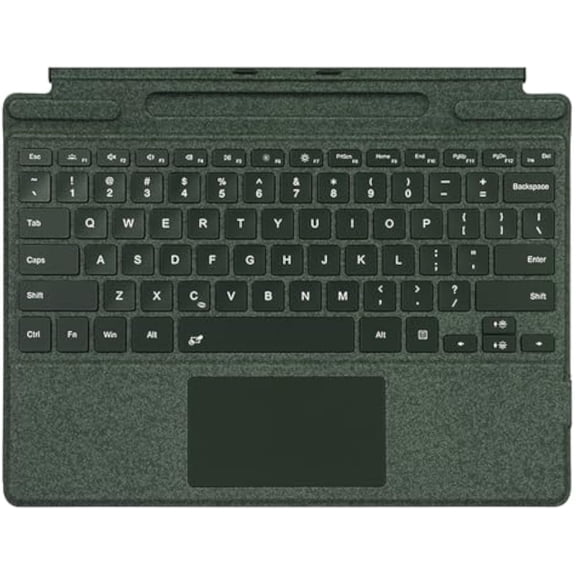
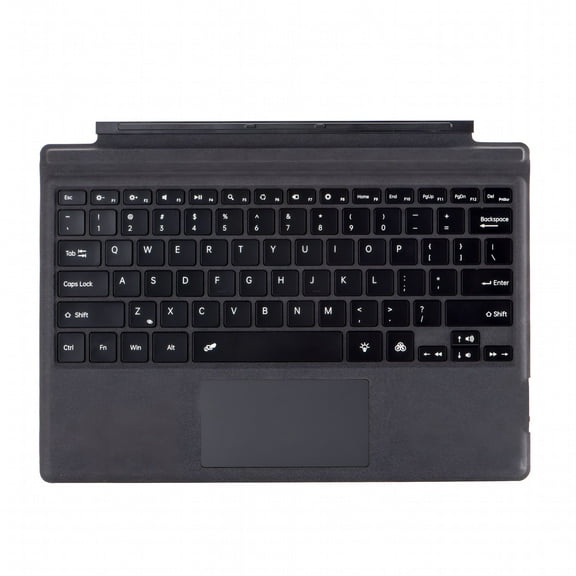
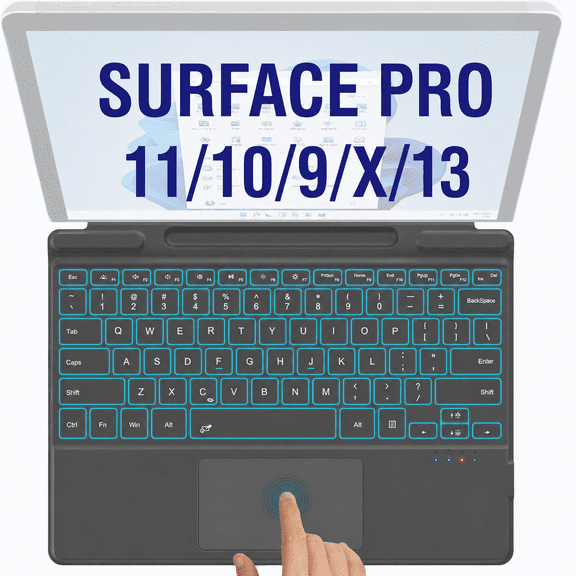
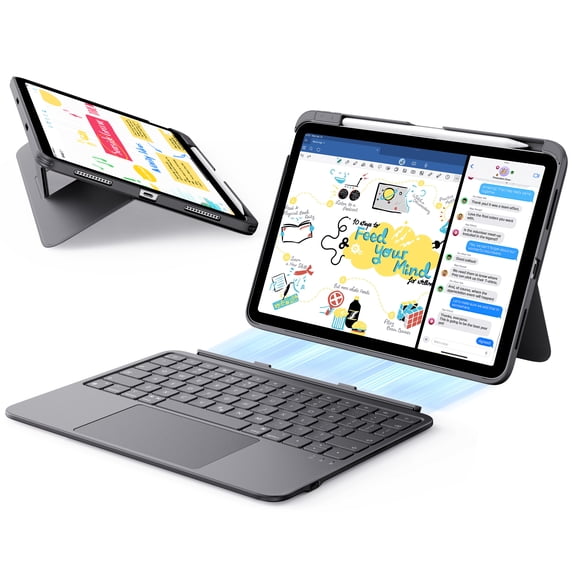
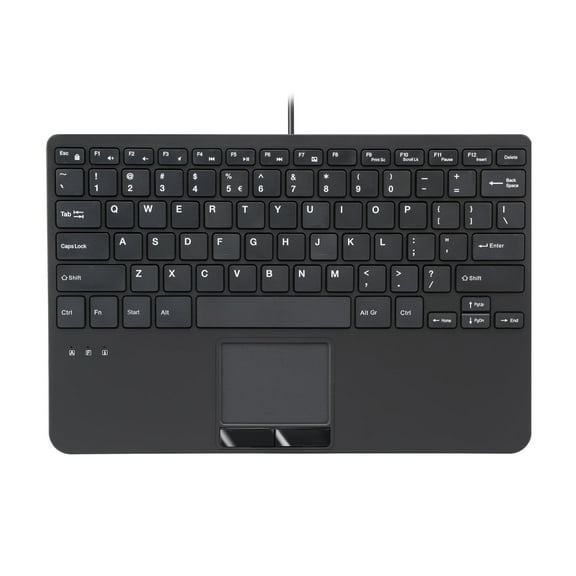
Surface Pro 7+/7/6/5/4/3 (12.3") Type Cover, Ultra-Slim Bluetooth Keyboard, Multi-Touchpad & 7-Color Backlit,Charcoal
Hero image 0 of Surface Pro 7+/7/6/5/4/3 (12.3") Type Cover, Ultra-Slim Bluetooth Keyboard, Multi-Touchpad & 7-Color Backlit,Charcoal, 0 of 7

Surface Pro 7+/7/6/5/4/3 (12.3") Type Cover, Ultra-Slim Bluetooth Keyboard, Multi-Touchpad & 7-Color Backlit,Charcoal

|1 rating

Key item features

  • Exact Compatibility


    Fits 12.3-inch Microsoft Surface Pro 7+ (2021), Pro 7 (2019), Pro 6 (2018), Pro 5 (2017), Pro 4 and Pro 3. Please verify your tablet model before ordering.

  • Simple Bluetooth Connection


    Pairs via Bluetooth. After initial pairing, the keyboard auto-reconnects when opened. It does not rely on magnetic contact for connection.

  • Magnetically Detachable & Portable


    Magnetic attachment lets you easily separate the keyboard to switch between tablet and laptop modes. The ultra-slim build is lightweight for on-the-go use.

  • USB-C Charging & Long Standby


    Supports Type-C fast charging with over 3 months of standby time. This keyboard cannot draw power through magnetic docking.

  • Includes Surface Pro keyboard, USB charging cable and user manual.

  • Trackpad Setup Guide


    After Bluetooth pairing, go to Windows Settings > Bluetooth & devices > Mouse and set Primary mouse button to Left. Navigate to Touchpad settings, enable “Tap with a single finger to single-click” and “Press the lower right corner of the touchpad to right-click” for proper left/right click performance.

Specs

Wireless, YBrand, TimoomColor, BlackPower type, BatteryNumber of keys, 82Battery consumption type, Integrated Rechargeable Battery

About this item
Product details

If you encounter any issues with your order, please avoid filing complaints or initiating returns directly. Instead, feel free to contact our customer service team—they will wholeheartedly assist you in resolving the problem and provide a solution that meets your satisfaction. We value your experience and are committed to addressing any concerns you may have promptly and properly.Note: Tablets are not included in the product.
  • Exact Compatibility


    Fits 12.3-inch Microsoft Surface Pro 7+ (2021), Pro 7 (2019), Pro 6 (2018), Pro 5 (2017), Pro 4 and Pro 3. Please verify your tablet model before ordering.

  • Simple Bluetooth Connection


    Pairs via Bluetooth. After initial pairing, the keyboard auto-reconnects when opened. It does not rely on magnetic contact for connection.

  • Magnetically Detachable & Portable


    Magnetic attachment lets you easily separate the keyboard to switch between tablet and laptop modes. The ultra-slim build is lightweight for on-the-go use.

  • USB-C Charging & Long Standby


    Supports Type-C fast charging with over 3 months of standby time. This keyboard cannot draw power through magnetic docking.

  • Includes Surface Pro keyboard, USB charging cable and user manual.

  • Trackpad Setup Guide


    After Bluetooth pairing, go to Windows Settings > Bluetooth & devices > Mouse and set Primary mouse button to Left. Navigate to Touchpad settings, enable “Tap with a single finger to single-click” and “Press the lower right corner of the touchpad to right-click” for proper left/right click performance.

info:
We aim to show you accurate product information. Manufacturers, suppliers and others provide what you see here, and we have not verified it.  

Specifications

Wireless

Y

Brand

Timoom

Color

Black

Power type

Battery

Warranty

Warranty information

Please be aware that the warranty terms on items offered for sale by third party Marketplace sellers may differ from those displayed in this section (if any). To confirm warranty terms on an item offered for sale by a third party Marketplace seller, please use the 'Contact seller' feature on the third party Marketplace seller's information page and request the item's warranty terms prior to purchase.

Customer ratings & reviews

1 out of 5 stars
stars
1 rating1 review
How item rating is calculated
Filtered and sorted results would be available on the new 'Customer ratings & reviews' page.
Sort by |

Showing 1-1 of 1 review

Oct 20, 2026
Reviewer name: Spoyldrotn
Item details
Color: Ash
Sold and shipped byTop tech Store
1 out of 5 stars
1 out of 5 stars review

Verified Purchase

Buyer Beware

Mousepad has a weird click to it and sometimes doesn't work. Keys will get stuck and keyboard won't stop sending signal until you shut down entire computer. Randomly shuts off during use, even with full battery. Didn't even last 60 days, but just long enough for return window to close. Buyer beware. Keyboard is junk.

Helpful?5BR4JN9CEXCN20811874226
Price when purchased online
Walmart Protection Plan by Allstate

(Only one option can be selected at a time)

More seller options (1)

Starting from $69.99