

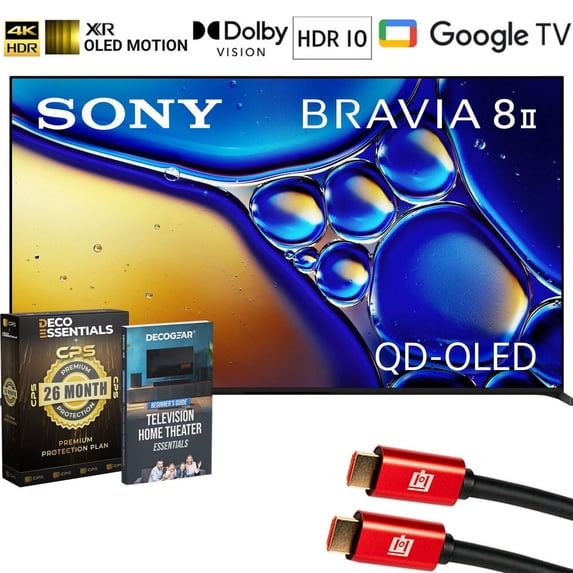
Sony BRAVIA 8 II 55 inch QD-OLED 4K HDR Google TV (2025) K55XR80M2 Bundle with CPS 26‑Month Protection Plan, Deco Gear 4K HDMI Cable and Deco Gear Television Home Theater Essentials Beginner's
Key item features
Specs
Resolution, 4K (2160P)
Display, OLED
Refresh rate, 120 Hz
Brand, Sony
Television type, Smart TVs
About this item
Product details
- Sony BRAVIA 8 II 4K HDR Smart QD-OLED TV
- Voice Remote Control
- Tabletop Stand
- AC Power Cord
- Limited 1-Year Manufacturer Warranty
- Sony BRAVIA 8 II 55 inch QD-OLED 4K HDR Google TV (2025)
- CPS 26 Months Extended Protection
- Deco Gear 6FT Universal 4K HDMI 2.0 Cable
- Deco Gear Television Home Theater Essentials: Beginner's Guide
INCLUDED IN THE BOX:
BUNDLE INCLUDES:
The pinnacle of precision. Our QD-OLED screen individually and expertly controls 8 million self-illuminating pixels, turning each one on or off to dark and light for deeper blacks and more dazzling colors. Dive into cinema-like visuals at home. Our home entertainment picture quality expertise helps us faithfully reproduce the creator’s vision with Studio Calibrated modes developed through collaboration with Sony and the world’s top streaming services. Your screen becomes a speaker with BRAVIA 8 II. Actuators vibrate behind the screen, delivering crisp, immersive sound straight from the action, just like in the cinema. Your TV is more helpful than ever. Ask Google Assistant to find movies, stream apps, play music and control the TV with your voice. Get answers, adjust room temperature and lighting, even check the front door. Press the Google Assistant button on the remote to get started. Watching TV from the sides is truly satisfying. Our QD-OLED panel keeps luminance constant for consistent colors across all viewing angles.
KEY FEATURES:
- Over 8 million self-lit pixels are precisely controlled to produce pure black with our highest OLED brightness.
- See billions of accurate real-world colors with a Quantum Dot panel and XR Triluminos Max.
- XR Processor™ with AI technology intelligently enhances every scene in real-time boosting color, contrast, and clarity.
- Get access to all your favorite streaming apps in one place with Google TV™. With Google Assistant, simply use your voice to search and ask questions.
- Easily stream to your TV with support for Apple AirPlay® 2 and Google Cast.
- Movies are included with access to the largest IMAX® Enhanced collection in the SONY PICTURES CORE app.
- See picture quality just as the creator’s intended with studio calibrated picture modes specially designed for Netflix, Prime Video, and SONY PICTURES CORE.
- A truly cinematic viewing experience with support for Dolby Vision and Atmos, IMAX Enhanced, and DTS:X.
- Upscale all your HD and digital content and bring back lost detail with XR Clear Image and AI technology.
- See blur-free picture quality in fast-moving sports and action-packed movies powered by XR OLED Motion™.
- With Acoustic Surface Audio+™, hear true immersive audio from the entire screen, perfectly matching sound to the action.
Every scene brighter with brilliant color and contrast
More color and contrast in highlights. With a high luminance panel (1) and temperature sensor (2), this TV with XR Contrast Booster precisely controls light for brighter pure black pictures.
Billions of colors, vivid and real
With XR Triluminos Max™, experience billions of vivid, lifelike colors powered by millions of self-illuminating pixels. From deep shades to brilliant hues, enjoy extended color volume and true-to-life textures, even in the brightest scenes.
Even fast-moving action stays clear and blur-free
All the action, free of blur and judder. XR OLED Motion detects and analyzes visual elements on successive frames, then creates and inserts extra frames between the originals for smoother ...
Specifications
Screen size
Resolution
Display
Refresh rate
Warranty
Warranty information
Similar items you might like
Based on what customers bought
In 2K+ people's carts, Hisense 58" Class 4K UHD LED LCD Roku Smart TV HDR R6 Series 58R6E $238.00
In 2K+ people's carts Sponsored$23800current price $238.00$238.00
Hisense 58" Class 4K UHD LED LCD Roku Smart TV HDR R6 Series 58R6E
555874.4 out of 5 Stars. 55587 reviews4.4 out of 5 starsSave with Delivery as soon as 31 minsShipping, arrives todayPickup as soon as 9am
Sony K75XR50 BRAVIA 5 75" Mini LED 4K HDR TV (2025) Bundle with CPS Exclusive 26 Month Protection, Wall Mount, 2x HDMI Cables, Surge Adapter & Deco Gear Complete Home Theater Beginner's Guidebook $1,599.99 Was $1,999.99
 $1,59999current price $1,599.99, Was $1,999.99$1,999.99
Sony K75XR50 BRAVIA 5 75" Mini LED 4K HDR TV (2025) Bundle with CPS Exclusive 26 Month Protection, Wall Mount, 2x HDMI Cables, Surge Adapter & Deco Gear Complete Home Theater Beginner's Guidebook
Sony 55” class BRAVIA 8 II QD-OLED 4K HDR Smart Google TV K-55XR80M2, 2025 Model $1,998.00 Was $2,599.99
 2 optionsAvailable in additional 2 options$1,99800current price $1,998.00, Was $2,599.99$2,599.99
Sony 55” class BRAVIA 8 II QD-OLED 4K HDR Smart Google TV K-55XR80M2, 2025 Model
374.5 out of 5 Stars. 37 reviews4.5 out of 5 starsLG 77" OLED evo AI C6H 4K Smart webOS TV (2026) OLED77C6HUP.AUSZ Bundle with 26 Month CPS Protection Pack, 2x HDMI Cable, Wall Mount, 6-Outlet Surge Adapter & Deco Gear Home Theater Beginner's Guide $3,299.99 Was $4,299.99
 $3,29999current price $3,299.99, Was $4,299.99$4,299.99
LG 77" OLED evo AI C6H 4K Smart webOS TV (2026) OLED77C6HUP.AUSZ Bundle with 26 Month CPS Protection Pack, 2x HDMI Cable, Wall Mount, 6-Outlet Surge Adapter & Deco Gear Home Theater Beginner's Guide
LG 77 Inch OLED evo AI C6H 4K Smart webOS TV (2026) OLED77C6HUP.AUSZ Bundle with Samsung HW-S50B 3.0ch All-in-One Soundbar, 2x HDMI Cable and Deco Gear Home Theater Beginner's Guide $1,999.99 Was $2,299.99
 2 optionsAvailable in additional 2 options$1,99999current price $1,999.99, Was $2,299.99$2,299.99
LG 77 Inch OLED evo AI C6H 4K Smart webOS TV (2026) OLED77C6HUP.AUSZ Bundle with Samsung HW-S50B 3.0ch All-in-One Soundbar, 2x HDMI Cable and Deco Gear Home Theater Beginner's Guide
Sony K85XR50 BRAVIA 5 85" Mini LED 4K HDR TV (2025) Bundle with CPS Exclusive 26 Month Protection, Wall Mount, 2x HDMI Cables, Surge Adapter & Deco Gear Complete Home Theater Beginner's Guidebook $1,898.00 Was $2,398.00
 $1,89800current price $1,898.00, Was $2,398.00$2,398.00
Sony K85XR50 BRAVIA 5 85" Mini LED 4K HDR TV (2025) Bundle with CPS Exclusive 26 Month Protection, Wall Mount, 2x HDMI Cables, Surge Adapter & Deco Gear Complete Home Theater Beginner's Guidebook
11 out of 5 Stars. 1 reviews1 out of 5 starsSony BRAVIA 5 75 inch Mini LED 4K HDR Google TV (2025) K75XR50 Bundle with 2x Deco Gear 6FT HDMI Cable, SurgePro 6-Outlet Surge Adapter and Deco Gear Home Theater Beginner's Guide $1,599.99 Was $1,999.99
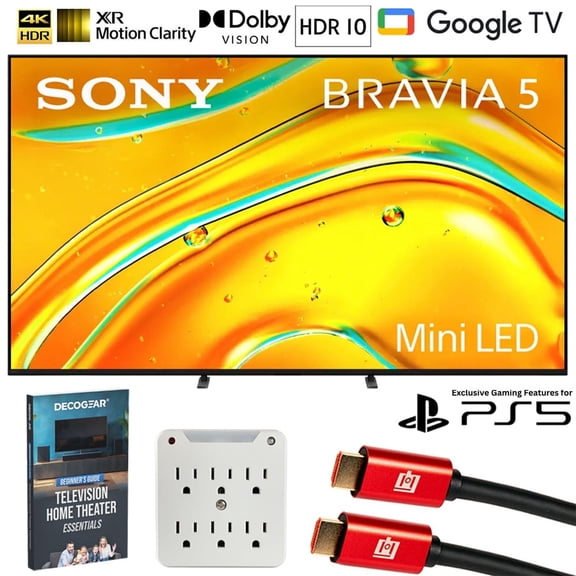 $1,59999current price $1,599.99, Was $1,999.99$1,999.99
Sony BRAVIA 5 75 inch Mini LED 4K HDR Google TV (2025) K75XR50 Bundle with 2x Deco Gear 6FT HDMI Cable, SurgePro 6-Outlet Surge Adapter and Deco Gear Home Theater Beginner's Guide
Sony 65-Inch BRAVIA 8 OLED 4K HDR Google TV Bundle – XR OLED Contrast, Dolby Vision, 120Hz, Acoustic Surface Audio , HDMI 2.1 w/ 24-Month CPS Protection Plan, UAX HDMI Cable, Streaming Bundle $2,498.00 Was $2,798.00
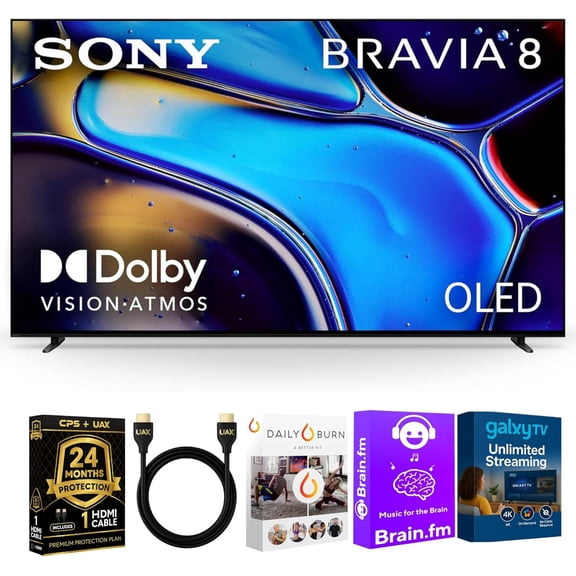 3 optionsAvailable in additional 3 options$2,49800current price $2,498.00, Was $2,798.00$2,798.00
Sony 65-Inch BRAVIA 8 OLED 4K HDR Google TV Bundle – XR OLED Contrast, Dolby Vision, 120Hz, Acoustic Surface Audio , HDMI 2.1 w/ 24-Month CPS Protection Plan, UAX HDMI Cable, Streaming Bundle
Sony K55XR80M2 55" BRAVIA 8 II QD‑OLED 4K HDR Smart Google TV (2025) with Wall Mount, HDMI Cables & 6‑Outlet Surge Protector Bundle $2,498.00
 2 optionsAvailable in additional 2 options$2,49800current price $2,498.00
Sony K55XR80M2 55" BRAVIA 8 II QD‑OLED 4K HDR Smart Google TV (2025) with Wall Mount, HDMI Cables & 6‑Outlet Surge Protector Bundle
42.8 out of 5 Stars. 4 reviews2.8 out of 5 starsLG 77 Inch OLED evo AI C6H 4K Smart webOS TV (2026) OLED77C6HUP.AUSZ Bundle with 1 YR CPS Extended Warranty, 2x 6FT HDMI Cable and Deco Gear Home Theater Beginner's Guide $3,299.99 Was $4,299.99
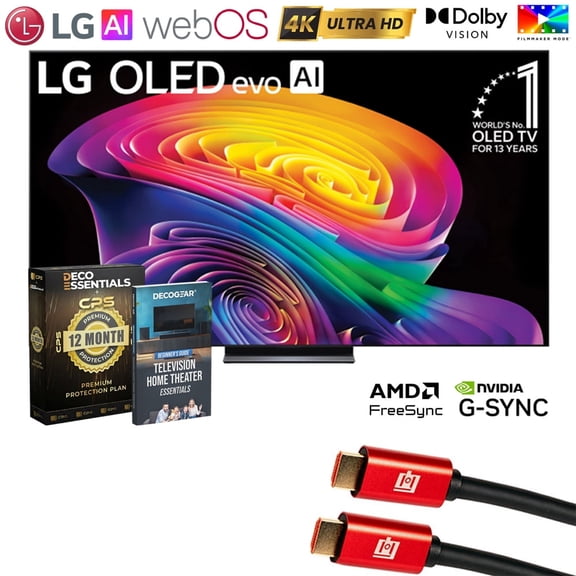 $3,29999current price $3,299.99, Was $4,299.99$4,299.99
LG 77 Inch OLED evo AI C6H 4K Smart webOS TV (2026) OLED77C6HUP.AUSZ Bundle with 1 YR CPS Extended Warranty, 2x 6FT HDMI Cable and Deco Gear Home Theater Beginner's Guide
11 out of 5 Stars. 1 reviews1 out of 5 starsSony K55XR80M2 55 Inch Bravia 8 QD-OLED 4K HDR Google TV with Quantum Dot and 3 Year Amber Protection Plan (2025) $2,049.99
 2 optionsAvailable in additional 2 options$2,04999current price $2,049.99
Sony K55XR80M2 55 Inch Bravia 8 QD-OLED 4K HDR Google TV with Quantum Dot and 3 Year Amber Protection Plan (2025)
33.7 out of 5 Stars. 3 reviews3.7 out of 5 starsSony K65XR80 65 Inch IMAX Enhanced Bravia OLED 4K HDR Google TV with 2 Year Amber Protection Plan (2024) $1,398.00 Was $1,598.00
 3 optionsAvailable in additional 3 options$1,39800current price $1,398.00, Was $1,598.00$1,598.00
Sony K65XR80 65 Inch IMAX Enhanced Bravia OLED 4K HDR Google TV with 2 Year Amber Protection Plan (2024)
64.2 out of 5 Stars. 6 reviews4.2 out of 5 starsSony K55XR80M2 BRAVIA 8 II 55" QD-OLED 4K HDR TV (2025) Bundle with CPS Exclusive 26 Month Protection, Wall Mount, 2x HDMI Cables, Surge Adapter & Deco Gear Complete Home Theater Beginner's Guidebook $2,498.00
 2 optionsAvailable in additional 2 options$2,49800current price $2,498.00
Sony K55XR80M2 BRAVIA 8 II 55" QD-OLED 4K HDR TV (2025) Bundle with CPS Exclusive 26 Month Protection, Wall Mount, 2x HDMI Cables, Surge Adapter & Deco Gear Complete Home Theater Beginner's Guidebook
42.8 out of 5 Stars. 4 reviews2.8 out of 5 starsSony BRAVIA 7 K75XR70 75 inch 4K HDR Smart QLED Mini-LED TV Bundle with Premiere Movie Streaming Package & TV Setup Bundle with Wall Mount Surge Adapter HDMI Cable & More (2024 Model) $1,699.99
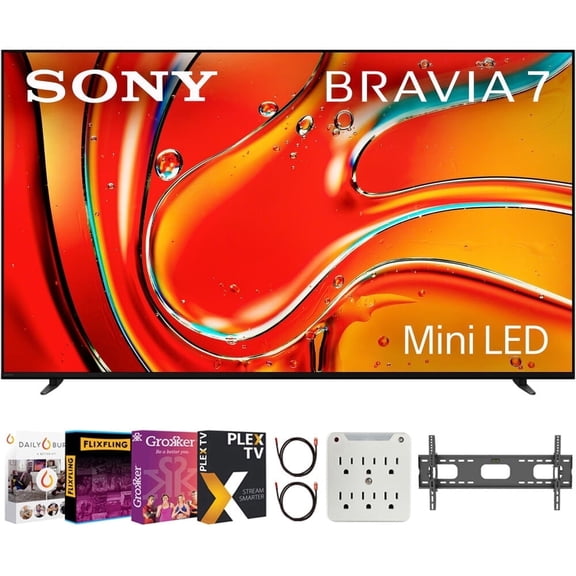 $1,69999current price $1,699.99
Sony BRAVIA 7 K75XR70 75 inch 4K HDR Smart QLED Mini-LED TV Bundle with Premiere Movie Streaming Package & TV Setup Bundle with Wall Mount Surge Adapter HDMI Cable & More (2024 Model)
22.5 out of 5 Stars. 2 reviews2.5 out of 5 starsLG C5 OLED Evo 77" 4K UHD OLED Television with CPS Exclusive 26 Month Protection and 2x HDMI Cable, 2025 $1,199.99
 6 optionsAvailable in additional 6 options$1,19999current price $1,199.99
LG C5 OLED Evo 77" 4K UHD OLED Television with CPS Exclusive 26 Month Protection and 2x HDMI Cable, 2025
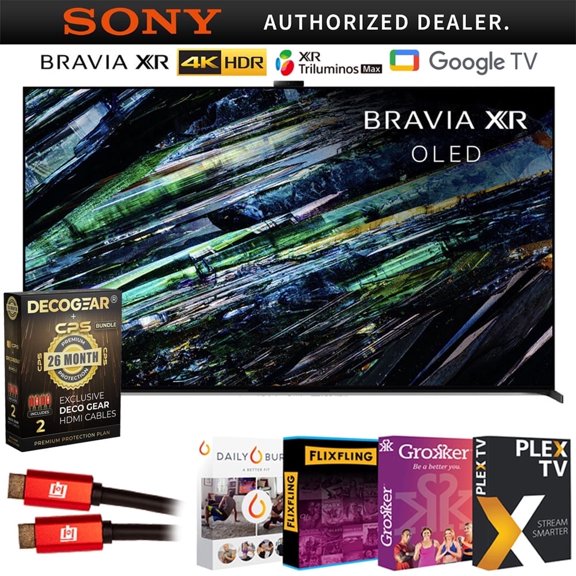
103.7 out of 5 Stars. 10 reviews3.7 out of 5 starsSony BRAVIA XR A95L 55 inch QD-OLED 4K HDR Smart TV (2023) Deco Gear 4K HDMI 2.0 Cable x2 Movie Streaming & 26 Month Extended Protection | Official Sony Partner | $3,498.00
 3 optionsAvailable in additional 3 options$3,49800current price $3,498.00
Sony BRAVIA XR A95L 55 inch QD-OLED 4K HDR Smart TV (2023) Deco Gear 4K HDMI 2.0 Cable x2 Movie Streaming & 26 Month Extended Protection | Official Sony Partner |
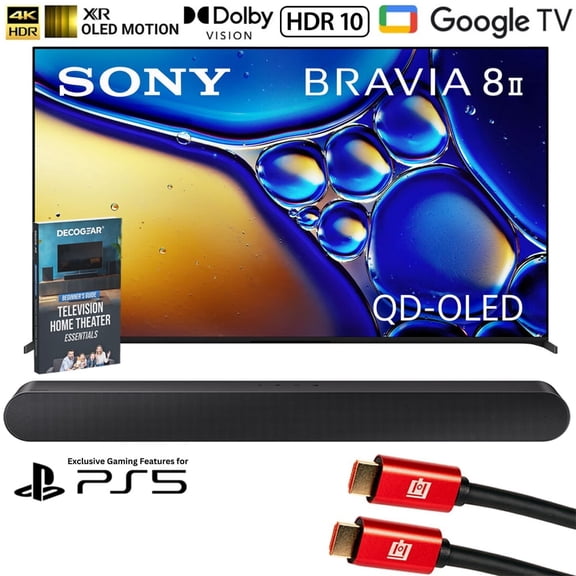
484.4 out of 5 Stars. 48 reviews4.4 out of 5 starsSony BRAVIA 8 II 55 inch QD-OLED 4K HDR Google TV (2025) K55XR80M2 Bundle with Samsung 3.0ch All-in-One Soundbar, 2x HDMI Cable and Deco Gear Home Theater Beginner's Guide $2,797.99
 2 optionsAvailable in additional 2 options$2,79799current price $2,797.99
Sony BRAVIA 8 II 55 inch QD-OLED 4K HDR Google TV (2025) K55XR80M2 Bundle with Samsung 3.0ch All-in-One Soundbar, 2x HDMI Cable and Deco Gear Home Theater Beginner's Guide
42.8 out of 5 Stars. 4 reviews2.8 out of 5 starsSony K55XR80M2 55 Inch Bravia 8 QD-OLED 4K HDR Google TV with a Walts TILT-EXTENSION-37-90 Tilt Mount for 37"-90" TVs and Amber Protection 3-OUTLET-SURGE Surge Protector (2025) $2,498.00
 2 optionsAvailable in additional 2 options$2,49800current price $2,498.00
Sony K55XR80M2 55 Inch Bravia 8 QD-OLED 4K HDR Google TV with a Walts TILT-EXTENSION-37-90 Tilt Mount for 37"-90" TVs and Amber Protection 3-OUTLET-SURGE Surge Protector (2025)
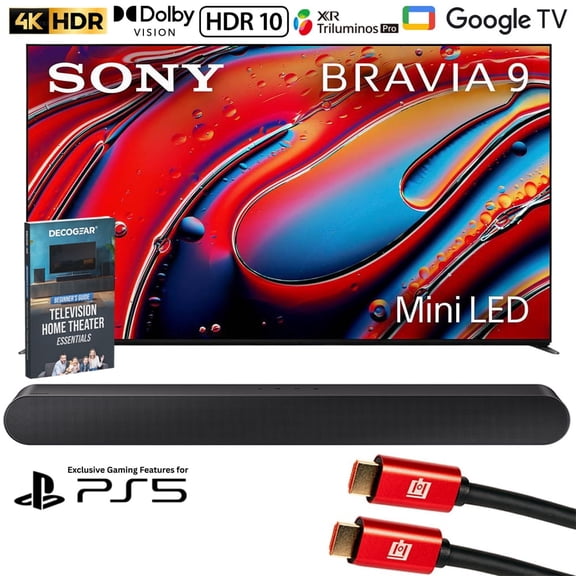
Sony BRAVIA 9 K65XR90 65 inch 4K HDR Smart QLED Mini-LED TV (2024) Bundle with Samsung 3.0ch All-in-One Soundbar, 2x HDMI Cable and Deco Gear Home Theater Beginner's Guide $3,097.99
 2 optionsAvailable in additional 2 options$3,09799current price $3,097.99
Sony BRAVIA 9 K65XR90 65 inch 4K HDR Smart QLED Mini-LED TV (2024) Bundle with Samsung 3.0ch All-in-One Soundbar, 2x HDMI Cable and Deco Gear Home Theater Beginner's Guide
105 out of 5 Stars. 10 reviews5 out of 5 starsSony 32†Class W830K 720p HD LED HDR TV with Google TV and Google Assistant-2022 Model $298.00
 $29800current price $298.00
Sony 32†Class W830K 720p HD LED HDR TV with Google TV and Google Assistant-2022 Model
1694.3 out of 5 Stars. 169 reviews4.3 out of 5 stars

Customer ratings & reviews
Filtered and sorted results would be available on the new 'Customer ratings & reviews' page.
Showing 1-3 of 4 reviews
Best picture quality on the Block!
So I'll start off by saying I absolutely love this TV. I had originally purchased a quantum Vizio, but after setting it up and seeing the picture quality I returned it. I started looking at various LG, and Samsung sets, but after discovering the Bravia 8 II I decided to go with Sony. Upon setup of the Bravia 8 II, you will notice how heavy it is, this to me shouts good build quality. After getting it set up, I did not connect my surround sound, because some reviews mentioned a particularly weak sound-I would not say the sound quality is bad at all. The technology going on there obviously works because I had to double check my surround sound was not connected. Obviously bass is on the lower end, this is why we surround sound. Once I did connect my surround sound, I was blown away at the difference in quality between the Vizio I had just returned, and the Sony. The UI is much better than I expected, and I haven't experienced any lag, or dropped signal issues. Picture is the best I've seen in a TV so far in life. There are movie scenes where you almost feel like you are in it. Words honestly can't do it justice, you have to see it yourself to fully appreciate the excellence of picture.
Hi 505pike, That is fantastic to hear! We are thrilled that the BRAVIA 8 II has delivered such an outstanding experience for you, especially regarding the exceptional picture quality powered by the XR Processor and the solid build. We designed the acoustic features to deliver a compelling experience even before connecting your full surround system. Thank you for sharing such a detailed and glowing review! Thanks for choosing Sony. Best regards, Eliab
Sony Bravia 8
Purchased in Nov 2024. Disappointed with the so called 'Google TV' feature. Voice feature could not be made to work, and the choice in Apps represented only one of a dozen that we presently use (with Roku box). If App's could be expanded it was not clear on how it might be done. Also very poor instructions. Do some customer interface training to improve (non engineers or Tech's).
Thank you for sharing your detailed feedback about the k65xr80 and its Google TV features. We understand how important a smooth, intuitive smart TV experience is and are sorry you’ve faced frustration around voice control, app options, and setup clarity. Here’s some guidance and information that may help: Voice Feature Troubleshooting To use the voice feature, ensure your TV is set up as a Google TV and that you are signed in to a Google Account. Accepting the Privacy Policy and Terms is required for voice recognition to function. If you chose "Set up basic TV" initially, you can go to Settings and select "Set up Google TV" to enable these features. The voice remote uses Bluetooth and requires a working internet connection. If the microphone or Google Assistant button isn’t working, try removing and reinserting the batteries or replacing them. There is also a quick battery test: with the TV off, press and hold the VOL- button and then the microphone button; if the LED doesn’t flash, the batteries are too low. For persistent issues, unpair and re-pair the remote in the Bluetooth settings and ensure Voice control is turned on in Settings > Accounts and Sign In > Google Assistant > Voice control. Additional video and step-by-step troubleshooting are provided in Sony’s official support articles, including how to update your remote’s software if needed. Expanding the Choice of Apps Google TV supports app downloads from the Google Play Store. To access more apps: Use the "Apps" tab on the Home screen, or press the "Input" button and add Google Play Store to your quick access menu. You can also search for specific apps via voice by pressing the Google Assistant (or MIC) button and saying the search term (such as “open Google Play”). If you use the on-screen keyboard, select "Search" on the Home menu to find and install desired apps. The Play Store only shows compatible apps for your TV; certain apps (especially ones tied to other platforms, like the Roku box) might not be available on Google TV. If an app cannot be found, it may not be supported on Google TV, as developers decide which platforms to publish their apps on. Sony and Google do not have control over third-party app availability. Improving the App Installation Process Sony acknowledges that navigating Google TV’s app system is different from some other smart platforms. There are multiple ways to search for and install apps, as outlined above, but we realize this process isn’t always intuitive for everyone. Official support tutorials, troubleshooting steps, and user guides are available to walk you through each process step-by-step. These resources often include visual aids and are designed for users of all experience levels. Instructions and Customer Support for Non-Technical Users Sony manuals are included in the product packaging, and you can find up-to-date digital guides and tutorials on Sony’s official support website. There are also dedicated help articles covering app installation, voice command usage, remote troubleshooting, and accessibility features. For those who prefer a more guided approach, support is available by chat or phone. Sony actively invests in making smart TVs more accessible, including features like screen readers, voice search, and tactile dots on remotes for visually-impaired users. Feedback like yours also helps inform further user interface and instruction improvements to make the experience more friendly for all customers, including non-engineers and those less familiar with smart technology. If you need direct links to guides for your specific issues or want to walk through a particular process (like pairing the remote or installing a certain app), Sony customer support can provide personalized assistance via phone or chat. We appreciate your honest input—Sony continually iterates on product usability and documentation, and this kind of real-world feedback is vital to those improvements. Thank you again for taking the time to share your experience! Best regards, Gus, Sony North America Customer Support
Bravia 8 ii
The 55” Bravia 8 ii was intended to replace an old 43” plasma tv. I ended up returning the Bravia. The picture on the Bravia 8 ii is superior…end of story. If I were paid to come up with a problem with the picture the only thing that I could come up with is that the blacks can at times be too black. The satin finish on the screen is awesome and reduces reflections. I am used to less real estate and lower resolution, so the Bravia picture was a huge upgrade. The Bravia attempted to output PS5 with a 4k cable but was glitching out. The Bravia output PS5 flawlessly with an 8k HDMI cable and it looked fantastic. Bravia played nice with Roku device using 8k HDMI cable. The audio on the Bravia 8 ii is shockingly poor and the reason that I returned the unit. The human voice on the Bravia is so small and “tinny”. It sounds like a bunch of nano-people stuffed in a can. I literally kept thinking about a Fred Flintstone transistor radio from my childhood. Contrasting the small voices, the background noises are loud and thunderous. It leads to a constant volume battle between the parts of the show without sound effects vs the parts of the show with sound effects. Turn the volume up to try to hear the little canny voices…turn the volume down when the sound effects start up and blast you away. The Bravia has excellent audio settings and even a setting for prioritizing voice. But I just could not get the setting right to compensate for the tinny, canny, little voices. The settings to increase voice quality only added to the canniness of the sound. I kind of thought that TV audio was all worked out long ago and I have never had a problem with a TV's native audio before, so this was really a big surprise to me. Ultimately, I decided that at this price point, I need to be able to actually hear the voices rather than to keep struggling trying to fix something that is not fixable. For my hands the remote control provided with the Bravia 8 ii is too small physically, too slippery, and the buttons are too flush to the body housing to be easily detectible. I bought a universal remote to try but ended up returning the Bravia before seeing if the 3rd party remote would work on the Bravia. This TV is probably a good pick for the crowd that likes to augment the audio with sound bars or theater sound systems. You cannot go wrong with the picture for sure. For the crowd that just want a TV to sound like a TV, maybe not such a good pick.
Hi 20Michael25, Thank you for taking the time to provide such a detailed and honest review of the Sony - BRAVIA 8 II. We are truly sorry to hear that the TV's native audio did not deliver the experience you were looking for and that you ultimately had to return the product. We're glad that you were able to experience the outstanding picture quality and that it performed so well with your PlayStation 5 and Roku streaming device. However, we completely understand your frustration with the low human voice and the need for a constant volume battle. We take your feedback on this, as well as on the remote control, very seriously. It will be shared directly with our product development team as we continuously strive to improve our products. Thank you for considering Sony products! Regards, Dominick


- Free shipping
 Free 30-day returns

(Only one option can be selected at a time)

How do you want your item?

