

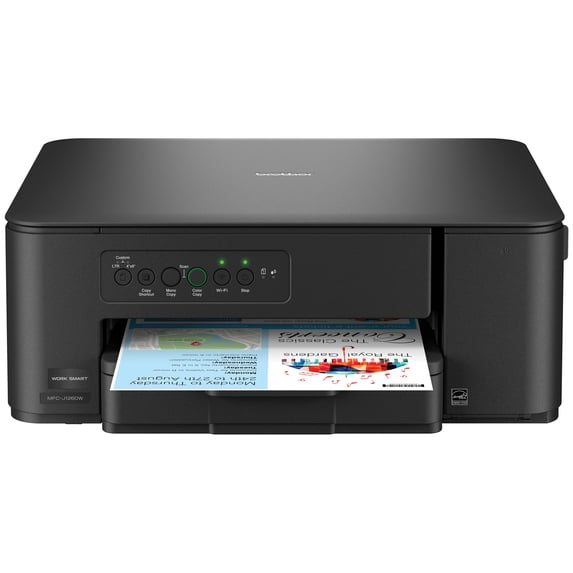
Brother Work Smart MFC-J1260W Wireless Color Inkjet All-in-One Printer
Key item features
- Everything You Need in One Printer: Print, copy, and scan everyday documents from one compact printer designed to fit your home, dorm, or workspace.
- More Features. Less Complexity: Guided setup, mobile printing, scanning, and wireless connectivity make it easy to get more from your printer from day one.
- Easy Connection Options: Connect to your printer via your wireless network or a convenient USB connection.
- Print and Manage from Your Phone: Go mobile with the simple-to-use Brother Mobile Connect app that delivers easy onscreen menu navigation for printing, copying, scanning, and device management from your mobile device, and get access to Page Gauge.
- Simple Setup: Get printing quickly with a fast and easy setup process. Brother printers are ready to go with step-by-step instructions on the Brother Mobile Connect app.
- Spend less time reloading your paper: The paper tray holds 150 sheets at a time to help streamline your workflow.
- Less Waiting, More Doing: Quickly print reports, homework, forms, and everyday documents with fast print speeds of up to 16 pages per minute (ppm) in black and up to 9 ppm in color.
- Reliable Print Quality: Crisp, clear printing. Brother inkjet printers produce beautiful prints in vibrant color or rich black & white for results you can be proud of.
- ENERGY STAR® Certification: Powerful printing, without using too much power. The MFC-J1260W All-in-One Printer is ENERGY STAR® certified.
- Customer Support: For customer service, visit our Brother USA website.
- Brother Genuine Ink: Reliable performance you can count on. We engineer our ink cartridges to work seamlessly with your Brother printer. Choose Brother Genuine LC501 Ink, the only brand we recommend for use with your printer.
- Disclaimers: Paper Capacity: Maximum capacity based on using 20 lb. paper. Brother Mobile Connect App: Free Brother Mobile Connect app download, wireless connection, and connection of an eligible printer with Brother are required. Compatibility may vary by device, operating system, and country. Wireless Connectivity: Wireless connection required. Page Gauge: Page Gauge is an estimate for informational purposes only. For actual cartridge yield information, refer to the Brother USA website and visit the yield page. Print Speed: Based on ISO/IEC 24734 (after first set of ISO test pages). For inkjet print speed methodology, please visit the Brother USA website print speed page.
Specs
Printing tech, Inkjet
Printer functions, Print, Copy, Scan
Pages per min., 16 ppm
Mono color, Color
Paper size, Letter
About this item
Product details
- Everything You Need in One Printer: Print, copy, and scan everyday documents from one compact printer designed to fit your home, dorm, or workspace.
- More Features. Less Complexity: Guided setup, mobile printing, scanning, and wireless connectivity make it easy to get more from your printer from day one.
- Easy Connection Options: Connect to your printer via your wireless network or a convenient USB connection.
- Print and Manage from Your Phone: Go mobile with the simple-to-use Brother Mobile Connect app that delivers easy onscreen menu navigation for printing, copying, scanning, and device management from your mobile device, and get access to Page Gauge.
- Simple Setup: Get printing quickly with a fast and easy setup process. Brother printers are ready to go with step-by-step instructions on the Brother Mobile Connect app.
- Spend less time reloading your paper: The paper tray holds 150 sheets at a time to help streamline your workflow.
- Less Waiting, More Doing: Quickly print reports, homework, forms, and everyday documents with fast print speeds of up to 16 pages per minute (ppm) in black and up to 9 ppm in color.
- Reliable Print Quality: Crisp, clear printing. Brother inkjet printers produce beautiful prints in vibrant color or rich black & white for results you can be proud of.
- ENERGY STAR® Certification: Powerful printing, without using too much power. The MFC-J1260W All-in-One Printer is ENERGY STAR® certified.
- Customer Support: For customer service, visit our Brother USA website.
- Brother Genuine Ink: Reliable performance you can count on. We engineer our ink cartridges to work seamlessly with your Brother printer. Choose Brother Genuine LC501 Ink, the only brand we recommend for use with your printer.
- Disclaimers: Paper Capacity: Maximum capacity based on using 20 lb. paper. Brother Mobile Connect App: Free Brother Mobile Connect app download, wireless connection, and connection of an eligible printer with Brother are required. Compatibility may vary by device, operating system, and country. Wireless Connectivity: Wireless connection required. Page Gauge: Page Gauge is an estimate for informational purposes only. For actual cartridge yield information, refer to the Brother USA website and visit the yield page. Print Speed: Based on ISO/IEC 24734 (after first set of ISO test pages). For inkjet print speed methodology, please visit the Brother USA website print speed page.
Specifications
Brand
Printing tech
Printer functions
Pages per min.
Similar items you might like
Based on what customers bought
Rollback, Canon MegaTank PIXMA G4280 Printer, Scanner, Copier Multi-Function, Wireless Color Inkjet Home Office Use $239.00 Was $269.00
Rollback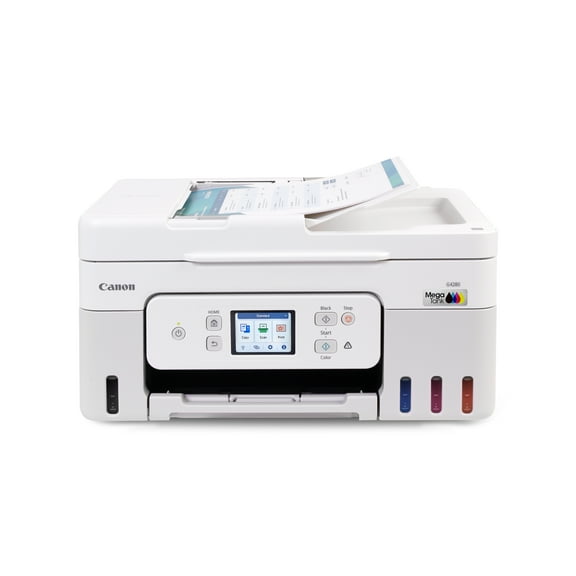 SponsoredNow$23900current price Now $239.00, Was $269.00$269.00You save $30.00You save$30.00
Canon MegaTank PIXMA G4280 Printer, Scanner, Copier Multi-Function, Wireless Color Inkjet Home Office Use
2564.3 out of 5 Stars. 256 reviews4.3 out of 5 starsSave with Delivery as soon as tomorrowShipping, arrives tomorrowPickup available
Rollback, Canon PIXMA TS7722 Multi-Function, Wireless Color Inkjet Printer, Scanner, Copier for Home Office $84.00 Was $107.00
Rollback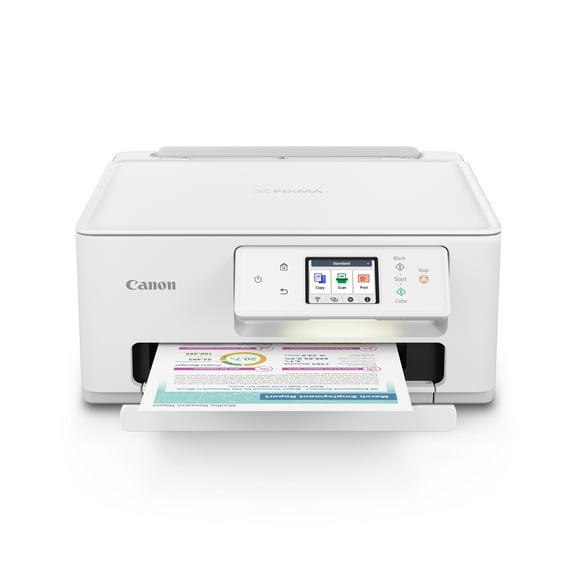 SponsoredNow$8400current price Now $84.00, Was $107.00$107.00You save $23.00You save$23.00
Canon PIXMA TS7722 Multi-Function, Wireless Color Inkjet Printer, Scanner, Copier for Home Office
12024.3 out of 5 Stars. 1202 reviews4.3 out of 5 starsSave withShipping, arrives tomorrowRollback, HP DeskJet 2952 Wireless All-in-One Color Inkjet Printer, 3 Months Free Instant Ink, Black $44.00 Was $59.00
Rollback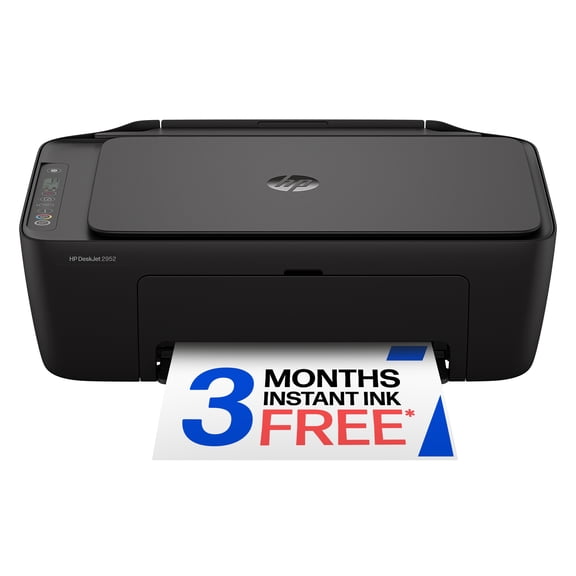 $4400current price $44.00, Was $59.00$59.00
HP DeskJet 2952 Wireless All-in-One Color Inkjet Printer, 3 Months Free Instant Ink, Black
59194 out of 5 Stars. 5919 reviews4 out of 5 starsBest seller, Canon PIXMA TS3722 Wireless All-In-One Inkjet Printer for Home Office $53.00
Best seller $5300current price $53.00
Canon PIXMA TS3722 Wireless All-In-One Inkjet Printer for Home Office
349164.2 out of 5 Stars. 34916 reviews4.2 out of 5 starsBest seller, Brother Wireless MFC-L2760DW Compact Monochrome All-in-One Laser Printer with Copy, Scan and Fax, Duplex and Mobile Printing $199.99
Best seller $19999current price $199.99
Brother Wireless MFC-L2760DW Compact Monochrome All-in-One Laser Printer with Copy, Scan and Fax, Duplex and Mobile Printing
24714.4 out of 5 Stars. 2471 reviews4.4 out of 5 starsBest seller, Epson Expression Home XP-4255 Wireless All-in-One Inkjet Printer with Scan, Copy, Automatic 2-Sided Printing, Borderless Photos and 2.4" Color Display $59.99
Best seller $5999current price $59.99
Epson Expression Home XP-4255 Wireless All-in-One Inkjet Printer with Scan, Copy, Automatic 2-Sided Printing, Borderless Photos and 2.4" Color Display
624.6 out of 5 Stars. 62 reviews4.6 out of 5 starsBest seller, Canon PIXMA TR4722 All-In-One, Wireless Color Inkjet Printer for Home Office Use $75.00
Best seller $7500current price $75.00
Canon PIXMA TR4722 All-In-One, Wireless Color Inkjet Printer for Home Office Use
119024.1 out of 5 Stars. 11902 reviews4.1 out of 5 starsBest seller, Epson WorkForce WF-2970 Wireless All-in-One Inkjet Printer with Scan, Copy, Fax, Auto Document Feeder, Automatic 2-Sided Printing and 2.4" Color Display $79.99
Best seller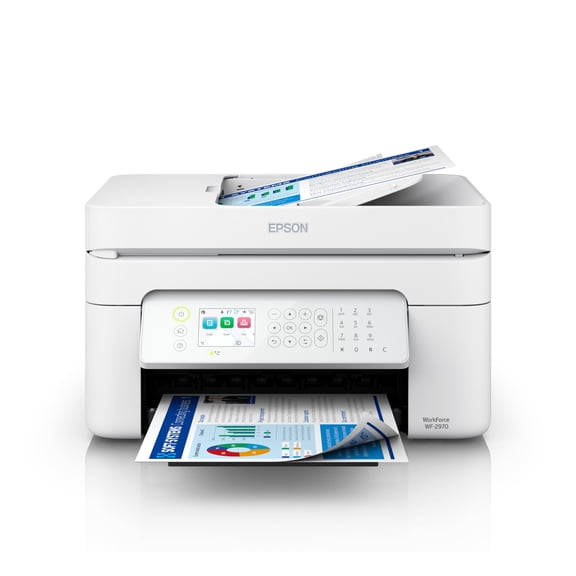 $7999current price $79.99
Epson WorkForce WF-2970 Wireless All-in-One Inkjet Printer with Scan, Copy, Fax, Auto Document Feeder, Automatic 2-Sided Printing and 2.4" Color Display
534.4 out of 5 Stars. 53 reviews4.4 out of 5 starsBest seller, Brother HL-L2420DW Wireless Compact Monochrome Laser Printer with Duplex, Mobile Printing $125.00
Best seller $12500current price $125.00
Brother HL-L2420DW Wireless Compact Monochrome Laser Printer with Duplex, Mobile Printing
27084.3 out of 5 Stars. 2708 reviews4.3 out of 5 starsRollback, HP Envy 6152 Wireless All-in-One Color Photo Inkjet Printer, Scanner, Copier, 3mos Free Instant Ink $89.00 Was $119.00
Rollback $8900current price $89.00, Was $119.00$119.00
HP Envy 6152 Wireless All-in-One Color Photo Inkjet Printer, Scanner, Copier, 3mos Free Instant Ink
9014.4 out of 5 Stars. 901 reviews4.4 out of 5 starsCore Innovations CTP500 Wireless Mini Portable Inkless Thermal Printer & Label Maker Paper, Android & iOS (Purple) $29.88


 $2988current price $29.88
Core Innovations CTP500 Wireless Mini Portable Inkless Thermal Printer & Label Maker Paper, Android & iOS (Purple)
13024 out of 5 Stars. 1302 reviews4 out of 5 starsBest seller, HP DeskJet 4352 Wireless All-in-One Color Inkjet Printer, Scanner, Copier, 3 months Free Instant Ink $89.00
Best seller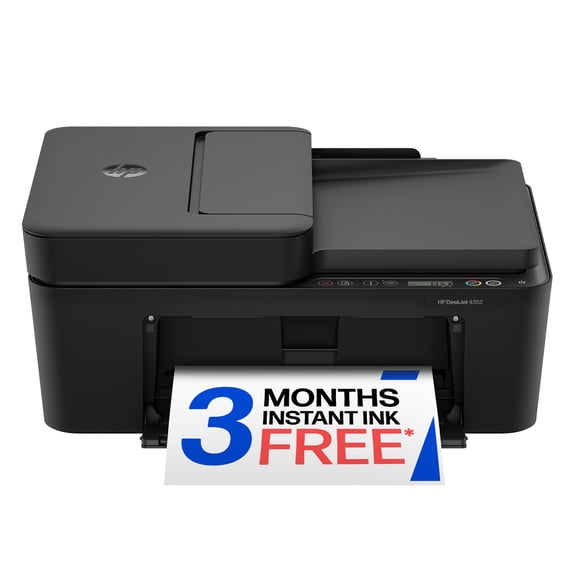 $8900current price $89.00
HP DeskJet 4352 Wireless All-in-One Color Inkjet Printer, Scanner, Copier, 3 months Free Instant Ink
14943.8 out of 5 Stars. 1494 reviews3.8 out of 5 starsBrother INKvestment MFC-J1355DW Wireless Color Inkjet All-in-One Printer with Automatic Duplex Printing, ADF, and 1.8” Color Display $150.00
 $15000current price $150.00
Brother INKvestment MFC-J1355DW Wireless Color Inkjet All-in-One Printer with Automatic Duplex Printing, ADF, and 1.8” Color Display
1614.2 out of 5 Stars. 161 reviews4.2 out of 5 starsBest seller, HP DeskJet 2942 Wireless All-in-One Color Inkjet Printer, 3 Months Free Instant Ink, Retro Sky Blue $59.00
Best seller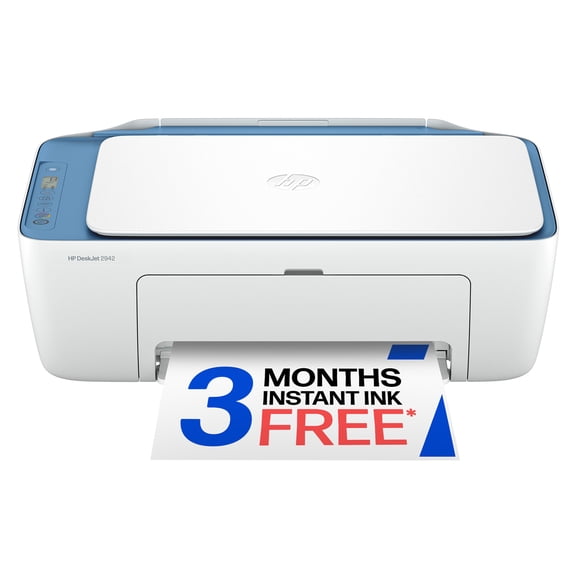 $5900current price $59.00
HP DeskJet 2942 Wireless All-in-One Color Inkjet Printer, 3 Months Free Instant Ink, Retro Sky Blue
41654 out of 5 Stars. 4165 reviews4 out of 5 starsRollback, Canon PIXMA TR8622a Printer, Scanner, Copier All-In-One, Wireless Color Inkjet for Home Office Use $149.00 Was $194.00
Rollback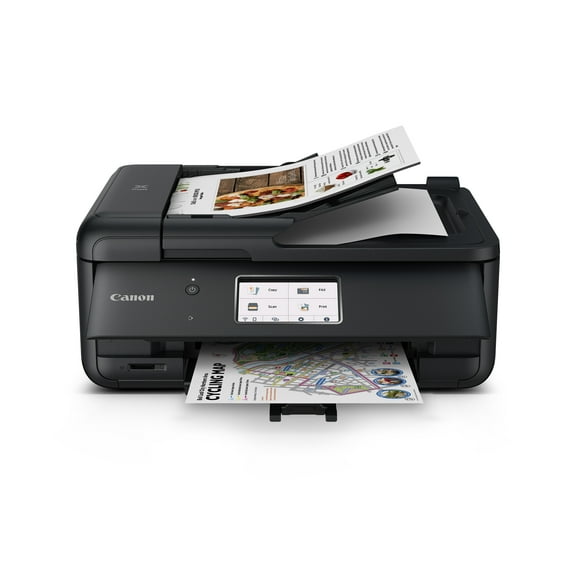 $14900current price $149.00, Was $194.00$194.00
Canon PIXMA TR8622a Printer, Scanner, Copier All-In-One, Wireless Color Inkjet for Home Office Use
13954.2 out of 5 Stars. 1395 reviews4.2 out of 5 starsBest seller, Epson EcoTank ET-1913 Wireless Color Single-Function Supertank Printer with up to 3 Years of Ink, Refillable Tanks, Perfect for Home, 11 PPM, 100-Sheet Paper Tray – Black $159.00
Best seller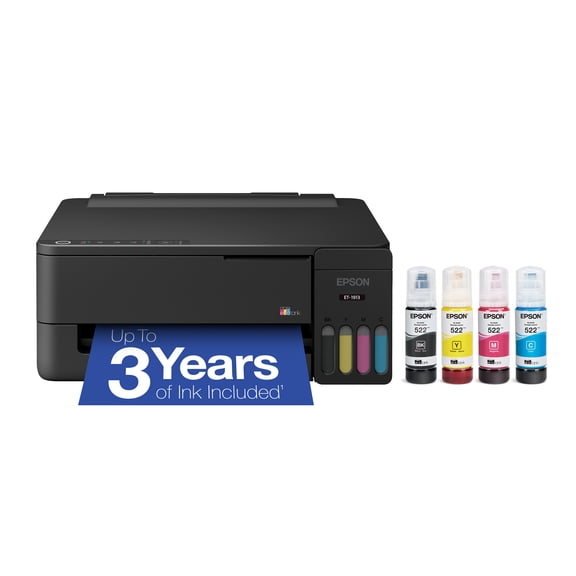 $15900current price $159.00
Epson EcoTank ET-1913 Wireless Color Single-Function Supertank Printer with up to 3 Years of Ink, Refillable Tanks, Perfect for Home, 11 PPM, 100-Sheet Paper Tray – Black
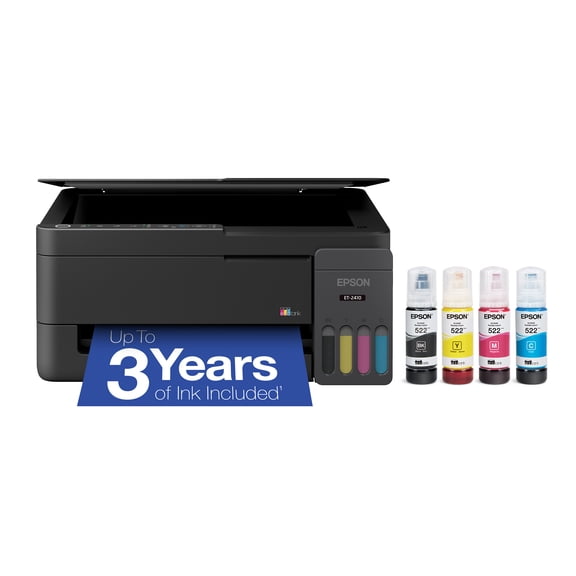
3153.9 out of 5 Stars. 315 reviews3.9 out of 5 starsEpson EcoTank ET-2410 Wireless All-in-One Color Supertank Printer with up to 3 Years of Ink, Refillable Tanks, Perfect for Home, 11 PPM, Built-in Scanner – Black $179.00
 $17900current price $179.00
Epson EcoTank ET-2410 Wireless All-in-One Color Supertank Printer with up to 3 Years of Ink, Refillable Tanks, Perfect for Home, 11 PPM, Built-in Scanner – Black
1294.2 out of 5 Stars. 129 reviews4.2 out of 5 starsBest seller, Canon MegaTank PIXMA G3272 All-In-One, Wireless Color Inkjet Printer for Home Office Use $194.00
Best seller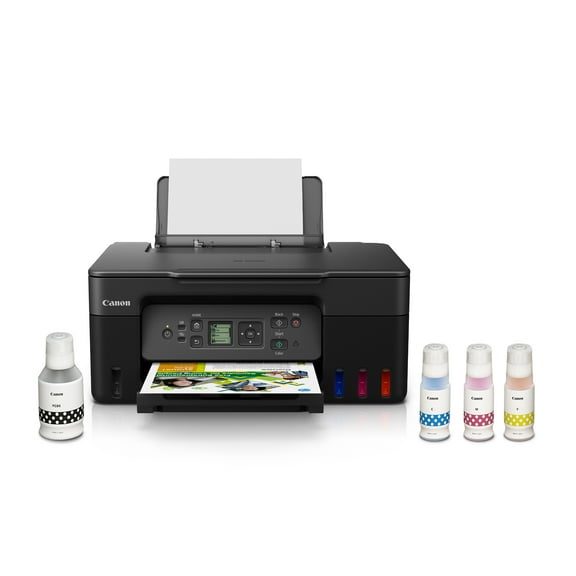 $19400current price $194.00
Canon MegaTank PIXMA G3272 All-In-One, Wireless Color Inkjet Printer for Home Office Use
25404.3 out of 5 Stars. 2540 reviews4.3 out of 5 starsRollback, HP Smart Tank 5102 Wireless All-in-One Cartridge-Free Ink Tank Printer, 2 Yrs Ink Incl, Surf Blue $169.00 Was $189.00
Rollback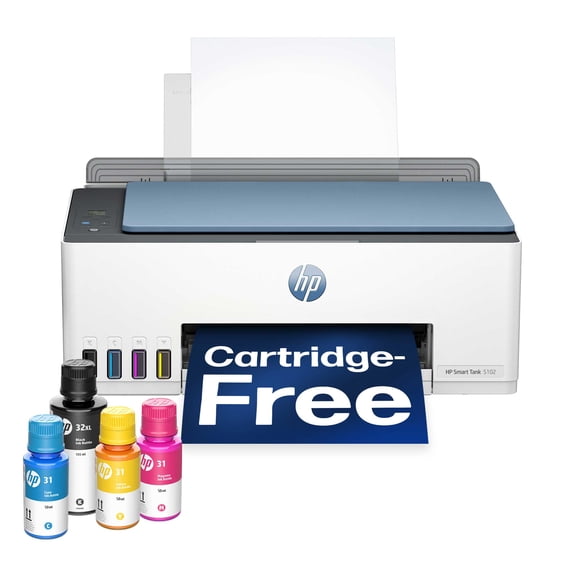 $16900current price $169.00, Was $189.00$189.00
HP Smart Tank 5102 Wireless All-in-One Cartridge-Free Ink Tank Printer, 2 Yrs Ink Incl, Surf Blue
47944.1 out of 5 Stars. 4794 reviews4.1 out of 5 starsBest seller, Epson EcoTank ET-2903 Wireless All-in-One Color Supertank Printer with up to 3 Years of Ink, Refillable Tanks, Perfect for Home, 11 PPM, 1.44" Color Screen, Built-in Scanner – White $199.00
Best seller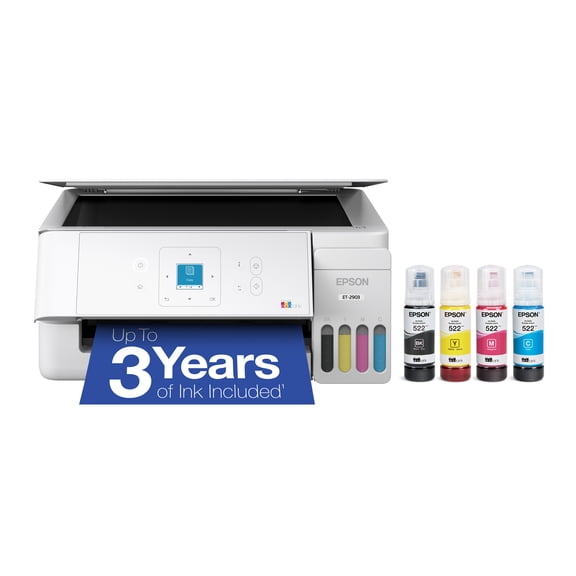 $19900current price $199.00
Epson EcoTank ET-2903 Wireless All-in-One Color Supertank Printer with up to 3 Years of Ink, Refillable Tanks, Perfect for Home, 11 PPM, 1.44" Color Screen, Built-in Scanner – White
10634.4 out of 5 Stars. 1063 reviews4.4 out of 5 stars

Customer ratings & reviews
Filtered and sorted results would be available on the new 'Customer ratings & reviews' page.
Showing 1-3 of 277 reviews
Great Printer for Small Spaces
[This review was collected as part of a promotion.] This is the perfect printer for small spaces. It is super light and the easiest set up process that I have seen for a printer. Installing the cartridges was a breeze and the quality of the print was really good. Making a copy or scanning is also super easy and the machine doesn't make a lot of noise. I haven't found one negative thing about this printer - good quality for an ink jet. Very happy with it.
Great printer easy set up
[This review was collected as part of a promotion.] This is a really great printer, I was glad to get it because my previous one from a different brand kept breaking down even though it was relatively new. So far, no problems with this one Prints fast and scans fast as well.
Very user friendly
[This review was collected as part of a promotion.] I don't own a desktop or have an office but from time to time I need a printer, probably way more often now. Being able to print and scan straight from my phone from anywhere in the house is super convenient. The fact that it is so quiet is amazing given that it is in my bedroom. Setting it up was also very easy, I was able to do it right from my phone. I'm very impressed and so very appreciative of not having to struggle every time I need to print something.


- Free shipping
 Free Holiday returns until Jan 31

(Only one option can be selected at a time)
How do you want your item?


