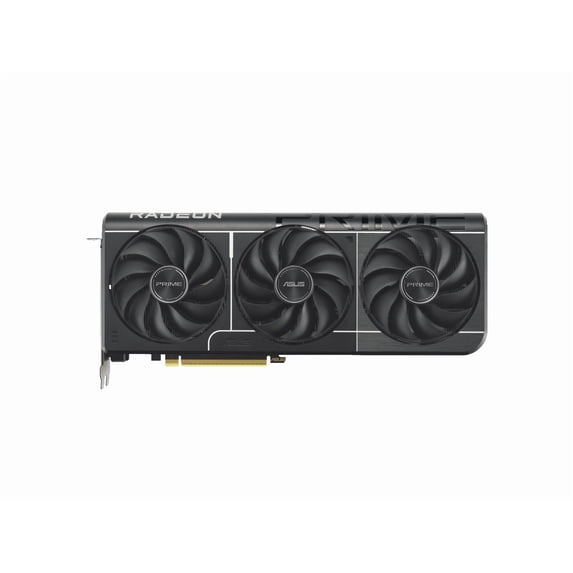
ASUS Prime Radeon RX 9060 XT 8GB GDDR6 OC Edition Graphics Card - PRIME-RX9060XT-O8G
Key item features
- Generous Memory: Features a substantial 8GB of high-speed GDDR6 memory, operating efficiently on a 128-bit memory bus.
- Flexible Displays: Provides versatile display connectivity, including one HDMI 2.1b port and two DisplayPort 2.1a outputs for multi-monitor setups.
- Processing Cores: Equipped with 2048 Stream Processors, designed to facilitate demanding graphical computations and rendering tasks.
- Advanced Interface: Utilizes the advanced PCI Express 5.0 x16 standard, ensuring high-bandwidth communication with compatible motherboards.
- GPU Architecture: Built around the Radeon RX 9060 XT GPU, a core component of the ASUS Prime series graphics card.
- Physical Design: Adheres to an ATX form factor, which ensures broad compatibility with standard PC chassis and build configurations.
- Enhanced Edition: This factory-overclocked (OC) Edition graphics card offers boosted performance capabilities for a superior user experience.
Specs
Graphics processor, Integrated
Brand, ASUS
Inputs/Outputs, Inputs - PCI Express 5.0 & Outputs - HDMI(1),DisplayPort(2)
In/Out type, HDMI
Dimensions, 3.50 x 15.90 x 9.20 Inches
About this item
Product details
- 8GB 128-Bit GDDR6
- 1 x HDMI 2.1b 2 x DisplayPort 2.1a
- 2048 Stream Processors
- PCI Express 5.0 x16
Specifications
Graphics
Graphics processor
Brand
Inputs/Outputs
Warranty
Warranty information
Similar items you might like
Zotac NVIDIA GeForce RTX 5060 Ti Graphic Card, 8 GB GDDR7 $499.99 Was $719.99
 $49999current price $499.99, Was $719.99$719.99
Zotac NVIDIA GeForce RTX 5060 Ti Graphic Card, 8 GB GDDR7
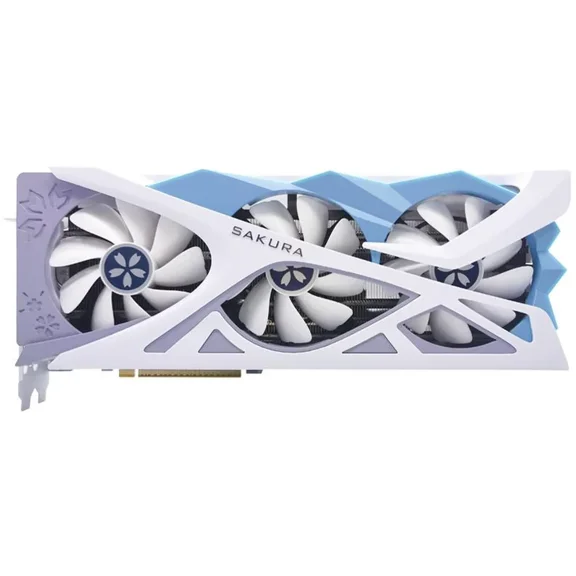
Yeston Sakura Radeon RX 9060 XT 16GB GDDR6 PCI Express 5.0 Graphics Card RX9060XT $729.99
 $72999current price $729.99
Yeston Sakura Radeon RX 9060 XT 16GB GDDR6 PCI Express 5.0 Graphics Card RX9060XT
In 50+ people's carts, PNY NVIDIA GeForce RTX™ 5060 OC Dual Fan, Graphics Card 8GB GDDR7, 2-Slot $449.00
In 50+ people's carts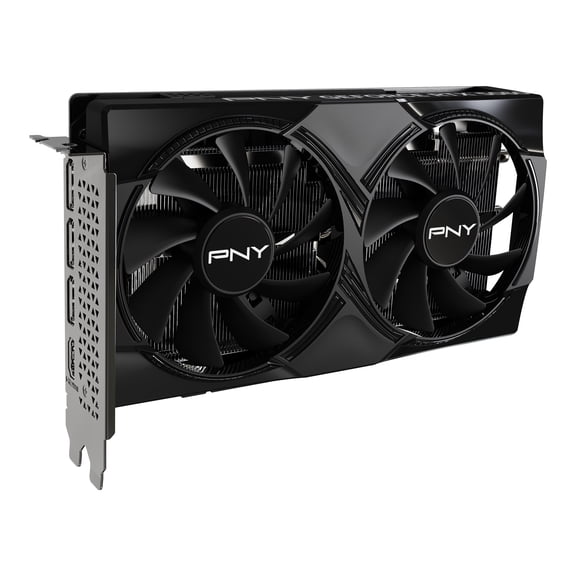 $44900current price $449.00
PNY NVIDIA GeForce RTX™ 5060 OC Dual Fan, Graphics Card 8GB GDDR7, 2-Slot
2064.4 out of 5 Stars. 206 reviews4.4 out of 5 starsIn 100+ people's carts, PNY GeForce RTX™ 5060 Ti 8GB EPIC-X RGB™ Overclocked Triple Fan GPU DLSS 4 $529.00
In 100+ people's carts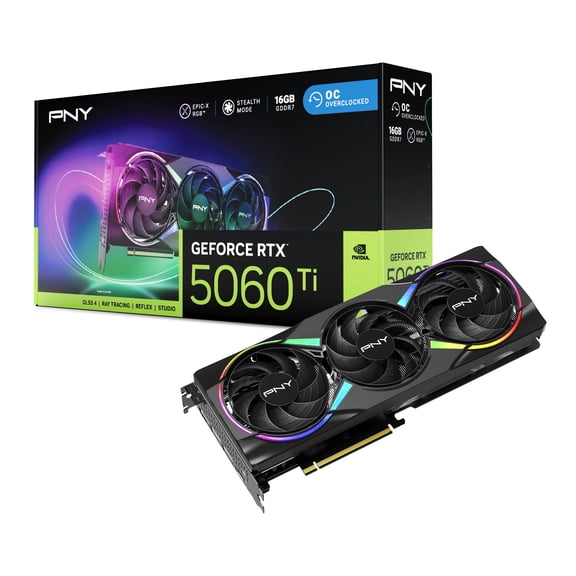 $52900current price $529.00
PNY GeForce RTX™ 5060 Ti 8GB EPIC-X RGB™ Overclocked Triple Fan GPU DLSS 4
454.5 out of 5 Stars. 45 reviews4.5 out of 5 starsXFX Swift AMD Radeon RX 9060 XT OC Gaming Edition with 8GB GDDR6 HDMI 2xDP, AMD RDNA 4 RX 9060XT 8GB $539.99
 $53999current price $539.99
XFX Swift AMD Radeon RX 9060 XT OC Gaming Edition with 8GB GDDR6 HDMI 2xDP, AMD RDNA 4 RX 9060XT 8GB
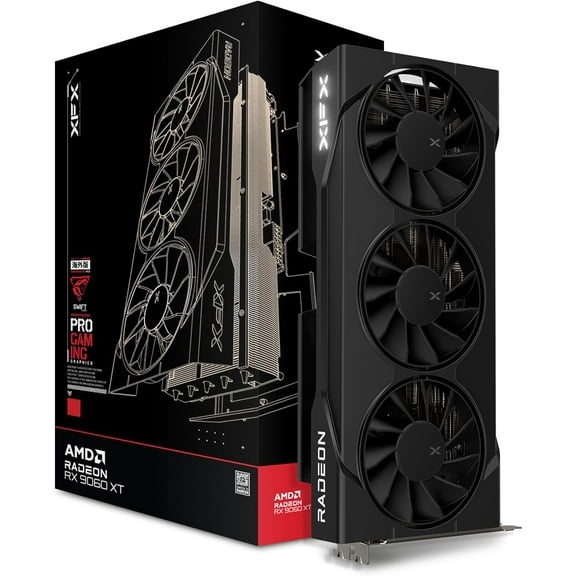
15 out of 5 Stars. 1 reviews5 out of 5 starsXFX RX-96TS38GB7 XFX SWIFT AMD Radeon RX 9060XT OC Triple Fan Gaming Edition with 8GB GDDR6 HDMI 2xDP, AMD RDNA 4 $749.99
 $74999current price $749.99
XFX RX-96TS38GB7 XFX SWIFT AMD Radeon RX 9060XT OC Triple Fan Gaming Edition with 8GB GDDR6 HDMI 2xDP, AMD RDNA 4
25 out of 5 Stars. 2 reviews5 out of 5 starsIn 25+ people's carts, MSI GeForce RTX 5050 8G SHADOW 2X OC Graphics Card, 8GB GDDR6, DPx3, HDMIx1, DLSS 4 $399.00
In 25+ people's carts $39900current price $399.00
MSI GeForce RTX 5050 8G SHADOW 2X OC Graphics Card, 8GB GDDR6, DPx3, HDMIx1, DLSS 4
1004.4 out of 5 Stars. 100 reviews4.4 out of 5 starsASUS Dual GeForce RTX™ 5060 Ti 8GB GDDR7 OC Edition $547.99
 $54799current price $547.99
ASUS Dual GeForce RTX™ 5060 Ti 8GB GDDR7 OC Edition
23 out of 5 Stars. 2 reviews3 out of 5 starsBest seller, MSI GeForce RTX 5060 Ti 8G SHADOW 2X OC PLUS Graphics Card, 8GB GDDR7, DPx3, HDMIx1, DLSS 4 $549.00
Best seller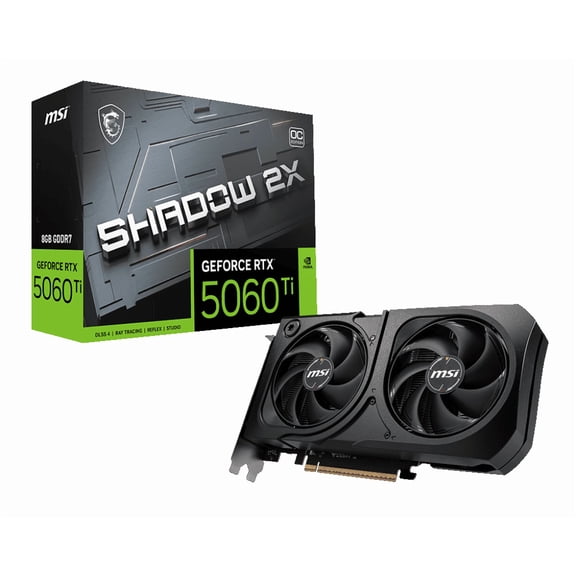 $54900current price $549.00
MSI GeForce RTX 5060 Ti 8G SHADOW 2X OC PLUS Graphics Card, 8GB GDDR7, DPx3, HDMIx1, DLSS 4
1184.5 out of 5 Stars. 118 reviews4.5 out of 5 starsGIGABYTE GVN5070WF3OC12GD GeForce RTX 5070 WINDFORCE OC SFF 12GB Graphics Card $899.99
 $89999current price $899.99
GIGABYTE GVN5070WF3OC12GD GeForce RTX 5070 WINDFORCE OC SFF 12GB Graphics Card
23 out of 5 Stars. 2 reviews3 out of 5 starsGIGABYTE AMD Radeon RX 9060 XT Graphic Card - 8 GB GDDR6 (gv-r9060xtgaming) $639.99
 $63999current price $639.99
GIGABYTE AMD Radeon RX 9060 XT Graphic Card - 8 GB GDDR6 (gv-r9060xtgaming)
GIGABYTE WINDFORCE OC GeForce RTX 3060 12GB GDDR6 PCI Express 4.0 x16 ATX Graphics Card GV-N3060WF2OC-12GD REV2.0 $459.99
 $45999current price $459.99
GIGABYTE WINDFORCE OC GeForce RTX 3060 12GB GDDR6 PCI Express 4.0 x16 ATX Graphics Card GV-N3060WF2OC-12GD REV2.0
174.9 out of 5 Stars. 17 reviews4.9 out of 5 starsSapphire 113500320G Radeon RX 9060 XT Gaming Graphics Card $749.99
 $74999current price $749.99
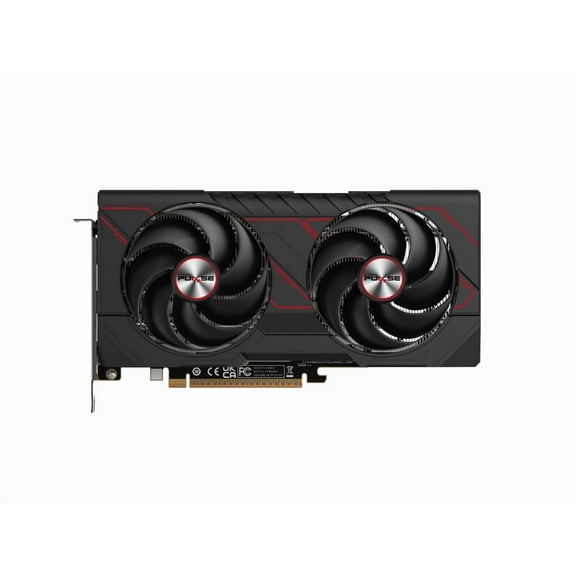
Sapphire 113500320G Radeon RX 9060 XT Gaming Graphics Card
204.6 out of 5 Stars. 20 reviews4.6 out of 5 starsXFX RX 7600 Graphics Card with 8GB GDDR6 HDMI 3xDP, AMD RDNA 3 RX-76PSWFTFA $439.99
 $43999current price $439.99
XFX RX 7600 Graphics Card with 8GB GDDR6 HDMI 3xDP, AMD RDNA 3 RX-76PSWFTFA
25 out of 5 Stars. 2 reviews5 out of 5 starsAsus AMD Radeon HD 7970 Graphic Card, 3 GB GDDR5 $545.00
 $54500current price $545.00
Asus AMD Radeon HD 7970 Graphic Card, 3 GB GDDR5
12 out of 5 Stars. 1 reviews2 out of 5 starsXFX SWIFT Radeon RX 9060 XT 16GB 128-Bit GDDR6 PCI Express 5.0 x16 Graphics Card RX-96TS316B7 $779.99
 $77999current price $779.99
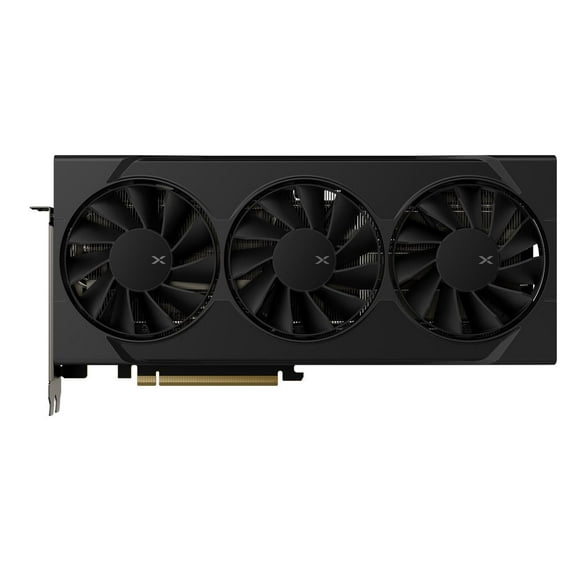
XFX SWIFT Radeon RX 9060 XT 16GB 128-Bit GDDR6 PCI Express 5.0 x16 Graphics Card RX-96TS316B7
294.8 out of 5 Stars. 29 reviews4.8 out of 5 starsASUS 6GB ROG Strix Radeon RX 5600 XT Graphics Card, Black $498.00
 $49800current price $498.00
ASUS 6GB ROG Strix Radeon RX 5600 XT Graphics Card, Black
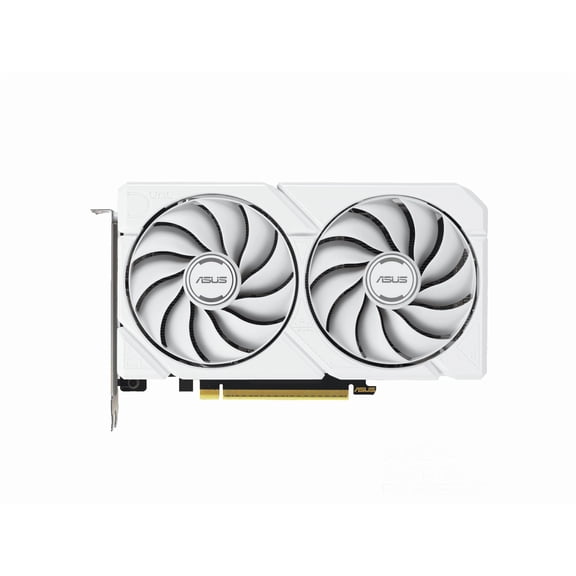
33.3 out of 5 Stars. 3 reviews3.3 out of 5 starsAsus AMD Radeon RX 9060 XT Graphic Card - 16 GB GDDR6 - 7680 x 4320 - 2.64 GHz Game Clock - 3.25 GHz Boost Clock - 128 bit Bus Width - PCI Express 5.0 x16 - DisplayPort - 2 x DisplayPort - HDMI - T... $734.99
 $73499current price $734.99
Asus AMD Radeon RX 9060 XT Graphic Card - 16 GB GDDR6 - 7680 x 4320 - 2.64 GHz Game Clock - 3.25 GHz Boost Clock - 128 bit Bus Width - PCI Express 5.0 x16 - DisplayPort - 2 x DisplayPort - HDMI - T...
15 out of 5 Stars. 1 reviews5 out of 5 starsPowerColor Reaper Radeon RX 9060 XT 16GB GDDR6 PCI Express 5.0 x16 ATX Video Card RX9060XT 16G-A $849.00
 $84900current price $849.00
PowerColor Reaper Radeon RX 9060 XT 16GB GDDR6 PCI Express 5.0 x16 ATX Video Card RX9060XT 16G-A
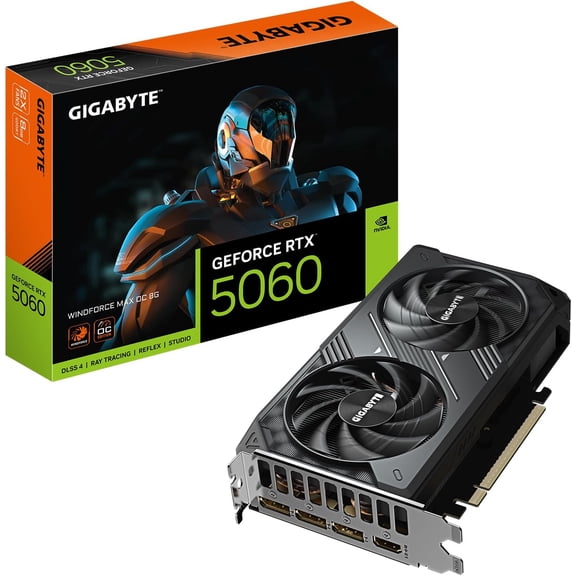
324.6 out of 5 Stars. 32 reviews4.6 out of 5 starsGigabyte GV-N5060WF2MAX OC-8GD GeForce RTX 5060 WINDFORCE MAX OC 8G Graphics Card, 8GB 128-bit GDDR7, Video Card $499.99
 $49999current price $499.99
Gigabyte GV-N5060WF2MAX OC-8GD GeForce RTX 5060 WINDFORCE MAX OC 8G Graphics Card, 8GB 128-bit GDDR7, Video Card
42 out of 5 Stars. 4 reviews2 out of 5 stars
Customer ratings & reviews
Filtered and sorted results would be available on the new 'Customer ratings & reviews' page.
Showing 1-3 of 3 reviews
Verified Purchase
Worked as it should!
Seller Verified Purchase
9060XT gpu
love it so much only slight overheats. Graphics always look so beautiful. I've been playing resident evil 9 and I have had not a single issue.
Seller Verified Purchase
Rough start
I bought this two days ago and I'm just playing today bc I couldn't figure out how too make it display 3 monitors into 1. All bc the section I needed disappeared so I unknowingly had to reinstall. Eyesight. It wasn't there. And I still can't get my surround to connect via Bluetooth or 3.5mm. And using my headphones the sound pops in and out like it's a record skipping. Did this on another speaker also. I still haven't fixed this. Either issue. My other two towers. No issue. Finally got it to produce sound on a monitor but it took two days! Idk folks. Idk.. very basic things that have taken me 48 hours to half way get working. I'm stressed. lol.
Dear Nvidia User, Thank you for your comment. We do understand the inconvenience this may have caused if you experienced difficulty setting up three monitors and connecting your Bluetooth device. We're glad to know you were able to resolved these issues. To configure three monitors smoothly,plug all three displays directly into the card using DisplayPort or HDMI cables. Update to the latest AMD drivers, then use AMD Software: Adrenalin Edition to enable AMD Eyefinity for a combined display or set it to "Extend" in Windows display settings. To connect a srround sound speakers or headphone, ensure the most current Bluetooth driver for your PC was installed and your OS is up to date. Pair Device: On your PC, go to Settings > Bluetooth & devices and click Add device.cPairing Mode: Set your surround sound receiver or soundbar to pairing mode. Select Device: Click on your speaker in the Bluetooth list. Enable Surround: Open the app/settings for your Bluetooth device to activate virtual surround if available. Should you need further assistance with the product, please email me at cl-rodel@asus.com and I would be more than happy to help. Or, you are most welcome to call Product Support Hotline at: 1(888) 678-3688. Also, you can chat with an ASUS live support agent from the link: https://www.asus.com/us/support/article/1135/. Thank you for choosing an ASUS product. Regards, Rodel ASUS Customer Loyalty