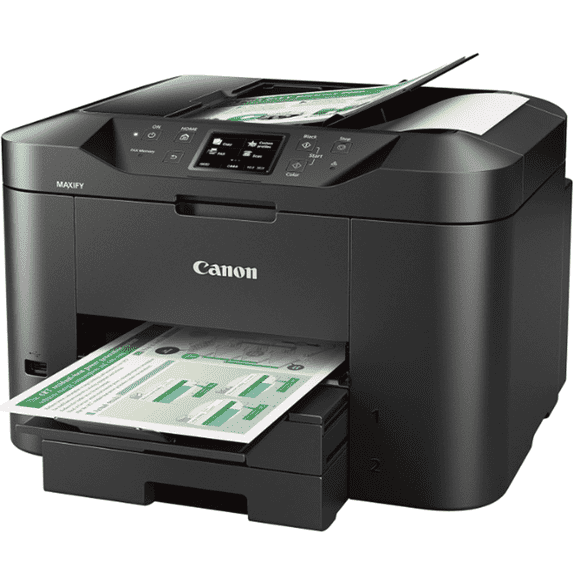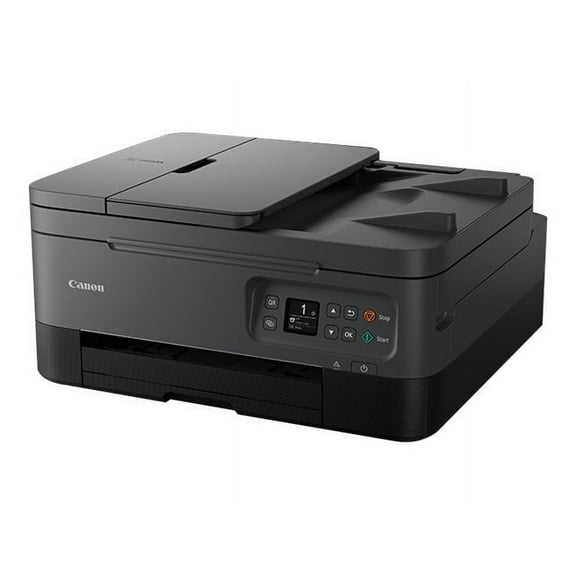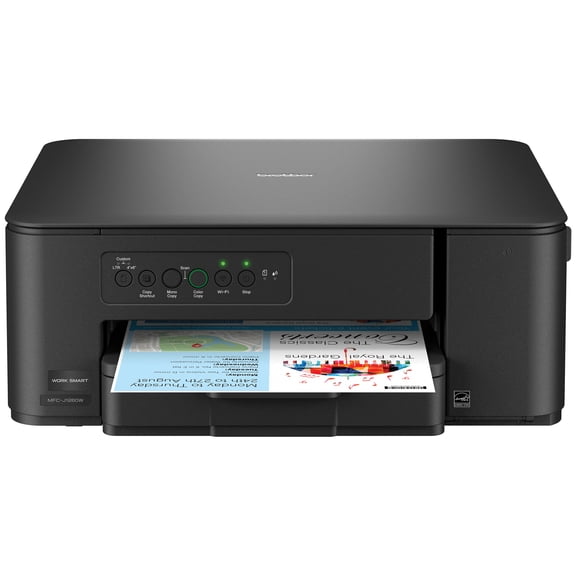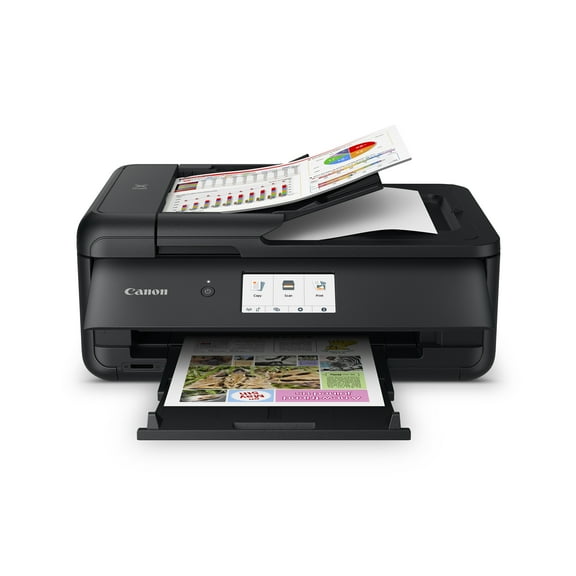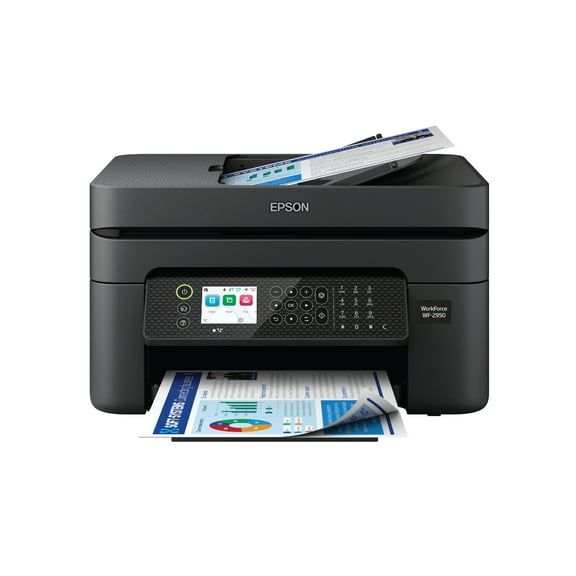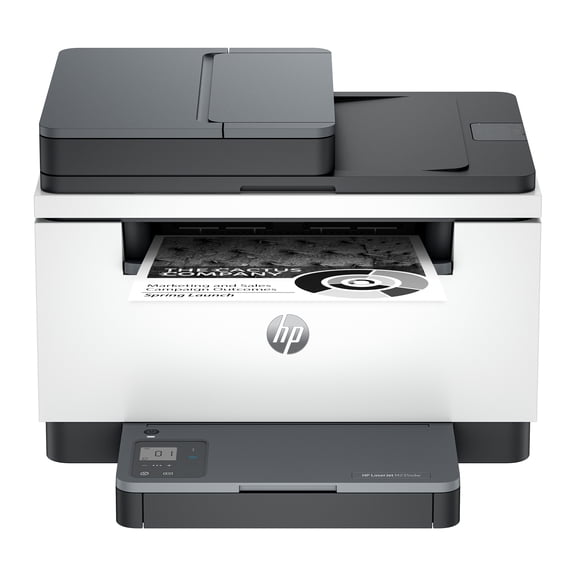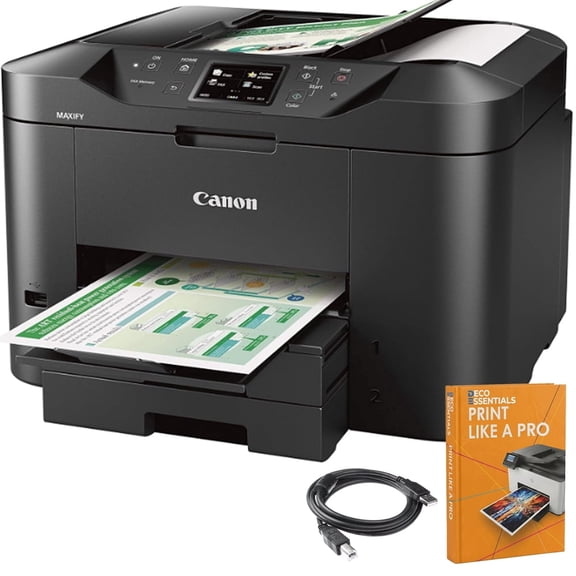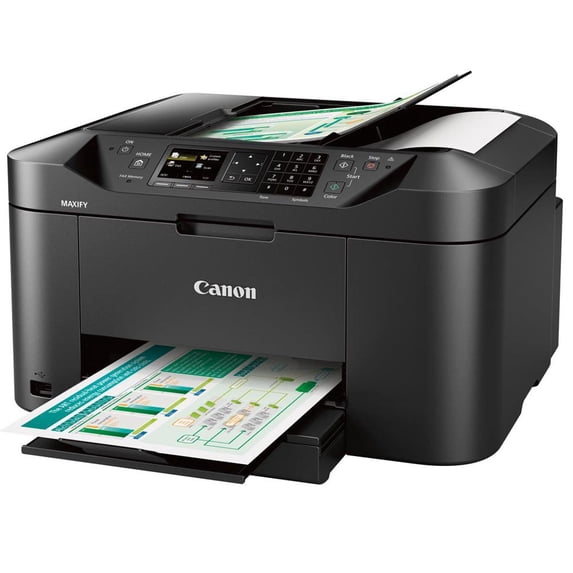
Canon MAXIFY MB2120 Inkjet Multifunction Printer - Color

Key item features

  • Vivid Printing: This color inkjet multifunction printer offers a print resolution of 600 x 1200 dpi and color output for both printing and scanning, ensuring crisp and clear results.
  • Efficient Handling: Features an automatic duplex printing capability and a 250-sheet paper input capacity, accommodating various media types including labels and plain paper.
  • Seamless Connectivity: Equipped with Wireless LAN, Ethernet, and USB, supporting wireless printing technologies like Apple AirPrint for convenient connectivity.
  • Intuitive Interface: A 2.50" LCD touchscreen display provides an easy-to-use interface for managing copier, fax, printer, and scanner functions.
  • Robust Performance: Designed for home offices with 1-4 users, it has a recommended monthly print volume of 200 to 1000 pages and a monthly duty cycle of 20,000 pages.
  • Integrated Scanning: Features a flatbed scanner with a scan resolution of 1200 dpi, capable of scanning in color for detailed digital copies.
Generated by AI
Current price is Now $114.00
You save $77.56
was $191.56
$114.00/count
Price when purchased online
  • Free 30-day returns
Walmart Protection Plan by Allstate

(Only one option can be selected at a time)

How do you want your item?

How do you want your item?
Ships to
Arrives by Wed, Jun 10
|
Shipping fee $22.05
Sold and shipped by Adorama
4.352671755725191 stars out of 5, based on 1965 seller reviews(4.4)
Report an issue with this seller
Free 30-day returns
Other sellers
$179.00
+Free shipping
Shipping, arrives by tomorrow to Columbus, 43215
Sold and shipped by Walmart.com
Free 30-day returns

About this item

Product details

Specifications

Warranty

Warnings

Customer ratings & reviews

4 out of 5 stars
stars111 ratings99 reviews
How item rating is calculated

Reviews summary

Pros

  • : Scanner and printer features are easily navigable.
  • : Scanning process offers various output options.
  • : Produces clear prints with good color and black and white.
  • : Setup typically takes under 30 minutes and is straightforward.

Neutral

  • : Can be frugal, but also prone to heavy usage.

Cons

  • : Difficult to adjust and unreliable in use.
Generated by AI
Filtered and sorted results would be available on the new 'Customer ratings & reviews' page.
Sort by |

Showing 1-3 of 99 reviews

Nov 8, 2016
BillD
5 out of 5 stars review

Verified Purchase

Very satisfied with this printer

After messing up a very good Epson Workforce printer by using non-Epson ink, i decided to try Canon for the replacement after reading numerous reviews on the current group of printers from hp, Epson, Brother and Canon. Having settled on the brand, i began my research for the model. I came across the MB2120 and felt it would be a good platform for my home use and after making that decision, began researching the vendor to purchase it through. At the time of my purchase, Walmart had the best price available. I purchased it online with local delivery. It arrived on schedule and pickup was pretty much as expected. Prices varied greatly between Canon's site, Walmart, Amazon and others. It pays to shop around. Setup was pretty much as described by others who have posted reviews already. I downloaded the software to my iMac, clicked through and had my first test page in about 20 minutes. I quickly setup the AirPrint options on my phone and iPad and then added to my Windows laptop. All worked perfectly. Printing is crisp and the colors are vibrant. I am very pleased with the output. I have tweaked the settings to cut down the noise (why don't they just make that the default??) and set the energy saving options to shut off and back on to fit our usage patterns. We have tested the Copy function and it is slow but does what we need as it's not used that often. I have a dedicated Fujitsu scanner that does 28 pages per minute so doubt I will ever use it as a scanner and have not tested that feature yet. If there is one thing i would like to see improved, it's the time to get the first page printed. Not really that big of an issue for home use, but seems to take a lot longer than you would expect but it's still less than 30 seconds so I can definitely live with it. Based on feedback from others, I expect a good life from the ink cartridges and will only replace with Canon products. I learned that lesson with the Epson it replaced.

Helpful?12B3930YP82H140632242
Oct 21, 2016
Grace
5 out of 5 stars review

Verified Purchase

It's good

I use it to print my handmade soap label and the printing quality is much better than my old HP printer.

Helpful?12B3930YP82H140632242
Dec 19, 2020
Jim 2020
5 out of 5 stars review

Seller Verified Purchase

MB2120, the little brother to MB2720 -- 2 great machines.

I've owned an MB2720 for years, a great machine. I needed a smaller machine for a second location and got the MB2120. Canon has done a seamless job integrating access for the two machines on your Windows machines. As I expected, the MB2120 is also a great machine. I especially appreciate the low cost of operation with both Canon & 3rd party inks. Machine very very rarely mis-feeds paper or jams. The only part of setup that's a bit unclear is initial paper tray adjustment. The paper tray will seem too short for letter/legal paper and it is!. You have to make a 1 time adjustment to elongate the tray, after that just add paper when necessary.

Review from usa.canon.com
Helpful?12B3930YP82H140632242