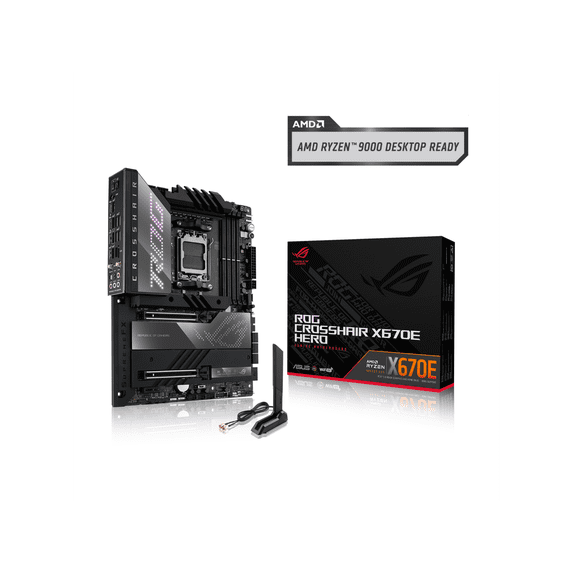
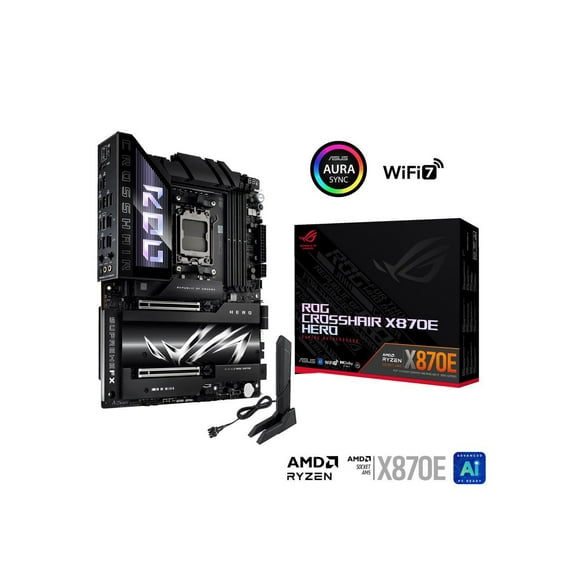
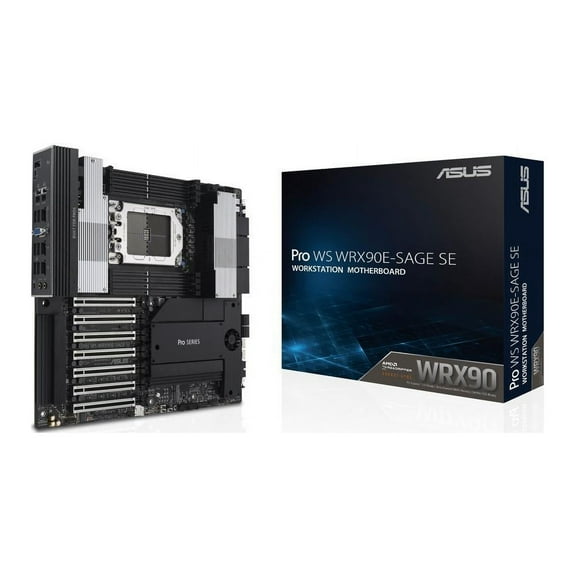
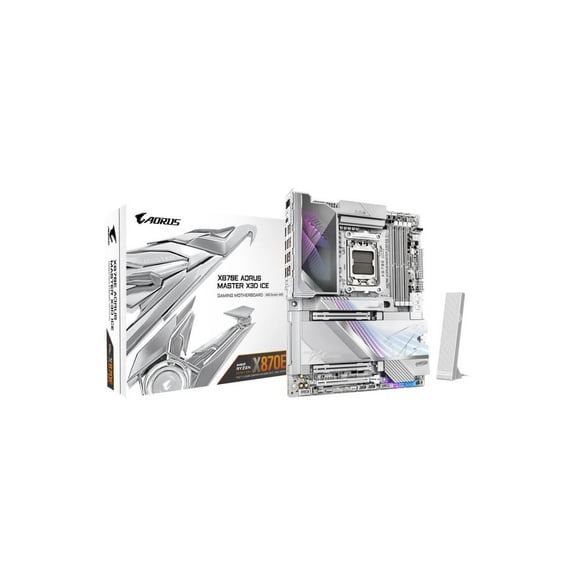
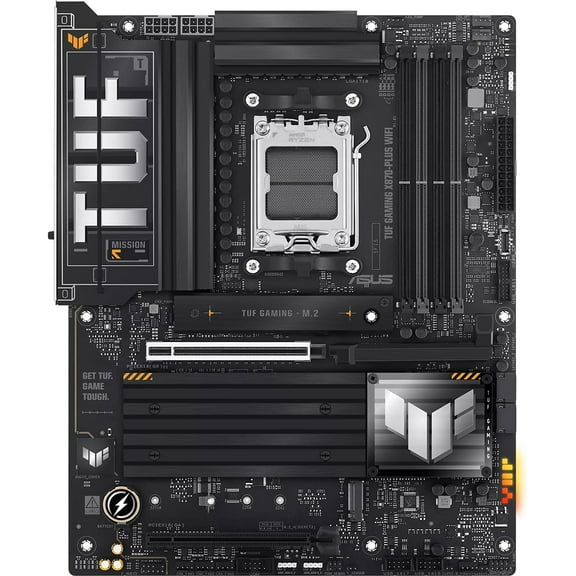
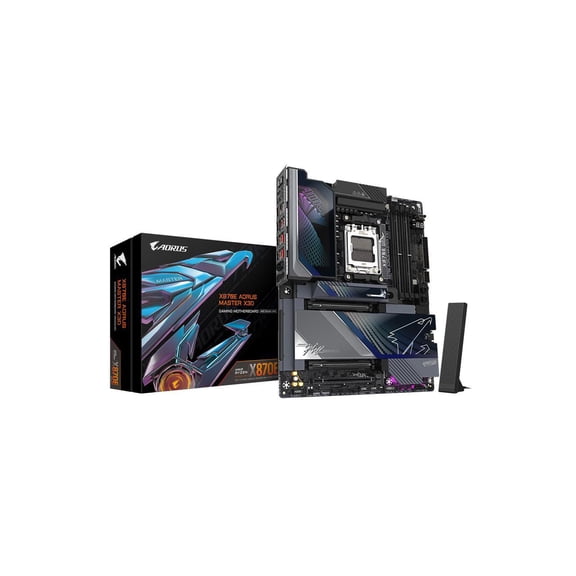
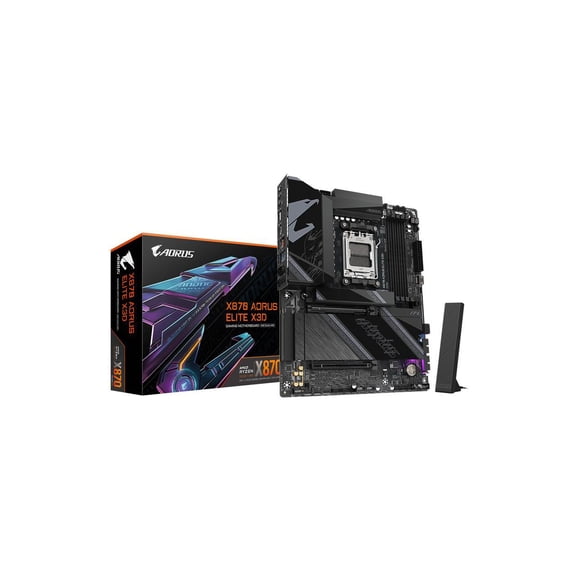
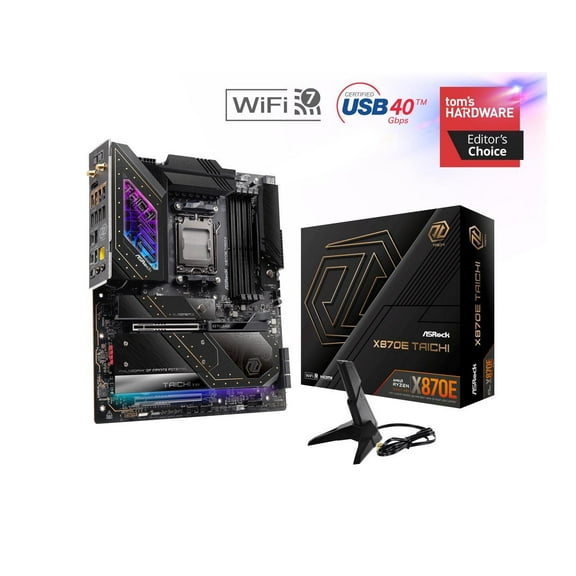
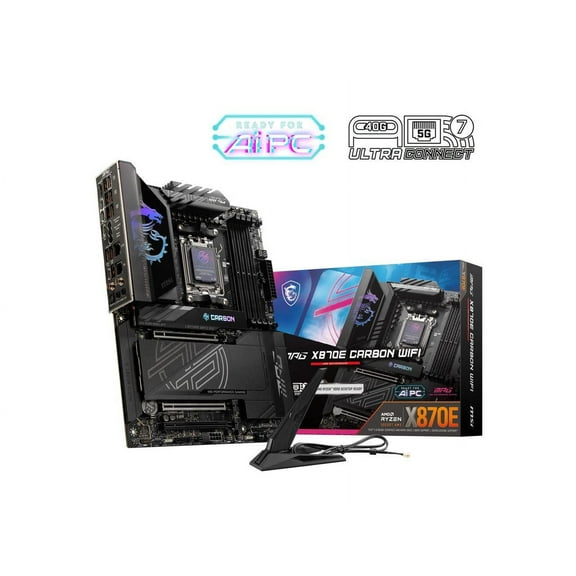
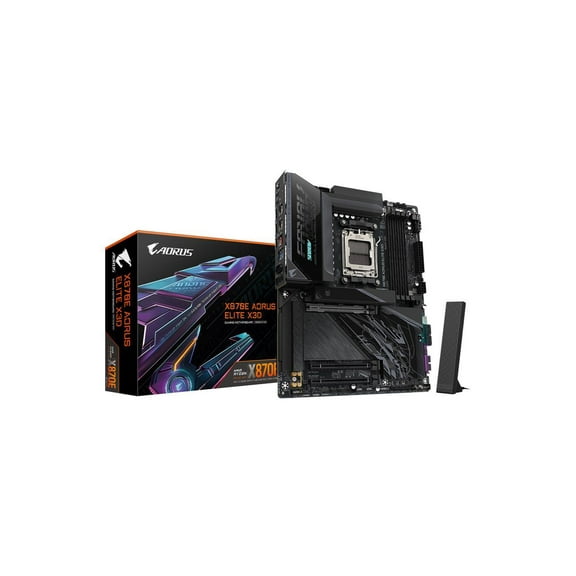
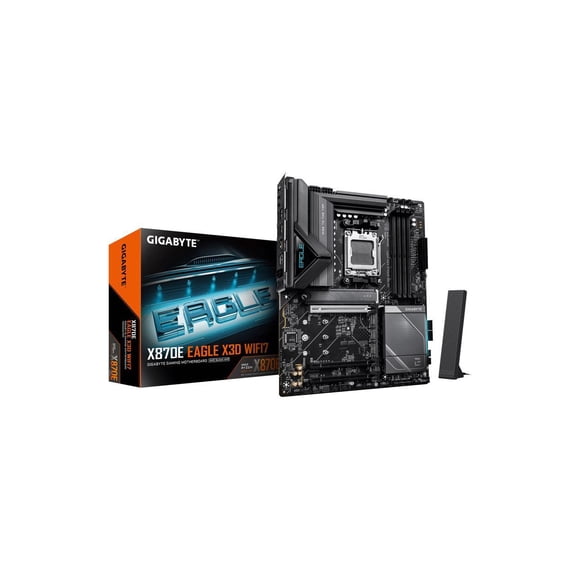
Looks greats, heatsinks everywhere to keep the equipment cool.
Able to have two M.2 SSDs run on the PCIe 5.0 bus that is connected directly to the CPU without losing graphics card bandwidth.
Can add more M.2 SSDs on the two PCIe 4.0 x4 sockets. All the M.2 SSDs have heatsinks & the M.2_1 has a VERY thick heatsink to help tame those future fast 5.0 M.2 NVMe drives.
Has the Q-code read-out, that shows you the codes as it boots up & then goes to showing you the CPU package temp.
Has an intel I225-v 2.5Gb Lan & intel WI-FI 6E AX210 160MHz & intel Bluetooth 5.2
People are saying price as a con. I don't see it this way. If you are like most people and either upgrade every 3 or 5 years, then this isn't expensive. Plus, if you add in that AMD usually runs several CPU upgrades for at least 3 years or possibly 5 years, so again I don't see the issue with price, especially considering the quality product also. Only other item I see to address is the lack of the 10Gb Lan, which it seems all the reviewers are up in arms over. Honestly, what average person is going to have a 10Gb connection? a business? If that's the case, then it's a non-issue, because this board is aimed at gamers/enthusiast which will have 1Gb or 2Gb Lan, or the few that may have 5Gb Lan. I myself have 1Gb fiber, & I can tell you this is the fastest NIC I have ever had, it's been doing downloads at 900MB/s if the server I am hooked to can handle that speed.
This board is an absolute beast! As with all my past ASUS boards, I just build the computer & every time the computer POSTs with no problems, then you get to do your first BOIS setup. I was smart this time & had already downloaded the newest BIOS 805 to a thumb drive. I was so glad I did this, because the BIOS on the board was 5xx or something, so no big deal, just ran the BIOS update in BIOS & poof! its working even better with the new BIOS. Also make sure you update the BIOS first before you start tinkering with all the cool settings, because it won't POST and will hang at a 00 code. So, this happened to me & the board warns you up front, however I figured in the past I didn't need to do that, so it should be ok, right? Wrong, had to reset BIOS to factory defaults, then it would POST again, then did BIOS update & then everything is fine. Only minor gripe I have is the long POST time. The system has to initialize the ram every time, no matter how stable it is. So, first boot was like 1 minute & got into BIOS. Now, it's like 30-45 seconds & then POSTs. So, I am hoping that the people in charge of BIOS updates makes it to where it doesn't need to go thru the whole memory initialization/memory training every time you reboot. Maybe have it skip that process after like 5 successful POSTs & then go back to memory initialization/training if you make changes to memory in BIOS. Other than that small gripe, this board is great & has been stable from day one on first boot up & HIGHLY recommend this board to anyone wanting a premium board that is one that wants to do CPU updates only in the future, because this board will be a beast for years to come.