

HP Printer Ink and Toner Cartridges
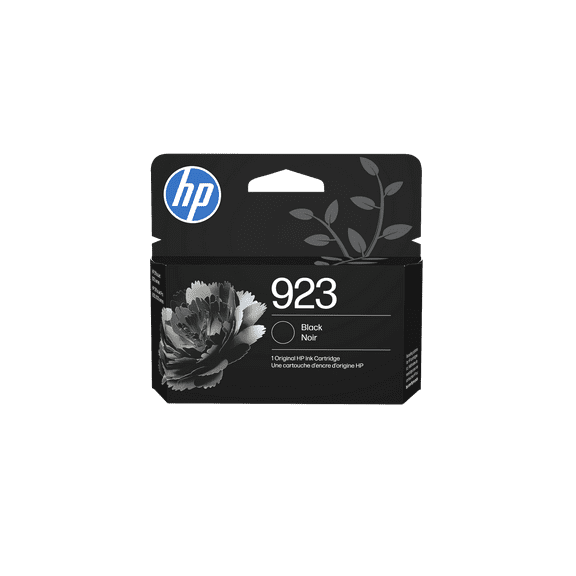


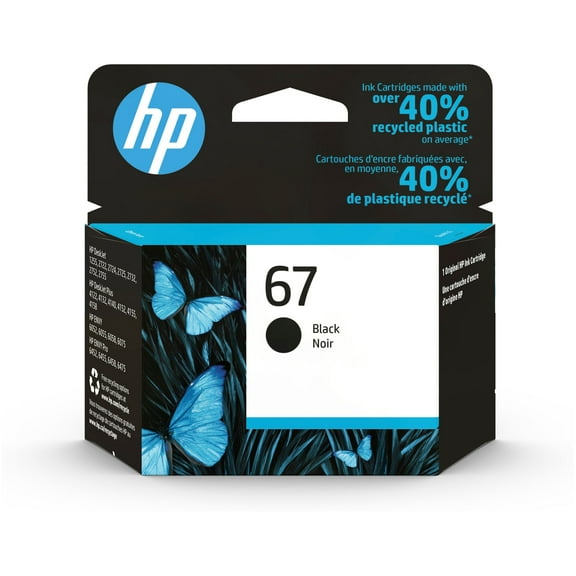


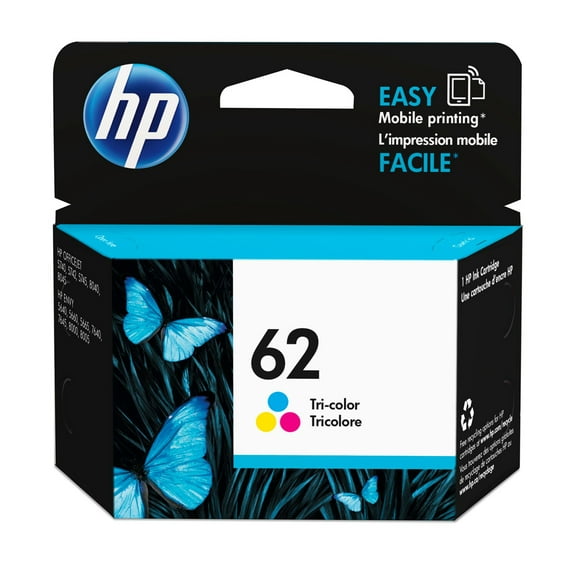
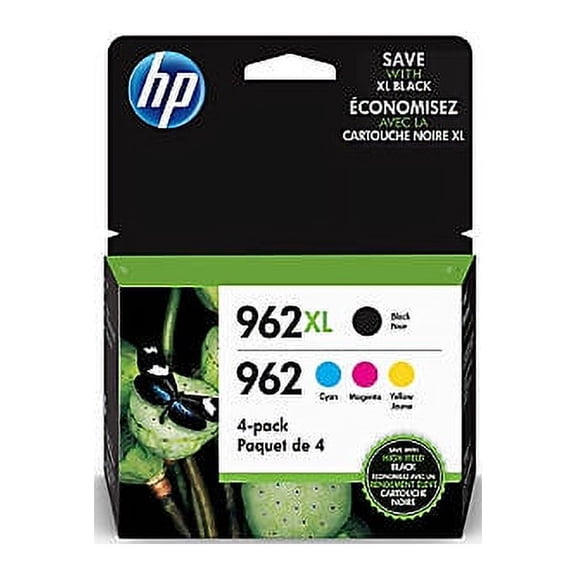






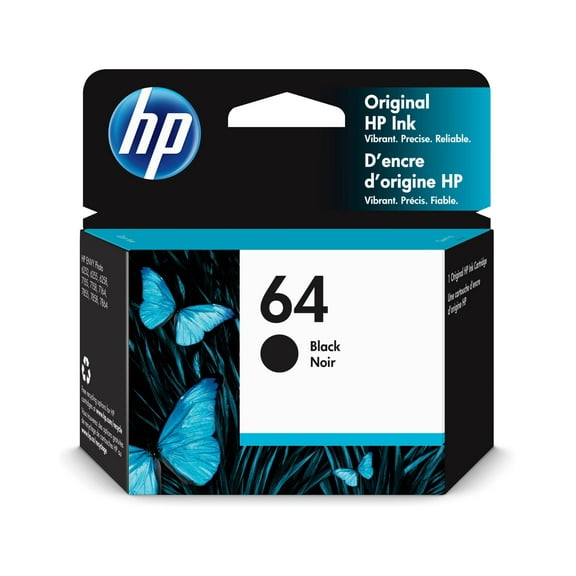
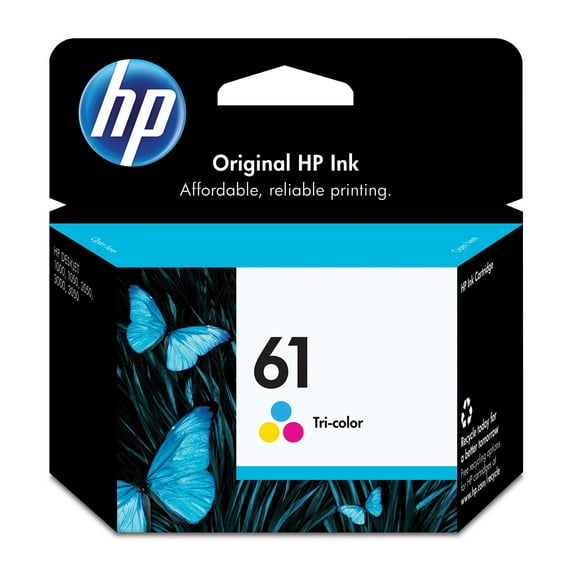


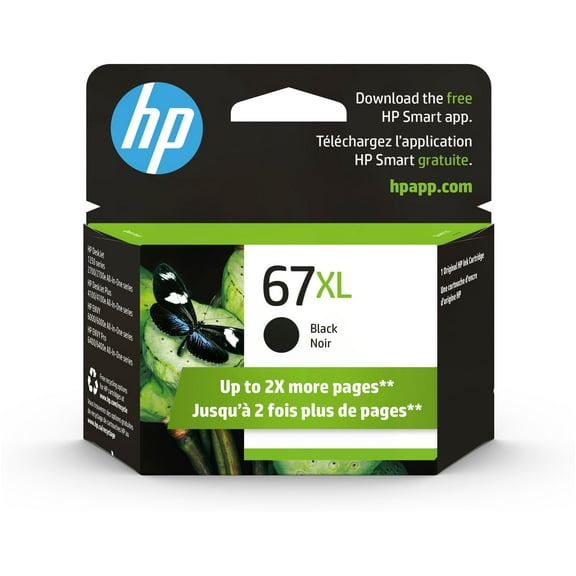


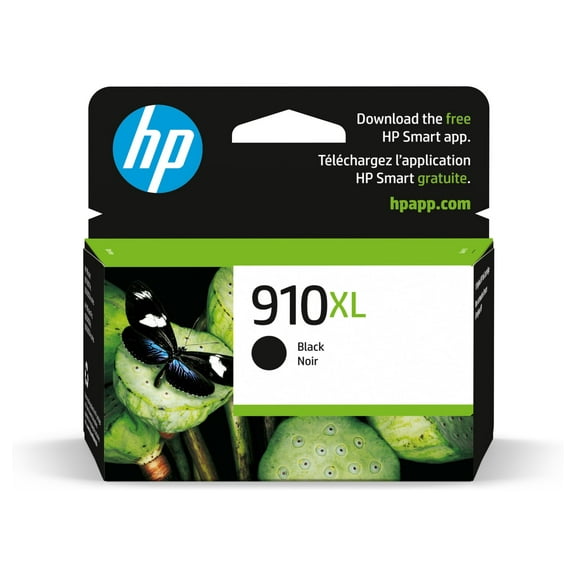
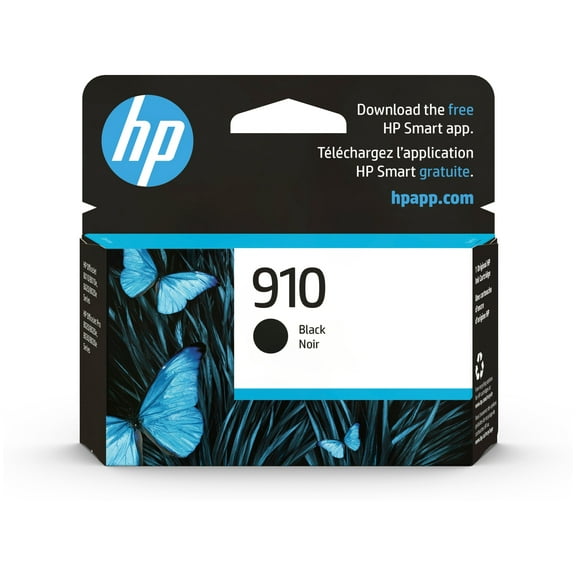
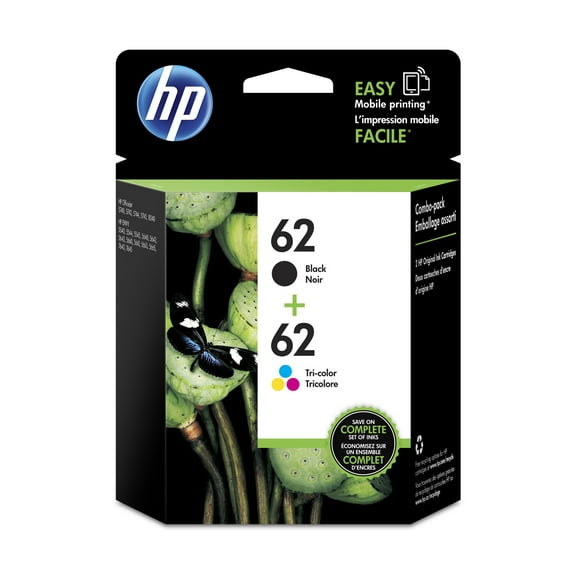
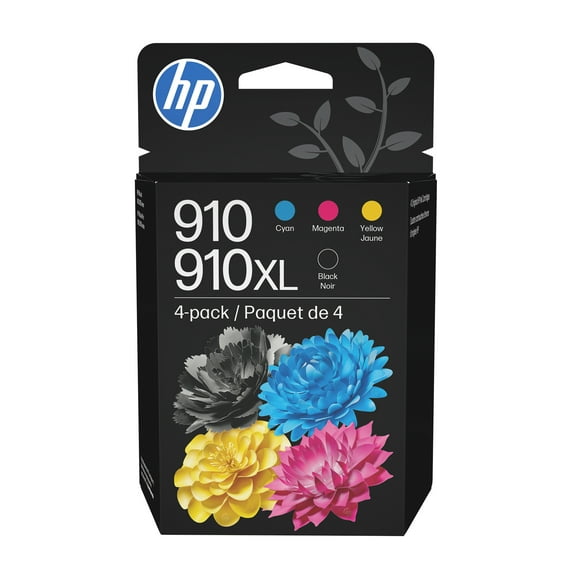


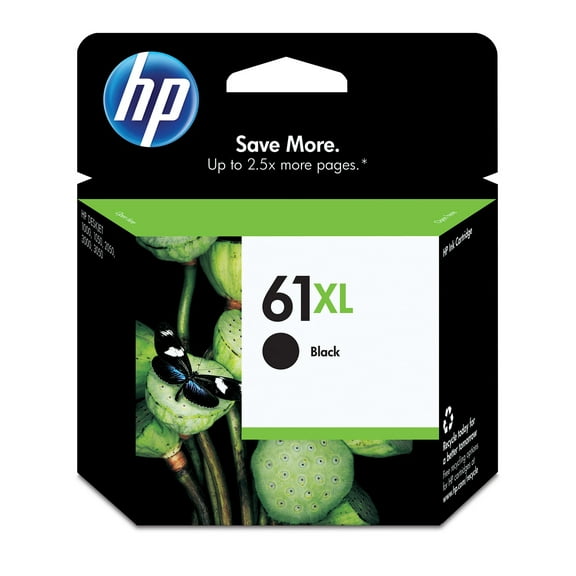









About HP Printer Ink and Toner Cartridges - Walmart.com
Printer ink helps you keep schoolwork, labels, invoices, and photos flowing without delays. You can compare cartridge series, yield sizes, and ink types here, so your replacement fits your printer and your printing habits.
If you print often, you need choices that match your exact model and page volume. You can sort through printer ink cartridges with a clearer view of black and color options, OEM formats, and compatible alternatives.
Choosing printer ink for your exact printer
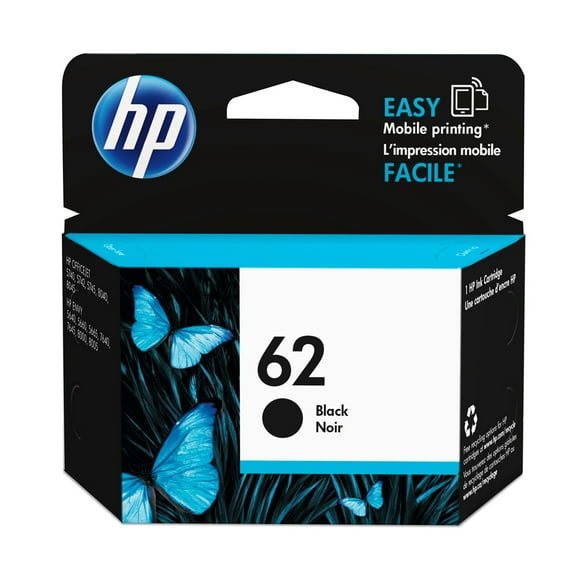
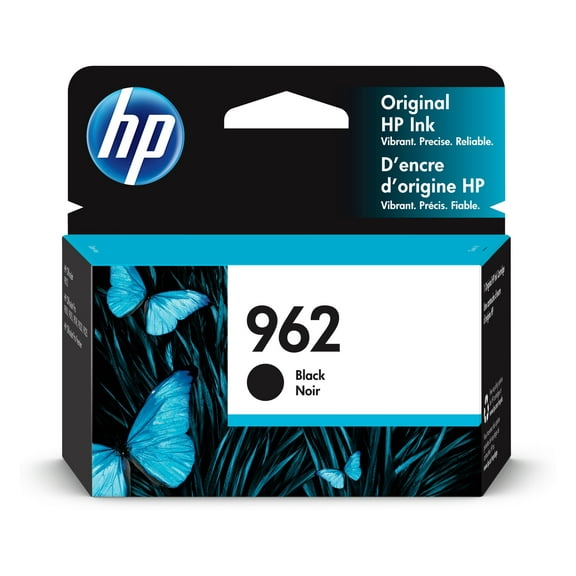
You should start with your printer model number and cartridge series before anything else. You’ll avoid mismatched replacement ink cartridges when you compare the number on your old cartridge with your printer details.
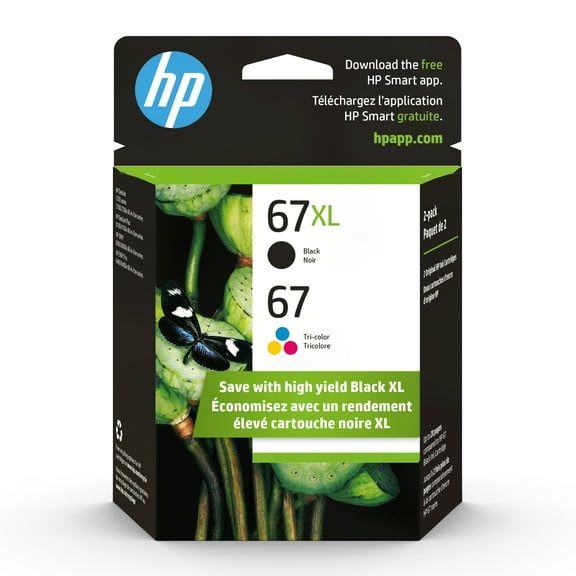
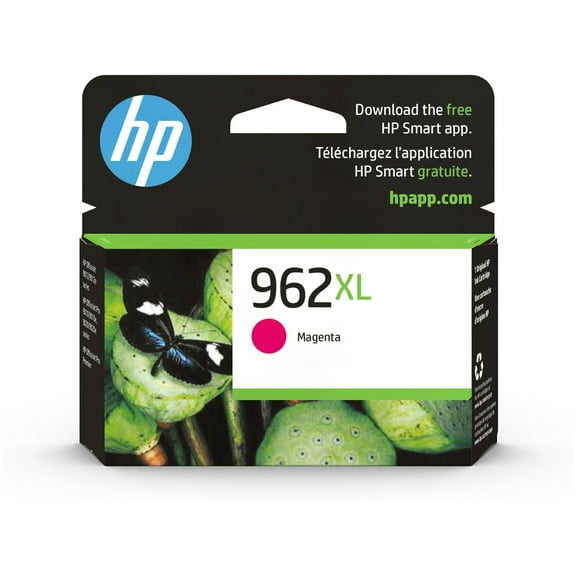
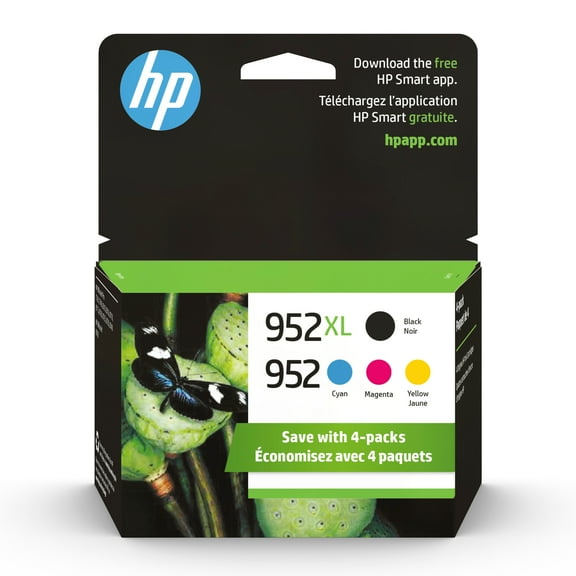
Some printers use one black cartridge and one tri-color cartridge for everyday jobs. Others use separate cyan, magenta, yellow, and black tanks, so you can replace only the color you’ve used.
When you check compatibility first, you make the rest of your decision easier. You can then compare cartridge capacity, brand type, and black and color printer ink without second-guessing the fit.
What to look for in printer ink cartridges
You can narrow your options faster when you focus on the details that affect your daily printing. You’ll usually get a smooth experience by comparing fit, capacity, color setup, and print style together.
- You can match cartridge numbers to your printer model for a cleaner fit check.
- You can choose standard, XL, or XXL capacity based on how often you print.
- You can pick black, tri-color, or individual color printer ink for your pages.
- You can compare OEM, remanufactured, and compatible ink cartridges by your comfort level.
- You can choose pigment-based or dye-based ink by document or photo use.
If you print homework, forms, or shipping labels, you may want a different setup than a photo-heavy household. You’ll get a more useful match when you compare the cartridge style to your routine.
Comparing standard, XL, and XXL ink cartridges
You should compare page yield before you reorder, especially if you print every week. You’ll often replace high yield ink cartridges less often than standard yield options.
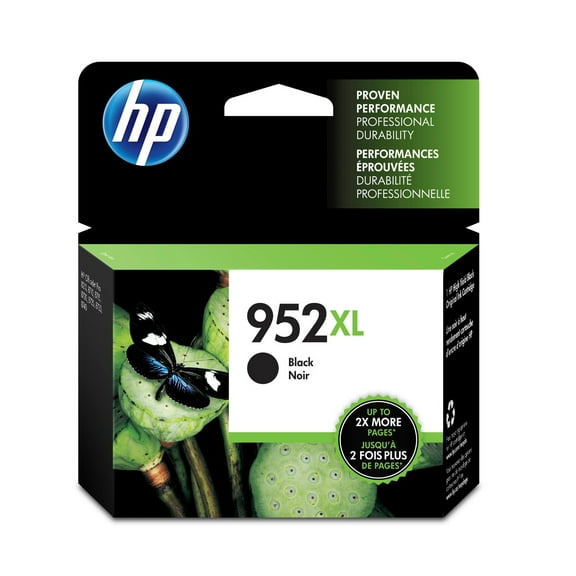
Standard yield cartridges can suit lighter printing, such as occasional documents or return labels. XL cartridges can make sense when your printer handles class packets, office forms, or frequent color pages.
XXL options can fit heavier print routines where you need fewer cartridge swaps. You should still confirm that your specific printer supports XXL capacity before you choose it.
Page yield estimates can help you compare how long a cartridge may last under typical testing. You’ll want to treat those numbers as a guide, since your page coverage changes actual output.
Understanding pigment-based and dye-based printer ink
You can use ink type as a practical decision point instead of guessing from the package alone. You’ll usually see pigment-based and dye-based printer ink tied to different printing priorities.
You may choose pigment printer ink when you print lots of text documents. You may prefer it for crisp letters, darker black output, and business pages that need a sharp look.
Many people select dye-based ink when they print photos, graphics, or colorful school projects. You may notice smoother color blending and vivid image output on compatible photo paper.
Your printer model often determines which ink type works with its cartridge system. You should follow your printer’s cartridge series and product compatibility details before you compare output styles.
Choosing black and color printer ink by page type
You can save time on replacements when you choose the right color setup for your print mix. You’ll likely need black and color printer ink in different amounts depending on how you print.
If you print contracts, essays, or receipts, you may go through black ink faster than any other color. You can keep an extra black cartridge ready if your pages are mostly text.
If you print crafts, presentations, or family photos, you may prefer tri-color or separate color tanks. You can replace cyan, magenta, or yellow individually on printers that use separate cartridges.
Separate color systems can help you restock only the shade you’ve used most. Tri-color cartridges can keep replacement simple when your printer uses all-in-one color units.
Comparing OEM, remanufactured, and compatible ink cartridges
You should also consider the cartridge source that fits your preferences and printer routine. You can compare OEM, remanufactured, and compatible ink cartridges in a straightforward way.
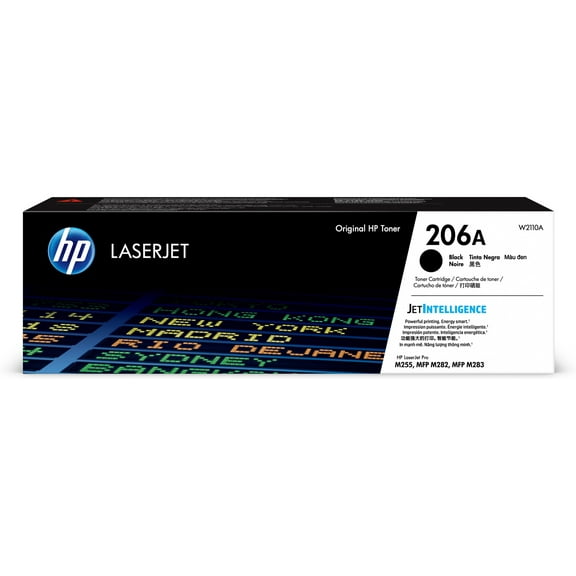
OEM means the cartridge comes from the same manufacturer as your printer brand. You may choose that route when you want the original cartridge line designed for your printer series.
Remanufactured cartridges use an existing cartridge shell that manufacturers refill and prepare for reuse. You may consider that option when you want another path for everyday document printing.
Compatible cartridges are made by a different manufacturer for specific printer models and cartridge series. You should confirm model support carefully, because compatibility details matter on every reorder.
How your printing routine shapes the right replacement ink cartridges
You can make an informed pick when you match cartridge specs to your real printing habits. You’ll want a different setup for occasional labels than for weekly lesson plans or photo projects.
If your home printer handles school forms and shipping labels, standard black cartridges may cover your routine. If your desk printer runs daily, XL or XXL options may reduce replacement interruptions.
If your pages are mostly reports, pigment-based black cartridges may align with your needs. If your projects include photos and graphics, dye-based color printer ink may fit your output goals.
When you compare model number, cartridge series, page yield, and color setup together, you reduce guesswork. You’ll end up with printer ink that fits your machine and supports smoother printing every day.