

VIZIO


Shop by category

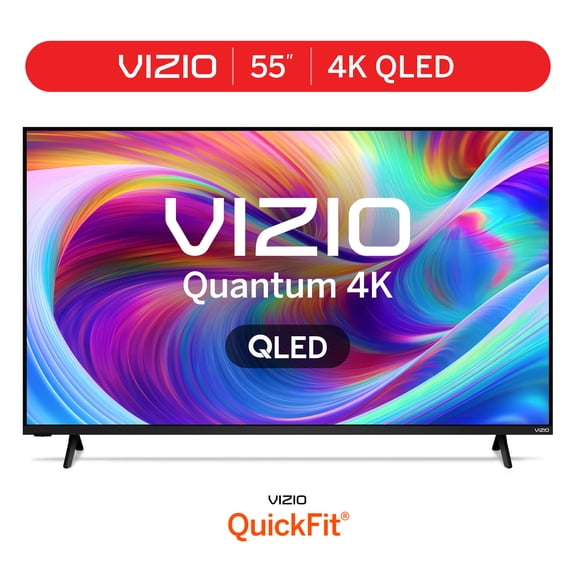
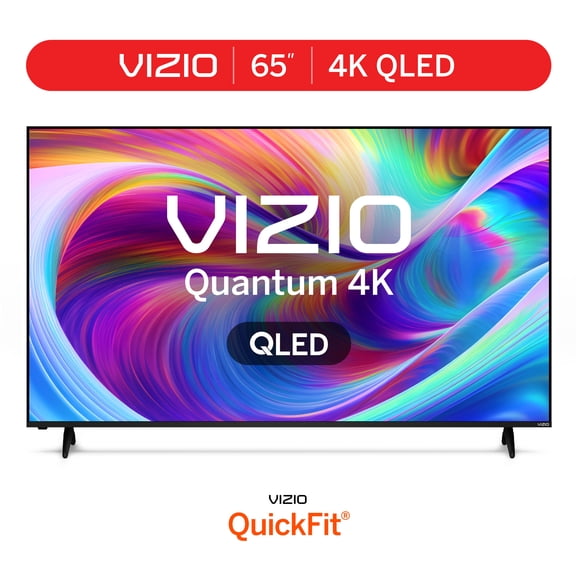
Shop TVs by size







FAQ
About VIZIO - Walmart.com
When you ask who sells vizio tvs, you’ll find Walmart offers Vizio screens, smart features, and series options that fit your room. You can compare display technology, screen size, and streaming tools in one place. You also get a clearer way to choose between everyday viewing, movie nights, and console play.
Who sells Vizio TVs?
If you’re confirming who sells vizio tvs, you can use this page to compare current Vizio televisions by size, series, and platform. You can also review key differences that matter before you pick a screen for your space.
Because you may shop by room setup, you’ll want guidance that goes beyond brand name alone. You can narrow your choice by display technology, resolution, and features like SmartCast and WatchFree+.
Choosing the right Vizio TV models
When you compare vizio tv models, you should start with the series class. You’ll usually see V-Series for straightforward viewing and M-Series Quantum or MQX Series for richer color and faster gaming support.
If you want a simple family room setup, you may prefer V-Series options with familiar smart tools and practical screen sizes. If you want more vivid color, you should compare M-Series Quantum choices. If you game often, you may also consider MQX Series details like 120Hz refresh rate and VRR.
- You can use V-Series when you want an easy entry point for streaming, cable boxes, and everyday viewing.
- You can choose M-Series Quantum when your movies and sports need stronger color and clearer contrast.
- You can consider MQX Series when your gaming setup needs 120Hz support, VRR, and smoother motion.
- You can compare OLED, QLED, and LED displays based on how you want color, contrast, and brightness to look.
As you compare display technology, you should match it to how you watch. You may lean toward OLED for deep contrast, QLED for strong color, or LED for familiar everyday performance.
Choosing a Vizio smart TV by resolution and platform
When you shop for a vizio smart tv, resolution is one of your first decisions. You’ll usually choose 4K UHD for sharper detail, while 1080p Full HD can suit smaller rooms or lighter viewing needs.
You should also look at the smart platform before you choose a model. With SmartCast, you can access popular streaming apps and cast from compatible devices with fewer extra boxes.
If built-in viewing matters to you, WatchFree+ can be a useful part of your decision. You can browse live and on-demand entertainment without adding another device to your setup.
Because your streaming habits differ from room to room, you should match platform tools to your routine. You may want a bedroom screen with quick app access or a living room screen with broader content options.
Choosing Vizio TVs by size and room setup
When you compare vizio tvs, screen size changes how the room feels every day. You can choose 43-inch and 50-inch screens for apartments, bedrooms, or smaller dens with limited wall space.
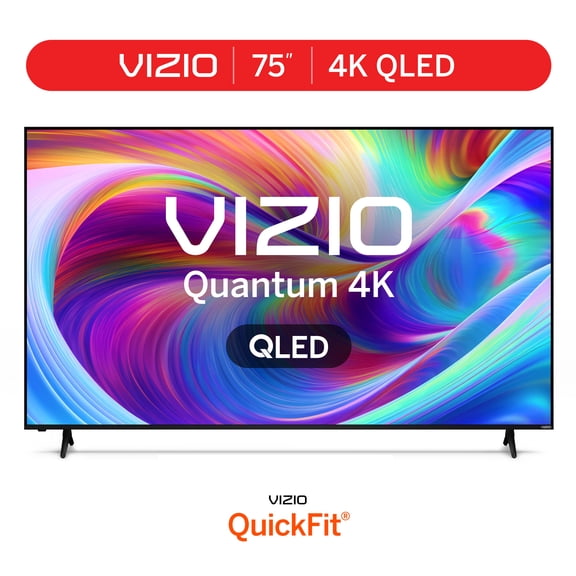
If your couch sits farther back, you may want 55-inch or 65-inch options for a more comfortable viewing angle. You can also consider 75-inch screens when your larger room needs stronger visual presence.
Before you decide, you should measure your furniture and wall area. You’ll want enough room for the stand or mount, plus a layout that keeps the screen centered for your seating.
If you’re replacing an older screen, you should check the gap between your seats and the TV. You can use that distance to narrow sizes without guessing or crowding the room.
Choosing connections for soundbars and gaming
When you set up a vizio tv with other gear, ports and refresh rate matter. You should check HDMI inputs, and you may want HDMI eARC if your soundbar is part of the plan.
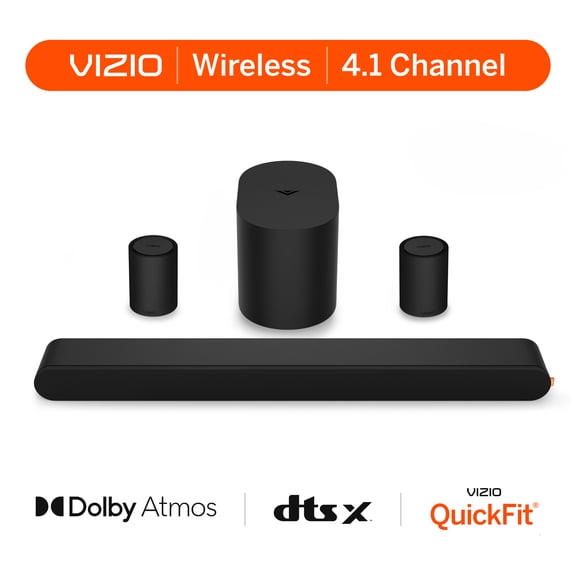
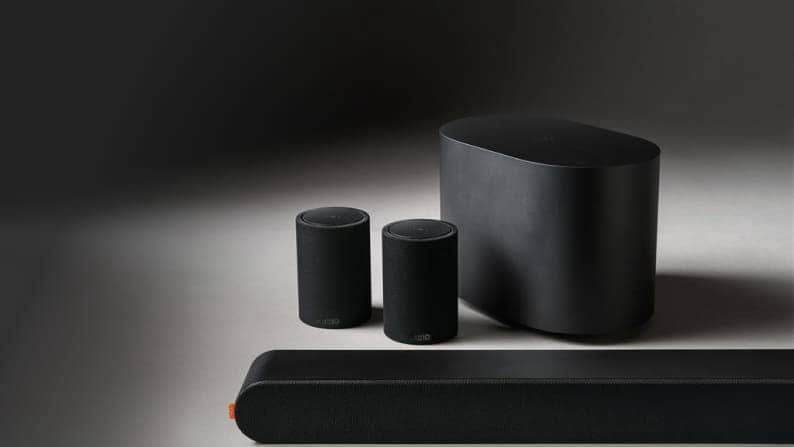
With HDMI eARC, you can simplify your connection between the TV and compatible audio equipment. You’ll get an easier path for soundbar setup without adding extra cable clutter around your stand.
If you play on current consoles, you should compare refresh rate and VRR support. A 120Hz panel can help your fast-motion gameplay look smoother, and VRR can keep motion more consistent.
You may also want to think about where each device will sit. You can plan for a soundbar below the screen, a console on a media stand, and streaming accessories within easy reach.
Does Vizio still make TVs?
If you’re wondering does vizio still make tvs, this category reflects current Vizio televisions and series shoppers still search for today. You can use these listings to compare available sizes, smart platforms, and display types.
Some shoppers also ask do they still make vizio tvs before replacing an older set. You can answer that question here by reviewing current Vizio TV models and matching them to your room needs.
If you think of this page as a Vizio store, you can use it to compare TV classes and related home theater options. You can also look for a screen that pairs well with a soundbar for a cleaner setup.
With the right series, size, and connections, you can choose a Vizio screen that fits your room and your viewing habits. You’ll finish with a setup that feels easier to use every day.