













Black Friday Sound Bars Deals & More




























About Black Friday Sound Bars Deals & More | Walmart
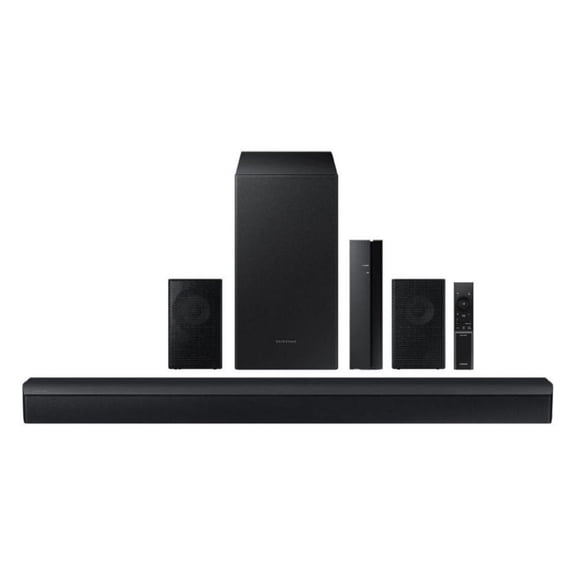
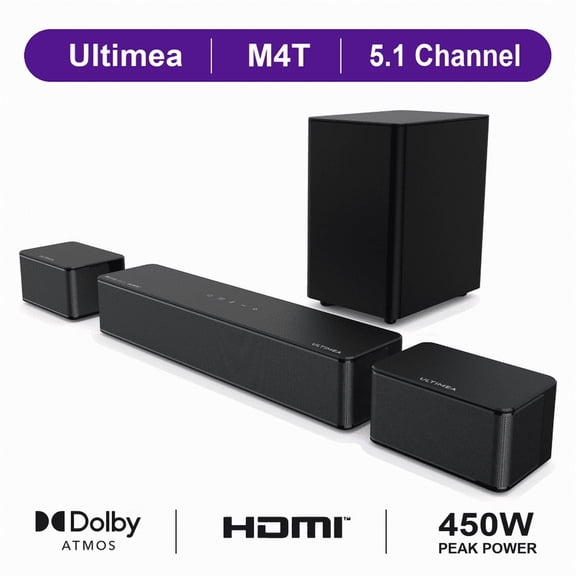
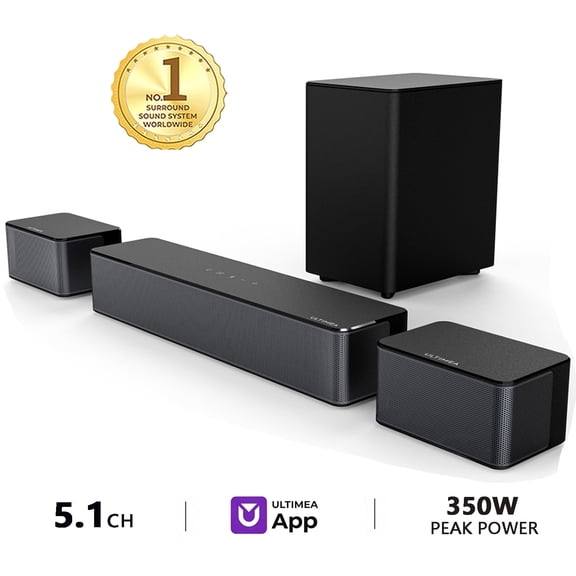
Sound bars place speakers in a single front unit, which changes how dialogue and music reach your seats. If you searched for Black Friday sound bars deals, start with the TV stand width and the room size. Those two measurements narrow the bar lengths that fit your setup.
Measure the stand and the room first
Check the depth of your media console and the gap beneath the screen before you pick a bar. A bar wider than the console can overhang the edges, while one that is too tall can block the screen.
Mounting height matters too, since the bar should sit at a comfortable viewing line when you are seated. Measure from the sofa to the screen base before you choose a mount.
Room size guides the type of bar you need. Small rooms often suit a compact unit, while larger rooms may need a subwoofer or extra speakers. Wall-mounted TVs call for a bar that sits close to the screen line, so plan the mounting spot early.
Room acoustics matter too. Hard floors and bare walls can make sound bounce, while rugs and curtains can soften the sound in the room.
Comparing sound bars by connections and channels
Connections control how the bar and TV talk to each other. Look for a single cable connection with remote control support, and check whether an older TV needs a different input type.
The remote can matter as much as sound quality in daily use. Confirm whether one remote controls both the TV and the bar.
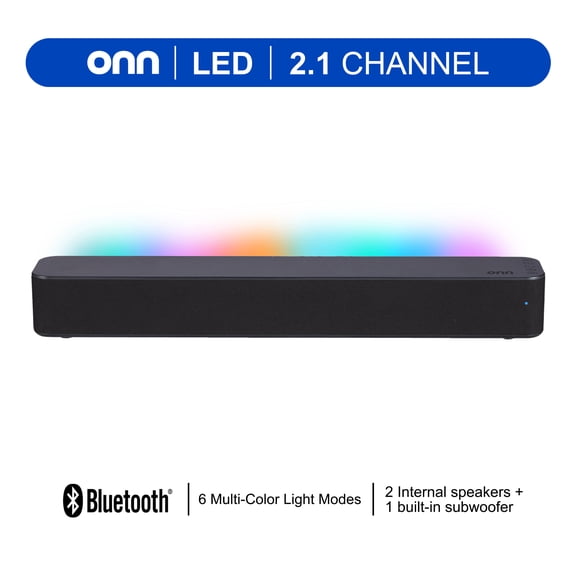
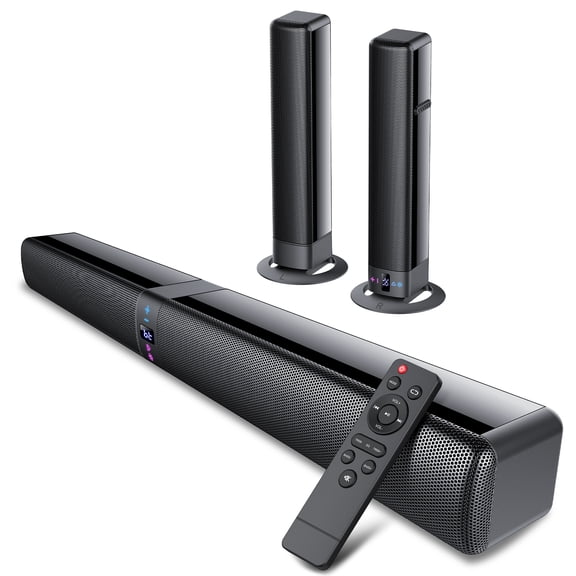
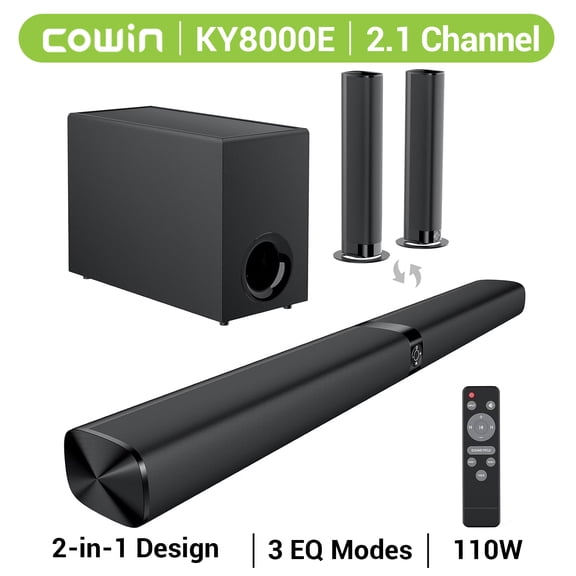
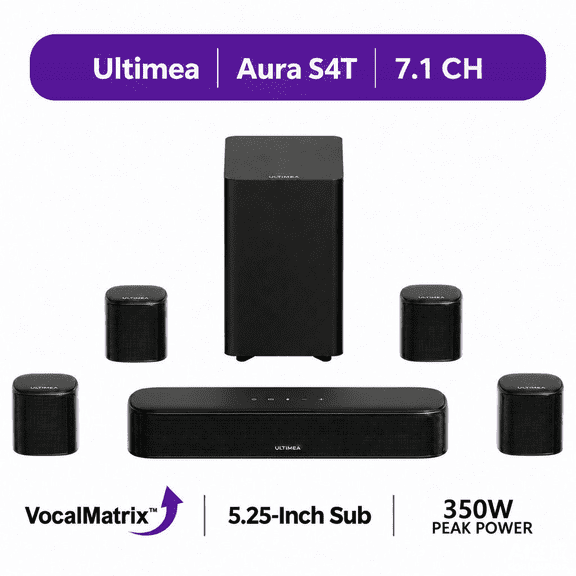
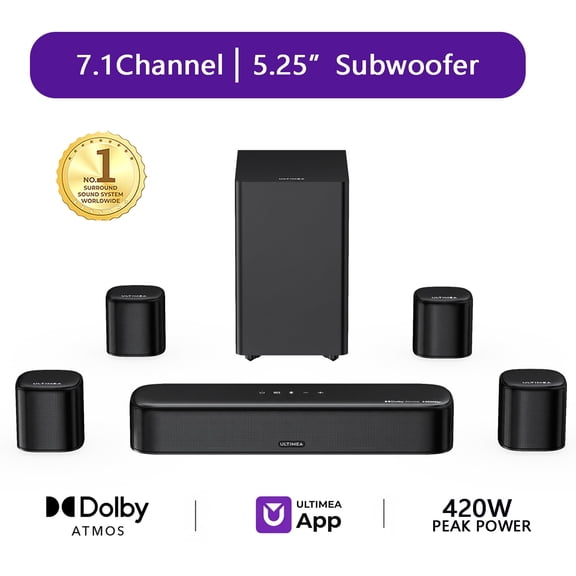
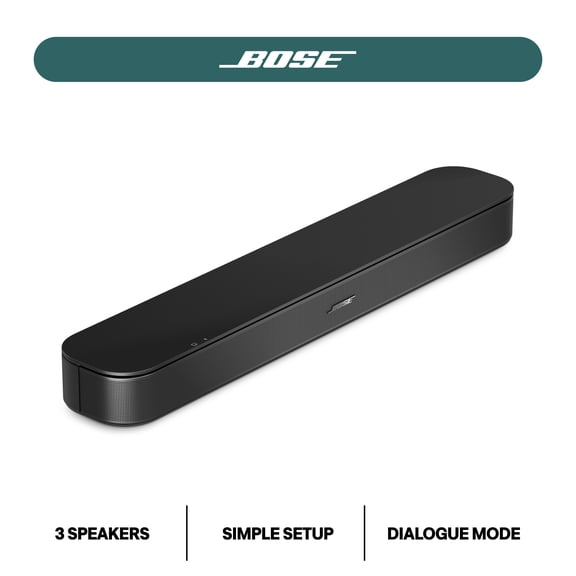
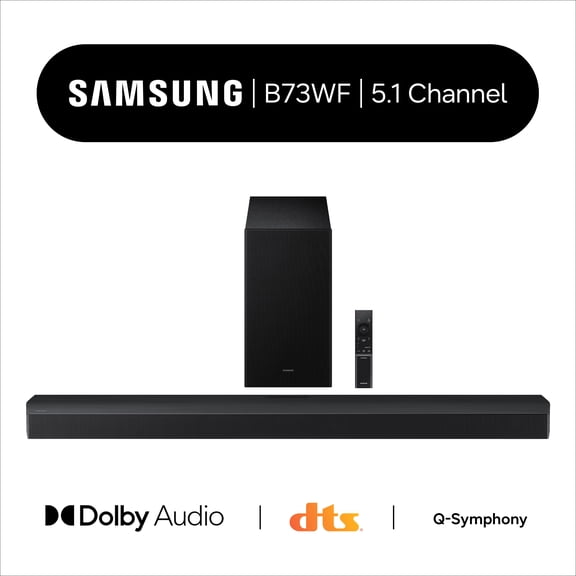
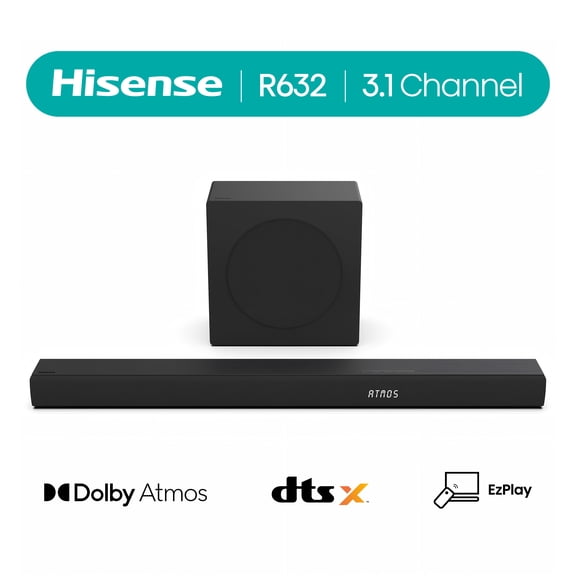
Channel count tells you how much spread the speakers can produce across the front. Two-channel designs fit compact spaces and easygoing movie nights, while three-channel designs add a center speaker for dialogue focus. Compare the speaker layout on each listing before you decide.
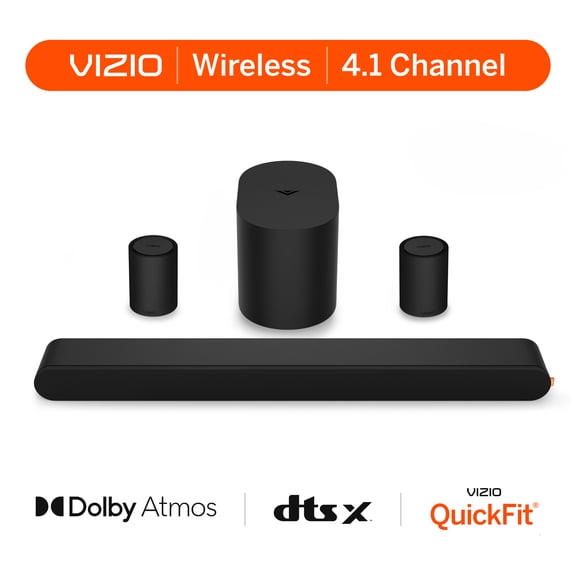
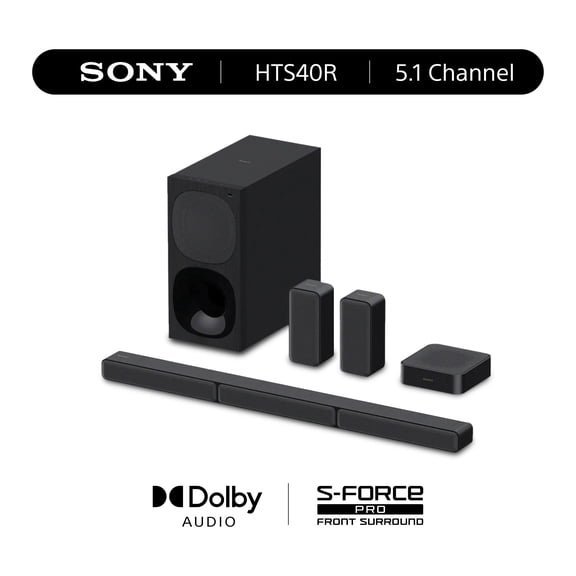
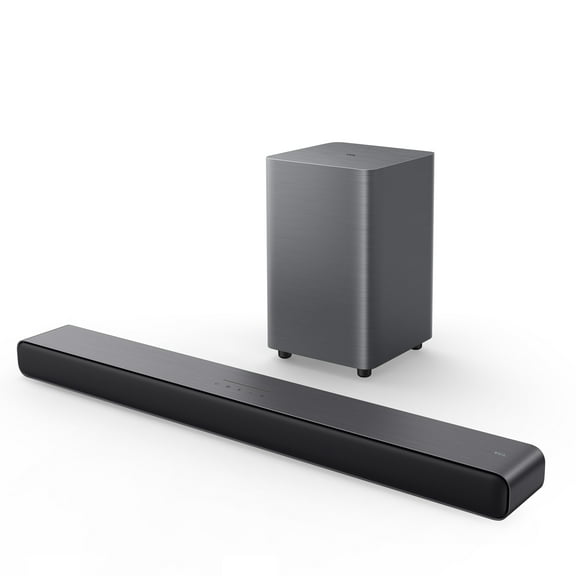
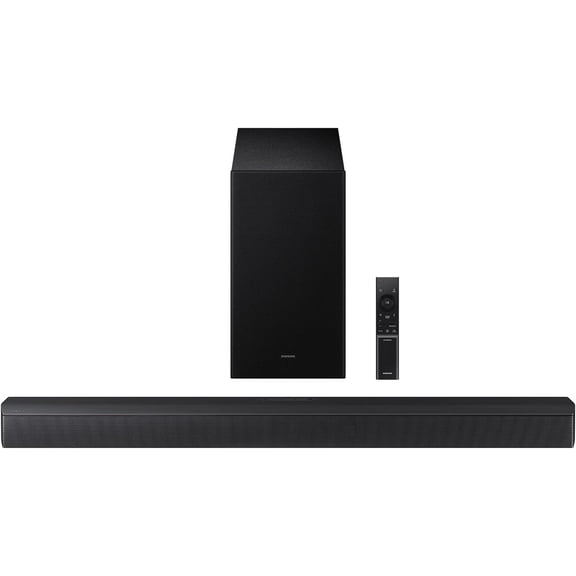
Subwoofer options shape how much low end you feel in the room. An integrated woofer keeps the unit compact, while a separate wireless subwoofer gives more placement freedom. A subwoofer can also sit in a different corner from the bar, giving you more layout options.
Dialogue, night listening, and expansion
Dialogue modes can help when voices get lost under music or background effects. Night modes limit sudden peaks, which can help in shared spaces.
Night listening and daytime viewing often need different settings. Note which presets are easy to switch between with the remote.
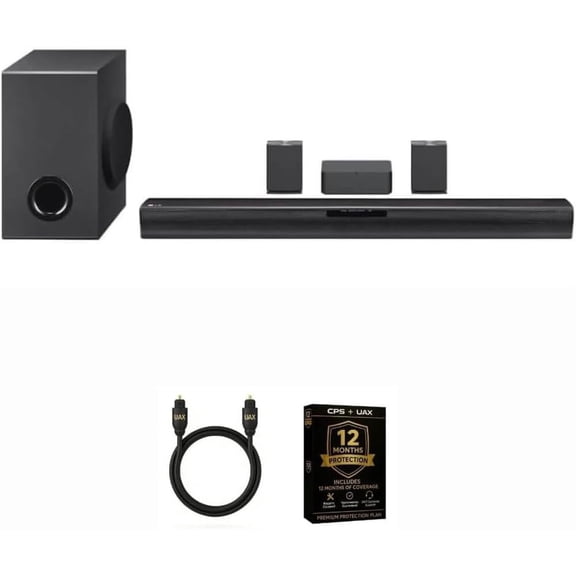
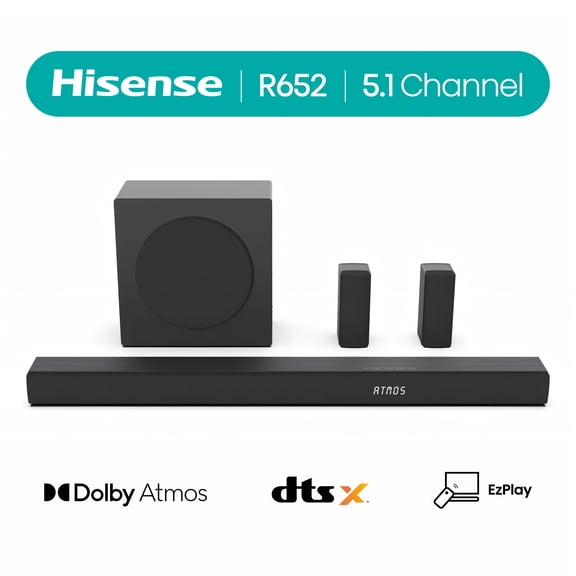
Some systems add rear speakers later, so you can start simple and expand. Check whether the bar supports matching add-on speakers from the same maker.
- Console width and depth, plus the gap beneath the screen
- Room size and whether the bar needs a subwoofer
- Connection type and remote control support for the TV
- Channel layout, from two channels to three or more
- Wall-mount plan, bracket fit, and cable path
Cable routing and power planning keep the setup tidy. Plan an outlet for the bar and the TV, and keep cords out of walkways. Leave a little slack in each cable so the bar can be moved for cleaning.
Wrap-up checks before you buy
Your stand width sets the first limit, though Black Friday may be behind this search. Write the numbers down and keep them with your room notes. Keep a copy of your connection list on your phone too.
Compare each listing against the same measurements and connection notes. That keeps the comparison fair and quick.
Shared rooms often need volume that works for everyone. Choose a bar with clear menu options and a simple remote, so changes are quick.
After searching for sound bars deals for Black Friday, write down your stand width, room size, and the TV input you plan to use. Those three notes help you skip bars that cannot fit or connect before you compare any extra features.