

Optical Drives in Computer Accessories

















About Optical Drives in Computer Accessories - Walmart.com
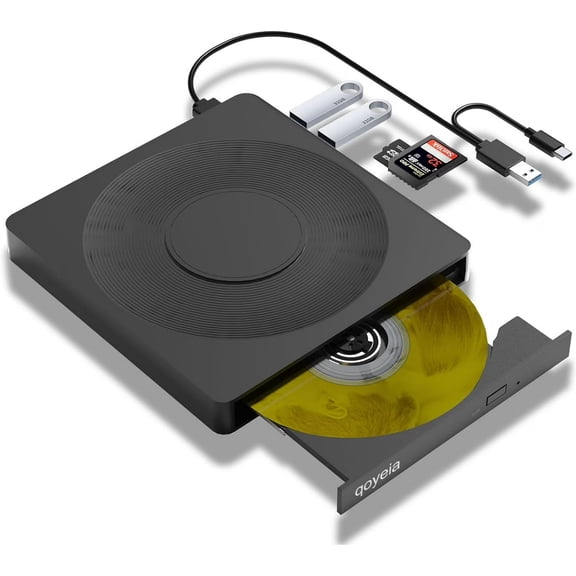
You can compare optical drives for laptops more easily when you focus on compatibility, portability, and disc support. You may need an external reader for a thin notebook or an internal replacement for an older machine.
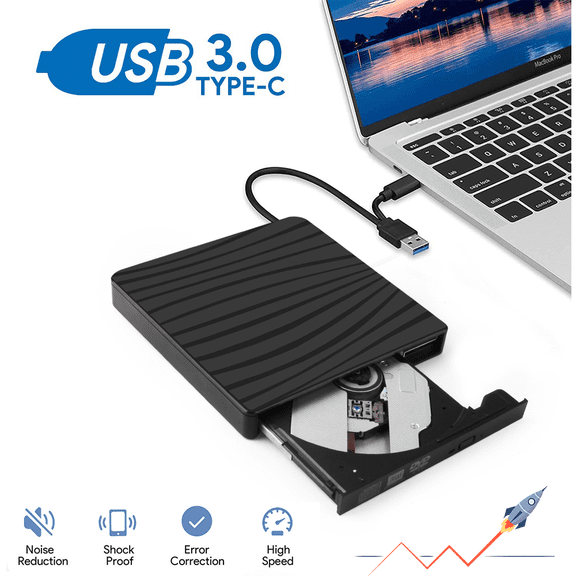
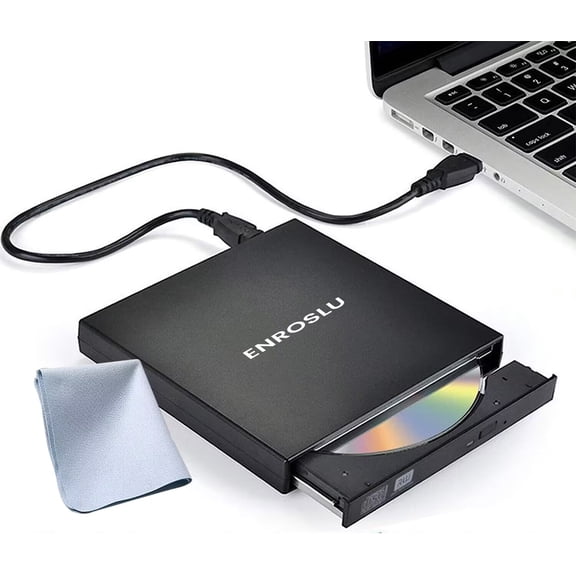
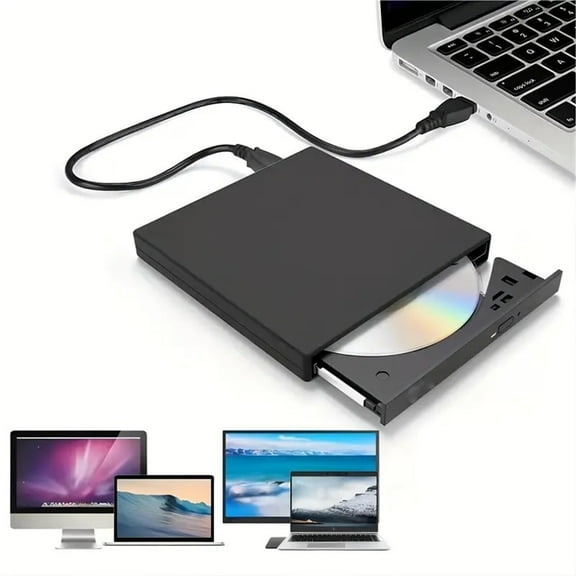
Because many laptops skip built-in disc hardware, you can use an optical drive for laptop tasks like installing software or playing stored media. You can also choose between USB-powered models and SATA options based on your computer's configuration.
Choosing optical drives for laptops by drive type
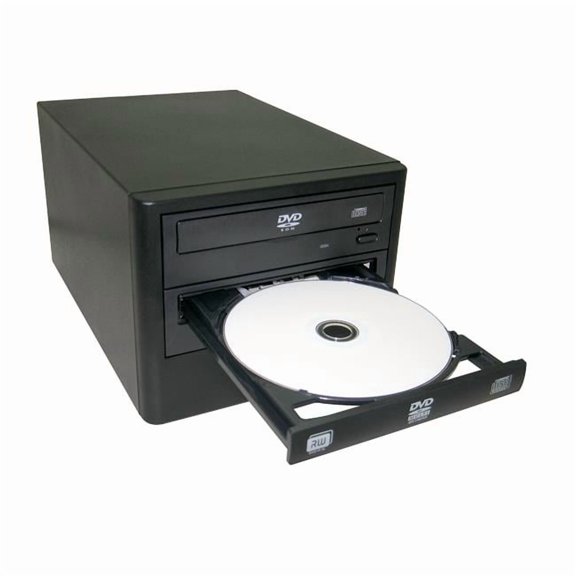
You should start with drive type because external and internal models fit very different setups. You can use external units with modern laptops, while internal units suit systems with a matching bay.
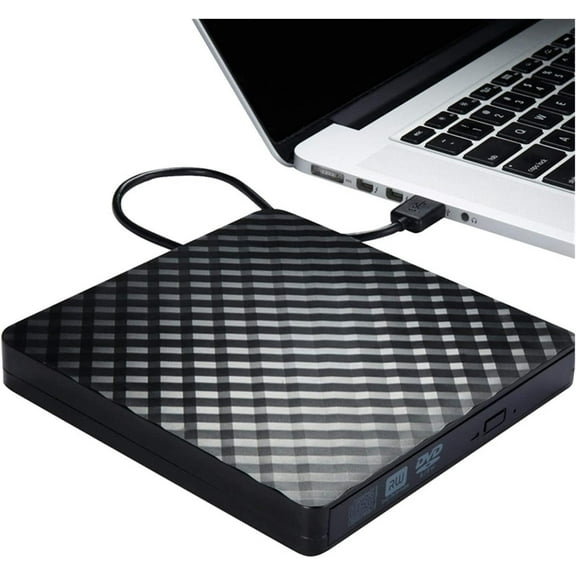
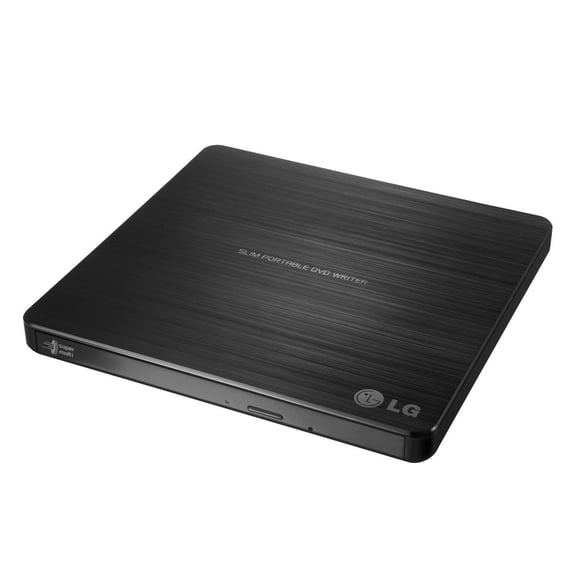
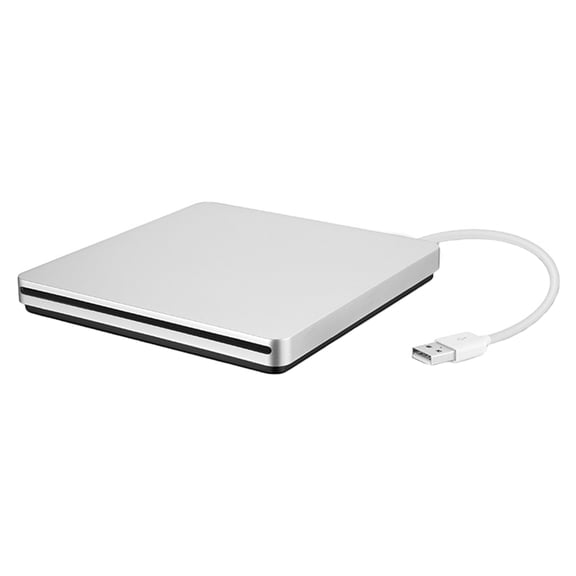
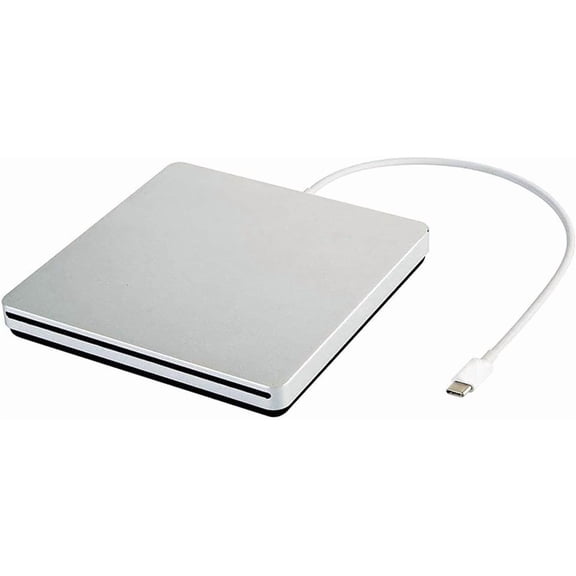
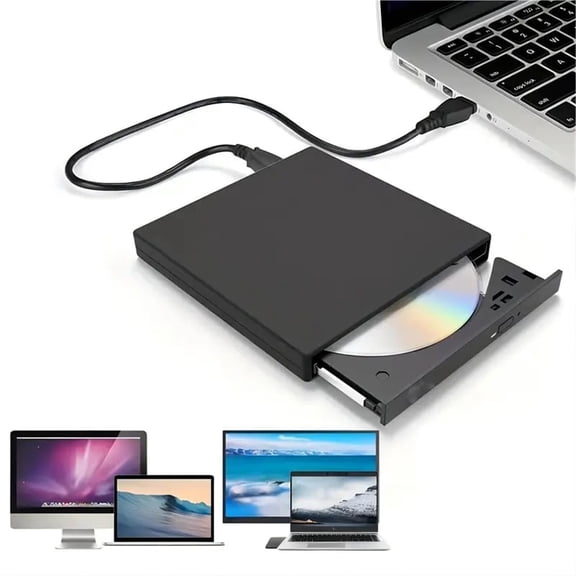
If you travel often, you may prefer an external optical drive laptop setup with a slim body and easy cable storage. If you repair older hardware, you may compare internal SATA drives that replace worn disc readers.
- You can add disc access to thin laptops without opening your computer.
- You can keep a portable drive in a backpack for work trips, classes, or shared home use.
- You can replace an aging internal optical drive when your laptop supports a compatible bay.
- You can choose read and write formats that match your movie, music, archive, or software discs.
You may also notice that external computer optical drives support quick setup for occasional disc use. You won't need a permanent built-in drive when you only use DVDs or CDs from time to time.
Comparing interface connections for an optical drive for laptop use
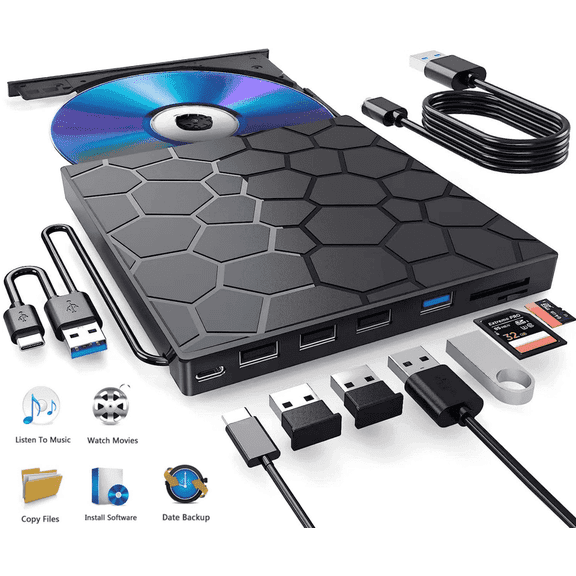
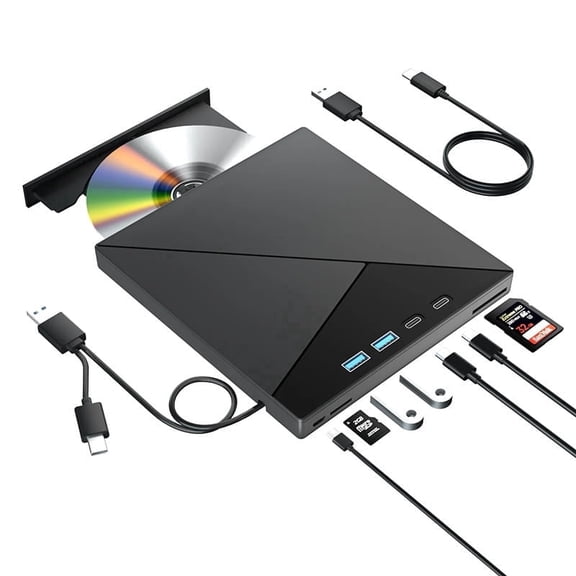
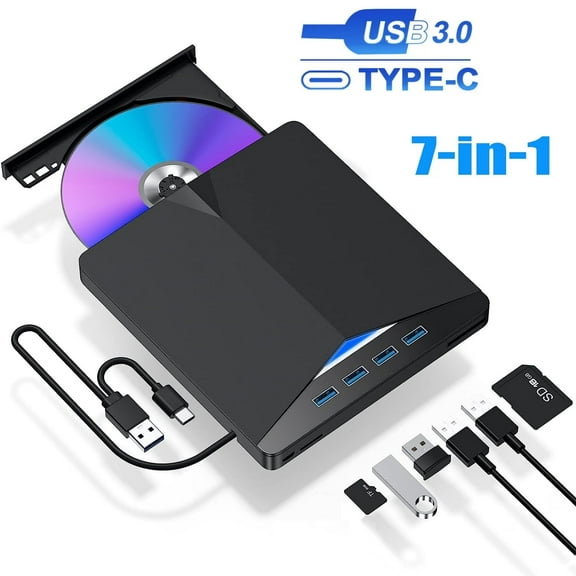
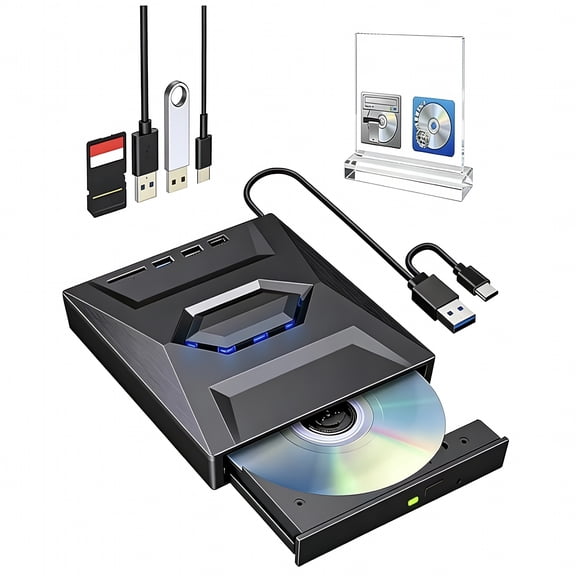
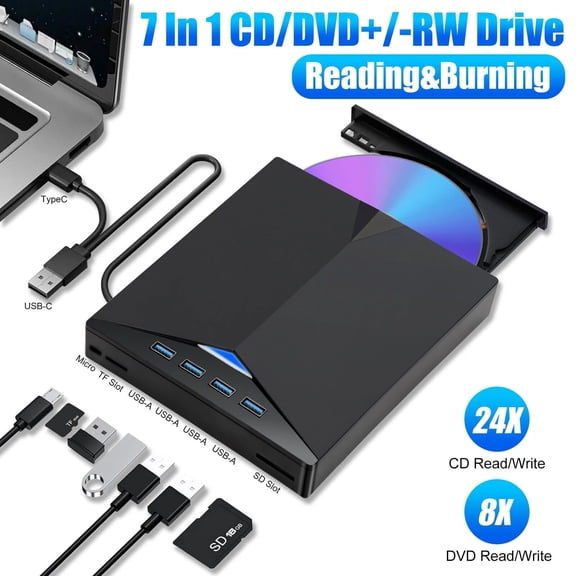
You should check your laptop ports before you choose a drive, because connection type shapes everyday convenience. You can find USB 3.0, USB-C, and SATA options across this category.
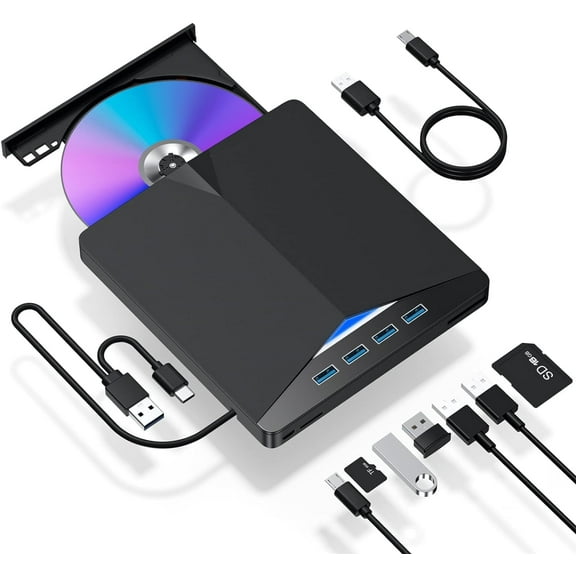
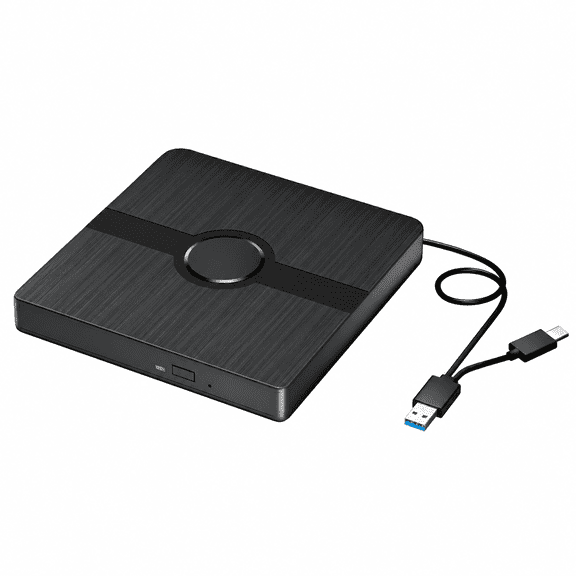
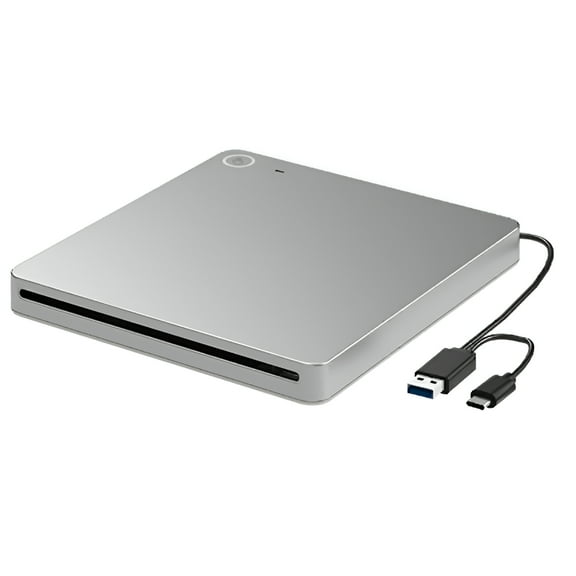
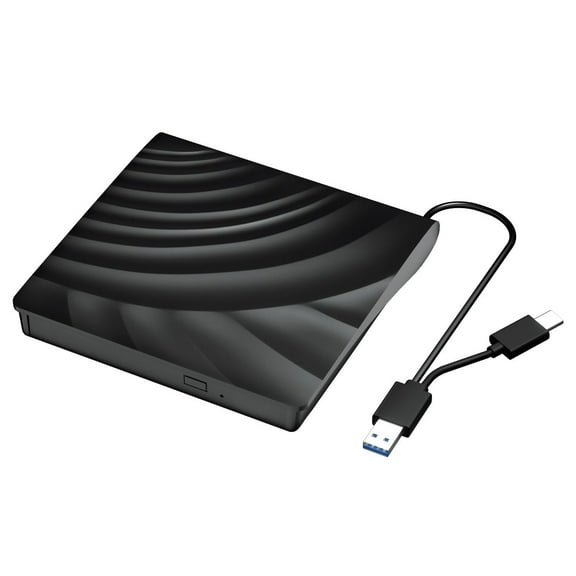
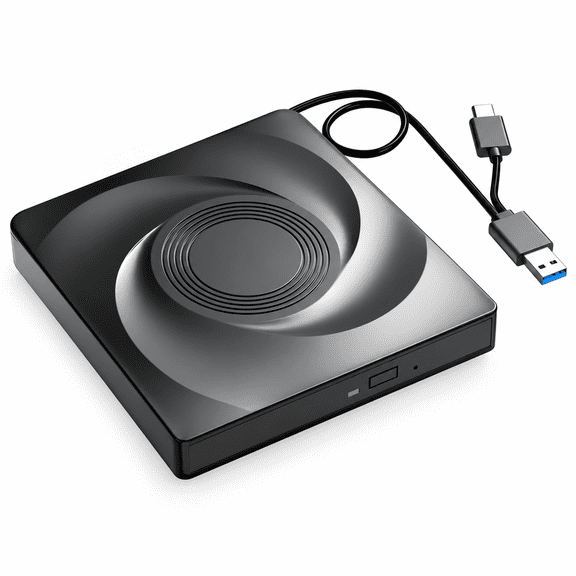
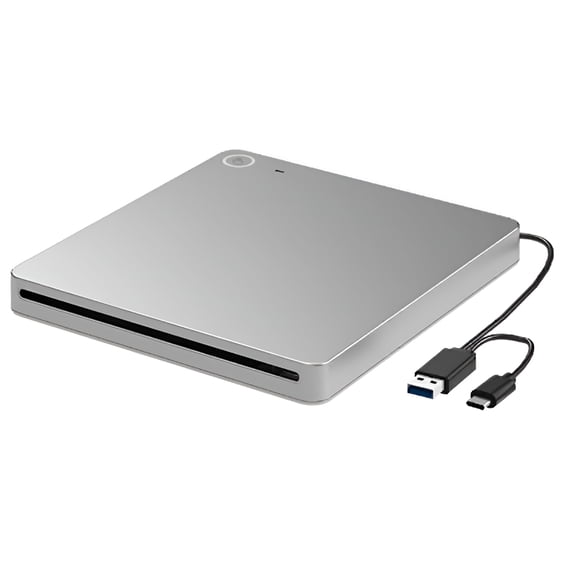
If your laptop has USB-C only, you should look for a matching cable or included adapter. If your laptop has USB Type-A ports, you can use many USB 3.0 models without extra accessories.
You may also want to confirm operating system support before you buy. You can often find models made for Windows laptops, while some options also support macOS for simple plug-and-play use.
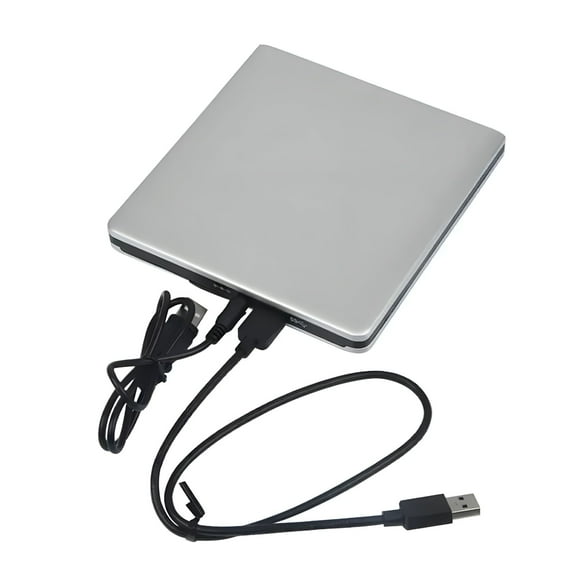
When you compare power needs, you should check whether your drive runs through a single USB connection. You may prefer a bus-powered model because you can skip carrying a separate power adapter.
For older replacement projects, you can consider SATA connections instead of external USB styles. You should measure the bay and confirm fit, because internal laptop parts vary by model.
What to look for in media compatibility and speeds
You should match disc support to the files you actually use, because not every optical disk drive laptop option handles every format. You can compare DVD±RW, CD-RW, Blu-ray, and M-DISC support here.
If you burn music mixes or backup discs, you may want write support for both CDs and DVDs. If you archive long-term files, you may look for M-DISC compatibility on selected drives.
You can also compare read and write speeds when you want smoother daily use. You may see speeds like 8x DVD or 24x CD writing, which help you estimate how long common tasks take.
For movie playback, you should confirm whether your drive reads DVDs, CDs, or Blu-ray discs. For software installs, you may only need standard DVD and CD support instead of broader format coverage.
Choosing the right form factor and everyday use setup
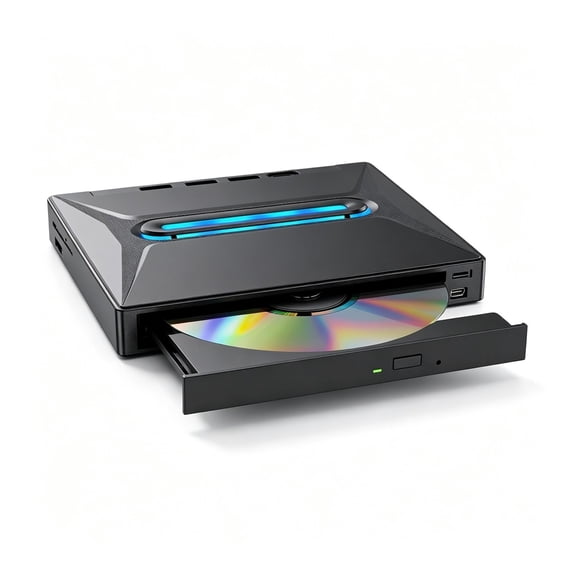
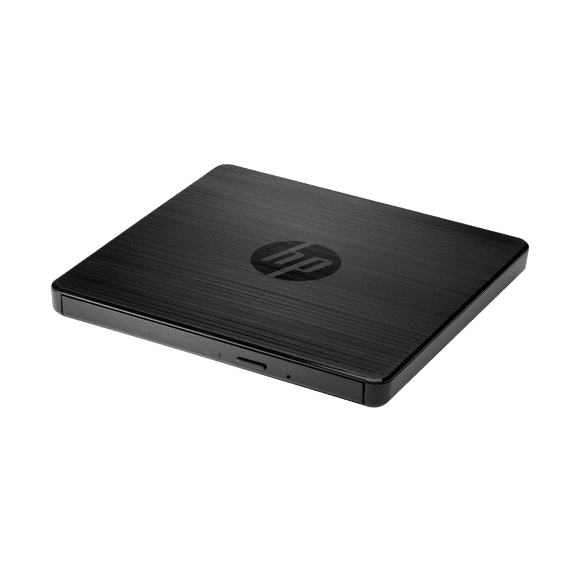
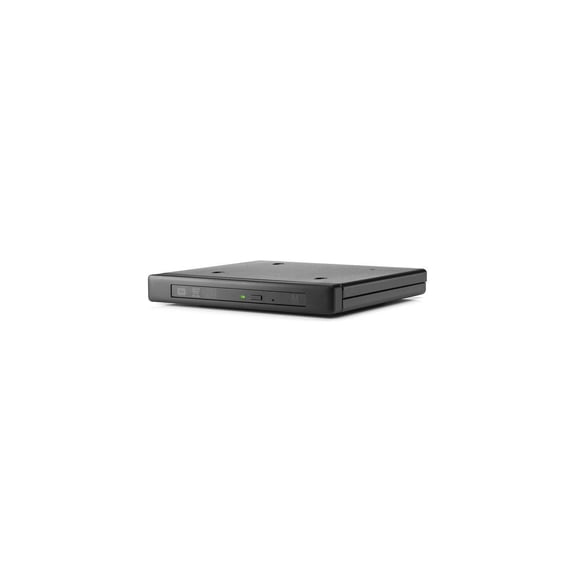
You should consider form factor if you carry your drive between rooms, offices, or classrooms. You can choose ultra-slim, portable, and tray-loading designs based on how you use discs.
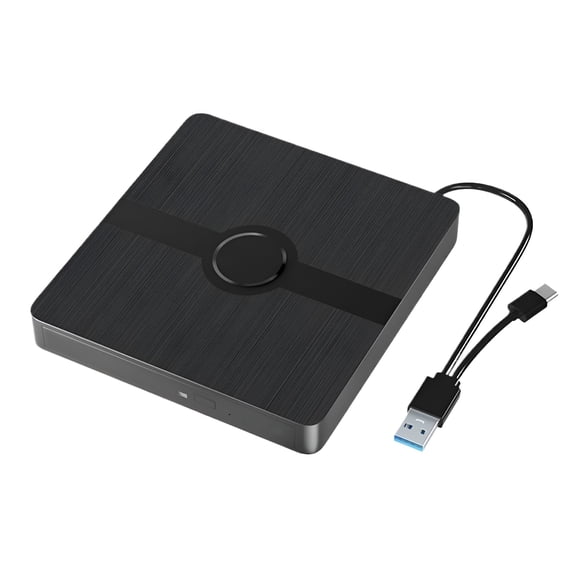
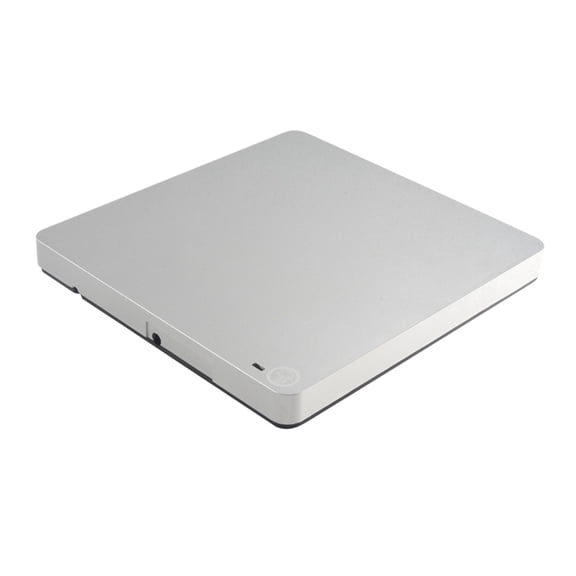
If desk space is tight, you may prefer an ultra-slim profile that slides beside your laptop. If you pack often, you can look for lightweight builds with integrated cables.
You may like tray-loading designs when you want a familiar loading style and straightforward disc placement. You can also compare overall size when you store your drive in a drawer or laptop sleeve.
An optical drive laptop setup can help you access old photo CDs, install legacy programs, or watch physical movie collections. You can also use one for classroom materials, office records, or family backup discs.
If your home office mixes old and new devices, you can keep an external unit ready for occasional use. If your older notebook needs a replacement part, you can focus on fit, interface, and media support.
You can choose optical drives for laptops with more confidence when you compare drive type, connection, formats, and size together. That approach helps you get disc access that fits your ports, your media, and your routine.