

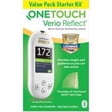
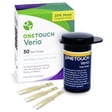



OneTouch in Diabetes Care Brands








About OneTouch in Diabetes Care Brands - Walmart.com
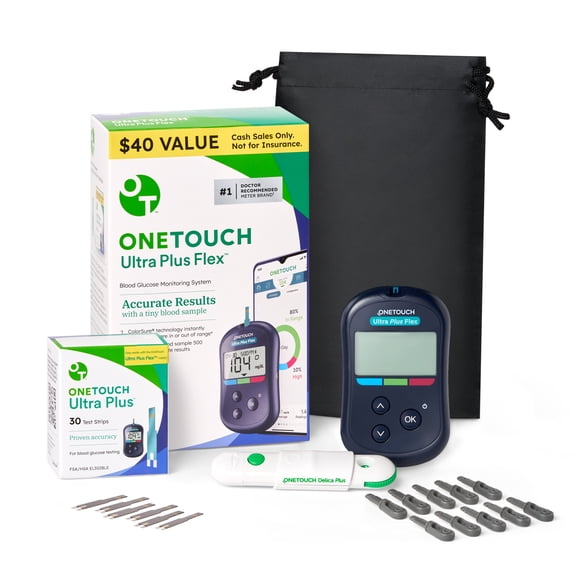
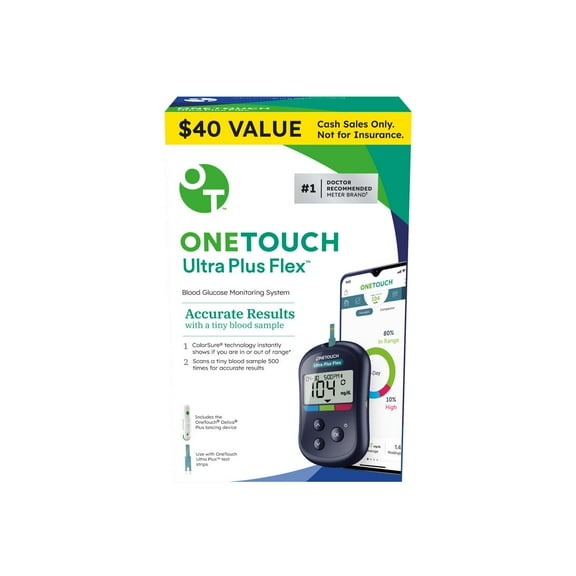
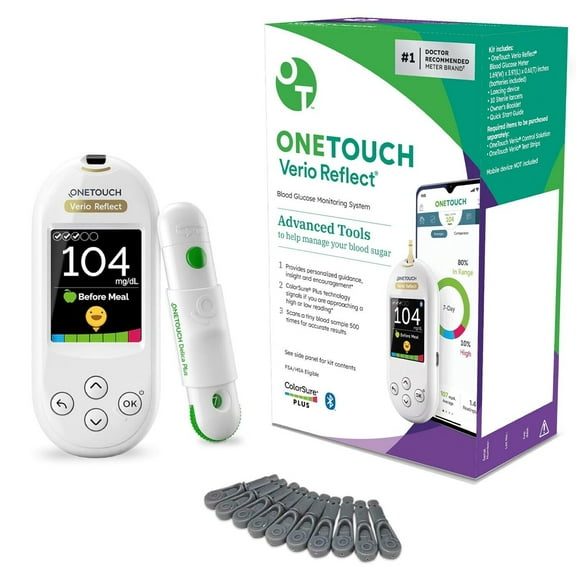
OneTouch products help you organize daily diabetes care with meters, strips, and lancing tools built around clear compatibility choices. You can compare Verio, Ultra, and Select systems more easily when you understand product type, pack size, and connectivity.
If you're replacing supplies or starting fresh, you likely want exact match details before you choose. You can use this guide to sort through OneTouch test strips, meters, lancing devices, and control solution with less guesswork.
How to choose OneTouch by product type
You should start with the product type you need right now. You may need a blood glucose meter for readings, test strips for repeat checks, a lancing device for sampling, or control solution for system checks.
When you compare these categories, you can match your purchase to your routine instead of adding extras too early. You can also keep your setup simpler when your supplies stay within the same OneTouch system.
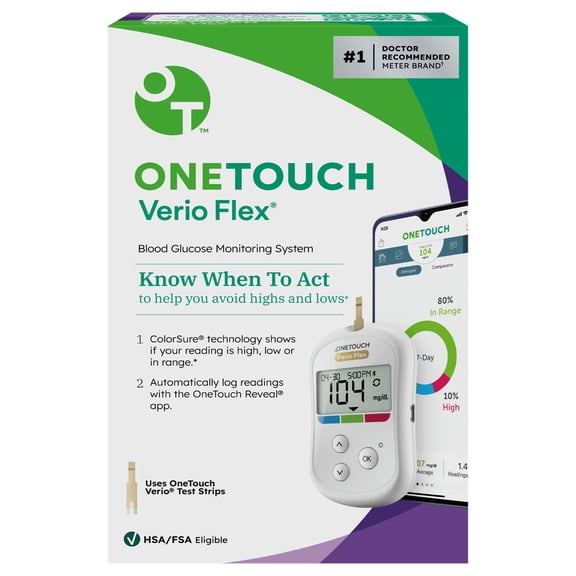
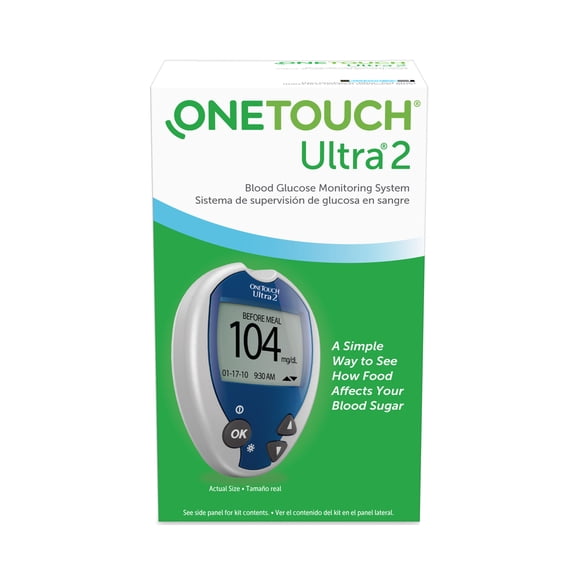
- You can use a blood glucose meter to view readings quickly and store recent results.
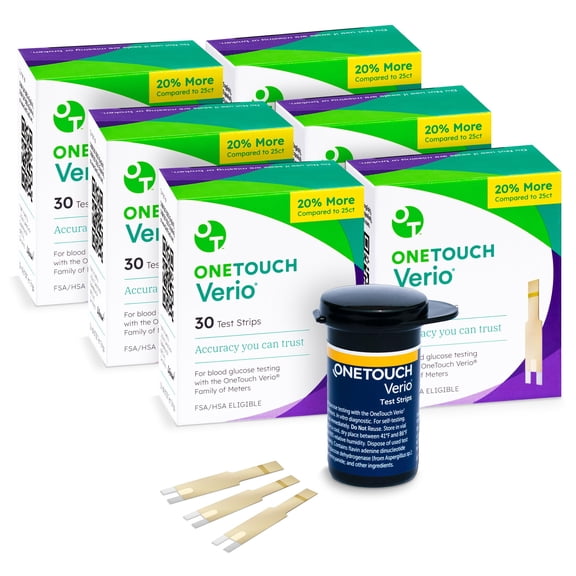
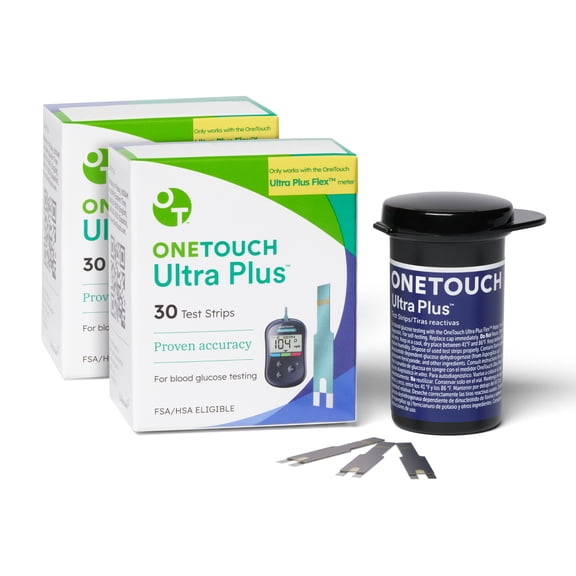
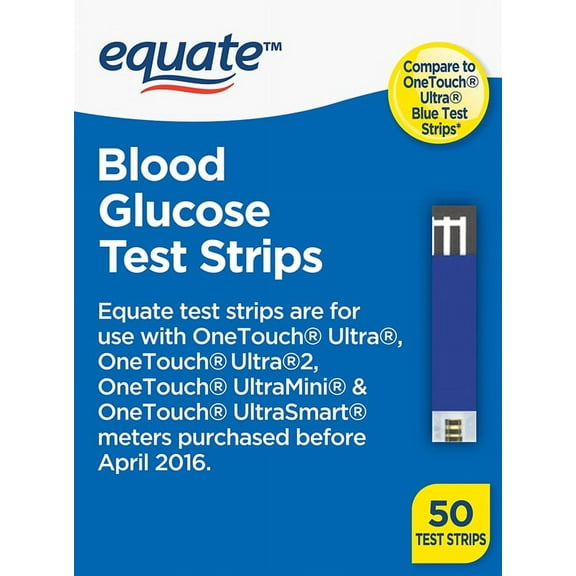
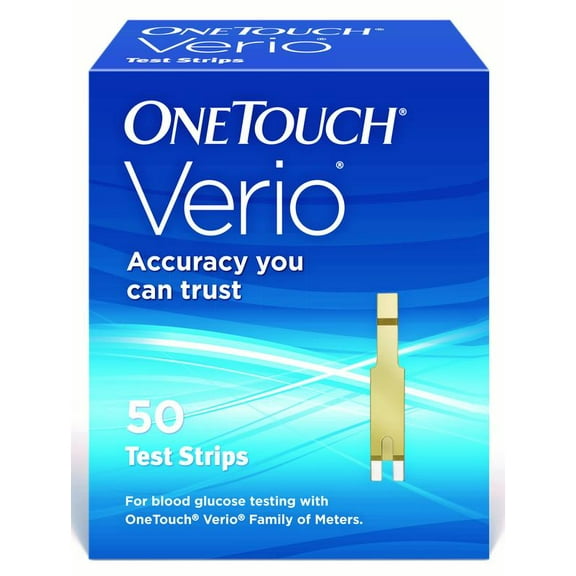
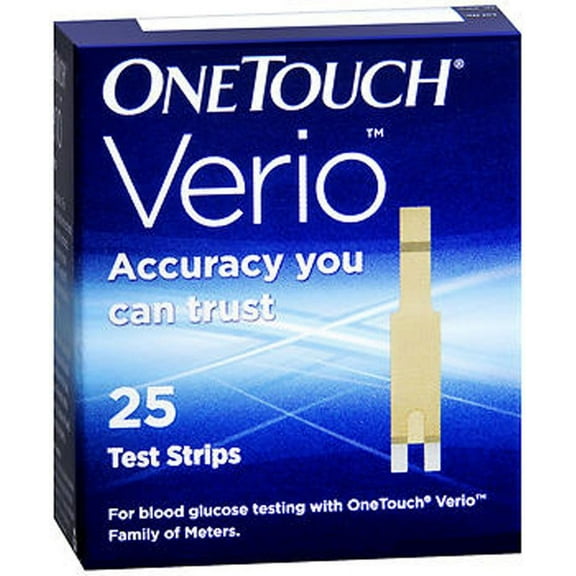
- You can choose OneTouch test strips by checking the exact meter line printed on the box.
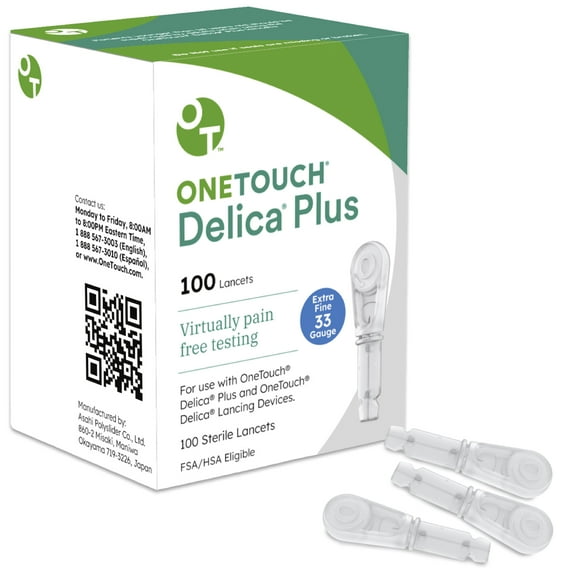
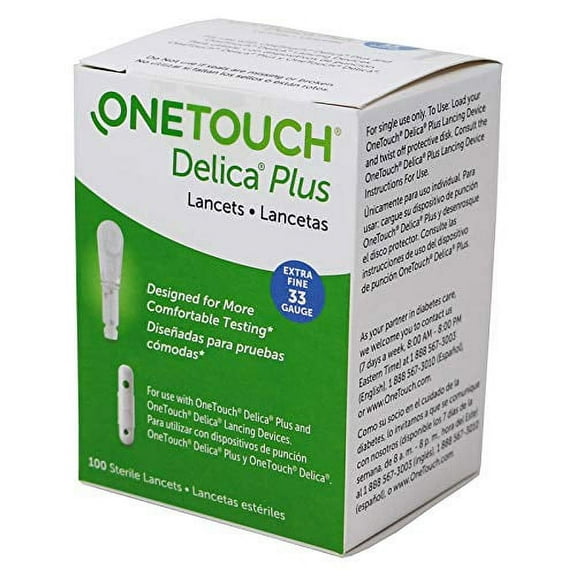
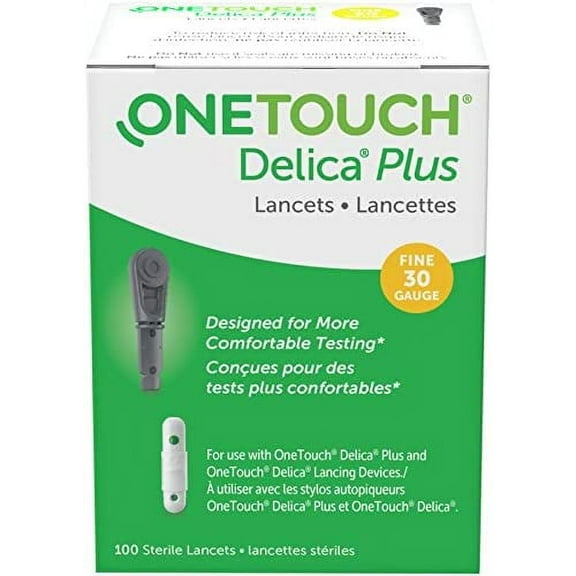
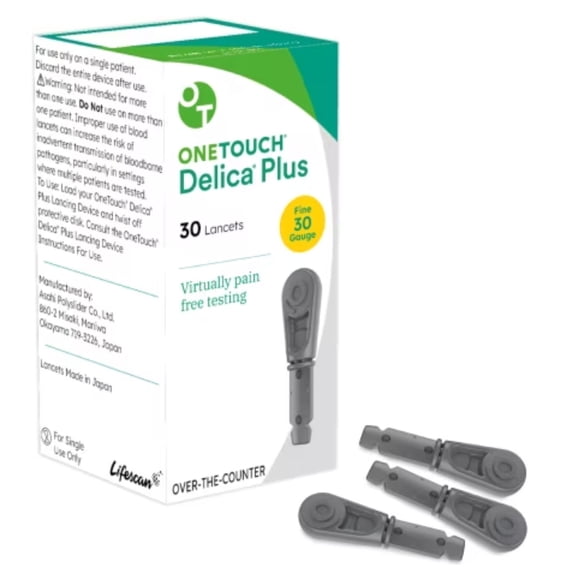
- You can pick a lancing device when you want adjustable depth settings and familiar lancet handling.
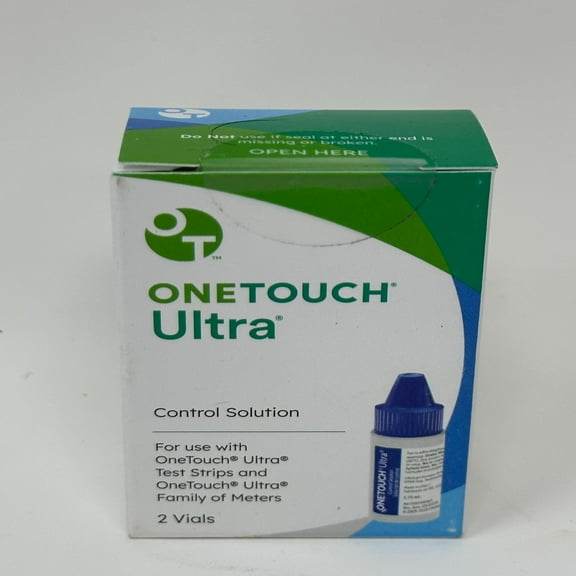
- You can add control solution when you want to confirm your meter and strips work together as directed.
You may also want to think about refill timing before you choose. If you test frequently, you can keep your routine moving with strips and lancets ready between reorders.
Choosing OneTouch test strips and meter compatibility
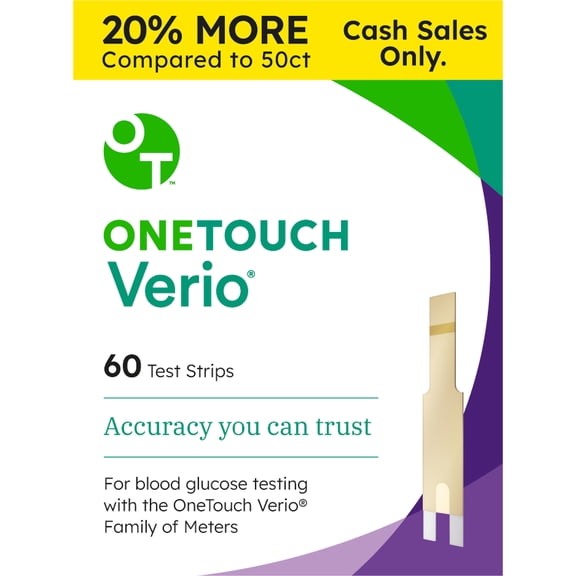
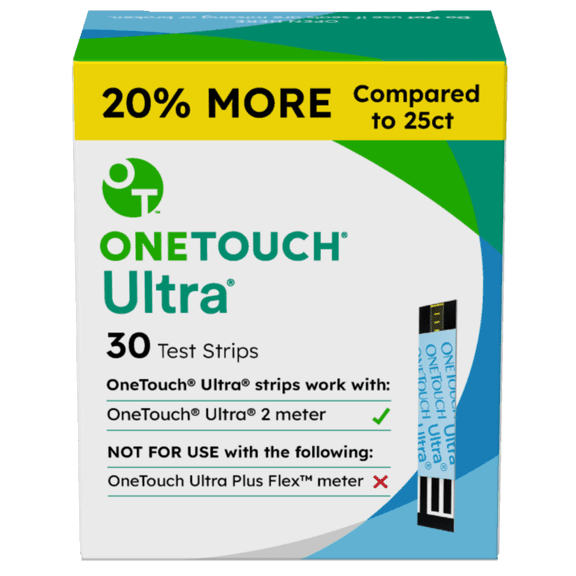
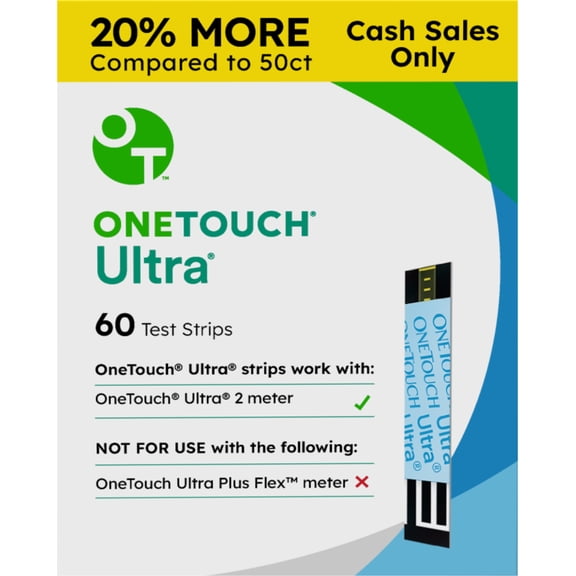
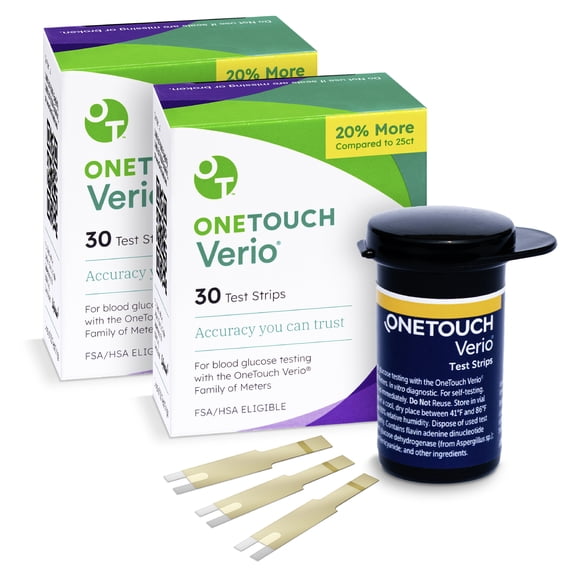
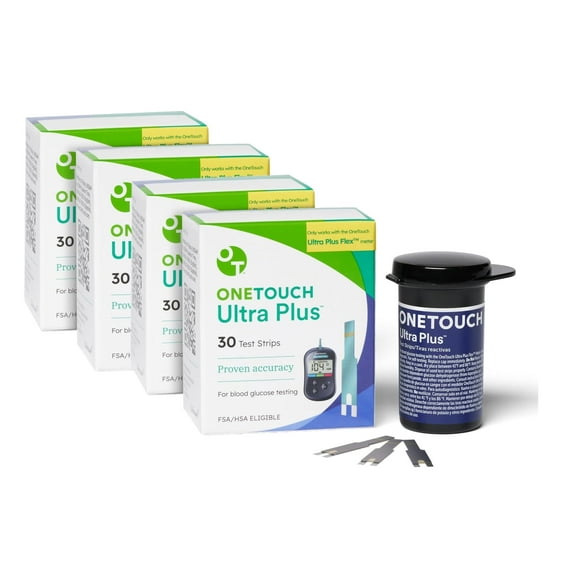
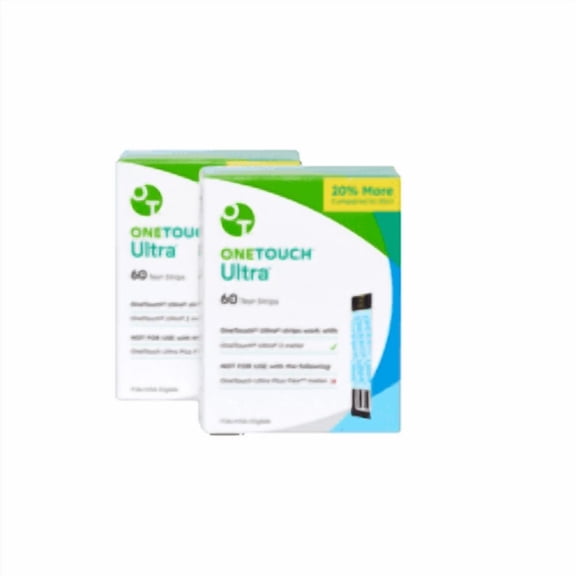
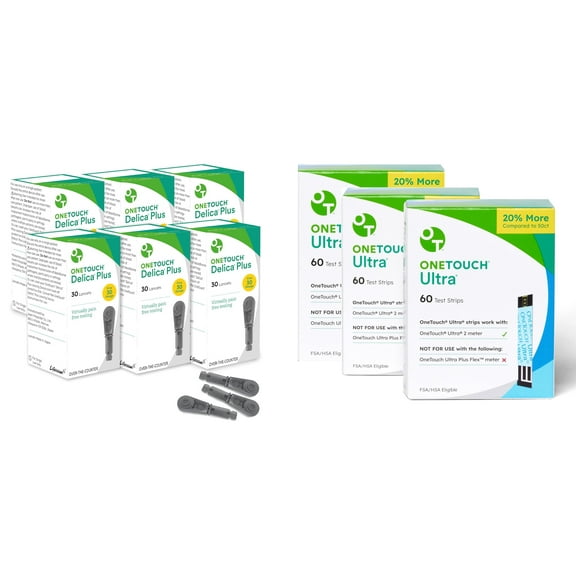
You need exact compatibility when you buy OneTouch test strips, because Verio and Ultra systems don't use the same strips. You should always match your strip name to your meter line, since strip calibration differs by system.
If you use a OneTouch Verio meter, you should look for Verio strips made for that platform. If you use a OneTouch Ultra meter, you should choose Ultra strips designed for Ultra readings.
You can avoid ordering mistakes by checking the meter name printed on your device before you reorder. You may also want to compare package photos and box labels if your current setup uses older naming.
When you shop by compatibility, you can narrow choices faster across Verio, Ultra, and Select lines. You can also reduce returns and interruptions when your supplies match your existing meter on the first try.
What to look for in pack size and refill planning
You should choose pack size based on how often you test each week. If you test several times daily, you may prefer 50 count or 100 count boxes for fewer refill gaps.
If you test less often or want a backup box, you may find 25 count packs easier to manage. You can also split larger orders across home, work, or travel kits when your routine changes.
Your refill plan can also connect to coverage and out-of-pocket needs. If your plan limits quantities, you may want to compare eligible counts first and then choose the pack that fits your approved amount.
You can keep your ordering process smoother when your strips, lancets, and control solution run on similar replacement timing. You may also prefer larger counts when you don't want to monitor supply levels every week.
Choosing a OneTouch glucometer with the right connectivity
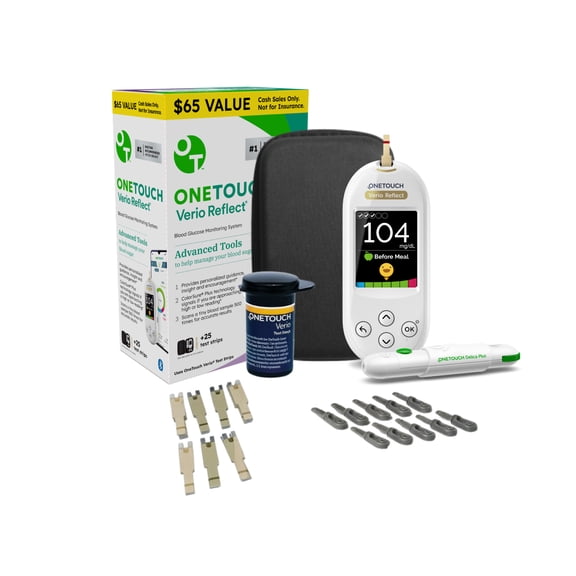
You can compare a OneTouch glucometer by how you prefer to track readings after each test. Some options support Bluetooth syncing, some use USB transfer, and some keep things simple with non-connected use.
If you want quicker data review, you may prefer Bluetooth models that connect with a compatible app on your phone. If you like a familiar routine, you may choose manual logging or a meter with stored onboard history.
You should also consider setup comfort before you decide. If you don't want extra app steps, you may prefer a non-connected meter that lets you read results directly on screen.
When you compare connectivity choices, you can match your meter to your habits instead of chasing features you won't use. You can keep data tracking straightforward when your device fits your daily routine.
Using OneTouch Verio, Ultra, and accessories in daily routines
You may want OneTouch Verio options if you like newer meter interfaces and app-friendly tracking. You may lean toward OneTouch Ultra supplies if you're replacing strips for a meter you already know well.
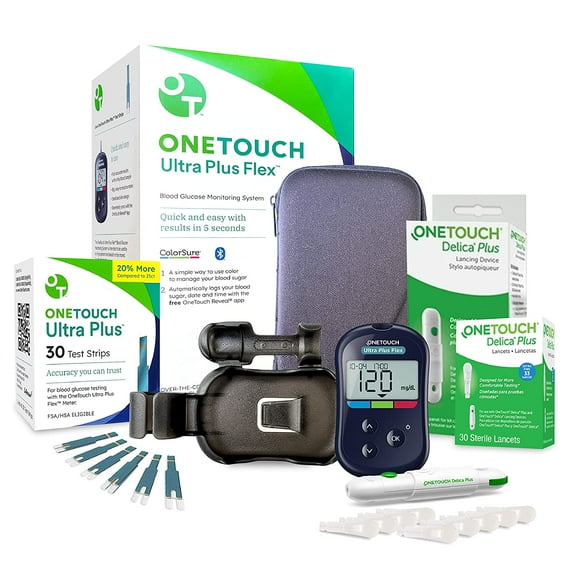
If you keep a work bag, bedside kit, or travel pouch, you can use lancing devices and strip packs that fit your space. You can also keep control solution nearby when you want to check your system during routine maintenance.
Your testing pattern can guide the combination you choose. If you test frequently, you may pair a larger strip count with a meter that stores many readings and supports simple review.
If you test less often, you may prefer a smaller strip pack and a straightforward non-connected setup. You can also choose accessories that keep your routine organized without adding extra steps.
You can feel more confident choosing OneTouch when you focus on exact strip compatibility, practical pack sizes, and tracking tools that fit your routine. Your setup works more smoothly when your meter, strips, and accessories align from the start.