

Shop Microsoft Windows Operating Systems and Software
FAQ
About Shop Microsoft Windows Operating Systems and Software - Walmart.com
Your windows computer should fit how you work, study, create, or play. You can compare laptops, desktops, and convertibles here using practical buying criteria.
When you shop this category, you’re comparing more than screen size and storage. You can also weigh Windows editions, processor tiers, and long-term fit for your routine.
Choosing the right windows computer form factor
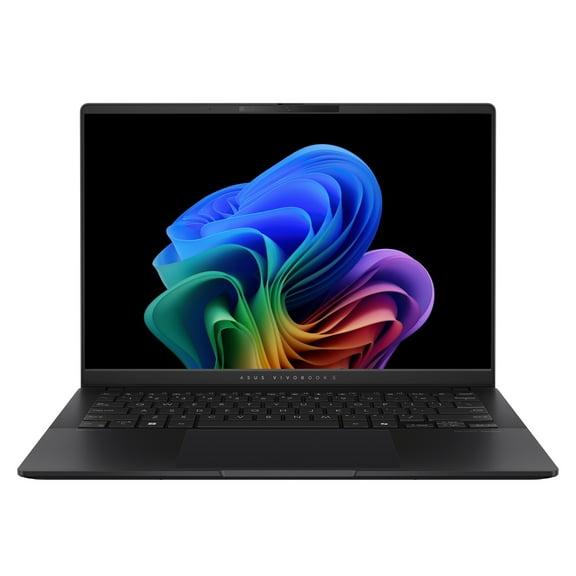
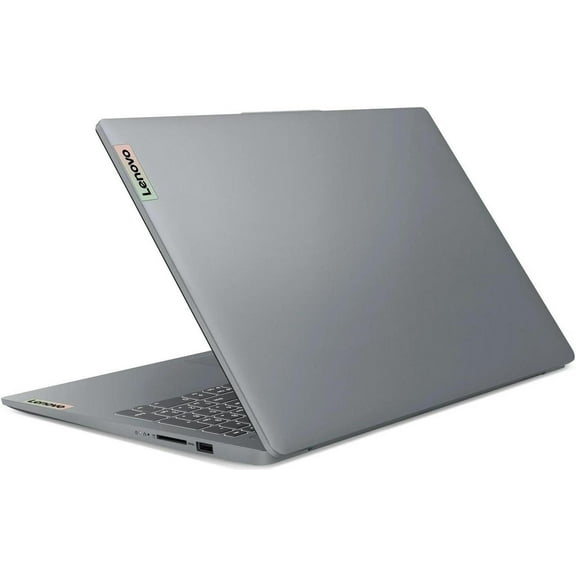
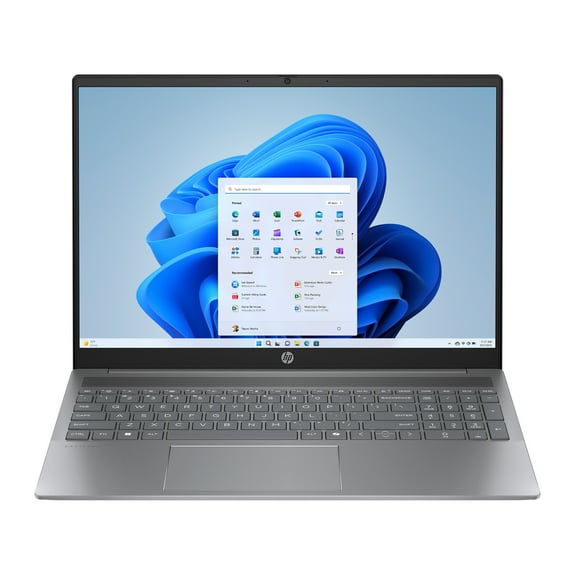
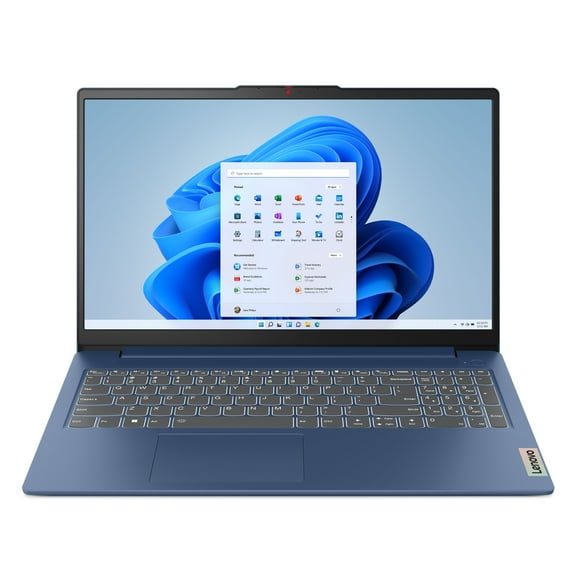
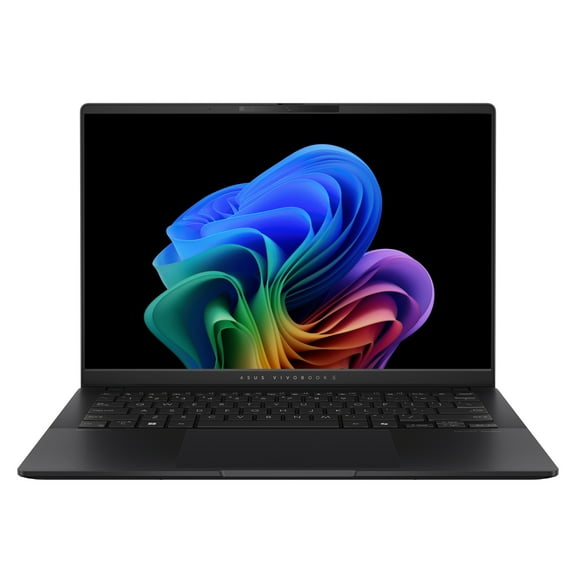
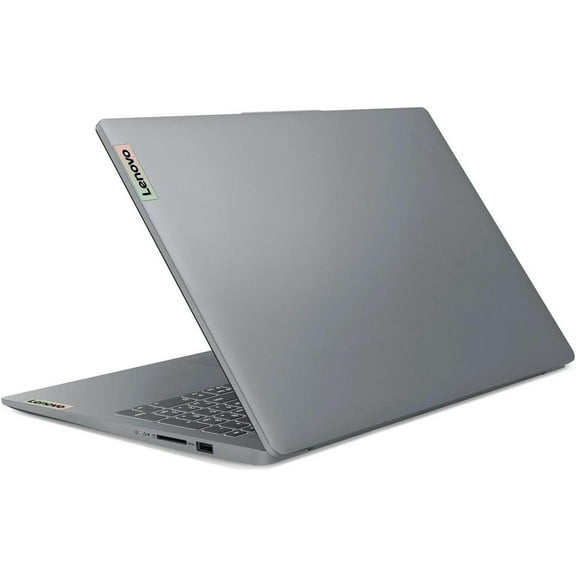
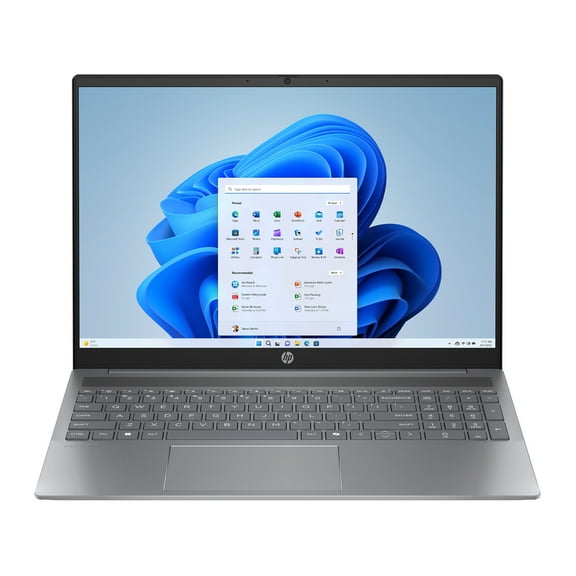
If you move between classes, meetings, or rooms, you may prefer a laptop. You can carry it easily and set up quickly in different spaces.
When you want a dedicated setup, you may prefer a desktop or all-in-one. You can gain more room for accessories, larger displays, and a fixed workspace.
A two-in-one convertible can suit flexible routines. You can type for assignments, then fold the screen back for touch input or casual viewing.
As you compare form factors, consider where you use your device most often. You can narrow your choice by matching portability needs to your daily setup.
How to compare benefits across Microsoft Windows PCs
You may notice that different models support different routines, even within the same family. You can choose faster when you focus on outcomes before detailed specs.
- You can carry a laptop from home to class or work without changing your main setup.
- You can use a desktop for a steady station with room for monitors, keyboards, and other accessories.
- You can choose a two-in-one when your tasks shift between typing, streaming, note-taking, and touch navigation.
- You can pick Windows 11 Pro when your work setup needs business-focused tools and broader device management.
For everyday use, you may want a setup that opens files quickly and handles web browsing smoothly. For gaming or editing, you may prefer stronger processing power and more memory.
If several people share one space, you may prefer an all-in-one with a clean footprint. You can keep your desk simpler while still getting a full computer setup.
Choosing Windows for PC operating system options
When you compare Windows for PC choices, start with the edition that fits your routine. You may see Windows 11 Home, Windows 11 Pro, or some Windows 10 models.
Windows 11 Home can suit browsing, streaming, schoolwork, and personal organization. You can use it for many student and household tasks with familiar navigation.
Windows 11 Pro can make sense when your work setup needs extra business tools. You may look for BitLocker encryption and remote desktop support when those features matter.
BitLocker encryption helps you protect stored data on supported systems. Remote desktop support helps you connect to another PC more easily when your workflow needs access.
If you’re replacing an older device, you may still compare some Windows 10 options. You can check software compatibility, update preferences, and the experience you already know.
Key features in a Windows personal computer
Your processor affects how responsive your system feels during daily use. You can compare Intel Core i5, i7, or i9, AMD Ryzen 5, 7, or 9, and Snapdragon X Elite.
For browsing, documents, and streaming, you can start with mid-range processors and practical memory. You may want enough RAM to keep tabs, apps, and video calls moving smoothly.
For gaming, content creation, or heavier multitasking, you should check higher core counts and stronger performance tiers. You can notice quicker handling during editing, compiling, or demanding programs.
RAM is another key decision point for a Windows personal computer. You may want more memory when you keep many apps open or work with large files.
Storage also shapes your experience every day. You can appreciate solid-state drives for quicker startup times, faster file access, and shorter pauses between tasks.
Matching Microsoft Windows PCs to how you use them
If you’re shopping for school or everyday home use, you may want a lightweight laptop. You can prioritize battery life, manageable size, and enough power for coursework and streaming.
When your focus is business or professional work, you may prefer Windows 11 Pro and a comfortable keyboard. You can also look for ports, memory, and processing power for long work sessions.
For gaming, you should compare processors, graphics capability, and cooling design carefully. You may want a machine that supports fast action, detailed visuals, and room for future installs.
If you create content, you may need more RAM and a stronger processor. You can notice the difference when you edit video, handle large images, or run creative software.
When you compare Microsoft Windows PCs across entry-level, mid-range, and high-end tiers, think about longevity. You can benefit from choosing enough power for your next few years, not only today.
Understanding windows computer cost and long-term fit
Your windows computer cost depends on form factor, processor, memory, storage, and operating system edition. You can compare entry-level, mid-range, and high-end options by matching specs to your routine.
If you mainly browse, stream, and handle documents, you may not need advanced hardware. You can often find that practical specs cover daily tasks without added complexity.
When you ask how much is a Windows PC, the answer depends on how long you want it to stay comfortable. You may choose stronger components now if your workload could grow.
A mid-range system can make sense when you want balanced performance for several years. You can get smoother multitasking and more flexibility for newer apps over time.
If you need a reliable setup for work, study, gaming, or creative projects, the right match matters. You can feel that fit every day through smoother tasks and a setup that suits your space.