


Marketside Beyond
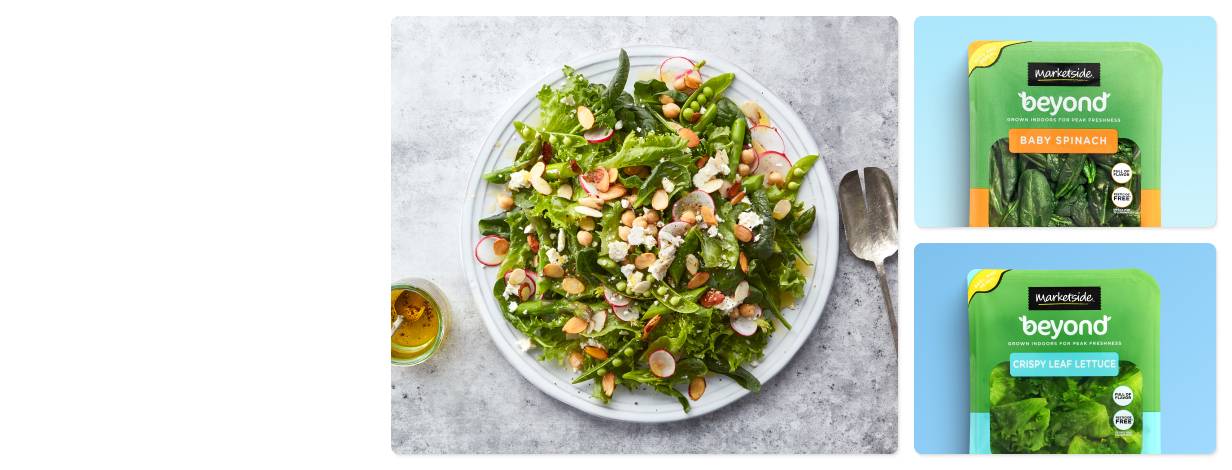

Fresh & green

Full of Flavor

Less Resources
Food grown for our future

Less water and land
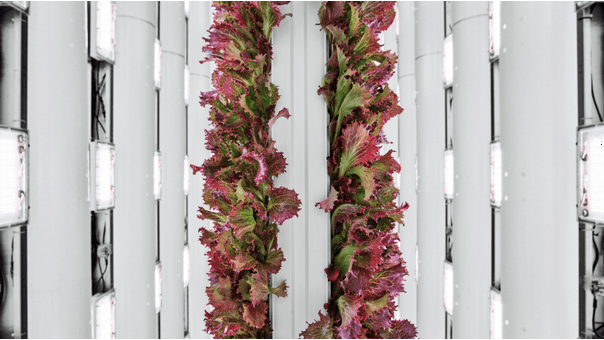
Grown in California


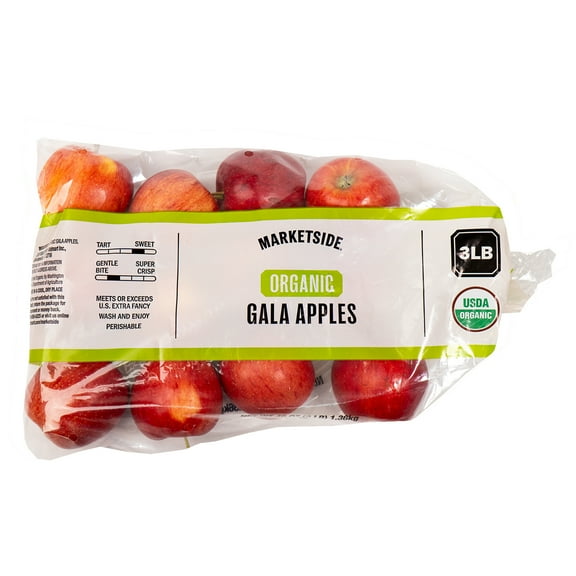
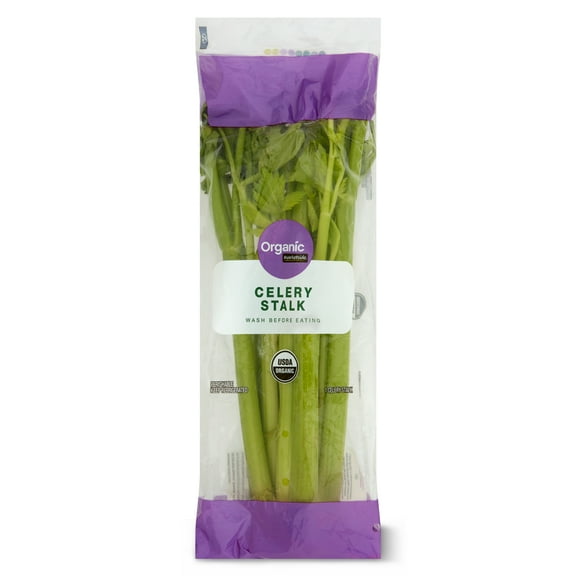

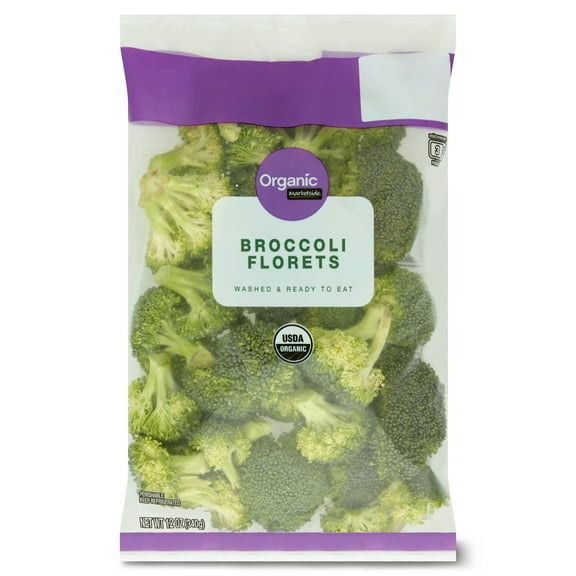
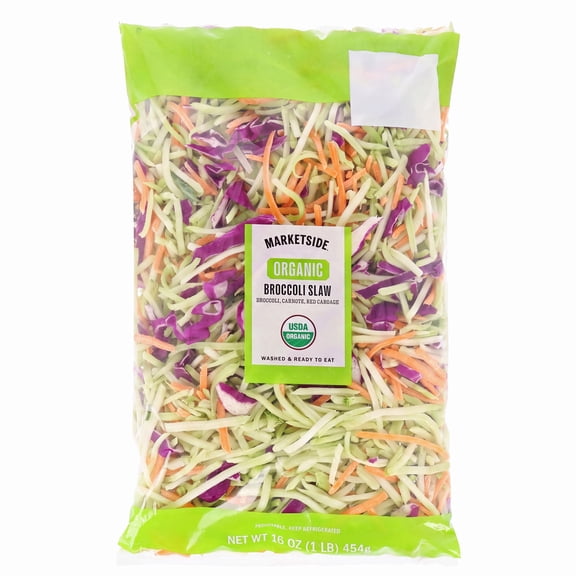

Walmart x Indoor Farming
Investing in the future with fresh, vertically farmed leafy greens.Learn moreMore about Marketside Beyond
More from our brands





FAQ
About Marketside Beyond - Walmart.com
Marketside helps you plan fresh meals and easy sides with deli, bakery, salads, pizza, and soups in one convenient brand. You can use this page to compare meal categories, serving sizes, and preparation levels that fit your routine.
You may know Marketside for quick lunches, simple dinners, and ready food that fits busy weekdays. You can also spot category variety here, from crisp salads to take and bake pizza and bakery picks.
How to choose Marketside by meal category
When you compare meal categories, you can start with how you want to eat and serve. You might choose salads for a chilled lunch, pizza for dinner, or soups for a warm side.
If you want sandwich fixings or party trays, you can look at deli options first. If you want breakfast items or dessert extras, you can check bakery choices for breads, rolls, and sweet treats.
- You can pick salads when you want a ready-to-eat option with easy lunch planning.
- You can choose pizza when you want a heat and serve dinner with familiar portions.
- You can check deli items when you want sliced meats, sides, or prepared meal components.
- You can look at soups when you want a simple starter or a light meal addition.
- You can use bakery items when you want bread for meals or sweets for gatherings.
Because each category serves a different purpose, you can narrow choices quickly by meal moment. You can build a weekday lunch, family dinner, or shareable spread without mixing unrelated options.
What to look for in freshness, shelf life, and preparation
Freshness often shapes your decision first, so you should check package dates and storage guidance before choosing. You can also compare whether your item is ready-to-eat, heat and serve, or fresh and raw.
If you want the quick option, you can focus on ready-to-eat salads, deli selections, and bakery picks. If you want a hot meal, you can choose pizza or soups that heat up with simple instructions.
Preparation level matters when your schedule changes through the week. You can keep ready items for quick lunches, then use heat and serve options for dinner without extra prep.
For fresh and raw items, you should consider how soon you plan to use them. You can match shorter shelf life items to meals you expect to serve in the next few days.
Choosing serving size and household fit
Serving size can help you avoid waste and keep meals practical for your household. You can compare single-serve, family size, and shareable formats based on who you're feeding.
If you live alone or pack lunches, you may prefer single-serve portions for simple planning. If you feed several people, you can look for family size trays, pizzas, and sides.
Shareable options work well when you host game nights, office lunches, or casual gatherings. You can use deli trays, bakery assortments, and larger salads to cover group-friendly portions.
When you compare sizes, you should also think about leftovers and storage space. You can choose portions that fit your refrigerator and the number of meals you expect to serve.
Comparing dietary preferences in Market Side foods
You may shop with specific food preferences in mind, so you should check labels and product names closely. You can often compare organic, gluten-free, vegetarian, and plant-based choices across categories.
If you want lighter lunch ideas, you can look at salads and soups that align with your preferences. If you need dinner flexibility, you can compare pizza, deli, and prepared sides with the same approach.
Label reading helps you match your cart to your household without guesswork. You can review ingredients, preparation notes, and portion details before you choose a meal option.
Because needs vary by occasion, you can mix categories while keeping your preferences consistent. You can pair a plant-based salad with bakery bread or add deli sides to a shareable spread.
How Marketside fits everyday meal planning
For weekday lunches, you can reach for ready-to-eat salads, deli picks, or soups that need little effort. For weeknight dinners, you can choose heat and serve pizza or prepared sides that fit tighter schedules.
When you plan weekend hosting, you can combine bakery items, deli trays, and shareable salads for a complete table. When you need a quick addition, you can use bread, soup, or sides to round out a meal.
You can also use Marketside food for mixed household needs during the same shopping trip. You might pick a single-serve lunch, a family size dinner, and a shareable bakery item at once.
If you compare category, prep level, freshness, and serving size together, you can make confident choices quickly. You can leave with meal options that match your schedule, storage space, and table size.
What Marketside means for simple selection
Marketside gives you a clear way to compare fresh food categories without extra guesswork. You can choose meals and sides that match how you eat, how much you need, and how quickly you want to serve.