

Desktop Computer Accessories in Desktop Computers
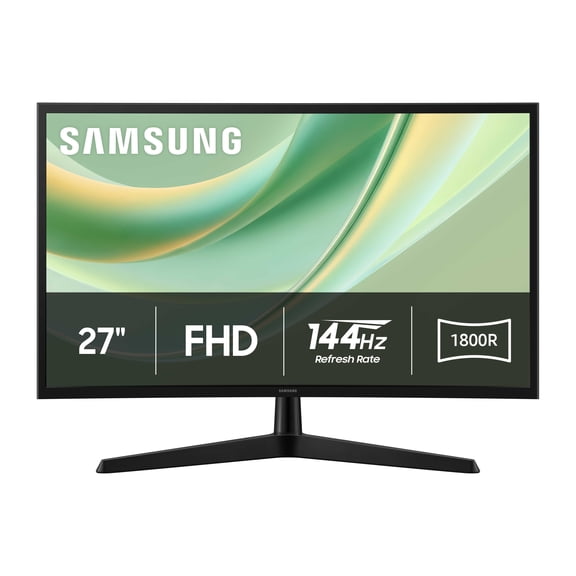

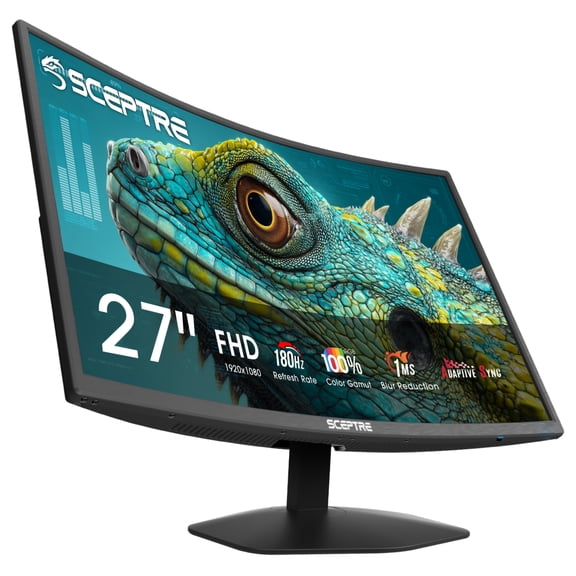













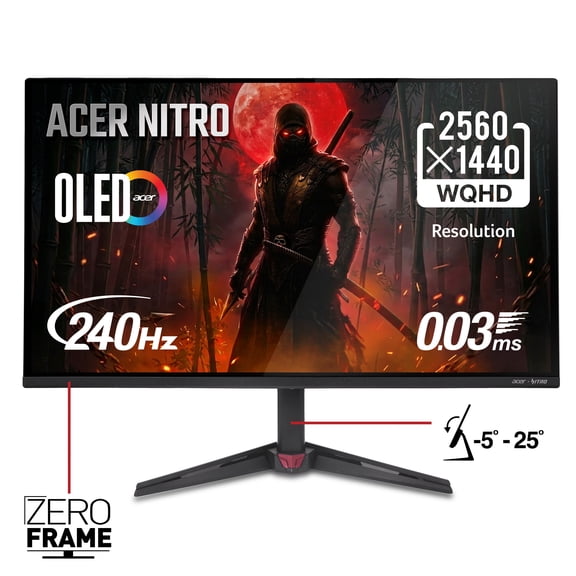
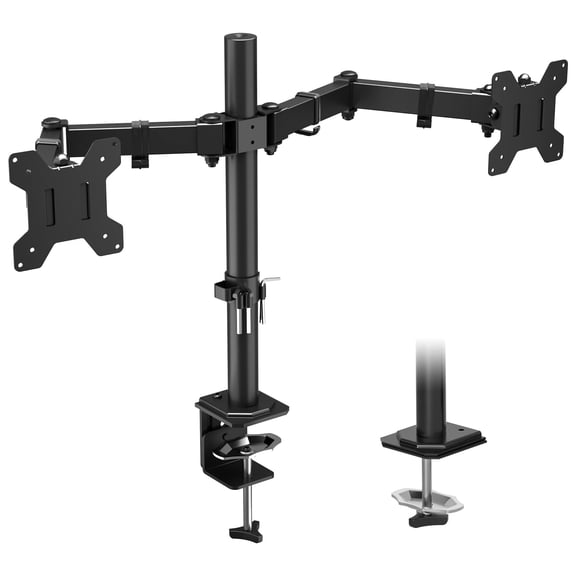


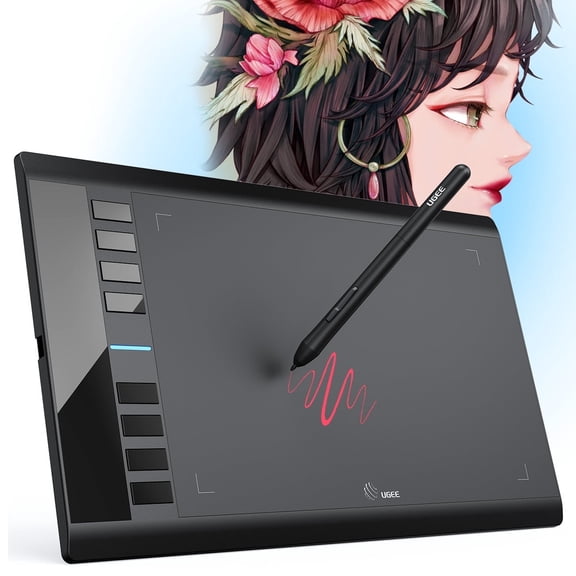
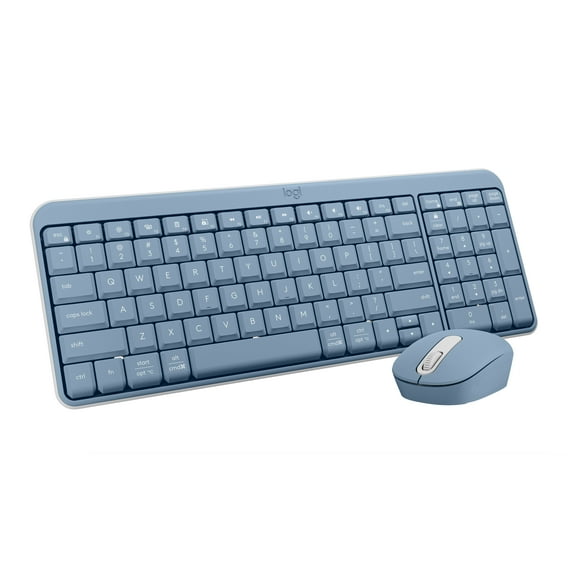








About Desktop Computer Accessories in Desktop Computers - Walmart.com
Desktop computer accessories help you create an organized, comfortable setup for work, gaming, and daily tasks. You can compare keyboards, mice, stands, cables, and mouse pads by fit, connectivity, and compatibility before updating your desk.
How to choose desktop computer accessories
When you shop desktop computer accessories, start with the items you touch every day. Your keyboard, mouse, and cables shape how your desk feels and how your devices connect.
Different setups call for different priorities, so you should match each accessory to your space and routine. A compact desk may suit wireless picks, while a fixed workstation may suit wired connections.
Before you compare colors or layouts, consider the details that affect daily use. Your comfort, your port types, and your operating system can guide a smart short list.
- You can improve desk organization with stands, cable solutions, and compact layouts.
- You can support long work sessions with wrist support and adjustable height features.
- You can simplify connections by matching USB-A, USB-C, Bluetooth, or wired accessories to your desktop.
- You can choose accessories that support Windows, macOS, ChromeOS, or universal compatibility needs.
Choosing computer accessories by accessory type
Keyboards and mice often define how your setup feels from the first keystroke or click. Your desk size can point you toward full-size layouts or compact designs.
Mouse pads can give your hand a defined work area and steady tracking across daily tasks. Wrist support may suit your setup when your routine includes long typing sessions.
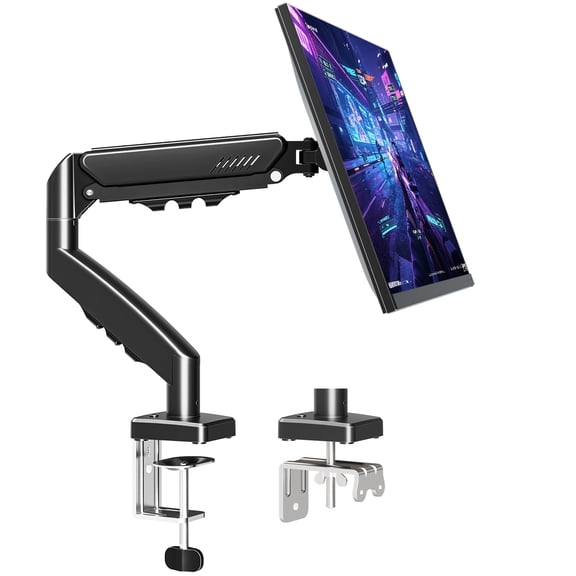
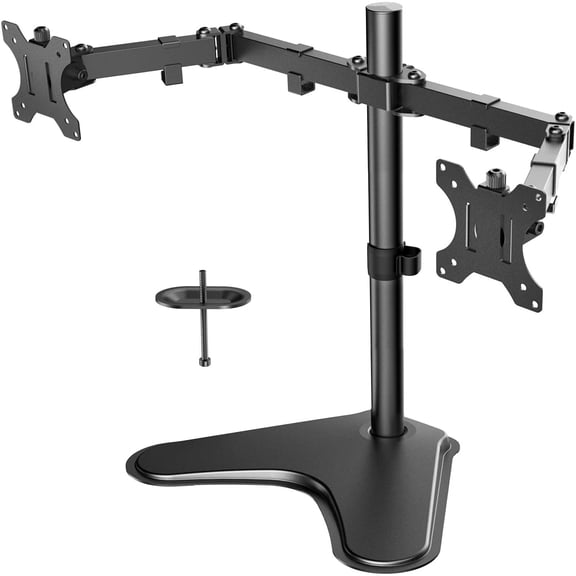
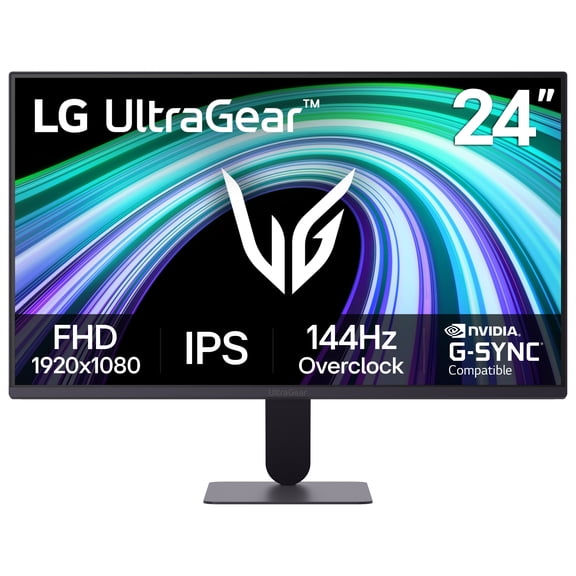
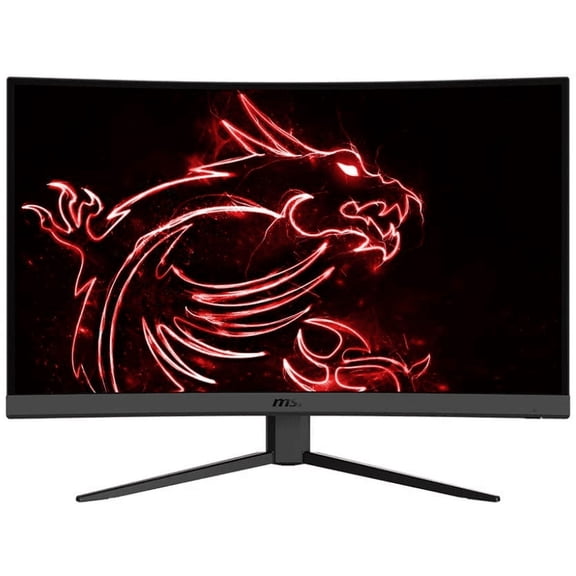
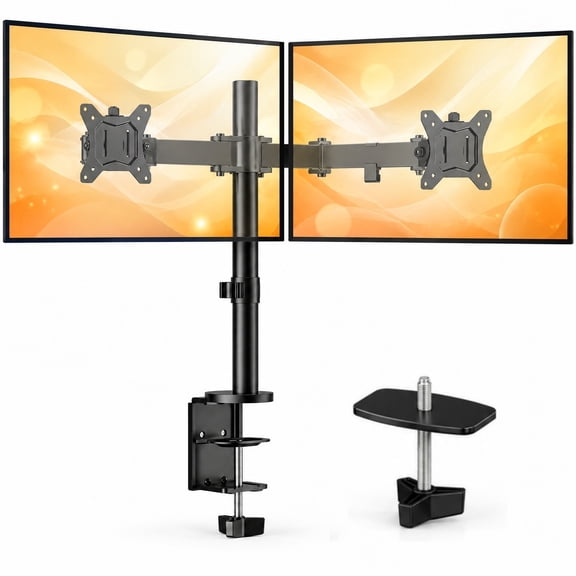
Stands can raise monitors or desktop components to a practical viewing level for your workspace. You can also use the space underneath for notebooks, docks, or office desk accessories.
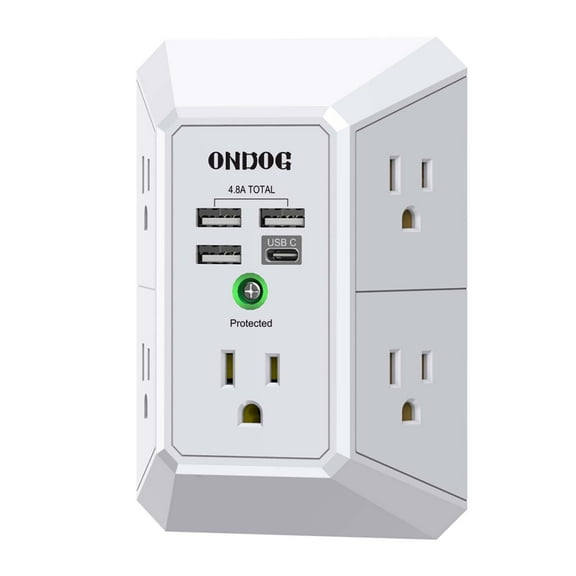
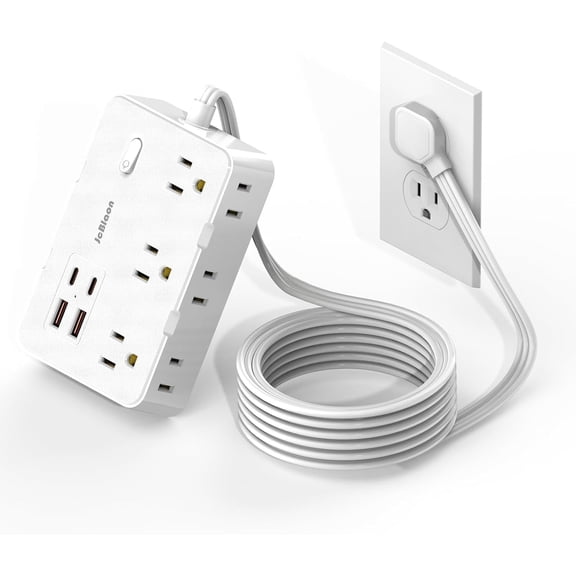
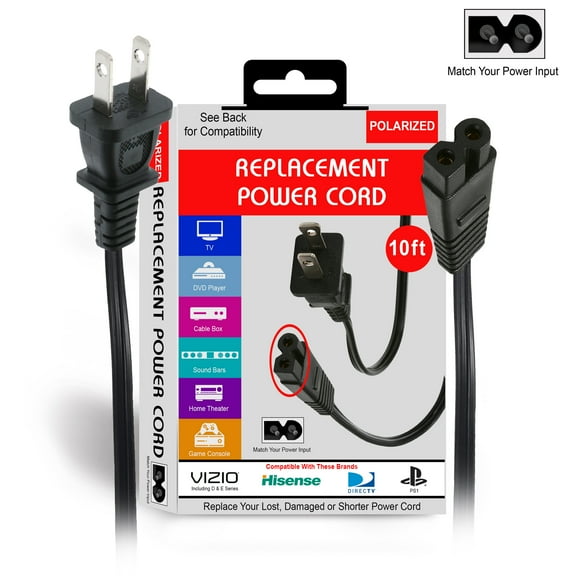
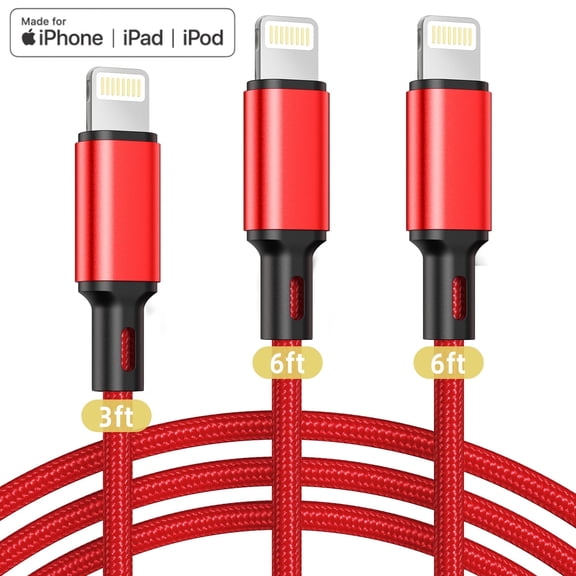
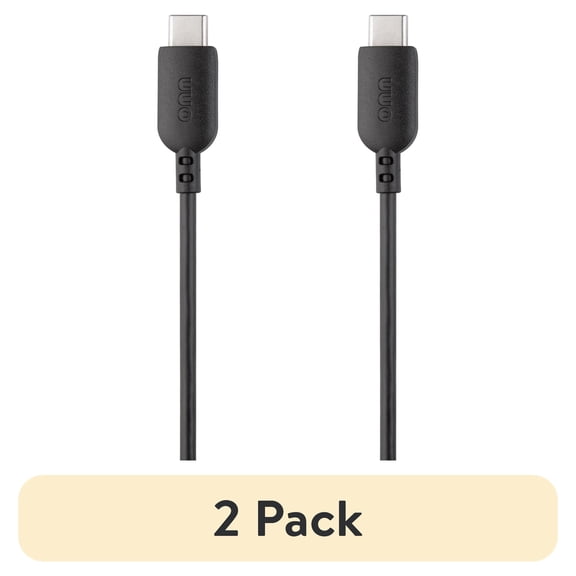
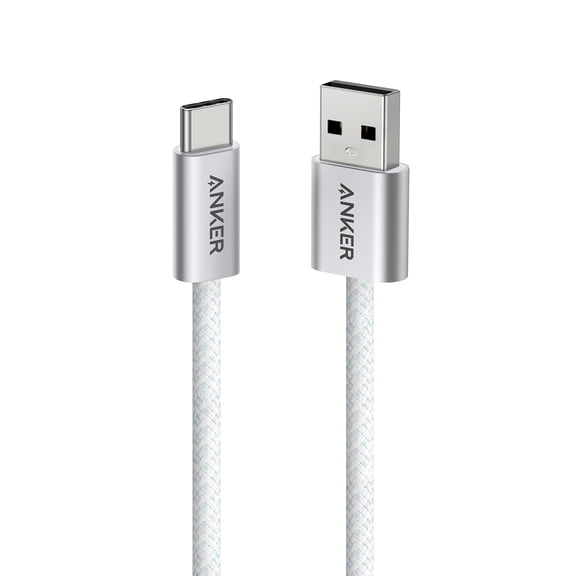
Cables matter when your desk connects monitors, printers, external drives, and charging gear. You should check connector type, cable length, and routing so your setup stays functional and neat.
Comparing pc accessories by connectivity
Wired pc accessories can suit your desk when you want a direct plug-in setup. Your workspace may also benefit from fewer charging steps and a fixed placement.
Wireless and Bluetooth options can reduce visible cords and open flexible placement across your desk. If your tower sits under a table, you may appreciate easier positioning for daily use.
USB-C matters when your setup includes newer hubs, charging gear, or input devices. You should confirm whether your computer uses USB-C, USB-A, or both before choosing accessories.
Adapters can connect older plugs to newer desktop ports without changing your whole setup. That approach can help you keep familiar gear while adding new desktop accessories.
Checking compatibility before you buy computer accessories
Compatibility should shape your short list before you focus on appearance or layout. You need to check operating system support, available ports, and setup requirements for each accessory.
Your keyboard shortcuts, button mapping, and customization options can vary by operating system. You should read support details if your workflow depends on function keys or software settings.
Port type matters as much as operating system support when you compare computer accessories. You can avoid connection issues by matching USB-A accessories to standard ports and USB-C accessories to newer ports.
Universal accessories can keep shared desks and mixed-device spaces simple to manage. If your home office includes different computers, you may find universal support especially practical.
Choosing desktop accessories for comfort and setup style
Ergonomic desktop accessories can help your workstation feel natural through long sessions at your desk. Your setup may benefit from wrist support, adjustable height features, or a stable mouse surface.
Home office spaces often focus on organization, comfort, and clean cable routing across a smaller area. You can pair a compact keyboard, a supportive mouse pad, and a stand for a tidy layout.
Gaming setups may need quick access, wider mouse movement, and space for multiple peripherals. Your desk may suit wired connections, large mouse pads, and layouts that support fast hand movement.
Measurements also matter when you plan how each item fits around your monitor and tower. You should check width, depth, and cable reach so your accessories fit without crowding the desk.
What to look for in desktop computer accessories for daily use
A smooth routine starts when your accessories match how you type, click, connect, and organize your desk. You should compare accessory type, connectivity, compatibility, and ergonomic details before making your choice.
With the right desktop computer accessories, you can create a desk that feels organized, comfortable, and ready for daily tasks. Your setup can support clean connections and consistent productivity every time you sit down.