








Shop Laptops and Accessories Electronics



















About Shop Laptops and Accessories Electronics - Walmart.com
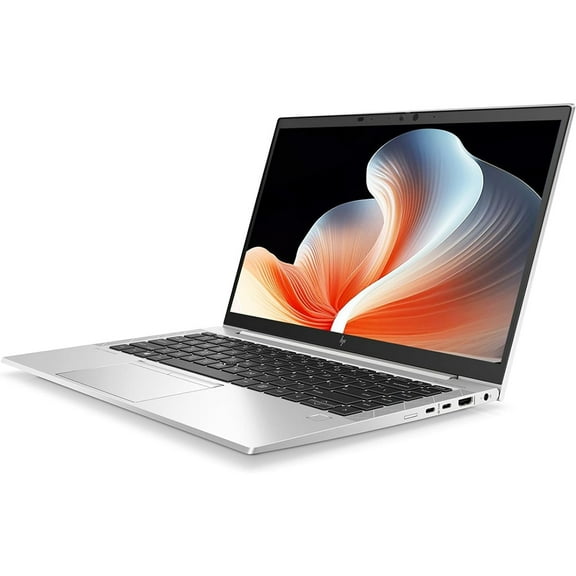
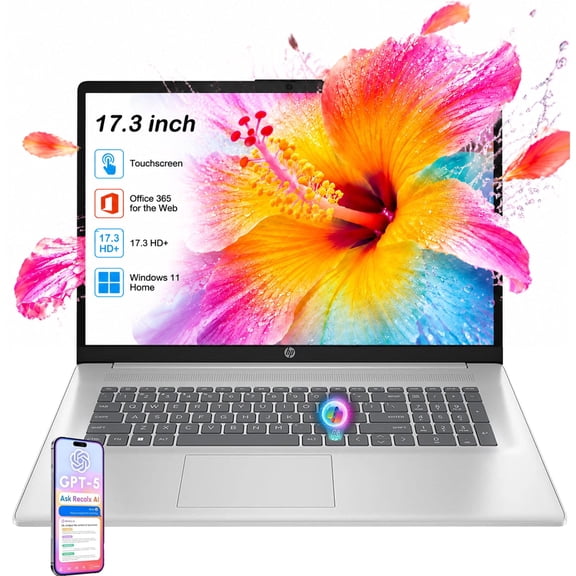
Laptop computers help you handle school, work, and play in one portable device. You can compare operating systems, screen sizes, and performance levels to match how you use your day.
You may want a slim model for commuting, a larger display for multitasking, or extra graphics power for demanding games. You can also narrow your options by touch features, battery needs, and storage capacity.
How to choose laptop computers for your routine
You should start with your daily tasks before you compare detailed specs. Your routine often points you toward laptops for school, business laptops, or gaming laptops.
If you mostly write, stream, browse, and join video calls, you can focus on everyday notebook computers with balanced performance. If your schedule includes creative software or large files, you should check for stronger processors and more memory.
- You can carry smaller 11-13 inch models more easily between classes, meetings, or flights.
- You’ll get a familiar balance of space and portability with 14-15 inch laptop computers.
- You can enjoy wider views on 16+ inch screens when your work or games need more room.
- You may prefer touch screen laptops when you tap, sketch, scroll, or present often.
- You should consider 2-in-1 laptops if you want laptop and tablet flexibility in one device.
You can also match the keyboard, trackpad, and port layout to your setup. Your accessories, monitor, and charging habits can shape which model fits your space.
Choosing the right operating system and form factor
You should compare Windows, ChromeOS, and macOS by the software you already use. Your comfort level matters because each system handles apps, settings, and file management differently.
You may choose Windows if you want broad software compatibility across school, office, and gaming programs. You might prefer ChromeOS if your work happens mostly in a browser and cloud tools.
You can consider macOS if your workflow already centers on Apple devices and creative apps. Your phone, tablet, and file-sharing habits may make that ecosystem easier to manage.
You should also compare form factors before you decide on a model. Your options usually include traditional clamshell designs, touch screen laptops, and 2-in-1 laptops.
You may like a traditional clamshell if you want a familiar typing setup and simple hinge design. You can pick a convertible model when your notes, streaming, or travel routine benefits from tablet mode.
What to look for in performance, storage, and graphics
You should check the processor type because it affects speed across everyday tasks and heavier workloads. Your choices often include Intel Core, AMD Ryzen, and Intel Celeron options.
You can use Intel Celeron systems for lighter browsing, email, and document work. You may want Intel Core or AMD Ryzen chips when your routine includes multitasking, editing, or complex applications.
You should review RAM carefully because it affects how smoothly you switch between tabs and apps. Your starting point for lighter use may be eight gigabytes, while 16 gigabytes suits heavier multitasking.
You also need to compare SSD and HDD storage. You’ll notice SSD storage starts up faster and loads files quickly, while larger HDD options focus on capacity.
You may need a dedicated graphics card if your games or creative programs demand extra visual power. Your search for gaming laptops should include GPU model details and VRAM, since those specs affect visual performance.
You can often skip dedicated graphics if you mainly browse, stream, and work on documents. Your everyday tasks usually run well on integrated graphics in many laptops for school and home use.
Matching screen size, battery life, and use case
You should choose screen size based on where you work and how often you travel. Your smaller 11-13 inch device feels easier to pack, while your larger screen gives you more viewing area.
You may find 14-15 inch models fit the widest range of routines. Your mix of portability and workspace often feels balanced in that size range.
You can move to 16+ inch systems when your spreadsheets, editing tools, or games need extra room. Your desk setup may also feel more comfortable with a larger keyboard area.
You should think about battery life in relation to your day, not just a spec sheet. Your classes, meetings, or travel time can determine whether all-day use matters more than extra power.
You may shop for laptops for school when you need easy portability, dependable battery life, and quick startup times. You can look at back to school laptops with compact designs and straightforward storage options.
You might choose business laptops if your workday includes video calls, spreadsheets, and frequent multitasking. You can focus on responsive performance, practical ports, and displays that feel comfortable for long sessions.
You can explore gaming laptops when your priority is fast action, richer graphics, and stronger cooling support. Your setup may also benefit from higher refresh displays and dedicated graphics hardware for demanding titles.
You’ll make a smarter choice when you compare laptop computers by operating system, form factor, screen size, and performance needs. Your final pick should fit how you study, create, work, and relax every day.
Popular in Shop Laptops and Accessories Electronics - Walmart.com
- Laptop That Can Turn Into A Tablet
- Laptops Used Computers Tablets
- Laptops 1600x900 Computers Tablets
- 10 Inch Laptops
- 10 Inch Computer Laptop
- Laptops 3200x1800 Computers Tablets
- Laptops 1366x768 Computers Tablets
- Laptops 11 9 Inches Computers Tablets
- Laptops Linux Computers Tablets
- Laptops Business Computers Tablets
- Laptop Use Computer Tablet
- Laptops 32 63 GB Computers Tablets