

Computer Memory Card Accessories in Data Storage


![Humminbird LakeMaster VX Premium - Great Lakes V1 [602002-1]](https://i5.walmartimages.com/seo/Humminbird-LakeMaster-reg-VX-Premium-Great-Lakes_6a289db7-e281-4b43-8c91-8e0067400722.d42764d9b227226589732ea30635155b.jpeg?odnHeight=576&odnWidth=576&odnBg=FFFFFF)






![[MFi Certified] 5in1 Memory Card Reader, USB C/Lightning/USB OTG Adapter to SD Card Reader for iPhone/iPad, USB3.0 Fast Charging Compatitable with Micro SD/SD/TF/USB Disk/Mouse/Digital Camera](https://i5.walmartimages.com/seo/MFi-Certified-5in1-Memory-Card-Reader-USB-C-Lightning-USB-OTG-Adapter-SD-Card-Reader-iPhone-iPad-USB3-0-Fast-Charging-Compatitable-Micro-SD-SD-TF-USB_5140ecfb-b537-4d50-af28-9e4c2eed195d.f1d7087117bc9bed371b67d24aa13c99.jpeg?odnHeight=576&odnWidth=576&odnBg=FFFFFF)



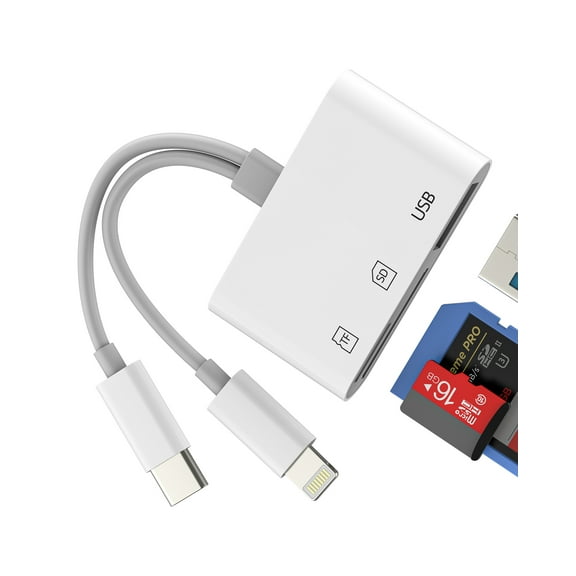
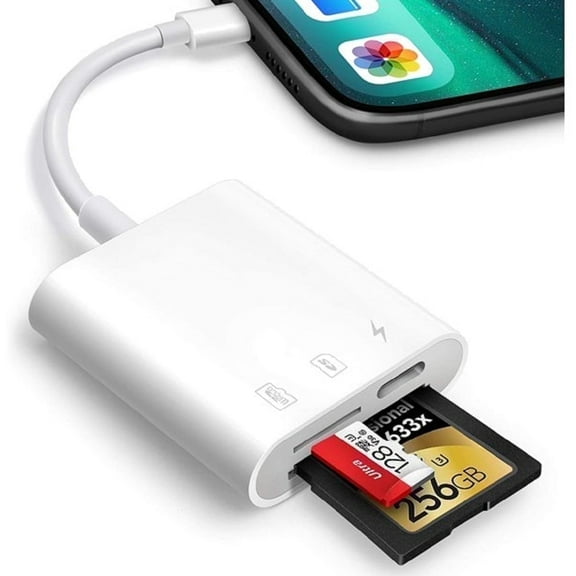

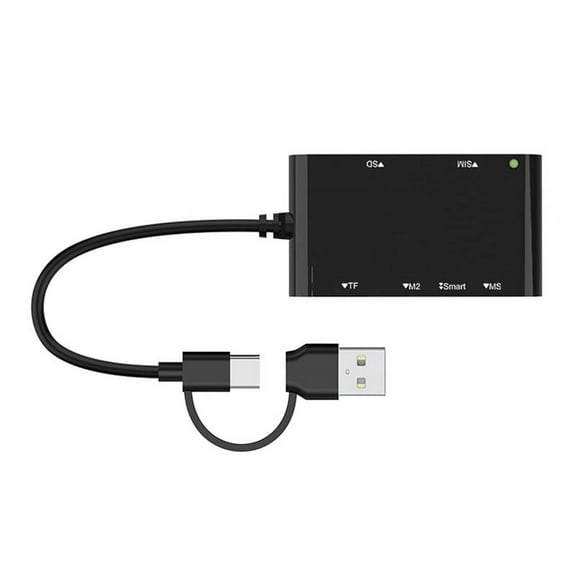
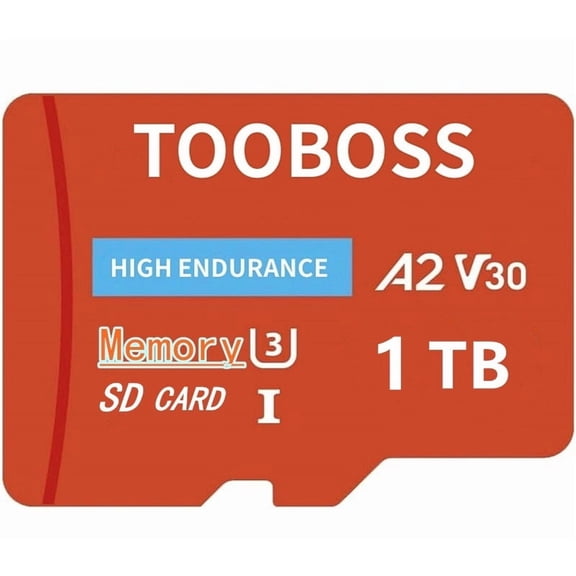


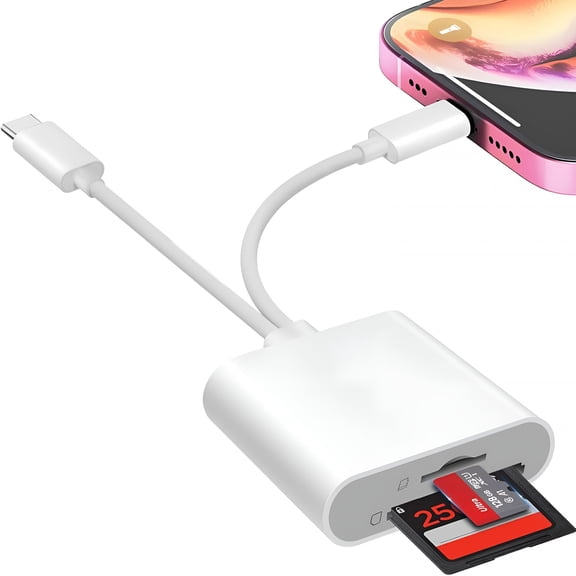
About Computer Memory Card Accessories in Data Storage - Walmart.com
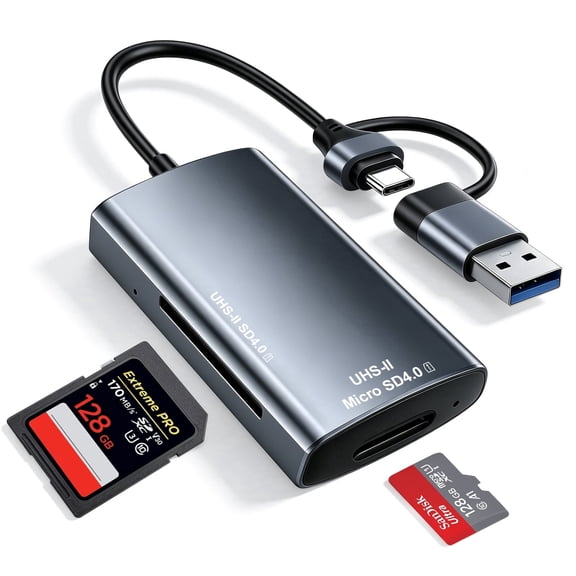
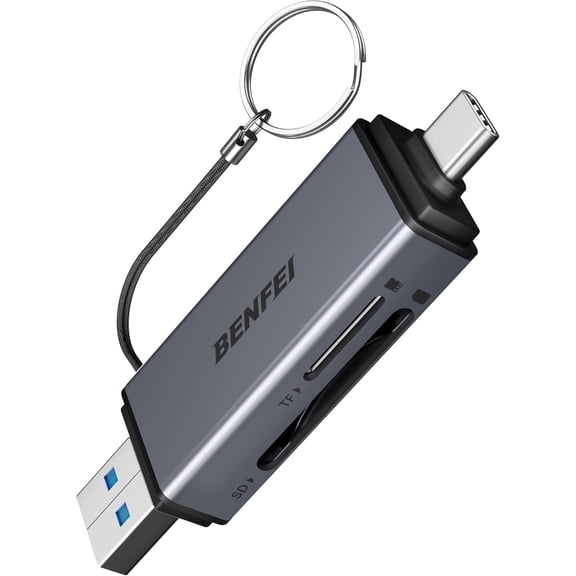
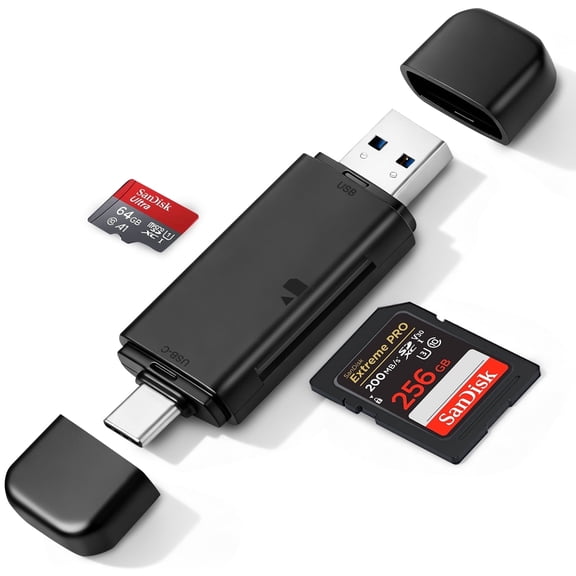
You can simplify file transfers with memory card accessories that match your devices, card formats, and daily workflow. You’ll find options for photo imports, video offloads, organized storage, and desk-ready connectivity.
If you use cameras, drones, tablets, or laptops, you need accessories that fit your cards and ports. You’ll make faster decisions when you compare readers, adapters, cases, and hubs by function first.
How to choose memory card accessories
You should start with the accessory type that fits your routine. You may need a reader for quick imports, an adapter for port matching, a case for storage, or a hub for multitasking.
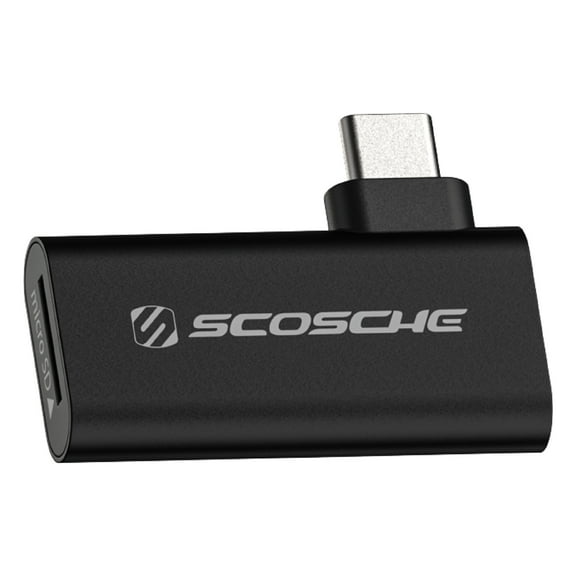
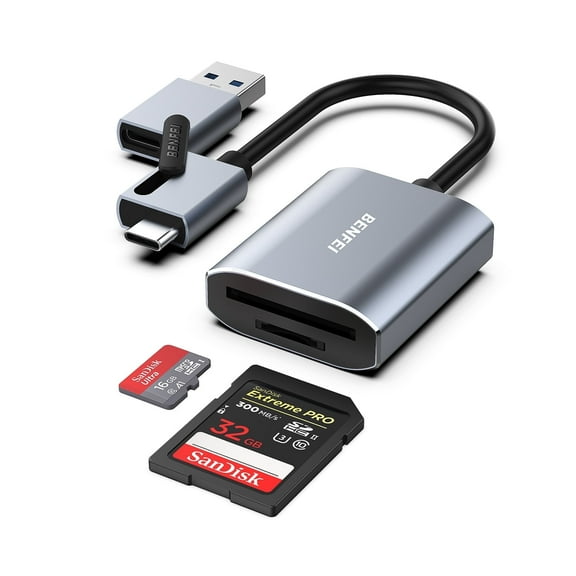
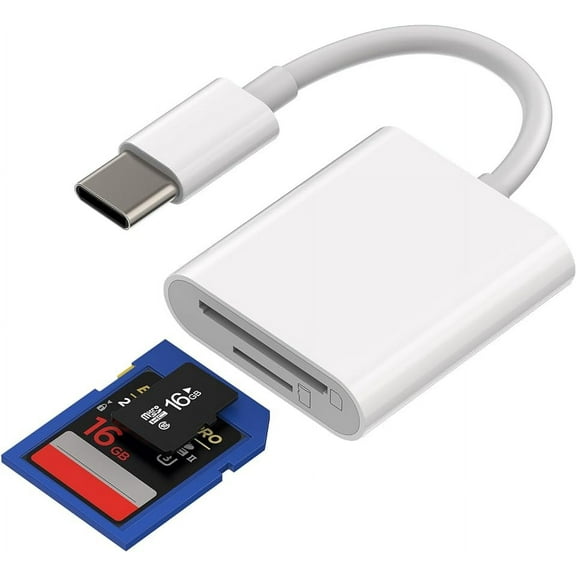
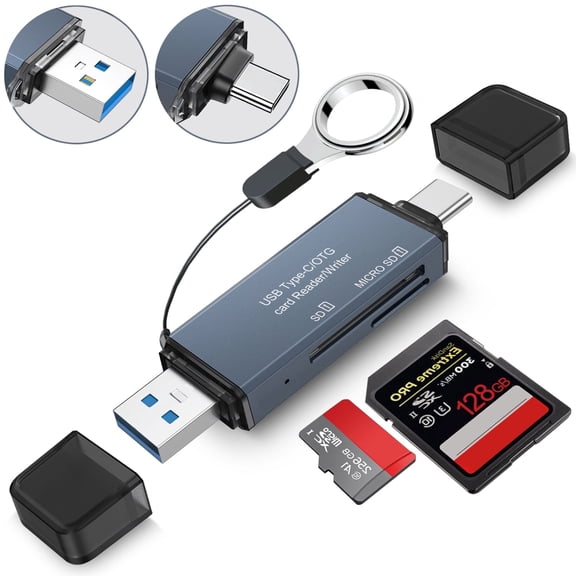
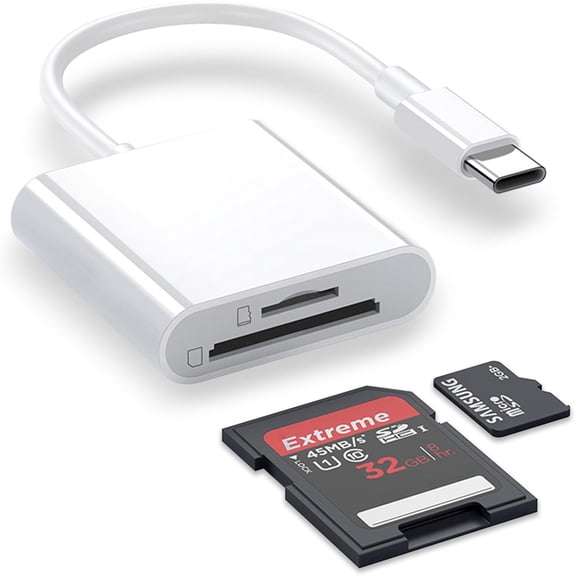
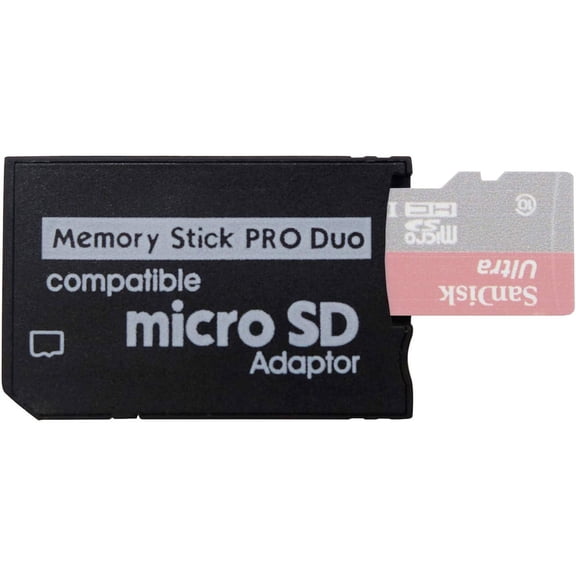
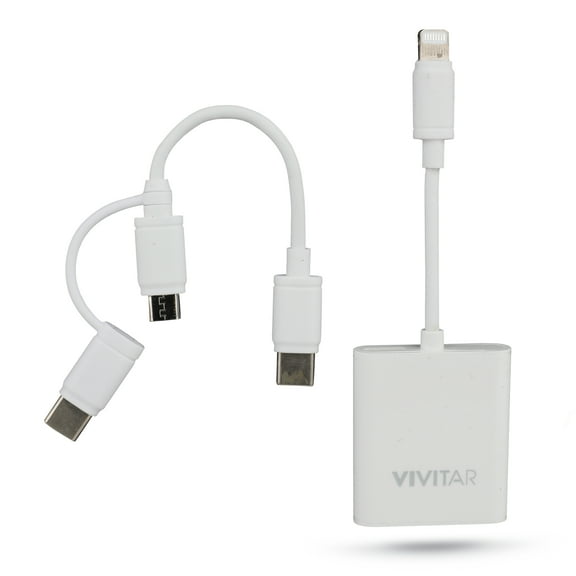
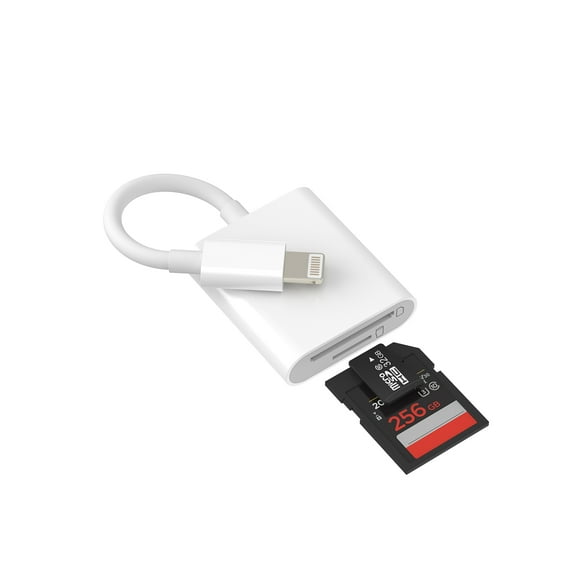
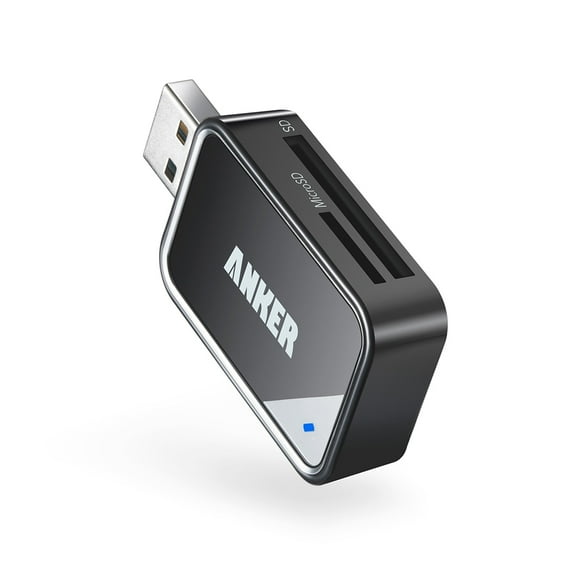
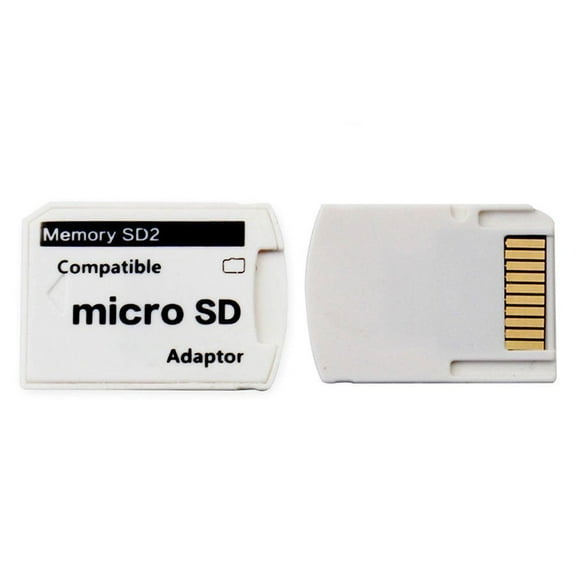
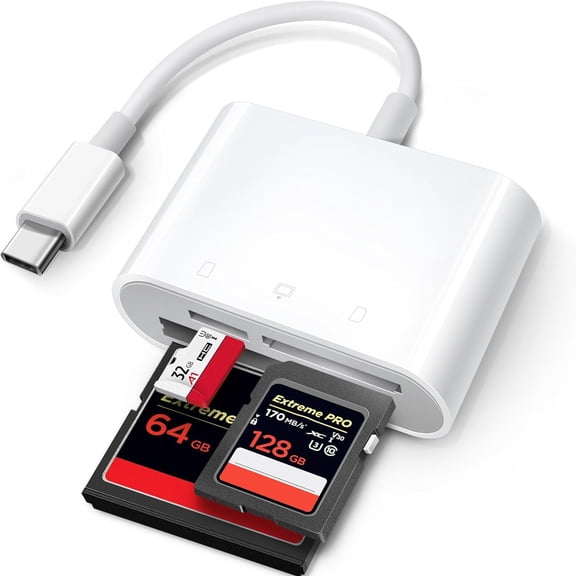
Readers help you move files from SD or microSD cards to your computer with fewer extra steps. Adapters help your card or cable fit the port you already use.
Carrying cases help you keep small cards sorted, protected, and easy to find in your bag. Hubs help you connect several devices at once when your laptop has limited ports.
- You can choose readers when you want direct card access on your desk or on the go.
- You can choose adapters when your laptop or tablet uses a different connector than your current gear.
- You can choose carrying cases when you need labeled storage for spare SD and microSD cards.
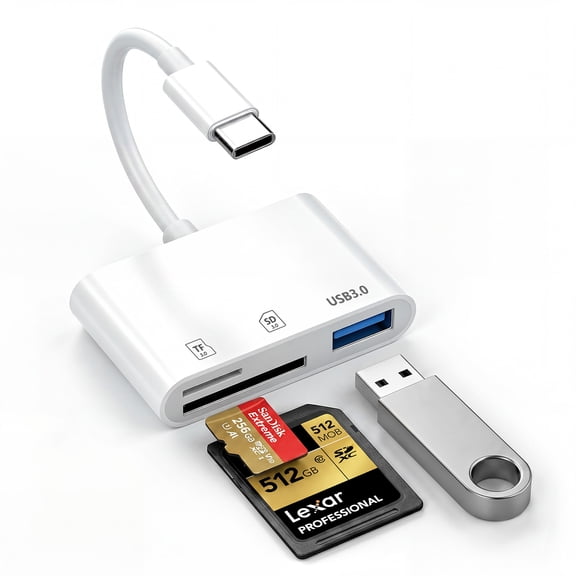
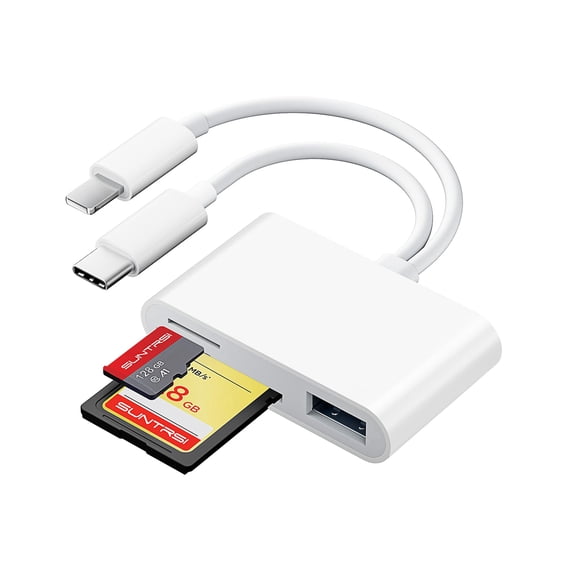
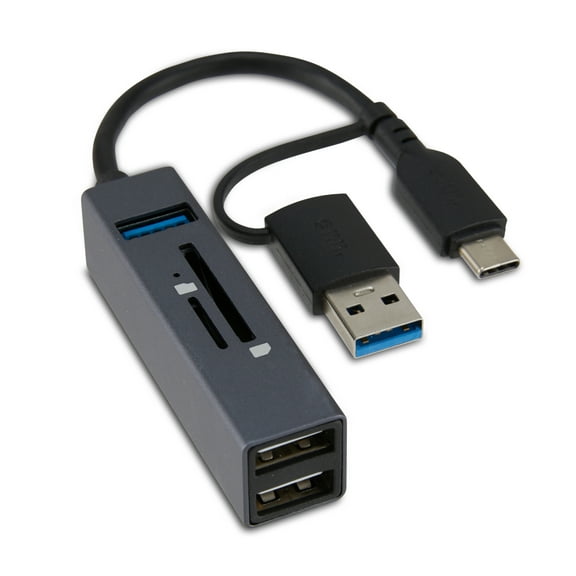
- You can choose hubs when you want card access plus extra USB ports from one compact device.
Choosing an sd card computer connection
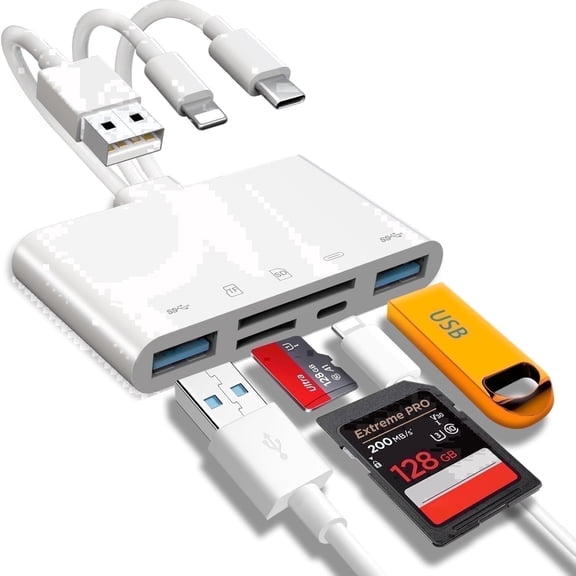
You should check your computer’s available port before you compare any memory connector accessories. You’ll commonly choose between USB 3.0, USB-C, Lightning, and Micro-USB connections.
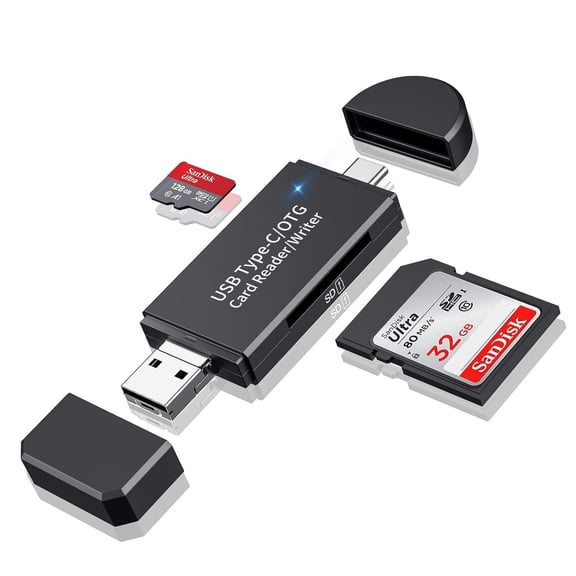
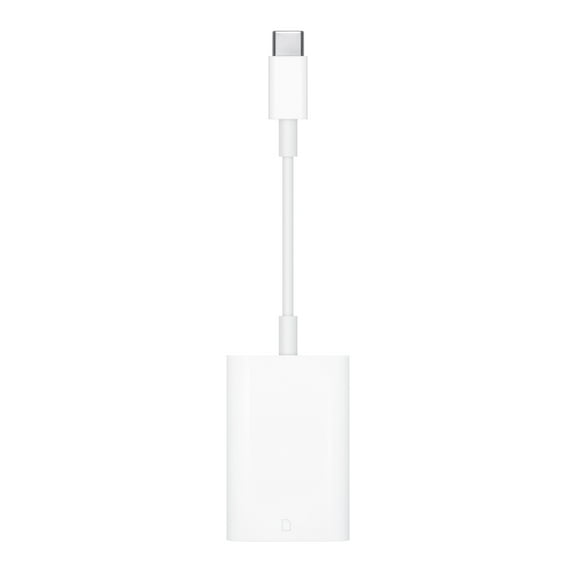
USB 3.0 works well when your desktop or older laptop has standard rectangular ports. USB-C fits many newer laptops and tablets, so you can connect with fewer dongles.
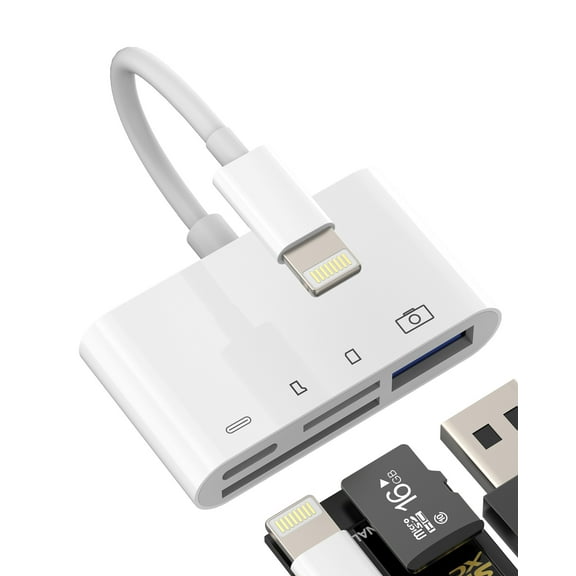
Lightning options matter when you move files between cards and certain Apple devices. Micro-USB can still fit older mobile gear, cameras, or compact accessories you already own.
You should also compare whether you want a cable-free stick reader or a short-cable design. You’ll often get easier access around crowded ports with a cable design.
Comparing card format support
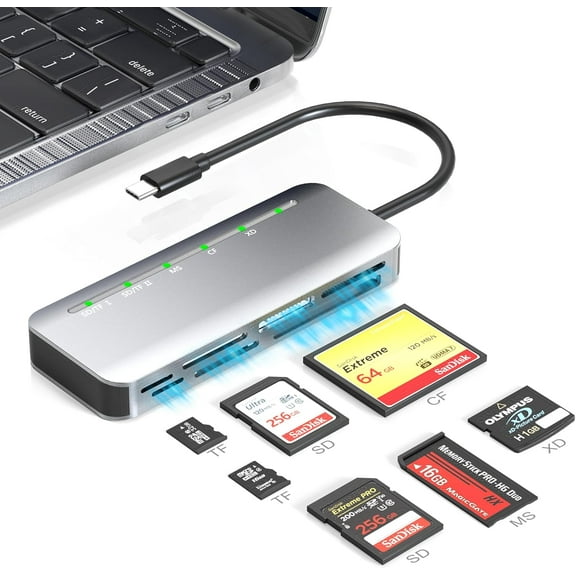
You need to match your accessory to the card formats you actually use. You may work with SD, microSD, CompactFlash, SDHC, or SDXC cards across different devices.
SD and microSD support matters for cameras, action cams, drones, handheld systems, and phones with expandable storage. CompactFlash support matters if you use older photography gear or specialty equipment.
SDHC and SDXC labels help you confirm capacity and compatibility before you connect a memory card computer setup. You’ll avoid frustrating mismatches when you check supported formats in advance.
You should look for multi-format readers if you switch between devices during the week. You’ll spend less time swapping accessories when one reader handles several card types.
Understanding transfer speed for your workflow
You should compare transfer speed based on the files you move most often. You may only need high-speed support for documents, or you may want UHS-I or UHS-II for larger media files.
UHS-I can suit everyday photo transfers and general backup tasks on a home computer. UHS-II can make more sense when you move larger photo batches or higher-resolution video footage.
High-speed options can still be useful when you want a simple setup for occasional file moves. You’ll notice speed differences most when you import many files at once.
If you edit video or sort large image libraries, you should compare rated speeds carefully. You’ll get a smoother workflow when your reader and card support similar performance levels.
Portability, storage, and everyday organization
You should think about where you use your accessories most often. You may want a pocket-sized reader for travel, or you may want a desk hub for a steady workstation.
Carrying cases help you separate full cards from empty cards during shoots, classes, or workdays. You’ll keep tiny media easier to track when each slot has a dedicated place.
Desk hubs can fit a fixed setup when you connect cards, flash drives, and other peripherals together. You’ll cut down on repeated plugging and unplugging during busy sessions.
A compact memory card computer accessory can fit a laptop sleeve, camera bag, or drawer without taking much room. You’ll appreciate that convenience when you move between home, office, and travel setups.
Matching combinations to common use cases
You might choose a USB-C reader with SDXC support if you use a newer laptop for camera imports. You’ll get a cleaner setup when your port and card format already match.
You might choose a multi-slot hub if you switch between SD and microSD cards for photos, drones, and handheld devices. You’ll keep your workflow moving when one device handles several media types.
You might choose a slim carrying case if you keep spare cards in a camera bag or backpack. You’ll stay organized during commutes, events, and weekend trips.
You might choose memory connector accessories with USB 3.0 support if you use an older desktop for backups. You’ll maintain compatibility without replacing your whole setup.
You might choose a simple adapter for occasional transfers from a memory card computer device to a tablet. You’ll handle everyday files without adding a larger dock to your routine.
When you compare memory card accessories by format, connector, speed, and portability, you can build a setup that fits your gear. You’ll get smoother transfers, simpler storage, and fewer compatibility surprises.