

Computer Cables for Electronics and Accessories


![USB C to HDTV Cable 6.6ft [4K@30Hz High-Speed] USB Type C to HDTV Thunderbolt 3 to HDTV 2.0 Cable Compatible with iPhone 17/16/15 Series, MacBook Pro/Air/Mini, iPad Pro/Air, Galaxy S,Switch](https://i5.walmartimages.com/seo/USB-C-HDMI-Cable-6-6ft-4K-30Hz-High-Speed-USB-Type-C-HDMI-Thunderbolt-3-HDMI-2-0-Cable-Compatible-iPhone-16-15-Series-MacBook-Pro-Air-Mini-iPad-Pro-A_189f0c87-0970-42a2-9c4c-8a698db4b0cb.192d4af2fdc11c66b0500c399a17055e.jpeg?odnHeight=576&odnWidth=576&odnBg=FFFFFF)

![USB C to HDMI Cable 6ft, USB C Male to HDMI Male Cable for Home Office, USB 3.1 Type C to HDMI Cord [Thunderbolt 3/4] for MacBook Pro, iPhone 15, Chromebook, Surface Pro, etc](https://i5.walmartimages.com/seo/USB-C-HDMI-Cable-6ft-USB-C-Male-HDMI-Male-Cable-Home-Office-USB-3-1-Type-C-HDMI-Cord-Thunderbolt-3-4-MacBook-Pro-iPhone-15-Chromebook-Surface-Pro-etc_36dda944-171d-45ea-b73a-24582fb16572.55083e471c943b0dbd028defbcdeeffb.jpeg?odnHeight=576&odnWidth=576&odnBg=FFFFFF)




![Anker Powerline III Flow USB C Fast PD Charging Cable 3/6ft Silica Gel Lightning Cable [Black]](https://i5.walmartimages.com/seo/Anker-Powerline-III-Flow-USB-C-Fast-PD-Charging-Cable-3-6ft-Silica-Gel-Lightning-Cable-Black_abe32d57-5389-43e9-a002-85b68cd78005.21d4ccc16190fa98b1a0bf919e58edb7.jpeg?odnHeight=576&odnWidth=576&odnBg=FFFFFF)
![Black, variant on Anker Powerline III Flow USB C Fast PD Charging Cable 3/6ft Silica Gel Lightning Cable [Black]](https://i5.walmartimages.com/asr/b145f6a7-09a7-4da2-8be7-537f8581595d.7af30cfa9347d3cb44942f73ca6209b9.jpeg?odnHeight=30&odnWidth=30&odnBg=FFFFFF)
![Blue, variant on Anker Powerline III Flow USB C Fast PD Charging Cable 3/6ft Silica Gel Lightning Cable [Black]](https://i5.walmartimages.com/asr/e37a3c59-537a-4cd6-84d9-510c473af0ab.20815afe2ba4c49edf0a813467bd5006.jpeg?odnHeight=30&odnWidth=30&odnBg=FFFFFF)
![Purple, variant on Anker Powerline III Flow USB C Fast PD Charging Cable 3/6ft Silica Gel Lightning Cable [Black]](https://i5.walmartimages.com/asr/706ab618-4d0d-4277-b10e-3930a484c2e0.c30d499e3103f38ee11251b50d44d0c9.jpeg?odnHeight=30&odnWidth=30&odnBg=FFFFFF)












About Computer Cables for Electronics and Accessories - Walmart.com
You can choose the right usb a cable faster when you compare connector type, speed, length, and jacket material. You need the right match for charging, syncing, file transfers, and everyday device connections.
Choosing the right usb a cable connection
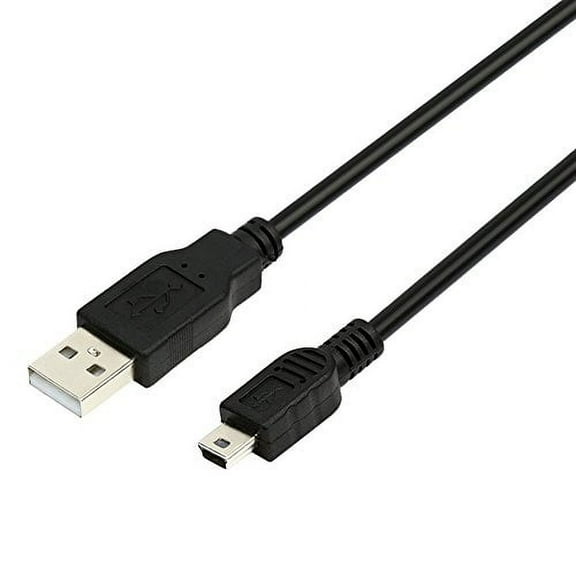
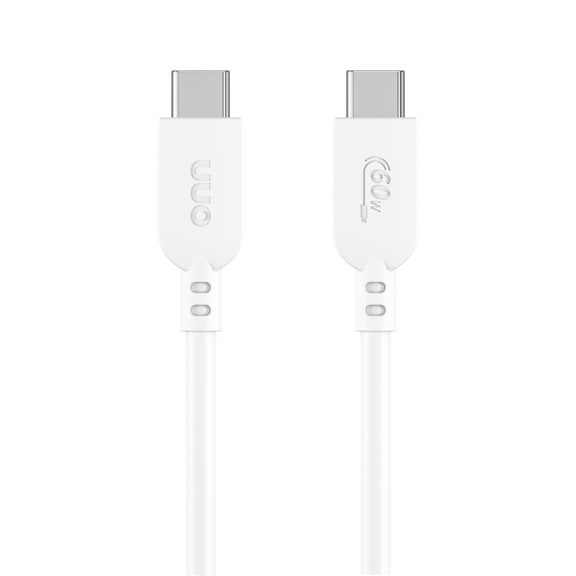
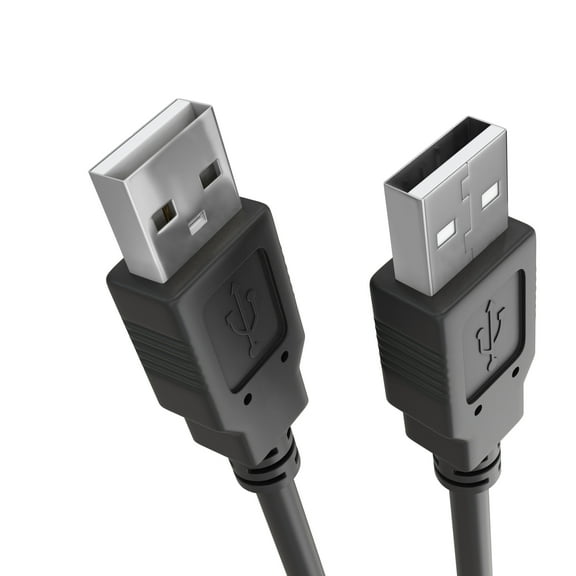
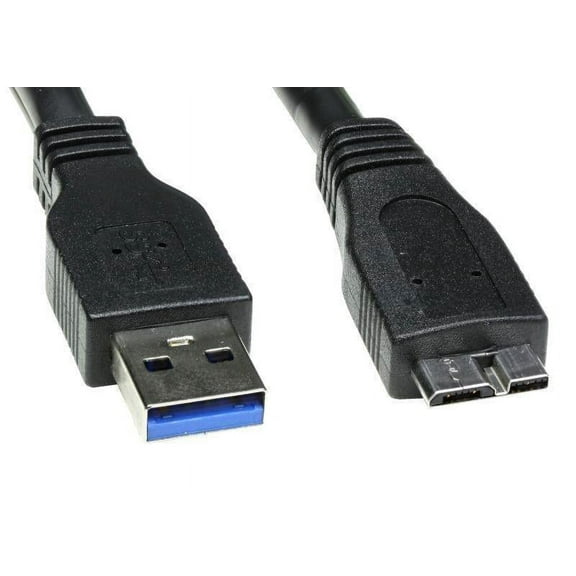
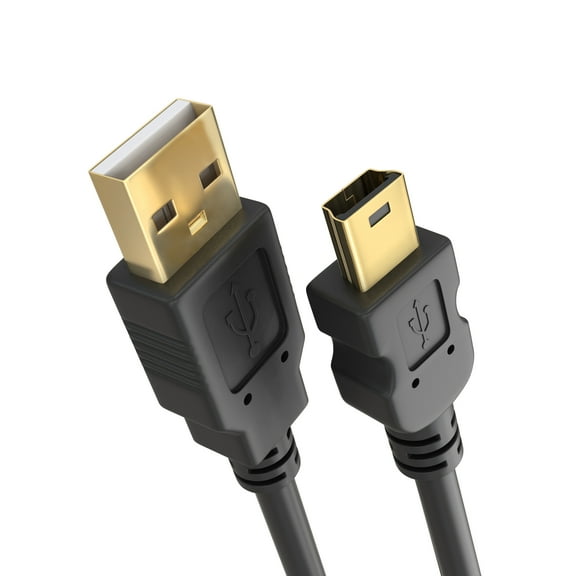
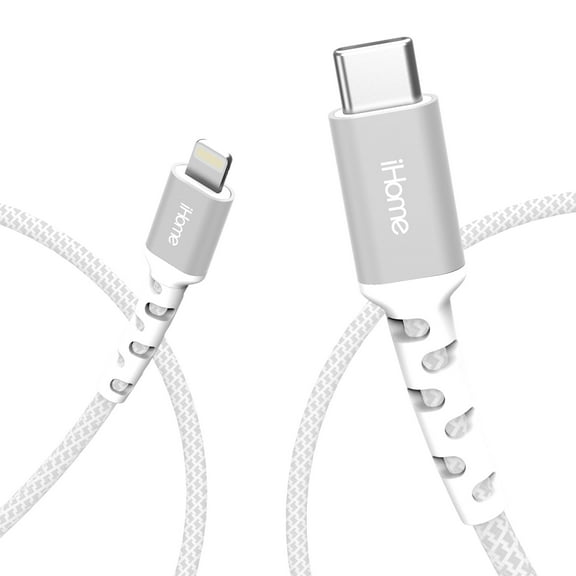
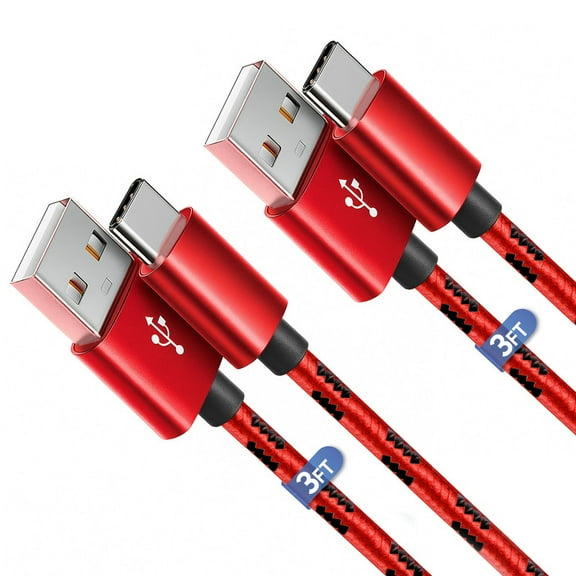
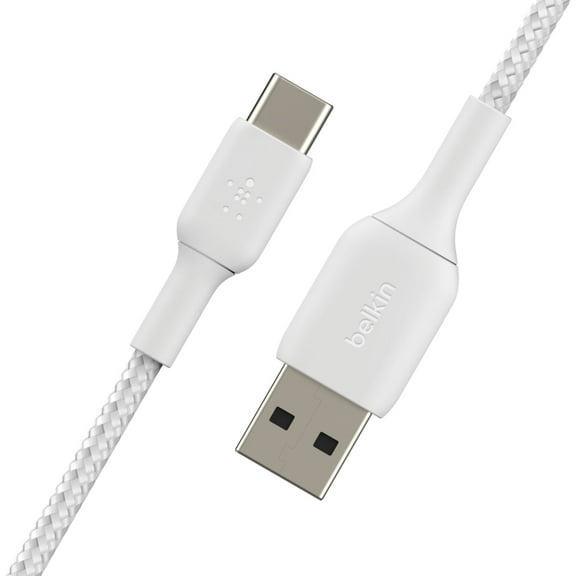
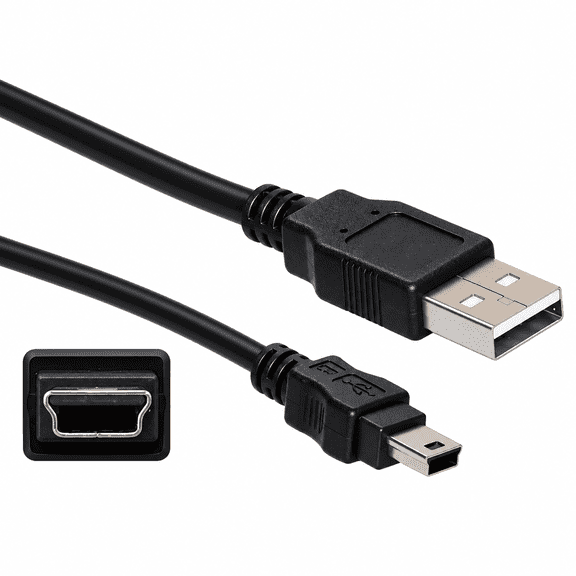
Start with connector compatibility because your devices only work with the matching port shape. You should check whether your cable ends need USB-A to USB-C, Micro-USB, Lightning, or USB-B.
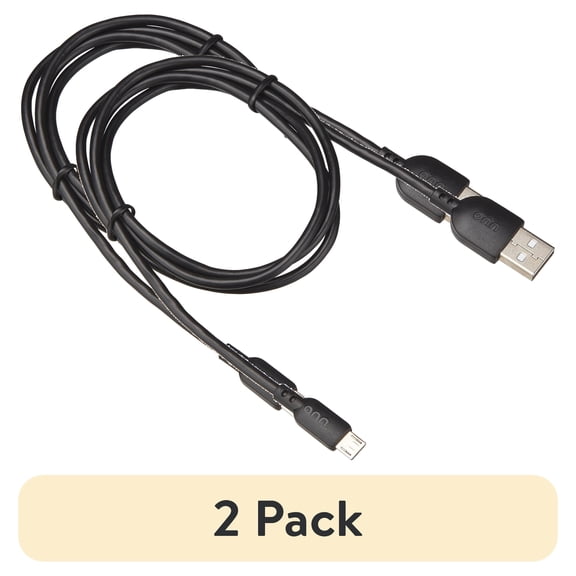
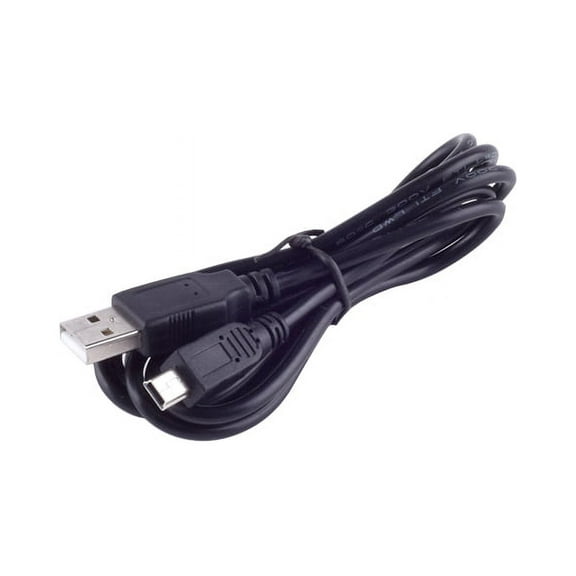
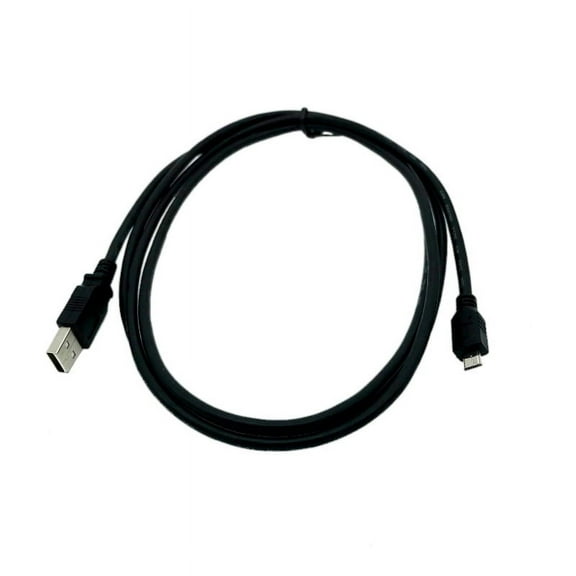
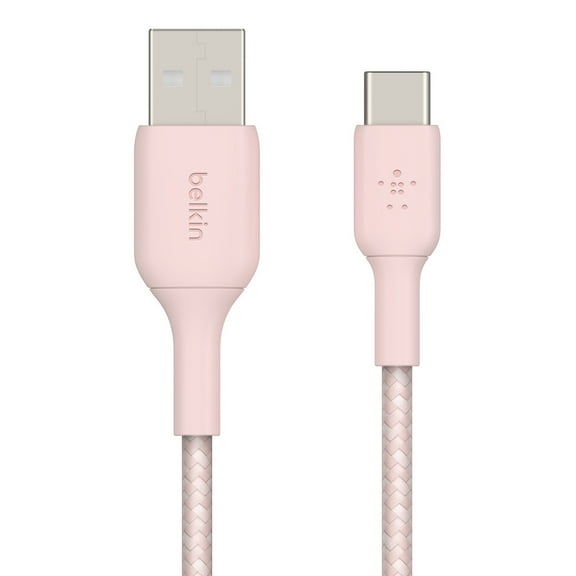
If you charge newer phones or tablets, you may need a USB-A to USB-C cable for common wall adapters. If you connect older accessories, you may need USB-A to Micro-USB instead.
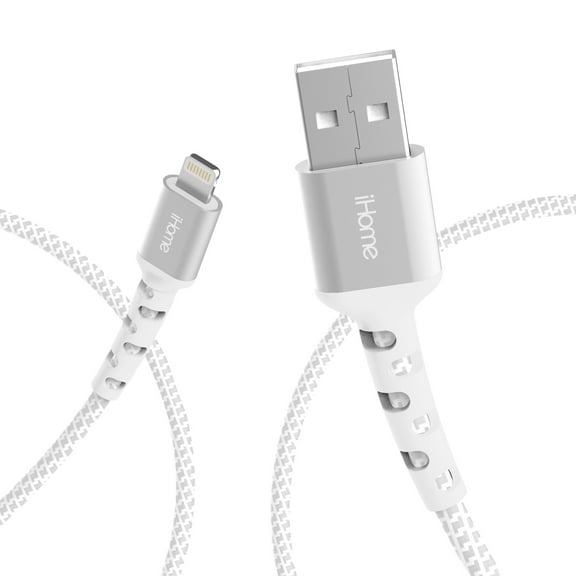
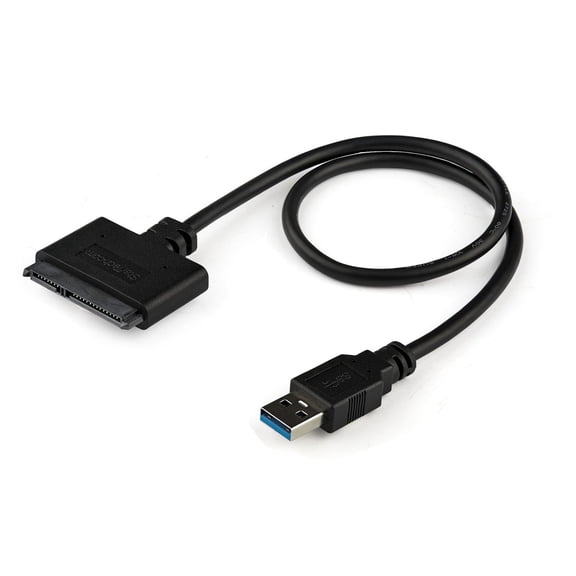
For certain phones and tablets, you may look for a USB-A to Lightning cable for everyday charging and syncing. If you connect printers or scanners, you may need USB-A to USB-B.
When you compare connector types, you can avoid adapters that add clutter to your desk or travel bag. You also make it easier to keep one cable matched to one device.
What to look for in speed and charging support
You should compare USB generations because speed changes how quickly your files move between devices. You also need to know whether you want charging only or both charging and data transfer.
With USB 2.0, you get up to 480 Mbps, which works for basic charging and simple syncing. If you move photos, documents, or music often, you may want more speed.
With USB 3.0 or 3.1 Gen 1, you can reach 5 Gbps for much faster file transfers. If you work with larger folders, you’ll notice less waiting between devices.
With USB 3.2, you can reach 10 Gbps when your ports and devices support that speed. You should check your computer and accessory specs so your cable matches your setup.
- You can use USB 2.0 for everyday charging, keyboards, mice, and simple accessories.
- You can choose USB 3.0 or 3.1 Gen 1 for external drives, docks, and faster syncing.
- You can consider USB 3.2 when you need quicker transfers for larger files and newer hardware.
When you compare speed ratings, you can match your cable to how you actually use your devices. That helps you avoid paying attention to specs that don’t fit your routine.
Choosing the right cable length
You should measure the distance between your device and your outlet, charger, or computer before you choose a cable. That simple step helps you avoid extra slack or a connection that feels too short.
If you need a close-range setup, you may prefer 3-foot cables for desks, battery packs, or car charging. You get a tidier setup when your cable stays short and controlled.
If you want a flexible everyday option, you may choose 6-foot cables for bedside use or home offices. You get more reach without handling too much extra cord.
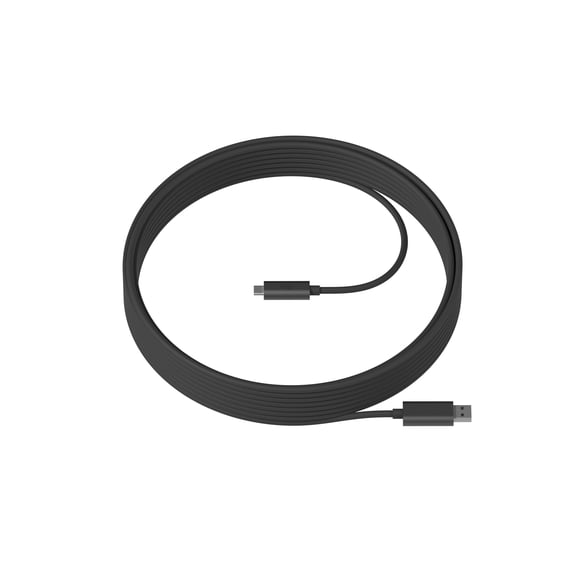
If your outlet sits farther away, you may need 10-foot or 15-foot cables for couches, shared spaces, or room-scale setups. You should confirm the path so your cable reaches comfortably.
When you choose the right length, you make charging and syncing feel easier in real spaces. You also reduce tugging around ports when your device rests where you use it.
Comparing jacket materials for daily use
You should compare jacket material because daily bending and packing affect how your cable feels over time. You may notice important differences between braided nylon, PVC, and TPE.
If you carry cables in backpacks or laptop sleeves, you may like braided nylon for a textured, reinforced feel. You can also keep tangles lower during commutes and travel.
If you want a familiar everyday option, you may choose PVC for common home, office, or charging station use. You get a smooth finish that works well for routine setups.
If you want a softer, more flexible feel, you may consider TPE for easy handling around desks and nightstands. You can bend and route it more easily in tighter spaces.
When you compare materials, you can match the cable to how often you unplug, wrap, and carry it. That makes your choice more practical for everyday wear.
Matching common setups to the right cable
You can narrow your options quickly when you match cable specs to your devices and habits. That approach works well when several cable types look similar at first glance.
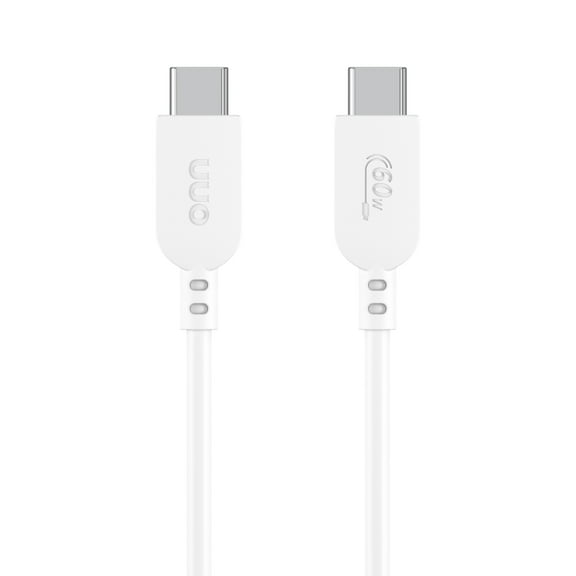
If you charge a newer phone from a standard USB wall adapter, you may need a usb-a charger cable with a USB-C end. If you sync that phone to a laptop, speed matters too.
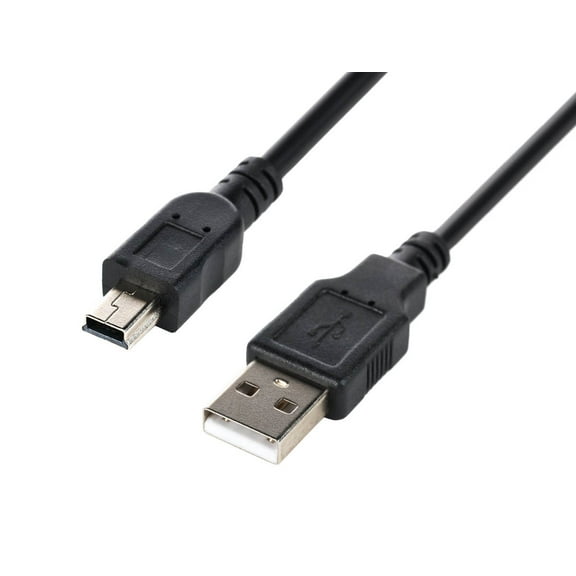
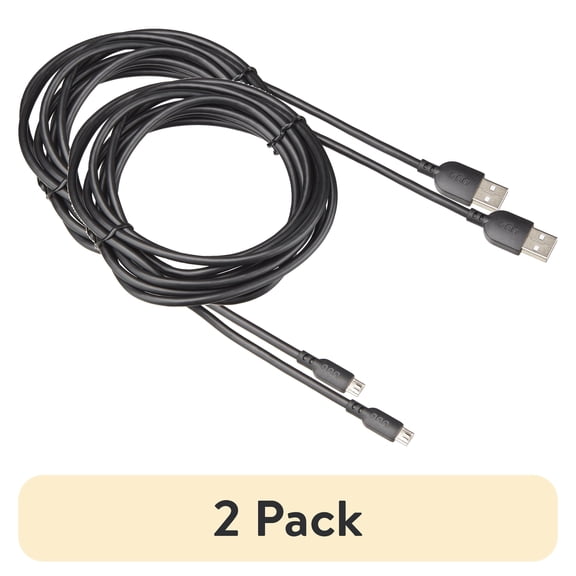
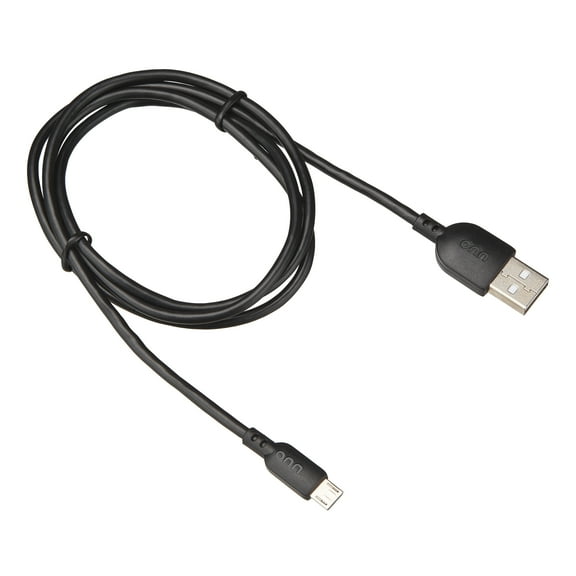
If you connect an older phone, wireless speaker, or power bank, you may need USB-A to Micro-USB. You can keep a shorter length nearby for travel or a longer length by the couch.
If you use certain tablets or phones, you may need USB-A to Lightning for charging from common USB-A ports. You should also check whether you want faster syncing for photos and backups.
If you connect printers, label makers, or desktop accessories, you may need USB-A to USB-B. You can pair that with USB 2.0 for simple tasks or faster specs for larger transfers.
When you compare connector type, transfer speed, cable length, and jacket material, you choose with fewer surprises. You end up with a cable that fits your ports, your space, and your daily routine.