

Alienware Computers Gaming Laptops and Desktops















About Alienware Computers Gaming Laptops and Desktops - Walmart.com
Alienware computers give you a focused path to high-performance PC gaming with recognizable desktop towers, slim laptops, and console-style designs for different setups. You can compare form factor, processor, graphics, memory, and storage in one place, so your search feels easier from the start.
Choosing alienware computers by form factor
You should start with form factor because it shapes how you play, move, and upgrade your system. You may prefer a desktop when your gaming space stays fixed and your setup includes a monitor, keyboard, and speakers.
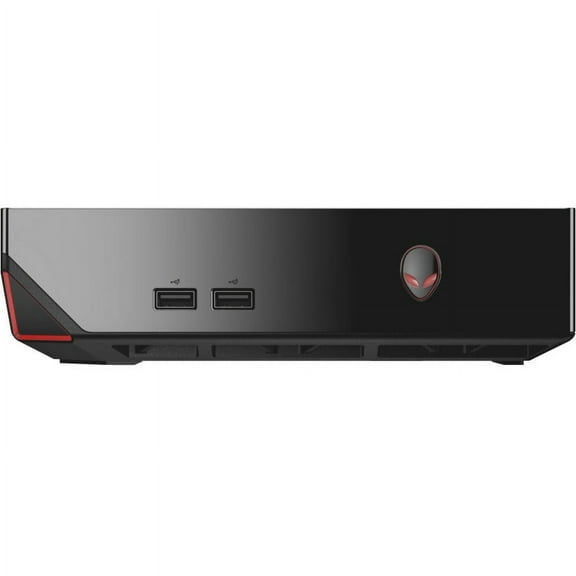
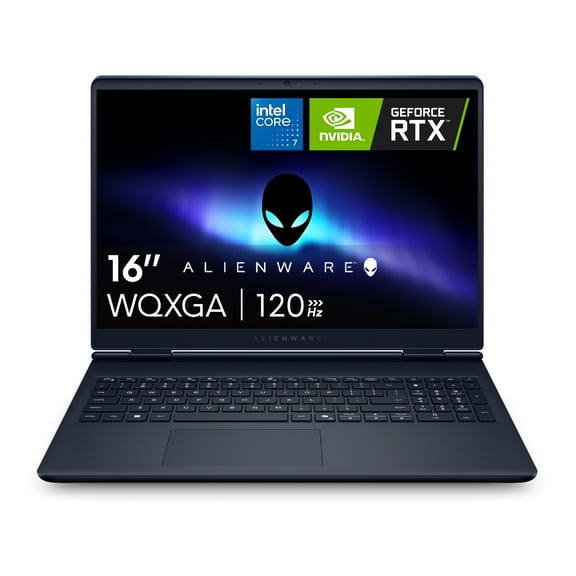
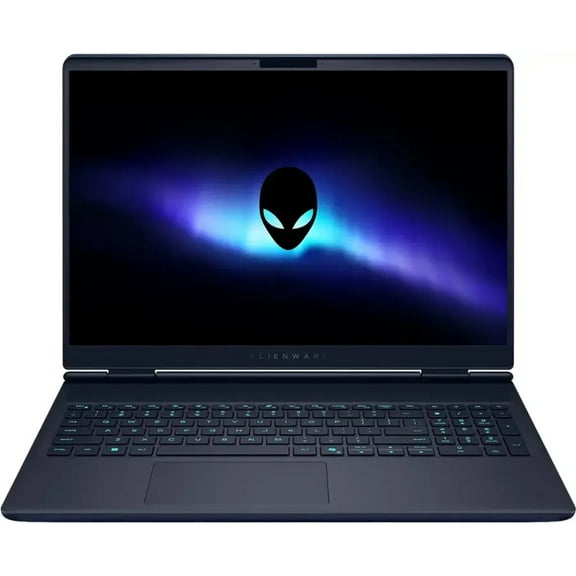
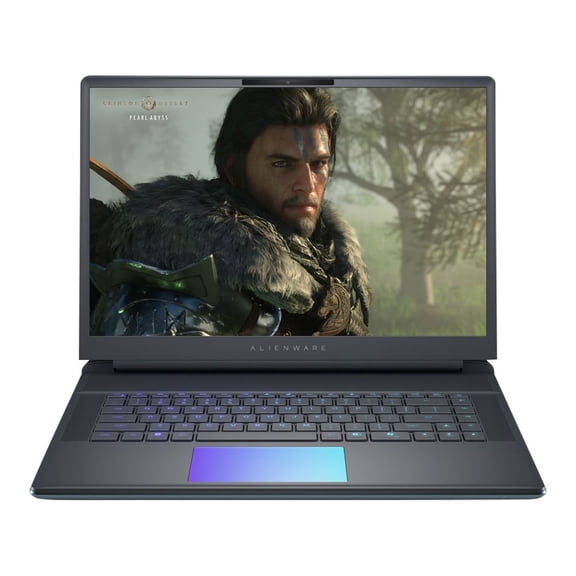
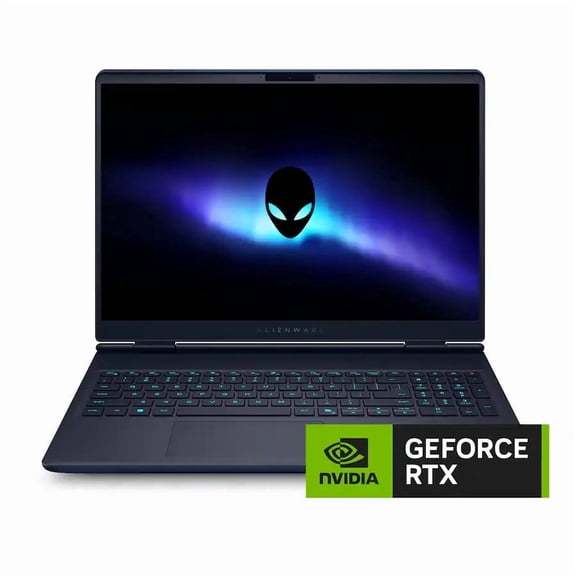
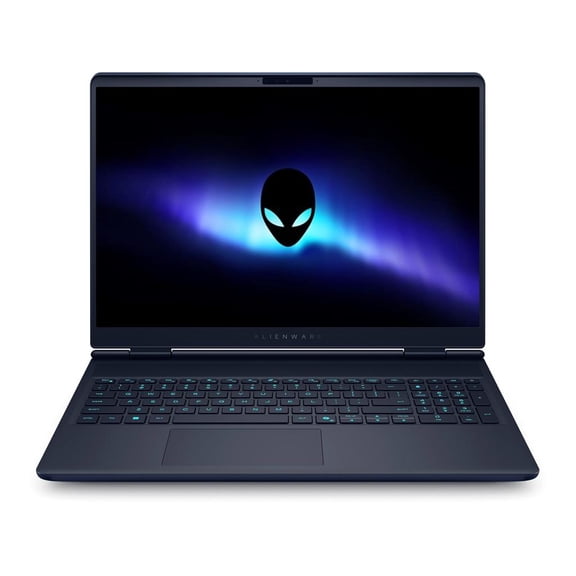
If you want portability, an alienware laptop lets you game in more rooms and travel with fewer separate parts. You can also consider a console-style design when your space is tighter and your setup needs a cleaner footprint.
You’ll usually get easier upgrade access with desktop models, especially when you want to change storage, memory, or graphics later. You may prefer laptops when your priority is carrying your system between school, work, and home.
What to look for in alienware performance specs
You should compare processor options first because they affect how smoothly your system handles gaming, streaming, and background tasks. You’ll often see Intel Core i7, Intel Core i9, AMD Ryzen 7, and AMD Ryzen 9 across alienware computers.
If you play competitive games and stream at the same time, you may want more processing headroom for multitasking. You’ll notice stronger multi-core performance helps when your chat, capture software, and game run together.
Memory matters next because your system uses RAM to keep active apps responsive while you switch between tasks. You can start with 16GB for many current games, while 32GB or 64GB fits heavier streaming and creative workloads.
- You can choose 16GB RAM for everyday gaming and lighter multitasking.
- You may want 32GB RAM when you stream, edit clips, or keep many apps open.
- You can consider 64GB RAM for demanding workloads and larger project files.
- You should look for 512GB SSD, 1TB SSD, or 2TB SSD based on your game library.
Storage capacity affects how many large titles you keep installed without constant file cleanup. You’ll usually appreciate 1TB SSD or 2TB SSD options when your games include big updates and high-resolution assets.
Comparing GPUs and cooling in alienware systems
You should treat the graphics card as a major gaming decision because it shapes resolution targets, visual settings, and frame rates. You’ll commonly compare NVIDIA GeForce RTX 4060, RTX 4070, RTX 4080, and RTX 4090 tiers.
If you play at 1080p, you may find an RTX 4060 or RTX 4070 aligns with strong frame-focused play. You’ll usually want RTX 4080 or RTX 4090 options when your display pushes higher resolutions and advanced visual effects.
Cooling also matters because your system performs more consistently when heat stays under control during longer sessions. You’ll want to compare airflow, fan design, and vent placement so your machine stays comfortable under sustained use.
With stronger thermal management, you can often maintain steadier performance during marathon gaming, streaming, or content creation. You may also notice a quieter experience when your system balances cooling output with the workload.
Alienware laptops vs. desktops for real gaming setups
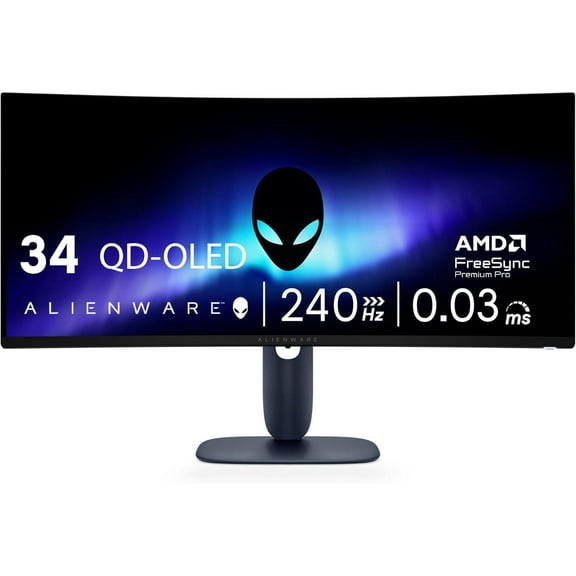
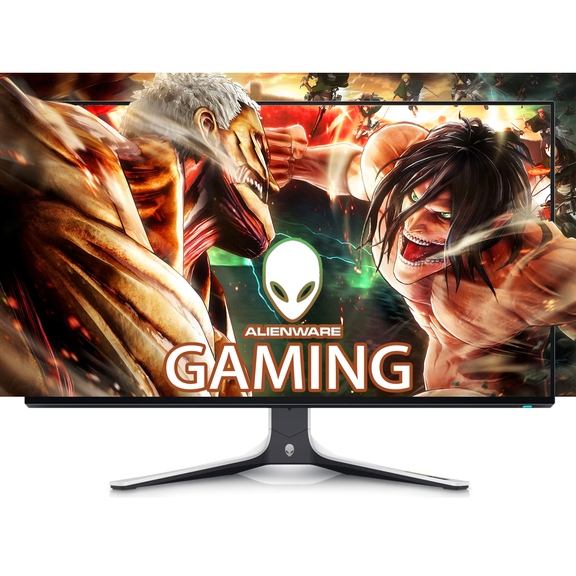
You can match your system to your routine by thinking about where you play most often. If your setup stays at a desk, an alienware gaming pc desktop can fit large displays, separate accessories, and future part changes.
If your schedule shifts often, an alienware laptop can support gaming in dorms, apartments, and shared family spaces. You’ll also appreciate fewer cables when your setup needs to pack away after each session.
You may prefer a desktop for racing games, flight sims, or wide-screen play where a permanent station feels more immersive. You can lean toward a laptop when your routine includes classes, travel, or moving between rooms.
Console-style systems can suit entertainment centers where your computer shares space with a TV and media gear. You’ll get a more compact footprint when your room layout leaves little space for a full tower.
How to pair specs with the games you play
You should base your choices on the games and tasks that fill most of your week. If you play esports titles, you may prioritize frame rates, responsive processors, and cooling that stays steady through long matches.
If you enjoy open-world games or cinematic titles, you may focus more on GPU tier and storage capacity. You’ll likely want extra SSD space when your library includes several large installs at once.
Streaming setups often need stronger processors and more RAM because several programs run together in real time. You can keep your experience smoother by pairing at least 32GB RAM with a processor built for heavier multitasking.
Creative tasks like video editing or clip capture can also shape your decision when gaming isn’t your only goal. You’ll benefit from more storage and memory when your files, recordings, and projects grow quickly.
Alienware computers make more sense when you choose them around your room, display, games, and daily routine. You can shop with clearer priorities and land on a system that fits how you actually play.