

@ Manual Shelves - Electronics in Electronics





















































About @ Manual Shelves - Electronics in Electronics - Walmart.com
You can use electronics to upgrade how you watch, work, play, and connect across your home, desk, and travel routine. You’ll find this category covers everyday tech needs with device types, connectivity options, and power choices that fit your setup.
When you compare TVs, laptops, tablets, smartphones, and audio gear, you can narrow your search faster and avoid mismatched picks. You’ll also see how accessories and protection options support your devices over time.
How to choose electronics by device type
You should start with the device type that matches your daily routine. If your focus is streaming and movie nights, you may lean toward TVs and home entertainment gear.
For work and study, you may compare laptops and tablets based on keyboard use, screen size, and portability. If you need quick communication, your smartphone can cover calls, apps, photos, and mobile tasks.
Audio gear fits different listening habits, so you should consider where and how you listen. You may want speakers for shared spaces or headphones for focused listening and gaming sessions.
- You can choose TVs for larger screens, connected streaming, and living room viewing.
- You can pick laptops for typing, multitasking, and office or school projects.
- You can compare tablets when you want touch control and easy portability.
- You can rely on smartphones for communication, apps, and mobile entertainment.
- You can select audio devices for music, calls, podcasts, and immersive gaming sound.
Choosing electronic devices by connectivity
You should check connectivity before you compare colors, styles, or extras. Your setup works more smoothly when your device matches the ports, networks, and accessories you already use.
If you use a TV or monitor, you may need HDMI 2.1 for newer consoles and higher refresh support. If you use newer chargers, docks, or drives, your USB-C connection can simplify daily charging and file transfers.
You can compare wired, Bluetooth, wireless, and Wi-Fi options based on where your device stays most often. Wired connections can suit fixed desks, while Bluetooth and Wi-Fi can support flexible rooms and mobile use.
Operating system compatibility matters when you sync files, messages, or apps across devices. You should check whether your laptop, tablet, or smartphone works well with the services you use every day.
What to look for in electronics accessories and power options
You can make your setup easier to use when you match accessories to your power source. Your charger type, outlet access, and travel habits all shape which add-ons make sense.
Rechargeable battery devices can support commuting, flights, classrooms, and flexible workspaces. You should compare expected usage hours, because longer battery life can mean fewer charging breaks during your day.
AC outlet devices can suit entertainment centers, home offices, and desktop stations where constant power matters. USB powered accessories can fit compact spaces and connect neatly to laptops, hubs, or adapters.
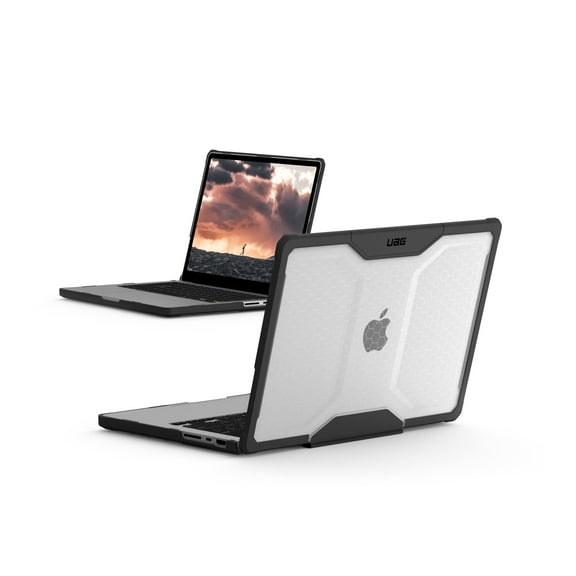
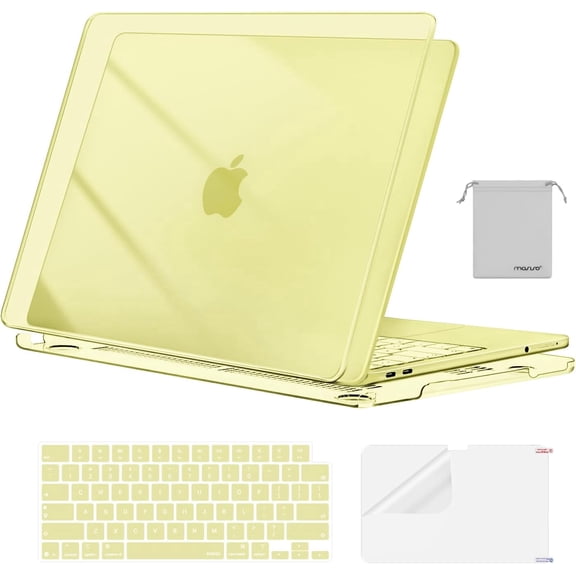
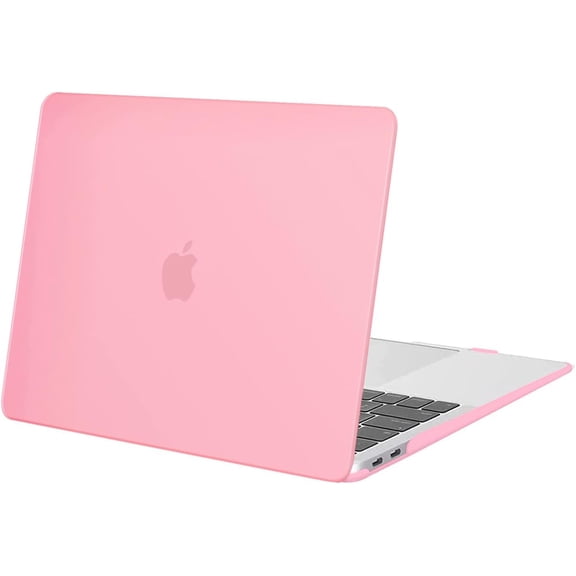
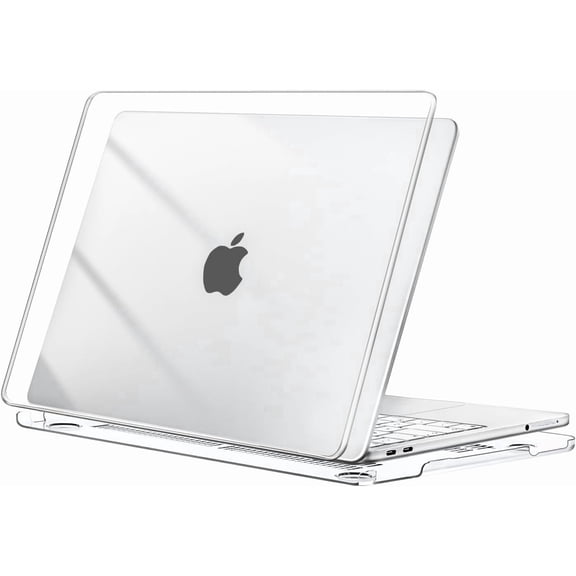
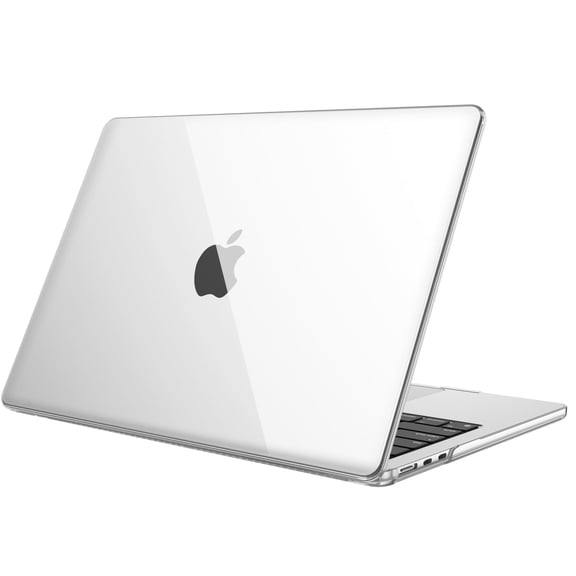
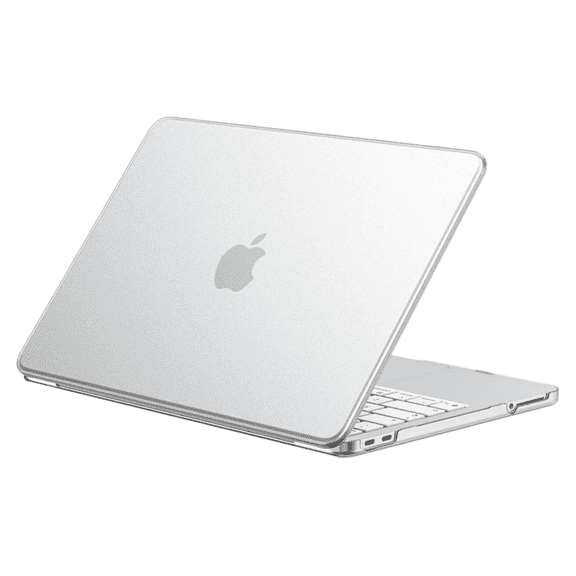
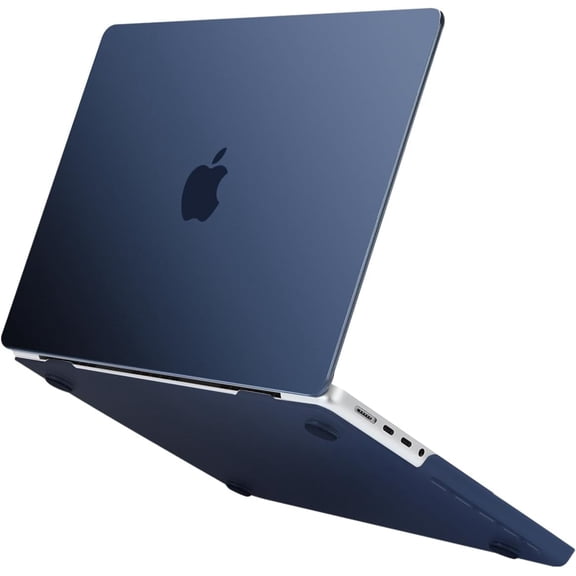
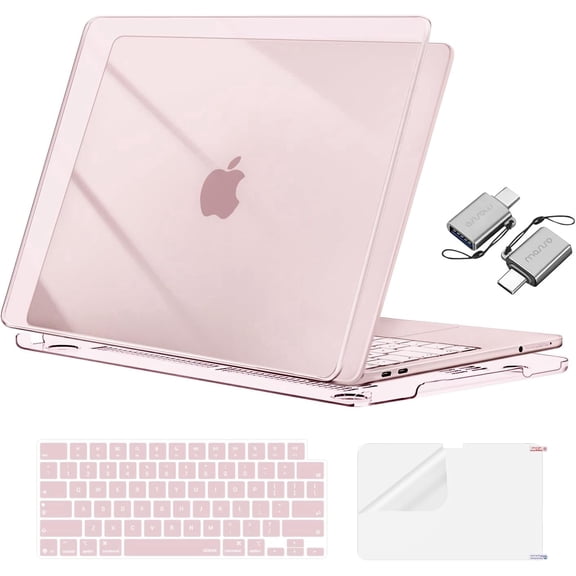
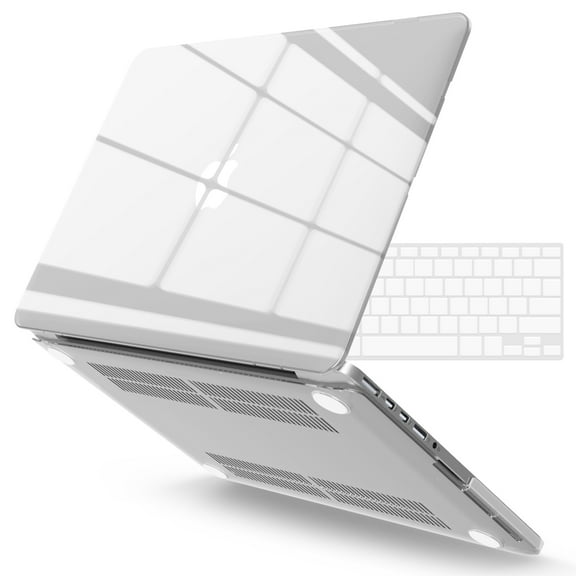
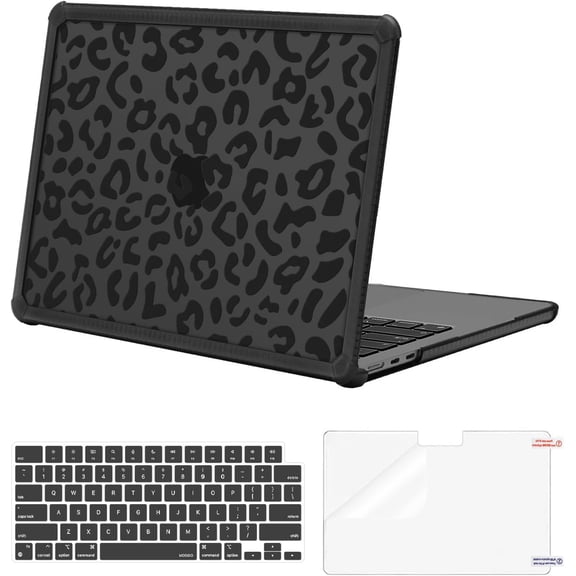
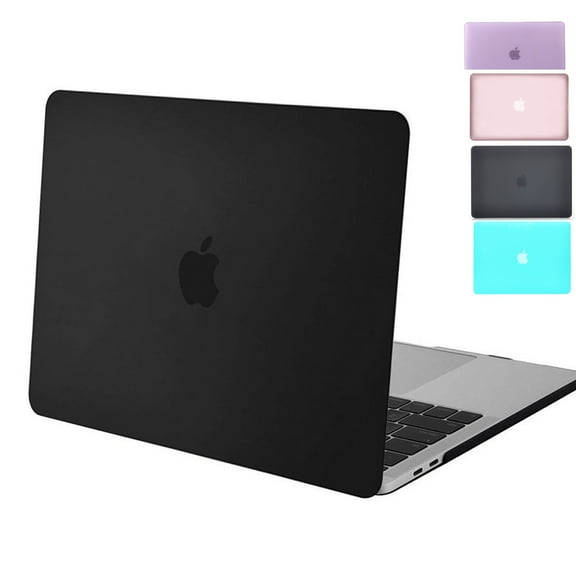
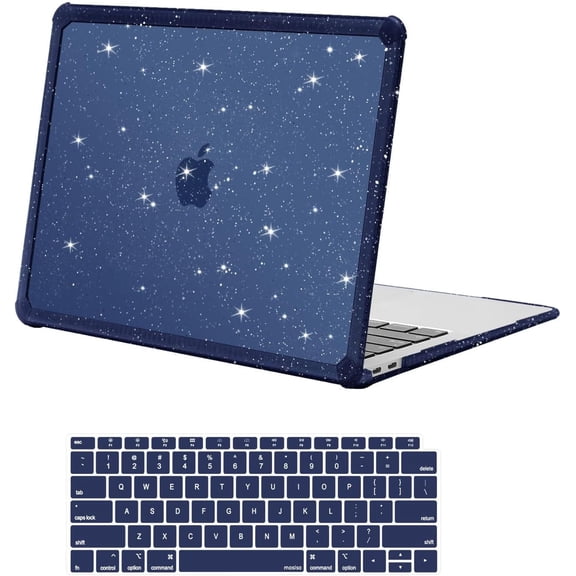
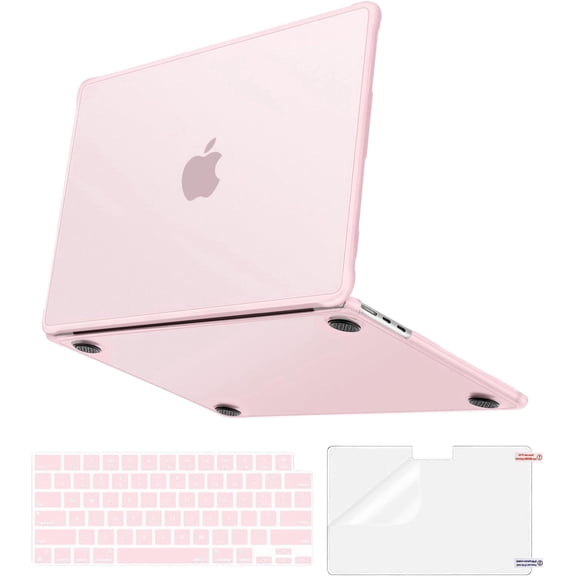
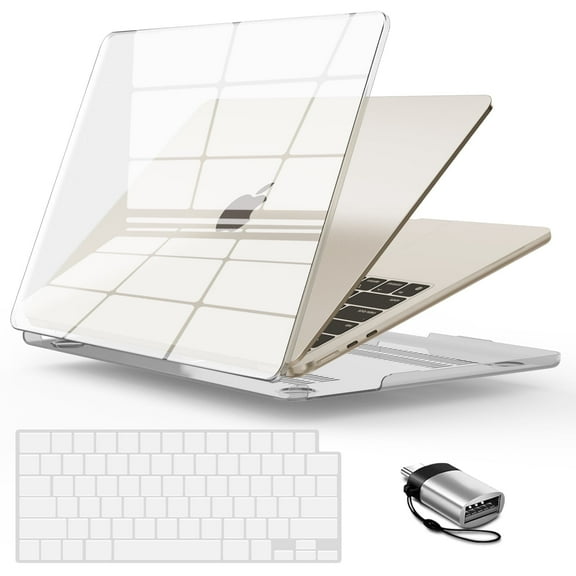
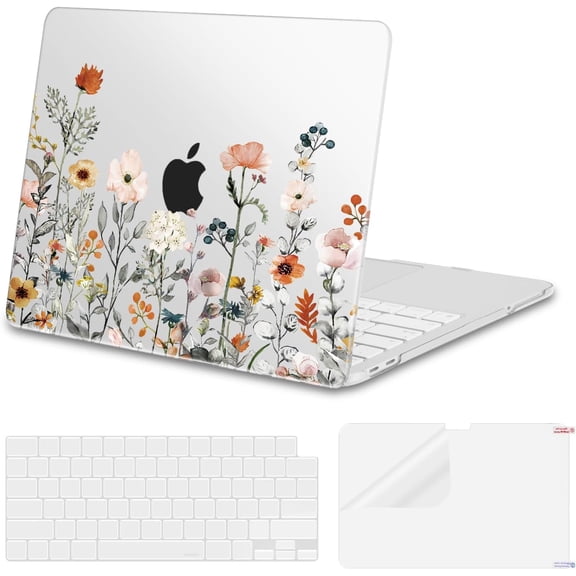
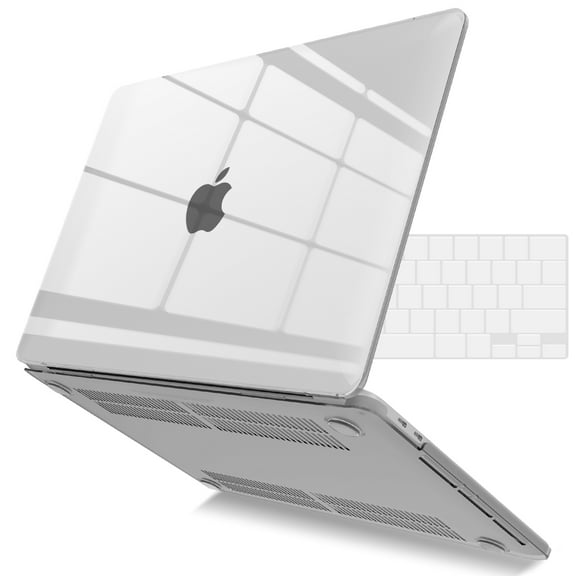
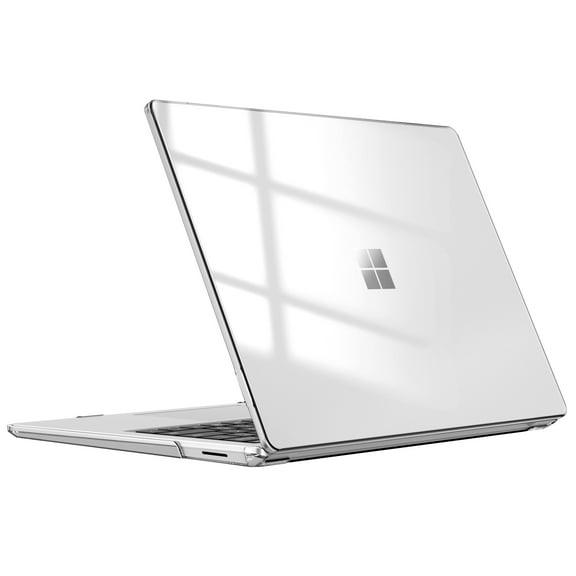
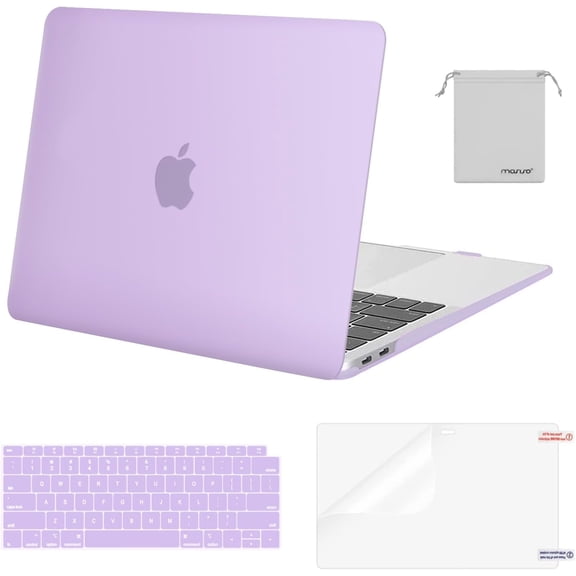
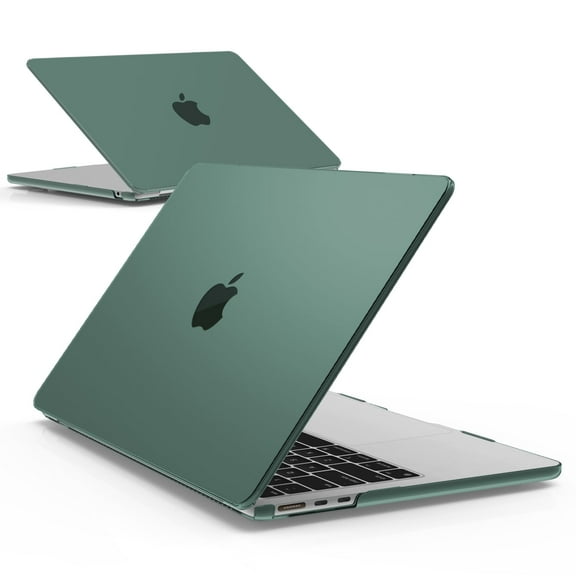
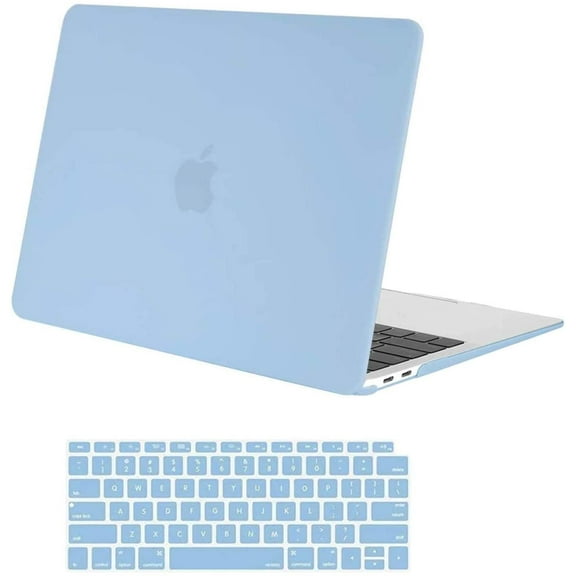
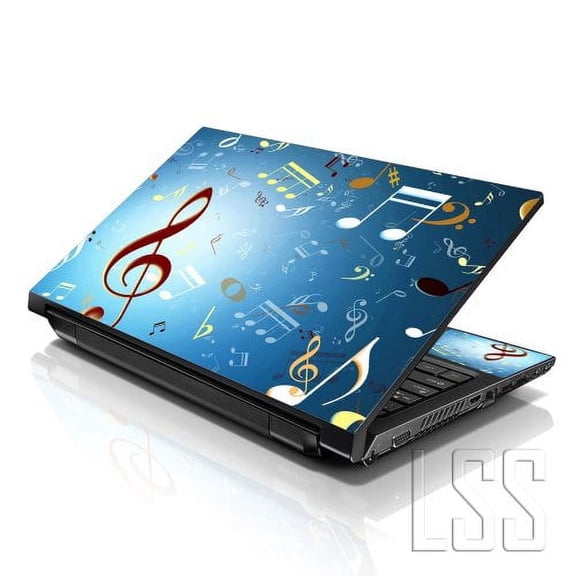
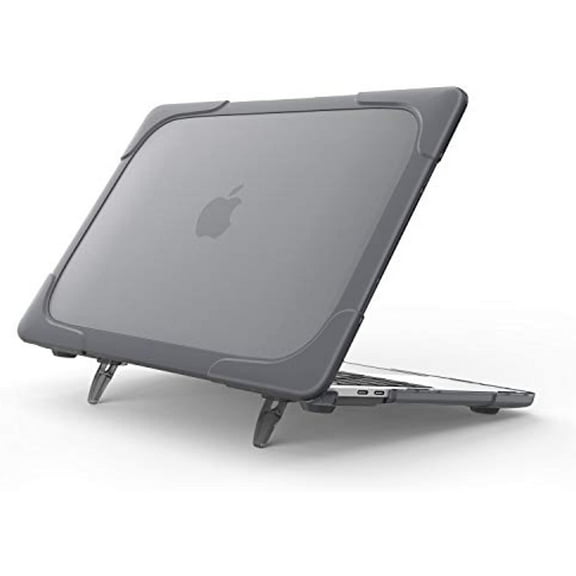
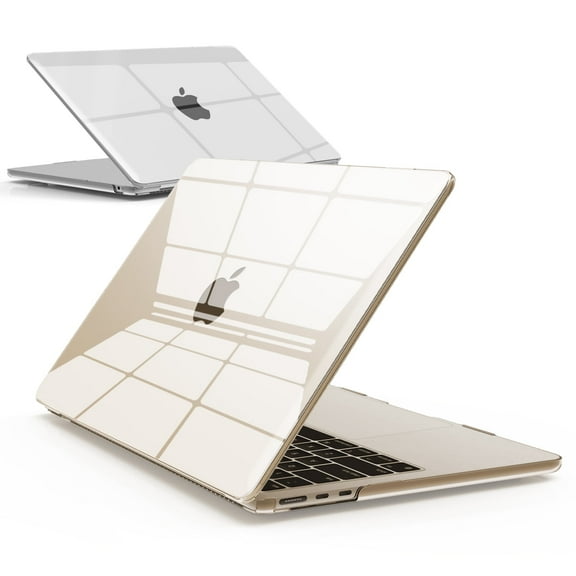
You may also want electronics accessories that support charging, mounting, listening, or screen protection. Your cables, cases, docks, keyboards, and earbuds should match the ports and form factors you already own.
Warranty and protection plans can help you choose with more clarity. You should compare what’s covered, how long coverage lasts, and whether support fits your device type and usage habits.
Matching consumer electronics to your use case
You’ll get more from consumer electronics when you match features to the way you actually use them. Your home entertainment setup may call for large screens, easy streaming access, and simple remote control.
For office and productivity needs, you may prioritize keyboards, webcams, storage support, and reliable wireless connections. Your workflow can also benefit from a tablet for notes or a laptop for longer writing sessions.
If you’re often on the go, you should focus on compact size, rechargeable battery life, and easy charging. Your smartphone, tablet, or lightweight audio gear can fit bags, backpacks, and quick transitions between places.
Gaming setups can call for fast connections, compatible ports, and audio that keeps action clear. You may also want display support like HDMI 2.1 when your console or monitor needs higher performance features.
You can also build a mixed setup that covers several rooms and routines. Your TV may anchor movie nights, while your laptop supports work and your Bluetooth audio handles travel and workouts.
How you can compare before you choose
You should measure where your device will live before you choose a screen, stand, or speaker size. Your room layout, desk depth, and outlet access can shape what fits comfortably.
Look for battery estimates in hours, then compare them with your normal day. You can also check charging methods, included cables, and whether your current adapters will work.
You should review compatibility details for ports, operating systems, and wireless standards before you commit. Your setup feels simpler when your electronic devices connect easily from the start.
With the right electronics, you can create a setup that fits streaming, work, gaming, and everyday communication without unnecessary guesswork. Your choices become clearer when you compare device type, connectivity, power, and use case together.