

Wellcare Spendables & OTC Benefits Catalog | Walmart

Your OTC benefit guide

Shop by category





Health and wellness
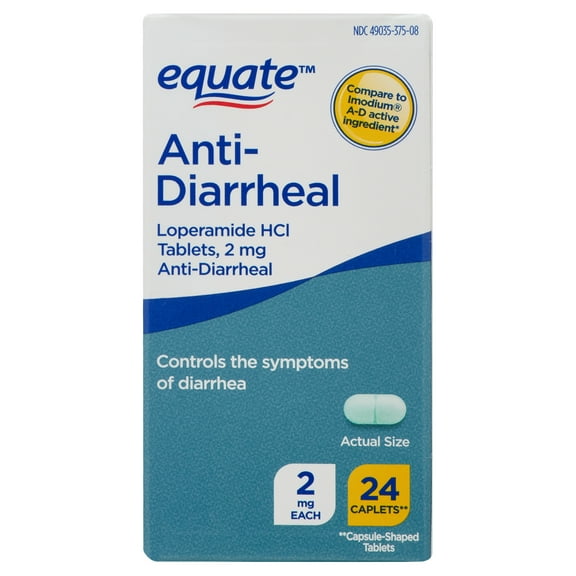


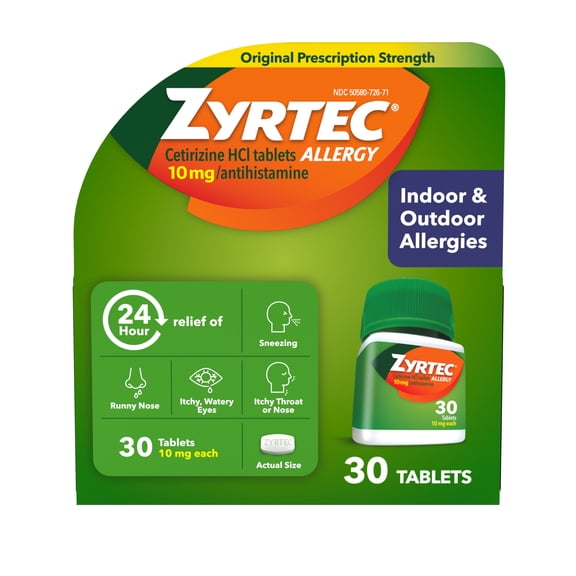
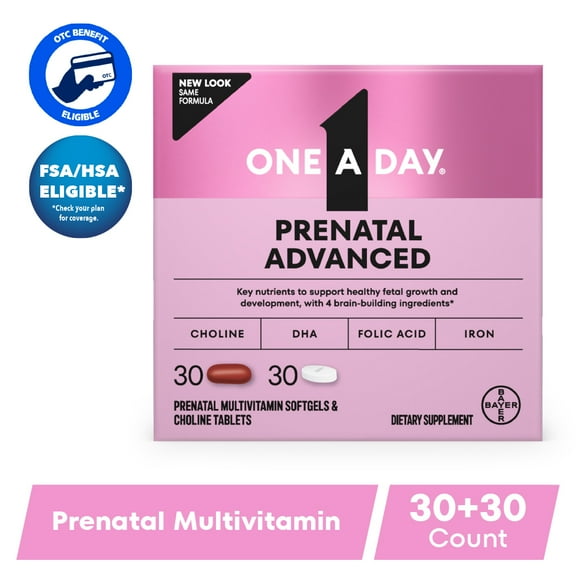
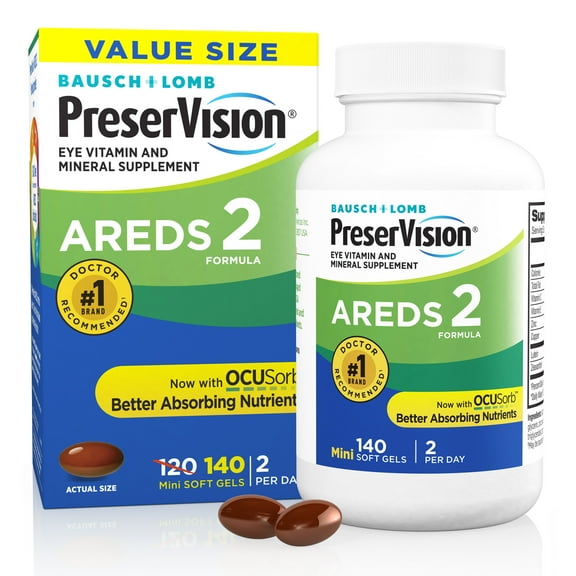
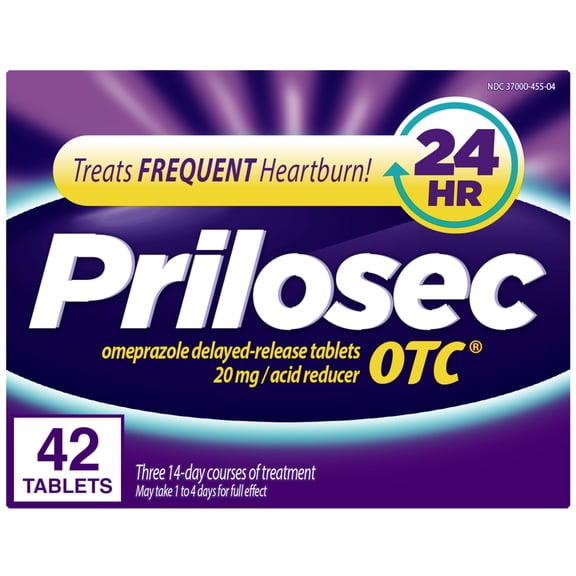


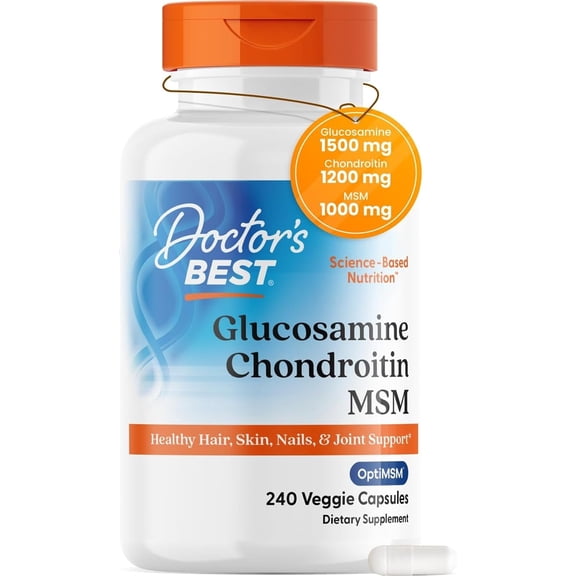


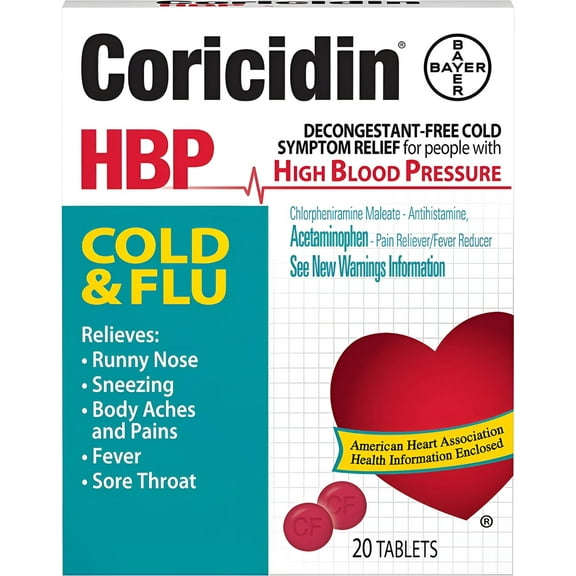



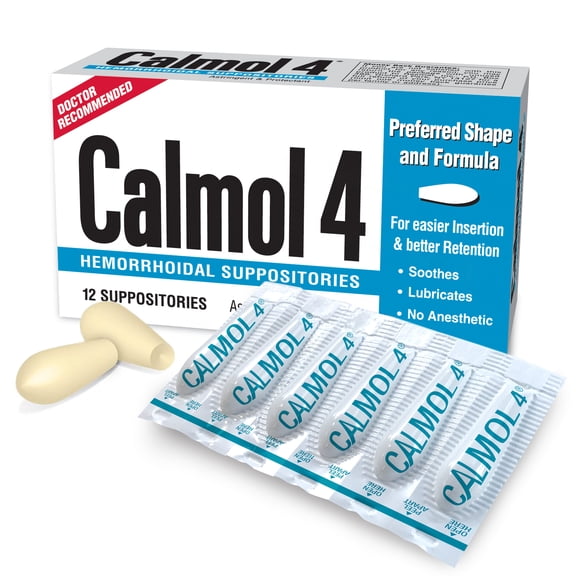

Personal care









Frequently asked questions
FAQ
About Wellcare Spendables & OTC Benefits Catalog | Walmart - Walmart.com
With wellcare spendables at Walmart, you can use your OTC Network benefits with clearer steps, simpler catalog guidance, and easier access to eligible everyday items. If you have Medicare Advantage, Medicaid Dual Eligible-Special Needs Plans, or another participating benefit program, you can use this page to understand your card, your catalog, and your redemption options.
How to use wellcare spendables at Walmart
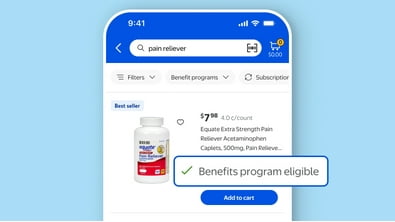
You can start by checking your benefit program details and confirming that your card is active for your current plan period. You can then sign in, review your balance, and check which items your plan allows before you shop.
At Walmart, you can use your benefits online or in store, depending on your plan's rules and your card setup. You can move through the process faster when you review your eligible categories before checkout.
Because benefit programs can differ, you should compare whether your plan is tied to Wellcare, OTC Network, Medicare Advantage, or Medicaid Dual Eligible-Special Needs Plans. You can avoid confusion when you match your card and plan details to the correct catalog experience.
What to look for in your spendables catalog
You can use your spendables catalog as a guide for eligible product types, participating categories, and approved ways to redeem your balance. You can narrow your search faster when you look for items that match your plan's covered OTC needs.
Your catalog may organize products by common household categories, which can make repeat purchases easier during each benefit period. You can often spot approved options sooner when you compare item listings with your benefit summary.
- You can review eligible categories before adding items to your cart.
- You can confirm whether your plan supports online, in-store, or both redemption methods.
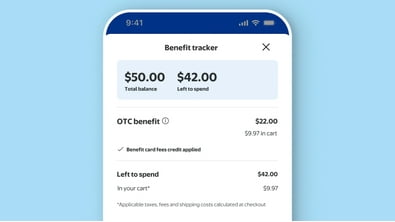
- You can track your remaining balance so your checkout matches your available benefits.
- You can use catalog guidance to focus on approved OTC items and everyday essentials.
You can also use your spendables catalog to plan recurring purchases across the month or quarter. Your shopping trip stays more organized when you know which categories fit your benefit program.
Choosing between benefit program details
You should compare benefit program rules because each plan can set its own eligibility, balance schedule, and redemption method. You can make faster decisions when you know whether your card connects through Wellcare, OTC Network, or another participating plan setup.
If you use Medicare Advantage benefits, you may focus on plan-specific OTC categories and your approved shopping channel. If you use Medicaid Dual Eligible-Special Needs Plans, you may need to check a different catalog view and card instructions.
You can reduce checkout surprises when you verify your member account details before you build your order. Your plan documents and account portal can help you confirm covered items, timing, and available balance.
How the wellcare otc catalog helps you shop
You can use the wellcare otc catalog to identify eligible OTC items and sort your choices by the types of products your plan supports. You can make more confident selections when your catalog and your balance information appear together.
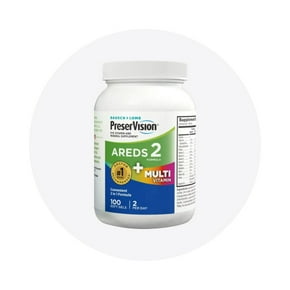
Your shopping process becomes easier when you know where to find common categories like vitamins, pain relief, and first aid. You can use those sections to locate routine items that fit your plan's approved list.
You should also check whether your plan includes broader spendables options beyond standard OTC categories. Your catalog details can show whether your benefits apply to additional household essentials within your program rules.
Using your benefits online and in store
You can shop online when you want to review item details, compare categories, and build an order around your available balance. You can shop in store when you prefer to see products on the shelf and complete redemption during a regular trip.
Your online experience can help you sort by category and confirm eligibility before checkout. Your in-store experience can work well when you already know your approved items and want a straightforward pickup during your routine.
You can get better results from either method when you check your balance first and follow your plan's redemption steps. Your benefit program rules determine how your card works at checkout and which items qualify.
Common use cases for your card and catalog
You can use your card for routine replenishment when your household needs approved OTC basics each month or quarter. Your catalog helps you identify repeat purchases without restarting your search every time.
If you manage benefits for a family member, you can use the catalog to review categories before placing an order. You can make the process smoother when you keep plan details, balance information, and approved items together.
You can also use this portal when you need a clearer path to your spendables catalog and card instructions. Your Walmart experience becomes simpler when your benefit details, eligible items, and redemption steps stay in one place.
You can feel more prepared using wellcare spendables at Walmart when your plan details, catalog guidance, and eligible categories are easier to follow. Your benefits work harder for your routine when you redeem approved items with fewer checkout questions.