





TVs, 4K HDTV, Smart TVs, LCD TVs
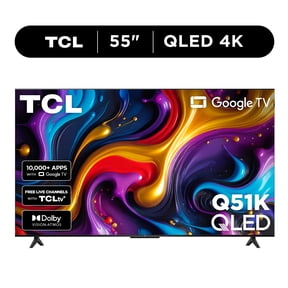

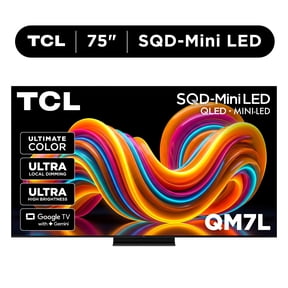
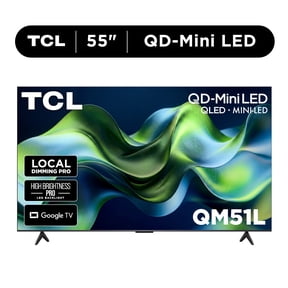

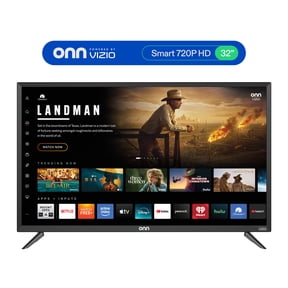

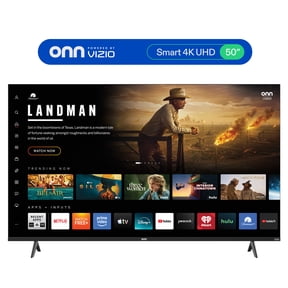

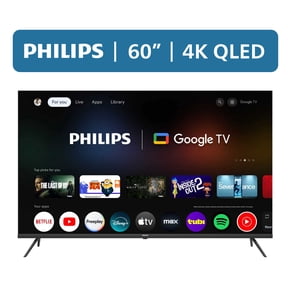




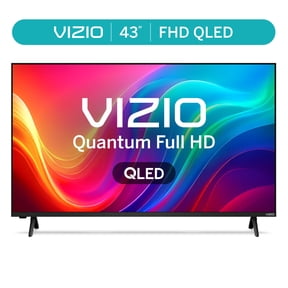
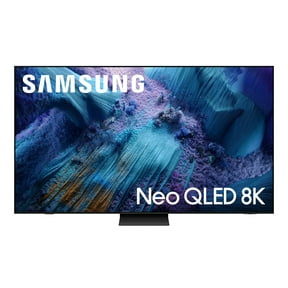

















About TVs, 4K HDTV, Smart TVs, LCD TVs - Walmart.com
When you compare 4k ultra hd tvs, you want sharper detail, smarter streaming, and screen sizes that fit your room. You also want clear guidance on picture technology, refresh rate, and platform choices before you decide.
How to choose 4k ultra hd tvs for your space
You can use viewing distance to narrow screen size faster. You’ll usually like a 55 inch model in smaller living rooms, while a 65 inch 4k tv suits many family rooms.
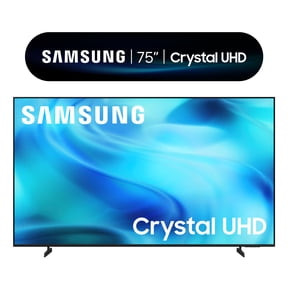
If you sit farther back, you may prefer a 75 inch 4k tv or an 85 inch screen. You’ll notice 4K resolution keeps details crisp when you move up in size.
You should also check where the TV will sit and how wide your stand is. You’ll want enough wall or furniture space for the screen and soundbar.
Choosing display technology in 4k tvs
You can compare LED, OLED, QLED, and Mini-LED by thinking about brightness, contrast, and your room lighting. You’ll usually find each display type handles movies, sports, and daytime viewing a little differently.
If you watch in a darker room, you may prefer OLED for deep blacks and precise contrast. You’ll often notice shadow detail looks more defined during nighttime scenes.
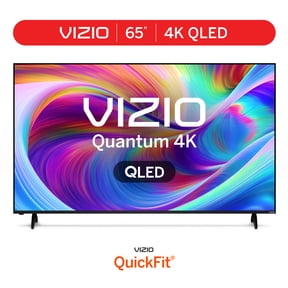
If your room gets bright sunlight, you may lean toward a QLED 4k tv or Mini-LED model. You’ll often get stronger brightness and vivid color that stands out during daytime viewing.
You can still choose standard LED when you want a familiar viewing experience across everyday shows and movies. You’ll want to compare backlight style, panel brightness, and screen finish.
What to look for in a smart 4k tv
You should compare the smart platform as closely as the picture. You’ll use menus, voice search, and streaming apps every day, so navigation matters.
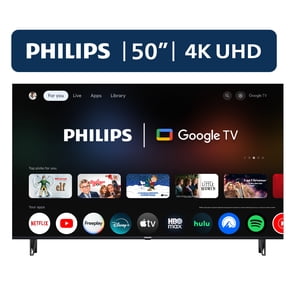
If you want a familiar home screen, you may compare Roku TV, Google TV, Fire TV, and WebOS. You’ll want to check app availability, user profiles, and how easily your devices connect.
- You can choose Roku TV if you want simple menus and quick access to streaming apps.
- You may prefer Google TV if you want personalized recommendations and easy account syncing.
- You can consider Fire TV if you already use Alexa devices in your home.
- You might choose WebOS if you want streamlined navigation and brand-specific smart features.
You should also look for ports that match your setup. You’ll want enough HDMI inputs for a soundbar, game console, cable box, or streaming device.
Choosing refresh rate for sports and gaming
You can compare 60Hz and 120Hz by thinking about what you watch most. You’ll often be satisfied with 60Hz for casual streaming, news, and many everyday shows.
If you watch fast sports or play on a newer console, you may want a 120hz 4k tv. You’ll usually notice smoother motion during quick camera pans and fast gameplay.
You should also check HDMI support when gaming matters to you. You’ll want compatible ports for higher frame rates, low input lag features, and responsive play.
How screen size and features match your routine
You can build a practical shortlist by pairing size, platform, and refresh rate with your daily habits. You’ll make faster choices when you match features to one main room.
If you need a living room centerpiece, you may compare a 65 inch 4k tv with QLED and a smart platform you already know. You’ll get a large picture, easy streaming, and room-friendly brightness.
If you host movie nights, you may step up to 75 inch 4k tv models with OLED or Mini-LED displays. You’ll get stronger impact from cinematic scenes and wide-screen sports coverage.
If you want a family room TV, you can compare 55 inch and 65 inch screens with Roku TV or Google TV. You’ll keep app access simple for everyone in your home.
If you game often, you should compare 120Hz models with multiple HDMI ports and your preferred smart platform. You’ll get smoother action and easier switching between console play and streaming.
You may also want an ultra hd smart tv for a bedroom or secondary space. You’ll appreciate compact placement, clear detail, and built-in apps without extra boxes.
What details matter before you decide
You should measure your room, compare display types, and check platform compatibility before narrowing your list. You’ll avoid guesswork when you focus on screen size, brightness, ports, and refresh rate.
With 4k ultra hd tvs, you can match crisp resolution, smart features, and room-ready sizing to the way you actually watch. You’ll end up with a screen that fits your space and your viewing habits.