

Video Game Titles in Video Games






![Roblox VGC $10 - $500 [Digital]](https://i5.walmartimages.com/seo/Roblox-VGC-10-500-Digital_d2806d5f-62af-482c-b25d-ac2711b27040.f7e6ab79144643d6ceeefcb17d2896dc.jpeg?odnHeight=576&odnWidth=576&odnBg=FFFFFF)




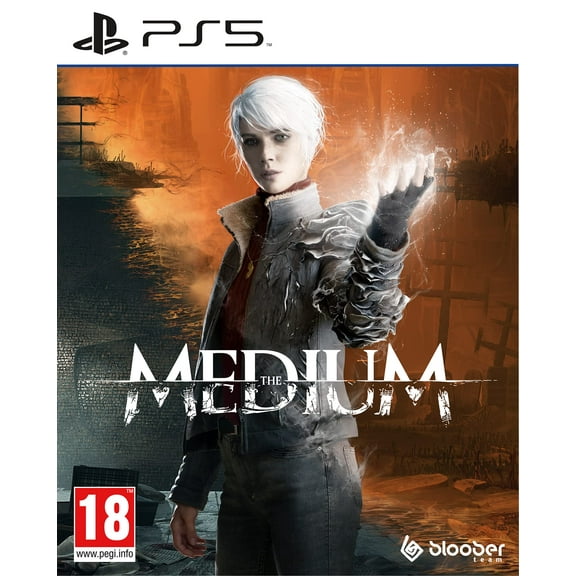

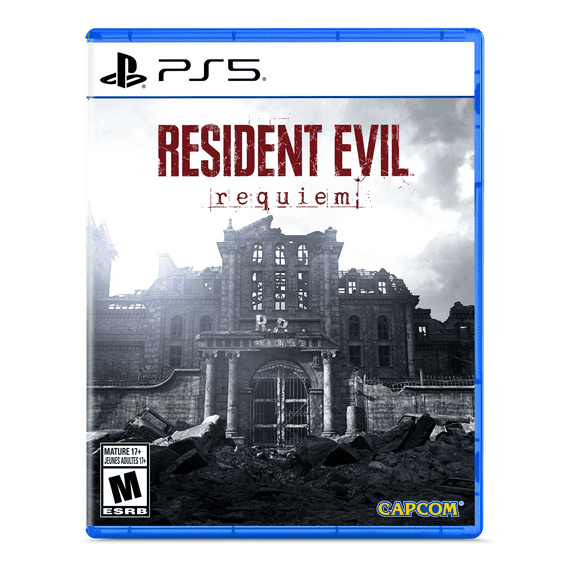

![Far Cry 6 [PlayStation 5]](https://i5.walmartimages.com/seo/Far-Cry-6-PlayStation-5_0a1246ef-3ed4-42ba-b97e-0d58847bf8f6.c2b1793b287d9115c7f50d2cc4389da5.jpeg?odnHeight=576&odnWidth=576&odnBg=FFFFFF)


![Teenage Mutant Ninja Turtles: The Cowabunga Collection for Xbox One & Xbox Series X [VIDEOGAMES] Xbox One, Xbox Series X](https://i5.walmartimages.com/seo/Teenage-Mutant-Ninja-Turtles-Cowabunga-Collection-New-Teen-Fighting-Video-Games-Xbox-Series-x_c3bc371d-4a5e-41ec-8a84-4d4c7a541a1d.ae78c09c2787e1d9c6593765cef5ddc9.jpeg?odnHeight=576&odnWidth=576&odnBg=FFFFFF)

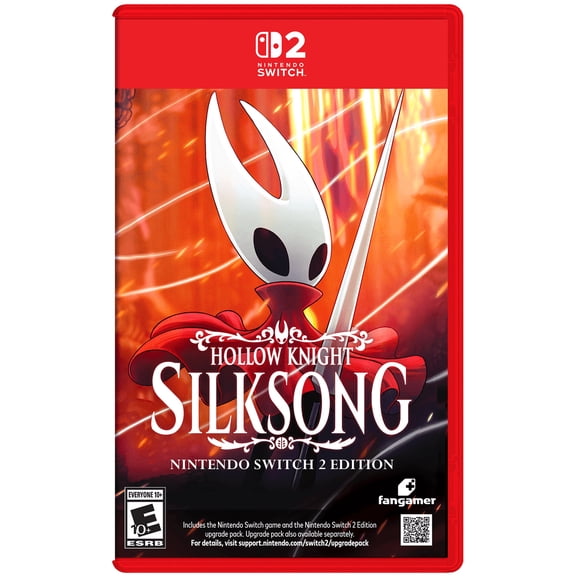
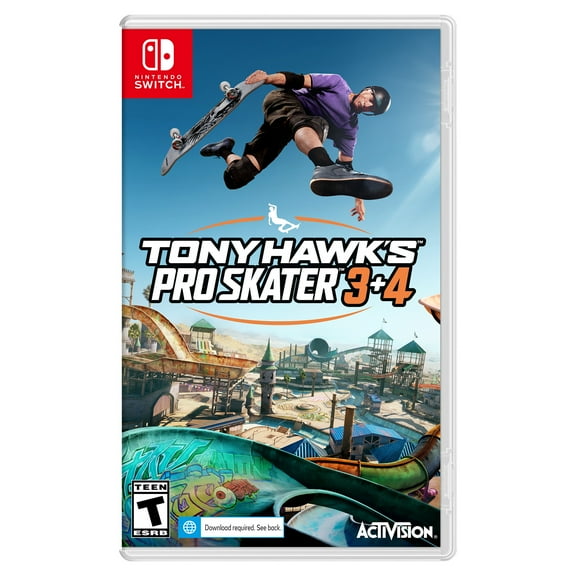
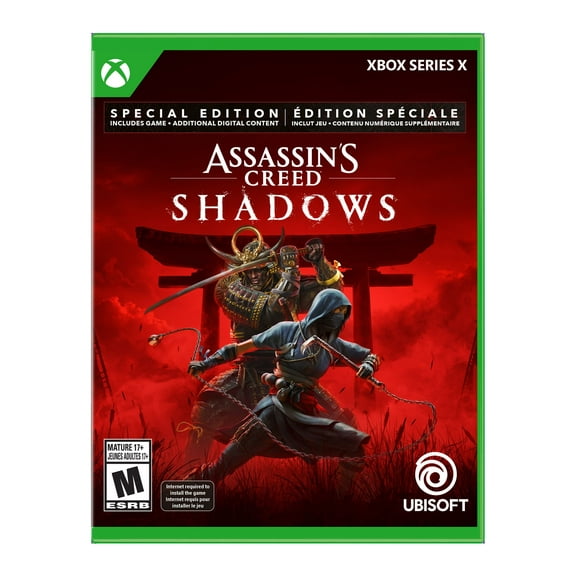
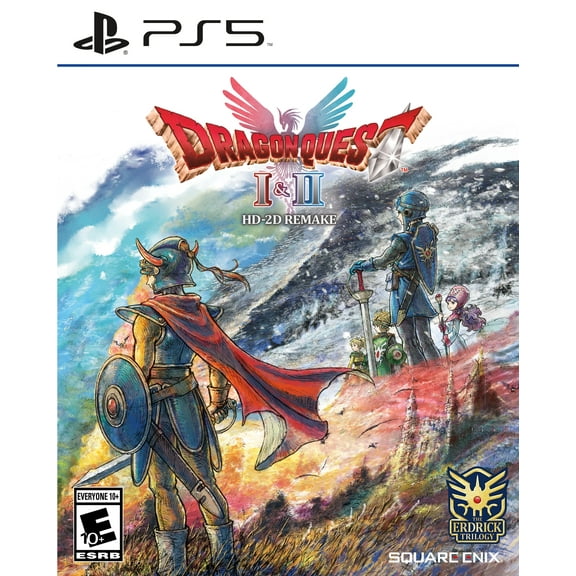

About Video Game Titles in Video Games - Walmart.com
You can compare video game titles faster when you sort by platform, format, genre, and rating. You can narrow compatible picks for your console and your household with less guesswork.
If you’re choosing for game night, gifting, or your next long campaign, you’ll want clear buying criteria. You can use this guide for Nintendo Switch, PS5, Xbox Series X, PS4, and PC options.
How to choose video game titles by platform
Start with your system, because compatibility shapes every other decision you make. You should confirm your console generation before you compare editions, bundles, or download codes.
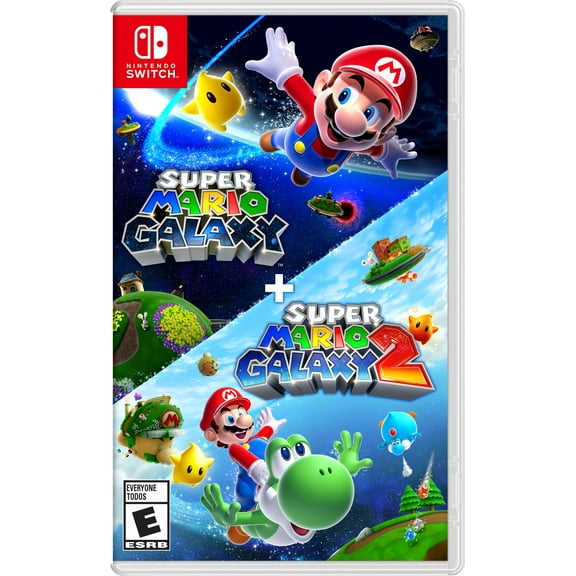
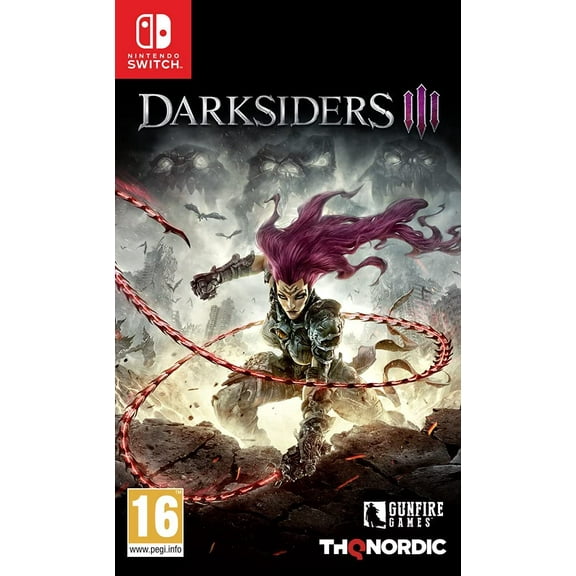
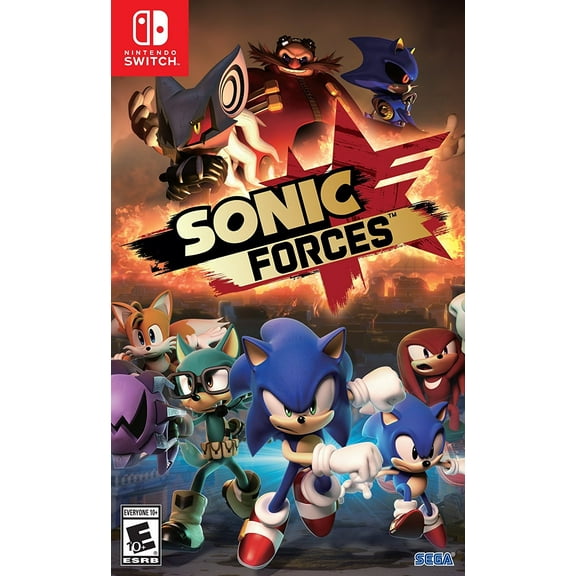
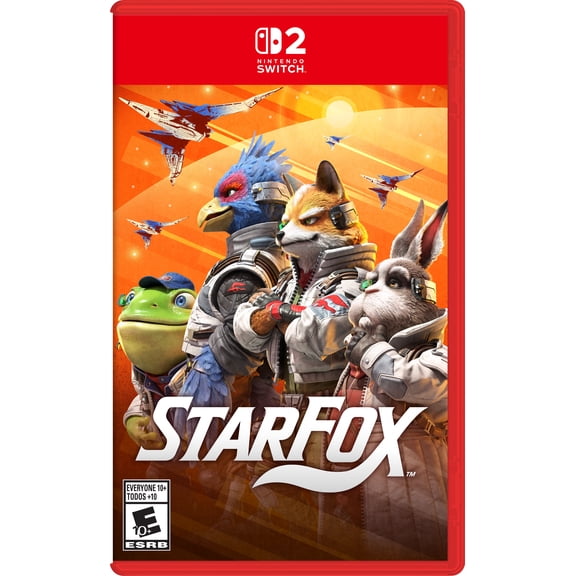
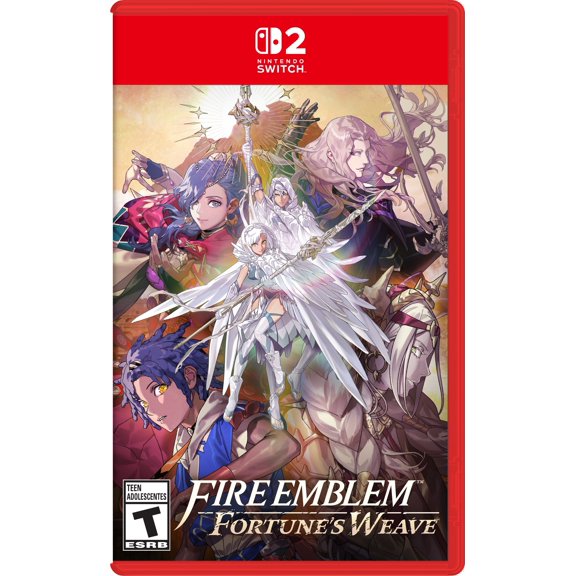
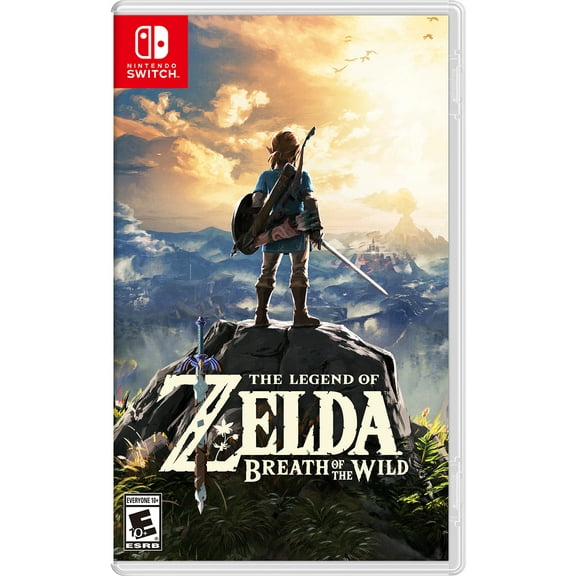
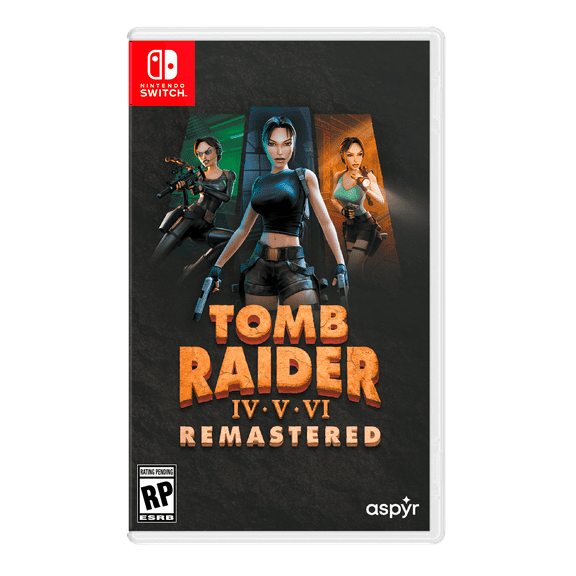
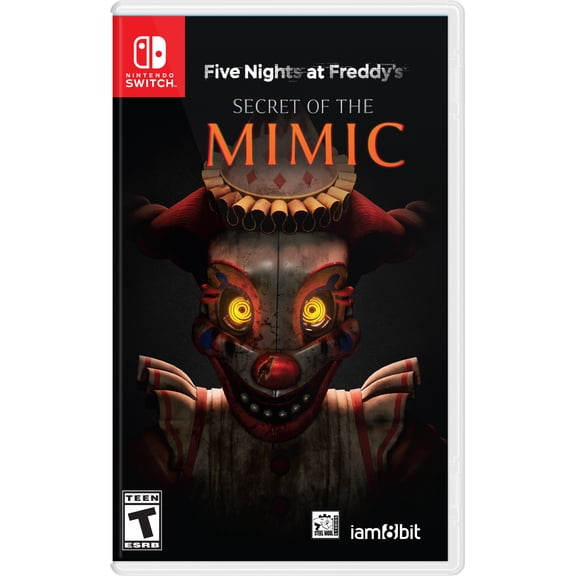
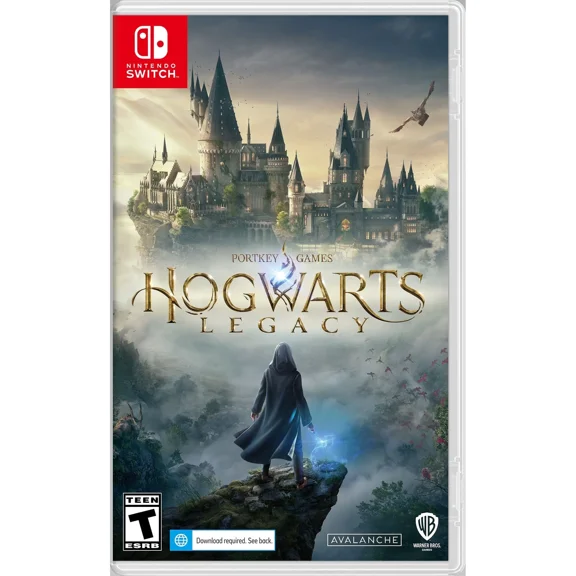
Nintendo Switch video games often focus on portable play, local sessions, and family friendly video games. You can look for docked or handheld play styles when you want flexibility at home or away.
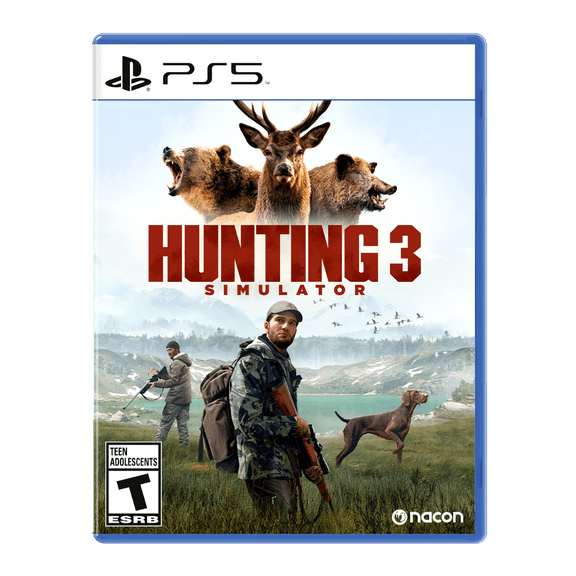
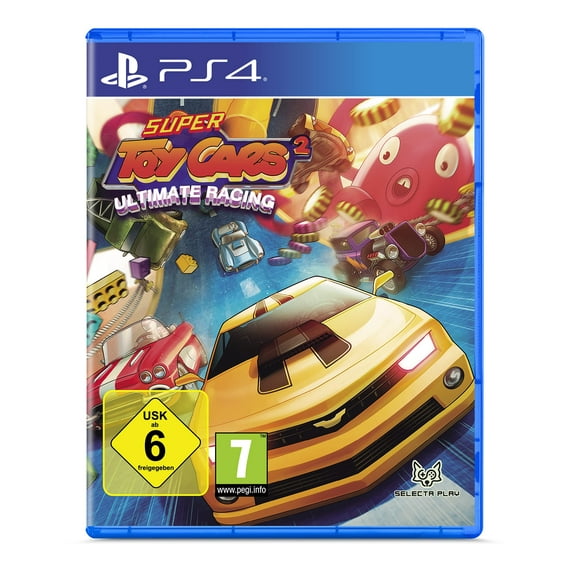
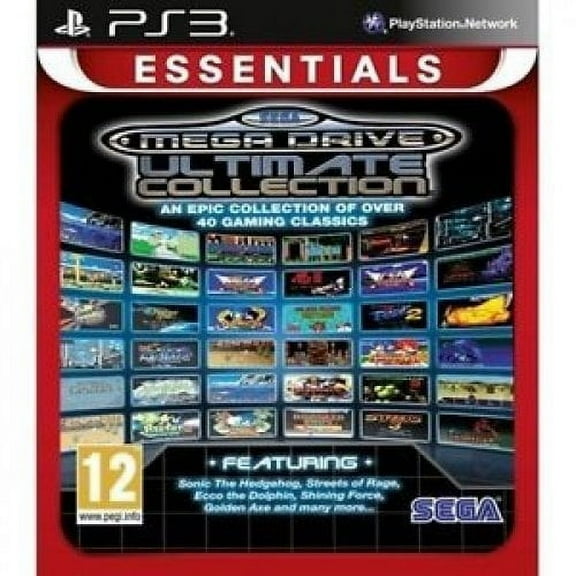
With ps5 video games, you should check whether the game supports PS5 or also runs on PS4. You can avoid mismatch issues when you confirm the platform label before checkout.
Xbox Series X games may support newer hardware features and different install needs than older Xbox releases. You can compare generation notes and backward compatibility details when you already own earlier Xbox libraries.
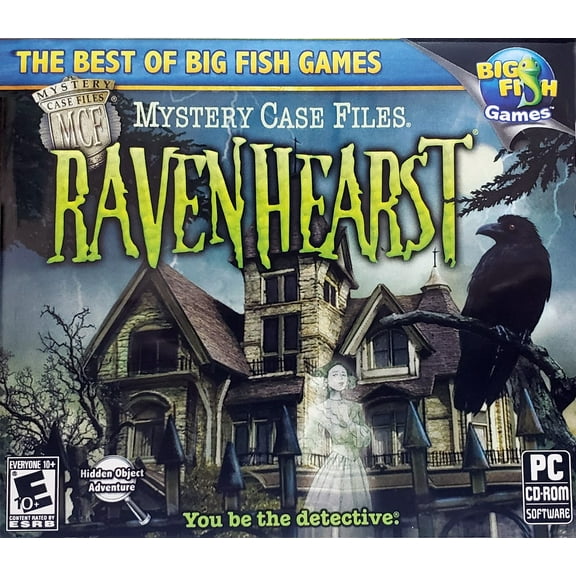
PC titles need extra attention because your setup affects how the game runs. You should compare operating system support, storage needs, and code redemption details before you choose your version.
- You can filter by console to avoid incompatible picks.
- You can compare generation notes when you own older systems.
- You can choose formats that match how you like to play.
What to look for in format, storage, and setup
Format changes how you install, store, and access your game. You’ll usually choose between physical video games and digital video games based on convenience and shelf preferences.
Physical discs can work well when you like collecting cases or swapping games between sessions. You should check whether your console model includes a disc drive before you choose that format.
Digital download codes can simplify gifting and quick access from your account library. You should still check storage requirements, because many new video game releases need significant hard drive space.
Some titles install large updates after setup, especially on current consoles and PC. You can benefit from checking file size details first if your storage is already close to full.
If you share a household console, your format choice can affect who accesses the game and where. You can decide more confidently when you compare disc sharing with account-based downloads.
Choosing genres and multiplayer video games
Genre helps you match your play style, your schedule, and your group size. You can narrow choices faster when you decide between action-adventure, RPG, sports, shooter, or family categories.
Action-adventure titles usually suit players who want story movement and active gameplay in the same session. You can use this genre when you want exploration, combat, and puzzle elements together.
RPG selections often fit longer play sessions and character progression over time. You may want these when your focus is leveling, quests, gear choices, and story-driven worlds.
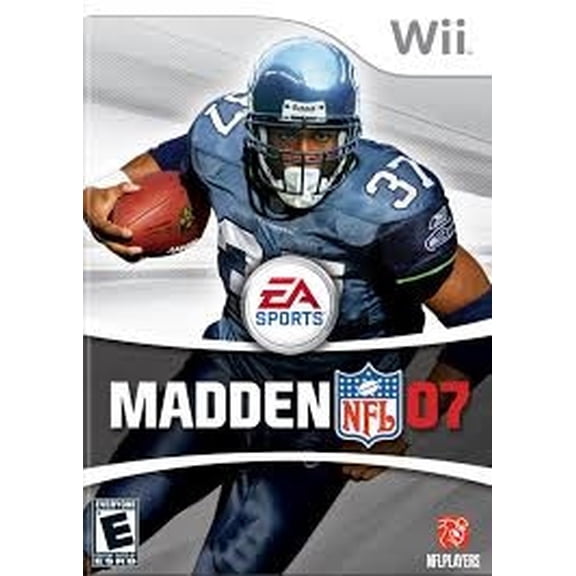
Sports games can support short sessions, couch competition, and seasonal roster updates. You may prefer them when you want familiar rules and quick multiplayer rounds with friends.
Shooter titles usually focus on reflexes, team coordination, or campaign missions. You should check whether the game supports solo play, local co-op, or online matches before you commit.
Multiplayer video games vary a lot, even within the same genre. You can compare local split-screen, same-system co-op, or online play requirements based on how your group actually plays.
- You can pick local co-op titles for shared screens and couch play.
- You can choose online multiplayer options for friends on separate systems.
- You can compare single-player modes when you want flexible solo sessions.
Using ESRB ratings to match your household
Ratings help you match content to your players without reading every product page in full. You’ll usually see Everyone, Everyone 10+, Teen, or Mature labels on game listings.
Everyone titles often fit all-ages play and lighter themes for shared rooms. You can start here when you want family friendly video games for younger players.
Everyone 10+ options may include slightly more action or cartoon intensity. You can get a useful middle ground when your players want more challenge without moving too far up the rating scale.
Teen titles can include more complex themes, stronger action, or competitive intensity. You should review the content descriptors when you’re buying for a mixed-age household.
Mature titles usually target older players and often feature more intense content. You can use the rating and descriptor notes to make a clearer household choice.
How to match video game titles to real-life needs
If you’re buying for a holiday gift, you should confirm the exact console first and format second. You can reduce mismatch issues when you match the game to the system and disc drive setup.
For a family room setup, you may want Nintendo Switch video games or other local-play options. You can prioritize shared-screen gameplay, lighter ratings, and shorter session styles.
If your goal is competitive play, you might focus on ps5 video games or xbox series x games with online modes. You should check subscription needs and internet-based features before you decide.
When you want a long single-player experience, RPG and action-adventure releases can fit your pace. You may compare storage size, campaign length, and platform support more closely.
For collectors, physical cases can matter just as much as the game itself. You can lean toward physical video games when your shelf display and trade options matter.
If you want instant access, digital codes can fit your routine and your gifting plans. You can get a smoother start when your storage space is ready before redemption.
You can shop video game titles with more confidence when you compare platform, genre, rating, and format together. You can make a cleaner pick for your console, your players, and your play style.