












onn
Headphones by Brand
- Apple Airpods
- Beats by Dr. Dre
- Sony Headphones
- JLab Headphones
- onn. Headphones
- JBL Headphones
- Skullcandy Headphones
- JVC Headphones
- Samsung Headphones
- Senheiser Headphones
- Soundcore by Anker Headphones
- LG Headphones
- Panasonic Headphones
- Jabra Headphones
- Shokz Headphones
- Bose Headphones
- Sonos Headphones
The latest from onn
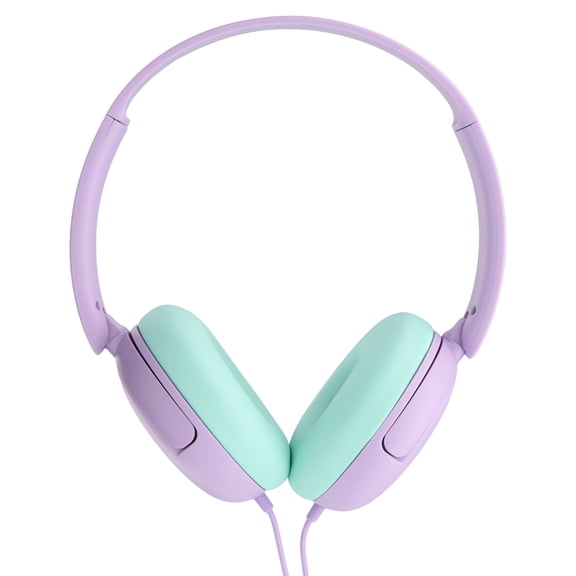
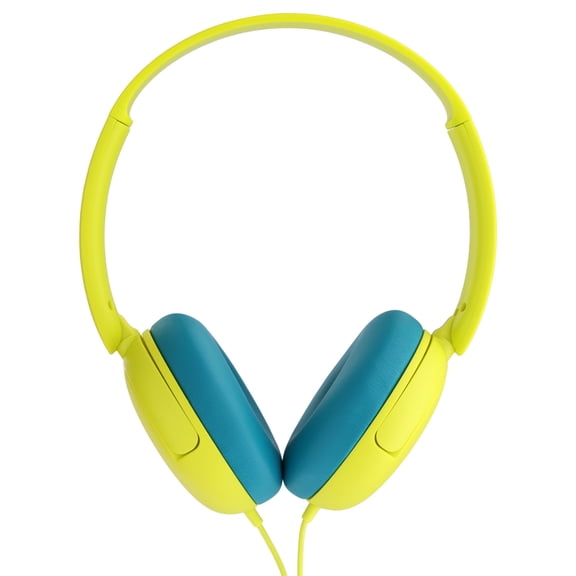
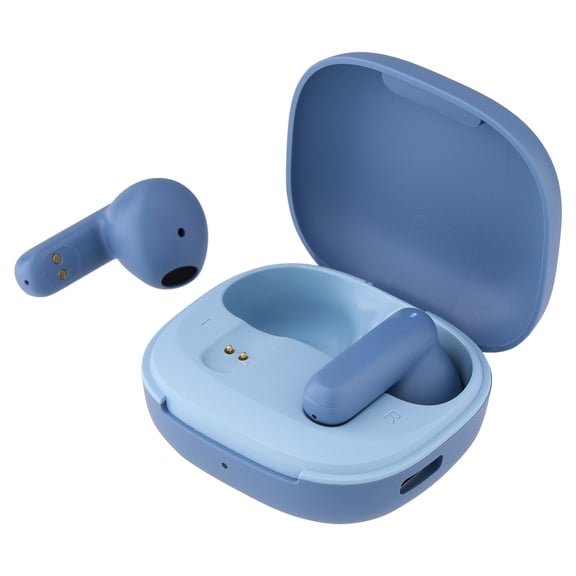
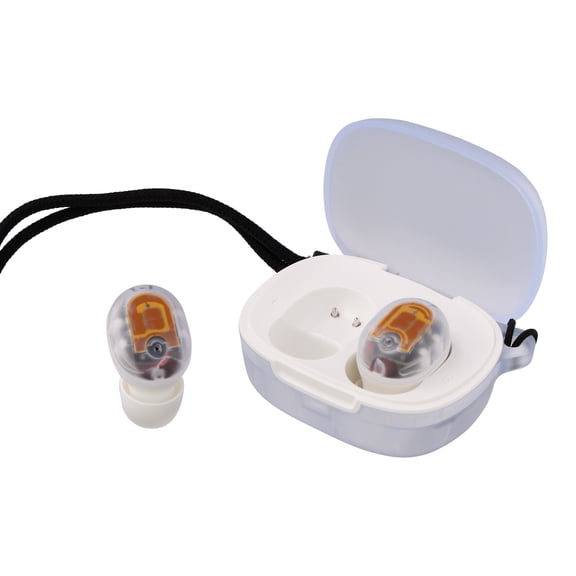
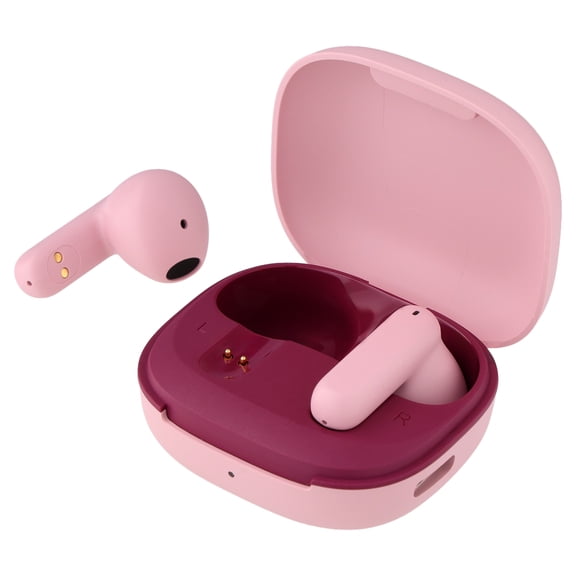
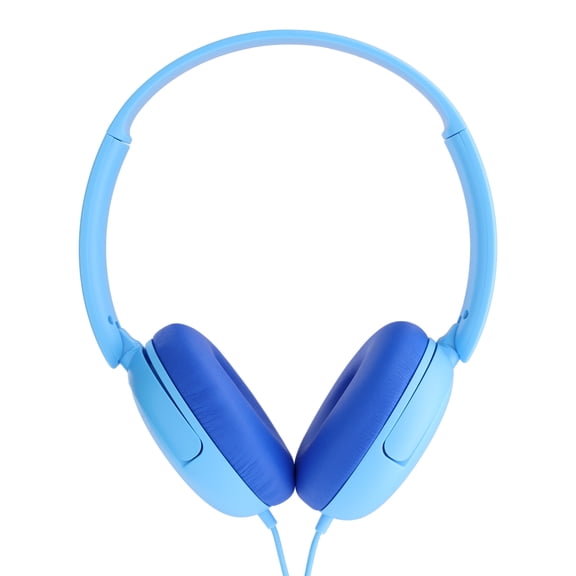
Styles for every listener.
Ready to press play!
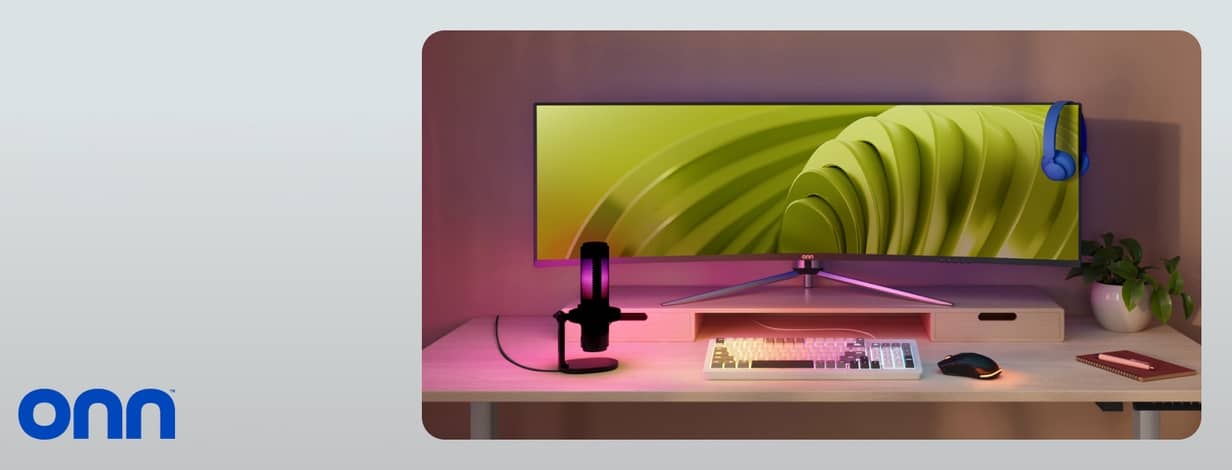
Your gaming setup
Monitors, accessories & more.
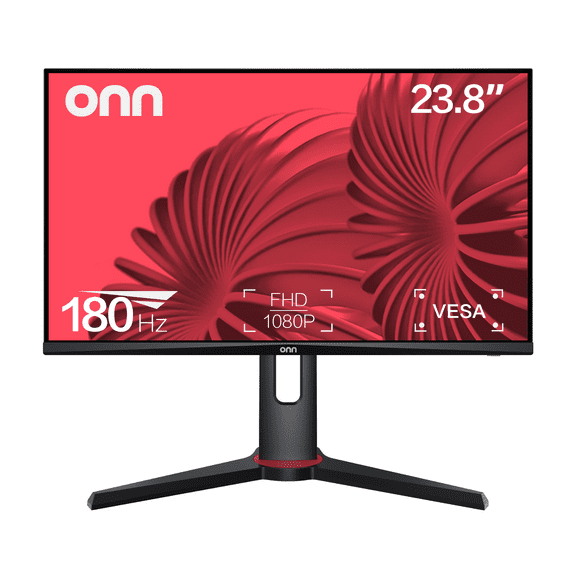

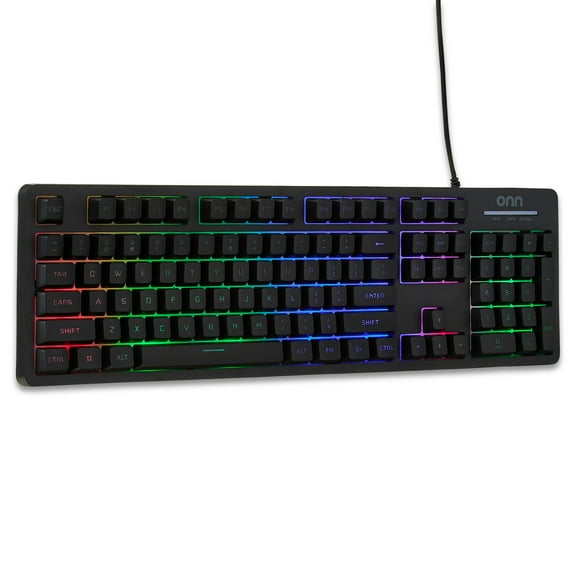

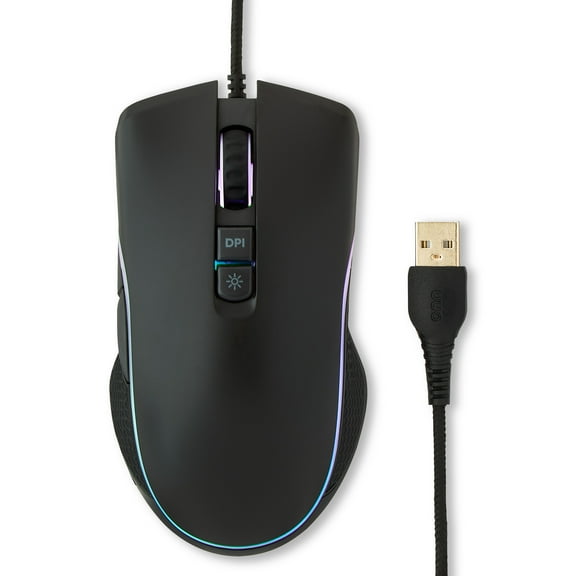



Shop accessories



FAQ
About onn - Walmart.com
You can explore onn at Walmart when you want everyday electronics that fit how you watch, listen, connect, and stream. You’ll find choices across TVs, tablets, audio gear, cables, adapters, and smart home devices.
If you’re comparing the onn brand, you’ll want clear guidance on categories, connectivity, setup, and compatibility. You’ll also want one place to check manuals, support details, and accessories that match your devices.
How to choose onn electronics by category
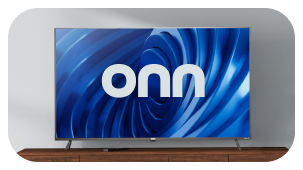
When you shop onn electronics, you’ll usually start with the product category that fits your room, routine, or device setup. You can compare TVs for living spaces, tablets for portable screens, and audio products for personal listening.
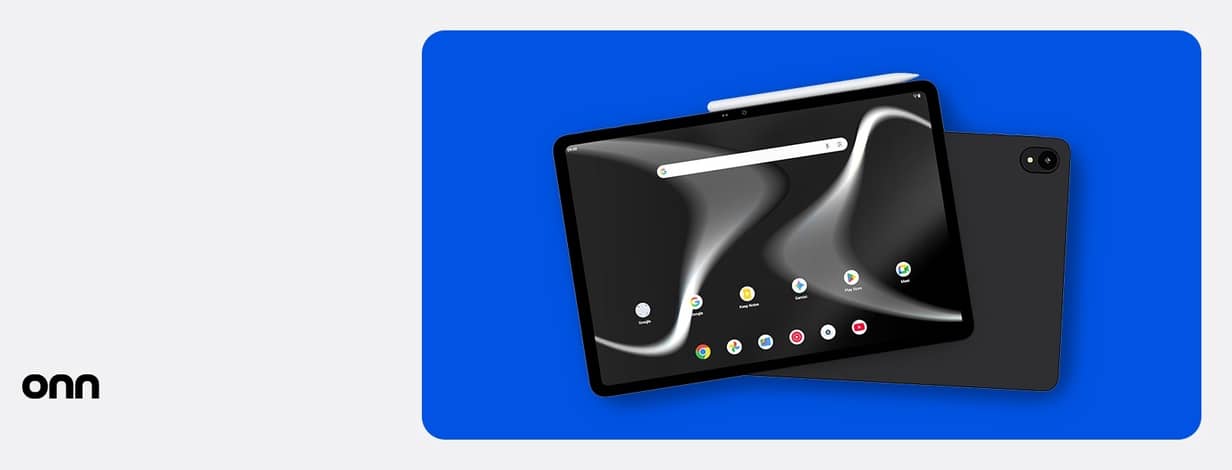
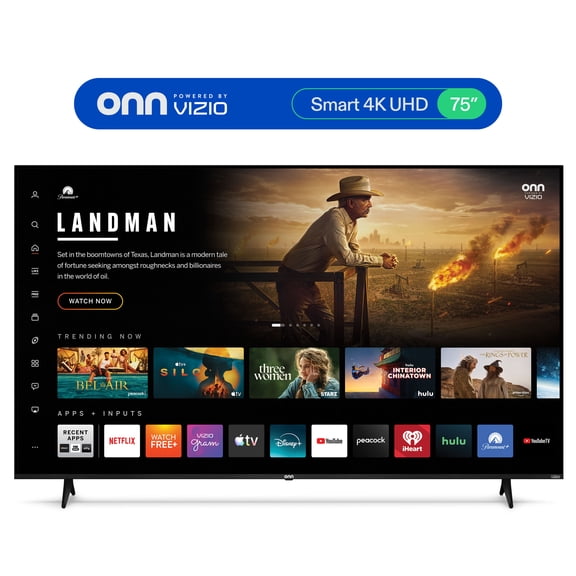
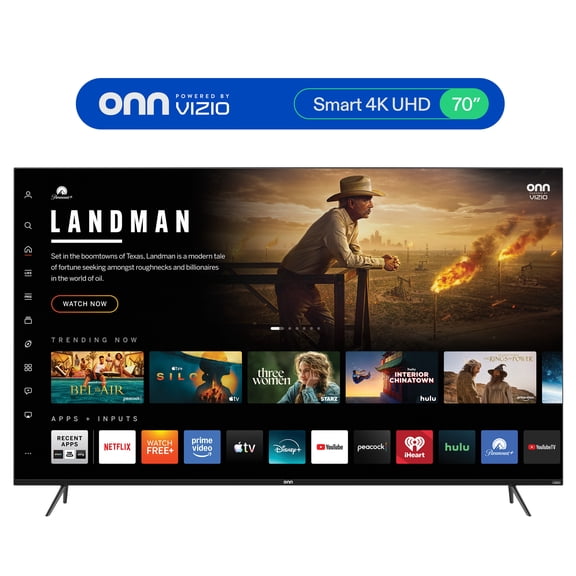
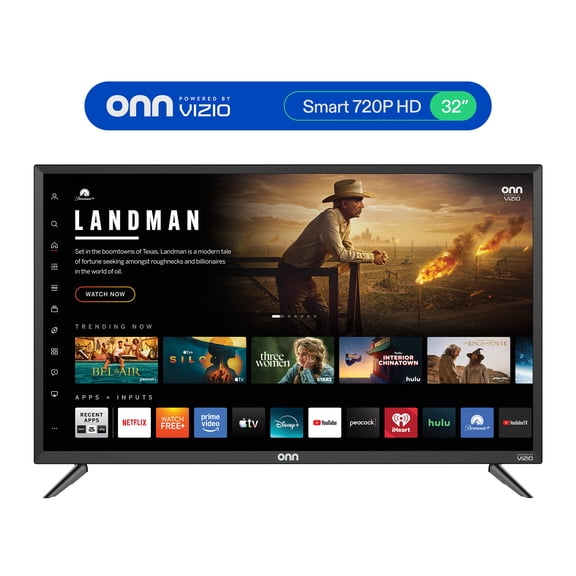
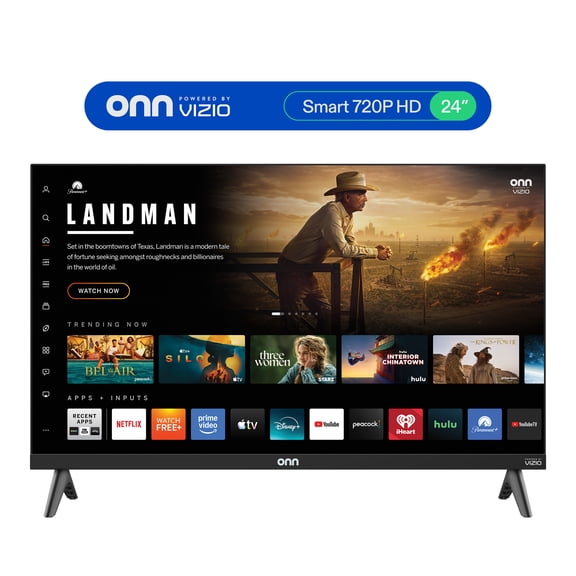
If you need everyday display options, you can look at screen sizes like 32-inch, 50-inch, or 65-inch TVs. If you want portability, you can compare 7-inch and 10-inch tablets for reading, streaming, and casual use.
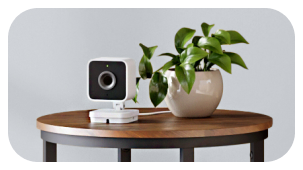
For connection essentials, you can use cables and adapters to link consoles, laptops, streaming devices, and chargers. If you’re building a connected home, you can also compare smart home products that fit your existing setup.
- You can match TVs to room size and viewing distance.
- You can compare tablets by screen size, portability, and everyday tasks.
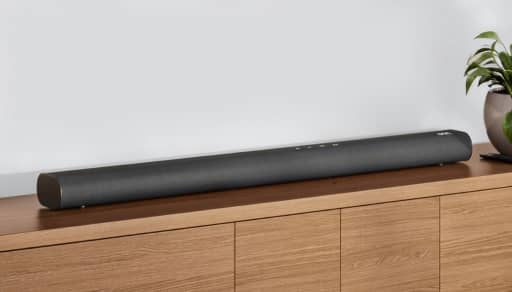
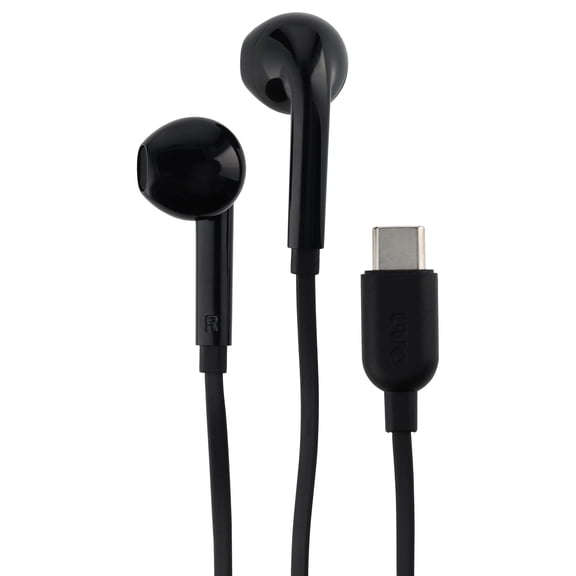
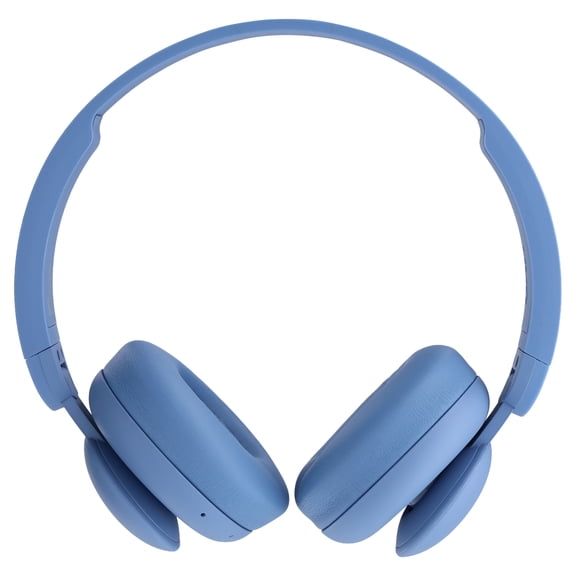
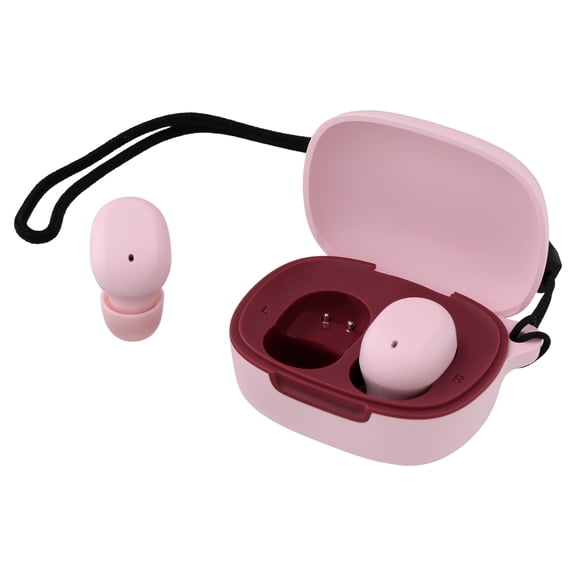
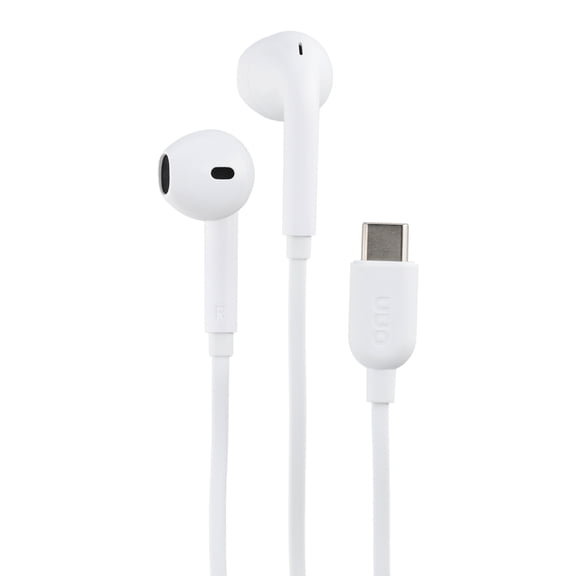
- You can choose audio gear for wireless listening, calls, or home entertainment.
- You can use cables and adapters to connect HDMI, USB-C, and auxiliary devices.
- You can add smart home devices that fit your current network and controls.
What to look for on the onn website and in onn products
When you review onn products, you should compare connectivity first because it affects how easily your devices work together. You can look for Bluetooth, HDMI, USB-C, wireless features, or auxiliary connections based on your setup.
If you’re connecting a TV, you can check HDMI details to match game consoles, media players, and sound equipment. If you’re pairing speakers or headphones, you can check Bluetooth support for simple wireless listening.
For tablets and accessories, you can compare USB-C charging and data connections with your current cables and power blocks. If you still use wired audio, you can also check for auxiliary options before you choose.
You’ll also want to compare power source options because they shape where and how you use each item. You can choose battery powered or rechargeable products for portability, or AC outlet and USB powered options for fixed spaces.
If you use electronics throughout the day, you can compare battery life in hours to match your routine. If you want a steady setup on a desk or media stand, you can use AC outlet power.
When performance matters, you can compare practical specs without getting lost in jargon. You can look at 1080p or 4K resolution for picture detail, then match that to your screen size and viewing habits.
Choosing the right onn brand setup for your devices
If you’re building around devices you already own, you should check compatibility before you choose a model or accessory. You can compare OS support, HDMI versions, and Bluetooth protocol details to avoid connection guesswork.
For example, you can match a tablet to the apps and wireless features you use every day. You can also match a cable or adapter to the exact port on your TV, laptop, phone, or streaming device.
Setup matters when you want electronics that fit into your routine without extra steps. You can connect many devices to Wi-Fi by following on-screen prompts, and you can pair Bluetooth gear through your settings menu.
If you’re shopping the onn store for a TV, you can compare remote style, input layout, and streaming access. If you’re choosing audio gear, you can check pairing steps, charging method, and everyday controls.
You may also want support details before you decide, especially for shared household electronics. You can look for user manual availability, return information, and product support resources that help you get started.
When you need quick reference, you can often use model information to find setup guides and instructions. You’ll appreciate that detail when you’re replacing a remote, connecting Wi-Fi, or confirming compatible accessories.
How onn products fit everyday use
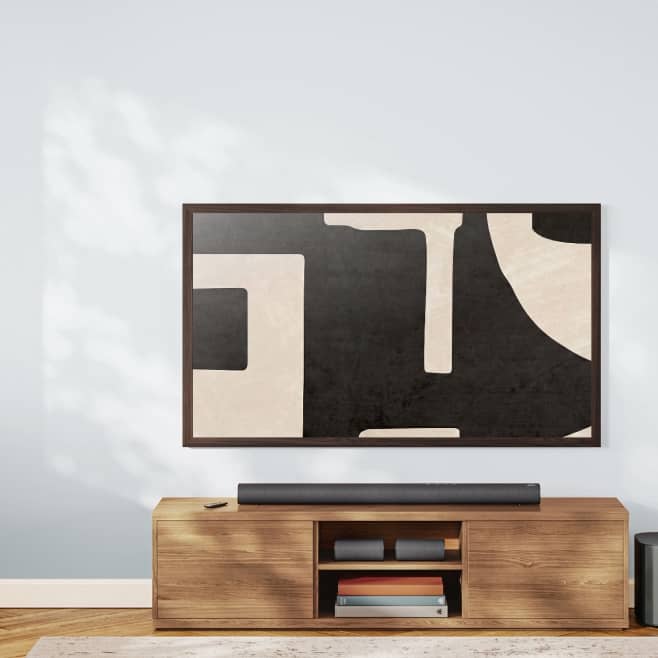
If you want a simple living room setup, you can pair a 50-inch or 65-inch TV with HDMI-connected streaming and game devices. You can then add audio accessories that match your preferred wireless or wired connection.
For a bedroom, dorm, or smaller apartment, you can choose a 32-inch TV when you need a compact screen. You can keep the setup straightforward with USB powered accessories or a basic HDMI connection.
If you need a tablet for everyday browsing, streaming, or reading, you can compare 7-inch and 10-inch options by portability. You can choose the size that fits your bag, desk, or couch-side routine.
When you listen on the go, you can compare rechargeable audio products with Bluetooth pairing and simple controls. If you stay at a desk, you can use USB powered or auxiliary-connected options for steady daily use.
For home offices and study spaces, you can use cables and adapters to connect monitors, charging gear, and media devices. You’ll find that the right connector matters when your laptop uses USB-C and your display uses HDMI.
If you’re exploring the onn website for household tech basics, you can focus on compatibility, power source, and screen size first. You can narrow choices quickly when you compare those details before color or style.
Why shoppers look for the onn brand
When you search for the onn brand, you’re usually looking for electronics that cover common home and personal tech needs. You can find practical options for streaming, listening, charging, connecting, and everyday screen use.
If you want one brand hub for TVs, tablets, audio, and accessories, you can use this onn destination as a starting point. You’ll be able to compare key specs, understand setup needs, and choose accessories that fit your devices.
With onn, you can focus on the details that matter for daily use, like connection type, screen size, power source, and setup steps. You’ll feel confident when your electronics fit your space and connect the way you expect.