

ASUS Zenbooks in Asus Laptops












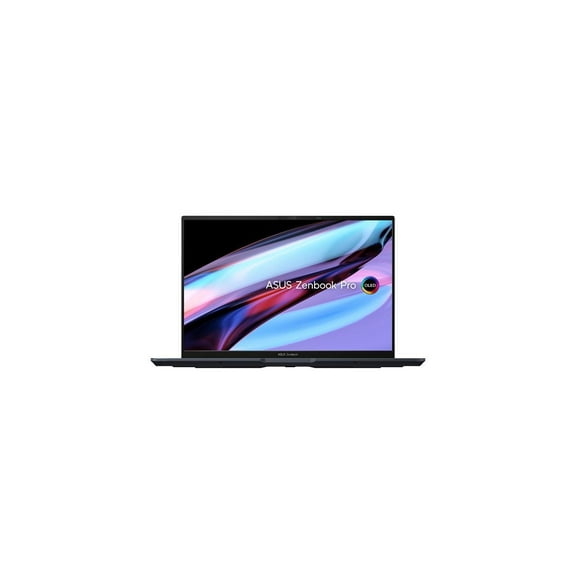
About ASUS Zenbooks in Asus Laptops - Walmart.com
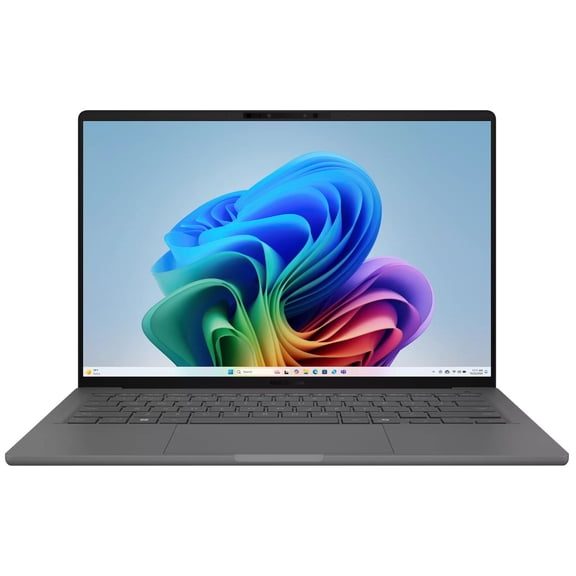
ASUS ZenBook laptops give you a sleek, travel-ready computer lineup with OLED display options, thin designs, and powerful configurations for work and study. You can compare screen types, sizes, memory, storage, and form factors quickly when you know which daily tasks matter to you.
If you want a light laptop for meetings, classes, or flights, you’ll notice this category focuses on portability without giving up sharp visuals. You can also narrow your choice by display style, processor tier, and the way your laptop opens and works.
How to choose an ASUS ZenBook
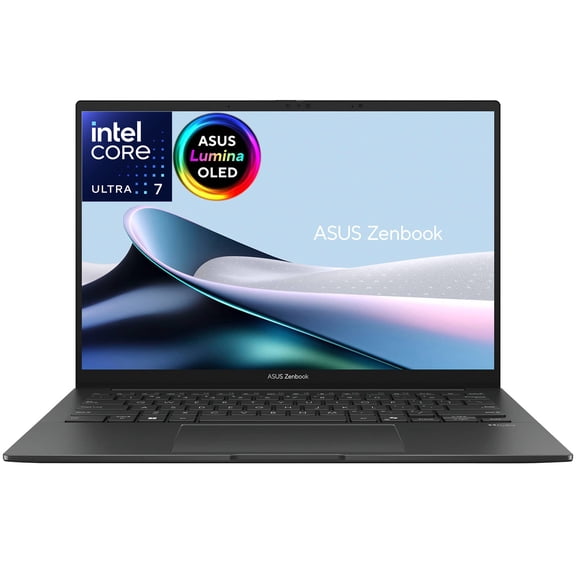
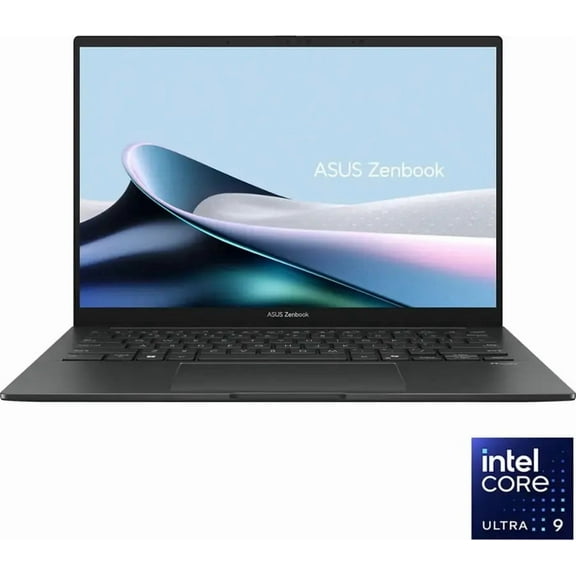
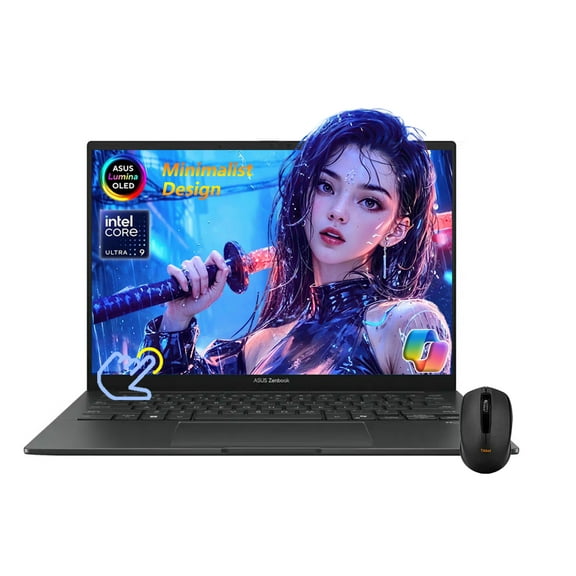
You should start with the display, because your screen changes how your laptop feels every day. You may prefer an ASUS ZenBook 14 OLED model if you want vivid contrast, deep blacks, and crisp detail.
If you spend hours with documents, videos, or design work, you can compare OLED with FHD LCD and NanoEdge touchscreen options. You’ll usually see OLED deliver richer color, while LCD choices can fit straightforward everyday viewing.
You can also use screen size as a simple decision point. You may want 13-inch or 14-inch models for easier packing, while 15-inch and 16-inch options give you more room for multitasking.
- You can carry a thinner, lighter laptop more easily during travel days.
- You can enjoy sharper contrast and cinematic color with OLED display choices.
- You can keep more apps, tabs, and files ready with stronger RAM and SSD configurations.
- You can pick a form factor that matches note-taking, dual-screen work, or classic typing.
Choosing display, size, and form factor
You should compare ZenBook Classic, ZenBook S, ZenBook Duo, and ZenBook Flip models by how you work. You may like a classic clamshell for straightforward typing, or choose a 2-in-1 for flexible touch use.
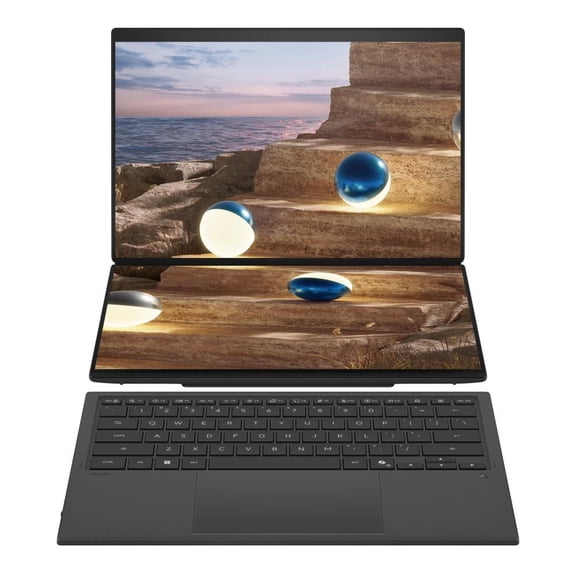
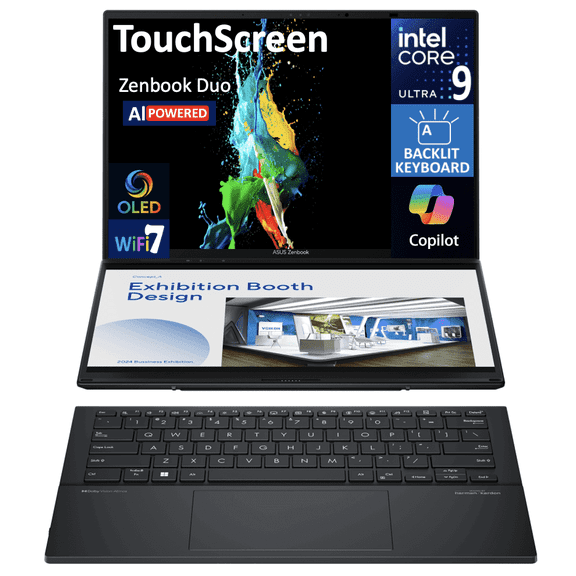
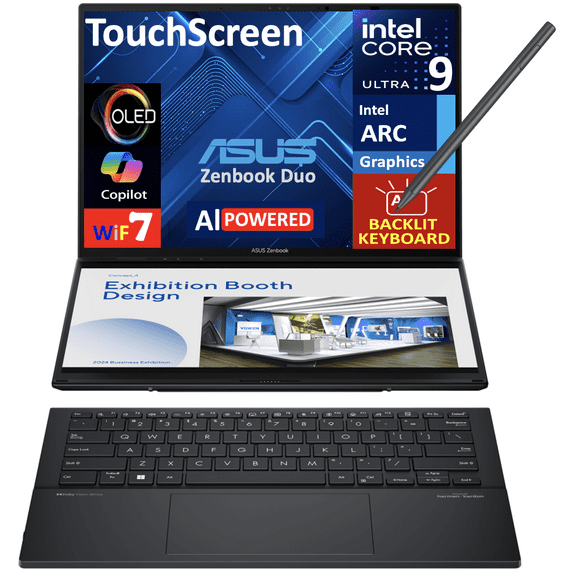
If you split your day across chat, spreadsheets, and research, you can look at ZenBook Duo styles with a second display. You’ll get extra viewing space that makes side-by-side windows easier to manage.
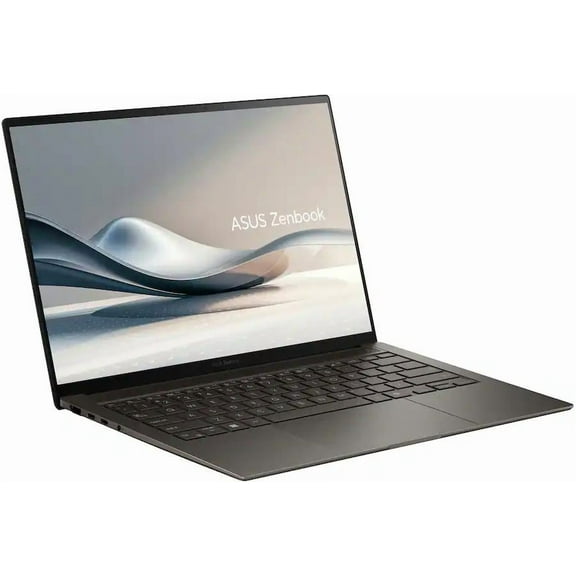
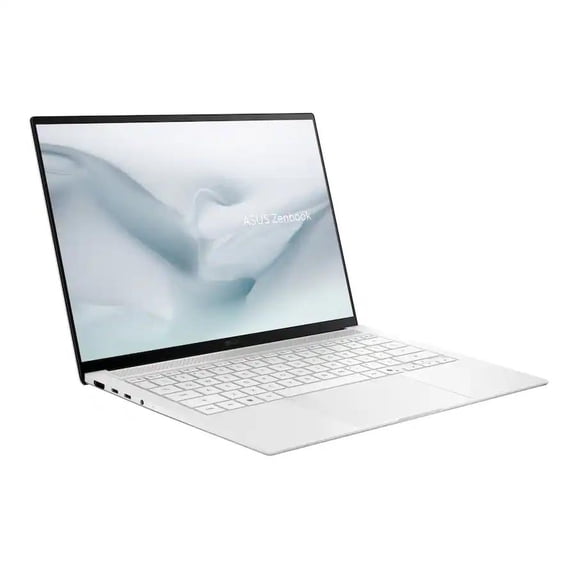
You can check whether a ZenBook S model fits your routine if you want a very thin profile. You may prefer that style when your bag space is tight and your laptop moves often.
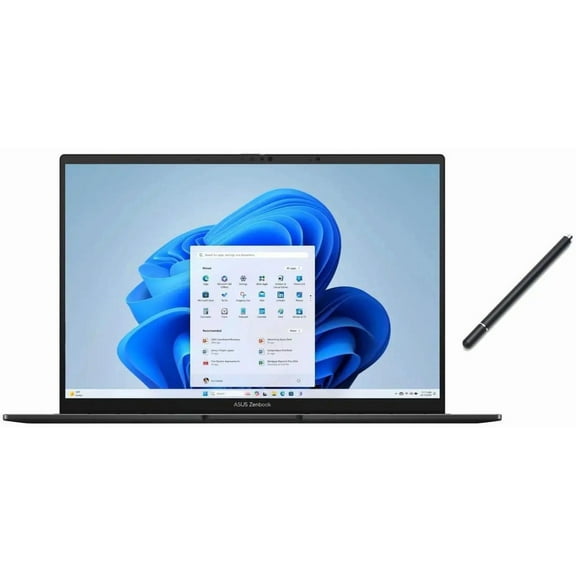
When touchscreen support matters, you should compare NanoEdge touchscreen and Flip options closely. You can tap, scroll, sketch, or present in ways that feel more natural during mobile work.
Choosing the right specs: i7, 32GB RAM, and 1TB SSD
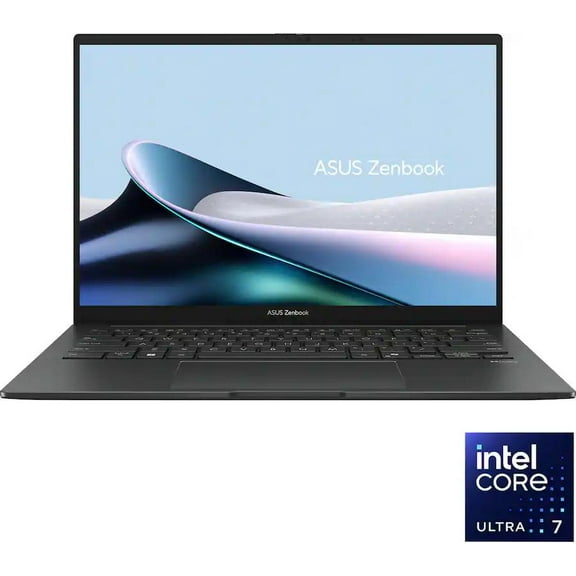
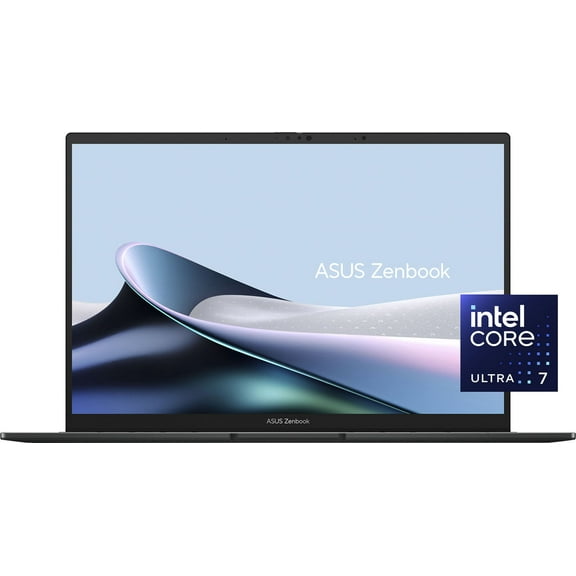
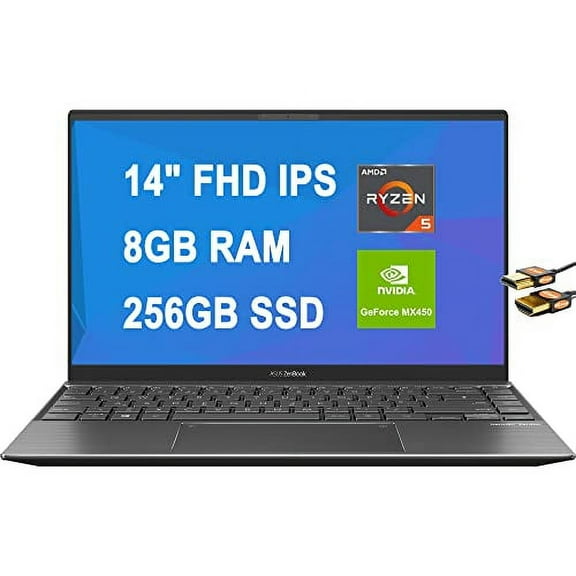
You should match processor power and memory to the software you use each day. You may want an Intel Core i7, Intel Core Ultra, or AMD Ryzen configuration based on your workload.
If you keep many tabs open, edit large files, or switch between apps often, you can look for 16GB RAM or 32GB RAM. You’ll notice extra memory helps your laptop feel smoother during heavier multitasking.
You can also compare storage by how many files you keep locally. You may choose 512GB SSD for lighter needs, while 1TB SSD gives you more room for photos, projects, and larger programs.
When you see laptop i7 32GB RAM 1TB SSD touch screen configurations, you should read them as productivity-focused setups. You can expect strong support for multitasking, touch input, and fast file access.
You may also want to check for LPDDR5X RAM and PCIe Gen 4 SSD details. You’ll usually get faster memory response and quicker loading when those specs appear on the product page.
Using ASUS ZenBook 14 OLED and other models every day
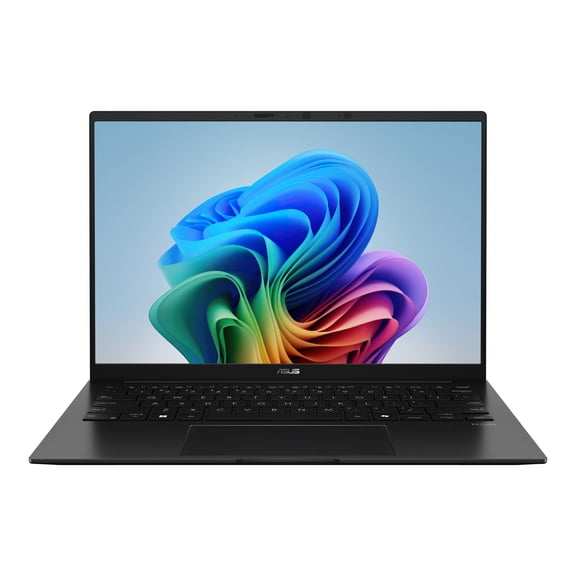
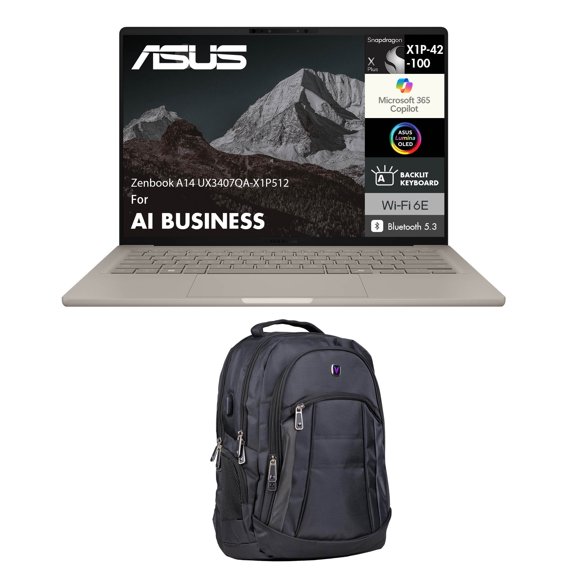
If you commute, travel, or move between rooms often, you can benefit from a compact 14-inch system. You’ll get a size that balances portability with enough screen space for spreadsheets and streaming.
You may want an ASUS ZenBook 14 OLED when color and contrast shape your viewing experience. You can enjoy movies, photo work, and presentations with a more vivid look on supported models.
If you’re shopping for classes or office work, you should consider battery life and charging convenience carefully. You can look for models built for longer unplugged sessions and quick top-offs between stops.
You can also choose by keyboard-and-screen setup instead of raw specs alone. You may want a Flip for note-taking, a Duo for layered workflows, or a classic model for traditional laptop use.
When you’re comparing where to buy ASUS ZenBook options, you should focus on model visibility and clear specs. You can review processor, display, memory, and storage details in one place before choosing.
If ASUS ZenBook price matters in your search, you can compare configurations instead of judging by name alone. You’ll often find that screen type, RAM, storage, and form factor explain the difference.
You can shop this category with more confidence when you compare OLED versus LCD, 14-inch versus 16-inch, and 16GB versus 32GB directly. You’ll end up with a ZenBook that fits your work style, screen preferences, and travel routine.