Xfinity White Box(7)
ARRIS Surfboard SB 8200 DOCSIS 3.1 Gigabit Cable Modem, Approved for Cox, Xfinity, Spectrum & Others $154.99 Was $199.99

ARRIS Surfboard SB 8200 DOCSIS 3.1 Gigabit Cable Modem, Approved for Cox, Xfinity, Spectrum & Others
Xfinity XFI POD XEI-S Extender Network Range Wifi Rented Owned Router - White $72.00 Was $80.00

Xfinity XFI POD XEI-S Extender Network Range Wifi Rented Owned Router - White
ARRIS Surfboard DOCSIS 3.1 Multi-Gigabit Cable Modem with 2.5 Gbps Ethernet Port, Approved for Cox, Xfinity, Spectrum and Others, Wireless Technology - New Condition $199.00
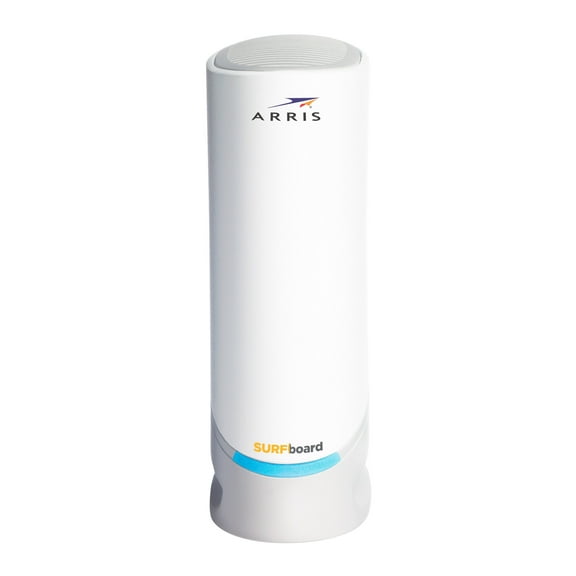
ARRIS Surfboard DOCSIS 3.1 Multi-Gigabit Cable Modem with 2.5 Gbps Ethernet Port, Approved for Cox, Xfinity, Spectrum and Others, Wireless Technology - New Condition
ARRIS Surfboard (16x4) DOCSIS 3.0 Cable Modem. Approved for Xfinity Comcast, Cox, Charter and Most Other Cable Internet Providers for Plans up to 400 Mbps. - New Condition $49.95 Was $69.99

ARRIS Surfboard (16x4) DOCSIS 3.0 Cable Modem. Approved for Xfinity Comcast, Cox, Charter and Most Other Cable Internet Providers for Plans up to 400 Mbps. - New Condition
Xfinity XE2-SG 2nd Generation XFI Pod Model B1A Bigger & Better with Improved Connectivity (Dual Pack) $300.00

Xfinity XE2-SG 2nd Generation XFI Pod Model B1A Bigger & Better with Improved Connectivity (Dual Pack)
ARRIS SURFboard (16x4) DOCSIS 3.0 Cable Modem / AC1900 Dual-Band WiFi Router. Approved for XFINITY Comcast, Cox, Charter and most other Cable Internet providers for plans up to 300 Mbps. (SBG6900AC) $160.99 Was $218.00
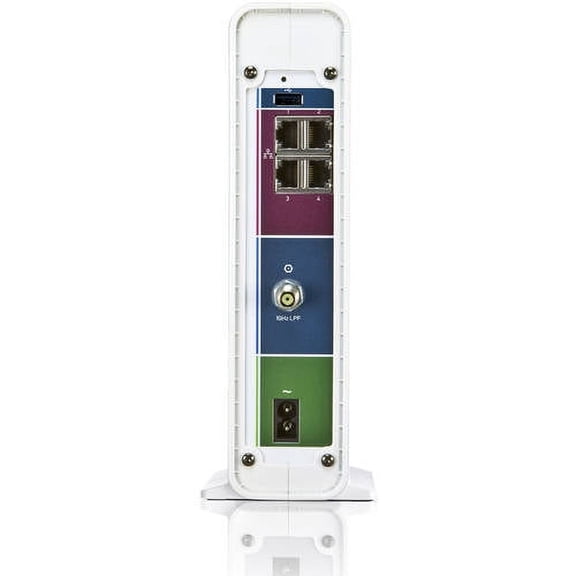
ARRIS SURFboard (16x4) DOCSIS 3.0 Cable Modem / AC1900 Dual-Band WiFi Router. Approved for XFINITY Comcast, Cox, Charter and most other Cable Internet providers for plans up to 300 Mbps. (SBG6900AC)
Arris TM822R Docsis 3.0 Xfinity Internet & Voice Cable Modem Router $79.99
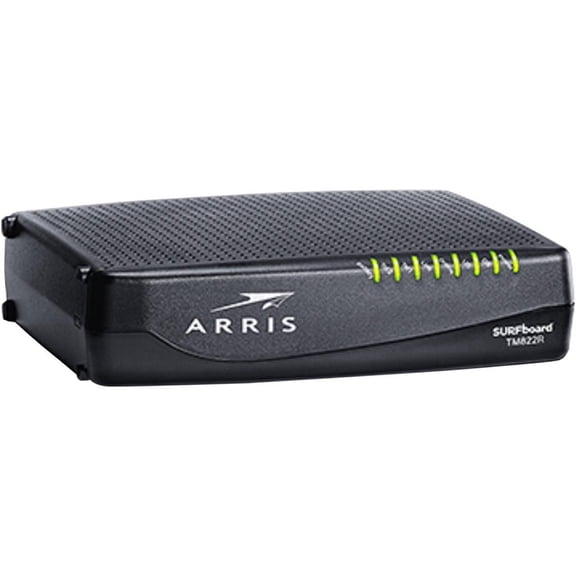
Arris TM822R Docsis 3.0 Xfinity Internet & Voice Cable Modem Router
Other options to consider(5)
Arris SURFboard S33 Desktop DOCSIS 3.1 Cable Modem $210.00

Arris SURFboard S33 Desktop DOCSIS 3.1 Cable Modem
New, Coda56 Cable Internet Modem Only - Docsis 3.1 | 2.5 Gbps No Wifi Requires Router Xfinity/spectrum/coxpatible Not For Fiber/dsl $360.98
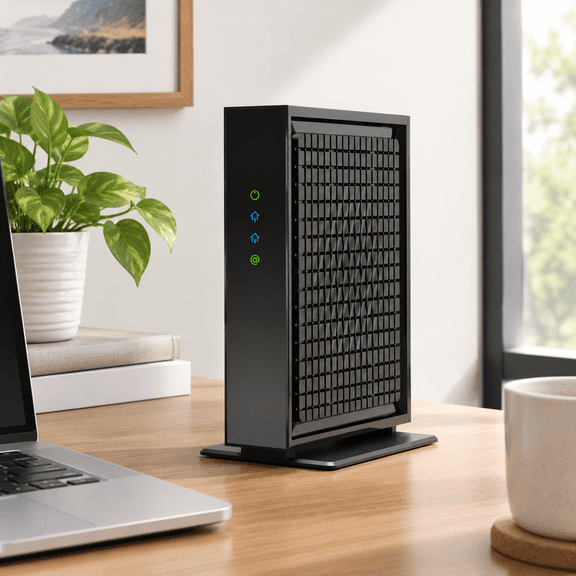
Coda56 Cable Internet Modem Only - Docsis 3.1 | 2.5 Gbps No Wifi Requires Router Xfinity/spectrum/coxpatible Not For Fiber/dsl
New, Coda56 Cable Internet Modem Only - Docsis 3.1 | 2.5 Gbps No Wifi Requires Router Xfinity/spectrum/coxpatible Not For Fiber/dsl $360.98
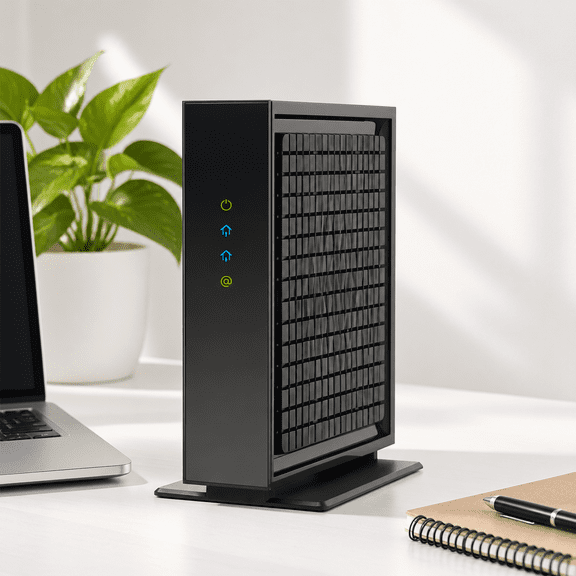
Coda56 Cable Internet Modem Only - Docsis 3.1 | 2.5 Gbps No Wifi Requires Router Xfinity/spectrum/coxpatible Not For Fiber/dsl
New, Coda56 Cable Internet Modem Only - Docsis 3.1 | 2.5 Gbps No Wifi Requires Router Xfinity/spectrum/coxpatible Not For Fiber/dsl $360.98
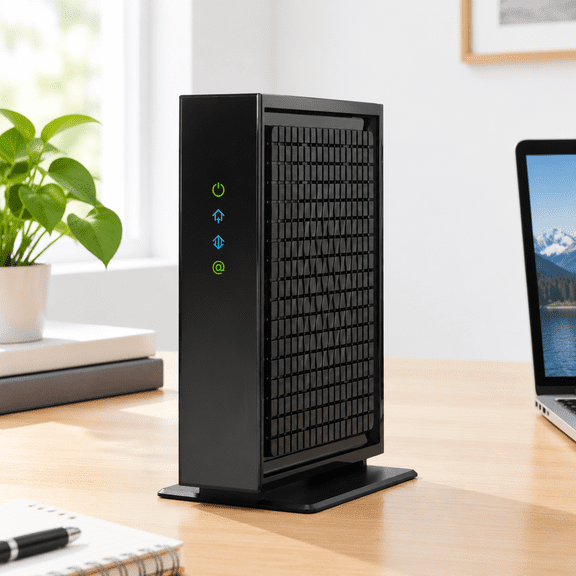
Coda56 Cable Internet Modem Only - Docsis 3.1 | 2.5 Gbps No Wifi Requires Router Xfinity/spectrum/coxpatible Not For Fiber/dsl
Motorola MB8600 DOCSIS 3.1 Cable Modem, 6 Gbps Max Speed. Approved for Comcast Xfinity Gigabit, Cox Gigablast, and More, Black $249.99
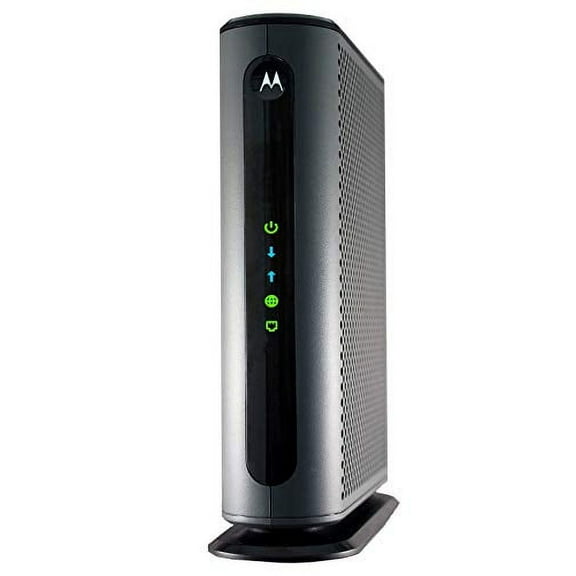
Motorola MB8600 DOCSIS 3.1 Cable Modem, 6 Gbps Max Speed. Approved for Comcast Xfinity Gigabit, Cox Gigablast, and More, Black
FAQ
What does DOCSIS mean for cable modems?
DOCSIS stands for Data Over Cable Service Interface Specification. It's a technology standard that lets cable modems deliver high-speed internet using cable TV lines. You'll notice different DOCSIS versions like 3.0 and 3.1—higher numbers generally mean faster speeds and improved performance. For most users, DOCSIS 3.1 is ideal for gigabit plans, while 3.0 suits moderate internet needs.
- DOCSIS 3.0: Good for standard browsing and streaming
- DOCSIS 3.1: Designed for ultra-fast speeds and newer networks
Always check compatibility with your internet provider before purchasing.
Can I use these devices with multiple providers?
Many cable modems and Wi-Fi pods on this page are compatible with several major cable internet providers, not just one. You’ll often see approval for names like Xfinity, Cox, and Spectrum. If you switch providers, it’s possible your existing device will still work as long as the new provider supports it and your internet plan fits within its speed limits.
- Check the device listing for supported providers
- Confirm with your provider for compatibility
This flexibility can make transitions easier if you change service in the future.
How do I set up a cable modem at home?
Setting up a cable modem is usually straightforward. Here’s a basic overview:
- Connect the modem to your wall cable outlet and to your Wi-Fi router (or directly to your computer).
- Plug in and power up both devices.
- Activate the modem by following your provider’s instructions (often via their website or customer service).
The process can vary slightly between providers, so having your account info handy makes things easier. If you need more help, your provider’s support team can walk you through additional steps if needed.
What does an XFI Pod do for my network?
An XFI Pod is a Wi-Fi extender designed to help eliminate dead zones and boost connectivity in hard-to-reach areas of your home. It plugs into a power outlet and connects to your existing Wi-Fi network, making coverage more consistent in spaces where your router’s signal may struggle.
- Improves signal strength to devices farther from the router
- Helps reduce buffering and dropped connections
If you have a larger space or thick walls, adding an XFI Pod can keep your internet experience smooth throughout your home.
Is there a way to know if my modem needs upgrading?
If your internet speeds aren’t matching your plan, or you’re regularly experiencing slowdowns and disconnects, your modem may need an upgrade. Look at your internet provider’s recommended hardware list—modems with older technology (like older DOCSIS versions or equipment not supporting your plan’s speeds) are common signs it’s time for a change.
- Check for compatibility with your current internet plan
- Compare device specs versus your provider’s requirements
Upgrading can unlock faster speeds and better reliability, especially with newer plans offering gigabit internet.
Popular in Shop Xfinity White Box Electronics for Internet Solutions
Related Products
Motorola MG8725 Multi-Gig Cable Modem + Built in WiFi 6 Router | Approved for Comcast Xfinity Gigabit, Cox Gigablast, Spectrum | Plans Up to 6000 Mbps | DOCSIS 3.1 | AX6000 | Motosync App
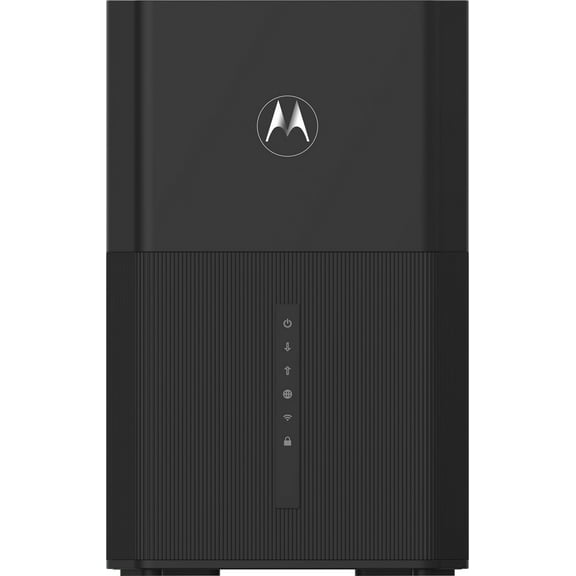 Motorola MG8725 Multi-Gig Cable Modem + Built in WiFi 6 Router | Approved for Comcast Xfinity Gigabit, Cox Gigablast, Spectrum | Plans Up to 6000 Mbps | DOCSIS 3.1 | AX6000 | Motosync App$199.99current price $199.99
Motorola MG7700 Modem WiFi Router Combo with Power Boost | Approved by Comcast Xfinity, Cox and Spectrum | for Cable Plans Up to 800 Mbps | DOCSIS 3.0 + Gigabit Router
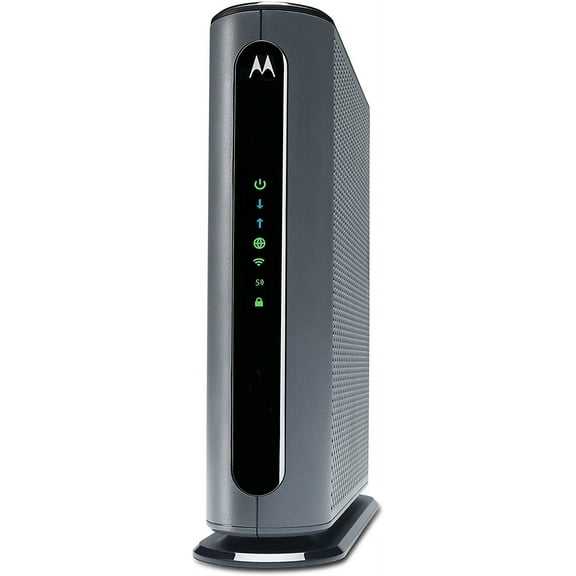 Motorola MG7700 Modem WiFi Router Combo with Power Boost | Approved by Comcast Xfinity, Cox and Spectrum | for Cable Plans Up to 800 Mbps | DOCSIS 3.0 + Gigabit Router$249.99current price $249.99
Motorola MG8702 | DOCSIS 3.1 Cable Modem + Wi-Fi Router (High Speed Combo) with Intelligent Power Boost | AC3200 Wi-Fi Speed | Approved for Comcast Xfinity, Cox, and Charter Spectrum
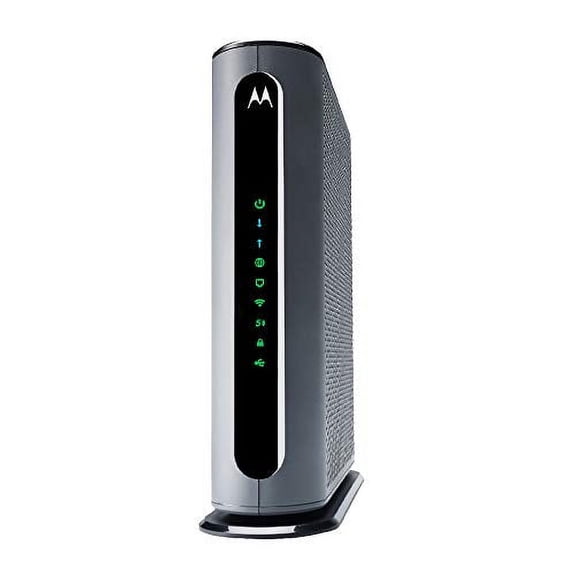 Motorola MG8702 | DOCSIS 3.1 Cable Modem + Wi-Fi Router (High Speed Combo) with Intelligent Power Boost | AC3200 Wi-Fi Speed | Approved for Comcast Xfinity, Cox, and Charter Spectrum$320.95current price $320.95
Motorola MG7700 Modem with AC1900 Dual Band 1000 Mbps Wi-Fi Gigabit Router with Power Boost
 Motorola MG7700 Modem with AC1900 Dual Band 1000 Mbps Wi-Fi Gigabit Router with Power Boost$174.99current price $174.99
Motorola MT7711 24X8 Cable Modem plus AC1900 Dual Band WiFi Gigabit Router plus 2 Phone Lines for Comcast Xfinity
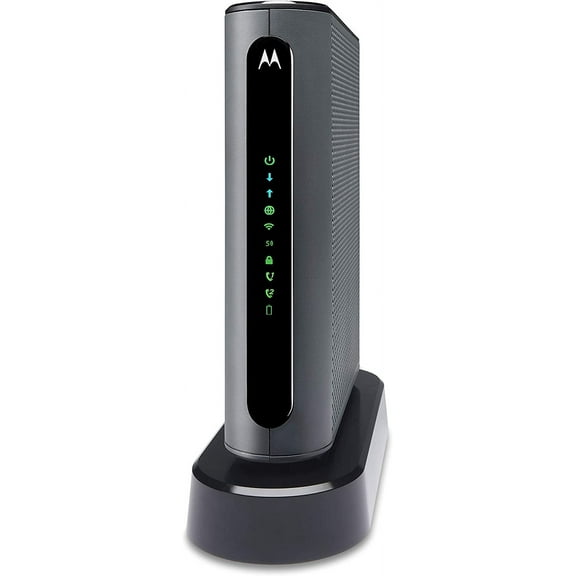 Motorola MT7711 24X8 Cable Modem plus AC1900 Dual Band WiFi Gigabit Router plus 2 Phone Lines for Comcast Xfinity$349.00current price $349.00
Motorola B12 DOCSIS 3.1 Multi-Gig Cable Modem | Pairs with Any WiFi Router | Approved for Comcast Xfinity, Cox Gigablast, Spectrum | 2.5 Gbps Port | 2500 Mbps Max Internet Speeds
 Motorola B12 DOCSIS 3.1 Multi-Gig Cable Modem | Pairs with Any WiFi Router | Approved for Comcast Xfinity, Cox Gigablast, Spectrum | 2.5 Gbps Port | 2500 Mbps Max Internet Speeds$123.99current price $123.99
Motorola MG7700 DOCSIS 1000 Mbps AC1900 Dual-Band WiFi Router 3.0 Modem
 Motorola MG7700 DOCSIS 1000 Mbps AC1900 Dual-Band WiFi Router 3.0 Modem$249.99current price $249.99
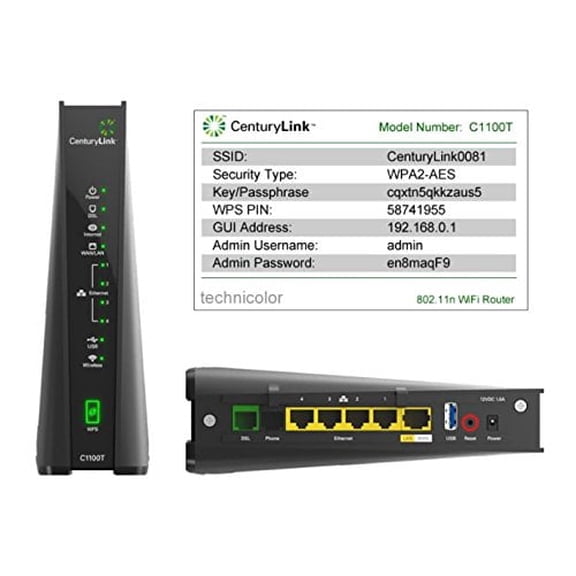
CenturyLink Technicolor C1100T Vdsl2 Modem 802.11n WiFi Router
CenturyLink Technicolor C1100T Vdsl2 Modem 802.11n WiFi Router