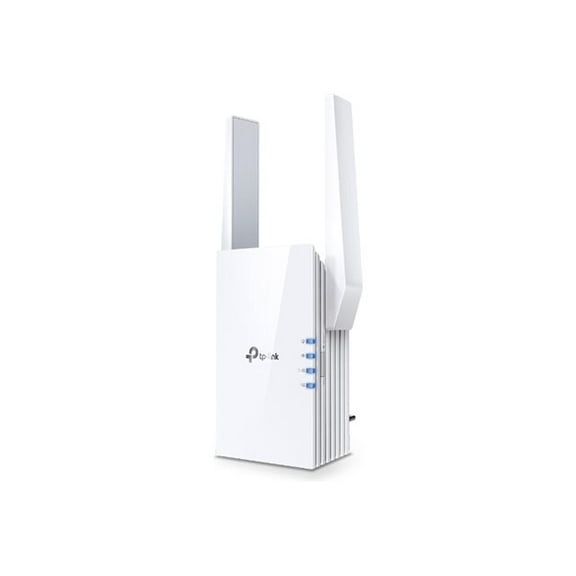
Wisp Network(13)
Dbit N300 Wireless Wi-Fi Router Home Internet Router, Supports Access Point, WISP, up to 300Mbps $19.99
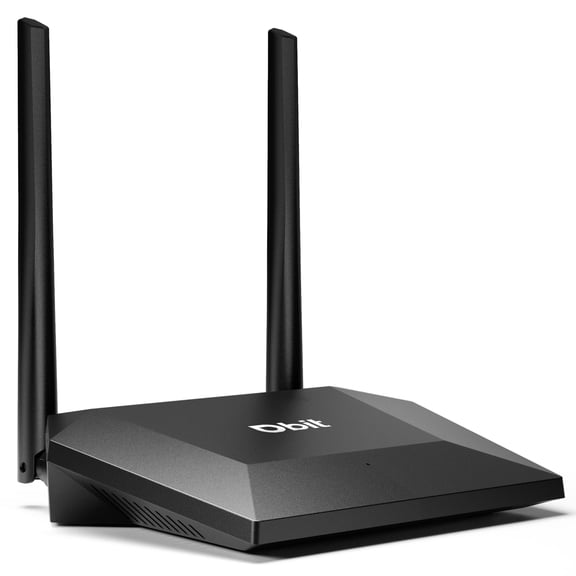
Dbit N300 Wireless Wi-Fi Router Home Internet Router, Supports Access Point, WISP, up to 300Mbps
Cudy WR1300 Dual-Band AC1200 Mesh Router with Accessories $34.99

Cudy WR1300 Dual-Band AC1200 Mesh Router with Accessories
ASUS RT-BE58 Go Dual-band WiFi 7 Portable Travel Router, 3600 Mbps, 4G/5G Tethering, Public WiFi (WISP) Mode, 2.5G Port, Advanced Network Security & VPNs, RV/Cruise/Mobile, USB-C Power Delivery $119.00 Was $159.00
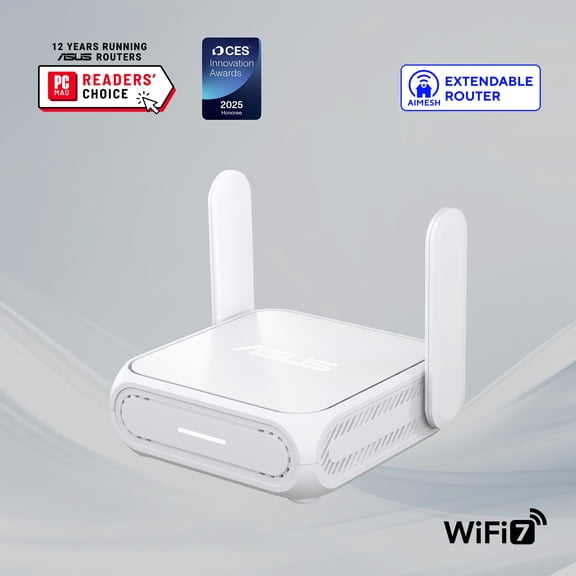
ASUS RT-BE58 Go Dual-band WiFi 7 Portable Travel Router, 3600 Mbps, 4G/5G Tethering, Public WiFi (WISP) Mode, 2.5G Port, Advanced Network Security & VPNs, RV/Cruise/Mobile, USB-C Power Delivery
Cudy AX3000 Multi Gigabit Dual Band WiFi 6 Mesh Router, 2.5Gbps WAN RJ45 Port, 4 Gigabit RJ45 Ports, 4 5dBi Antennas, MU-MIMO, OpenVPN, Wireguard, Zerotier, Ipsec VPN, Cloud APP $69.99
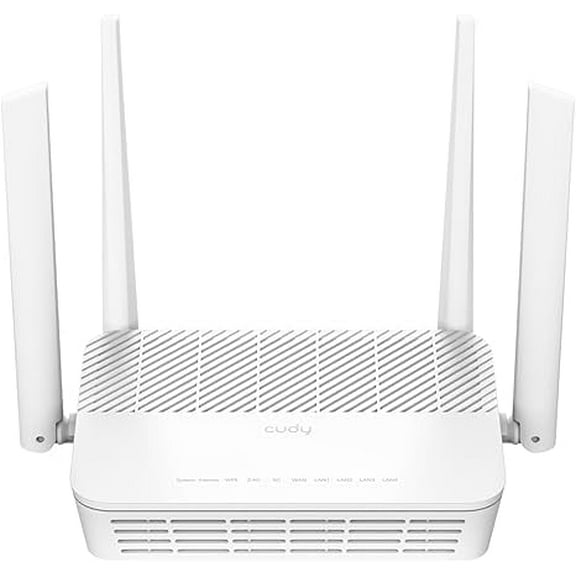
Cudy AX3000 Multi Gigabit Dual Band WiFi 6 Mesh Router, 2.5Gbps WAN RJ45 Port, 4 Gigabit RJ45 Ports, 4 5dBi Antennas, MU-MIMO, OpenVPN, Wireguard, Zerotier, Ipsec VPN, Cloud APP
Cudy M3000 AX3000 Wireless Dual-Band Wi-Fi 6 Multi-Gig Mesh Router $79.99
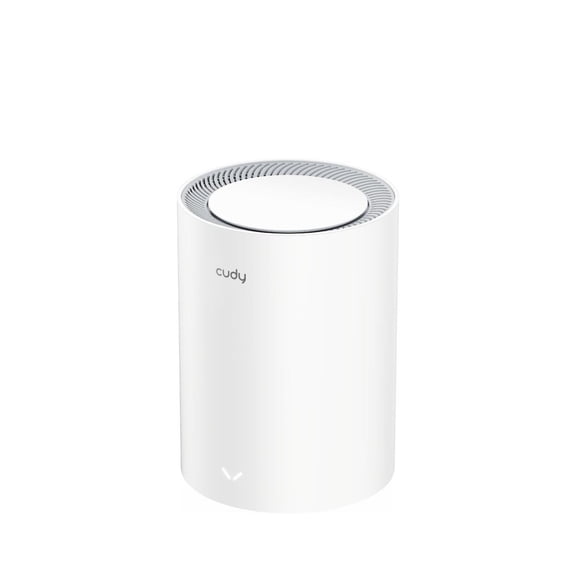
Cudy M3000 AX3000 Wireless Dual-Band Wi-Fi 6 Multi-Gig Mesh Router
SEWOT SW-01 WiFi Extender Signal Booster up to 2600sq ft, 2 Antennas $19.99
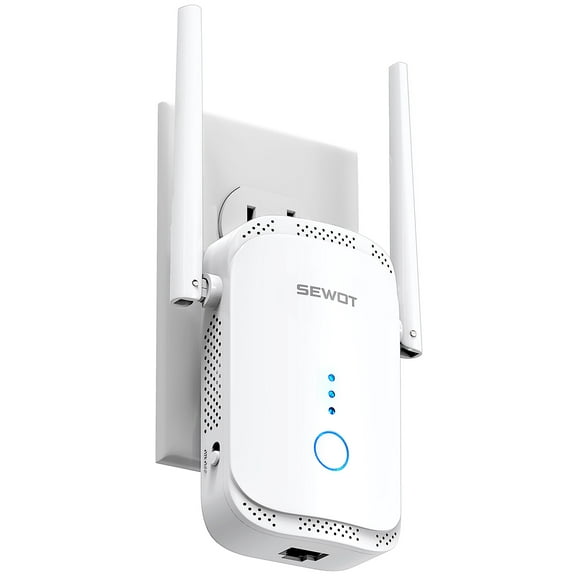
SEWOT SW-01 WiFi Extender Signal Booster up to 2600sq ft, 2 Antennas
ASUS RT-AX57 Go - AX3000 Dual Band WiFi 6 (802.11ax) Travel Router, support 4G/5G mobile tethering & public WiFi (WISP) mode $89.00 Was $99.99
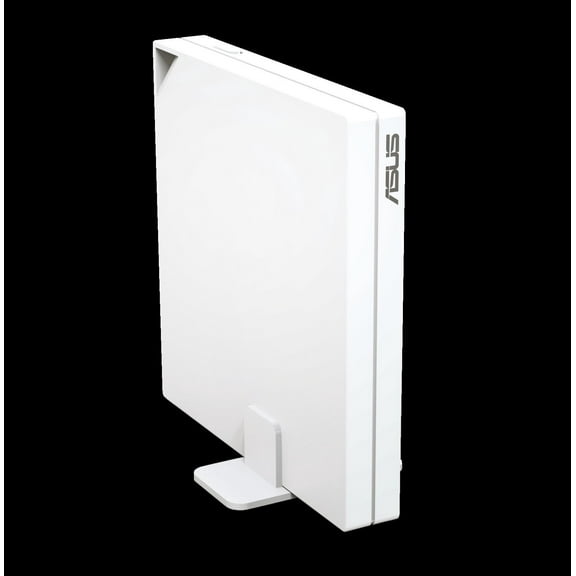
ASUS RT-AX57 Go - AX3000 Dual Band WiFi 6 (802.11ax) Travel Router, support 4G/5G mobile tethering & public WiFi (WISP) mode
ASUS RT-AX50 Go Dual-band WiFi 6 Portable Travel Router $64.00 Was $91.97
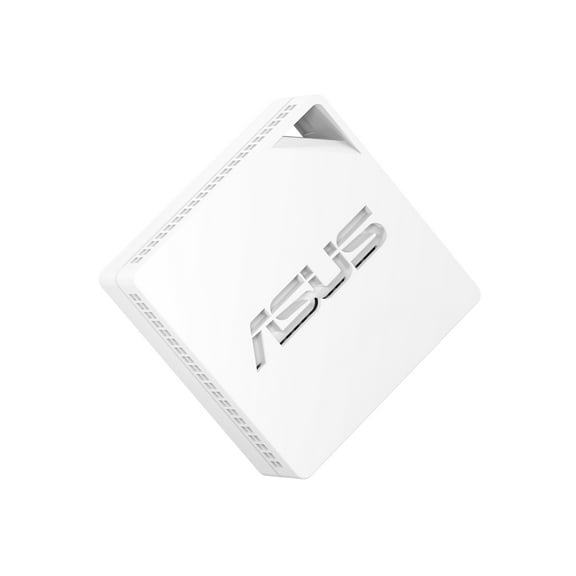
ASUS RT-AX50 Go Dual-band WiFi 6 Portable Travel Router
Cudy Outdoor AX3000 High Power WiFi 6 Access Point, IP65 Weather Proof, External High Power FEMs, Gigabit RJ45 Ports, Support 802.3at or 48~57V Passive PoE, Lightning Protection, MU-MIMO $109.99
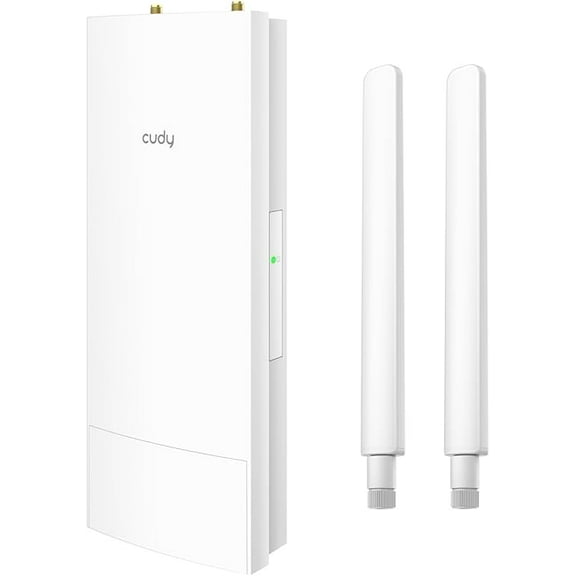
Cudy Outdoor AX3000 High Power WiFi 6 Access Point, IP65 Weather Proof, External High Power FEMs, Gigabit RJ45 Ports, Support 802.3at or 48~57V Passive PoE, Lightning Protection, MU-MIMO
MikroTik SXTsq-5axD Outdoor Wi-Fi 6 CPE, 5GHz AX, 21dBi Antenna, Gigabit PoE, Long Range Wireless Bridge (RouterOS L4, International Version) $71.30

MikroTik SXTsq-5axD Outdoor Wi-Fi 6 CPE, 5GHz AX, 21dBi Antenna, Gigabit PoE, Long Range Wireless Bridge (RouterOS L4, International Version)
TRENDnet TEW-740APBO N300 2.4 GHz 10dBi Outdoor PoE Access Point $89.99 $34.09/lb

TRENDnet TEW-740APBO N300 2.4 GHz 10dBi Outdoor PoE Access Point
Ubiquiti Networks airFiber 5XHD 5GHz Carrier Backhaul Radio with LTU Technology $429.00

Ubiquiti Networks airFiber 5XHD 5GHz Carrier Backhaul Radio with LTU Technology
N300 Easy Setup Wireless Wi-Fi Router Smart Home Internet Router - 2 x High Power Antennas 4 x Fast Ethernet Ports Supports Wireless Repeater WISP Mode (T1 Pro)

N300 Easy Setup Wireless Wi-Fi Router Smart Home Internet Router - 2 x High Power Antennas 4 x Fast Ethernet Ports Supports Wireless Repeater WISP Mode (T1 Pro)
Other options to consider(2)
EP-S16 Ethernet Switch $229.99

EP-S16 Ethernet Switch
LMR-400 Times Microwave Coax Extension 30 Feet N Male to RPSMA Male Cable for Bobcat Miner/Helium HNT Hotspot $63.75

LMR-400 Times Microwave Coax Extension 30 Feet N Male to RPSMA Male Cable for Bobcat Miner/Helium HNT Hotspot
FAQ
What does WISP mode mean on a router?
WISP mode stands for Wireless Internet Service Provider mode. When a router is set to WISP mode, it connects to a wireless network (like a public Wi-Fi or a main router) and shares that connection with your devices through its own Wi-Fi or wired ports. This is handy if you want to extend internet access in places like RVs, mobile setups, or areas where only wireless connections are available.
- WISP mode can help bridge networks without running extra cables.
- It's useful for travel, outdoor setups, or boosting Wi-Fi in large spaces.
How do I set up a mesh Wi-Fi system?
Setting up a mesh Wi-Fi system is pretty straightforward and can help eliminate dead zones in your home or office. Here’s a general guide:
- Place your main mesh router near your modem and connect them with an Ethernet cable.
- Plug in the additional mesh nodes in areas where you need better coverage.
- Download the manufacturer’s app or follow the included instructions to sync the nodes.
- Customize your network name and password as prompted.
Mesh systems are great for seamless roaming and consistent speeds throughout your space. For the best results, keep nodes in open areas and avoid placing them near thick walls or metal objects.
Can I use these routers outdoors?
Some routers and access points are designed specifically for outdoor use, while others are meant for indoor environments only.
- Outdoor models often feature weatherproof casings, higher power output, and protection against elements like rain or dust.
- Always check the product description for terms like 'IP65 weatherproof' or 'outdoor-rated.'
- Using an indoor router outside can lead to damage and may void warranties.
What’s the difference between dual-band and Wi-Fi 6 routers?
Dual-band routers operate on two frequencies: 2.4GHz and 5GHz. This helps reduce interference and can improve network performance by letting devices connect to the best available band.
- Wi-Fi 6 is a newer technology that offers faster speeds, better efficiency, and improved performance in crowded networks compared to previous Wi-Fi standards.
- Some Wi-Fi 6 routers are also dual-band, combining both benefits.
How do I keep my home network secure?
Keeping your home network secure is important for protecting your personal information and devices. Here are some tips:
- Change the default Wi-Fi name and password to something unique.
- Enable WPA3 or WPA2 encryption in your router settings.
- Keep your router’s firmware updated for the latest security patches.
- Disable remote management features if you don’t need them.
- Set up a guest network for visitors to keep your main network private.
Popular in Wisp Network Equipment for Reliable Connectivity
Related Products
EIMELI 300Mbps Wireless WiFi Repeater Router Range Extender Signal Booster Plug
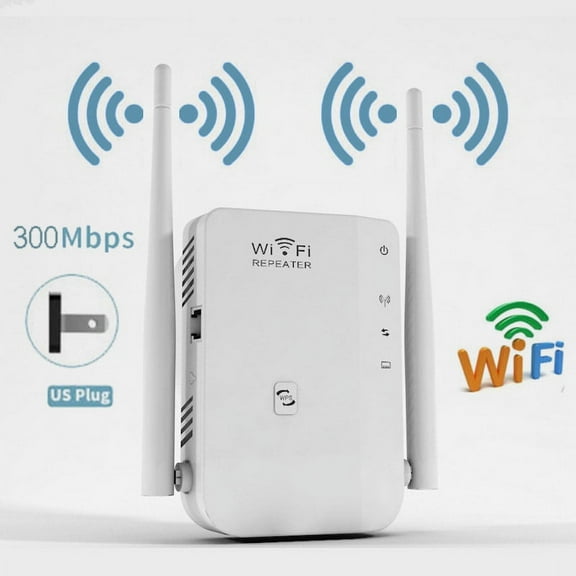 EIMELI 300Mbps Wireless WiFi Repeater Router Range Extender Signal Booster Plug$35.92current price $35.92
PURCOLT WiFi Extender WiFi Range Extender Wireless Internet Booster Wireless Signal Booster Repeater With Ethernet Port Extend Internet WiFi For Home Device on Clearance
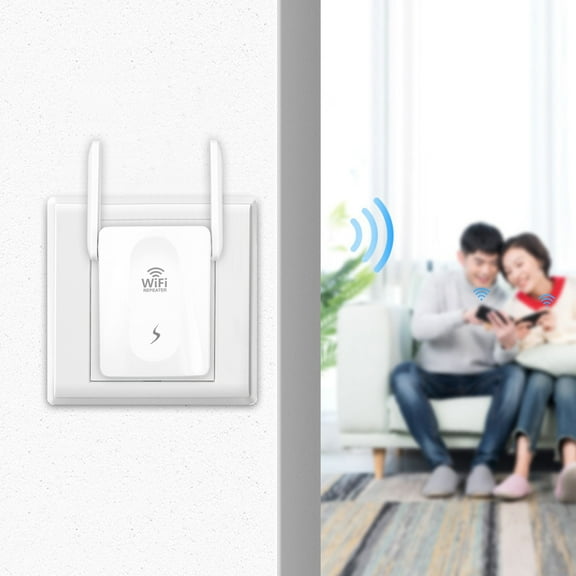 PURCOLT WiFi Extender WiFi Range Extender Wireless Internet Booster Wireless Signal Booster Repeater With Ethernet Port Extend Internet WiFi For Home Device on Clearance$8.65current price $8.65
Pre-Owned Netgear Nighthawk AX1800 Wi-Fi 6 USB 3.0 Adapter Dual-Band Black A7500-100PAS
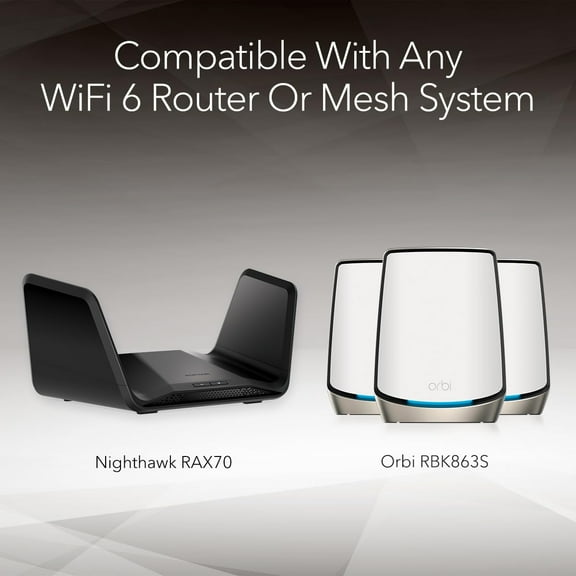 Pre-Owned Netgear Nighthawk AX1800 Wi-Fi 6 USB 3.0 Adapter Dual-Band Black A7500-100PAS$38.00current price $38.00