

Viper Ultimate Wireless(1)
Razer Viper Ultimate Lightweight Wireless Gaming Mouse & RGB Charging Dock: HyperSpeed Wireless Technology - 20K DPI Optical Sensor - 78g Lightweight - Optical Mouse Switch - 70 Hr Battery - Mercury $79.99

Razer Viper Ultimate Lightweight Wireless Gaming Mouse & RGB Charging Dock: HyperSpeed Wireless Technology - 20K DPI Optical Sensor - 78g Lightweight - Optical Mouse Switch - 70 Hr Battery - Mercury
Other options to consider(12)
Razer Viper V4 Pro Wireless Gaming Mouse – 49g Ultra Lightweight, 50K DPI Optical Sensor, 8K Polling Rate, USB-C Charging – Black
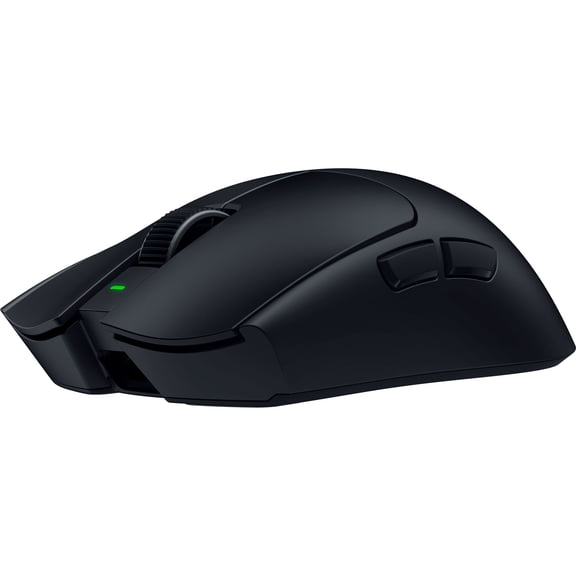


Razer Viper V4 Pro Wireless Gaming Mouse – 49g Ultra Lightweight, 50K DPI Optical Sensor, 8K Polling Rate, USB-C Charging – Black
Razer Viper V3 HyperSpeed Wireless Esports Mouse for PC, 82g, Black $42.98 Was $59.99

Razer Viper V3 HyperSpeed Wireless Esports Mouse for PC, 82g, Black
Razer Viper V3 Pro Ultra-Lightweight Wireless Esports Gaming Mouse Special Edition $99.97

Razer Viper V3 Pro Ultra-Lightweight Wireless Esports Gaming Mouse Special Edition
Restored Razer Viper V3 Pro Wireless Esports Gaming Mouse, Black, 1 Each $95.99
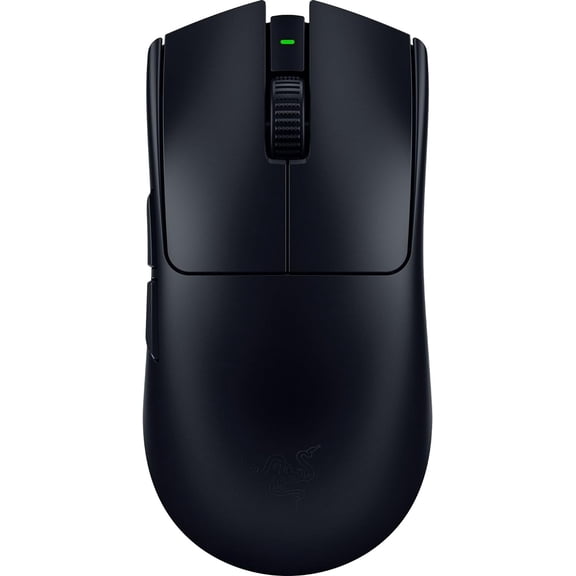
Restored Razer Viper V3 Pro Wireless Esports Gaming Mouse, Black, 1 Each
Restored Razer Viper V3 Pro Wireless Mouse Counter Strike 2 Edition $134.99

Restored Razer Viper V3 Pro Wireless Mouse Counter Strike 2 Edition
HASAKU ICE Version Mouse Feet Mouse Skates for Viper Ultimate Wireless Gaming Mouse, 2Sets $10.99

HASAKU ICE Version Mouse Feet Mouse Skates for Viper Ultimate Wireless Gaming Mouse, 2Sets
Esports Tiger ICE V2 Mouse Feet Mouse Skates For Viper Ultimate Wireless Gaming Mouse $11.99

Esports Tiger ICE V2 Mouse Feet Mouse Skates For Viper Ultimate Wireless Gaming Mouse
TALONGAMES Mouse Anti-Slip Grip Tape for Viper Ultimate Wireless, Argyle, 1 Count, 1 Pack $10.99

TALONGAMES Mouse Anti-Slip Grip Tape for Viper Ultimate Wireless, Argyle, 1 Count, 1 Pack
Hotline Games Mouse Grip Tape for Viper Ultimate Wireless, Argyle Pattern, 1 Pack, Black $10.99

Hotline Games Mouse Grip Tape for Viper Ultimate Wireless, Argyle Pattern, 1 Pack, Black
TALONGAMES Glass Mouse Feet for Viper Ultimate Wireless Mouse, Customized Round Curved Edge, Black, 1 Count $13.99

TALONGAMES Glass Mouse Feet for Viper Ultimate Wireless Mouse, Customized Round Curved Edge, Black, 1 Count
TALONGAMES Silicone Mouse Grip Tape Ultra-thin 0.25mm For Viper V3 Pro / Viper V4 Pro Wireless $9.99
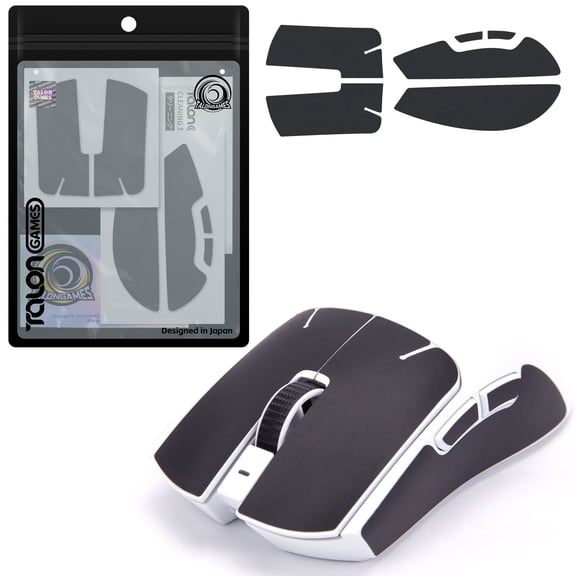
TALONGAMES Silicone Mouse Grip Tape Ultra-thin 0.25mm For Viper V3 Pro / Viper V4 Pro Wireless
Hotline Games 3.0 PLUS Mouse Feet Mouse Stickers For Viper Ultimate Wireless, White, New, 1 Pack $11.99

Hotline Games 3.0 PLUS Mouse Feet Mouse Stickers For Viper Ultimate Wireless, White, New, 1 Pack
FAQ
How do I connect a wireless gaming mouse?
Connecting a wireless gaming mouse is pretty straightforward. Most models come with a USB receiver—just plug it into your computer's USB port. The mouse should automatically pair, but if it doesn't, check for a pairing button on the mouse or follow the instructions in the manual. Some mice also support Bluetooth, so you can pair them through your device's Bluetooth settings. Make sure your mouse is charged or has fresh batteries for the best performance.
What makes a mouse lightweight for gaming?
- Material: Lightweight gaming mice often use special plastics or minimal internal components to reduce weight.
- Design: Streamlined shapes and fewer extra features help keep the mouse light.
- Performance: A lighter mouse can make quick movements easier, which is great for fast-paced games. If you're looking for comfort during long sessions, a lightweight design can help reduce hand fatigue.
Can I use grip tape on my mouse?
Yes, grip tape is a popular accessory for gaming mice. It adds extra texture and helps prevent slipping, especially during intense gaming sessions. You can find grip tape designed specifically for certain mouse models, making installation easy. Just clean the mouse surface, peel off the backing, and apply the tape where you want extra grip. If you ever want to remove it, most tapes come off cleanly without leaving residue.
How do I clean my wireless mouse?
- Unplug or turn off your mouse before cleaning.
- Use a soft, slightly damp cloth to wipe the surface. Avoid getting moisture inside the mouse.
- For tough spots, a cotton swab with a little rubbing alcohol can help.
- Clean the mouse feet and sensor gently to keep tracking smooth.
Regular cleaning can help your mouse last longer and perform better, especially if you use it daily.
Are replacement mouse feet available?
Replacement mouse feet, also known as mouse skates, are available for many gaming mice. These accessories help restore smooth gliding if the original feet wear down. Look for feet made specifically for your mouse model to ensure a proper fit. Installation usually involves removing the old feet and sticking the new ones in place. Keeping your mouse feet in good condition can improve accuracy and comfort during use.
Popular in Viper Ultimate Wireless Gaming Mouse and Accessories
Related Products
Macally Wired USB C Mouse for Mac & Windows - 3 Button & Scroll Wheel USB Type C Mouse - Comfortable Ambidextrous Design - Compact Wired Mouse USBC with Optical Sensor & DPI Switch 800/1200/1600/2400
 Macally Wired USB C Mouse for Mac & Windows - 3 Button & Scroll Wheel USB Type C Mouse - Comfortable Ambidextrous Design - Compact Wired Mouse USBC with Optical Sensor & DPI Switch 800/1200/1600/2400$19.99current price $19.99
Meetion BTM010R Ergonomic Vertical Mouse, 2.4G Wireless & Bluetooth, Large Size, Rechargeable, Pink
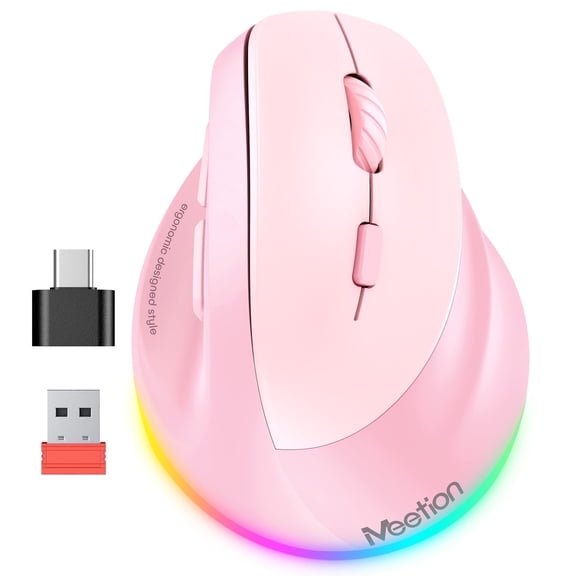 Meetion BTM010R Ergonomic Vertical Mouse, 2.4G Wireless & Bluetooth, Large Size, Rechargeable, Pink$24.99current price $24.99
XMMSWDLA Wireless Mouse, Cool Sports Car Shaped Mouse 2.4GHz Optical Gaming Mouse for Computer PC Notebook Laptop
 XMMSWDLA Wireless Mouse, Cool Sports Car Shaped Mouse 2.4GHz Optical Gaming Mouse for Computer PC Notebook Laptop$2.99current price $2.99
Wireless Gaming Mouse Adjustable DPI 2.4G 6 Buttons Optical Mouse for Laptop Notebook PC, Green
 Wireless Gaming Mouse Adjustable DPI 2.4G 6 Buttons Optical Mouse for Laptop Notebook PC, Green$7.77current price $7.77
Dell Premium 6-Button USB Black Laser Scroll Mouse - V7623
 Dell Premium 6-Button USB Black Laser Scroll Mouse - V7623$18.49current price $18.49
Rechargeable Wireless Gaming Mouse,2.4G LED Optical Silent Wireless Computer Mouse with 7 LED Light,4 Adjustable DPI 1200/1600/2400/3200,Ergonomic Design Wireless Mouse for Laptop(Silver)
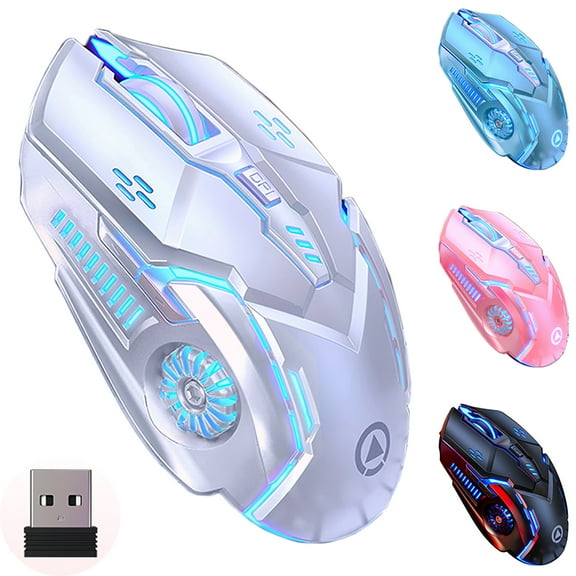 Rechargeable Wireless Gaming Mouse,2.4G LED Optical Silent Wireless Computer Mouse with 7 LED Light,4 Adjustable DPI 1200/1600/2400/3200,Ergonomic Design Wireless Mouse for Laptop(Silver)$12.98current price $12.98
Wireless Gaming Mouse, 16000 DPI Adjustable, Bluetooth 5.2 & 2.4GHz Dual Mode, Lightweight, 10 Buttons, RGB Lighting, for PC Gaming & Office, Muzpu (Black)
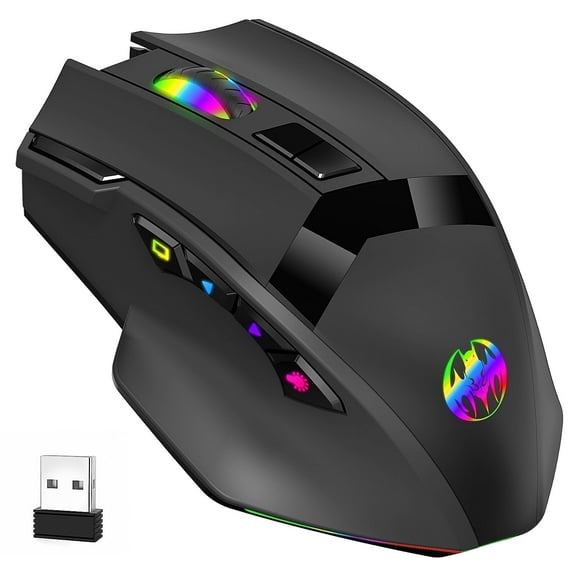 Wireless Gaming Mouse, 16000 DPI Adjustable, Bluetooth 5.2 & 2.4GHz Dual Mode, Lightweight, 10 Buttons, RGB Lighting, for PC Gaming & Office, Muzpu (Black)$19.99current price $19.99
Computer Mouse Wireless, RaceGT 2.4G Ergonomic Optical Mouse, Computer Mouse for Laptop, PC, Computer, Chromebook, Notebook, Auto-sleep Mode, USB Receiver, 6 Buttons, 3 Adjustment DPI, Blue
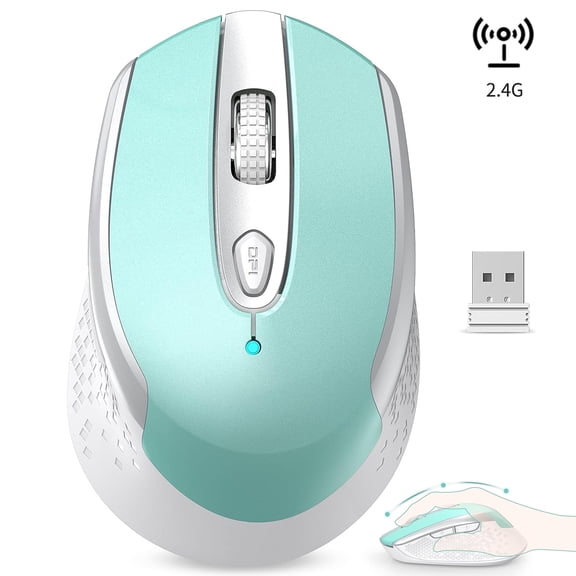 Computer Mouse Wireless, RaceGT 2.4G Ergonomic Optical Mouse, Computer Mouse for Laptop, PC, Computer, Chromebook, Notebook, Auto-sleep Mode, USB Receiver, 6 Buttons, 3 Adjustment DPI, Blue$7.15current price $7.15
Dell Premium 6-Button USB Laser Mouse - Black - New
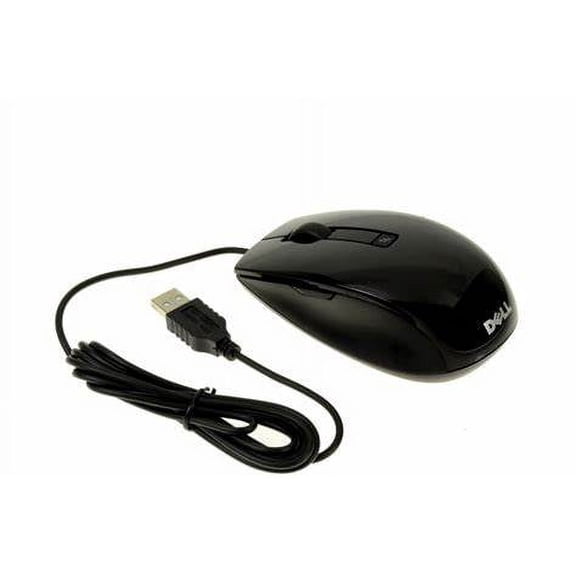 Dell Premium 6-Button USB Laser Mouse - Black - New$18.65current price $18.65
TECKNET Wireless Mouse, 2.4G Ergonomic Optical Mouse, Computer Mouse for Laptop, PC, Computer, Chromebook, Notebook, 6 Buttons, 24 Months Battery Life, 2600 DPI, 5 Adjustment Levels
 TECKNET Wireless Mouse, 2.4G Ergonomic Optical Mouse, Computer Mouse for Laptop, PC, Computer, Chromebook, Notebook, 6 Buttons, 24 Months Battery Life, 2600 DPI, 5 Adjustment Levels$13.99current price $13.99
Vertical Wireless Mouse,2.4G/Dual Bluetooth 5.1 Rechargeable Gaming Mice for Laptop,Desktop,PC,MacBook,Up 2400 DPI
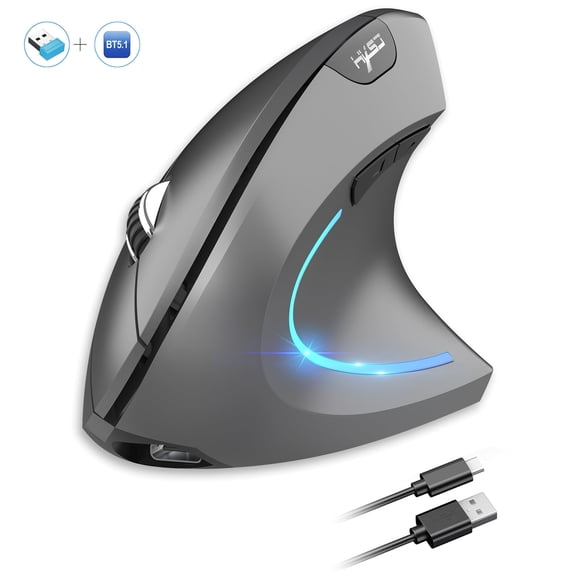 Vertical Wireless Mouse,2.4G/Dual Bluetooth 5.1 Rechargeable Gaming Mice for Laptop,Desktop,PC,MacBook,Up 2400 DPI$17.99current price $17.99
AuroraX 2.4GHz Gaming Mouse Wireless Adjustable 1600 DPI,500Ah,Mute,Ergonomic Mouse 4 Buttons,Low-Power & Power-Saving,Wireless Mouse For PC (battery Type) -White
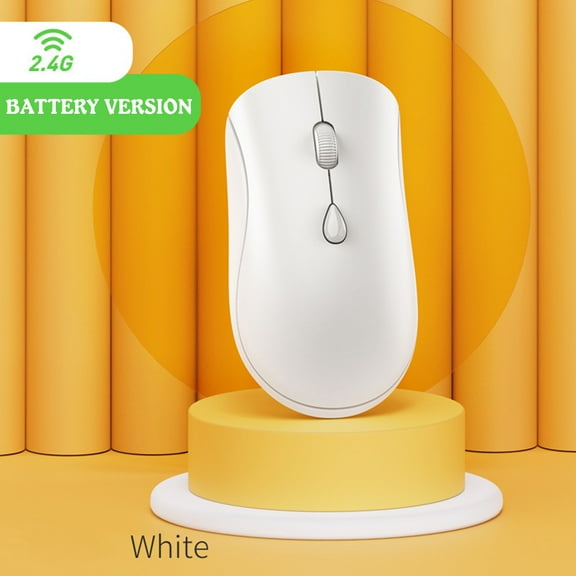 AuroraX 2.4GHz Gaming Mouse Wireless Adjustable 1600 DPI,500Ah,Mute,Ergonomic Mouse 4 Buttons,Low-Power & Power-Saving,Wireless Mouse For PC (battery Type) -White$12.70current price $12.70
2.4GHz Wireless Cordless Mouse Mice Optical Scroll Laptop For PC Gaming R8Q1 AU G5X0
 2.4GHz Wireless Cordless Mouse Mice Optical Scroll Laptop For PC Gaming R8Q1 AU G5X0$6.29current price $6.29
TSV Wired Ergonomic Vertical Mouse, Large Ergonomic Computer Mouse High Precision Optical Mice with 6 Buttons, Adjustable 2400DPI and Reduce Wrist Pain for Office Gaming PC Computer Laptop, Black
 TSV Wired Ergonomic Vertical Mouse, Large Ergonomic Computer Mouse High Precision Optical Mice with 6 Buttons, Adjustable 2400DPI and Reduce Wrist Pain for Office Gaming PC Computer Laptop, Black$11.98current price $11.98
AuroraX Gaming Mouse Wireless Adjustable 1600 dpi,Portable,Ergonomic Mouse Silent,Type-C Fast Charging,Bluetooth+2.4G,Wireless Mouse For PC -White
 AuroraX Gaming Mouse Wireless Adjustable 1600 dpi,Portable,Ergonomic Mouse Silent,Type-C Fast Charging,Bluetooth+2.4G,Wireless Mouse For PC -White$13.70current price $13.70
Yarino Wireless Mouse for Laptop Rechargeable 2.4G Wireless Gaming Mouse Backlit 1600DPI Mute Mice Office Mouse For PC Laptop Black
 Yarino Wireless Mouse for Laptop Rechargeable 2.4G Wireless Gaming Mouse Backlit 1600DPI Mute Mice Office Mouse For PC Laptop Black$9.18current price $9.18