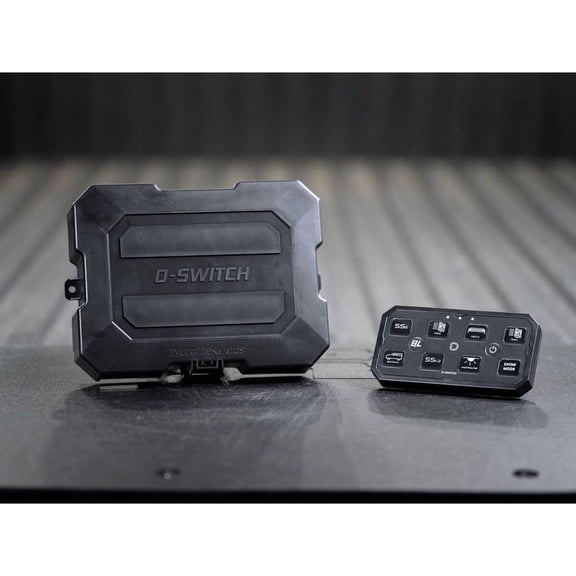
Valve Index Controller(1)
BeswinVR Haptic VR Gun Controller for Valve Index, HTC Vive/Cosmos Elite- Virtual Reality Accessories $179.99

BeswinVR Haptic VR Gun Controller for Valve Index, HTC Vive/Cosmos Elite- Virtual Reality Accessories
Other options to consider(2)
Best seller, Beboncool Head Strap for Meta Quest 3/3S/2,VR Headset Accessories,MQ2003 From $24.98
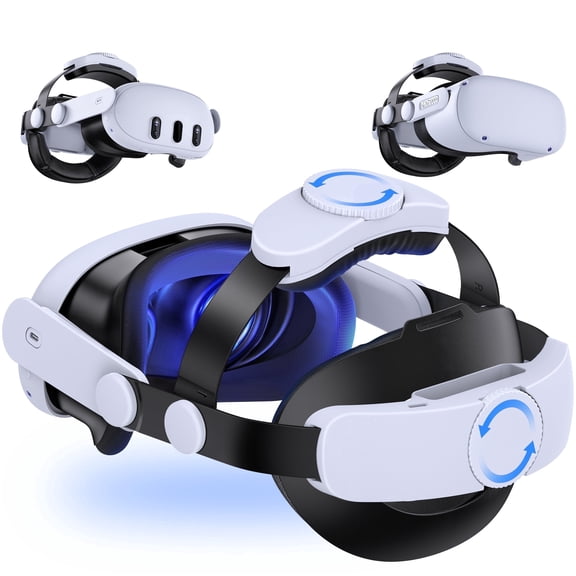
Beboncool Head Strap for Meta Quest 3/3S/2,VR Headset Accessories,MQ2003
VR Charging Dock Compatible with Meta Quest 3/Quest 2, VR Headset Display Stand and Controller Holder VR Accessories $29.99
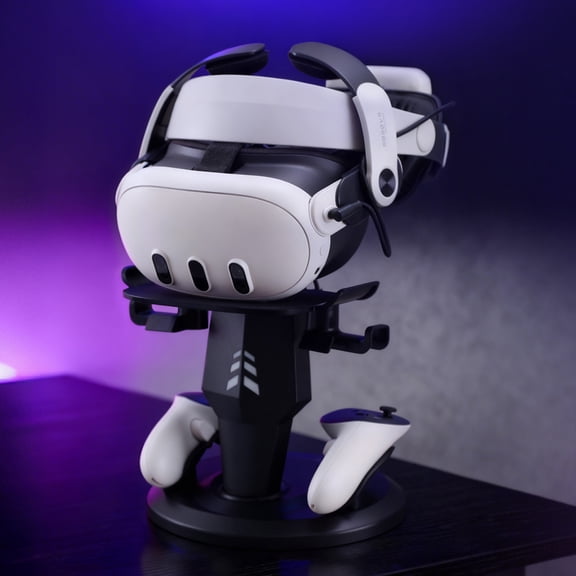
VR Charging Dock Compatible with Meta Quest 3/Quest 2, VR Headset Display Stand and Controller Holder VR Accessories
FAQ
What do I need to use Valve Index controllers?
To use Valve Index controllers, you'll need a compatible virtual reality system. Most setups require a VR headset, base stations for tracking, and a PC that meets the system requirements. The controllers are designed to work with certain VR platforms, so it's important to check compatibility with your existing equipment. If you're new to VR, consider looking for a full kit that includes the headset, controllers, and base stations for a complete experience. Always review the product details to ensure all necessary components are included or available separately.
How do I set up my Valve Index controllers?
Setting up your Valve Index controllers typically involves a few steps:
- Charge the controllers fully before first use.
- Connect them to your VR system using the recommended pairing process, usually through SteamVR.
- Follow the on-screen instructions to calibrate the controllers and ensure accurate tracking.
- Make sure your play area is clear and that base stations are positioned correctly for optimal coverage.
Refer to the included setup guide for detailed instructions, and check for any software updates to get the best performance from your controllers.
Can I use these controllers with other VR headsets?
Valve Index controllers are primarily designed for use with certain VR systems, but they may also be compatible with select other headsets that support SteamVR tracking. Compatibility can vary, so it's a good idea to check the specifications of your headset and the controller details before purchasing. Some headsets may require additional accessories, like base stations or dongles, to work with these controllers. Always review the product information and consult the manufacturer's guidelines for the most accurate compatibility details.
What should I do if my controller stops tracking?
If your Valve Index controller stops tracking, try these troubleshooting steps:
- Check that the controller is fully charged and powered on.
- Ensure your base stations are plugged in and positioned correctly.
- Restart your VR software and reconnect the controller.
- Look for any software updates for your VR system and controllers.
If issues persist, consult the user manual or reach out to customer support for further assistance. Keeping your play area free of obstructions can also help maintain reliable tracking.
How do I clean and care for my VR controllers?
To keep your VR controllers in good condition:
- Wipe them down with a soft, dry cloth after each use to remove sweat and dust.
- Avoid using harsh chemicals or submerging the controllers in water.
- Store them in a cool, dry place when not in use.
- Check for any debris around buttons or sensors and gently clean as needed.
Regular care can help extend the life of your controllers and maintain their performance. Always follow the care instructions provided in the product manual for best results.
Popular in Valve Index Controller and VR Accessories for Steam VR
Related Products
Fosmon 4-Pack Silicone Controller Thumb Grips for Xbox Series X, Series S, Xbox One, Xbox One elite Anti-Slip Joystick Caps, Black
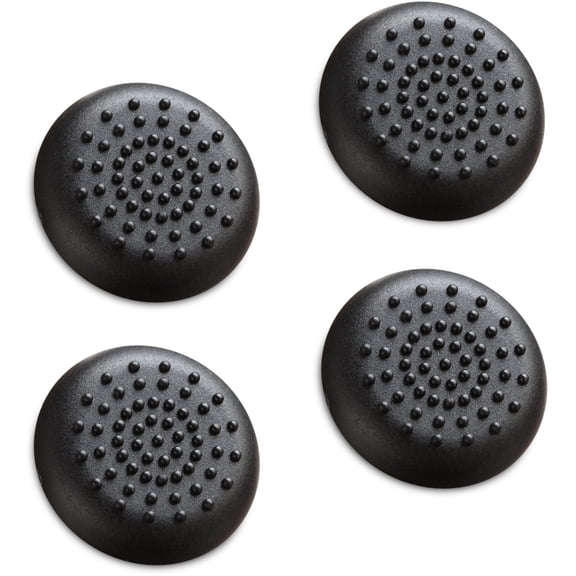 Fosmon 4-Pack Silicone Controller Thumb Grips for Xbox Series X, Series S, Xbox One, Xbox One elite Anti-Slip Joystick Caps, Black$7.99current price $7.99
Blue+Orange Joycon Grip Cover Compatible with Switch 2 Controller, Silicone Grip Accessories Bundle for Switch 2 Joycon with Ergonomic and Anti-Slip Design Controller Grip and 2 Thumb Caps
 Blue+Orange Joycon Grip Cover Compatible with Switch 2 Controller, Silicone Grip Accessories Bundle for Switch 2 Joycon with Ergonomic and Anti-Slip Design Controller Grip and 2 Thumb Caps$10.99current price $10.99
Fosmon [2 Pair/4 Pcs] For Nintendo Switch 2 Thumb Grips, Switch Joycon Grip, Silicone PS5 Controller Thumb Grips For Xbox One X S PS3 PS4, Black/Red
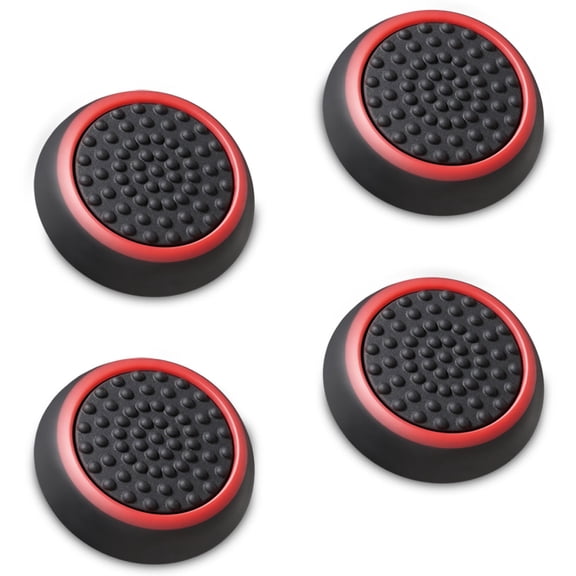 Fosmon [2 Pair/4 Pcs] For Nintendo Switch 2 Thumb Grips, Switch Joycon Grip, Silicone PS5 Controller Thumb Grips For Xbox One X S PS3 PS4, Black/Red$7.99current price $7.99
Fosmon [4 Pair/8 Pcs] For Nintendo Switch 2 Thumb Grips, Switch Joycon Grip, Silicone PS5 Controller Thumb Grips For Xbox One X S PS3 PS4,Black/Blue
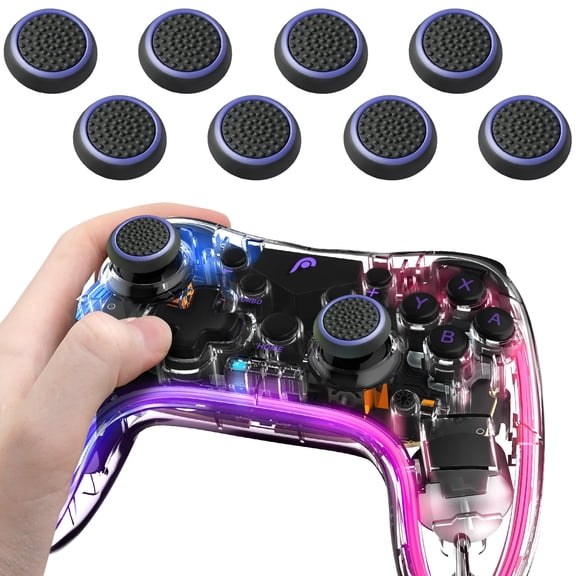 Fosmon [4 Pair/8 Pcs] For Nintendo Switch 2 Thumb Grips, Switch Joycon Grip, Silicone PS5 Controller Thumb Grips For Xbox One X S PS3 PS4,Black/Blue$8.99current price $8.99
Rechale Thumb Grip Set, Joystick Cap Analog Stick Cap for Nintendo Switch 2 Controller 6PCS, Enhanced Gaming Control and Guard Joystick Wear
 Rechale Thumb Grip Set, Joystick Cap Analog Stick Cap for Nintendo Switch 2 Controller 6PCS, Enhanced Gaming Control and Guard Joystick Wear$6.55current price $6.55
GameSir Swappable Faceplates for G7, G7 SE, Xbox Controller (Transparent Purple)
 GameSir Swappable Faceplates for G7, G7 SE, Xbox Controller (Transparent Purple)$12.99current price $12.99
4-Pack Black Larger Thumbsticks for Ayn Odin 2, Portal, Retroid Pocket 5/4/4 Pro – 2 Pairs Taller Joystick Caps for Enhanced Precision & Comfort Compatible with Ayn & Retroid Handheld Consoles
 4-Pack Black Larger Thumbsticks for Ayn Odin 2, Portal, Retroid Pocket 5/4/4 Pro – 2 Pairs Taller Joystick Caps for Enhanced Precision & Comfort Compatible with Ayn & Retroid Handheld Consoles$9.99current price $9.99
GameSir Thumb Grip Pack - Xbox One/Series & PS4/PS5 Controllers, Switch Pro (Black)
 GameSir Thumb Grip Pack - Xbox One/Series & PS4/PS5 Controllers, Switch Pro (Black)$12.99current price $12.99
PEGLY OEM Joy-Con Comfort Grip - Metal Slides Controller Hand Grip Compatible with Switch/Switch OLED
 PEGLY OEM Joy-Con Comfort Grip - Metal Slides Controller Hand Grip Compatible with Switch/Switch OLED$13.95current price $13.95
Wmool 12 in 1 Precision Rings Aim Assist Motion Control for * PRO for #Xbox#
 Wmool 12 in 1 Precision Rings Aim Assist Motion Control for * PRO for #Xbox#$4.91current price $4.91
Joycon Straps,Replacement for Switch Joycon Strap,Adjustable Joycon Wrist Strap 2 Pack, Black
 Joycon Straps,Replacement for Switch Joycon Strap,Adjustable Joycon Wrist Strap 2 Pack, Black$10.00current price $10.00
Controller Grip for Switch 2 Joy-Con 2, Comfort Anti-Slip Joy-Con Magnetic Suction Holder Accessories, Standard Grip Without Charging Function
 Controller Grip for Switch 2 Joy-Con 2, Comfort Anti-Slip Joy-Con Magnetic Suction Holder Accessories, Standard Grip Without Charging Function$12.58current price $12.58
Left Analog Stick Cap For GameCube Controller Gray Joystick Thumbstick
 Left Analog Stick Cap For GameCube Controller Gray Joystick Thumbstick$6.69current price $6.69
UPKOCH 8Pcs Enhanced Height Silicone Thumb Grips for Gamepad Comfort and Durability
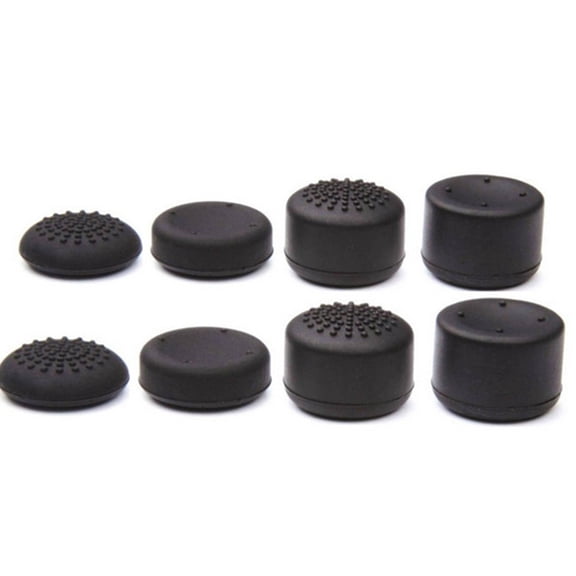 UPKOCH 8Pcs Enhanced Height Silicone Thumb Grips for Gamepad Comfort and Durability$5.79current price $5.79
Thumb Grips for Switch 2,Cute Color 10 PCS Joystick Cap, Made Environmentally Friendly Silicone Material, Anti Slip and Sweat Proof,Green Blue.
 Thumb Grips for Switch 2,Cute Color 10 PCS Joystick Cap, Made Environmentally Friendly Silicone Material, Anti Slip and Sweat Proof,Green Blue.$11.89current price $11.89
Compatible With Nintendo Switch/OLED Ergonomic Gun Grip Joystick Controller - Enhanced Grip Gaming Accessory-Orange
 Compatible With Nintendo Switch/OLED Ergonomic Gun Grip Joystick Controller - Enhanced Grip Gaming Accessory-Orange$17.00current price $17.00