

Tx Card(3)
Ccdes TX AR9WS Single Band 2.4GHz 300Mbps PCI Wireless Network Card $16.71

Ccdes TX AR9WS Single Band 2.4GHz 300Mbps PCI Wireless Network Card
ZOTAC AMP White Edition LHR GeForce RTX 3060 Ti 8GB GDDR6 PCI Express 4.0 ATX Video Card ZT-A30610F-10PLHR $698.00

ZOTAC AMP White Edition LHR GeForce RTX 3060 Ti 8GB GDDR6 PCI Express 4.0 ATX Video Card ZT-A30610F-10PLHR
PNY GeForce RTX 3070 Ti 8GB XLR8 Gaming REVEL EPIC-X RGB Triple Fan $795.00

PNY GeForce RTX 3070 Ti 8GB XLR8 Gaming REVEL EPIC-X RGB Triple Fan
Other options to consider(17)
ABS TXA092 2.5G PCIe Network Card with Wake-on-LAN RTL8125B Chip $16.18
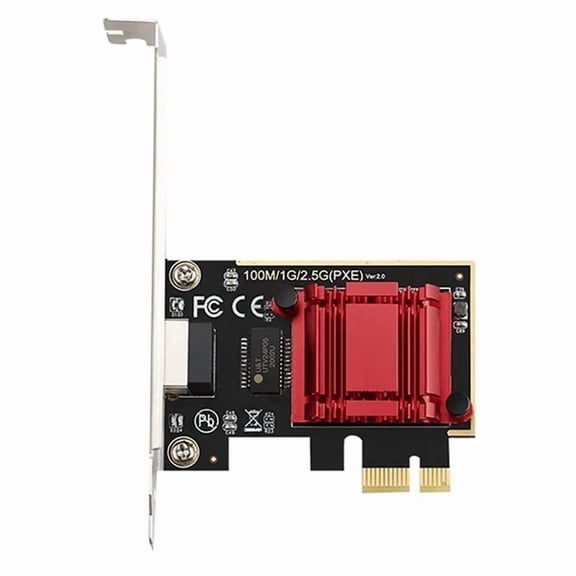
ABS TXA092 2.5G PCIe Network Card with Wake-on-LAN RTL8125B Chip
Rollback, Cudy AX5400 Wireless WiFi 6E PCIe Card for PC, Bluetooth 5.3, AX210 Module Inside, Bluetooth 5.2/5/4.0, 802.11ax/ac/a/b/g/n, Windows 11,10, WE3000S $29.99 Was $39.99
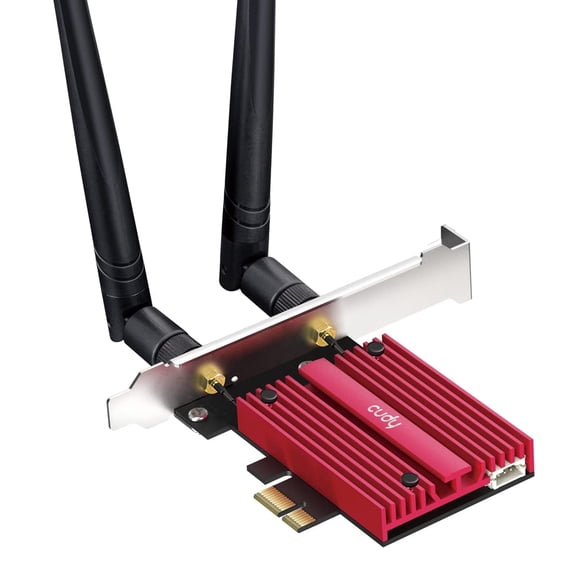
Cudy AX5400 Wireless WiFi 6E PCIe Card for PC, Bluetooth 5.3, AX210 Module Inside, Bluetooth 5.2/5/4.0, 802.11ax/ac/a/b/g/n, Windows 11,10, WE3000S
(1pc) 10G 10 gigabit PCIe4.0X1 diskless network card TXA411 $64.36

(1pc) 10G 10 gigabit PCIe4.0X1 diskless network card TXA411
10 Gbps Ethernet Card with PCIe x1 Host Connection, PXE Boot, Remote Wake, VLAN Support, and Selectable Full- or Half-Mode $67.24
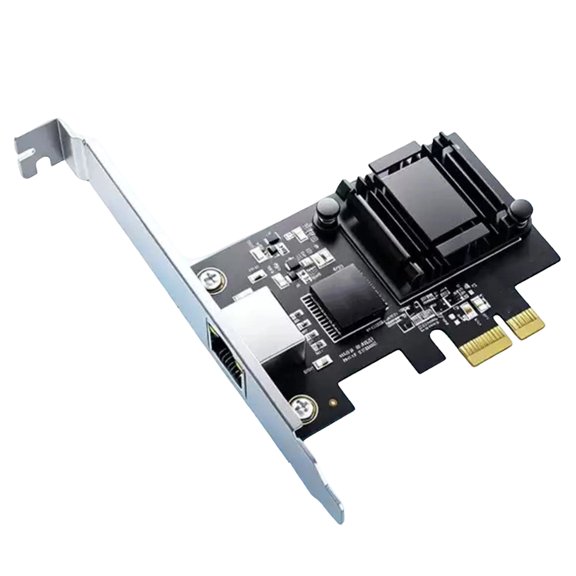
10 Gbps Ethernet Card with PCIe x1 Host Connection, PXE Boot, Remote Wake, VLAN Support, and Selectable Full- or Half-Mode
StarTech 300 Mbps PCI Express 802.11 b/g/n Network Wireless N Adapter Card $24.94
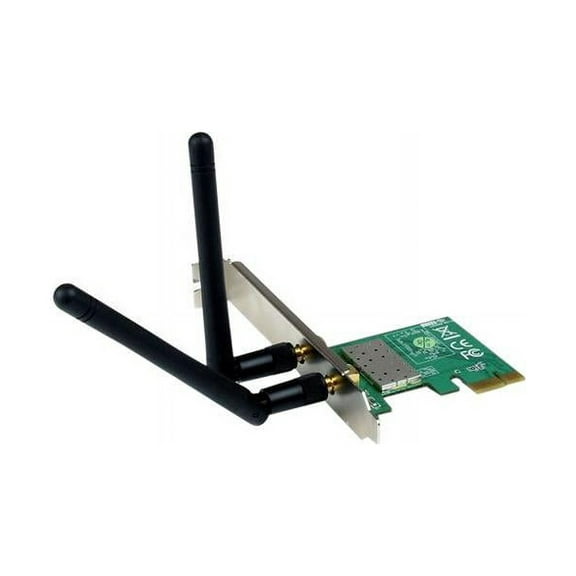
StarTech 300 Mbps PCI Express 802.11 b/g/n Network Wireless N Adapter Card
CSYANXING Realtek RTL8126 5G Network Card PCI-E X1 Auto Negotiation Function For Windows Operating System $26.94

CSYANXING Realtek RTL8126 5G Network Card PCI-E X1 Auto Negotiation Function For Windows Operating System
QNAP - QXP-T32P $132.98

QNAP - QXP-T32P
TAPDRA PCI-E WiFi Network Card 2.4G 300Mbps 5G 867Mbps TX-1200 Dual Band BT 4.0 10dB Antenna for Win7 Win10 Win11 $25.98

TAPDRA PCI-E WiFi Network Card 2.4G 300Mbps 5G 867Mbps TX-1200 Dual Band BT 4.0 10dB Antenna for Win7 Win10 Win11
CONNECTX-5 EN ADAP CARD 100GBE $882.72
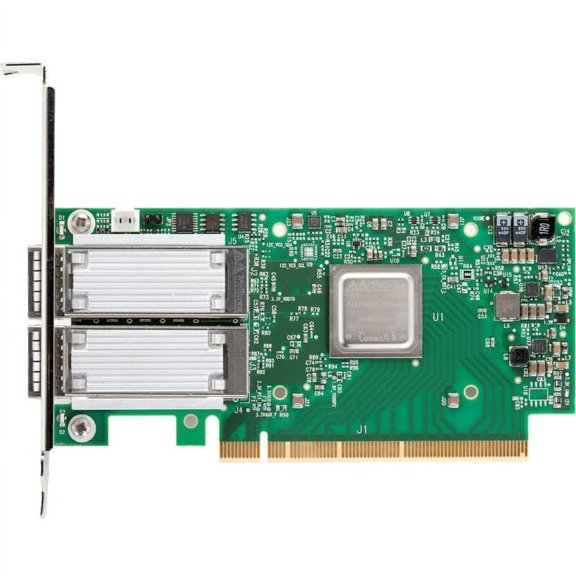
CONNECTX-5 EN ADAP CARD 100GBE
Network Card Con tX-3 CX322A YHTD6 0YHTD6 $47.18

Network Card Con tX-3 CX322A YHTD6 0YHTD6
QLogic QLE2464 PX2610402-02 PCI-E Quad Port Fibre Channel HBA Card W/Transceiver $24.99

QLogic QLE2464 PX2610402-02 PCI-E Quad Port Fibre Channel HBA Card W/Transceiver
Sun Microsystems/Qlogic 4GB PCI-X Network Interface Card P/N FC2410401-30 $50.00

Sun Microsystems/Qlogic 4GB PCI-X Network Interface Card P/N FC2410401-30
Dell QLogic QLE2462 4xTransceivers 4Gb PCI-E Fiber Channel Networking Card W08H4 (New) $41.99

Dell QLogic QLE2462 4xTransceivers 4Gb PCI-E Fiber Channel Networking Card W08H4 (New)
Havezk PCIe Ethernet Card with Remote Wake, QoS, and Up to 5 Gbps Speed $18.59
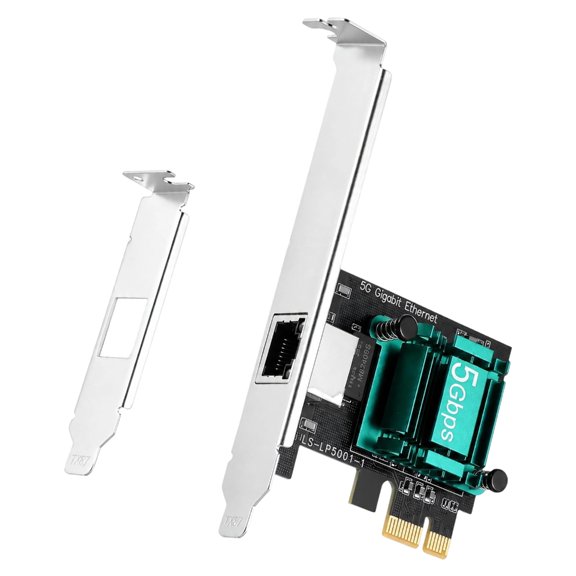
Havezk PCIe Ethernet Card with Remote Wake, QoS, and Up to 5 Gbps Speed
Dell QLogic QLE2464 PX2610402-02 PCI-E Quad Port Fiber Channel Hot Bus Adapter Card W/Transceiver MVRHT PX2610401-02 $29.99

Dell QLogic QLE2464 PX2610402-02 PCI-E Quad Port Fiber Channel Hot Bus Adapter Card W/Transceiver MVRHT PX2610401-02
NVIDIA ConnectX-5 Ex EN 25Gigabit Ethernet Card $378.49
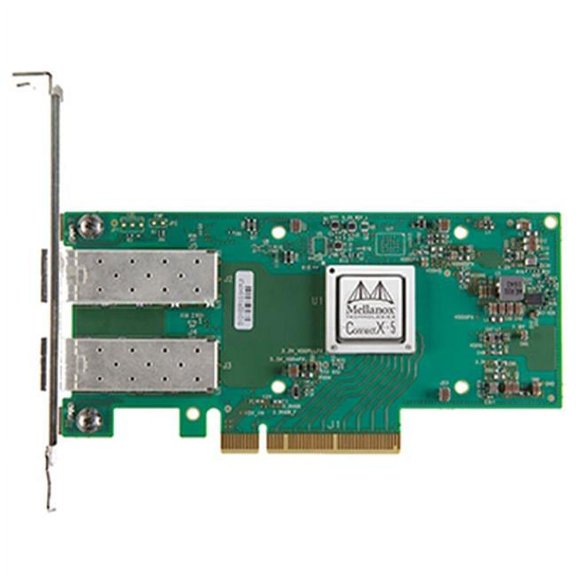
NVIDIA ConnectX-5 Ex EN 25Gigabit Ethernet Card
Reduced price, Intel Dual Band AC 9560 9560NGW NGFF 1.73Gbps BT5.0 Wireless Cards I9G3 $4.61 Was $6.96

Intel Dual Band AC 9560 9560NGW NGFF 1.73Gbps BT5.0 Wireless Cards I9G3
FAQ
What should I check before buying a graphics card?
Before purchasing a graphics card, consider your system's compatibility and your performance needs. Look at the following:
- Interface: Make sure your computer's motherboard supports the PCI Express version required.
- Power Supply: Check that your power supply can handle the new card's requirements.
- Case Size: Ensure you have enough physical space for the card, particularly with cards that have larger cooling systems or triple fans.
- Monitors: Confirm the card has the appropriate display outputs for your setup.
Reading product details and matching them to your setup helps you avoid compatibility issues.
How do I install a PCIe network card?
Installing a PCIe network card is usually straightforward. Here’s a general guide:
- Turn off your computer and unplug all cables.
- Open your computer case to access the PCIe slots.
- Find an available PCIe slot, remove its bracket, and carefully insert the card until it’s seated firmly.
- Reattach the case, plug everything back in, and power on your computer.
- Install any drivers provided with the card to ensure proper functionality.
If you’re unsure, checking your system’s manual or seeking professional help can be a good idea.
Can I add a new graphics card to an older PC?
It’s possible to upgrade an older PC with a new graphics card, but some factors are important to consider:
- Compatibility: Verify your motherboard supports the PCIe interface of the new card.
- Power: Older power supplies may need an upgrade to handle modern cards.
- Space: Some newer cards are large, so make sure your case can fit the card.
- BIOS/OS: Sometimes, a BIOS or operating system update is needed for the card to work properly.
Upgrading specific parts can breathe new life into your system, but double-check compatibility before buying.
What do fans and cooling mean for graphics cards?
Fans and cooling systems help keep graphics cards operating at safe temperatures. Here’s why they matter:
- Performance: Good cooling helps maintain stable performance, especially during tasks like gaming or video editing.
- Lifespan: Keeping temperatures down can help extend the card’s usable life by reducing thermal stress.
- Noise Levels: More fans or advanced cooling solutions might lower noise by allowing lower fan speeds.
If you have a compact case or limited airflow, pay extra attention to cooling designs.
How do I know if my network card supports 10Gbps speeds?
To check for 10Gbps (10 Gigabit) support, review your network card’s specifications for terms like “10GBase-X” or “10G.”
- The product title or description should mention 10G, 10Gbps, or similar labeling.
- Some cards specifically list maximum supported rates—look for 10,000 Mbps or 10G compatibility.
- Remember: Your other equipment (like routers, switches, and cabling) also needs to support 10Gbps to see these speeds.
Checking the full product details and your existing setup will help you get the connection speed you’re after.
Popular in Shop TX Card Graphics and Memory Cards Electronics
Related Products
Computer Graphics Cards Laptop External Graphics Card 61.50X1.50X0.80CM
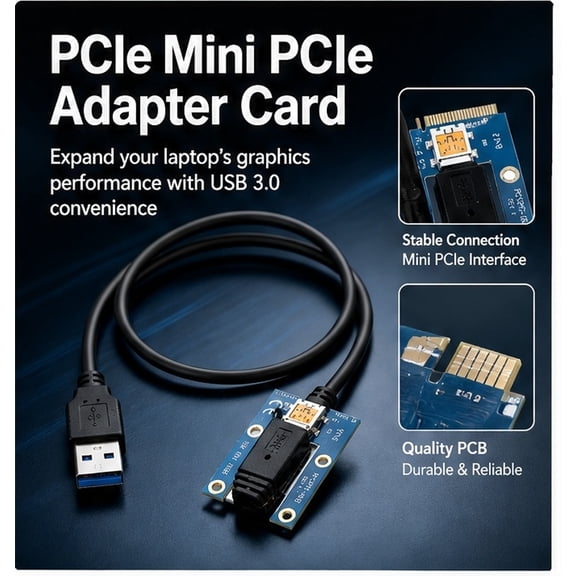 Computer Graphics Cards Laptop External Graphics Card 61.50X1.50X0.80CM$7.52current price $7.52
GT730 2GB Graphics Card DDR3 64Bit Cards GT 730 Video -Compatible
 GT730 2GB Graphics Card DDR3 64Bit Cards GT 730 Video -Compatible$37.25current price $37.25
Asus Gt1030-2G-Csm Graphics Card - GT1030-2G-CSM
 Asus Gt1030-2G-Csm Graphics Card - GT1030-2G-CSM$159.48current price $159.48
StarTech.com Thunderbolt 3 PCIe Expansion Chassis with DisplayPort - PCIe x16 - Thunderbolt 3 PCIe Enclosure - Thunderbolt 3 PCIe Box
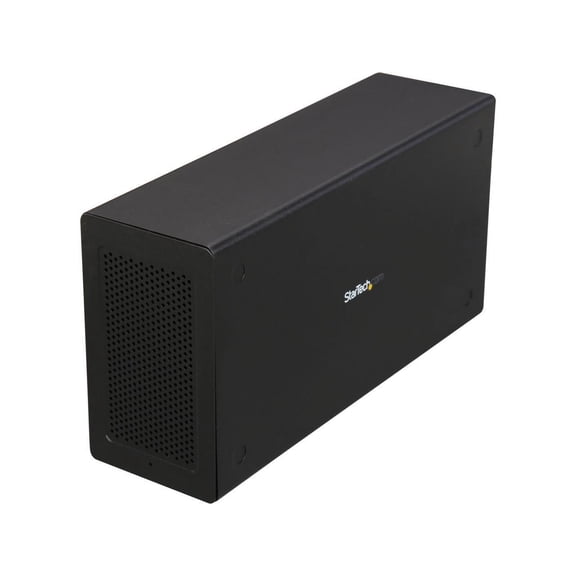 StarTech.com Thunderbolt 3 PCIe Expansion Chassis with DisplayPort - PCIe x16 - Thunderbolt 3 PCIe Enclosure - Thunderbolt 3 PCIe Box$288.00current price $288.00
SPARKLE ECO Arc A310 4GB GDDR6 PCI Express 4.0 ITX Video Card SA310L-4G
 SPARKLE ECO Arc A310 4GB GDDR6 PCI Express 4.0 ITX Video Card SA310L-4G$144.98current price $144.98
PCI Graphics Card ATI Rage XL 8MB 32Bit VGA SDRAM Video Tractor Card for Desktop
 PCI Graphics Card ATI Rage XL 8MB 32Bit VGA SDRAM Video Tractor Card for Desktop$16.99current price $16.99
PNY Technologies Quadro K2000D PCIE Graphics Card
 PNY Technologies Quadro K2000D PCIE Graphics Card$159.00current price $159.00
Visiontek Radeon HD 7750 2GB GDDR5 6M (6 x Mini DP), 900614
 Visiontek Radeon HD 7750 2GB GDDR5 6M (6 x Mini DP), 900614$298.00current price $298.00
HP 599981-001 ATI Radeon HD 5450 512MB PCI Express Multimedia Graphics Card
 HP 599981-001 ATI Radeon HD 5450 512MB PCI Express Multimedia Graphics Card$12.99current price $12.99
AMD ATI FirePro V5800 Graphic Card, 1 GB GDDR5
 AMD ATI FirePro V5800 Graphic Card, 1 GB GDDR5$179.00current price $179.00
ATI FirePro V5700 - Graphics card - FirePRO V5700 - 512 MB GDDR3 - PCIe 2.0 x16
 ATI FirePro V5700 - Graphics card - FirePRO V5700 - 512 MB GDDR3 - PCIe 2.0 x16$99.00current price $99.00
ATI FirePro V7800 - Graphics card - FirePRO V7800 - 2 GB GDDR5 - PCIe 2.0 x16 - DVI, 2 x DisplayPort
 ATI FirePro V7800 - Graphics card - FirePRO V7800 - 2 GB GDDR5 - PCIe 2.0 x16 - DVI, 2 x DisplayPort$284.00current price $284.00
