

Thin Client Refurbished(3)
Restored DELL-7070-MTW-I59500THEXACORE-16GB-256GB-DSK-B (Refurbished) $347.00 Was $388.00

Restored DELL-7070-MTW-I59500THEXACORE-16GB-256GB-DSK-B (Refurbished)
Pre-Owned Dell Wyse 7010 Thin Client AMD G-T56N 1.65GHz 2GB RAM 2GB SSD RJ45 46H56 (Good) $109.99

Pre-Owned Dell Wyse 7010 Thin Client AMD G-T56N 1.65GHz 2GB RAM 2GB SSD RJ45 46H56 (Good)
Pre-Owned Dell Wyse Tx0 3010 MARVEL PJ4 v7 1.0GHz 8GB SSD ThinOS 8.0 Thin Client W14YN-SP-CCC $79.99

Pre-Owned Dell Wyse Tx0 3010 MARVEL PJ4 v7 1.0GHz 8GB SSD ThinOS 8.0 Thin Client W14YN-SP-CCC
Other options to consider(3)
Open Box Dell Wyse 1010 Zero Client Windows Multipoint Server RJ45 H0DC7 With Adapter $39.99
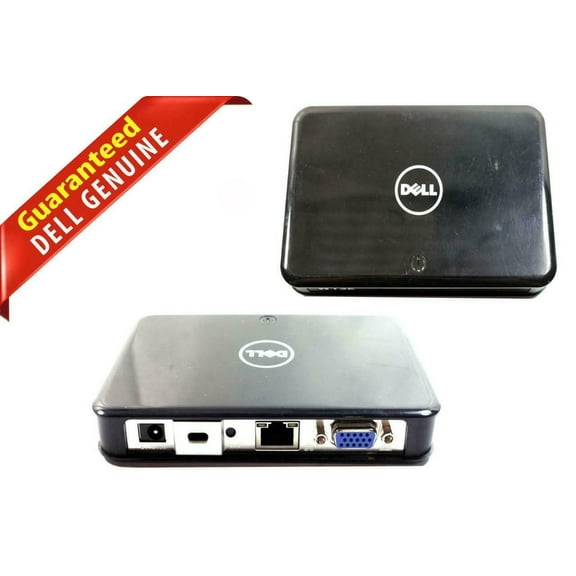
Open Box Dell Wyse 1010 Zero Client Windows Multipoint Server RJ45 H0DC7 With Adapter
Genuine HP T820 Flexible Thin Client 4GB RAM 16GB SSD F3J93AA $119.95

Genuine HP T820 Flexible Thin Client 4GB RAM 16GB SSD F3J93AA
HP Thin Client T610 E4T92AA#ABA AMD DUAL CORE T-56N 1.65 GHZ, 1GB FLASH, 4GB DDR

HP Thin Client T610 E4T92AA#ABA AMD DUAL CORE T-56N 1.65 GHZ, 1GB FLASH, 4GB DDR
FAQ
What is a thin client and how does it work?
A thin client is a lightweight computer that relies on a central server for most of its processing power and storage. Instead of running programs locally, it connects to a network where applications and files are managed. This setup can help simplify maintenance and improve security, since updates and data are handled on the server side. Thin clients are often used in offices, schools, or businesses where multiple users need access to shared resources. If you're considering a refurbished thin client, it's a good idea to check compatibility with your existing network and software needs.
Are refurbished thin clients reliable for daily use?
Refurbished thin clients can be a dependable choice for everyday tasks like web browsing, accessing cloud apps, or working with documents. Before purchasing, look for devices that have been professionally inspected and tested to meet quality standards. At Walmart, refurbished electronics often go through a thorough review process to help ensure functionality. Keep in mind that actual performance may depend on your network setup and the specific applications you plan to use. It's also helpful to check the warranty and return policy for added peace of mind.
Can I connect a thin client to my home monitor?
Most thin clients come with standard video outputs, such as HDMI, DisplayPort, or VGA, making it possible to connect them to a wide range of home monitors. Before setting up, check the ports on both your thin client and monitor to ensure compatibility. You may need an adapter if the connections differ. Once connected, you can adjust display settings through the thin client's operating system. If you run into any issues, Walmart's customer support can help with troubleshooting or finding compatible accessories.
What should I check before buying a refurbished thin client?
- Compatibility: Make sure the thin client supports your preferred operating system and network environment.
- Specifications: Review the amount of RAM, storage, and processor speed to match your needs.
- Warranty: Look for details on warranty coverage or return policies for extra assurance.
- Included Accessories: Check if essentials like power adapters or mounting kits are part of the package.
- Condition: Read the product description for notes on cosmetic or functional condition.
These steps can help you choose a device that fits your requirements and budget.
How do I set up a refurbished thin client at home?
- Unpack the thin client and connect it to your monitor, keyboard, and mouse.
- Plug in the power adapter and turn on the device.
- Follow the on-screen instructions to connect to your Wi-Fi or wired network.
- Log in or set up your user account as prompted.
- Install any necessary updates or software based on your usage needs.
If you need help during setup, Walmart's online resources and customer support are available to guide you through the process.
Popular in Refurbished Thin Clients for Electronics
Related Products
Restored HP Compaq Elite 8300 Ultra Small Form Computer PC, 3.20 GHz Intel i5 Quad Core Gen 3, 8GB DDR3 RAM, 500GB HDD, Keyboard and Mouse, WIFI, (Refurbished)
 Restored HP Compaq Elite 8300 Ultra Small Form Computer PC, 3.20 GHz Intel i5 Quad Core Gen 3, 8GB DDR3 RAM, 500GB HDD, Keyboard and Mouse, WIFI, (Refurbished)$119.00current price $119.00
Restored HP EliteDesk G3 Mini Desktop PC Intel Quad-Core i5-6500T, 8GB DDR4 Ram, 500GB HDD, WiFi, Keyboard and Mouse, Windows 11 Pro (Refurbished)
 Restored HP EliteDesk G3 Mini Desktop PC Intel Quad-Core i5-6500T, 8GB DDR4 Ram, 500GB HDD, WiFi, Keyboard and Mouse, Windows 11 Pro (Refurbished)$174.73current price $174.73
Restored HP EliteDesk 800 G3 Tiny Desktop Computer Mini PC — Intel Core i7-6700T — 32GB DDR4 Ram — 512GB NVMe SSD — Keyboard & Mouse — Built-in Wi-Fi — Windows 11 Pro (Refurbished)
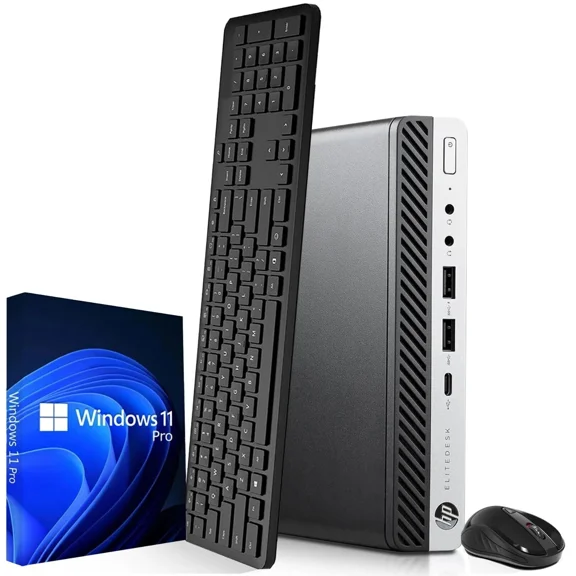 Restored HP EliteDesk 800 G3 Tiny Desktop Computer Mini PC — Intel Core i7-6700T — 32GB DDR4 Ram — 512GB NVMe SSD — Keyboard & Mouse — Built-in Wi-Fi — Windows 11 Pro (Refurbished)$384.73current price $384.73
Pre-Owned Used HP EliteDesk 800 G4 Mini Desktop Intel Hex-Core i5-8500 3.00GHz 8GB 256GB SSD Win 11 Pro 1 Yr Wty
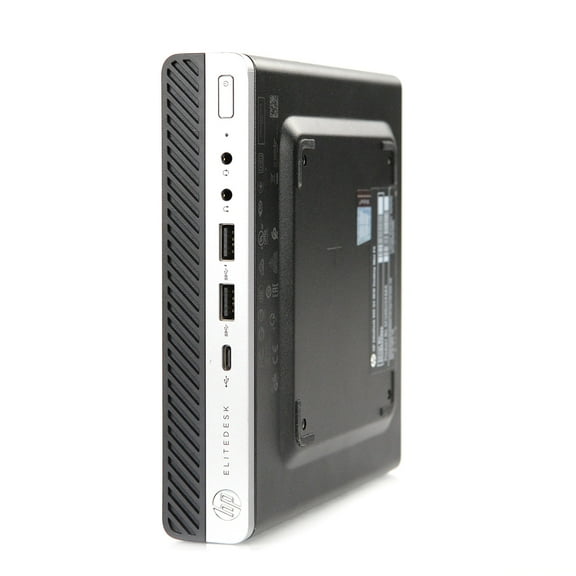 Pre-Owned Used HP EliteDesk 800 G4 Mini Desktop Intel Hex-Core i5-8500 3.00GHz 8GB 256GB SSD Win 11 Pro 1 Yr Wty$227.00current price $227.00
HP OmniDesk Desktop Intel Core i7 14th gen, 16 GB;2 TB SSD Windows 11 Home
 HP OmniDesk Desktop Intel Core i7 14th gen, 16 GB;2 TB SSD Windows 11 Home$2099.99current price $2099.99
Restored HP ProDesk G4 Windows 11 Desktop Computer with a Intel HexCore i5 8th gen Processor, choose Memory, Hard drive, and LCD Options (Refurbished)
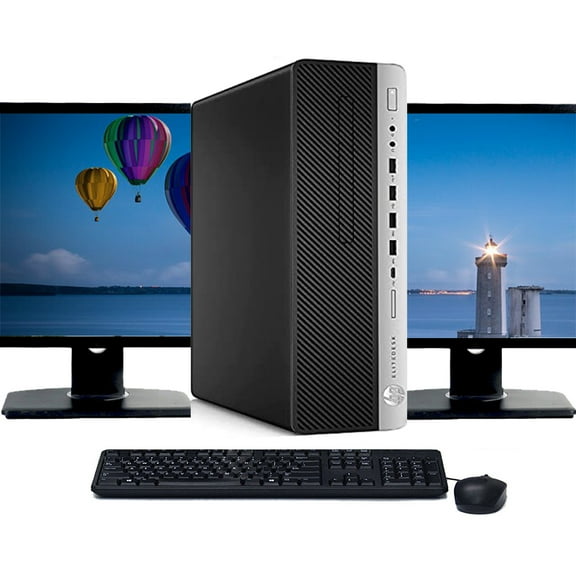 Restored HP ProDesk G4 Windows 11 Desktop Computer with a Intel HexCore i5 8th gen Processor, choose Memory, Hard drive, and LCD Options (Refurbished)$257.74current price $257.74
Restored HP Compaq 6300-SFF WA2-0322 Desktop PC with Intel Core i5-3470 Processor, 8GB Memory, 250GB Hard Drive and Windows 10 Pro (Monitor Not Included) (Refurbished)
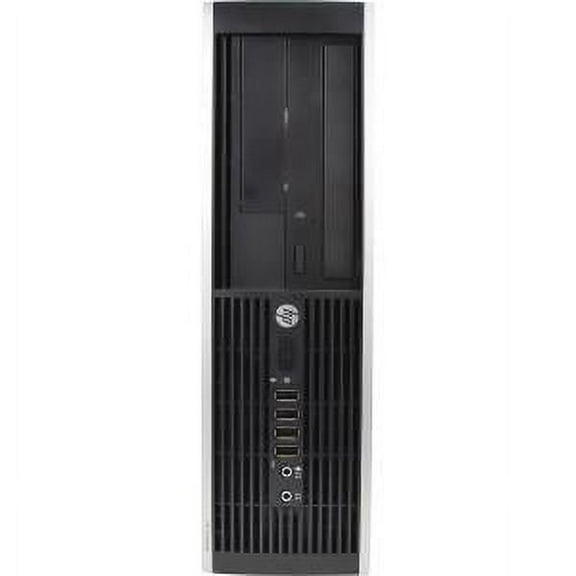 Restored HP Compaq 6300-SFF WA2-0322 Desktop PC with Intel Core i5-3470 Processor, 8GB Memory, 250GB Hard Drive and Windows 10 Pro (Monitor Not Included) (Refurbished)$139.00current price $139.00
Restored HP Small Form Desktop Towers Computer, Intel Core i5 3470, 16GB RAM, 120GB SSD, 1TB Hard Drive, Windows 10, Black, EliteDesk (Refurbished)
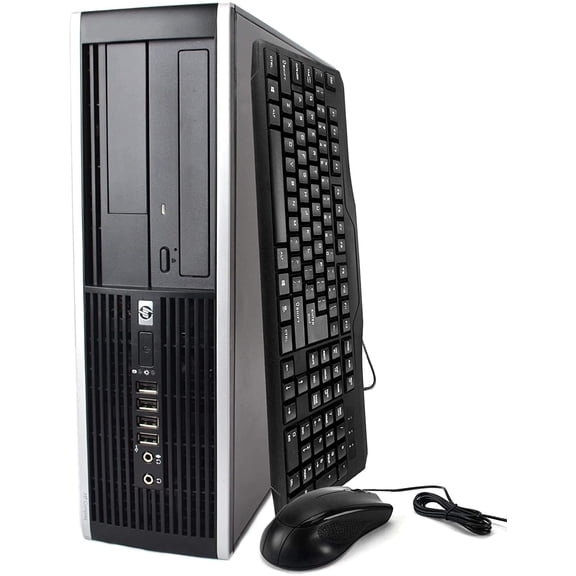 Restored HP Small Form Desktop Towers Computer, Intel Core i5 3470, 16GB RAM, 120GB SSD, 1TB Hard Drive, Windows 10, Black, EliteDesk (Refurbished)$281.67current price $281.67
Restored HP EliteDesk G2 Mini Desktop PC Intel Quad-Core i7-6700T, 16GB DDR4 Ram, 256GB SSD, 22 inch Monitor, WiFi, Keyboard and Mouse, Windows 11 Pro (Refurbished)
 Restored HP EliteDesk G2 Mini Desktop PC Intel Quad-Core i7-6700T, 16GB DDR4 Ram, 256GB SSD, 22 inch Monitor, WiFi, Keyboard and Mouse, Windows 11 Pro (Refurbished)$308.89current price $308.89
Restored Dell OptiPlex 7010 Micro Desktop – Intel Core i5-13th Gen –8GB DDR4 RAM – 128GB SSD – 19"LED Monitor - Intel UHD Graphics 770 - Keyboard, Mouse & WiFi –Windows 11 Pro (Refurbished)
 Restored Dell OptiPlex 7010 Micro Desktop – Intel Core i5-13th Gen –8GB DDR4 RAM – 128GB SSD – 19"LED Monitor - Intel UHD Graphics 770 - Keyboard, Mouse & WiFi –Windows 11 Pro (Refurbished)$494.12current price $494.12
Restored HP EliteDesk 800G1 Desktop Computer PC, 3.40 GHz Intel i7 Quad Core Gen 4, 16GB DDR3 RAM, 500GB Hard Disk Drive (HDD) SATA Hard Drive, Windows 10 Home 64bit (Refurbished)
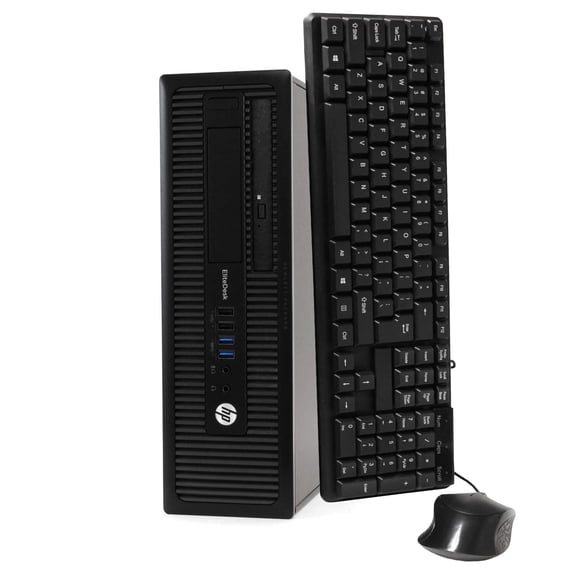 Restored HP EliteDesk 800G1 Desktop Computer PC, 3.40 GHz Intel i7 Quad Core Gen 4, 16GB DDR3 RAM, 500GB Hard Disk Drive (HDD) SATA Hard Drive, Windows 10 Home 64bit (Refurbished)$218.33current price $218.33
HP ProDesk 600 G6 Mini PC Computer, Intel Core i5, 8GB RAM, 128GB SSD, Windows 10, Black
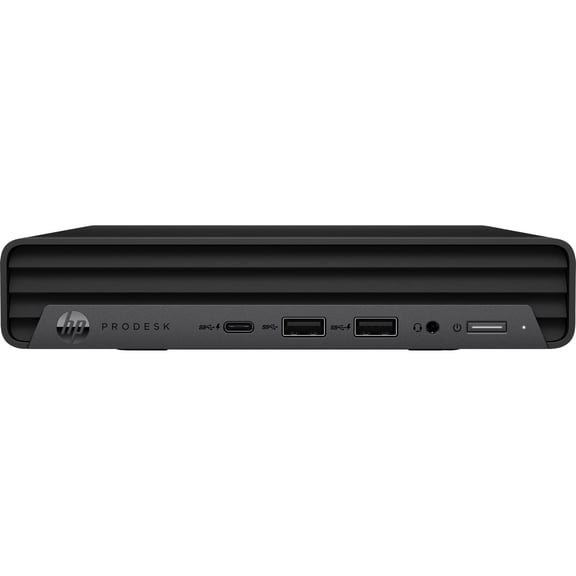 HP ProDesk 600 G6 Mini PC Computer, Intel Core i5, 8GB RAM, 128GB SSD, Windows 10, Black$299.00current price $299.00