

Teqnio(1)
Genuine Teqnio EL2IN1-1102T Keyboard Base GRADE A $49.95
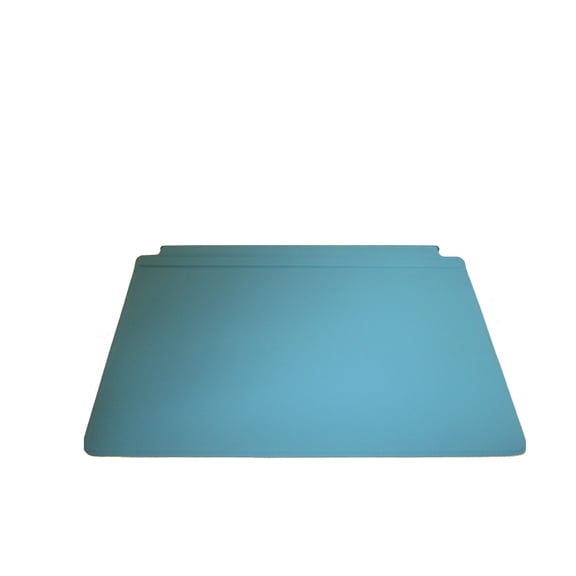
Genuine Teqnio EL2IN1-1102T Keyboard Base GRADE A
Other options to consider(3)
FITE ON 12V AC Adapter Charger Power Replacement for Teqnio Chromebook Epik Elb1101T 11.6" Laptop" $9.99

FITE ON 12V AC Adapter Charger Power Replacement for Teqnio Chromebook Epik Elb1101T 11.6" Laptop"
Aprelco AC Adapter Charger Compatible with Teqnio 11.6" ELL1103TPK ELL1201 Laptop Power Mains $12.59
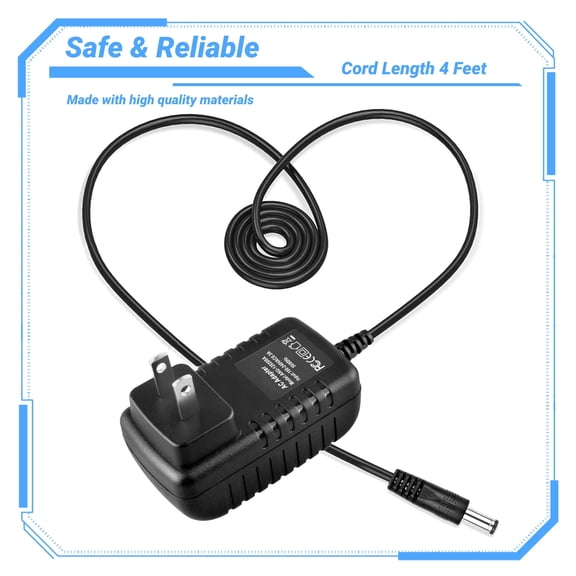
Aprelco AC Adapter Charger Compatible with Teqnio 11.6" ELL1103TPK ELL1201 Laptop Power Mains
XMHEIRD AC Adapter For Epik Teqnio ELL1201T ELL1401BK 12.5" Laptop Power Supply $14.98

XMHEIRD AC Adapter For Epik Teqnio ELL1201T ELL1401BK 12.5" Laptop Power Supply
FAQ
What devices can I use this Teqnio keyboard base with?
The Genuine Teqnio EL2IN1-1102T Keyboard Base is designed to work with specific compatible devices, usually within the same product family. To make sure it fits your needs, check your device’s model number and compare it with the keyboard base’s compatibility details listed on the product page. If you’re unsure, you can always reach out to Walmart’s customer service for help. Using the correct keyboard base helps ensure a secure connection and smooth typing experience.
How do I attach the keyboard base to my laptop?
Attaching the Teqnio keyboard base is usually straightforward.
- First, power off your device and unplug any cables.
- Align the keyboard base with the connection ports or docking area on your laptop or tablet.
- Gently press until you hear or feel it click into place.
Can I clean the keyboard base safely?
Yes, you can keep your keyboard base clean with a few simple steps:
- Unplug the keyboard base and disconnect it from your device.
- Use a soft, slightly damp cloth to wipe the surface—avoid letting moisture get inside the keys.
- For dust between keys, a gentle brush or compressed air can help.
What should I do if some keys stop working?
If you notice unresponsive keys, try these steps:
- Disconnect and reconnect the keyboard base to ensure a proper connection.
- Restart your device to rule out software glitches.
- Check for debris or dust under the affected keys and gently clean if needed.
Is this keyboard base good for students?
The Teqnio keyboard base can be a practical choice for students, especially those using compatible laptops or tablets for schoolwork. It provides a traditional typing experience, which can help with note-taking and assignments. Its detachable design also makes it easy to switch between laptop and tablet modes, adding flexibility for studying, presentations, or group projects. Just make sure it matches your device before purchasing to get the most benefit.
Popular in Teqnio Electronics and Accessories
Related Products
12-24V 96W Universal Power Supply Charger AC Power Adapter for PC Laptop Notebook
 12-24V 96W Universal Power Supply Charger AC Power Adapter for PC Laptop Notebook$13.99current price $13.99
19V Replacement AC Adapter Compatible with Asus ADP-65DWB ADP-65DW B Laptop Power Supply
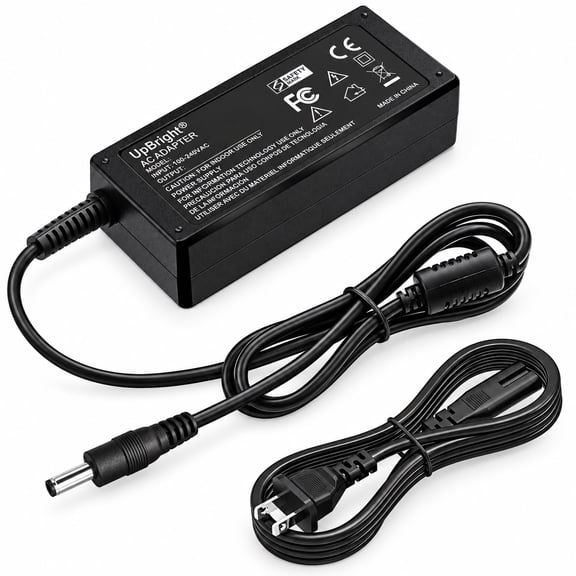 19V Replacement AC Adapter Compatible with Asus ADP-65DWB ADP-65DW B Laptop Power Supply$26.99current price $26.99
12V 3A 36W Replacement AC/DC Adapter Compatible with SGIN X15 M15 Series 15.6-Inch Laptop J302-1203000UX Power Supply
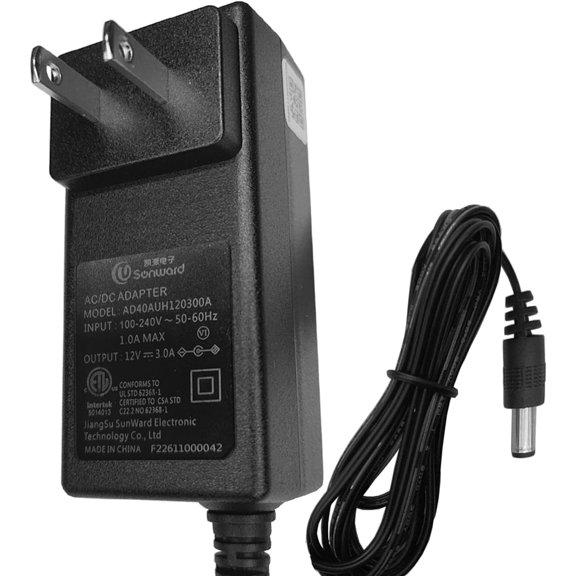 12V 3A 36W Replacement AC/DC Adapter Compatible with SGIN X15 M15 Series 15.6-Inch Laptop J302-1203000UX Power Supply$18.95current price $18.95
16V Replacement AC Adapter Compatible with IBM 85G6709 FRU 11J9992 Power Supply
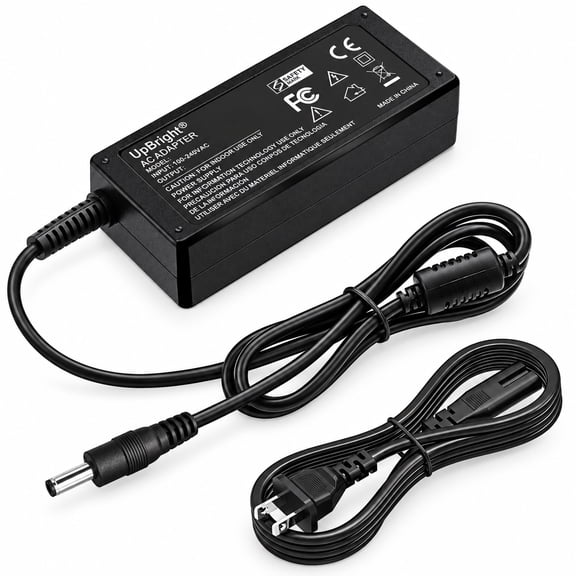 16V Replacement AC Adapter Compatible with IBM 85G6709 FRU 11J9992 Power Supply$18.99current price $18.99
Pre-Owned Fujitsu AC Adapter FMV-AC325A 19V 4.22A Laptop Charger 80W w/Cord
 Pre-Owned Fujitsu AC Adapter FMV-AC325A 19V 4.22A Laptop Charger 80W w/Cord$22.33current price $22.33
19V 2.1A 40W Replacement AC/DC Adapter Compatible with CTL Chromebook NL6 NL6B NL6X NBACNL6 Educational Laptop Power Supply
 19V 2.1A 40W Replacement AC/DC Adapter Compatible with CTL Chromebook NL6 NL6B NL6X NBACNL6 Educational Laptop Power Supply$19.99current price $19.99
Guy-Tech 19V 7.1A 135W AC / DC Adapter Compatible with Acer / Gateway Li Shin 0317A19135 LiShin Laptop Notebook PC Power Supply Cord (with 5.5mm Barrel Round Plug Tip)
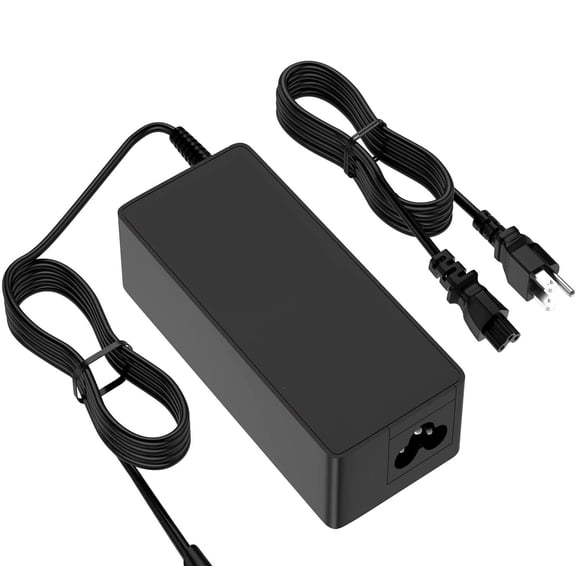 Guy-Tech 19V 7.1A 135W AC / DC Adapter Compatible with Acer / Gateway Li Shin 0317A19135 LiShin Laptop Notebook PC Power Supply Cord (with 5.5mm Barrel Round Plug Tip)$21.90current price $21.90
19V 3.42A Replacement AC Adapter Compatible with Toshiba Satellite Laptop Power Supply
 19V 3.42A Replacement AC Adapter Compatible with Toshiba Satellite Laptop Power Supply$15.99current price $15.99
XMHEIRD AC Adapter Charger For Core Innovations CLT2156 CLT2156BL BU LC RD 15.6" Full HD Laptop Power Supply Cord Mains PSU
 XMHEIRD AC Adapter Charger For Core Innovations CLT2156 CLT2156BL BU LC RD 15.6" Full HD Laptop Power Supply Cord Mains PSU$23.98current price $23.98
AC Adapter Power Charger For Asus ADP-45EW BD, ADP-45EW BC, ADP-45EW CC, ADP-45EW CD Laptop Power Cord Supply NEW
 AC Adapter Power Charger For Asus ADP-45EW BD, ADP-45EW BC, ADP-45EW CC, ADP-45EW CD Laptop Power Cord Supply NEW$23.99current price $23.99
Adapter for SGIN X15 M15 X14 Laptop Charger,BMAX MaxBook X15 S15 S13 Y14 Y13 X14
 Adapter for SGIN X15 M15 X14 Laptop Charger,BMAX MaxBook X15 S15 S13 Y14 Y13 X14$15.99current price $15.99
180W 19V Replacement AC Adapter ADP-180EB D ADP-180EBD ADP-180HB D ADP-180HBD Compatible with Asus Laptop Notebook PC Power Supply
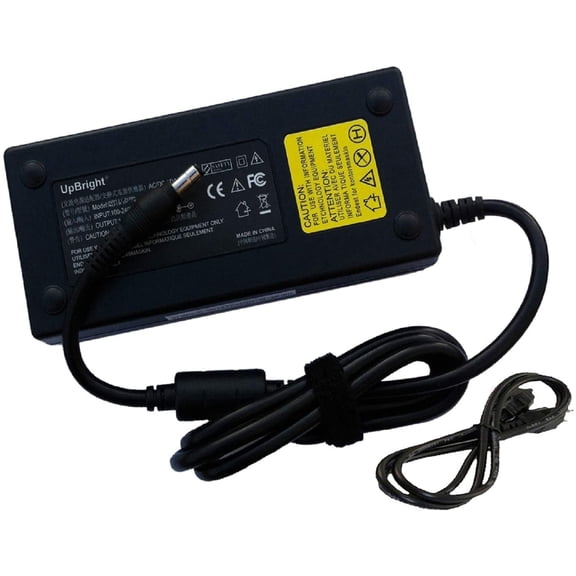 180W 19V Replacement AC Adapter ADP-180EB D ADP-180EBD ADP-180HB D ADP-180HBD Compatible with Asus Laptop Notebook PC Power Supply$45.99current price $45.99
Dell 65-Watt 3-Prong AC Adapter with 3.3 ft Power Cord
 Dell 65-Watt 3-Prong AC Adapter with 3.3 ft Power Cord$19.99current price $19.99
19V 2.37A Replacement AC Adapter Compatible with Toshiba Satellite Laptop Power Supply
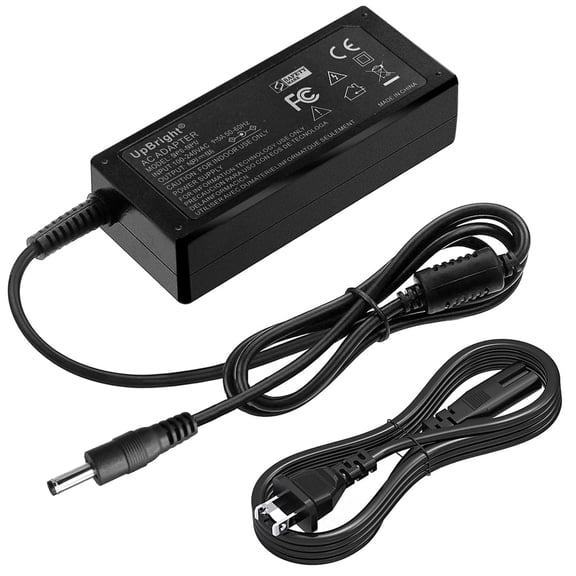 19V 2.37A Replacement AC Adapter Compatible with Toshiba Satellite Laptop Power Supply$19.99current price $19.99
Pre-Owned Dell LA240PM160 AC DC Adapter 240W Slim 00MFK9 19.5V 12.3A w/P.Cord
 Pre-Owned Dell LA240PM160 AC DC Adapter 240W Slim 00MFK9 19.5V 12.3A w/P.Cord$61.20current price $61.20
AC Adapter For ACEMAGIC AX15 15.6" FHD Laptop Power Supply Charger Cord
 AC Adapter For ACEMAGIC AX15 15.6" FHD Laptop Power Supply Charger Cord$25.99current price $25.99
Laptop Charger AC Power Adapter For EVOO EVC141-12 EVOO EVC-141-12 EVOO EVC141-12BK EVC-141-12BK New Power Supply Cord
 Laptop Charger AC Power Adapter For EVOO EVC141-12 EVOO EVC-141-12 EVOO EVC141-12BK EVC-141-12BK New Power Supply Cord$16.85current price $16.85