

Tablet Car Mounts in Tablet Accessories

![cyrico Tablet Holder for Car, Adjustable Tablet Car Mount for Back Seat [3 in 1 Extension Arm], Road Trip Camping Essentials Compatible with iPad Headrest Holder for Car Backseat for 4.7-12.9" Device](https://i5.walmartimages.com/seo/cyrico-Tablet-Holder-Car-Adjustable-Tablet-Car-Mount-Back-Seat-3-1-Extension-Arm-Road-Trip-Camping-Essentials-Tablet-iPad-Headrest-Holder-Car-Backsea_e4965196-cb09-4ddc-bc29-7bc03415322a.9ac768b601801307ec879ea276c5409c.png?odnHeight=576&odnWidth=576&odnBg=FFFFFF)























About Tablet Car Mounts in Tablet Accessories
Tablet car mounts help you keep screens steady and easy to view during every drive. You can compare headrest, dashboard, windshield, and cup holder styles to match your vehicle and passengers.
How to choose tablet car mounts
When you compare tablet car mounts, you should start with mounting location and device size. You’ll get a cleaner fit when your mount matches your seat design, dash space, and tablet dimensions.
Some drivers need a car tablet holder for navigation or hands-free screen viewing up front. Other shoppers need a tablet mount for car back seat use, where passengers can watch shows without holding a device.
- You can keep a tablet at eye level for easier viewing on longer drives.
- You can give backseat riders a fixed screen instead of a loose tablet.
- You can choose adjustable angles that fit portrait or landscape viewing.
- You can compare mounting styles for sedans, SUVs, trucks, and vans.
If you travel with kids, you may want a headrest tablet mount that centers the screen between seats. If you ride with coworkers, you may prefer a dashboard option that keeps the cabin organized.
Choosing the right mounting location
You should check your vehicle layout before you choose headrest, dashboard, windshield, or cup holder placement. You’ll want enough clearance for the tablet, charging cable, and any nearby controls.
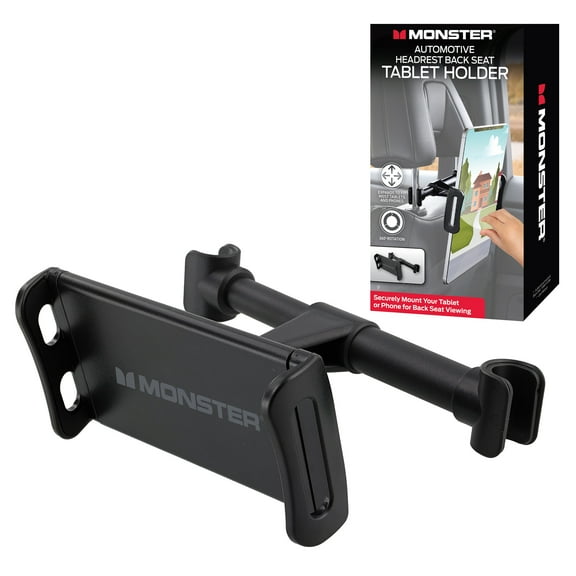
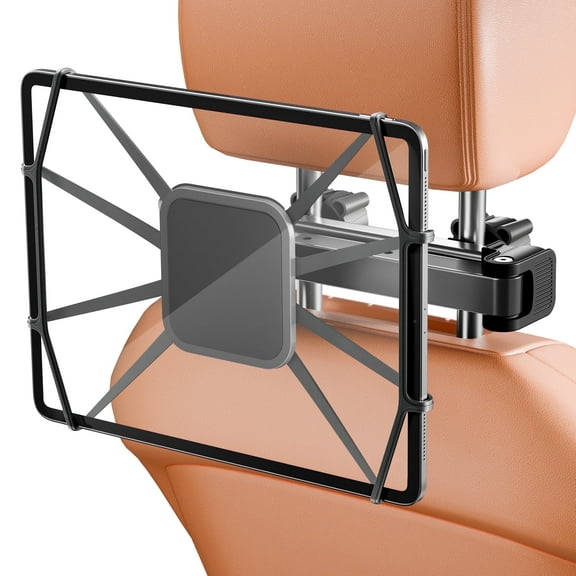
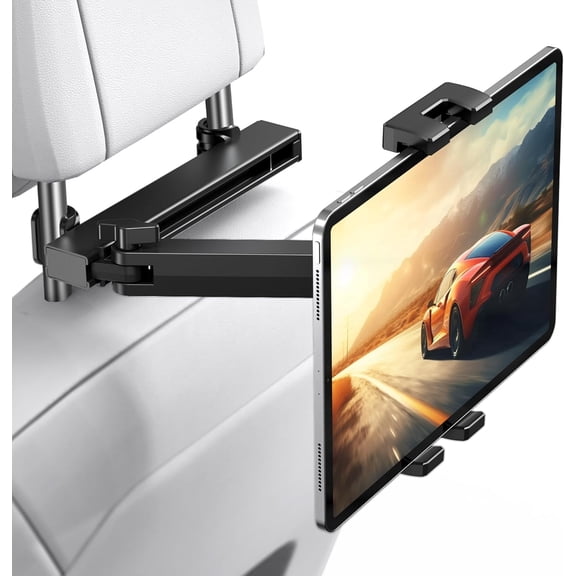
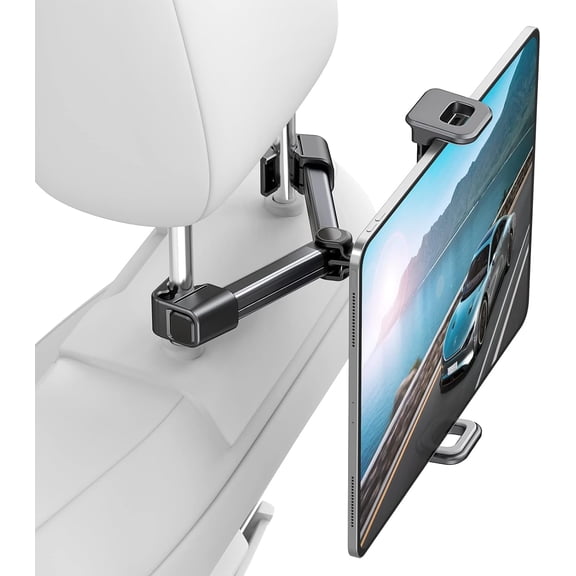
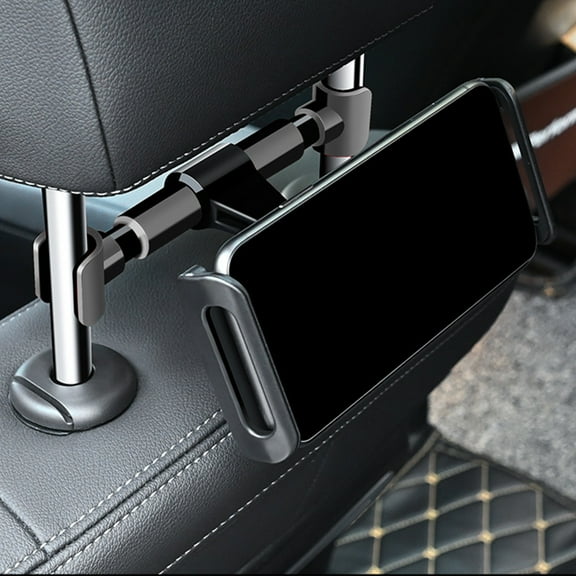
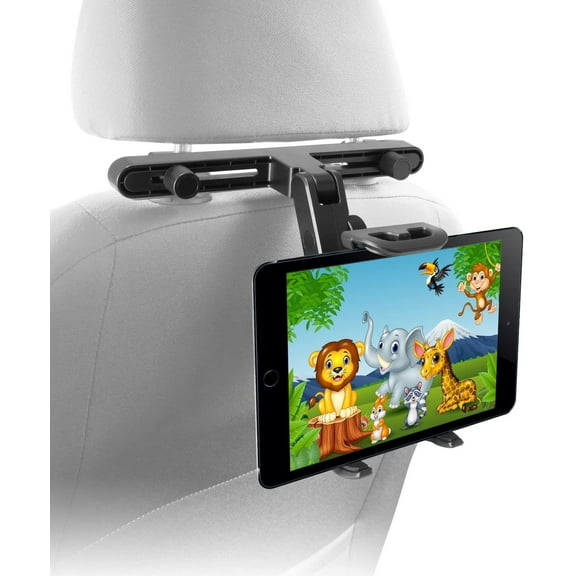
A headrest tablet mount usually works well when you want a stable screen for rear passengers. You should measure headrest post spacing or review strap-style designs for seats without exposed posts.
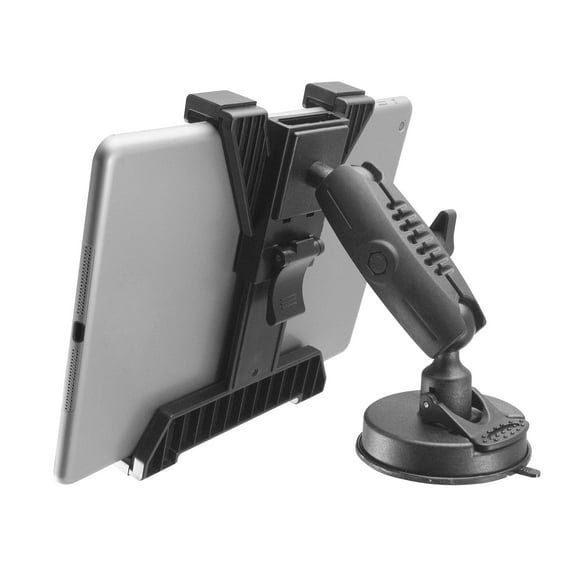
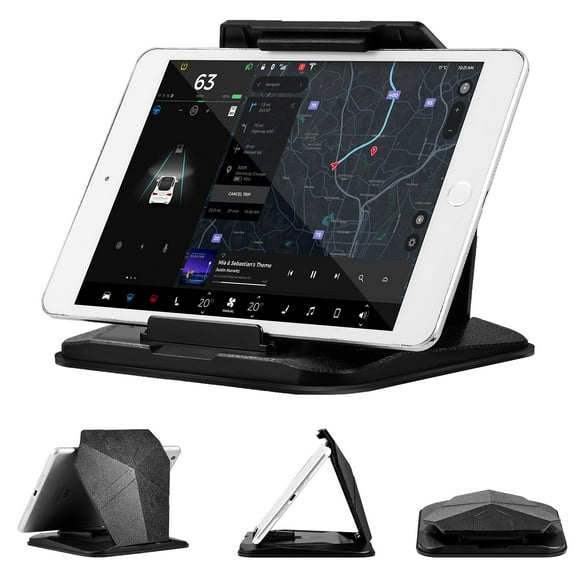
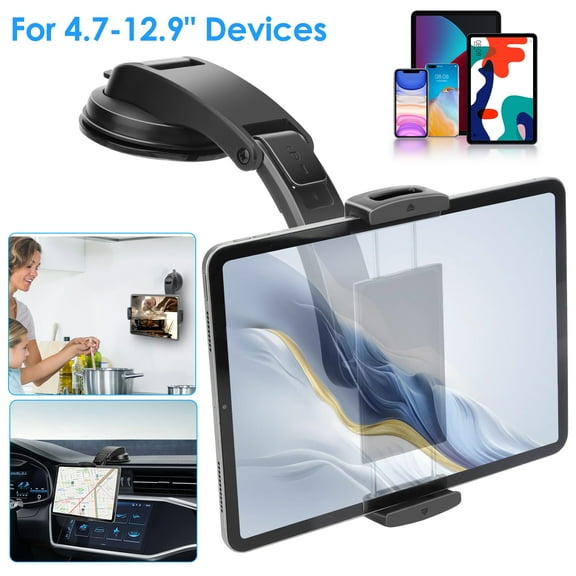
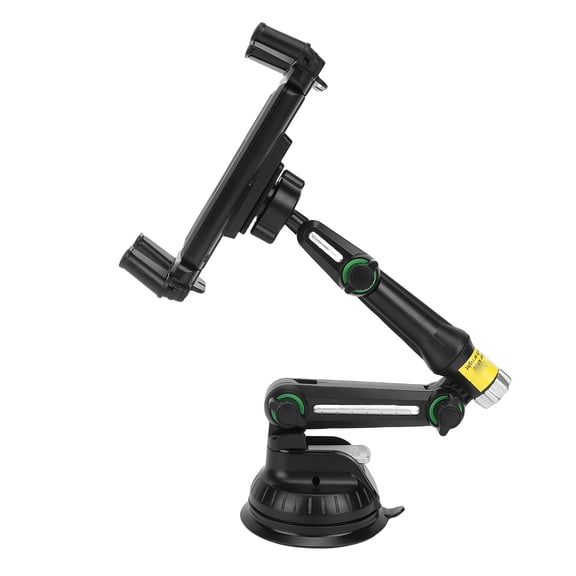
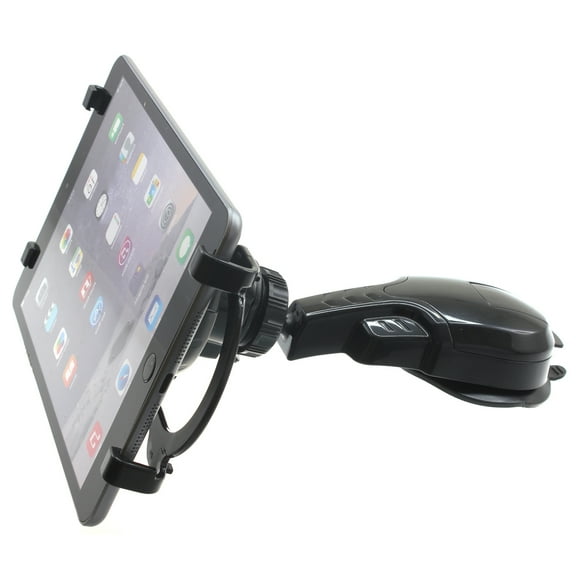
A dashboard mount can suit front-seat viewing when you need route guidance or quick screen access. You should check whether your dash has a flat area for a base or suction setup.
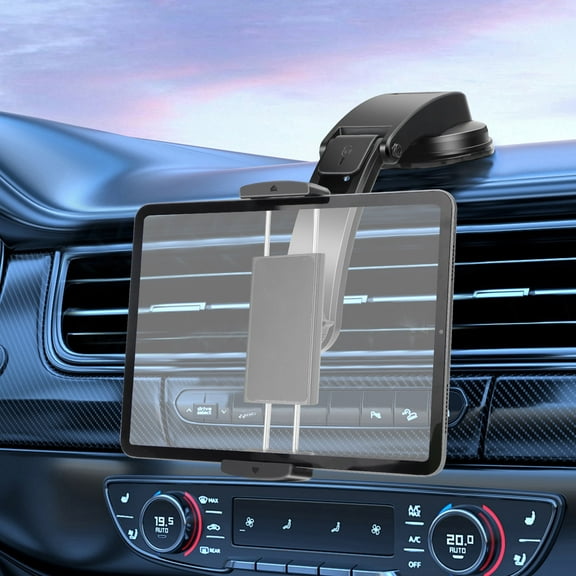
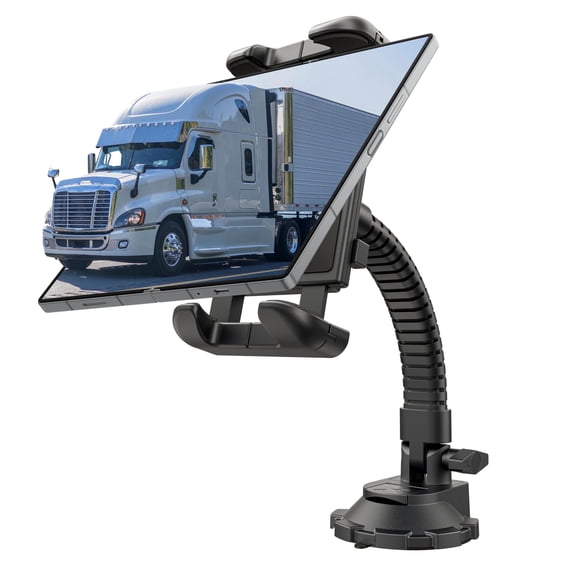
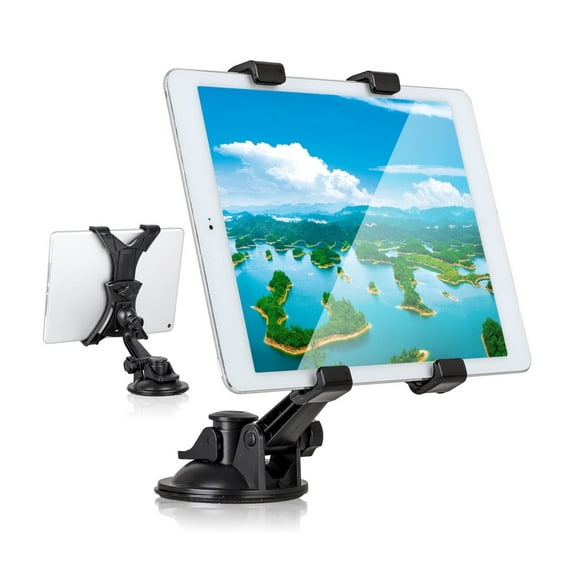
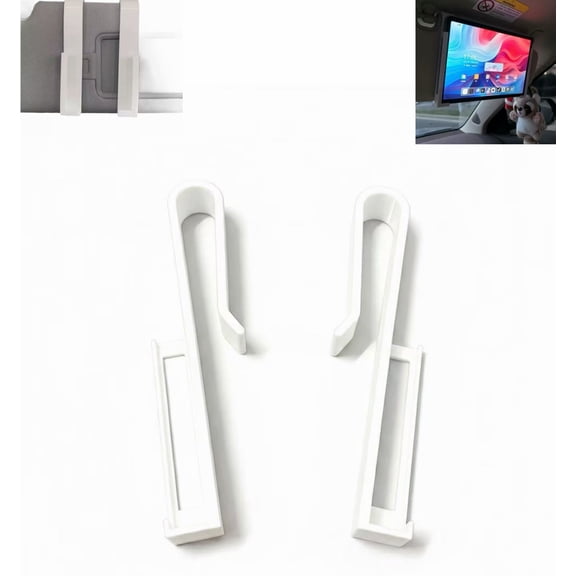
A windshield option can raise the screen higher in your line of sight. You should confirm that the arm length and viewing angle fit your cabin without crowding mirrors.
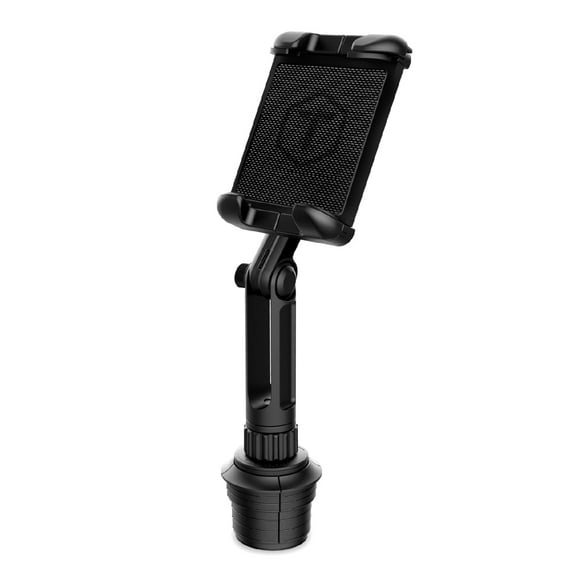
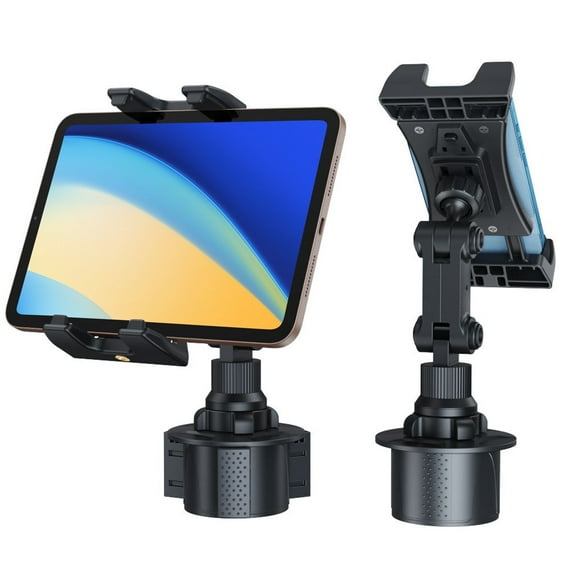
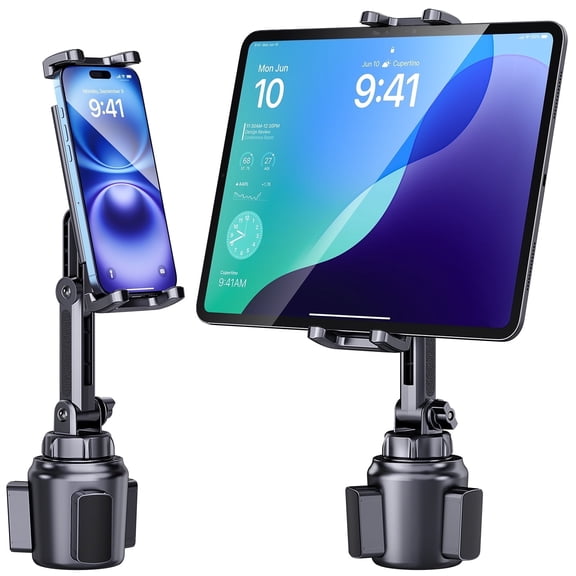
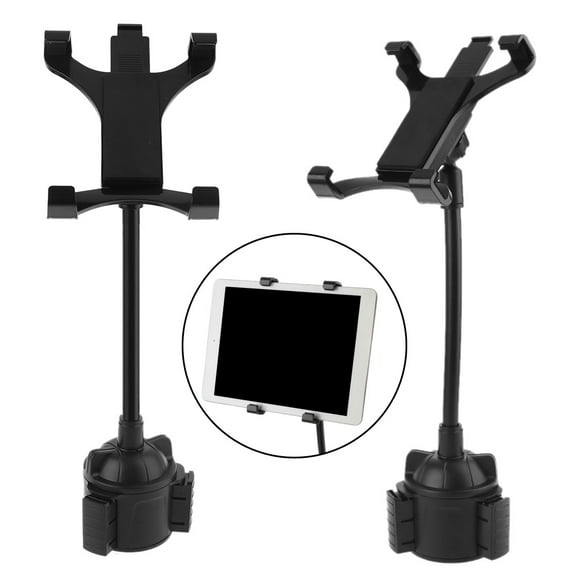
A cup holder base can help when you don’t want adhesive or suction contact on interior surfaces. You’ll want to compare base expansion ranges so the holder fits your console opening securely.
Comparing compatibility and attachment types
You should compare device compatibility next, because tablet sizes vary across brands and cases. You’ll often see universal fit ranges that cover seven to 10 inch tablets, including many iPad models.
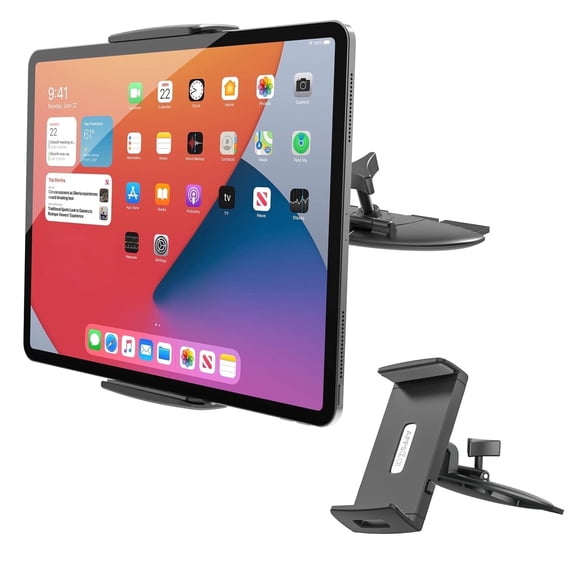
If you’re shopping for an ipad car mount, you should check maximum clamp width and corner grip design. You’ll want enough room for a case if you don’t plan to remove it often.
If you use a Samsung Galaxy Tab or another Android tablet, you should compare the same width range carefully. You’ll get a steadier hold when the mount supports your tablet size without stretching to its limit.
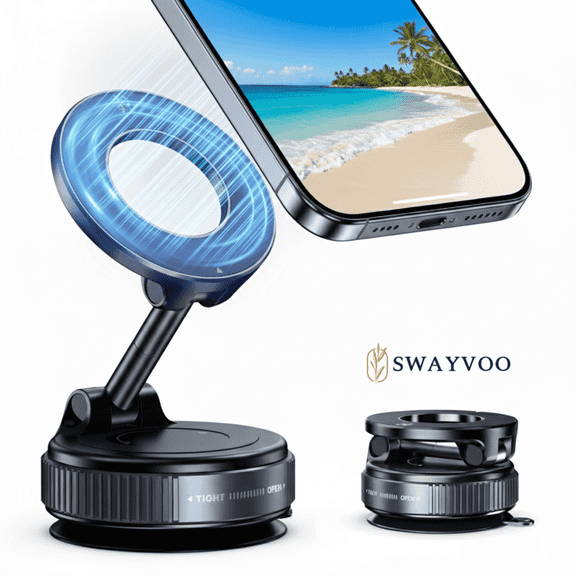
Suction cup designs can work well when you want quick placement on glass or smooth dashboards. Clamp styles can suit vents, rails, or edges where you want a firmer mechanical hold.
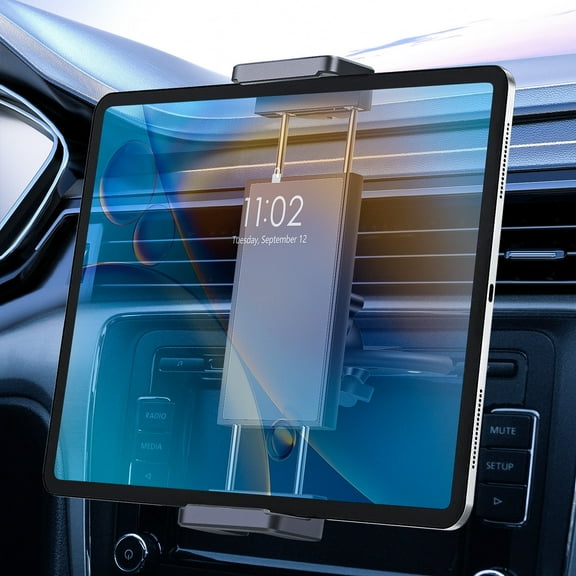
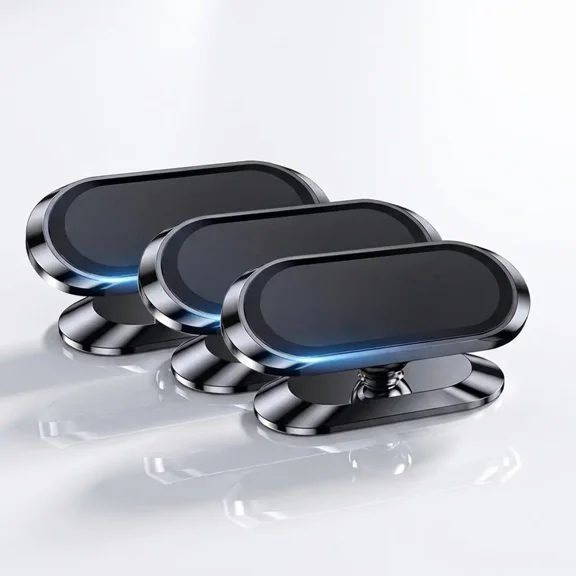
Headrest strap options can fit many seat styles and often center the tablet for backseat riders. Magnetic options can feel simple to use, but you should confirm your tablet or case supports that setup.
What to look for in adjustability and stability
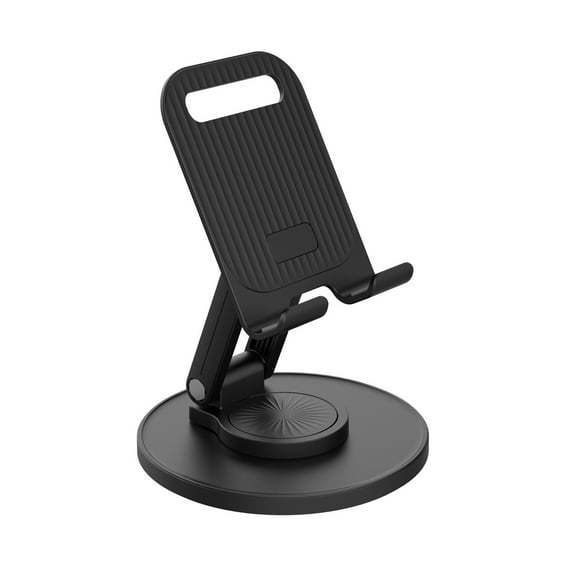
You should look for adjustability features that match how you use your screen on the road. You’ll notice that 360-degree rotation lets you switch between portrait maps and landscape video more easily.
Tilt controls help you reduce glare from windows and overhead light during daytime trips. Extendable arms help you bring the screen closer, though you should check that the arm stays steady on rough roads.
Stability matters when you want the image to stay clear over bumps and turns. You should compare locking joints, grip padding, and wider contact points that help limit shaking and vibration.
If you share one mount between vehicles, you should look for fast adjustment points and simple release buttons. You’ll spend less time repositioning the holder when the knobs and clamps are easy to reach.
Matching a car tablet holder to real driving needs
You might choose a headrest tablet mount if you take family road trips often. You can place the screen where backseat passengers see it clearly without passing a tablet from seat to seat.
You may want a tablet mount for car back seat use when you drive a van or SUV with multiple rows. You should compare arm reach and viewing angle so riders in different seats can see comfortably.
If you use a tablet for route planning, you may prefer a dashboard or windshield setup. You’ll want a position that keeps ports accessible for charging and leaves vehicle controls easy to reach.
You can also compare cup holder mounts if your dashboard has limited flat space. You may like this style when you switch vehicles often and want a removable setup with minimal contact points.
For larger screens, you should confirm the holder supports a 10-inch tablet without crowding buttons or cameras. You’ll get a smoother fit when the grip range matches your device instead of forcing it.
When you narrow your options by location, compatibility, attachment type, and adjustability, you can choose with more confidence. You’ll end up with a mount that keeps your tablet steady, visible, and ready for the trip ahead.