

Surfboard Max Pro(2)
SURFboard mAX Pro W133 Wi-Fi 6 IEEE 802.11ax Ethernet, Cable, DSL Wireless Router $104.06 Was $117.47
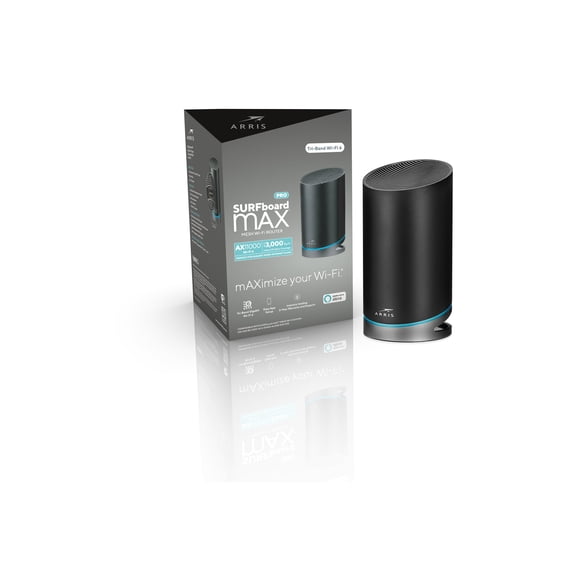
SURFboard mAX Pro W133 Wi-Fi 6 IEEE 802.11ax Ethernet, Cable, DSL Wireless Router
SURFboard mAX Pro W133 Wi-Fi 6 IEEE 802.11ax Ethernet, Cable, DSL Wireless Router $93.68 $93.68/count
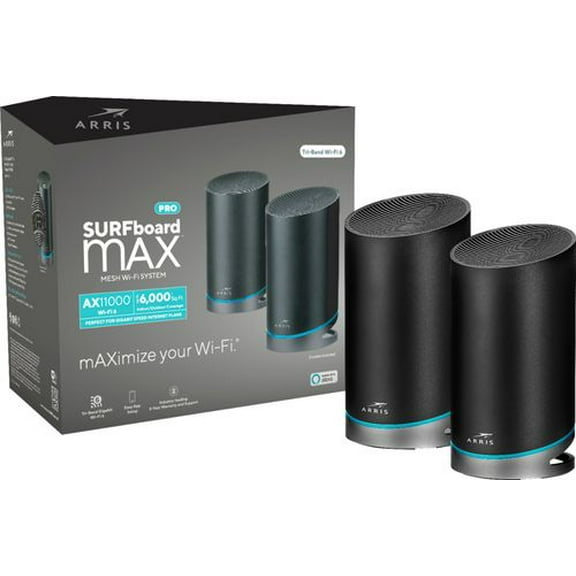
SURFboard mAX Pro W133 Wi-Fi 6 IEEE 802.11ax Ethernet, Cable, DSL Wireless Router
Other options to consider(9)
In 25+ people's carts, ARRIS Surfboard SB 8200 DOCSIS 3.1 Gigabit Cable Modem, Approved for Cox, Xfinity, Spectrum & Others $169.00 Was $199.99

ARRIS Surfboard SB 8200 DOCSIS 3.1 Gigabit Cable Modem, Approved for Cox, Xfinity, Spectrum & Others
ARRIS Surfboard (32x8) Cable Modem, DOCSIS 3.0, - New Condition $69.99 Was $88.99
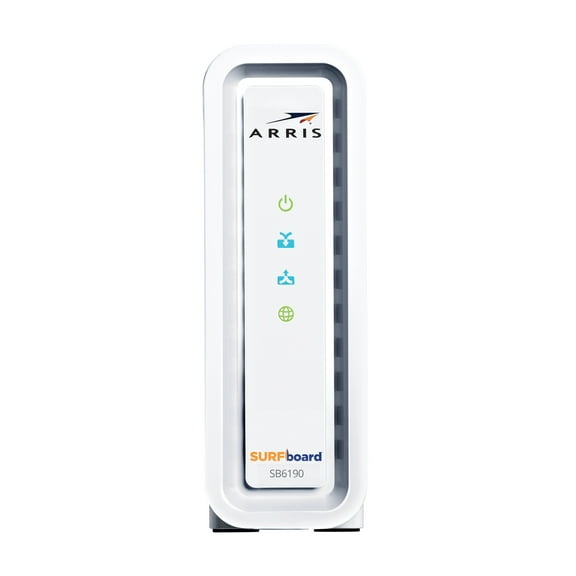
ARRIS Surfboard (32x8) Cable Modem, DOCSIS 3.0, - New Condition
Arris SURFboard S33 Desktop DOCSIS 3.1 Cable Modem
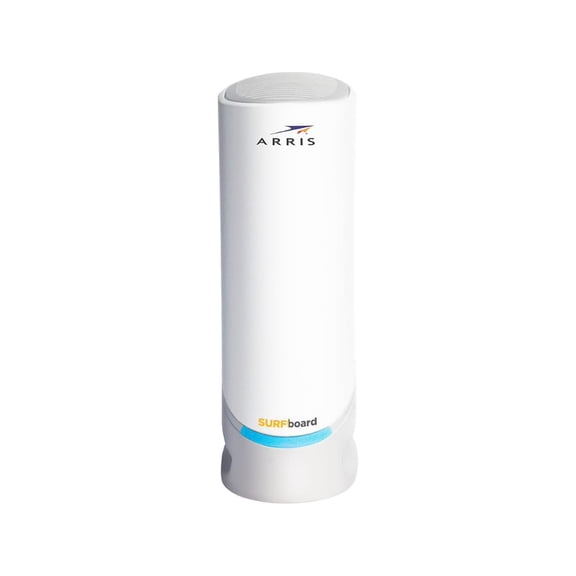
Arris SURFboard S33 Desktop DOCSIS 3.1 Cable Modem
ARRIS (32x8) Dual-Band Cable Modem Internet Service Providers, SB8200 $225.57
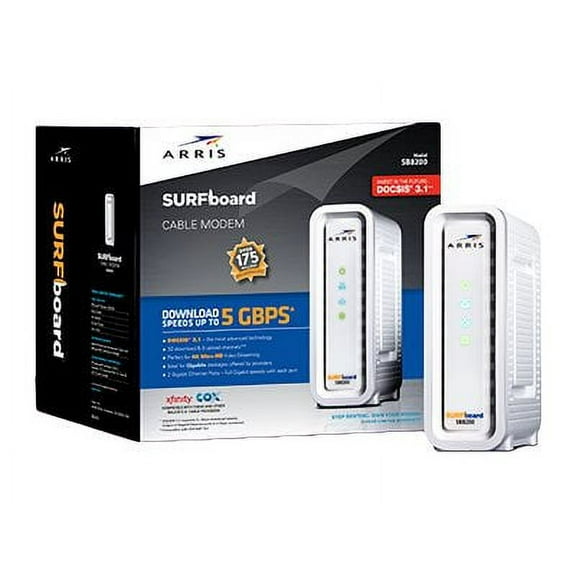
ARRIS (32x8) Dual-Band Cable Modem Internet Service Providers, SB8200
ARRIS SB6190 Surfboard DOCSIS 3.0 Gigabit Cable Modem Router 1 Gbps Port - Black $69.99
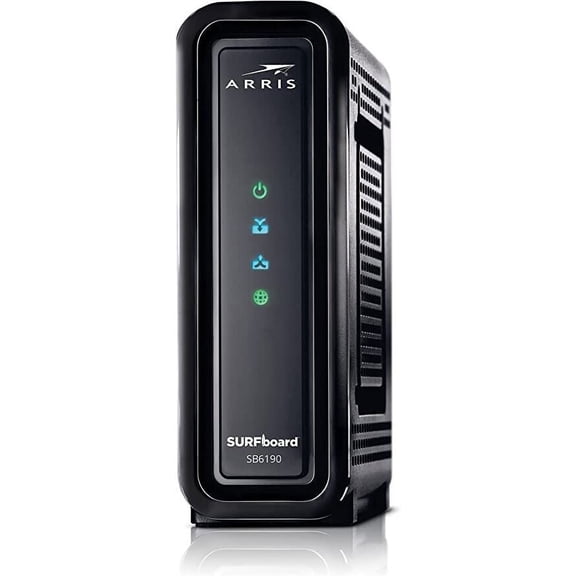
ARRIS SB6190 Surfboard DOCSIS 3.0 Gigabit Cable Modem Router 1 Gbps Port - Black
Restored Arris S33-RB Surfboard DOCSIS, 3.1 Multi-Gigabit Cable, Modem $149.99
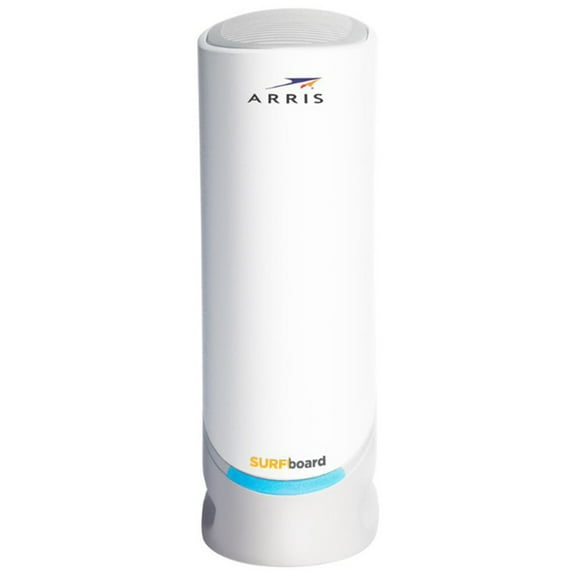
Restored Arris S33-RB Surfboard DOCSIS, 3.1 Multi-Gigabit Cable, Modem
Restored Arris SBG8300-RB Surfboard DOCSIS 3.1 Gigabit Cable Modem & AC2350 Wi-Fi Router - $150.00
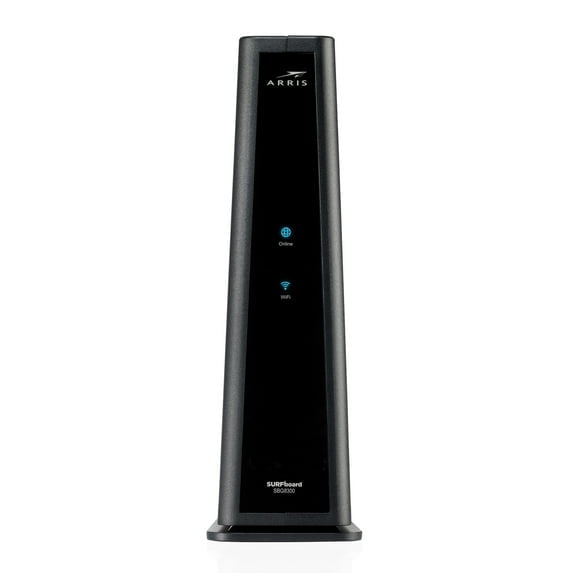
Restored Arris SBG8300-RB Surfboard DOCSIS 3.1 Gigabit Cable Modem & AC2350 Wi-Fi Router -
Hand Surf Board with leash and bag - Green, compact, lightweight hand-surfboard is designed to be held and ridden with the hands
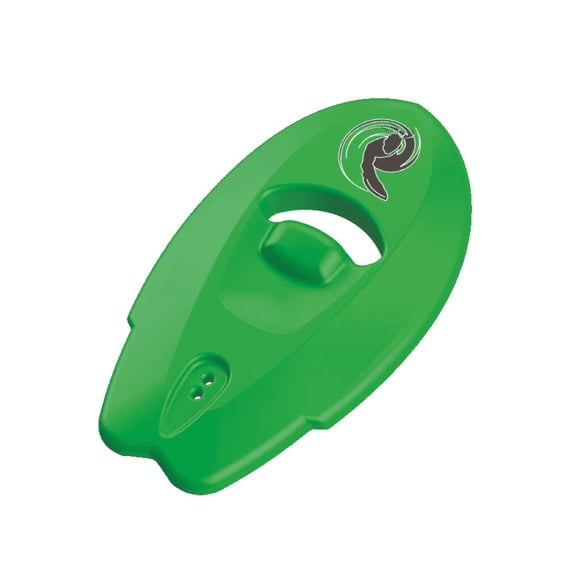


Hand Surf Board with leash and bag - Green, compact, lightweight hand-surfboard is designed to be held and ridden with the hands
Arris SURFboard SBG10 - - wireless router - - cable mdm 2-port switch - 1GbE - Wi-Fi 5 - Dual Band

Arris SURFboard SBG10 - - wireless router - - cable mdm 2-port switch - 1GbE - Wi-Fi 5 - Dual Band
FAQ
What devices can connect to this Wi-Fi 6 router?
This Wi-Fi 6 router supports a wide range of devices, including smartphones, laptops, smart TVs, gaming consoles, and home assistants. As long as your device is Wi-Fi enabled, you can connect wirelessly to the network. For wired connections, the router offers Ethernet ports that are compatible with desktops or other devices requiring a stable connection. The Wi-Fi 6 standard means faster speeds and better performance, especially for homes with multiple devices connecting at once.
How do I set up a SURFboard router for the first time?
Setting up your SURFboard router is usually straightforward:
- Plug the router into a power outlet and connect it to your internet source, such as a cable or DSL modem, using an Ethernet cable.
- Wait for the router’s status lights to show it's powered and connected.
- Download the manufacturer's app (if available) or use a web browser to follow the on-screen setup instructions.
- Customize your Wi-Fi name and password to make it easier to remember.
For the best results, place the router in a central location away from large obstructions.
Can I use the modem and router with my internet provider?
Many SURFboard modems and routers are compatible with major cable internet providers, such as Xfinity, Cox, and Spectrum, as well as services using Ethernet, cable, or DSL lines. To ensure compatibility, check with your provider’s approved equipment list or consult their support team before purchase. Using an approved device can make activation smoother and help you get the best speed your plan allows.
How do I improve Wi-Fi coverage in a large home?
If you have a large or multi-story home, consider using a mesh Wi-Fi system, like the SURFboard Max Pro series. Mesh systems use multiple units placed around your space for seamless coverage and fewer dead zones.
- Start by placing the main router centrally.
- Add secondary units in areas with weak signals.
- Avoid placing routers behind thick walls or metal objects.
What should I do if my internet speed seems slow?
If your connection feels sluggish, try these steps:
- Restart your router and modem to refresh the connection.
- Make sure your firmware is up to date through the manufacturer’s app or website.
- Reduce the number of connected devices, especially if they're streaming or downloading large files.
- Check for physical obstructions or electronic interference near the router.
If speed issues persist, contact your internet provider to check for service issues or to confirm your plan’s maximum speed compatibility.
Popular in Surfboard Max Pro Wi-Fi Routers and Modems Electronics
Related Products
CenturyLink Technicolor C1100T Vdsl2 Modem 802.11n WiFi Router
CenturyLink Technicolor C1100T Vdsl2 Modem 802.11n WiFi Router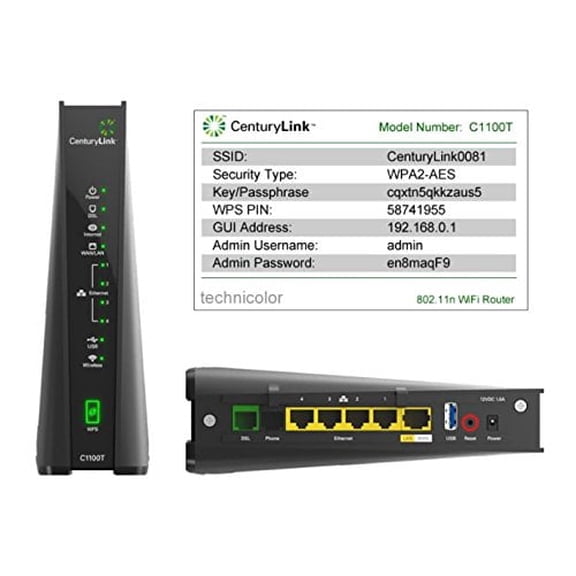
Motorola MT7711 24X8 Cable Modem plus AC1900 Dual Band WiFi Gigabit Router plus 2 Phone Lines for Comcast Xfinity
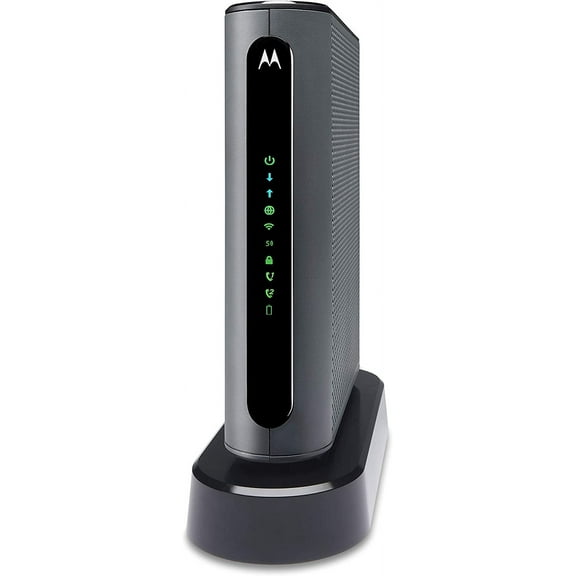 Motorola MT7711 24X8 Cable Modem plus AC1900 Dual Band WiFi Gigabit Router plus 2 Phone Lines for Comcast Xfinity$314.10current price $314.10
Motorola MG7700 Modem WiFi Router Combo with Power Boost | Approved by Comcast Xfinity, Cox and Spectrum | for Cable Plans Up to 800 Mbps | DOCSIS 3.0 + Gigabit Router
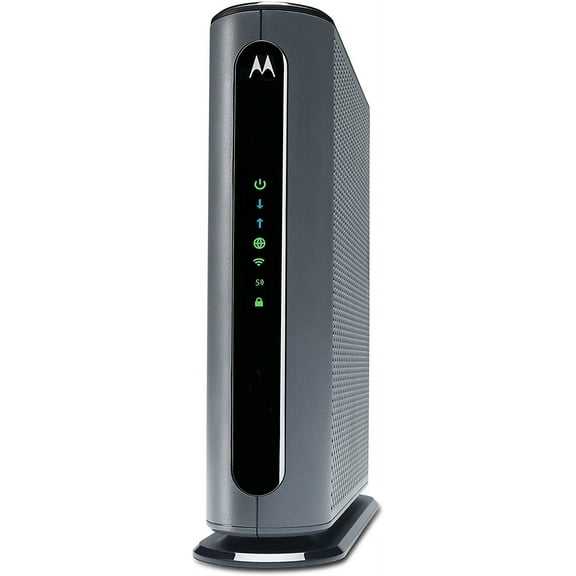 Motorola MG7700 Modem WiFi Router Combo with Power Boost | Approved by Comcast Xfinity, Cox and Spectrum | for Cable Plans Up to 800 Mbps | DOCSIS 3.0 + Gigabit Router$299.00current price $299.00
Motorola MG7700 Modem with AC1900 Dual Band 1000 Mbps Wi-Fi Gigabit Router with Power Boost
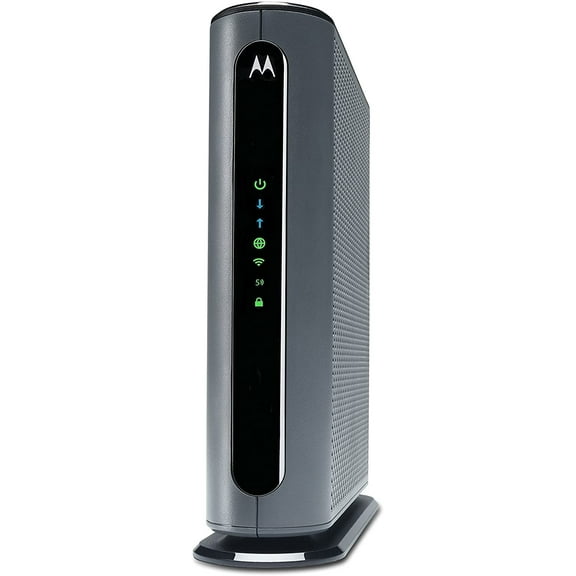 Motorola MG7700 Modem with AC1900 Dual Band 1000 Mbps Wi-Fi Gigabit Router with Power Boost$249.00current price $249.00
Motorola MG8725 Multi-Gig Cable Modem + Built in WiFi 6 Router | Approved for Comcast Xfinity Gigabit, Cox Gigablast, Spectrum | Plans Up to 6000 Mbps | DOCSIS 3.1 | AX6000 | Motosync App
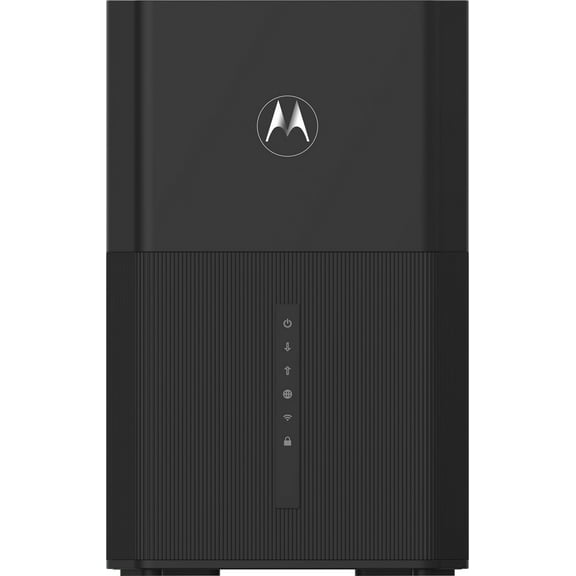 Motorola MG8725 Multi-Gig Cable Modem + Built in WiFi 6 Router | Approved for Comcast Xfinity Gigabit, Cox Gigablast, Spectrum | Plans Up to 6000 Mbps | DOCSIS 3.1 | AX6000 | Motosync App$199.99current price $199.99
Motorola MG7540 Cable Modem AC1600 Dual Band Wi-Fi Router Combo DOCSIS 3.0 Certified by Comcast
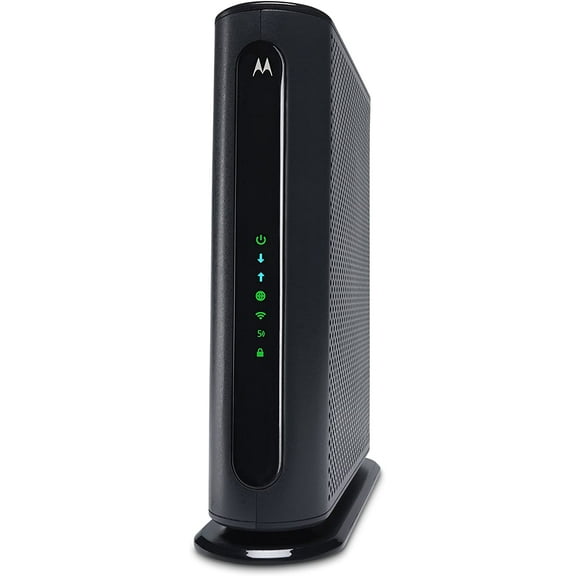 Motorola MG7540 Cable Modem AC1600 Dual Band Wi-Fi Router Combo DOCSIS 3.0 Certified by Comcast$189.99current price $189.99
Motorola MG8702 | DOCSIS 3.1 Cable Modem + Wi-Fi Router (High Speed Combo) with Intelligent Power Boost | AC3200 Wi-Fi Speed | Approved for Comcast Xfinity, Cox, and Charter Spectrum
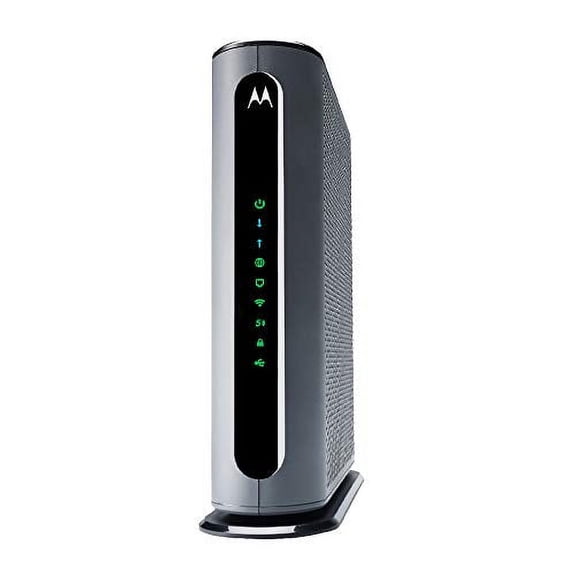 Motorola MG8702 | DOCSIS 3.1 Cable Modem + Wi-Fi Router (High Speed Combo) with Intelligent Power Boost | AC3200 Wi-Fi Speed | Approved for Comcast Xfinity, Cox, and Charter Spectrum$299.99current price $299.99
Motorola B12 DOCSIS 3.1 Multi-Gig Cable Modem | Pairs with Any WiFi Router | Approved for Comcast Xfinity, Cox Gigablast, Spectrum | 2.5 Gbps Port | 2500 Mbps Max Internet Speeds
 Motorola B12 DOCSIS 3.1 Multi-Gig Cable Modem | Pairs with Any WiFi Router | Approved for Comcast Xfinity, Cox Gigablast, Spectrum | 2.5 Gbps Port | 2500 Mbps Max Internet Speeds$129.19current price $129.19
Motorola MG7700 DOCSIS 1000 Mbps AC1900 Dual-Band WiFi Router 3.0 Modem
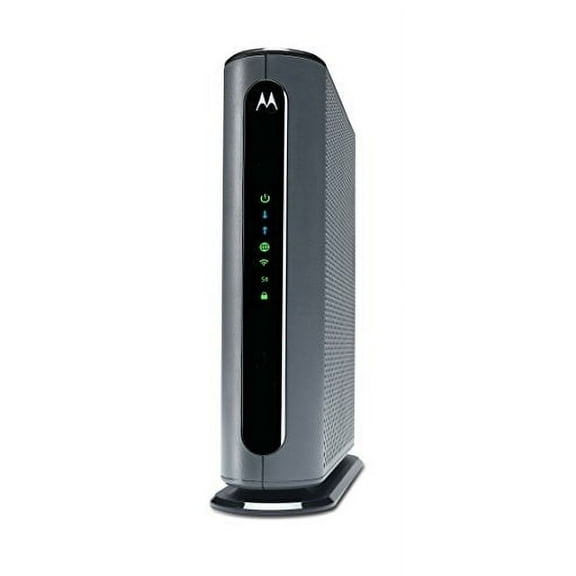 Motorola MG7700 DOCSIS 1000 Mbps AC1900 Dual-Band WiFi Router 3.0 Modem$299.00current price $299.00