

Surface Pro External Battery(1)
10000mAh Slim Backup Portable 2-Port USB Battery Charger Compatible With LG G Pad F 8.0 8.3 7.0 10.1, Escape 3 (K373), Aristo - Microsoft Surface Pro 4 3 2, Go (10") - Motorola One B1G $49.05

10000mAh Slim Backup Portable 2-Port USB Battery Charger Compatible With LG G Pad F 8.0 8.3 7.0 10.1, Escape 3 (K373), Aristo - Microsoft Surface Pro 4 3 2, Go (10") - Motorola One B1G
Other options to consider(4)
mophie powerstation pro XL portable charger with phones, tablets, and laptops, 25,000 mAh $199.99

mophie powerstation pro XL portable charger with phones, tablets, and laptops, 25,000 mAh
8000mAh Power Bank Charger Backup Battery Portable Built-in Cables All-in-One Slim Q1P for LG Stylo 4 Plus 3 2 Plus, Prime 2, Aristo 4 Plus, K8 Plus (2018) - Microsoft Surface Go (10") $41.84

8000mAh Power Bank Charger Backup Battery Portable Built-in Cables All-in-One Slim Q1P for LG Stylo 4 Plus 3 2 Plus, Prime 2, Aristo 4 Plus, K8 Plus (2018) - Microsoft Surface Go (10")
mophie powerstation pro AC (2023) - 27 00 mAh External Battery compatbile with MacBook & iPad Portable PD battery with 100W of AC & 60W USB-C Fast Charge integrated carry strap - USB-C cable included. $173.48 Was $193.94

mophie powerstation pro AC (2023) - 27 00 mAh External Battery compatbile with MacBook & iPad Portable PD battery with 100W of AC & 60W USB-C Fast Charge integrated carry strap - USB-C cable included.
P21GK3 Replacement Battery For Microsoft Surface RT RT1 model 1516 $55.99

P21GK3 Replacement Battery For Microsoft Surface RT RT1 model 1516
FAQ
How do I pick the right external battery for Surface Pro?
Choosing an external battery for your Surface Pro depends on a few key factors:
- Capacity: Look for a power bank with enough mAh to give your device a meaningful boost. Higher capacity models can charge your Surface Pro multiple times.
- Compatibility: Make sure the battery supports your Surface Pro's charging requirements. Some models offer USB-C PD (Power Delivery) for faster, more efficient charging.
- Port Options: If you want to charge multiple devices, consider a battery with several ports.
- Portability: Slim, lightweight designs are easier to carry for travel or daily use.
Review the product details to match your needs and device model.
Can I charge my Surface Pro and phone at the same time?
Many external batteries offer multiple ports, so you can charge your Surface Pro and phone simultaneously. Here’s how it typically works:
- Multi-Port Design: Look for power banks with at least two output ports—often a combination of USB-A and USB-C.
- Power Distribution: Charging two devices at once may split the available power, so charging speeds can vary.
- Cable Compatibility: Use the appropriate cables for each device to ensure safe and efficient charging.
Always check the product specifications to confirm support for dual charging.
What’s the best way to store my portable charger?
Proper storage helps maintain your portable charger’s performance and longevity:
- Keep it Cool and Dry: Store your charger in a dry place away from direct sunlight and extreme temperatures.
- Partial Charge: If you’re not using it for a while, keep it around 50% charged.
- Avoid Heavy Pressure: Don’t place heavy objects on top of your charger to prevent damage.
Following these tips can help your charger stay reliable when you need it most.
How do I know if my Surface Pro is charging from a power bank?
To check if your Surface Pro is charging from an external battery:
- Charging Indicator: Your Surface Pro should display a battery icon with a plug or lightning bolt on the screen.
- LED Lights: Many power banks have LED indicators that light up when charging is active.
- Cable Connection: Ensure the cable is securely connected to both the power bank and your Surface Pro.
If you don’t see any charging signs, try a different cable or port, or consult the product manual for troubleshooting tips.
Are there safety tips for using external batteries with Surface Pro?
Yes, using external batteries safely is important for both your device and personal safety:
- Use Certified Products: Choose batteries that meet recognized safety standards.
- Avoid Overcharging: Unplug the charger once your Surface Pro is fully charged.
- Inspect Regularly: Check for any signs of damage or swelling before use.
- Follow Manufacturer Instructions: Always use the recommended cables and follow the guidelines provided with your charger.
These steps can help reduce risks and keep your devices running smoothly.
Popular in Surface Pro External Batteries for Cell Phones
Related Products
Entronix 3-in-1 Power Bank with Built-In Cables, 20000 mAh Portable Charger 22.5W Digital Display, Black
 Entronix 3-in-1 Power Bank with Built-In Cables, 20000 mAh Portable Charger 22.5W Digital Display, Black$23.99current price $23.99
Mophie QI2 5,0000mAh Powerstation Wireless Slim Stand - Black
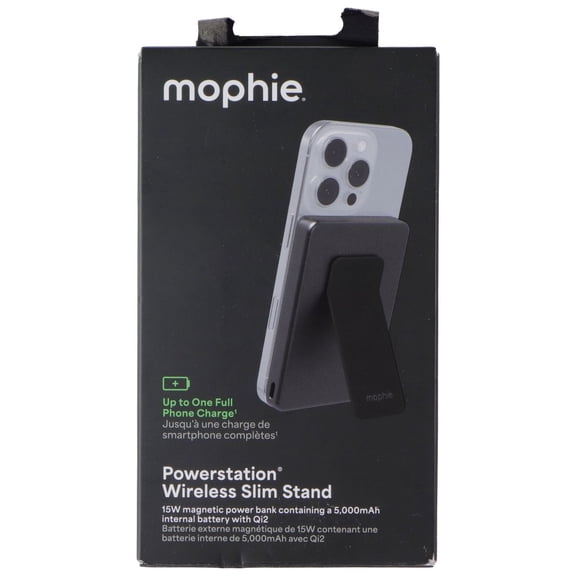 Mophie QI2 5,0000mAh Powerstation Wireless Slim Stand - Black$34.95current price $34.95
Puregear 3,000mah Rechargeable Battery Pack Black
 Puregear 3,000mah Rechargeable Battery Pack Black$9.71current price $9.71
Lenovo GO Wireless Power Bank 10000 mAh G0A3LG1WWW
 Lenovo GO Wireless Power Bank 10000 mAh G0A3LG1WWW$45.00current price $45.00
Power Bank,10000mAh 22.5W Fast Charging Portable Charger,2 in 1 Wireless Power Bank with LED Display Compatible with iPhone 8 Above Series,Green
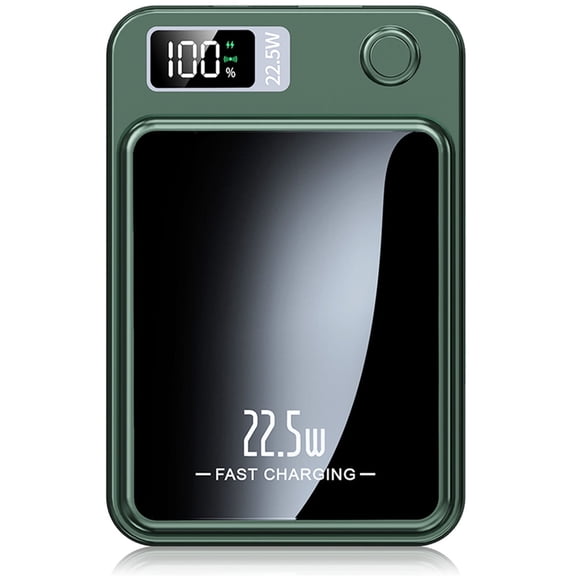 Power Bank,10000mAh 22.5W Fast Charging Portable Charger,2 in 1 Wireless Power Bank with LED Display Compatible with iPhone 8 Above Series,Green$17.95current price $17.95
Power Bank, 5000mAh Wireless Portable Charger for iPhone, Ultral Slim Magnetic Battery Pack Compatible with 17 16 15 14 13 12, with 20W PD Fast Charging, White
 Power Bank, 5000mAh Wireless Portable Charger for iPhone, Ultral Slim Magnetic Battery Pack Compatible with 17 16 15 14 13 12, with 20W PD Fast Charging, White$17.60current price $17.60
10000mAh Power Bank for Lenovo Legion Y700 8.8"/Tab M9 - Wireless Charging Backup Battery Portable Charger Slim 2-Port USB
 10000mAh Power Bank for Lenovo Legion Y700 8.8"/Tab M9 - Wireless Charging Backup Battery Portable Charger Slim 2-Port USB$42.99current price $42.99
Power Bank for Lenovo Legion Y700 8.8"/Tab M9 - 6000mAh Charger Portable Backup Battery USB Port LED Display
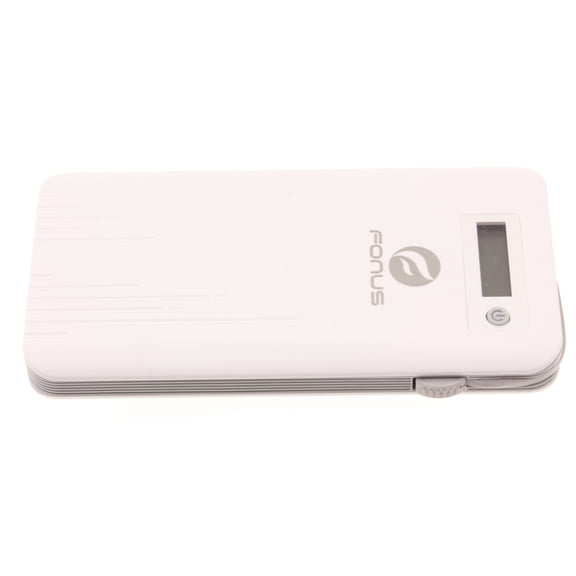 Power Bank for Lenovo Legion Y700 8.8"/Tab M9 - 6000mAh Charger Portable Backup Battery USB Port LED Display$30.99current price $30.99
8000mAh Power Bank Charger Backup Battery Portable Built-in Cables All-in-One Slim W6X for Dell Venue 8 Pro - Doro 824 SmartEasy - Essential Phone (PH-1) - Google Pixel XL 4 XL 3a XL 3 XL 2 XL
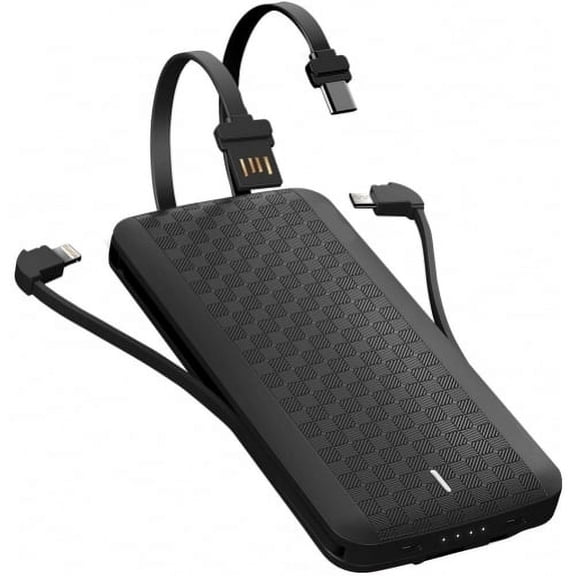 8000mAh Power Bank Charger Backup Battery Portable Built-in Cables All-in-One Slim W6X for Dell Venue 8 Pro - Doro 824 SmartEasy - Essential Phone (PH-1) - Google Pixel XL 4 XL 3a XL 3 XL 2 XL$37.04current price $37.04
20,000mAh Power Bank for Lenovo Legion Y700 8.8"/Tab M9 - Fast Charger Portable Battery Backup PD USB-C Port
 20,000mAh Power Bank for Lenovo Legion Y700 8.8"/Tab M9 - Fast Charger Portable Battery Backup PD USB-C Port$41.99current price $41.99
Power Bank for Google Pixel Tablet 11" (2023) - 6000mAh Charger Portable Backup Battery USB Port LED Display
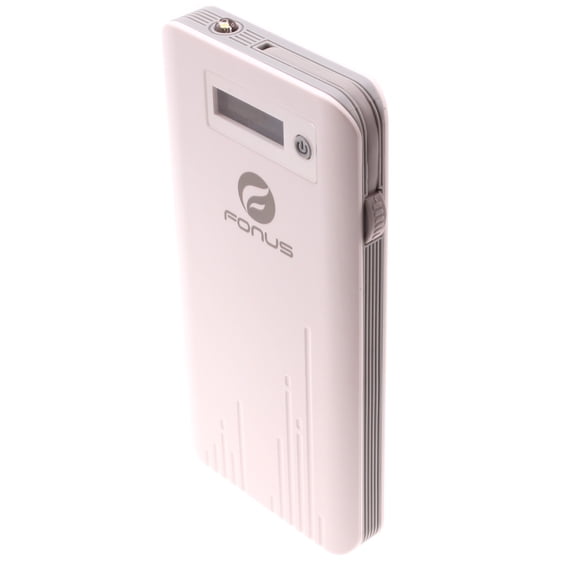 Power Bank for Google Pixel Tablet 11" (2023) - 6000mAh Charger Portable Backup Battery USB Port LED Display$32.54current price $32.54
20,000mAh Power Bank for Lenovo Idea Tab Pro (2025)/Tab M11 - Fast Charger Portable Battery Backup PD USB-C Port
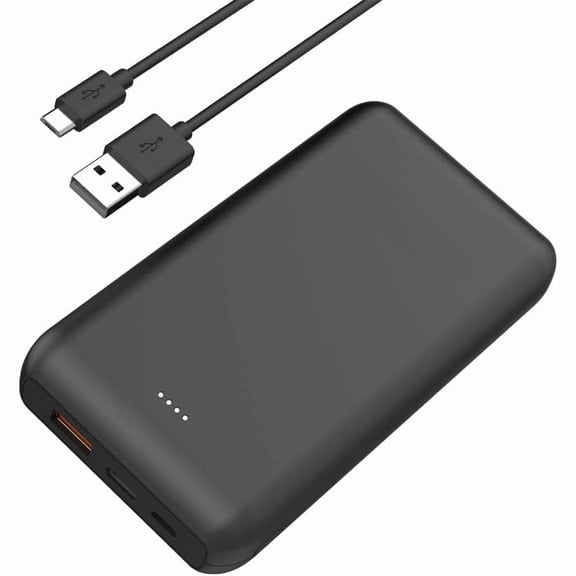 20,000mAh Power Bank for Lenovo Idea Tab Pro (2025)/Tab M11 - Fast Charger Portable Battery Backup PD USB-C Port$44.09current price $44.09
Power Bank for Lenovo Legion Y700 8.8"/Tab M9 - 10000mAh Charger Portable Backup Battery 1-Port USB 1-Port USB-C
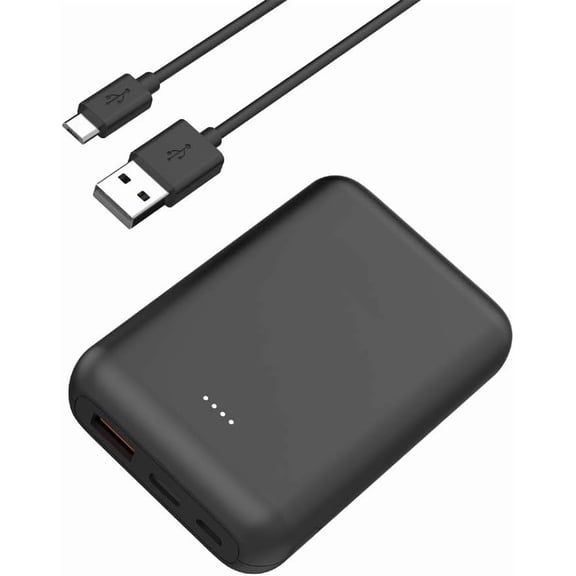 Power Bank for Lenovo Legion Y700 8.8"/Tab M9 - 10000mAh Charger Portable Backup Battery 1-Port USB 1-Port USB-C$35.99current price $35.99
KIQ 3.83V 3350 mAh Li-Ion Replacement Extended Capacity Battery Core for iPhone 12/12 Pro (Premium)
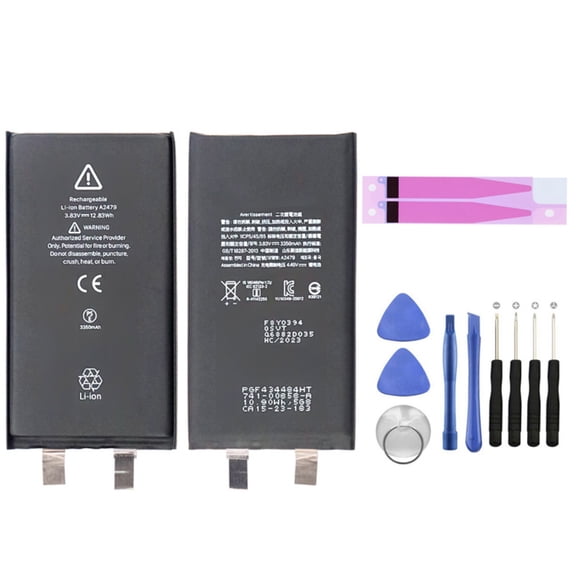 KIQ 3.83V 3350 mAh Li-Ion Replacement Extended Capacity Battery Core for iPhone 12/12 Pro (Premium)$14.99current price $14.99
10000mAh Power Bank for Consumer Cellular ConnectPad - 22.5W PD Fast Charge Backup Battery Portable Charger Built-in Cable LED Display 1-Port USB 2-Port USB-C
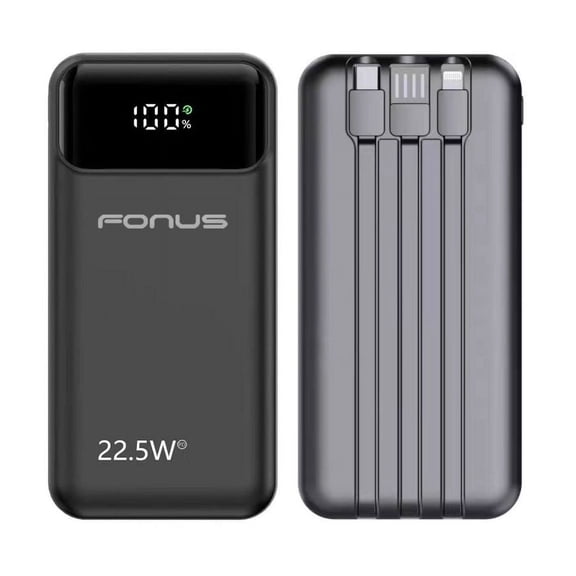 10000mAh Power Bank for Consumer Cellular ConnectPad - 22.5W PD Fast Charge Backup Battery Portable Charger Built-in Cable LED Display 1-Port USB 2-Port USB-C$38.99current price $38.99