

Supper Box(4)
Uses item details. Price when purchased online
1K+ bought since yesterday, onn 4K Pro Streaming Device, Google TV with Gemini (NEW 2026 Model) - Ultra-fast Streaming, Stunning 4K UHD, 32GB Storage, 3GB RAM, Dolby Vision & Atmos, Find My Remote with Backlight, Ethernet Port
1K+ bought since yesterday


onn 4K Pro Streaming Device, Google TV with Gemini (NEW 2026 Model) - Ultra-fast Streaming, Stunning 4K UHD, 32GB Storage, 3GB RAM, Dolby Vision & Atmos, Find My Remote with Backlight, Ethernet Port
4.6 out of 5 stars
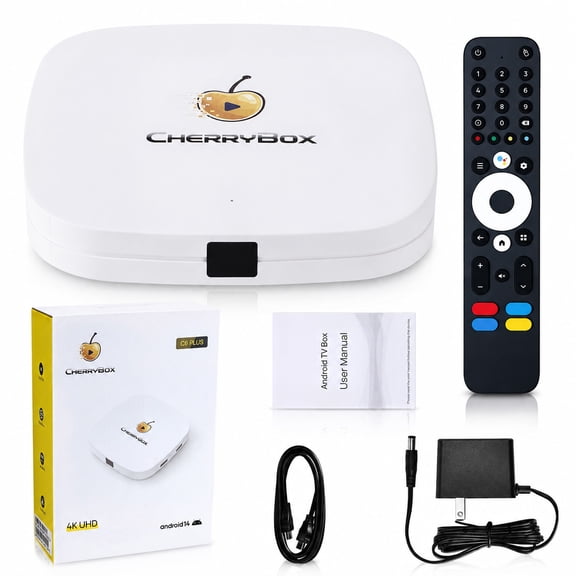
CHERRYBOX C6 Plus Streaming Box 4K UHD New Streaming Media Player with Voice Remote, HDMI Cable, Power Cord, and User Manual, 2026 Version $278.96 Was $309.99
Now$27896
current price Now $278.96, Was $309.99$309.99
CHERRYBOX C6 Plus Streaming Box 4K UHD New Streaming Media Player with Voice Remote, HDMI Cable, Power Cord, and User Manual, 2026 Version
5 out of 5 stars
CHERRYBOX C6 PLUS 2026, 4GB RAM 64GB Storage, 4K Ultra HD Wi-Fi 6, Gigabit Ethernet and Voice Remote $278.96

$27896
current price $278.96CHERRYBOX C6 PLUS 2026, 4GB RAM 64GB Storage, 4K Ultra HD Wi-Fi 6, Gigabit Ethernet and Voice Remote
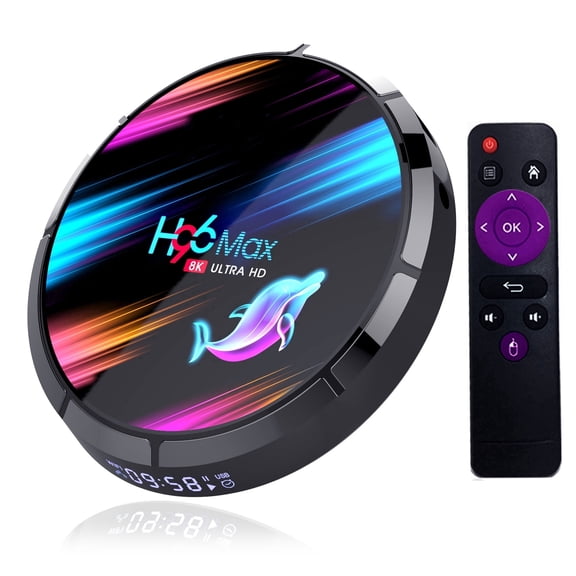
Android 9.0 TV Box H96 MAX X3 Amlogic S905X3 with 4GB RAM128GB ROM 8K Ultra HD H.265 Dual Band WiFi BT 4.0 Media Box 2.4/5Ghz WiFi See price in cart
See price in cart
current price See price in cartAndroid 9.0 TV Box H96 MAX X3 Amlogic S905X3 with 4GB RAM128GB ROM 8K Ultra HD H.265 Dual Band WiFi BT 4.0 Media Box 2.4/5Ghz WiFi
Other options to consider(5)
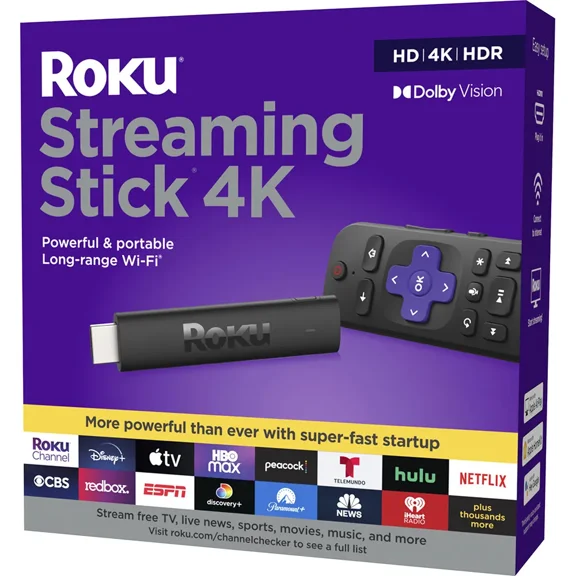
Streaming Stick 4K (2021) 4K/HDR/Dolby Voice Remote and TV Controls $69.99
$6999
current price $69.99Streaming Stick 4K (2021) 4K/HDR/Dolby Voice Remote and TV Controls
3.2 out of 5 stars
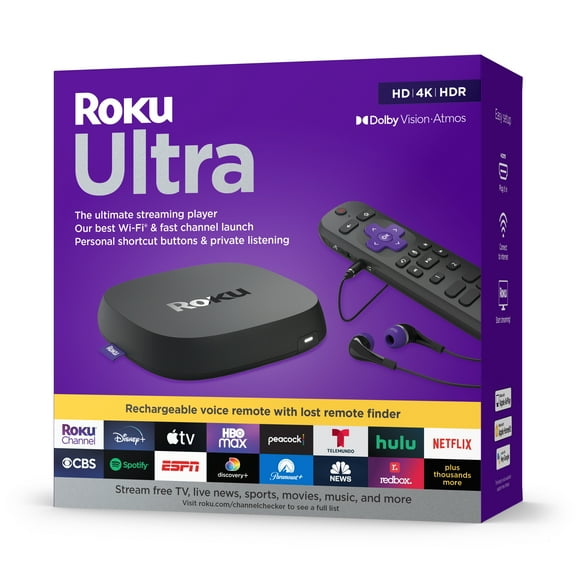
Top rated for device speed, Roku Ultra 2022 4K/HDR/Dolby Vision Streaming Device and Roku Voice Remote Pro with Rechargeable Battery $97.99
Top rated for device speed
$9799
current price $97.99Roku Ultra 2022 4K/HDR/Dolby Vision Streaming Device and Roku Voice Remote Pro with Rechargeable Battery
4.4 out of 5 stars
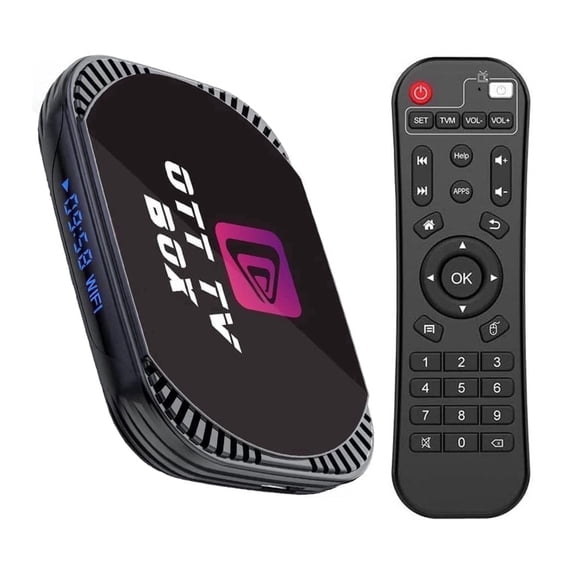
Amlogic S905X4 Android 11.0 TV Box MXIII X4 with 4GB RAM 64GB ROM 4K Ultra HD H.265 Dual Band WiFi BT 4.0 Media Box 2.4/5Ghz WiFi 1000M LAN $68.74
$6874
current price $68.74Amlogic S905X4 Android 11.0 TV Box MXIII X4 with 4GB RAM 64GB ROM 4K Ultra HD H.265 Dual Band WiFi BT 4.0 Media Box 2.4/5Ghz WiFi 1000M LAN
3 out of 5 stars
Amlogic S905X4 Android 11.0 TV Box HK1 X4 with 4GB RAM 64GB ROM 4K Ultra HD H.265 Dual Band WiFi BT 4.0 Media Box 2.4/5Ghz WiFi 1000M LAN See price in cart

See price in cart
current price See price in cartAmlogic S905X4 Android 11.0 TV Box HK1 X4 with 4GB RAM 64GB ROM 4K Ultra HD H.265 Dual Band WiFi BT 4.0 Media Box 2.4/5Ghz WiFi 1000M LAN
5 out of 5 stars
YoloLiv YoloBox Ultra, The Ultimate All-in-one Horizontal/Vertical Live Streaming Equipment Switcher Monitor Encoder Recorder, for Facebook, YouTube, Instagram, Tiktok, RTMPS $1,498.00 Was $1,599.00

Now$1,49800
current price Now $1,498.00, Was $1,599.00$1,599.00
YoloLiv YoloBox Ultra, The Ultimate All-in-one Horizontal/Vertical Live Streaming Equipment Switcher Monitor Encoder Recorder, for Facebook, YouTube, Instagram, Tiktok, RTMPS
4.3 out of 5 stars
FAQ
What comes in a supper box for home entertainment?
A supper box for home entertainment typically includes a mix of tech essentials designed to enhance your setup. You might find items like streaming devices, remote controls, and accessories that help connect and organize your electronics.
- Streaming devices for accessing movies and shows
- Voice remotes for easy navigation
- Cables or adapters for connectivity
- Rechargeable batteries for convenience
How do I set up a new streaming device?
Setting up a new streaming device is pretty straightforward.
- Plug the device into your TV's HDMI port.
- Connect the power cable and turn it on.
- Follow the on-screen instructions to connect to your Wi-Fi.
- Sign in to your streaming accounts or create new ones.
Can I use these devices with any TV?
Most streaming devices found in supper boxes are compatible with TVs that have an HDMI port.
- Check your TV for an available HDMI input.
- Make sure your TV supports the resolution (like 4K or HDR) if that's important to you.
- Some older TVs may need an adapter for compatibility.
What’s the best way to organize my entertainment setup?
Organizing your entertainment setup can make everything easier to use and keep your space tidy.
- Use cable organizers or ties to keep cords neat.
- Label cables for quick identification.
- Store remotes in a designated spot, like a basket or tray.
- Consider a media console with compartments for devices.
How do I troubleshoot if my device isn’t working?
If your streaming device isn’t working, try these steps:
- Check all connections and make sure cables are secure.
- Restart the device and your TV.
- Ensure your Wi-Fi is working properly.
- Look for any software updates in the device settings.