Superchassis(1)
Supermicro SuperChassis CSE-514-505 500W 1U Rackmount Server Chassis (No Paint) $388.81
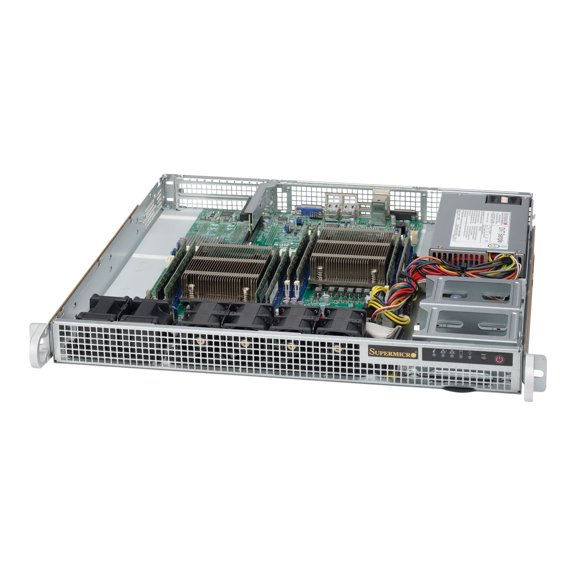
Supermicro SuperChassis CSE-514-505 500W 1U Rackmount Server Chassis (No Paint)
Other options to consider(6)
Supermicro CSE-E300 Flex-ATX Chassis $192.68
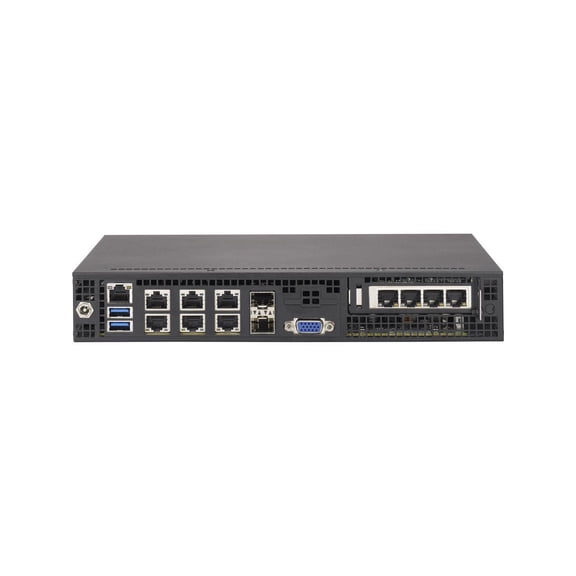
Supermicro CSE-E300 Flex-ATX Chassis
Supermicro FAN 0100L4 - case fan $32.49 Was $47.93
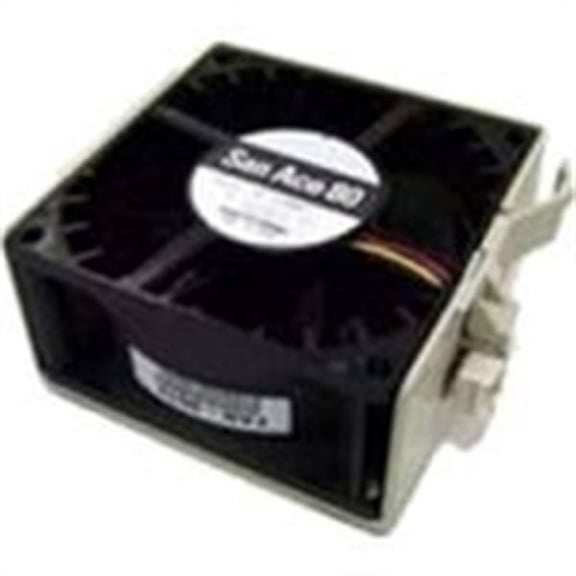
Supermicro FAN 0100L4 - case fan
SuperMicro FAN-0104L4 80mm Cooling Fan/Heatsink $47.99
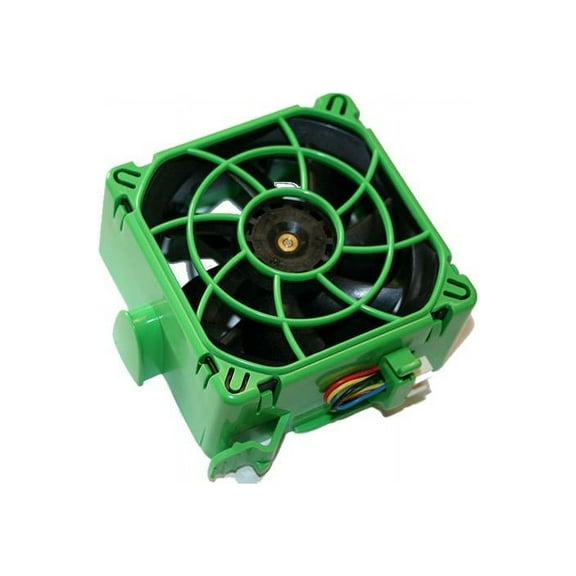
SuperMicro FAN-0104L4 80mm Cooling Fan/Heatsink
Supermicro MCP-290-00057-0N Mounting Rail $126.00

Supermicro MCP-290-00057-0N Mounting Rail
Supermicro SC101S - ultra small form factor - mini ITX $104.21
Supermicro SC101S - ultra small form factor - mini ITX
Supermicro Accessory Rail Kit $123.15
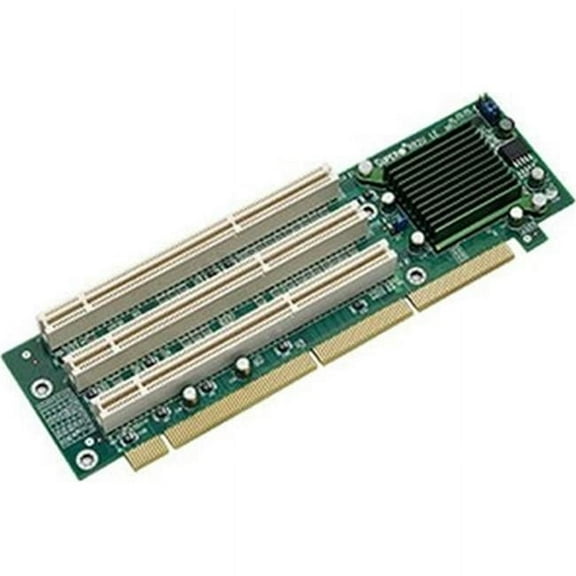
Supermicro Accessory Rail Kit
FAQ
How do I pick the right server chassis size?
Choosing the right server chassis size depends on your space, hardware, and future expansion needs. Here’s what to consider:
- Rack Units (U): Chassis are measured in "U." Smaller options save space but may hold fewer components.
- Motherboard Compatibility: Check if your motherboard fits—some chassis only support mini ITX, others allow full-size boards.
- Drive Bays: Think about the number and type of drives you’ll need, now and in the future.
- Expansion Slots: If you plan to add extra cards or GPUs, make sure there’s enough room.
Review your setup and match the chassis to your needs for the best fit.
What does hot-swap drive bay mean for servers?
A hot-swap drive bay lets you add or remove hard drives without turning off your server, which helps keep things running smoothly. Here’s how it benefits you:
- Easy Maintenance: Swap out drives quickly for upgrades or replacements.
- Minimized Downtime: No need to power down your system, so services can keep running.
- Flexible Storage: Great if your storage needs change or grow over time.
Just make sure your installed drives and hardware support hot-swapping for safe operation.
Can I upgrade cooling fans in server chassis?
Yes, you can usually upgrade cooling fans in most server chassis if you need improved airflow or quieter operation. Here’s what to keep in mind:
- Fan Size: Check your chassis specifications for compatible fan sizes and mounting options.
- Power Connectors: Make sure new fans match the connectors on your chassis or motherboard.
- Placement: Proper fan placement helps manage system temperatures efficiently.
Always follow manufacturer guidelines and consider your server’s cooling requirements before upgrading.
Are replacement parts easy to find for server chassis?
Replacement parts like drive trays, fans, and power supplies can often be found for server chassis, especially from retailers with a large electronics selection. Here’s how to find what you need:
- Model Number: Use your chassis model for accurate searches.
- Component Compatibility: Check that new parts match your current hardware’s form factor and specs.
- Retailer Services: You can often find replacement parts and accessories online, and some retailers offer support to track down what you need.
Always confirm compatibility before purchasing to avoid returns or issues.
How do I keep my server chassis clean and dust-free?
Keeping your server chassis clean helps maintain airflow and performance. Here’s a safe cleaning routine:
- Power Down: Always turn off and unplug the server before cleaning.
- Use Compressed Air: Blow out dust from vents, fans, and internal components. Hold the can upright and use short bursts.
- Wipe Surfaces: Use a soft, dry cloth for exterior parts. Avoid liquids near electronics.
- Regular Checks: Inspect filters and vents every few months and remove any buildup.
Safe cleaning helps your server run cooler and can extend its lifespan.
Popular in Superchassis Electronics Server Rack Solutions Online
Related Products
Rosewill 4U Server Chassis Rackmount Case | 7 3.5" Bays, 2 5.25" Devices| ATX, CEB Compatible | 1 120mm PWM Fan, 2 80mm PWM Fans | 2x USB 3.0 | Front Panel Lock and Key | Silver/Black - RSV-R4100U
 Rosewill 4U Server Chassis Rackmount Case | 7 3.5" Bays, 2 5.25" Devices| ATX, CEB Compatible | 1 120mm PWM Fan, 2 80mm PWM Fans | 2x USB 3.0 | Front Panel Lock and Key | Silver/Black - RSV-R4100U$94.99current price $94.99
TERRAMASTER F4-425 4-Bay NAS Storage – Intel x86 Quad-Core CPU, 4GB RAM, 2.5GbE LAN, Network Attached Storage Multimedia Server for Home Users (Diskless)
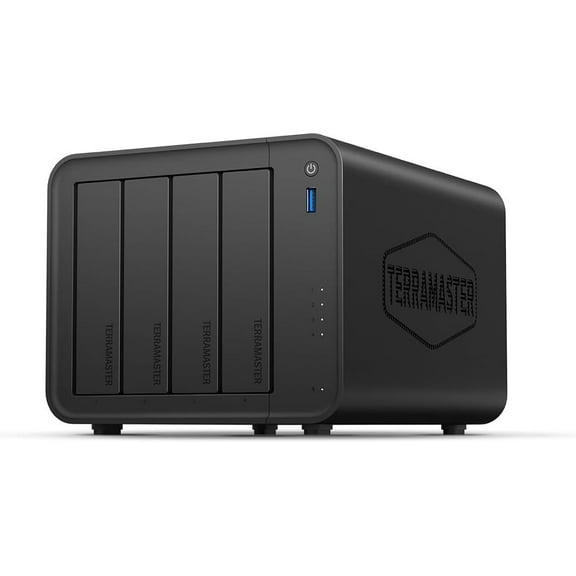 TERRAMASTER F4-425 4-Bay NAS Storage – Intel x86 Quad-Core CPU, 4GB RAM, 2.5GbE LAN, Network Attached Storage Multimedia Server for Home Users (Diskless)$343.99current price $343.99
Rosewill RSV-L4412U 4U Server Chassis Rackmount Case | 12x 3.5 HDD Bays
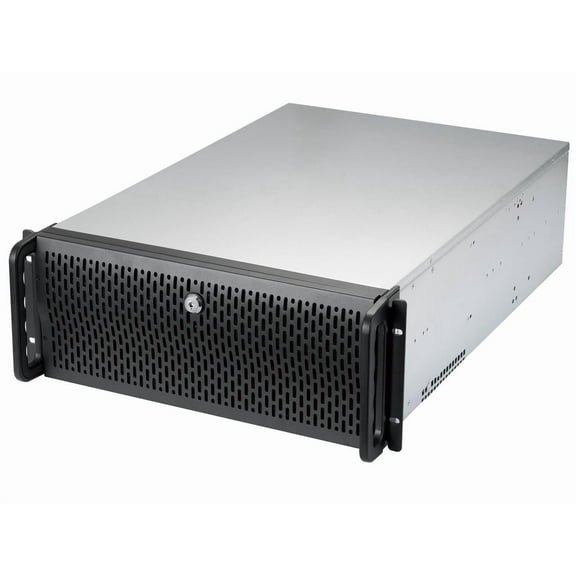 Rosewill RSV-L4412U 4U Server Chassis Rackmount Case | 12x 3.5 HDD Bays$399.99current price $399.99
4-Pack 1U Server Rack Shelf - Universal Device Server Rack Mounting Tray
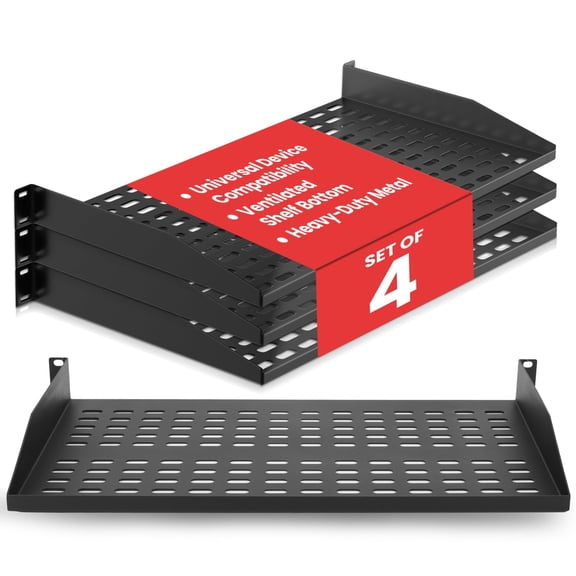 4-Pack 1U Server Rack Shelf - Universal Device Server Rack Mounting Tray$49.99current price $49.99
TERRAMASTER F2-425 2-Bay NAS Storage - Intel x86 Quad-Core CPU, 4GB RAM, 2.5GbE LAN, Network Attached Storage Multimedia Server for Home Users (Diskless)
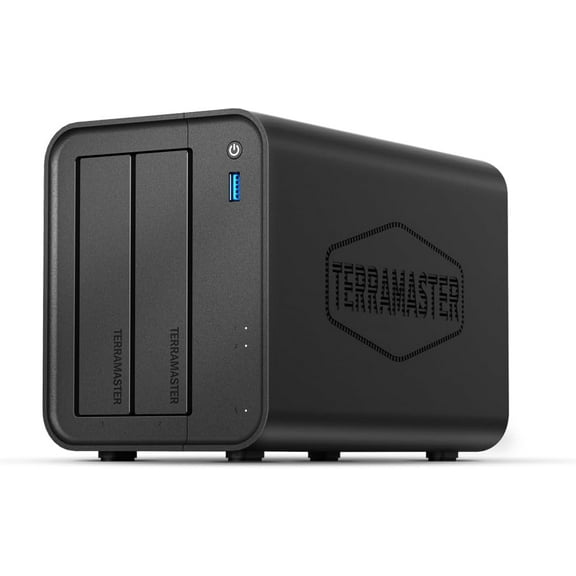 TERRAMASTER F2-425 2-Bay NAS Storage - Intel x86 Quad-Core CPU, 4GB RAM, 2.5GbE LAN, Network Attached Storage Multimedia Server for Home Users (Diskless)$239.99current price $239.99
SR42UB SmartRack Premium Enclosure, Doors/Side Panels, 42-Unit
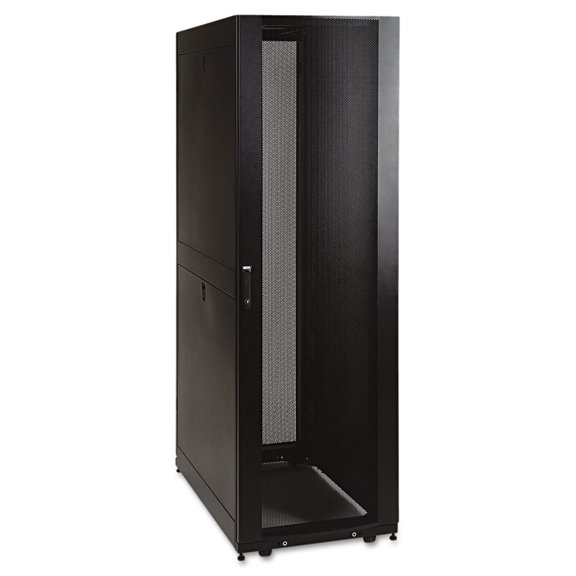 SR42UB SmartRack Premium Enclosure, Doors/Side Panels, 42-Unit$1587.72current price $1587.72
StarTech 8U 19" Open Frame Server Rack Compact 4 Post 4POSTRACK8U
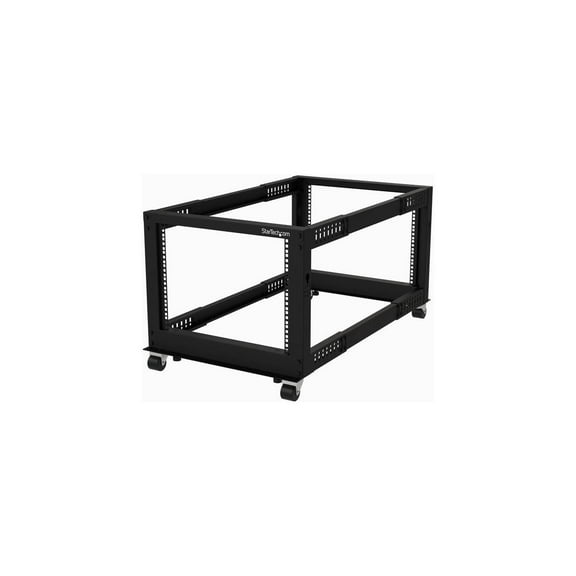 StarTech 8U 19" Open Frame Server Rack Compact 4 Post 4POSTRACK8U$257.99current price $257.99
NavePoint 6U Wall Mount Rack - Server Rack for 19 Inch IT Equipment Open Frame Rack – Network Rack for AV & Server Equipment 16” Deep Rack, Black
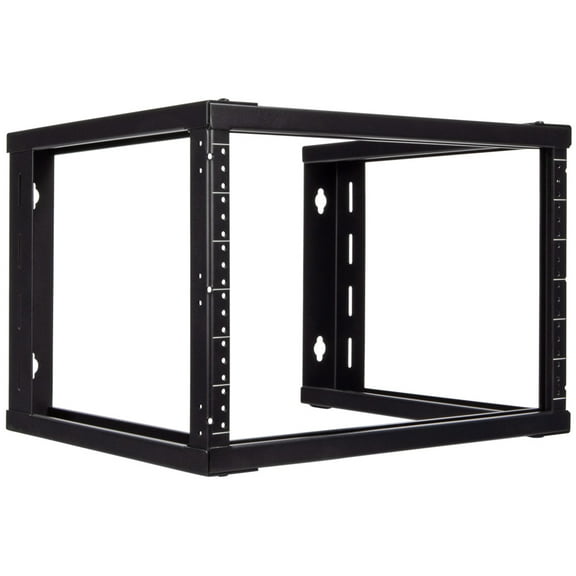 NavePoint 6U Wall Mount Rack - Server Rack for 19 Inch IT Equipment Open Frame Rack – Network Rack for AV & Server Equipment 16” Deep Rack, Black$106.99current price $106.99
Tripp Lite 12U Wall Mount Rack Enclosure Server Cabinet w/ Glass Front Door
 Tripp Lite 12U Wall Mount Rack Enclosure Server Cabinet w/ Glass Front Door$510.18current price $510.18
HPE ProLiant DL20 G11 1U Rack Server, 1 x Intel Xeon 6315P 2.80 GHz, 16 GB RAM, 2 TB HDD, (2 x 1TB) HDD Configuration, Serial ATA/600 Controller
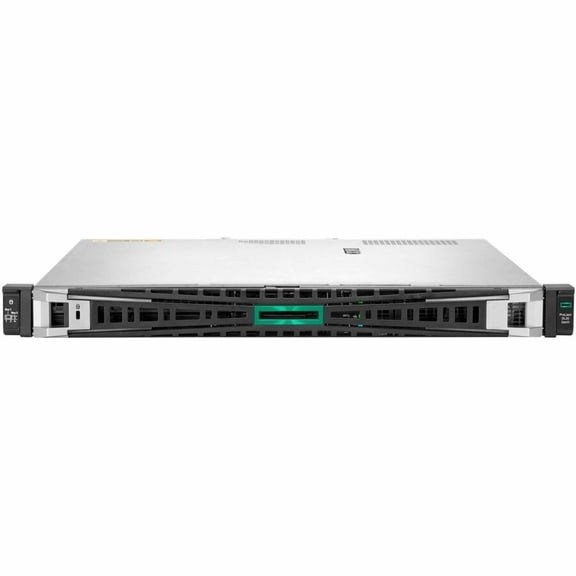 HPE ProLiant DL20 G11 1U Rack Server, 1 x Intel Xeon 6315P 2.80 GHz, 16 GB RAM, 2 TB HDD, (2 x 1TB) HDD Configuration, Serial ATA/600 Controller$3298.62current price $3298.62