Suggested
Superbox(2)
Best seller Original Superbox power AC Adapter Power Cord Supply Charger $16.00
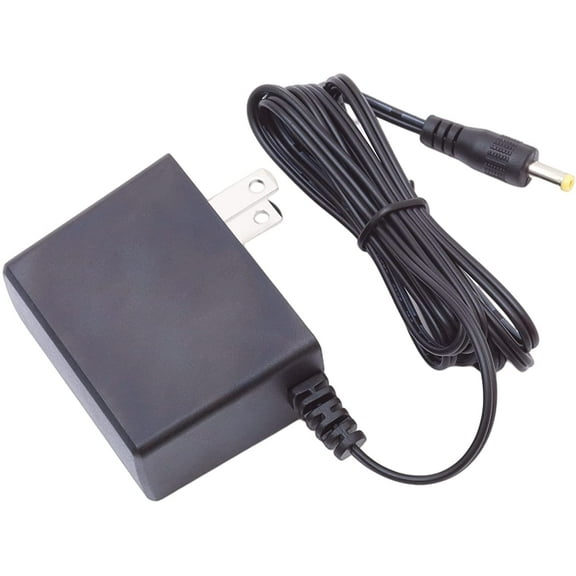
Original Superbox power AC Adapter Power Cord Supply Charger
Electronics Accessories Gift Bundle (6-in-1) USB Flash Drive, HDMI Cable, Ethernet Cable, Multi Charging Cable, Car Charger & Mini Keyboard Travel & Office Essentials Kit $46.99
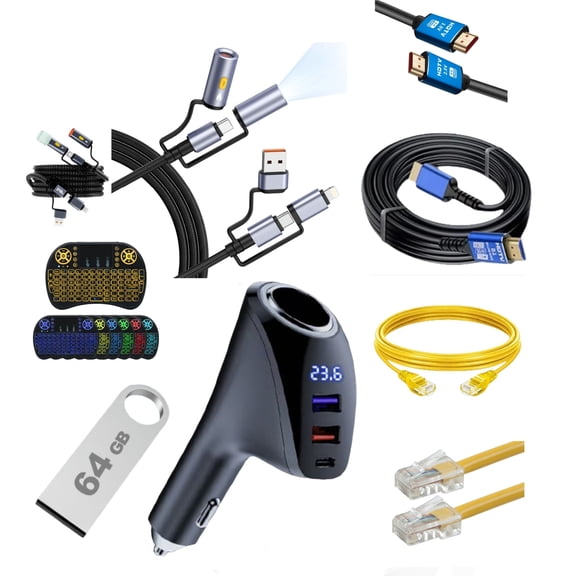
Electronics Accessories Gift Bundle (6-in-1) USB Flash Drive, HDMI Cable, Ethernet Cable, Multi Charging Cable, Car Charger & Mini Keyboard Travel & Office Essentials Kit
Other options to consider(6)
Best seller Microsoft Microsoft 365 Personal 12-Month Subscription for 1 Person $74.99

Microsoft Microsoft 365 Personal 12-Month Subscription for 1 Person
Best seller Superbox Remote Control Compatible with Octastream Q1, Elite II, MAX IV, and Superbox S1, S2, S3, S4, S5 Pro, S5 Max $23.99
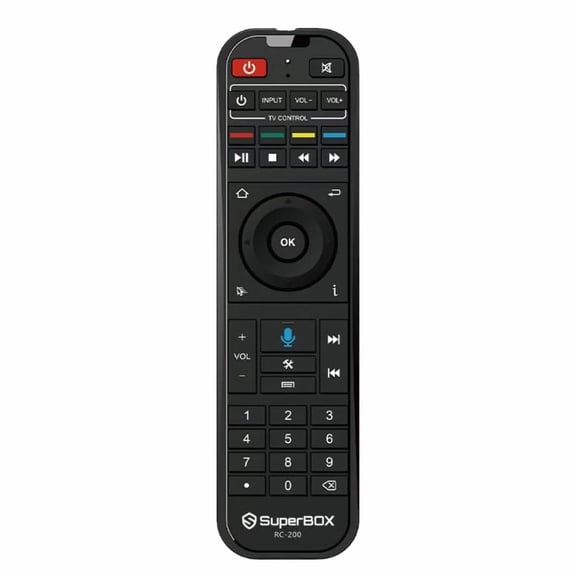
Superbox Remote Control Compatible with Octastream Q1, Elite II, MAX IV, and Superbox S1, S2, S3, S4, S5 Pro, S5 Max
Snapchat Plus Annual Subscription - [Digital] $29.99
![Snapchat Plus Annual Subscription - [Digital]](https://i5.walmartimages.com/seo/Snapchat-Plus-Annual-Subscription-Digital_d5b61c1d-d047-41d5-9fc1-b33440fa9a07.ad22e68d9d9c54a8e35ce54172230311.jpeg?odnHeight=576&odnWidth=576&odnBg=FFFFFF)
Snapchat Plus Annual Subscription - [Digital]
Superbox Remote Control Compatible with Octastream Q1, Elite II, MAX IV, and Superbox S1, S2, S3, S4, S5 Pro, S5 Max $10.97 Was $15.00
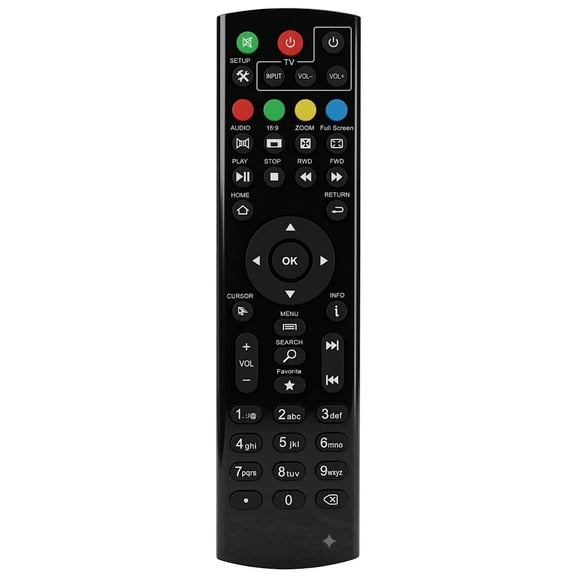
Superbox Remote Control Compatible with Octastream Q1, Elite II, MAX IV, and Superbox S1, S2, S3, S4, S5 Pro, S5 Max
ExpressVPN: 12-month Subscriptions $99.95
ExpressVPN: 12-month Subscriptions
SurfShark Starter service 1-Year subscription (Digital Download) $44.99
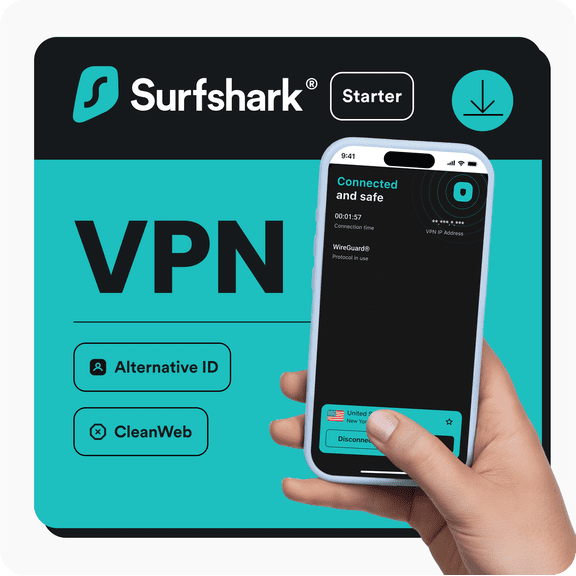
SurfShark Starter service 1-Year subscription (Digital Download)
FAQ
How do I choose a compatible power adapter?
Great question—matching the right adapter helps protect your device. Here’s a simple way to check fit before you buy:
- Match the voltage (V): Compare the device label to the adapter listing. Matching voltage is typically important.
- Check the current (A): Many devices work with an adapter that meets or exceeds their amp requirement when voltage and polarity match, but requirements can vary.
- Confirm polarity: Look for the +/− symbol on your device and ensure it matches the adapter’s diagram.
- Verify the connector: Compare plug photos and dimensions on the product page to your original plug.
- Review details: Cord length, power type (AC/DC), and safety certifications can be helpful.
If you’re unsure, refer to the device manual and use the item’s Q&A to double-check specs.
How do I check plug size and polarity?
It’s easier than it looks, and a quick check can save time:
- Find the polarity symbol: On your device (or original adapter), look for a diagram showing + and −. Match that to the adapter’s listing images or specs.
- Compare the plug: Use the product photos and any listed dimensions (inner/outer diameter) to visually match the connector shape and size.
- Check the manual or label: Some devices list connector details alongside voltage and current on the sticker near the power jack.
- Review the item description: Many listings call out connector type and compatibility notes in the specifications.
When in doubt, measure your existing plug and ask a question on the product page so other customers or the seller can help confirm.
When is a higher-amp adapter okay to use?
Amps indicate how much current an adapter can supply. Here’s a practical guide:
- Match voltage first: The adapter’s voltage should align with your device’s requirement listed on its label.
- Confirm polarity and connector: The +/− diagram and plug must match to avoid damage.
- About higher amps: Many devices can use an adapter with equal or higher current capacity when voltage and polarity match, because the device draws only what it needs. However, device requirements can differ.
- Don’t increase voltage: Avoid adapters with a higher voltage than specified.
If you’re unsure, check your device manual or ask on the item’s Q&A. These steps can help reduce mismatch risks, but results may vary by device and usage.
Why does my replacement adapter feel warm?
Mild warmth can be normal as power is converted during use. If it seems hotter than expected, these tips can help:
- Give it airflow: Keep the adapter in open space—don’t cover it with fabric or stack it behind hot electronics.
- Confirm compatibility: Double-check voltage, current, polarity, and connector match on the product page and your device label.
- Inspect the outlet: Try a different outlet or power strip to rule out a bad connection.
- Watch for warning signs: Unusual noise, odor, discoloration, or intermittent power are cues to unplug and stop using it.
If heat persists or you’re concerned, review the item’s return policy on its product page and consider requesting support or an exchange.
How do I find replacement cords and return options?
Here’s a quick path to a good fit—and peace of mind:
- Search by model details: Use the device’s model number and power specs (from the label) to narrow results.
- Compare specs and photos: Match voltage, current, polarity, and connector images in the listing to your device.
- Check the product page: Review the specifications, customer Q&A, and photos for fit details.
- Review return info: The item page shows the return window and steps. Keep the packaging until you’ve confirmed compatibility.
- Choose fulfillment: At checkout, select delivery or store pickup—whichever works best for you.
If the cord isn’t a match, follow the return instructions listed on the product page for the smoothest experience.
Popular in Superbox Electronics and Digital Subscriptions
Related Products
G2 Miracast TV Dongle Wifi Wireless TV Stick Supoort HDTV-Compatible 1080P HD Mirror Screen Display Adapter For IOS Andorid
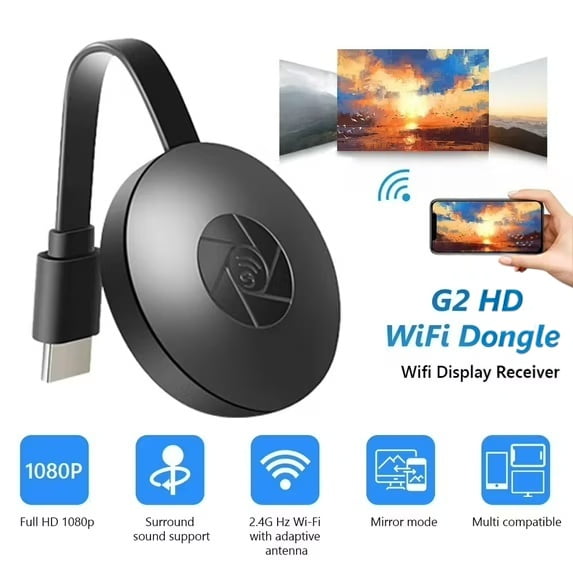 G2 Miracast TV Dongle Wifi Wireless TV Stick Supoort HDTV-Compatible 1080P HD Mirror Screen Display Adapter For IOS Andorid$18.99current price $18.99
Guy-Tech 5V AC/DC Adapter for Roku 2 XS 3100X Roku2 XS Roku 2XS Digital Video Player Media Streamer Box Model No.: FA-0521500SUA FA0521500SUA 5.0V 1.5A Box Power Supply Cord Battery Charger PSU
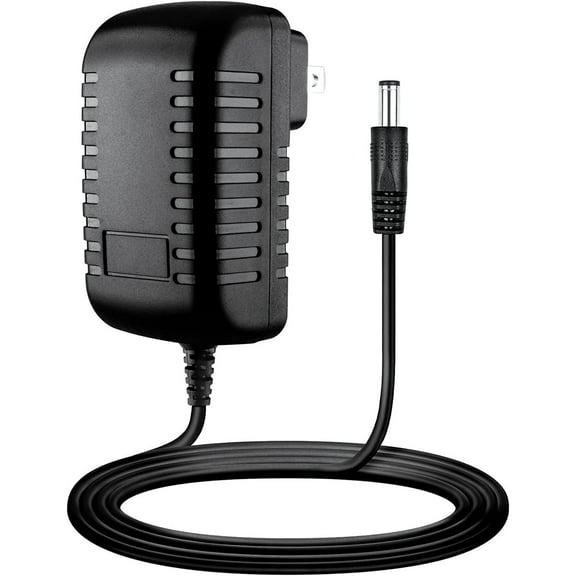 Guy-Tech 5V AC/DC Adapter for Roku 2 XS 3100X Roku2 XS Roku 2XS Digital Video Player Media Streamer Box Model No.: FA-0521500SUA FA0521500SUA 5.0V 1.5A Box Power Supply Cord Battery Charger PSU$9.99current price $9.99
Remote ,Android Tv Box Ir Infrared Remote Infrared Android Tv Box Remote 5.0 Remote Pctv Remote Android Remote Ir 5.0 Ir Remote Remote Box Remote Infrared 5.0 Ir Infrared
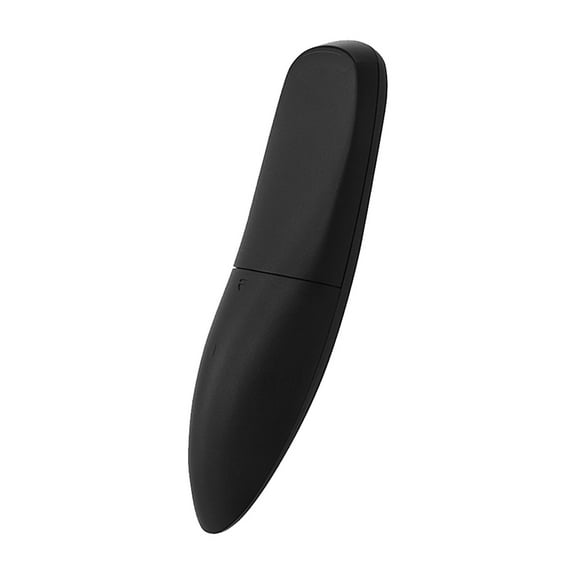 Remote ,Android Tv Box Ir Infrared Remote Infrared Android Tv Box Remote 5.0 Remote Pctv Remote Android Remote Ir 5.0 Ir Remote Remote Box Remote Infrared 5.0 Ir Infrared$13.89current price $13.89
Restored Apple TV 3rd Generation - Black (Refurbished)
 Restored Apple TV 3rd Generation - Black (Refurbished)$199.99current price $199.99