

Stylus Pens for iPad and Tablet Accessories








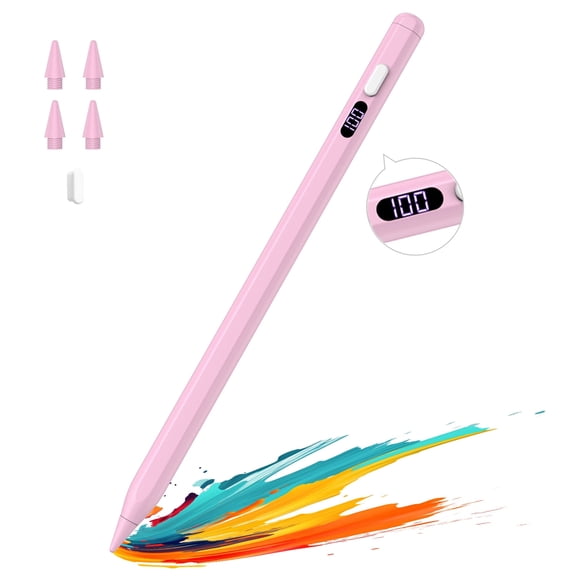


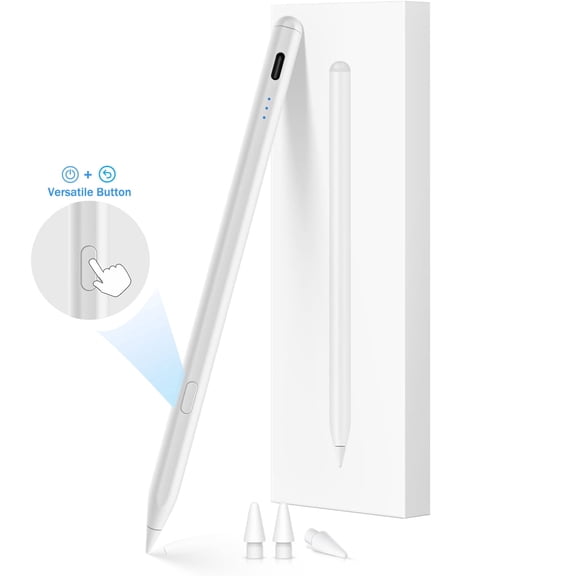


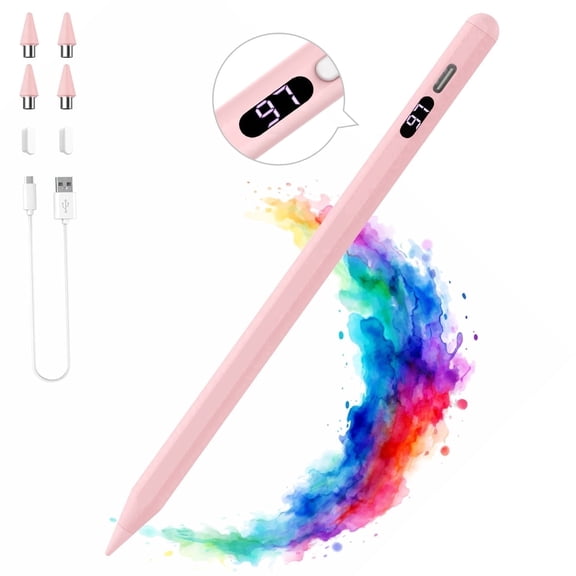


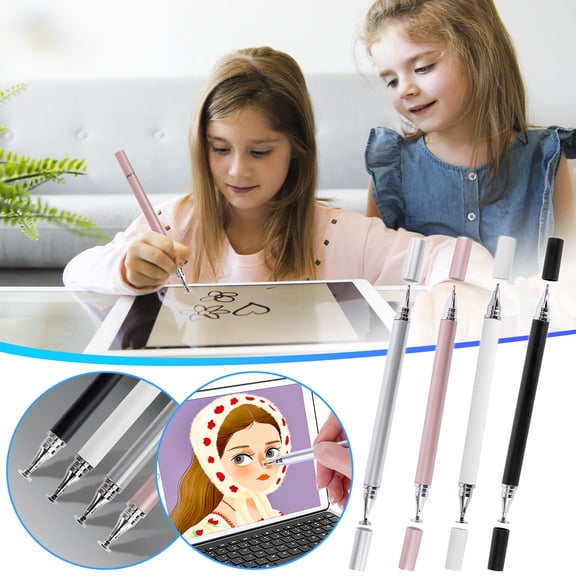










![Nintendo Switch Stylus Pen, BoxWave [FineTouch Capacitive Stylus] Super Precise Stylus Pen for Nintendo Switch - Jet Black](https://i5.walmartimages.com/seo/Nintendo-Switch-Stylus-Pen-BoxWave-FineTouch-Capacitive-Stylus-Super-Precise-Stylus-Pen-for-Nintendo-Switch-Jet-Black_abfb0747-9f0b-415c-9166-ccf681c9e02e.ad79eadaff6761adf5c77291996ef3d7.jpeg?odnHeight=576&odnWidth=576&odnBg=FFFFFF)






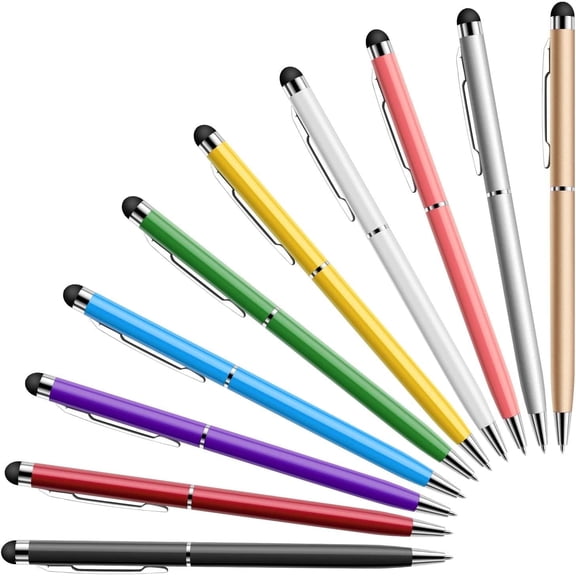
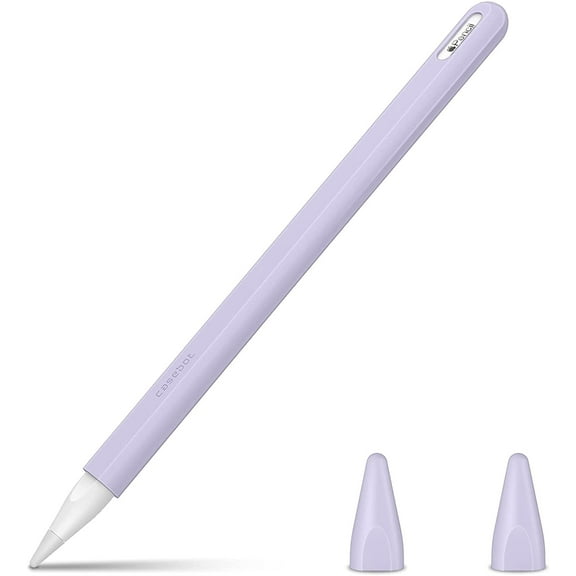


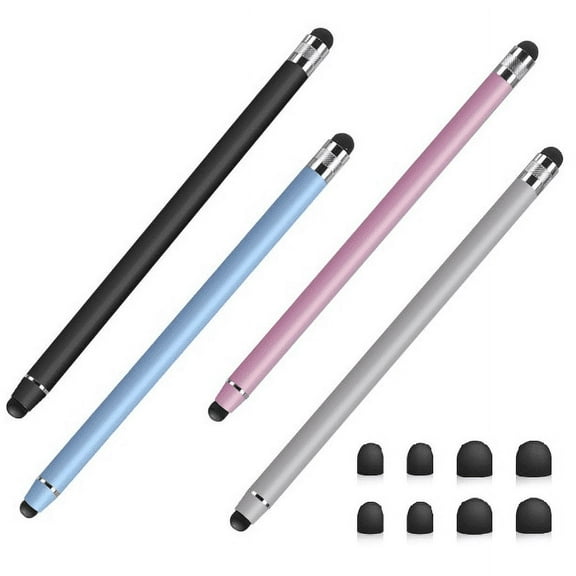


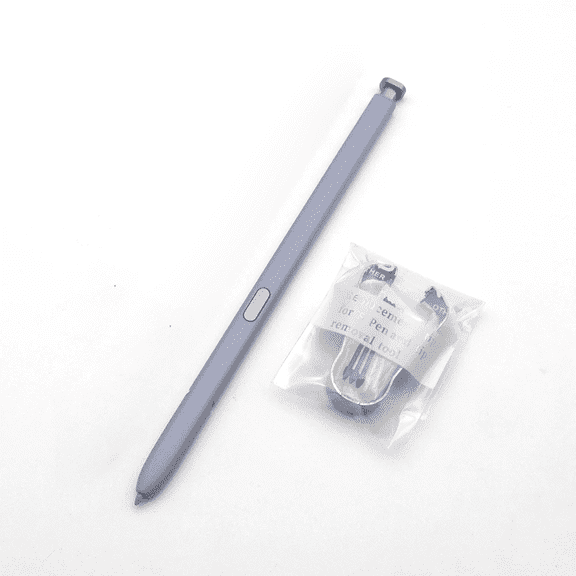





About Stylus Pens for iPad and Tablet Accessories - Walmart.com
You can compare ipad stylus pens efficiently when you focus on compatibility, tip style, and charging. You can get accurate writing, sketching, and tapping when your stylus matches your iPad model and routine.
Choosing iPad stylus pens for your iPad model
You should start with compatibility because iPad generation support affects pairing, charging, and screen response. You can check whether a stylus pen for iPad lists iPad Pro, iPad Air, iPad Mini, or standard iPad support.
If you use a recent tablet, you may need magnetic wireless charging or USB-C pairing support. If you use an older model, you may need a lightning port option or a simpler capacitive design.
You can also compare model numbers when product pages list exact generations. You can avoid guesswork when you match your iPad size and release year before choosing an iPad pencil stylus.
How to compare stylus types
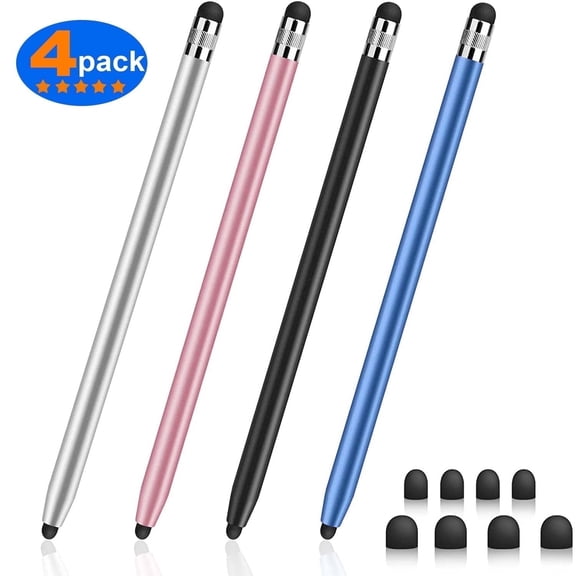
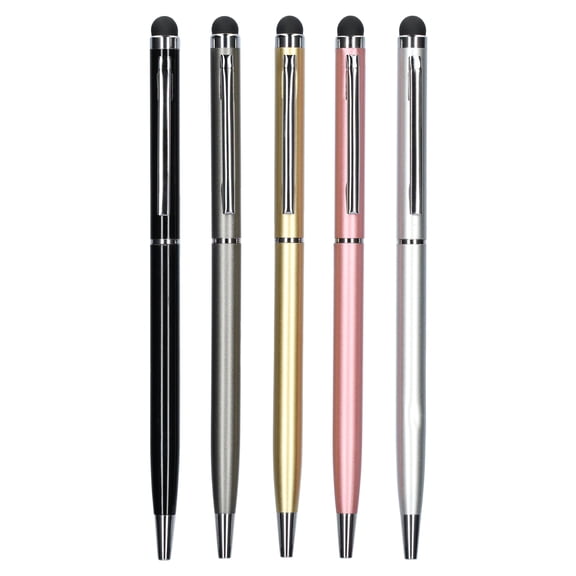
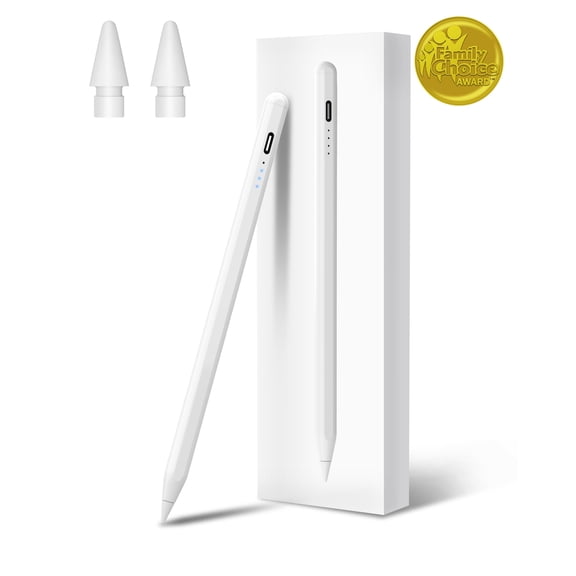
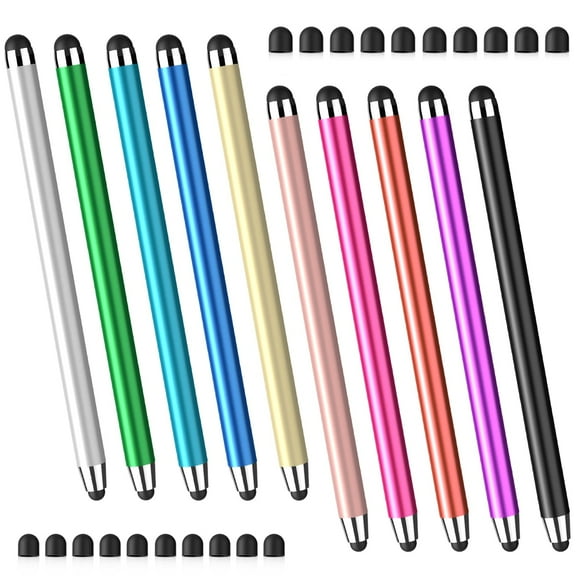
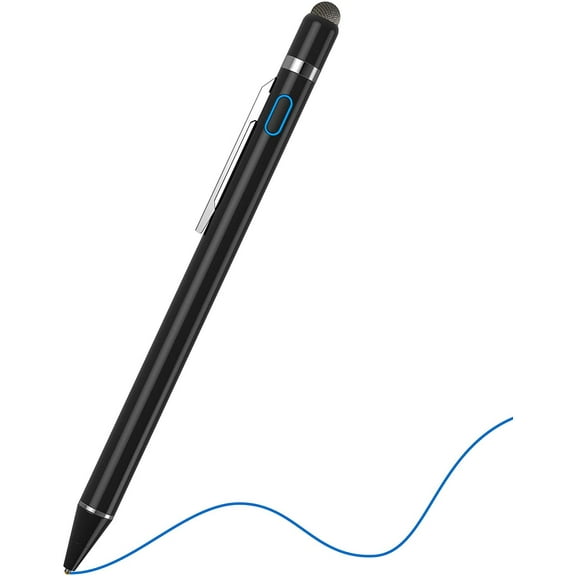
You can narrow your choice by deciding between an active stylus pen, a passive stylus, or a capacitive stylus. You can get fine input and natural writing from many active designs.
If you mostly take notes, you may prefer a fine point stylus for iPad that writes cleanly in small spaces. If you mainly tap, scroll, or sign forms, you may find a passive tip simple to use.
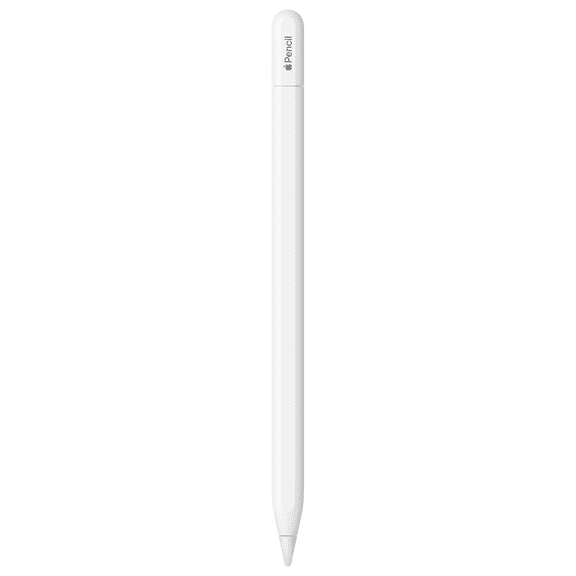
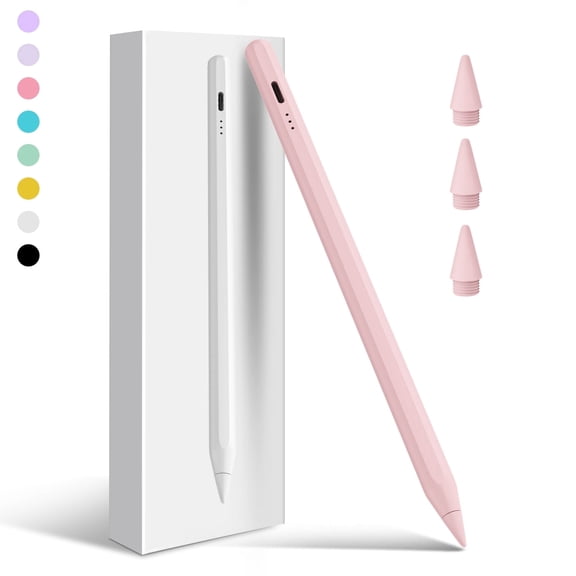
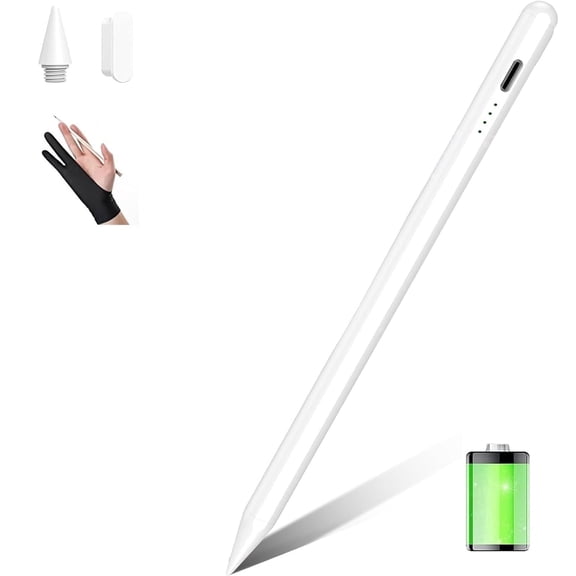
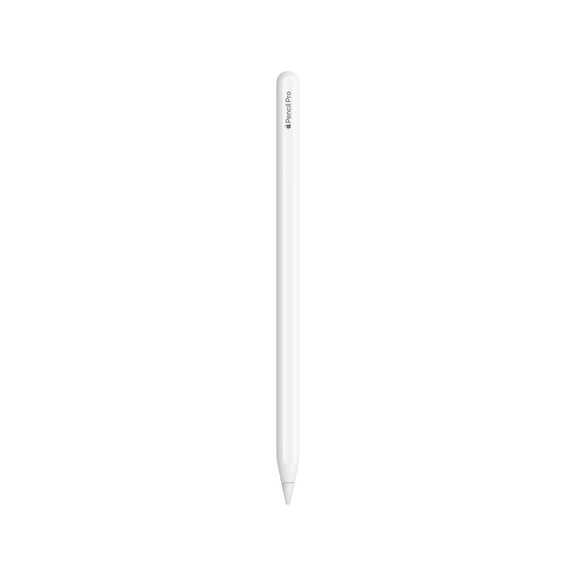
You might also want an apple pencil alternative if you prefer different charging options or a different grip. You can see active models designed for note apps, drawing apps, and everyday navigation.
- You can use active styluses for handwriting, precise taps, and detailed sketches.
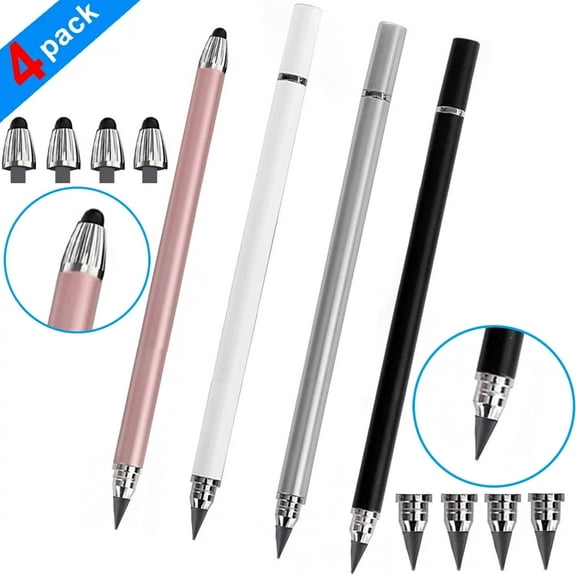
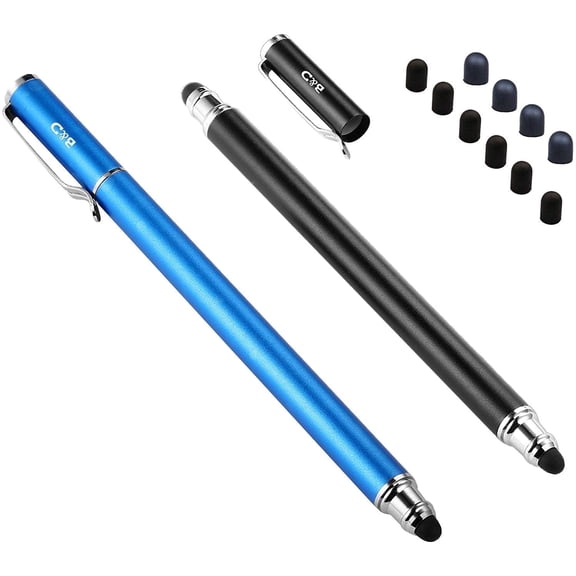
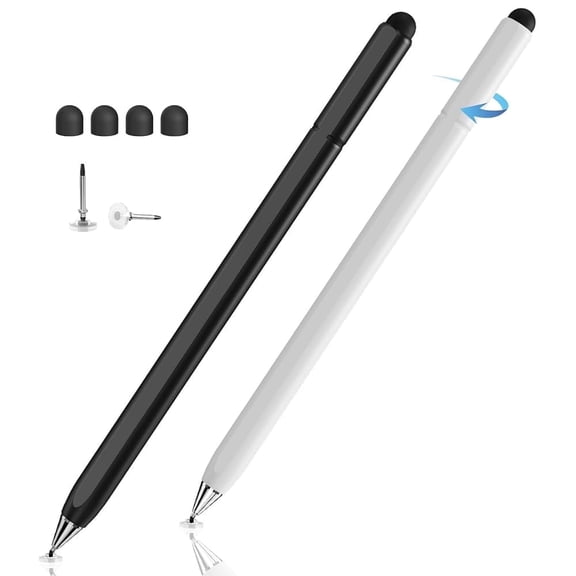
- You can choose passive or capacitive options for simple browsing and casual screen use.
- You can compare fine tips when your notes, planners, or diagrams need cleaner lines.
- You can look for broader tips when your main goal is tapping menus and swiping pages.
Choosing features in a stylus pen for iPad
You should look for palm rejection if you rest your hand on the screen while writing. You can get a natural notebook feel when your tablet ignores your palm contact.
Tilt sensitivity matters when you sketch, shade, or switch line angles during creative work. You may notice angled strokes stay consistent when your stylus reads pen position clearly.
Pressure sensitivity can matter if you draw often and want line variation with lighter or firmer strokes. You may not need that feature if you mostly write lists, class notes, or quick reminders.
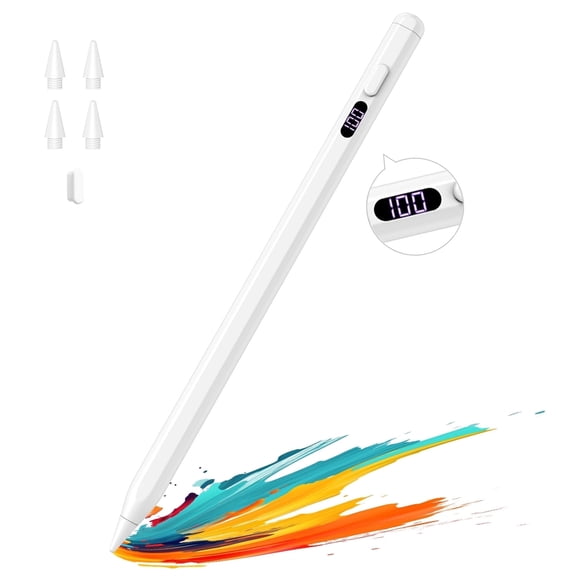
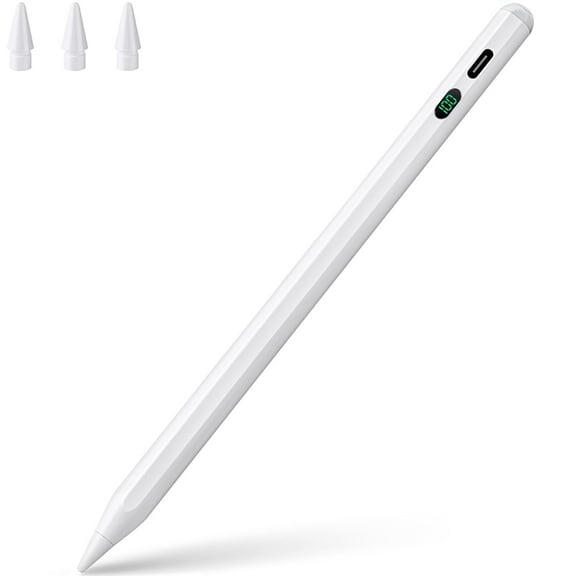
You can also compare tip size, shortcut controls, and response speed when you want smoother input. You may prefer a rechargeable iPad stylus when you use your pen throughout the week.
Comparing charging and battery options
You can simplify daily use by checking how your stylus charges before you choose. You may find magnetic wireless charging convenient when you like storage on the side of your iPad.
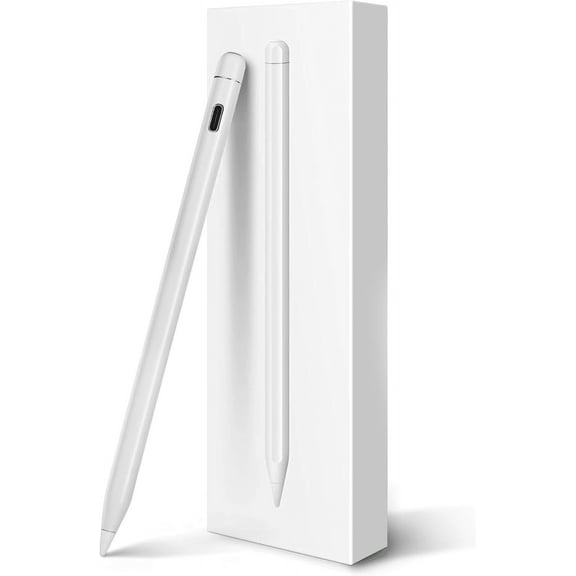
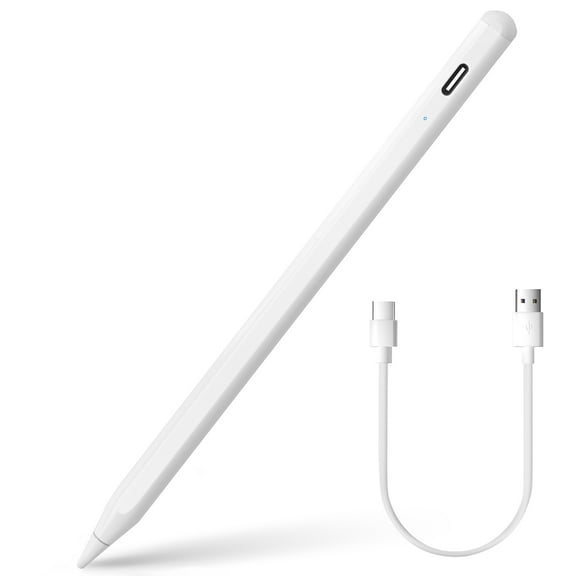
USB-C charging can suit you if you already carry one cable for your tablet and accessories. You may prefer that setup when you want straightforward recharging at home, work, or school.
Some models use a lightning port, which can match older accessories and older iPad setups. You should confirm charging style along with compatibility, since those details often work together.
You can also compare battery indicators and standby time for longer sessions. You can enjoy minimal interruptions when your stylus stays ready for meetings, lectures, or drawing time.
Matching iPad stylus pens to daily use
You can focus on note-taking features if your day includes classes, planning, or meeting summaries. You may want palm rejection, a fine tip, and dependable battery life for steady writing.
If you draw or design, you may want tilt sensitivity and pressure support for expressive marks. You should check whether an active stylus pen supports the apps and gestures you use most.
You might want a simpler option for kids, shared family tablets, or casual home use. You can choose a capacitive stylus when you mainly want easy tapping, coloring, or practice writing.
For travel or hybrid work, you may prefer a rechargeable iPad stylus with magnetic storage. You can keep your stylus close at hand when it attaches neatly and charges without extra clutter.
What to look for before you choose
You should compare your iPad model, your main task, and your charging preference before anything else. You can make an informed choice when you measure those points against the features listed on each product page.
With the right ipad stylus pens, you can write neatly, sketch with control, and navigate your screen with minimal friction. You can feel confident when your stylus fits your iPad and the way you use it every day.